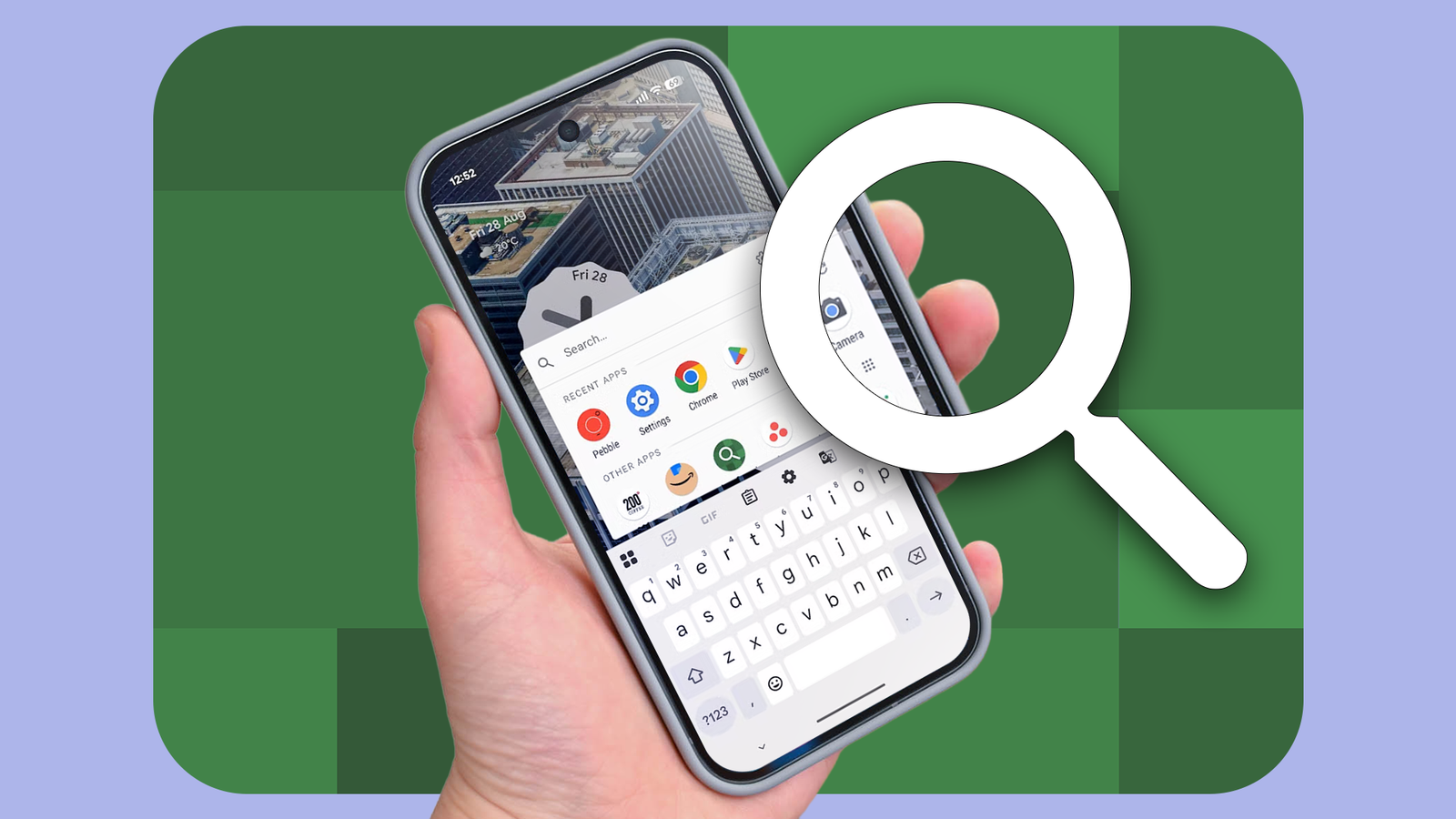
The lack of a true universal search tool on Android has always frustrated me.
For a company that dominates the search market, I find it puzzling that Android still doesn't offer a system-wide search tool that can search across my contacts, messages, installed apps, shortcuts, and more.
Thankfully, a free Android app solves this problem, and it's the first app I install on any new Android phone I set up.
How does Android still not have a Spotlight-like search?
No universal search tool
On Pixel phones, the Pixel Launcher's search functionality fills this gap to a large extent, letting you search through installed apps, shortcuts, and on-device data.
But on a non-Pixel device, you may or may not get a similar unified search tool.
That's why Sesame Search was my go-to search app on Android for years. It was the universal search tool that Android users deserved.
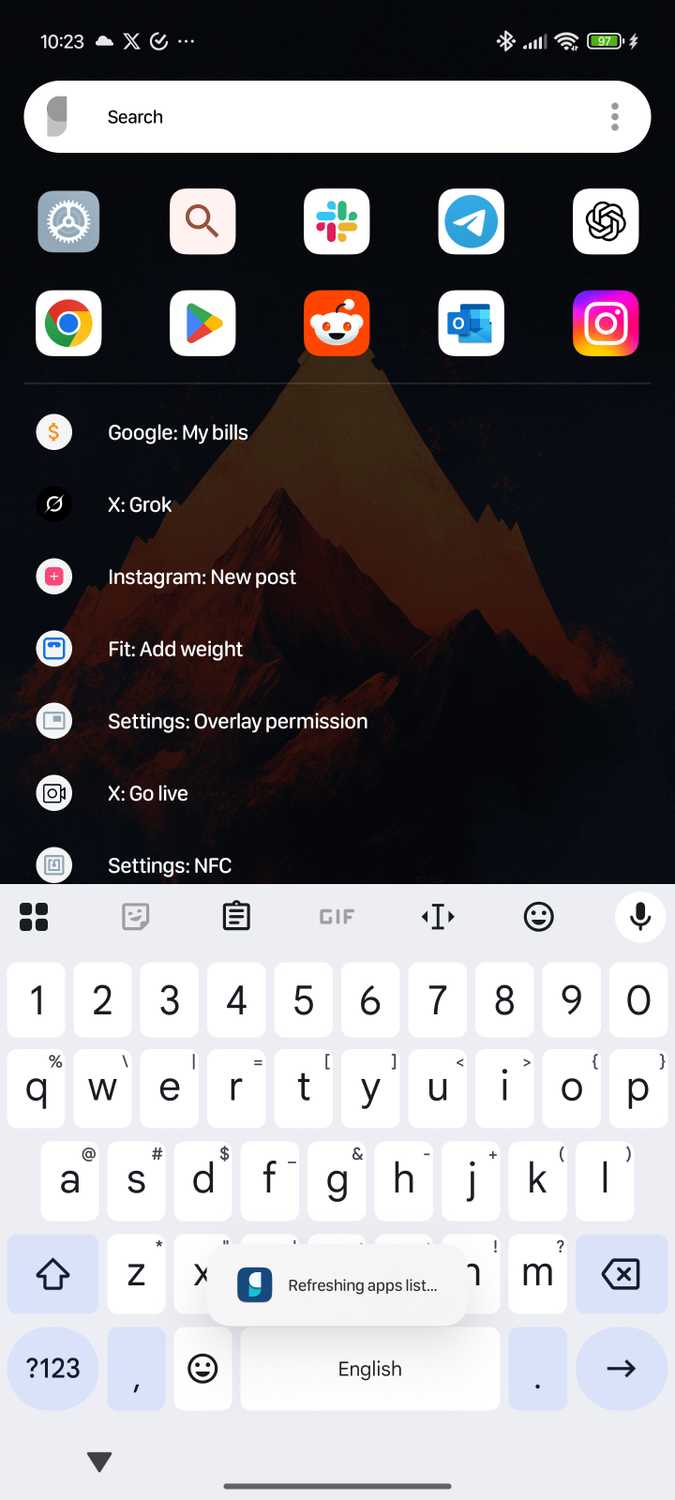
Branch, the same analytics company that acquired Nova Launcher, acquired Sesame.
While I was initially excited about this acquisition, it eventually led to the app's demise.
The last Sesame update rolled out on the Play Store in November 2022, adding support for Android R and Android S — better known as Android 11 and Android 12.
With no viable replacement, I stuck with Sesame Search for years, until it ran into issues on newer Android builds.
Pixel Search became my Android Spotlight replacement
And it's free to use
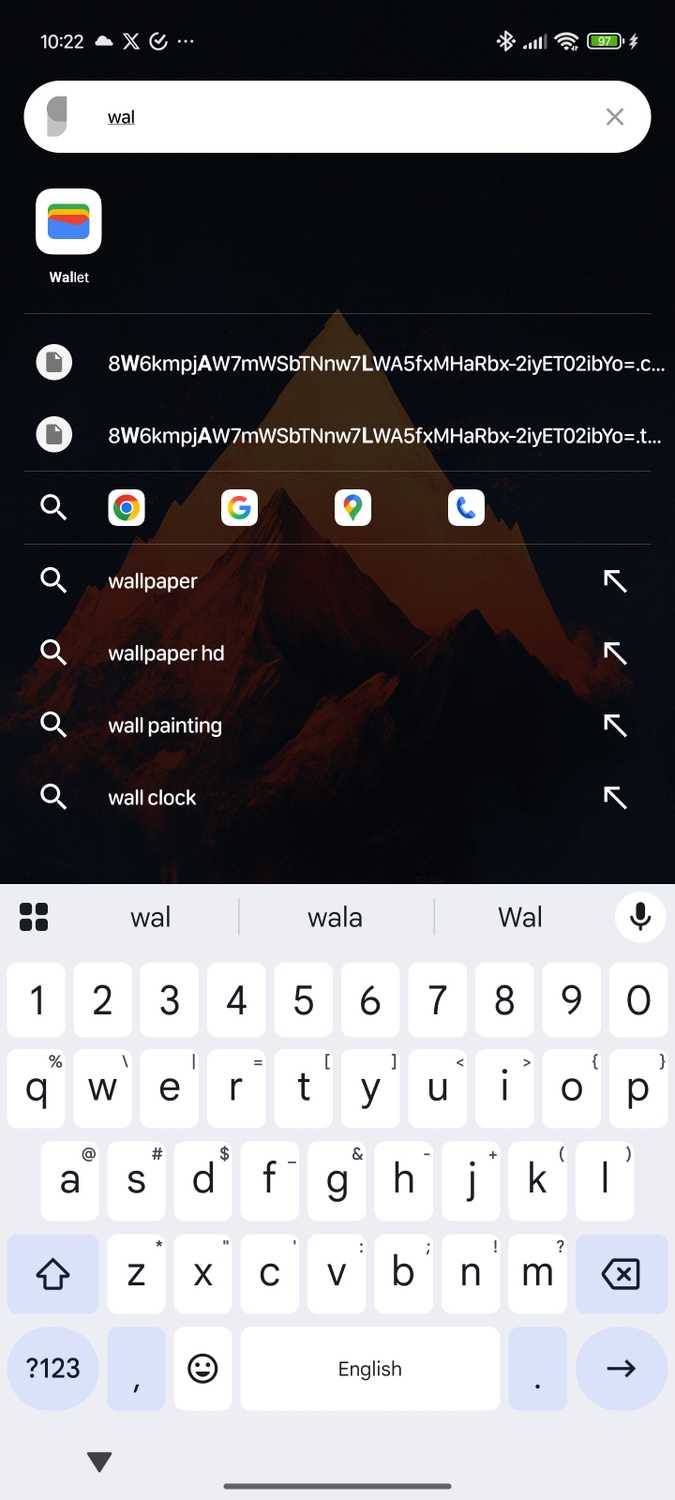
Pixel Search emerged as a viable alternative to Sesame Search in 2023, bringing Pixel Launcher-like search functionality to any Android device. Best of all, the app was free to use.
While not as feature-rich as Sesame Search, Pixel Search quickly became my go-to search tool and the first app I installed on any new Android device.
Sadly, the developer abandoned the app after a few months.
While I stuck with it, the experience kept getting worse, and the lack of features, such as fuzzy search, made matters worse.
With no better alternative, I stuck with Pixel Search despite its bugs and the lack of new features or updates.
Then, unexpectedly, the app came back to life earlier this month. After almost two years, the developer started updating Pixel Search, rolling out new, much-needed features and changes that had held it back.
Pixel Search 2.0 comes with a revamped design, more widget customization options, and, more importantly, support for custom search engines and URLs.
It also adds contextual popups, so when I search for a contact or address, a long-press on the result displays relevant actions like calling, messaging, or navigating.
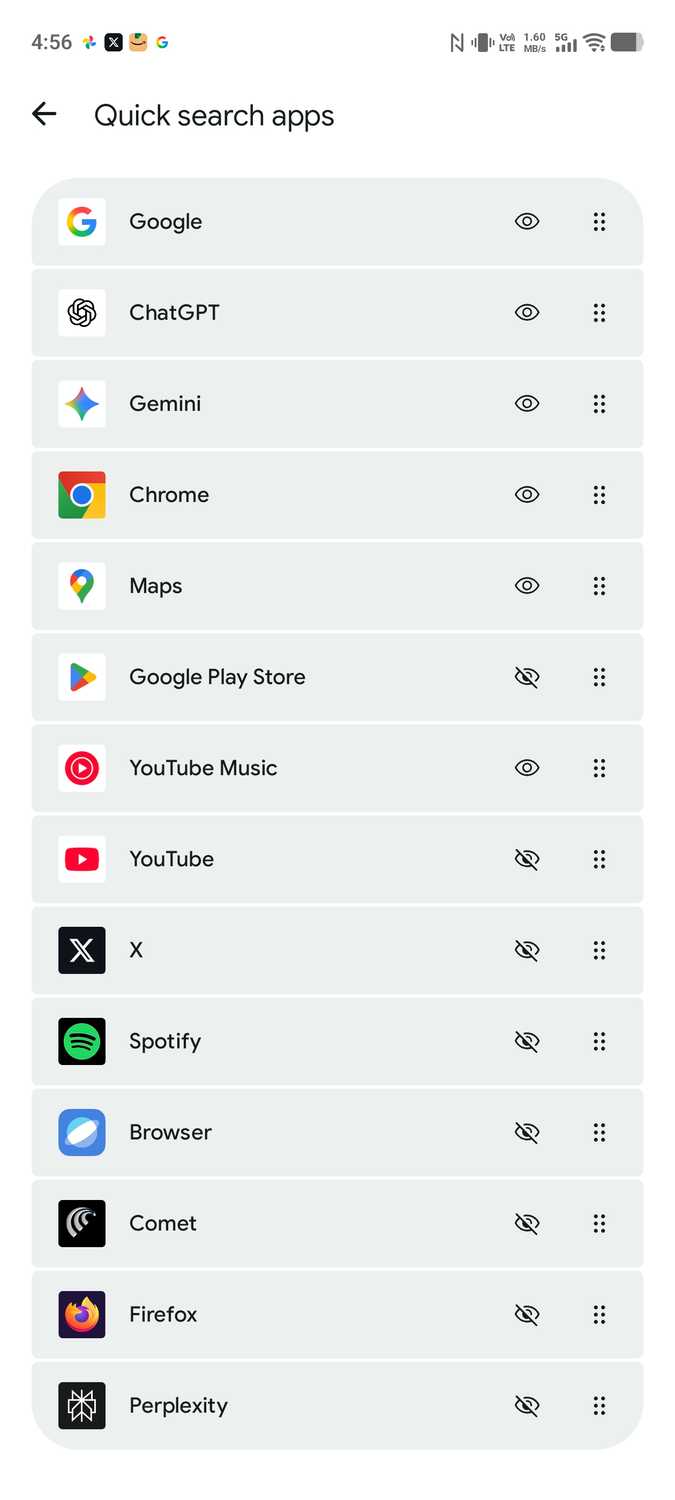
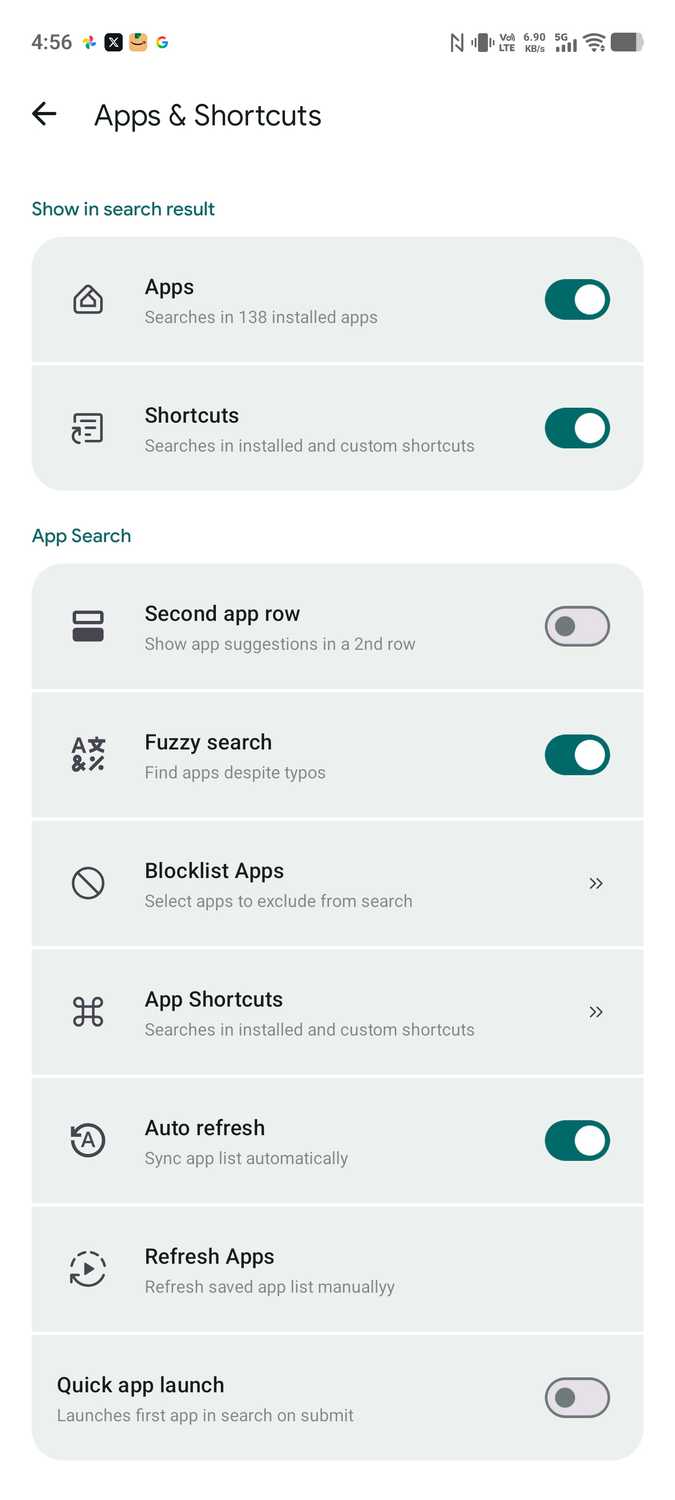
The developer didn't stop at 2.0 either.
Pixel Search v2.1 is rolling out, adding fuzzy search support, faster app indexing, and Perplexity AI as a built-in search engine option.
The home screen widget also gets a big upgrade — it can now double as a calculator, letting you do quick calculations without opening an app.
Pixel Search saves me hundreds of unnecessary taps and helps me get things done faster.
If I want to start a WhatsApp conversation with a contact, I open Pixel Search, type the person's name, and tap the WhatsApp icon next to it to jump into the chat.
That's quicker than opening WhatsApp, tapping the search bar, looking up the contact, and then selecting their name.
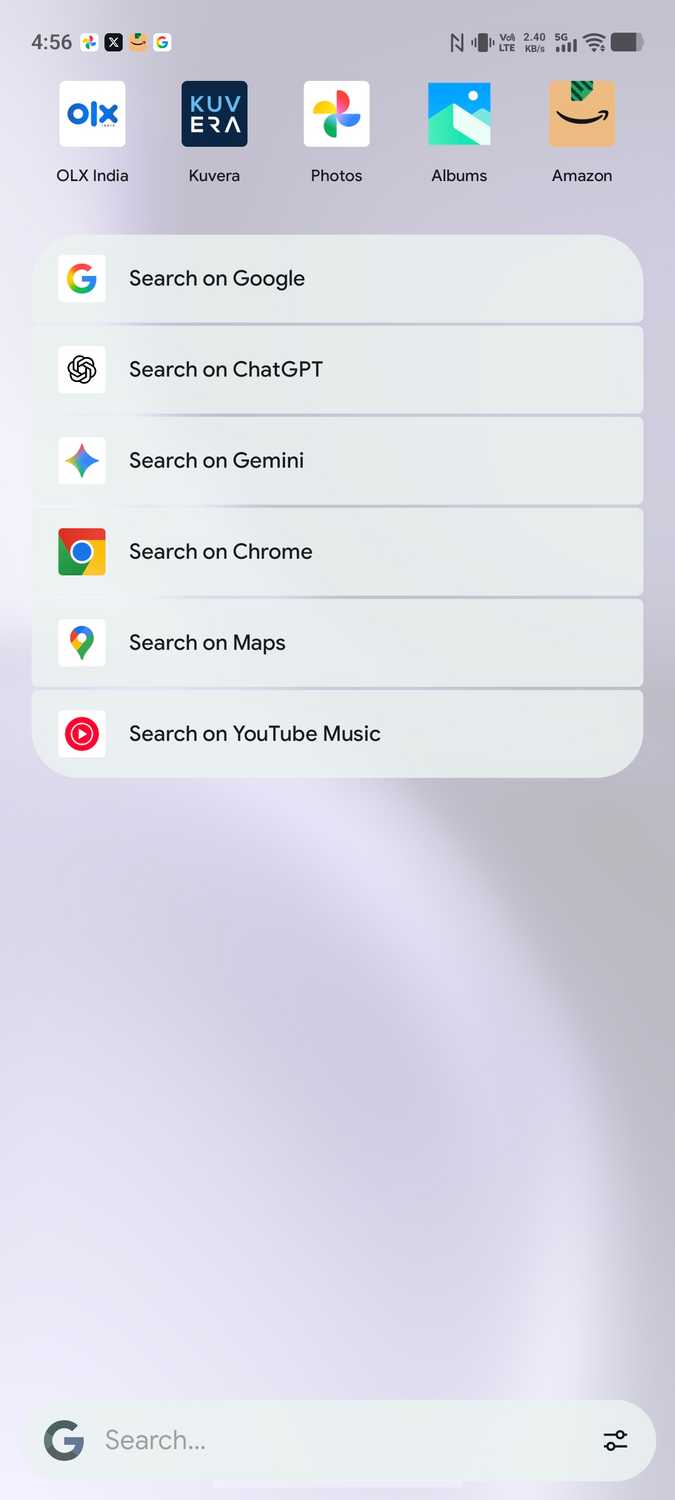
Similarly, if I need navigation directions to a café, I start typing its name in Pixel Search and then trigger a Google Maps search.
I can even initiate a search in ChatGPT, Gemini, or YouTube Music from the app's search results.
Almost every aspect of Pixel Search is customizable. From the number of web results it shows and the order of search providers to default apps for PDFs, ZIP files, and other file types.
You can also adjust the app's background transparency, change the search bar's position, and add a search tile to the Quick Settings panel for quick access from anywhere.
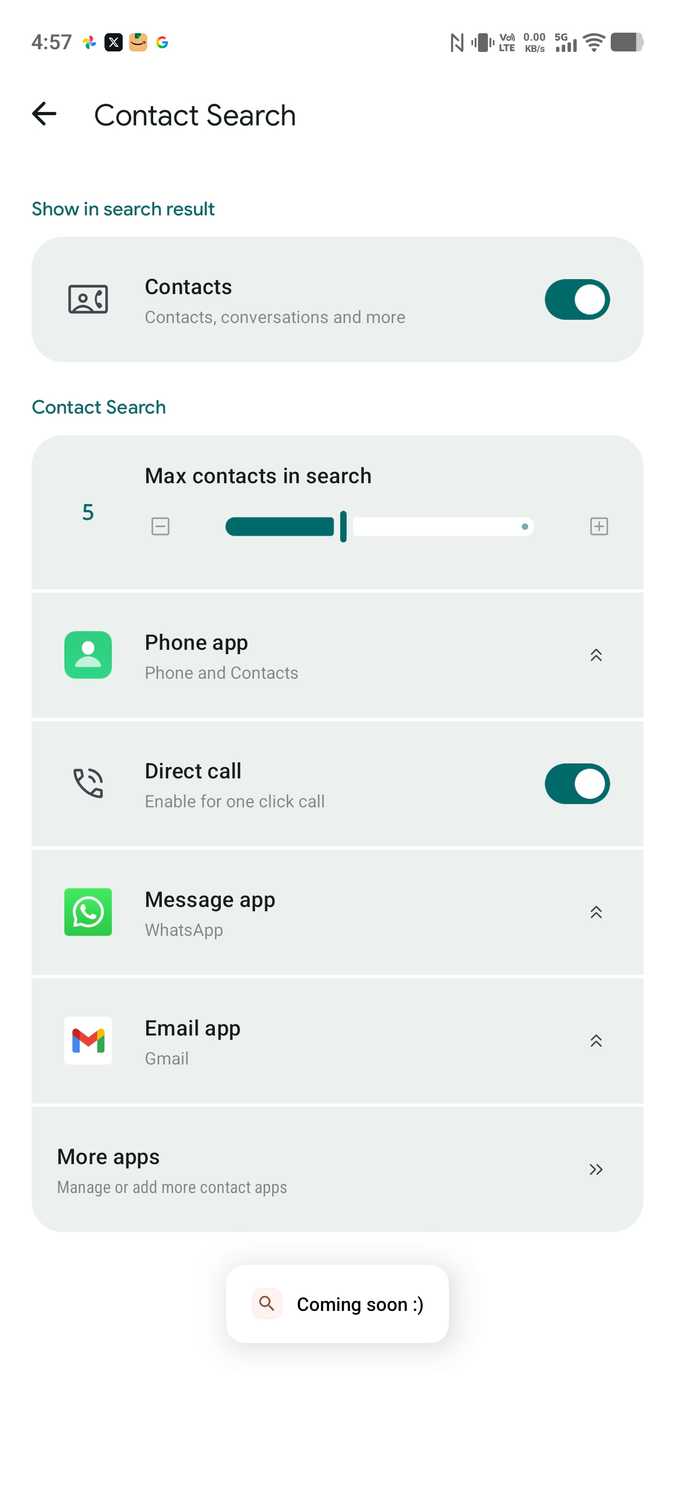
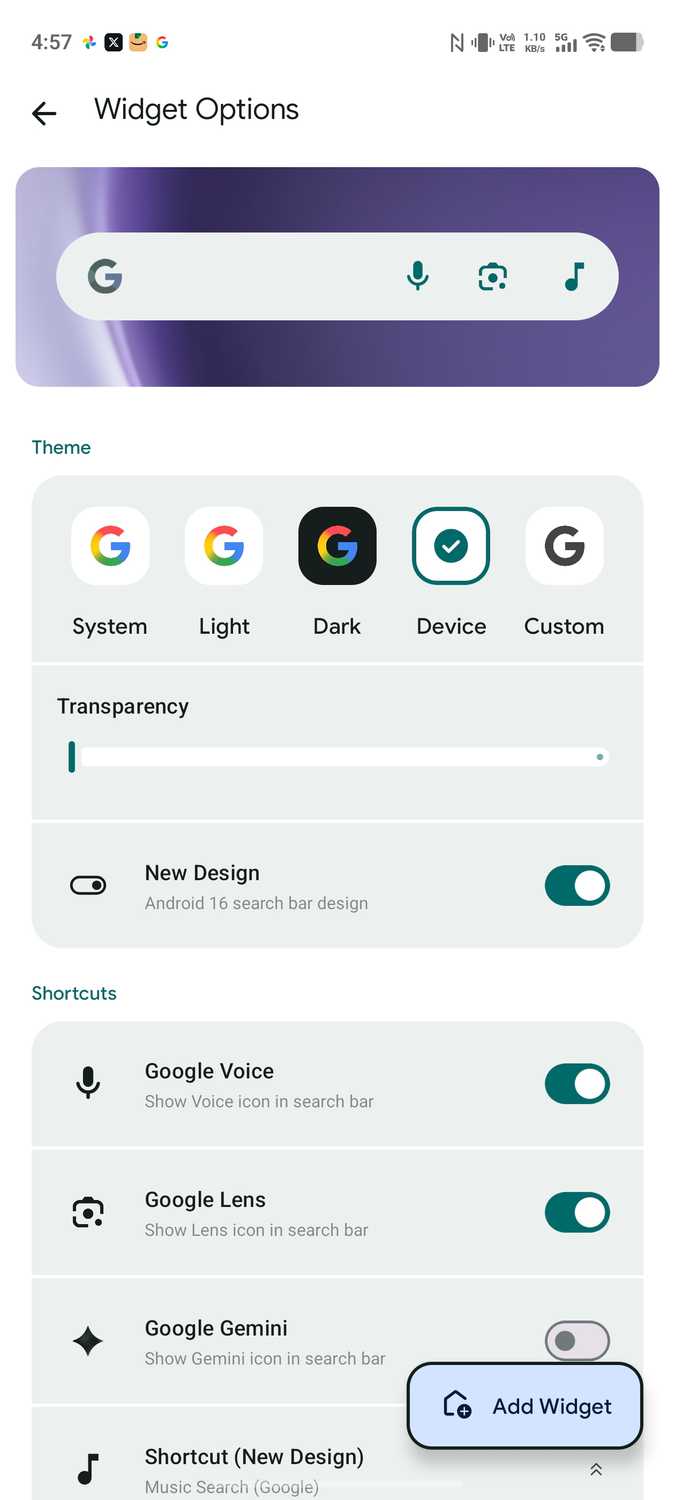
I can set the number of web search suggestions that appear in search results, the order of search suggestions, the default apps for opening PDFs, ZIP, and other file types, background transparency, and more.
Pixel Search was already my go-to search app for Android despite its lack of updates. Now, with its recent improvements, it's truly indispensable.
What's surprising is that despite packing so many features and solving a major Android pain point, Pixel Search remains completely free to use.
The perfect Pixel Launcher search replacement
Even for Pixel devices
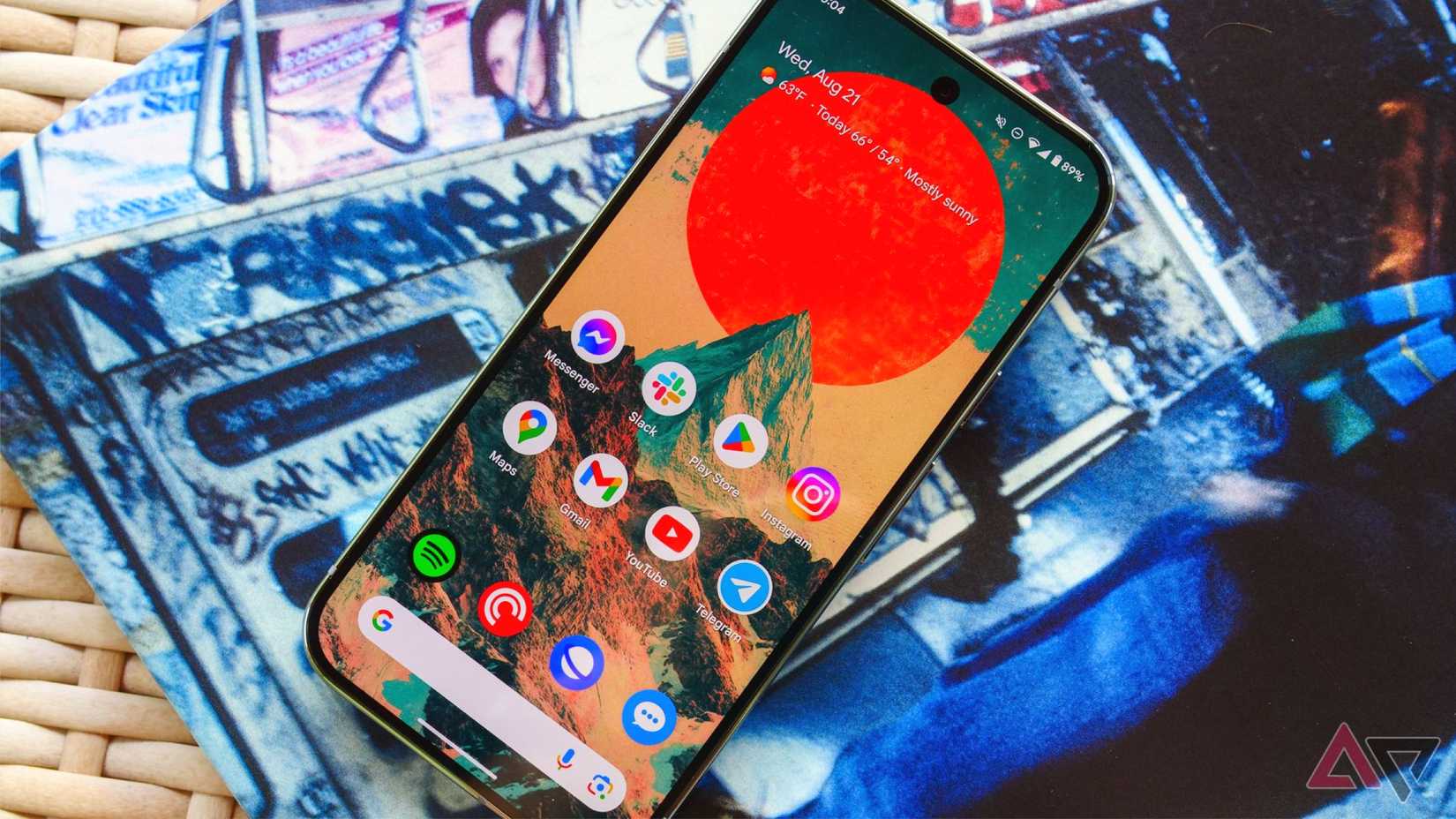
Google is moving away from Pixel Launcher's built-in home-screen search, replacing it with a search experience powered by the Google app. It's doing so to provide users with faster access to AI mode.
The problem is that this Google app-powered search experience is a clear downgrade.
It cannot search through device settings, contacts, messages, and app shortcuts. Plus, it's nowhere near as fast as the Pixel Launcher's search.
With Google pushing AI mode, it is unlikely to undo this change.
Thankfully, Pixel Search will provide even Pixel users with a way to reclaim the fast, unified search experience they're losing.
In many ways, the app delivers the same experience that Google has decided to walk away from.
Pixel Search delivers the search experience we deserve
With Google seemingly not interested in solving the system-wide Spotlight-like , Pixel Search has become a non-negotiable app for me.
It's a free, powerful tool that speeds up my workflow and saves me from digging through endless menus. At this point, I refuse to use an Android phone without it.