The number of premium Android apps has grown over the years. And I've become more confident investing in third-party utilities and services.
But as Android has advanced, especially with the , I've realized many of these paid tools overlap in function.
I've even stopped using these apps and regret buying or paying for their recurring subscriptions. So here are the Android apps I wish I had skipped.
I customize my home screen without paying a dime
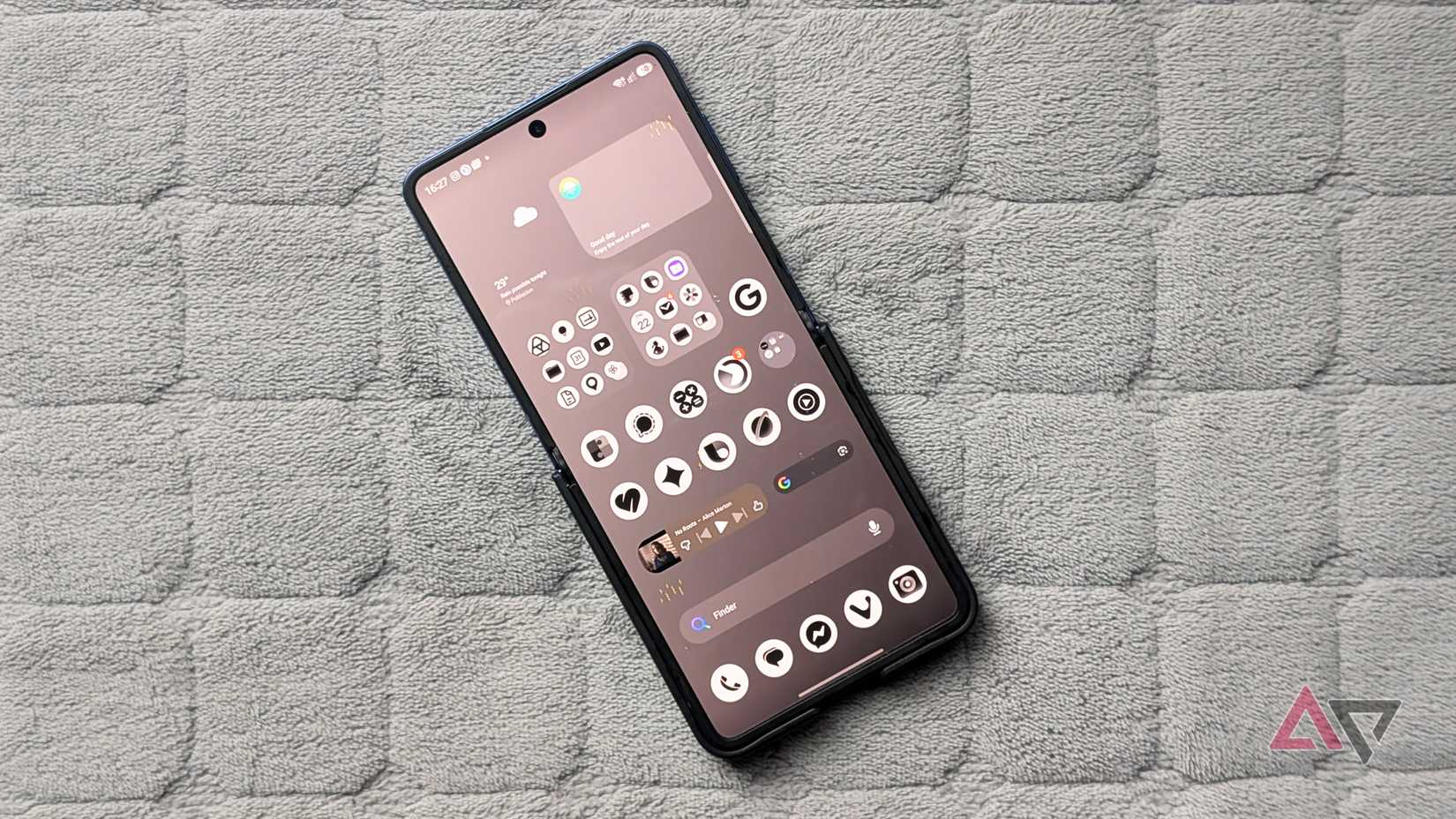
Most of the software I paid for before was personalization utilities ranging from custom launchers to wallpaper collections and icon packs.
That was reasonable when Android's native layout controls were basic and rigid (remember the wonky resizable widgets in Jelly Bean?).
However, the Pixel Launcher and skinned platforms like One UI now have much better native tools.
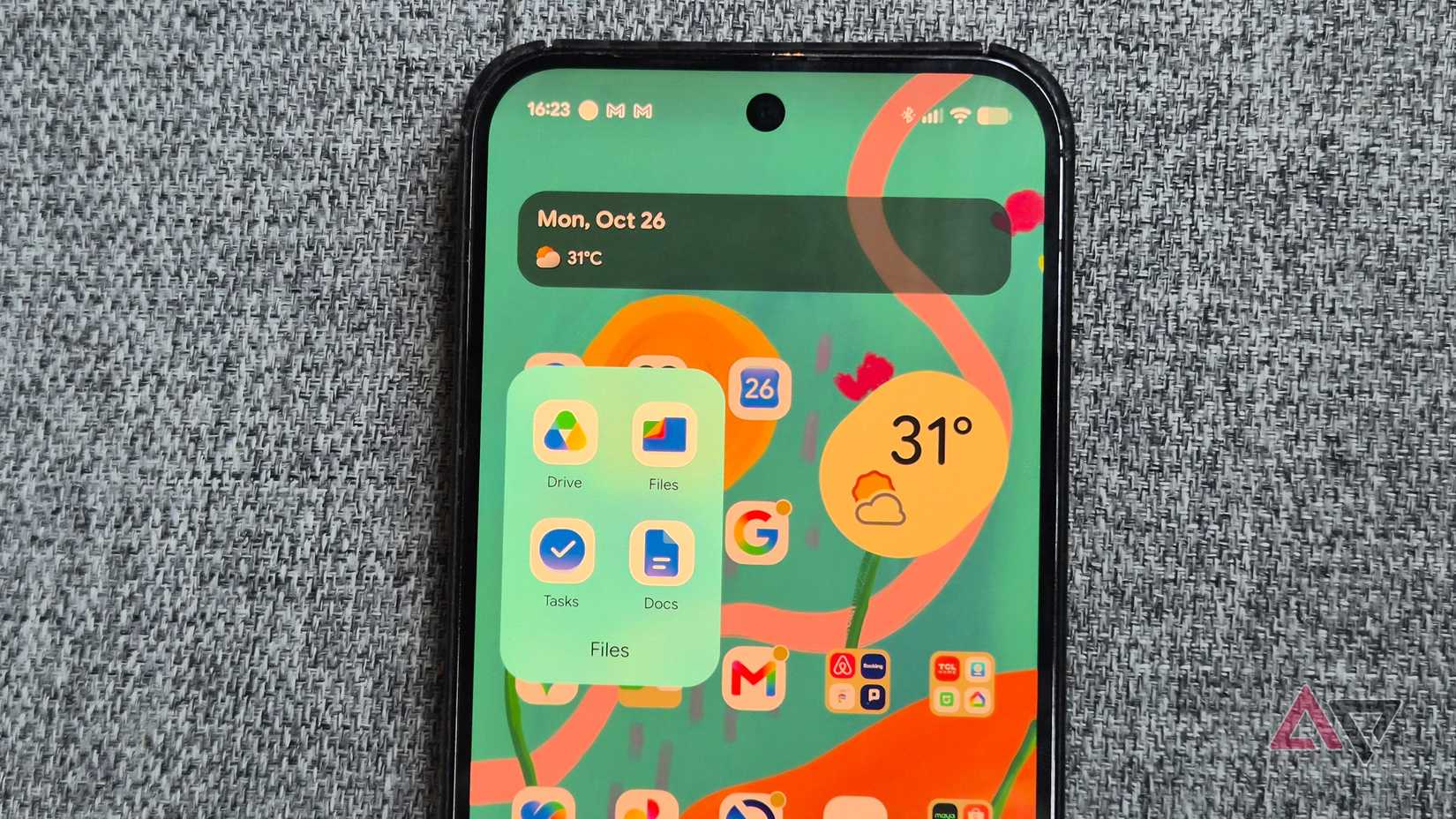
For instance, on my Google Pixel 9 Pro XL, I get native app icon style generation right out of the box.
There's even built-in support for creating cinematic 3D effects and live wallpapers from static images.
On One UI, Samsung lets you tweak the system deeply through the and its individual modules.
Best of all, these native capabilities are completely free.
This negates the need to buy alternative interfaces like Niagara or Smart Launcher just to create a distinct home screen or lock screen setup.
Now, I have seven launchers, including Nova and Action Launcher, that I haven't touched for a stretch.
Google Phone is no longer a basic dialer
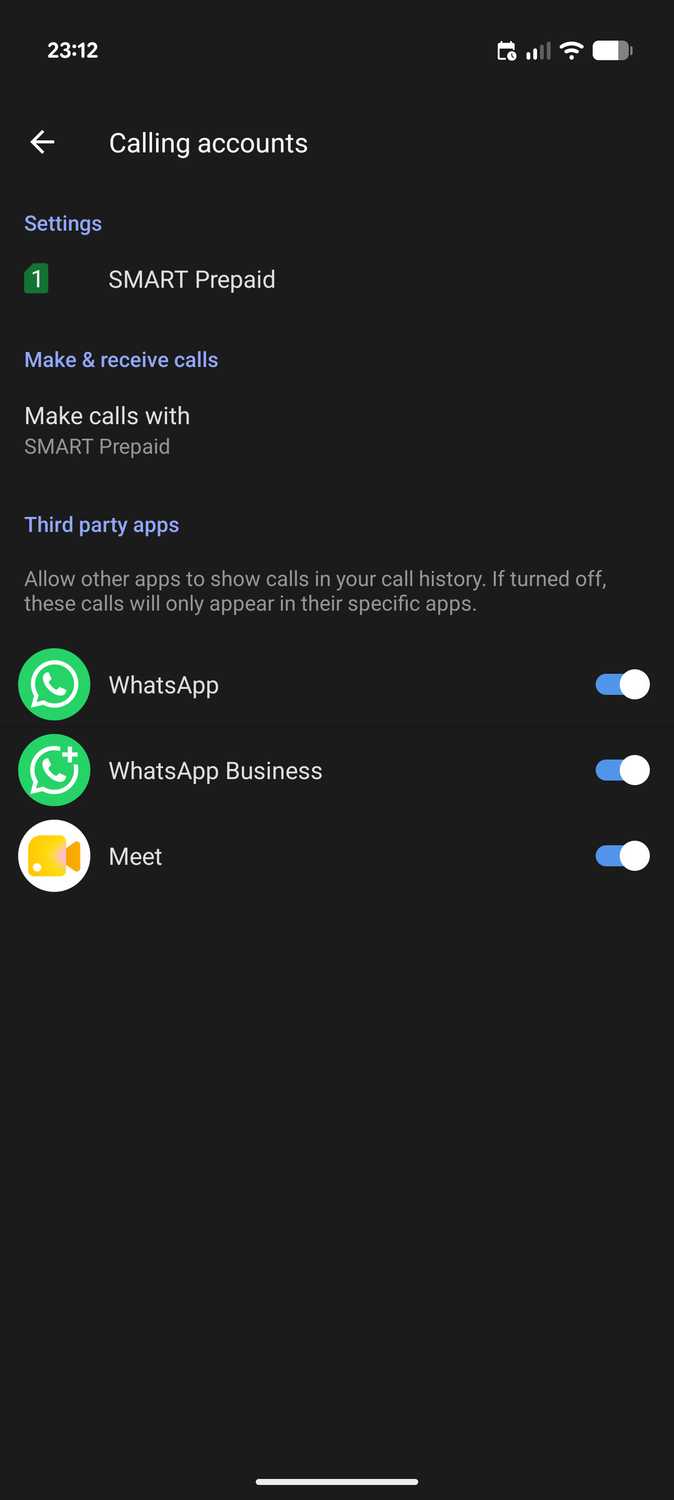
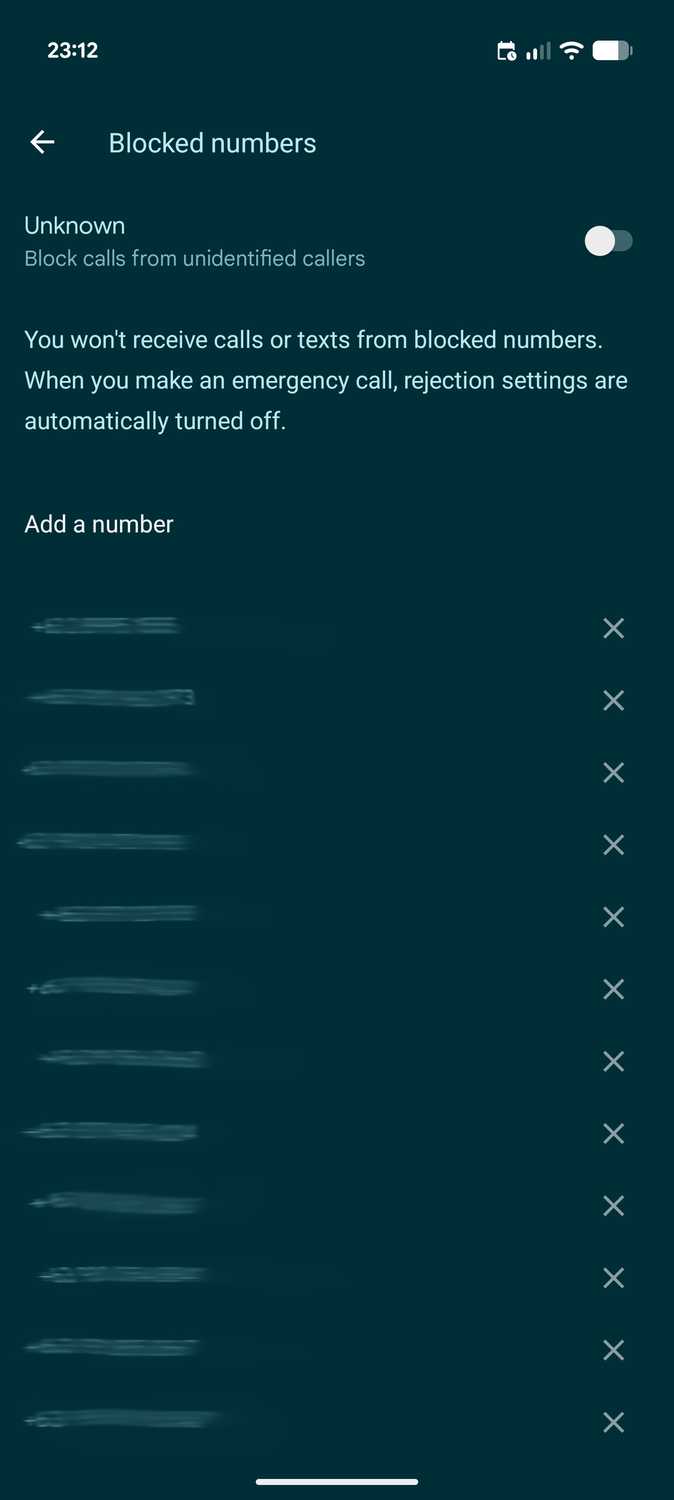
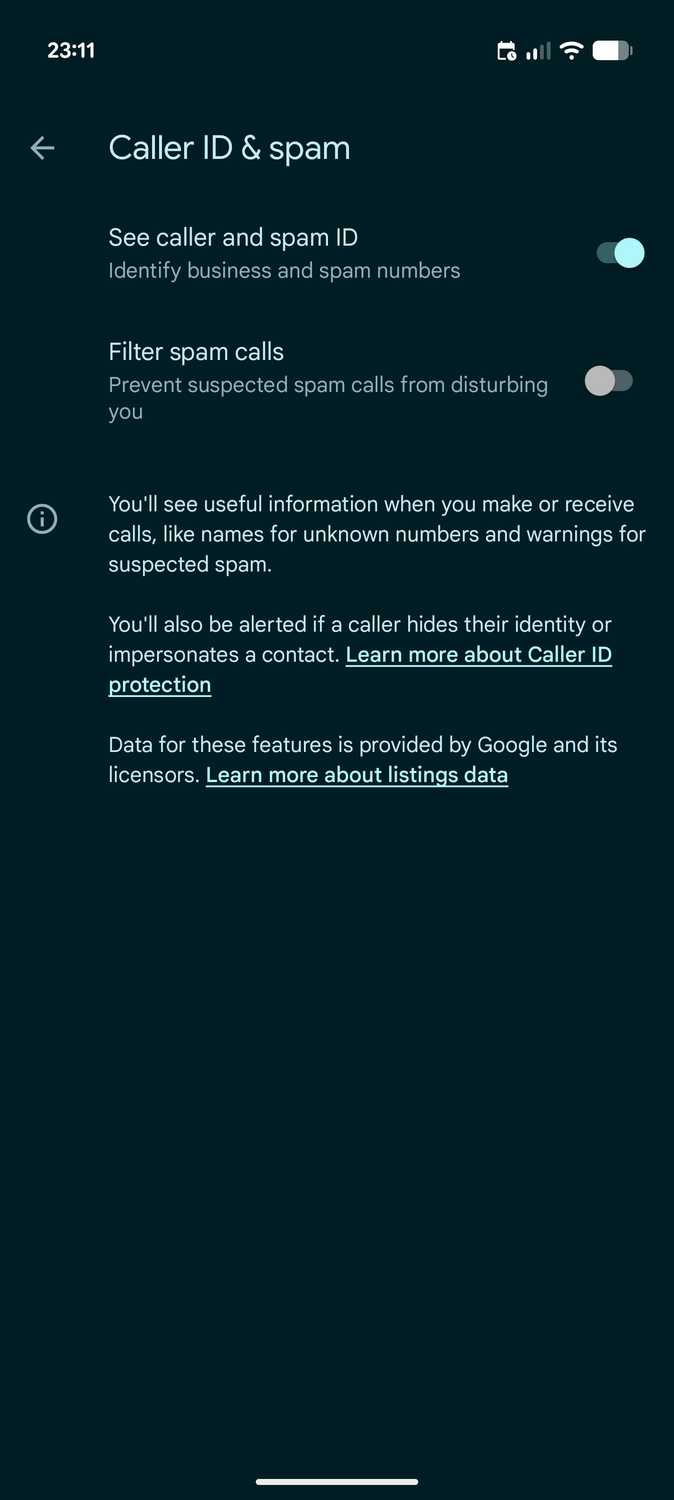
For years, the standalone Android dialer integrated caller ID, but it was more of a miss than a hit, and the initial rollout was limited strictly to Pixel and Nexus hardware.
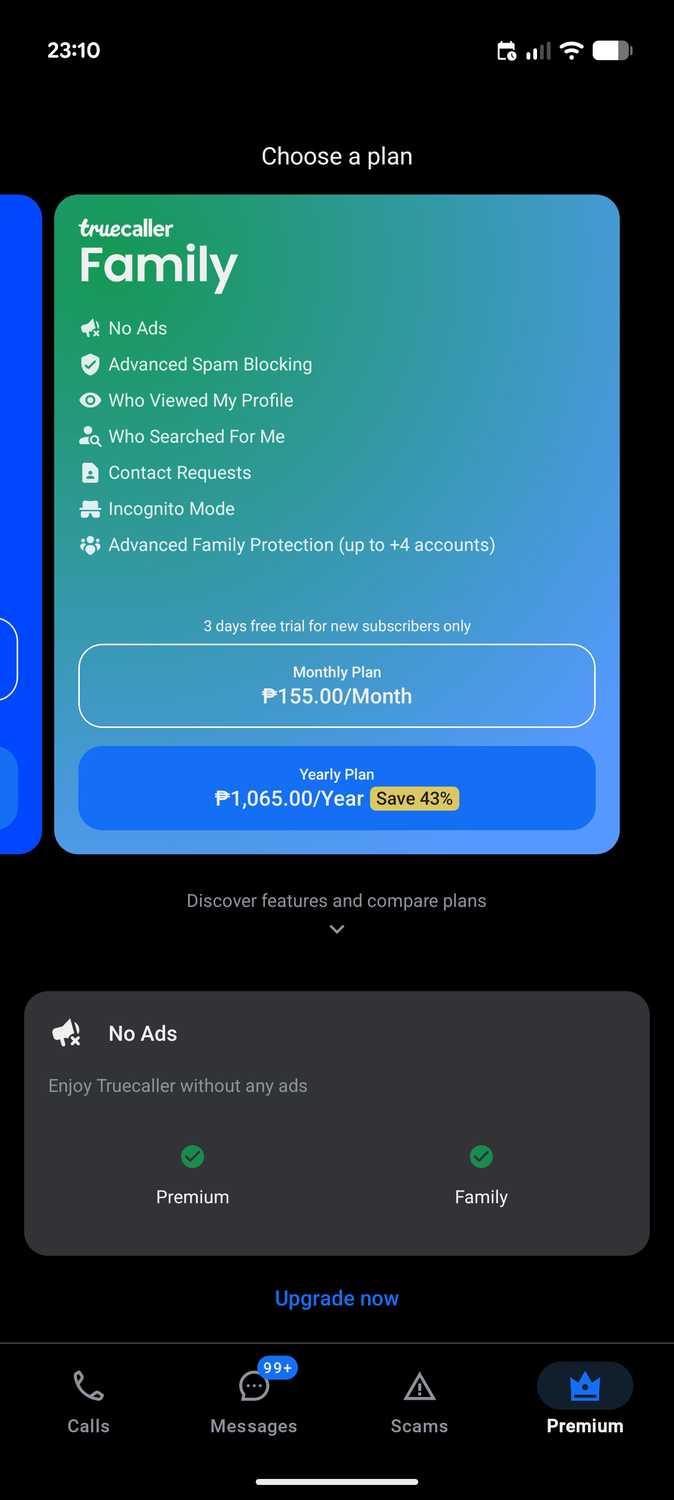
I bought Truecaller Premium because I needed immediate caller identification, plus stronger spam detection and call filtering.
It worked fine at first, despite a few false positives on legitimate calls and filtered incoming messages.
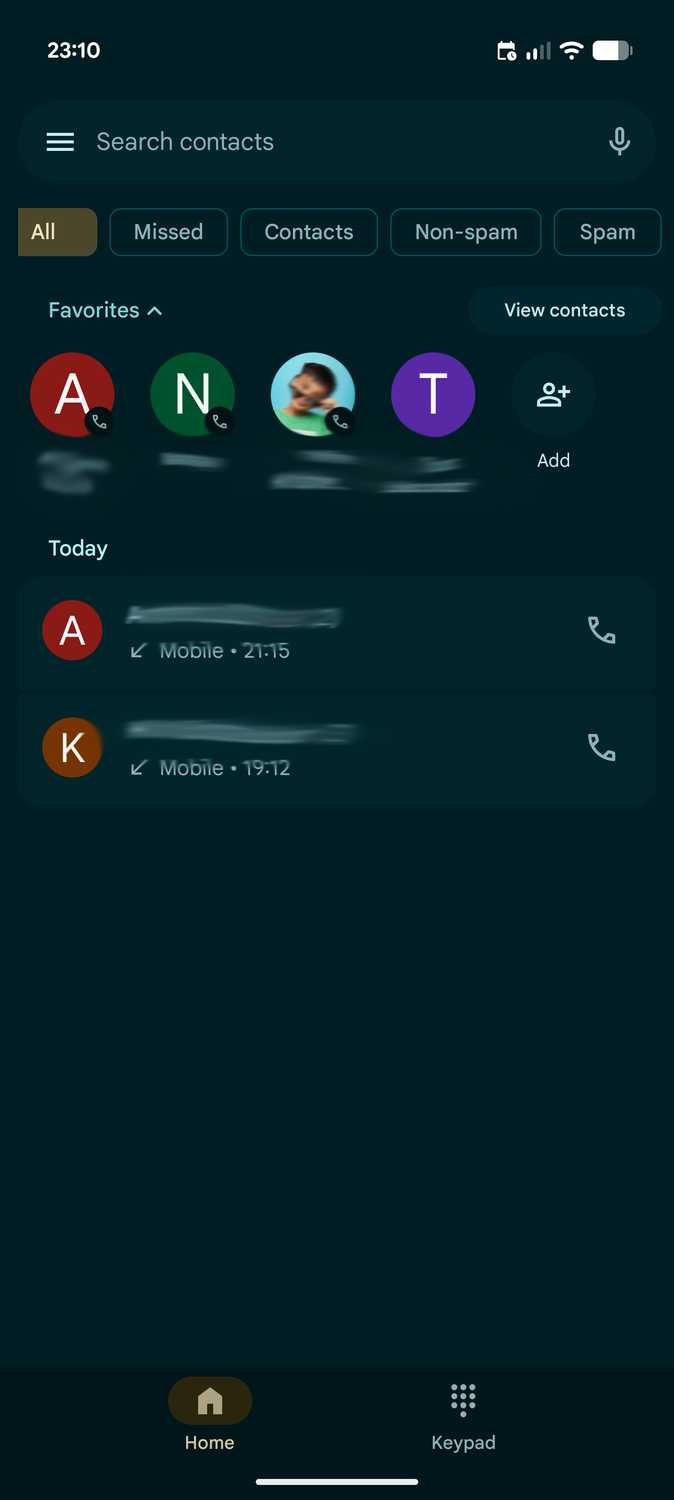
However, after a couple of years, Google introduced significant upgrades to its native caller ID and spam protection in the Phone app.
I've stuck with the default Phone dialer on my Samsung Galaxy and Google Pixel devices ever since.
Even better, it receives continuous enhancements like real-time scam detection and automated call screening.
Looking back, I regret spending almost two years on Truecaller subscriptions.
Google Drive has become a utilitarian
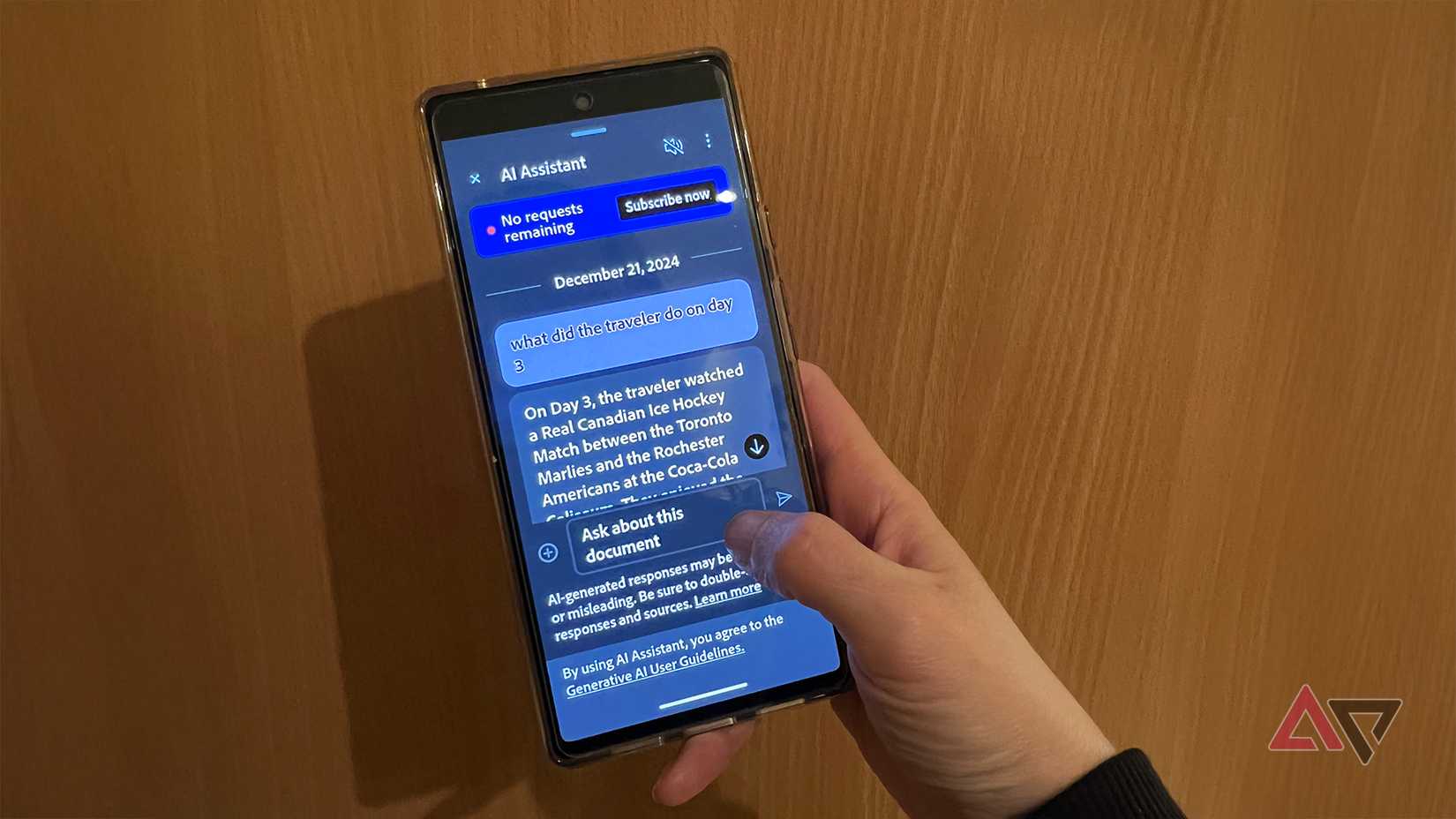
I used Adobe products extensively in the past, and I even kept an active Acrobat subscription to access its advanced reader and file-conversion tools.
It also offered dependable OCR capabilities for extracting text and tabular data directly from physical scans.
However, and is becoming a utilitarian platform for managing documents, including PDFs. Its built-in PDF tools are remarkably practical for daily tasks.
I can snap pictures of documents, clean them up or enhance clarity, and instantly convert them to PDFs.
Because it's tightly integrated with my Google Workspace account, I can upload or access these documents more easily than in Adobe Acrobat.
Even better, Gemini works seamlessly with Google Drive to generate summaries and answer queries about long PDFs.
Automation app
For many years, Android's native automation remained rigid and limited in scope.
Over time, I realized the platform had become too complex for simple automation, with a steep learning curve to set basic actions. It's not the best tool for the job.
The good news is that Android has kept improving its automation chops, especially in Samsung's One UI.
Modes and Routines on Galaxy devices offer advanced logic like multistep conditions, yet it is never overwhelming to set up compared to IFTTT or complex alternatives like Tasker.
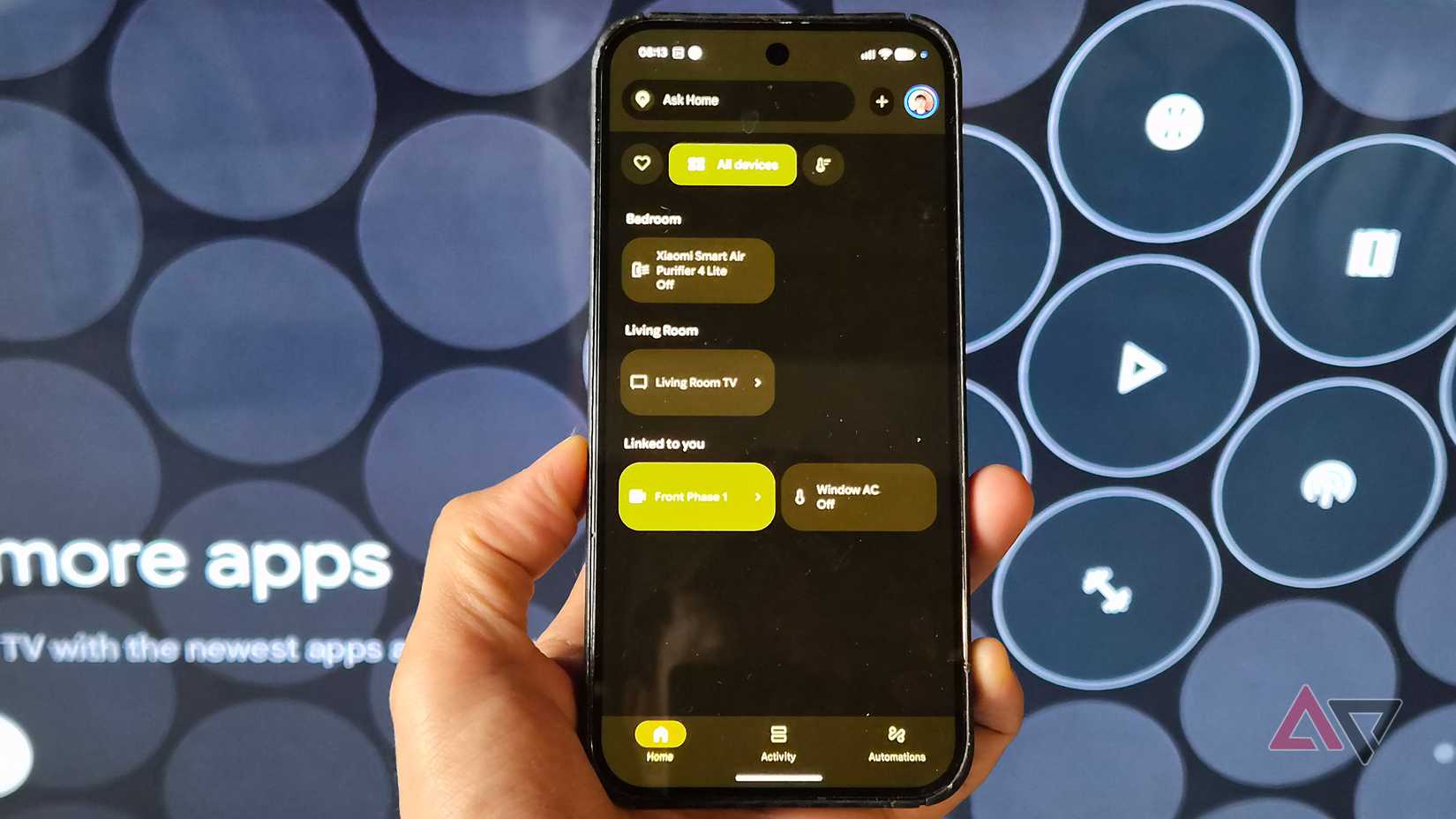
Google is also steadily improving Gemini for hands-free hardware and smart home commands through Google Home.
With these capabilities, you don't need to pay for automation apps to turn on a smart bulb when you walk into the bedroom.
Snapseed and Photos have plenty of powerful editing tools
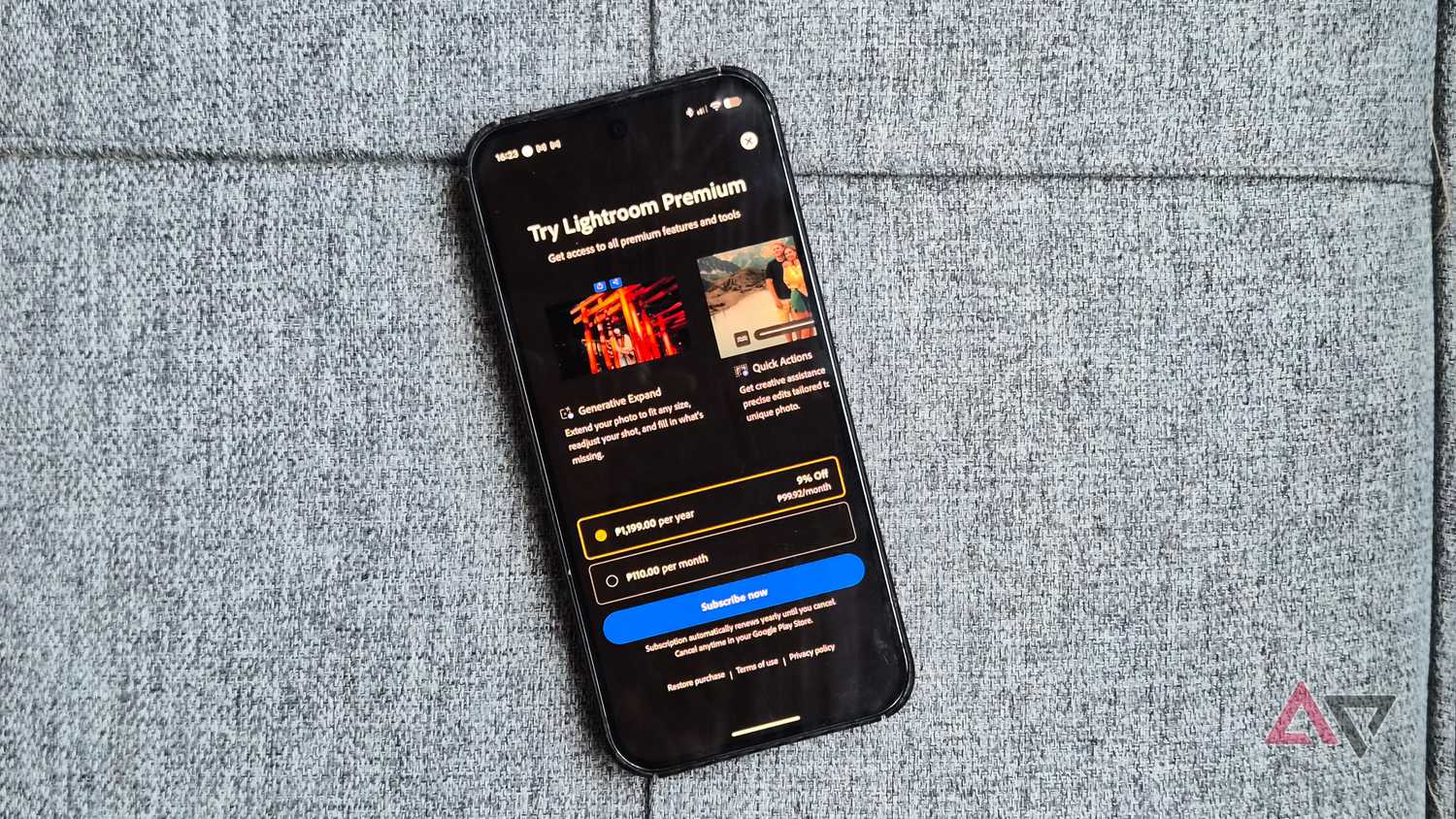
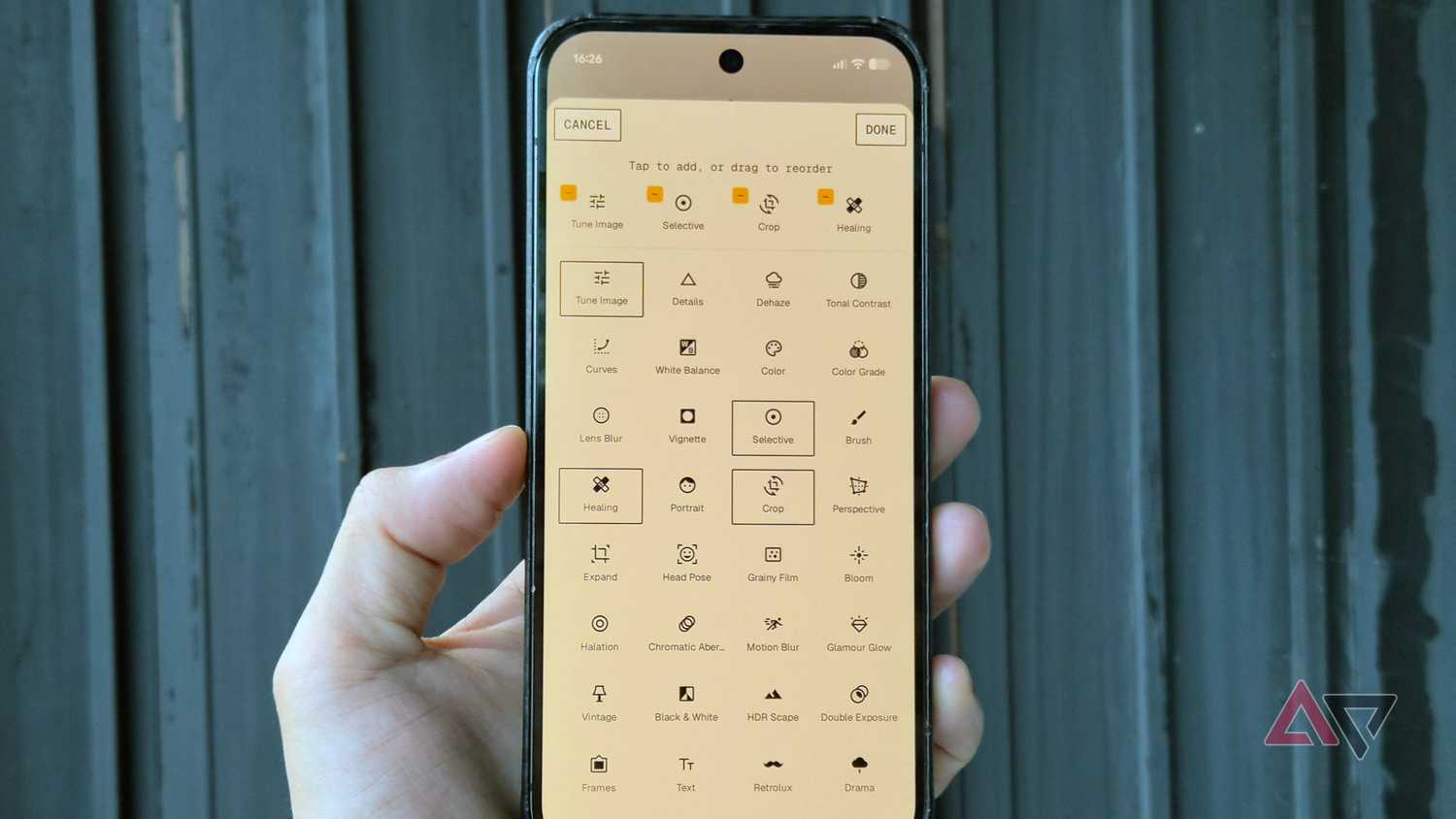
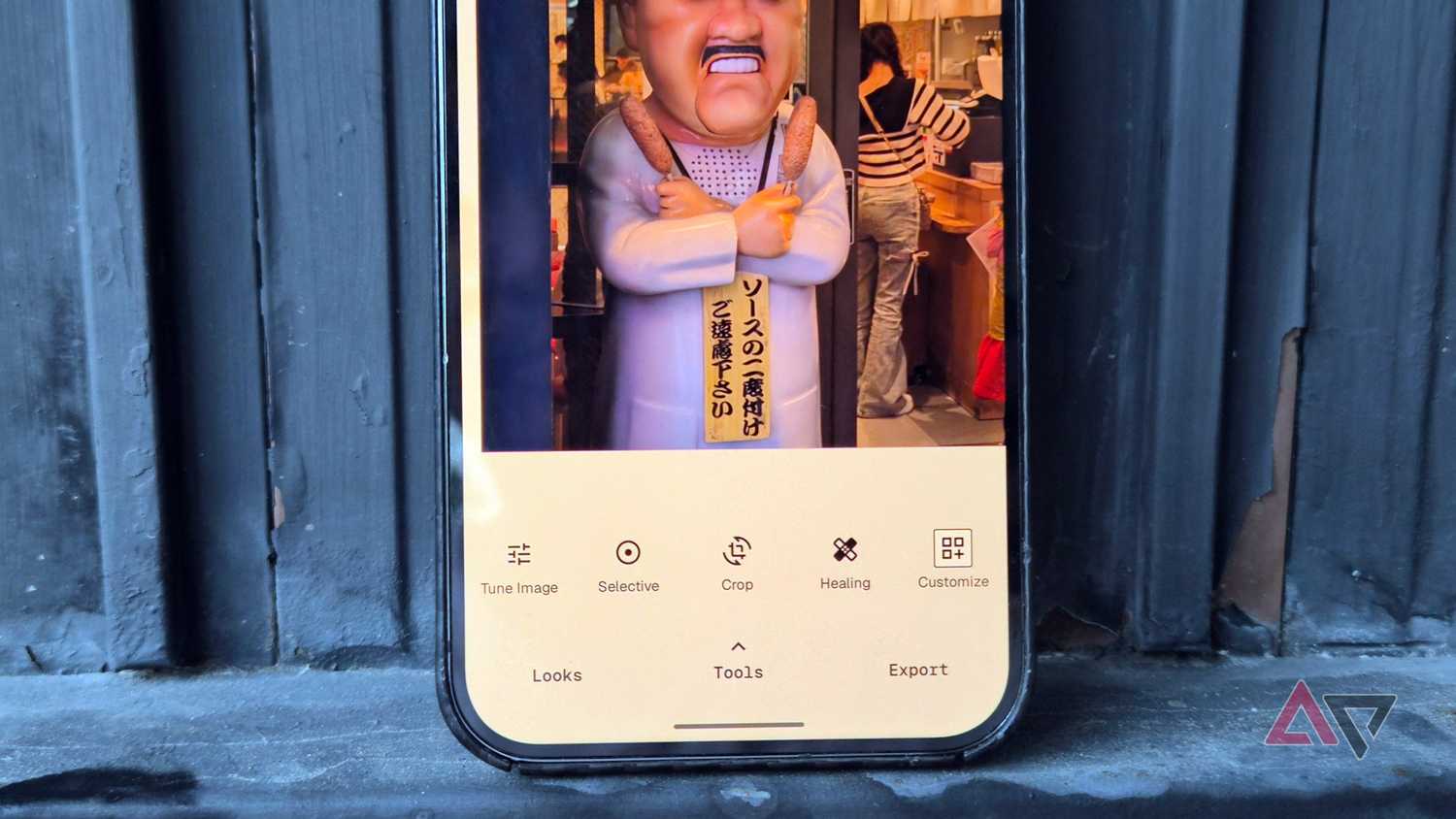
One of the primary reasons I subscribed to Lightroom on mobile was its support for editing RAW files and running batch adjustments on the go.
I was happy to rely on it to polish video cover art and grade travel photos worth sharing on my Instagram.
Eventually, I ran into performance hiccups when I tried editing in Lightroom on my Android device.
The software slowed noticeably when rendering final exports, and editing responsiveness was often frustrating.
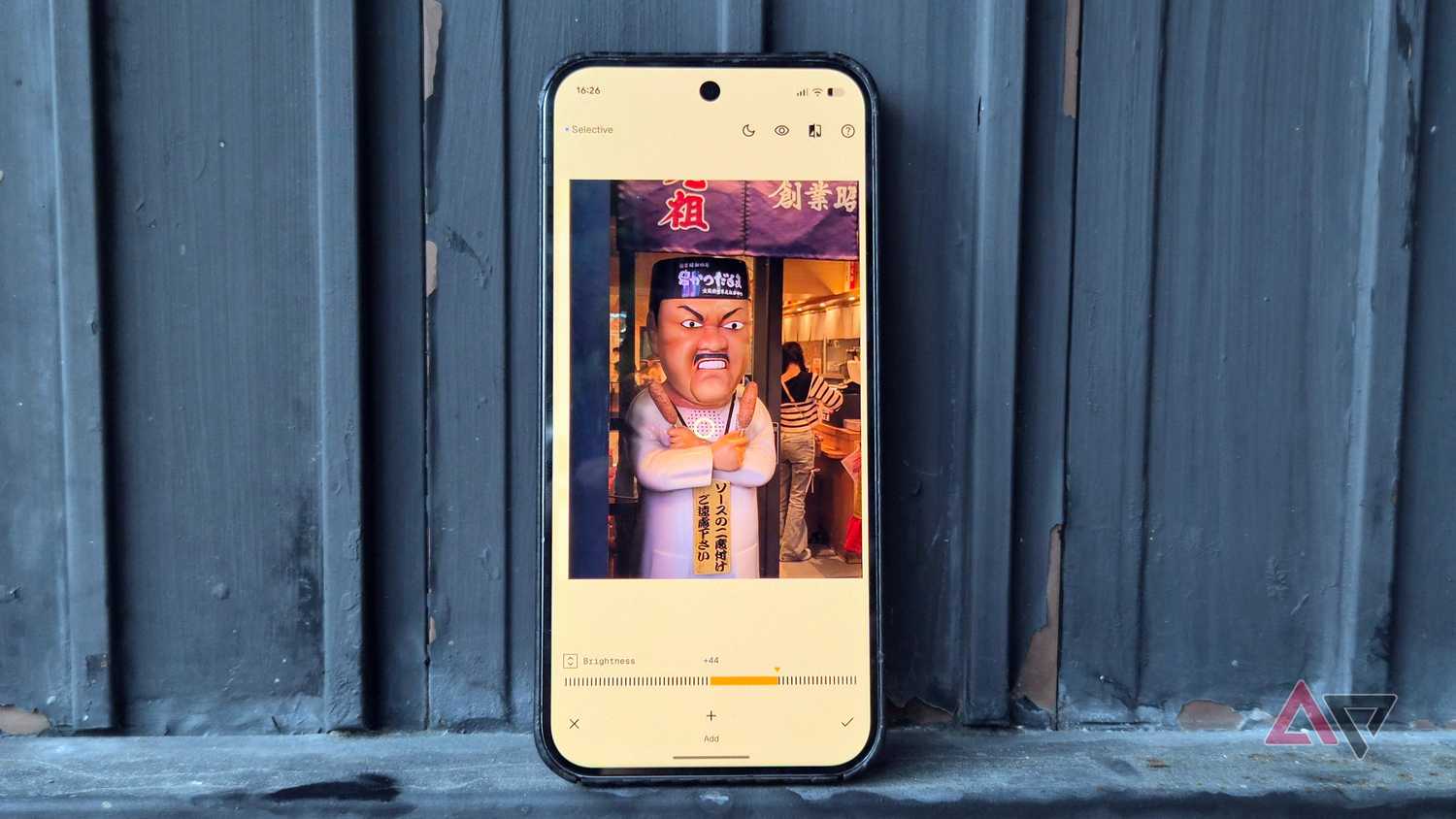
I ended up switching to , and while it isn't as extensive as Lightroom for RAW and lacks cross-device cloud sync, it's perfect for casual editing.
Snapseed has minor quirks, particularly because it lacks modern generative AI photo tools, but I lean on Google Photos for that.
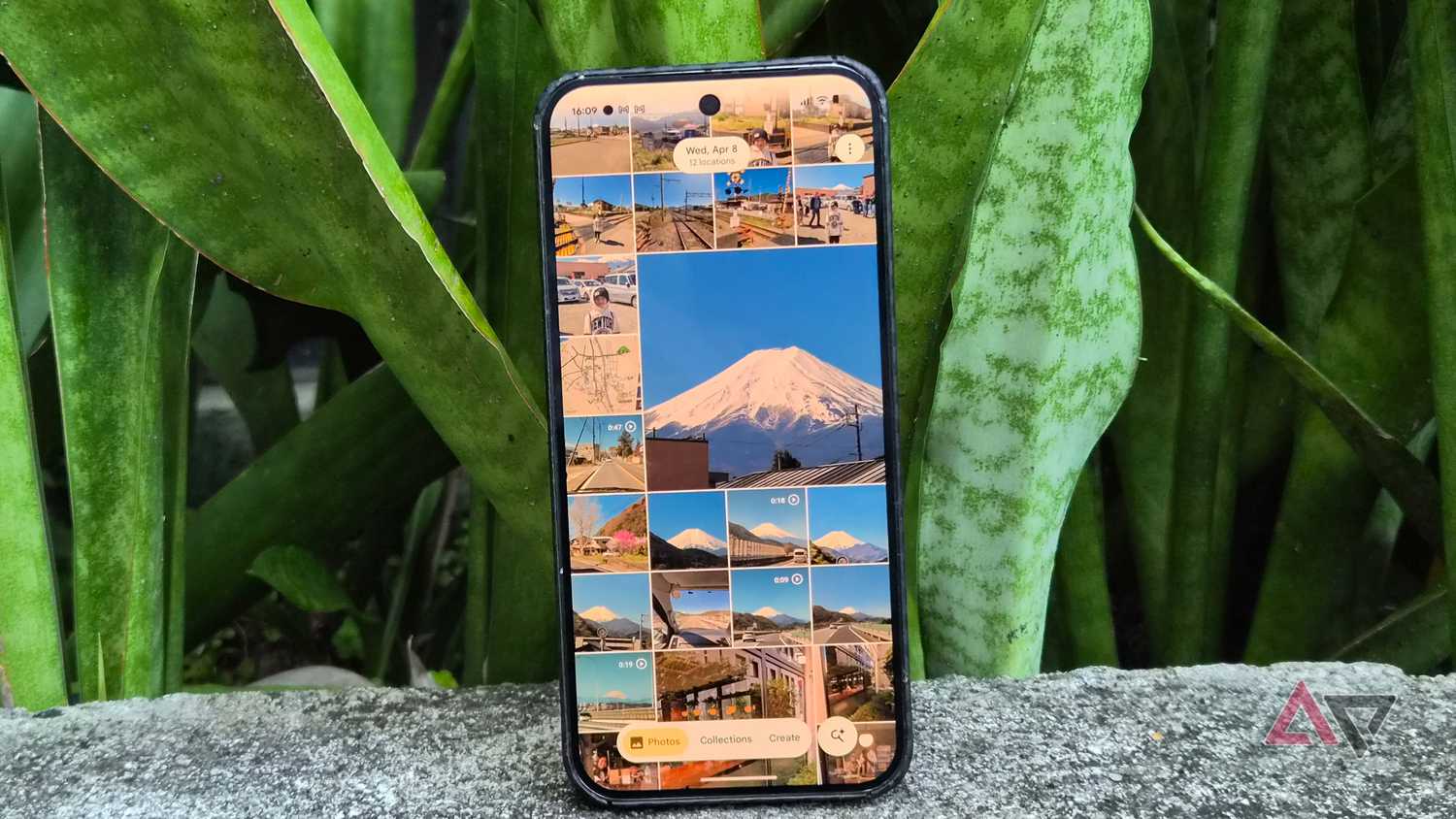
The cloud gallery has quietly evolved into a capable image editor. It offers a wide selection of presets and AI tools, like Magic Eraser, at no extra cost.
I was convinced to cancel my Adobe Lightroom entirely.
I turned Gemini into my personal accountant
In the Nokia N9 and Lumia days, I used Toshl Finance for personal budgeting and daily expense tracking.
I kept using it after I switched to Android.
I initially liked its clean interface and organized tracking, but performance bugs marred the app, and the developer was slow to address persistent user complaints and feature requests.
That friction led me to drop the app and look for modern alternatives like Monarch Money and YNAB.
Still, many of their essential finance tracking capabilities remain locked behind recurring subscriptions.
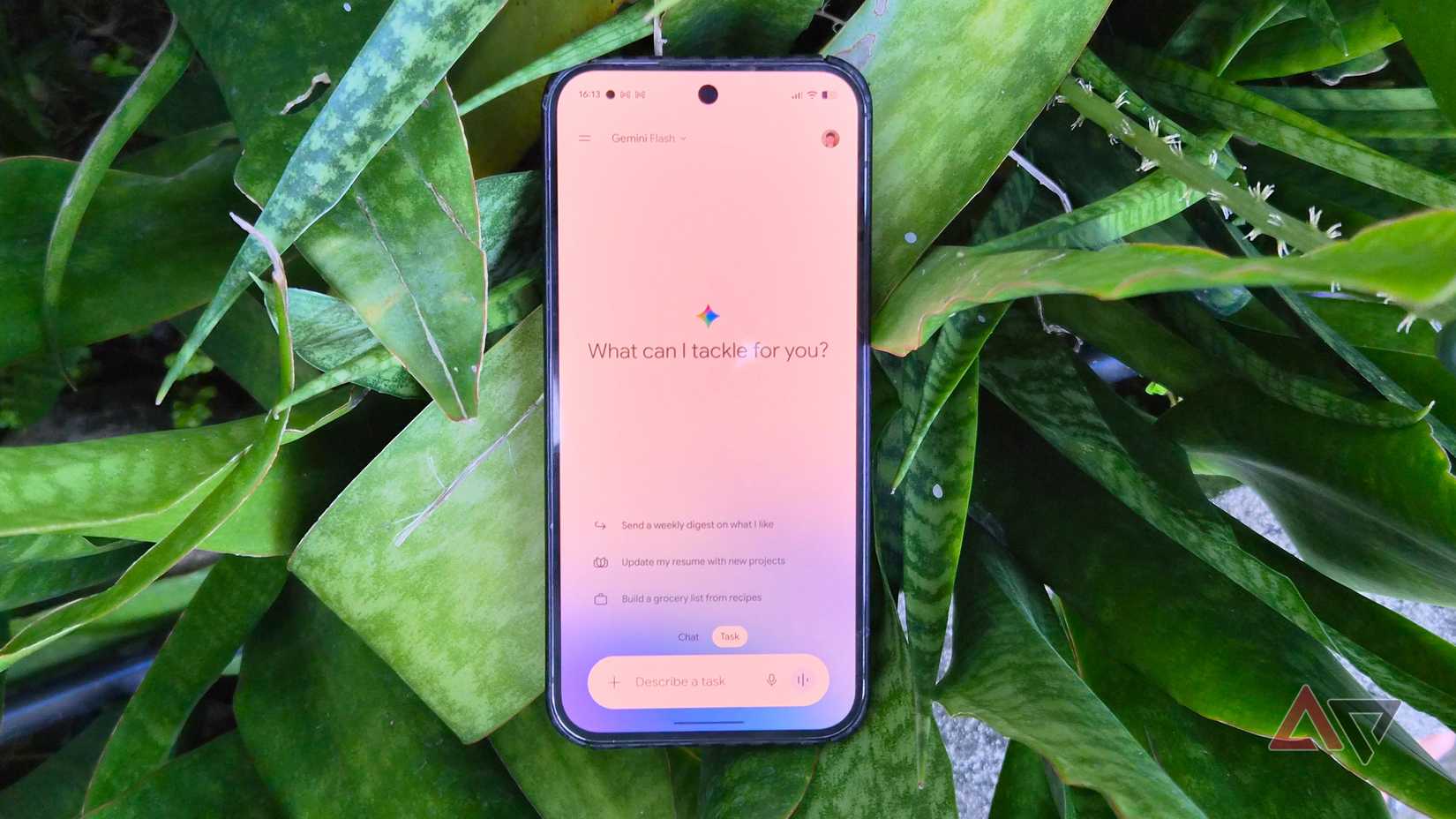
I started testing Gemini as my personal finance tracker, and so far it does a fantastic job of keeping my daily expenses and monthly budget in check.
With integrations with Gmail, Google Sheets, and Keep Notes, I turned it into a capable accountant on my phone.
I also transitioned to its Task for automation and more proactive tracking.
My current setup has the chatbot delivering structured weekly reports to monitor spending against my budget goals.
It is also remarkably effective at sending reminders for upcoming utility bills as they near their due dates.
Gemini is a flexible news aggregator
For years, Feedly was my favorite app for dedicated newsreaders and RSS aggregators.
It was an indispensable reading companion, so I subscribed to Feedly Pro to unlock advanced AI curation tools like tracking niche topics and monitoring sources.
It was especially great for filtering out obscure technical subjects that mainstream outlets rarely covered.
With Gemini, however, I set up a custom news aggregator inside my chat window.
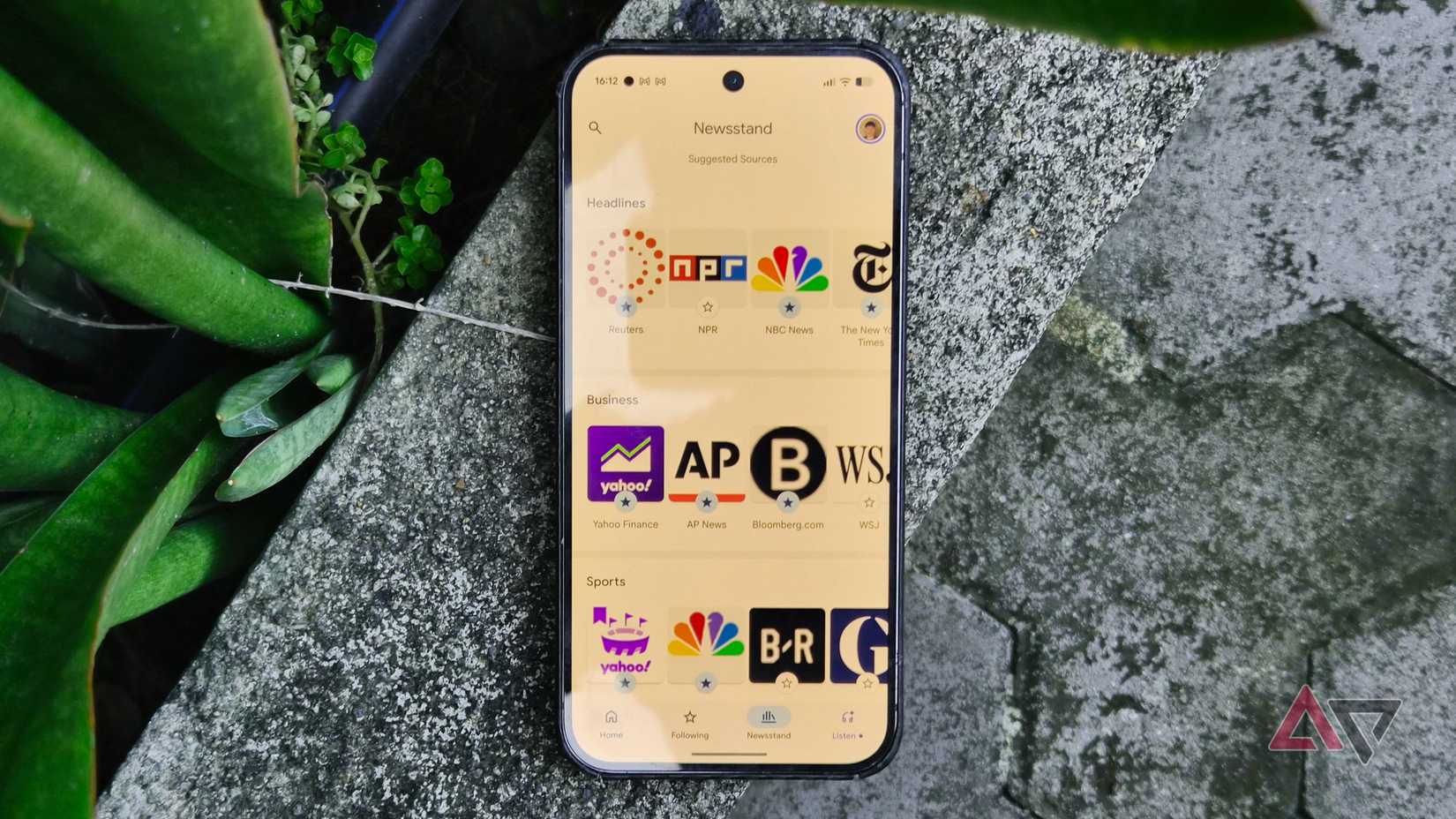
It doesn't present the traditional RSS article list, but I can format the output into structured grid cards or compile summaries into a Google Sheet.
I also run custom prompts to alert me when breaking stories emerge.
Paired with Google News, having this capability convinced me to cancel my Feedly subscription for good.
VPNs have become an essential utility on mobile devices.
Years ago, I bought a lifetime license from KeepSolid VPN Unlimited, which helped when traveling or accessing geo-restricted content.
However, the Android client lacked basic conveniences like widgets and shortcuts, requiring multiple taps to initiate tunneling.
These omissions alone were a persistent daily annoyance.
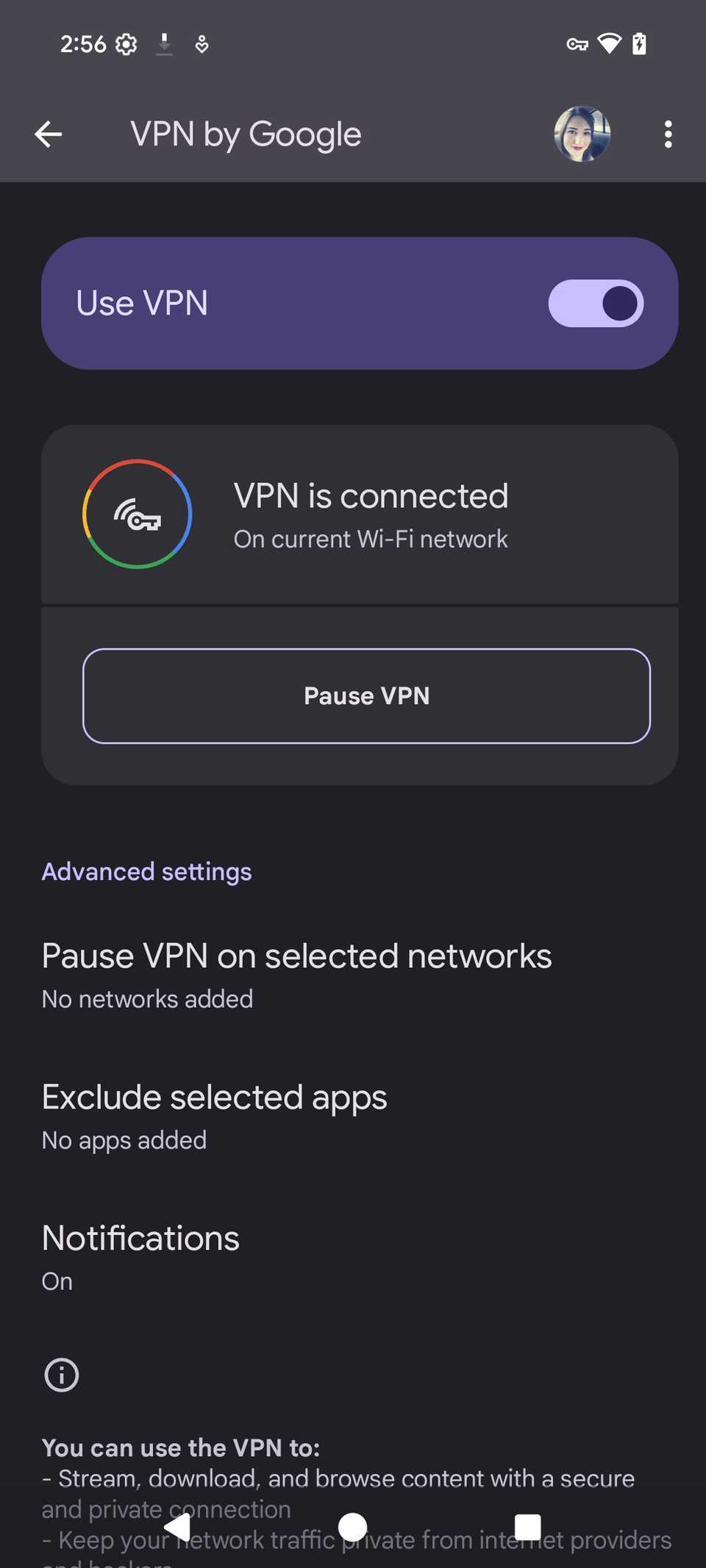
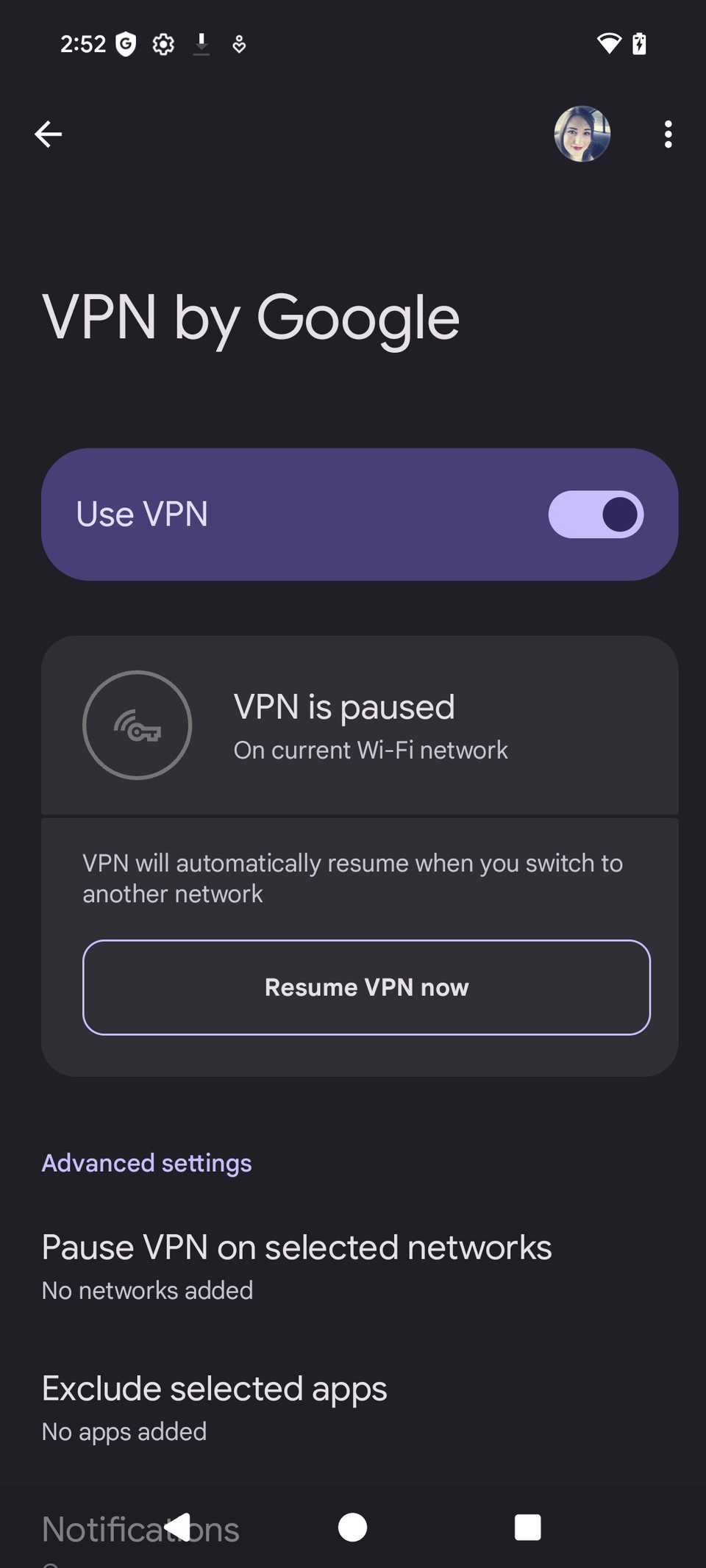
When I upgraded to a Pixel, I was delighted to find Google's built-in VPN. It is completely free, even if it's currently limited to supported regions.
Although it lacks manual selection of a virtual country, it remains a fantastic VPN if your goal is to encrypt your everyday browsing and data connection.
Another solid privacy option I discovered is Proton VPN.
Plus, it offers a great selection of home screen widgets and shortcuts.
Quick Share made file transfer tools redundant
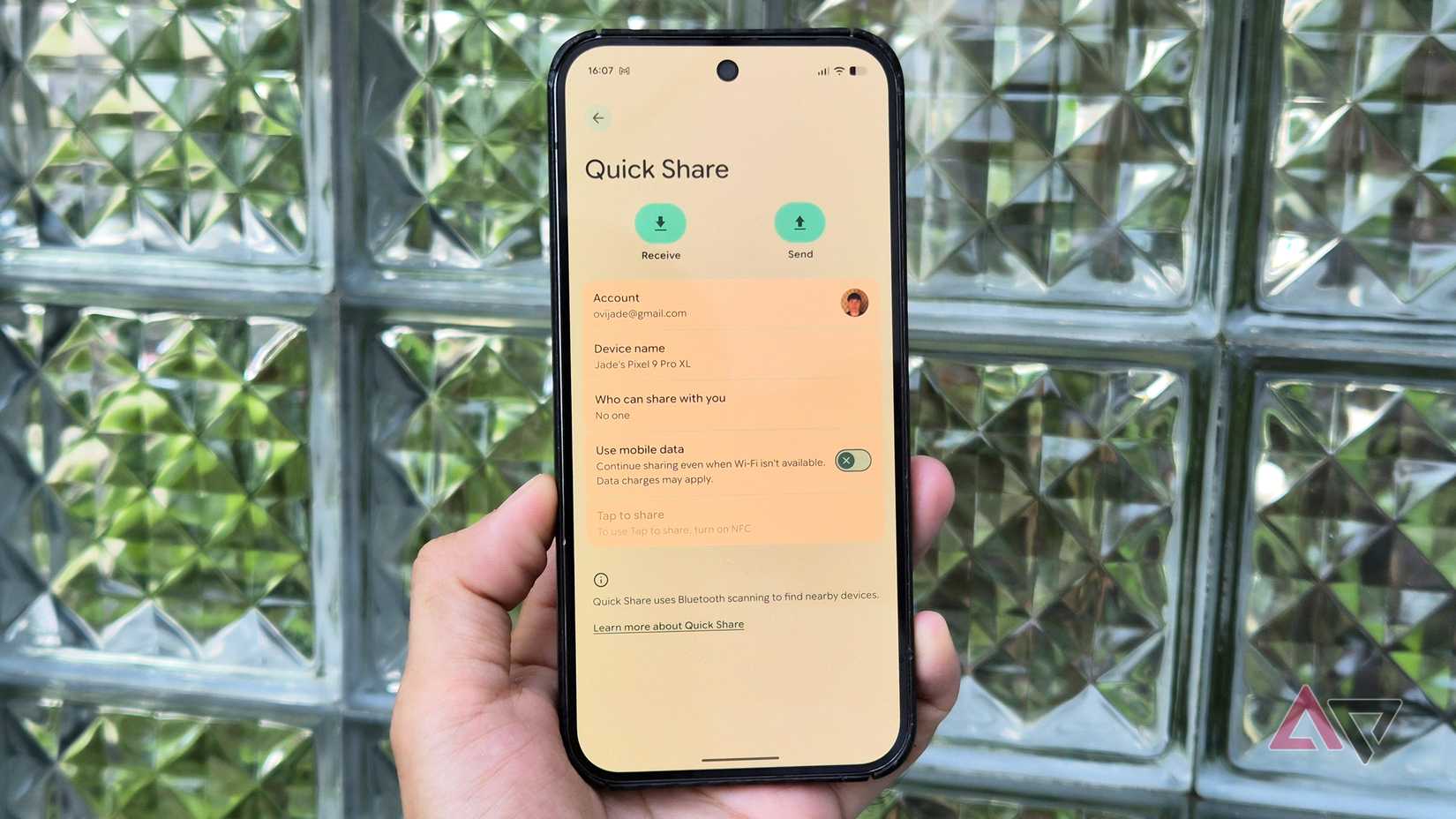
AirDroid has long been one of the most popular Android file management and device-mirroring tools.
It was efficient, offering robust remote file transfers and comprehensive wireless management from a PC.
However, with Quick Share becoming a dominant first-party Android utility, especially after its recent expansion to support direct AirDrop transfers, I regret ever paying for AirDroid.
Quick Share is easier because it's built into Android, and wireless phone-to-desktop connections are fast and straightforward.
Quick Share also provides a more secure, private transfer container, since Google Play Services verifies connections directly rather than routing them through a third-party server.
If you share photos, videos, and documents daily, you can safely skip paying for file transfer apps.
Paid antivirus apps are entirely pointless
I bought Norton Antivirus for my Windows laptop, which eventually nudged me into buying the companion Norton 360 app for my Android phone.
I paid for a full year of coverage for expanded local file scanning and live protection.
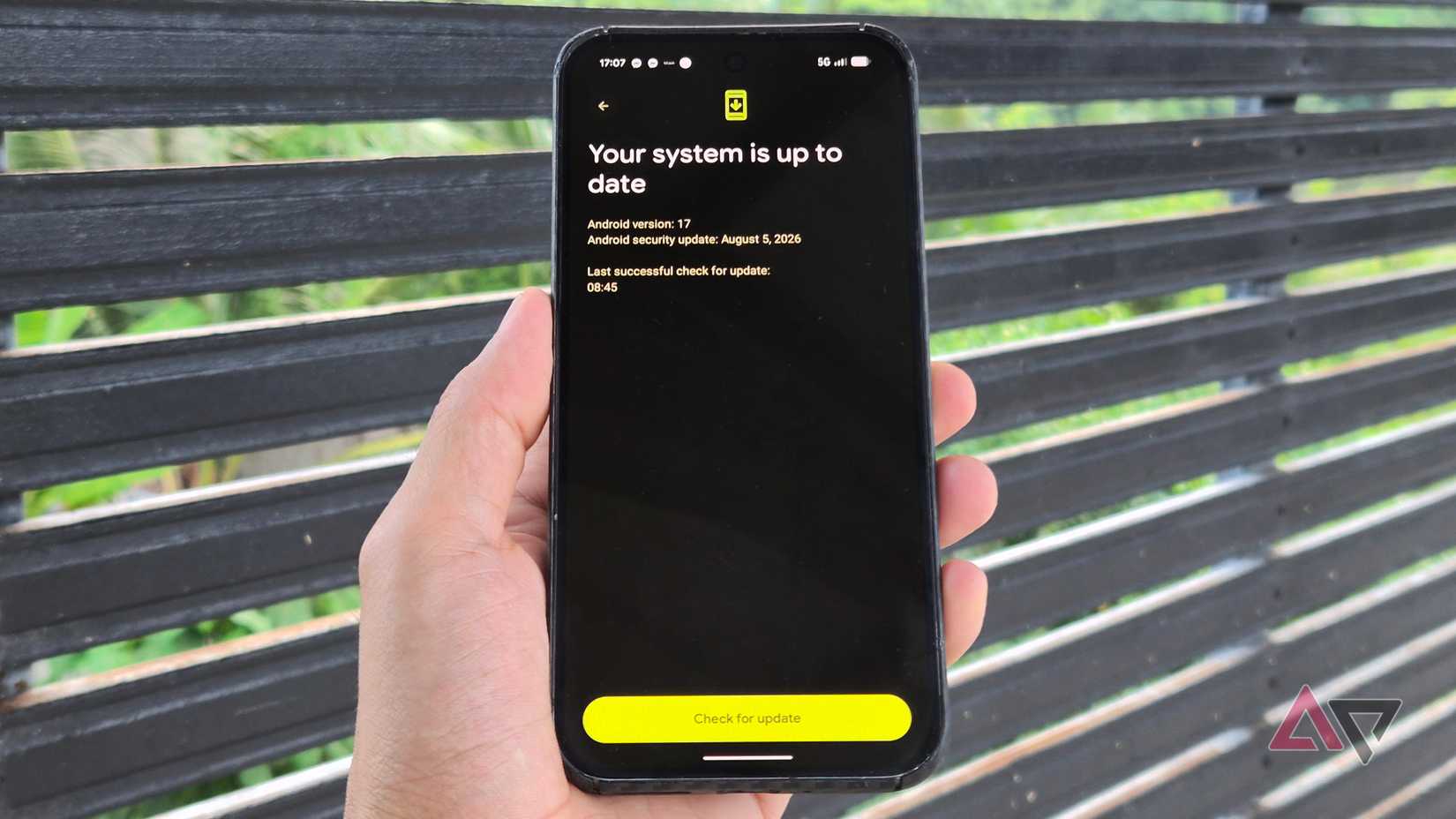
Eventually, I realized native Android security has grown far more robust, making most features in third-party antivirus suites redundant.
For example, Google Play Protect continuously scans installed apps in the background for suspicious code, scripts, and malware.
Plus, if you practice basic digital hygiene and avoid unverified APK downloads and sketchy links, the odds of compromising your device are virtually non-existent.
Stop wasting your money on apps that Android replaced for free
I can confidently say that Android has matured into an exceptionally capable operating system over the past few years.
Nearly every function I used to pay for with subscriptions is now built into or Gemini.
While these built-in alternatives might not mirror every niche toggle one-to-one, they handle the essential heavy lifting effortlessly for the unbeatable price of $0.