
On Android, I rarely looked beyond Google's ecosystem for my everyday needs.
Chrome was my default browser, Gmail handled my emails, Google Keep was my go-to note-taking app, and Gboard was an obvious choice.
Out of curiosity, I started exploring to these four popular Google apps.
To my surprise, the experience turned out to be pleasant. I found some impressive alternatives that made me wonder why I'd stuck with Google's offerings for so long.
It broke Chrome's grip on browsing
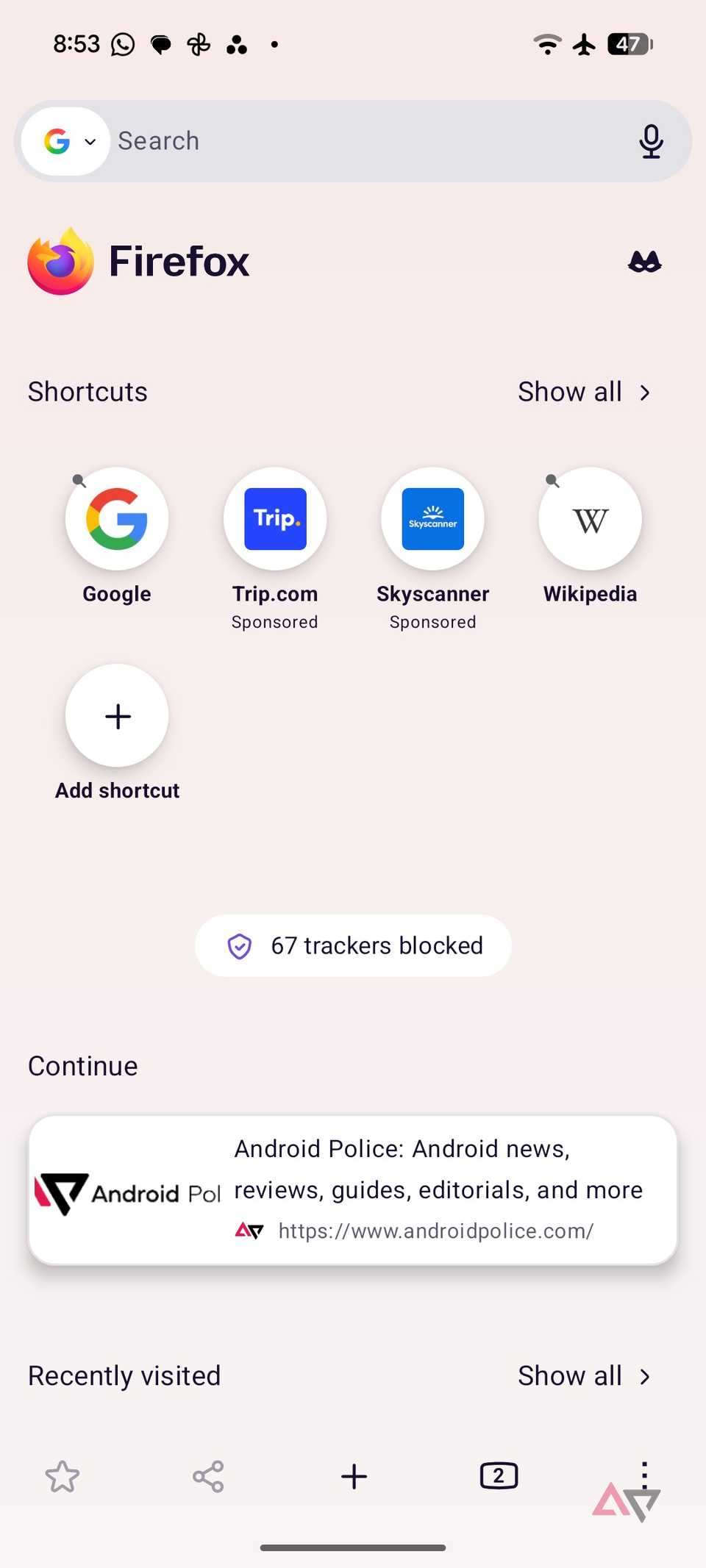
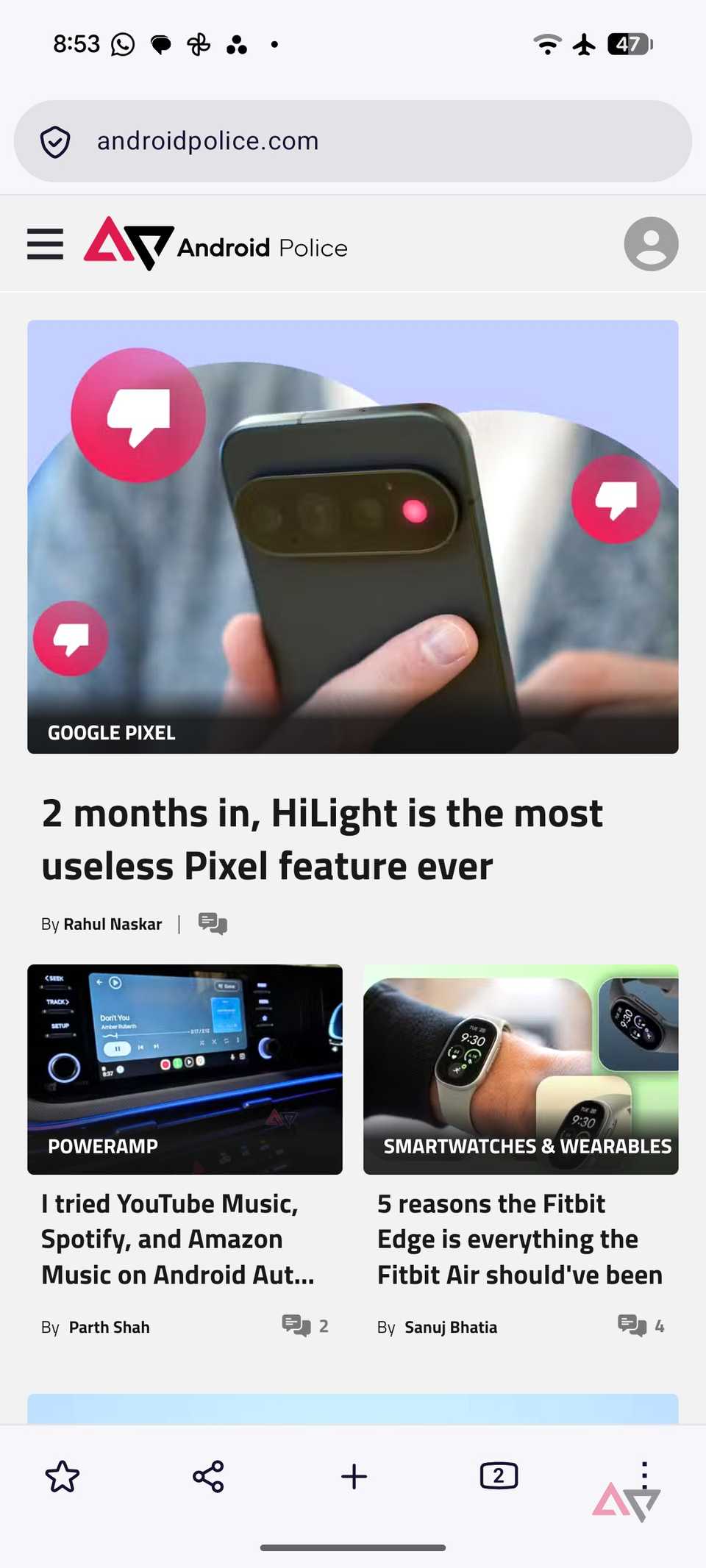
Mozilla has made impressive improvements lately, and it feels like a different browser now.
The latest version 157 update brings a major visual overhaul with rounded corners and modern icons.
I like the new desktop design, customizable homepage, and its Chromium-free nature.
But Firefox isn't only about good looks. It now offers a free built-in VPN with 50GB of protected browsing per month.
Reader view is another personal favorite that helps me navigate busy web pages.
I can even tweak the text size and play with background colors to create an ideal reading setup.
With extension support, solid privacy controls, seamless syncing, and cross-platform support, Firefox becomes a compelling package.
Chrome is still an excellent browser, but Firefox has finally caught up in the areas that matter to me.
It made Google Keep feel basic
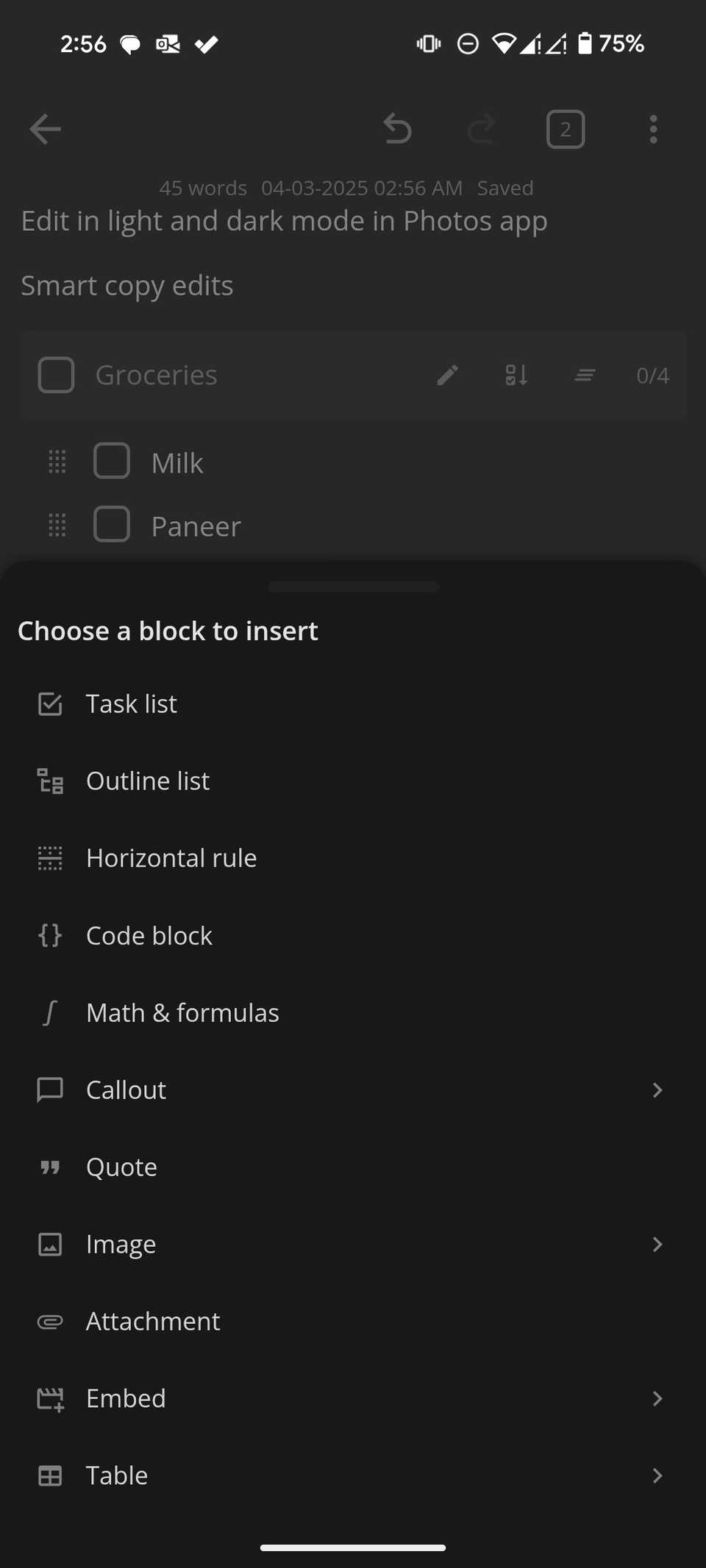
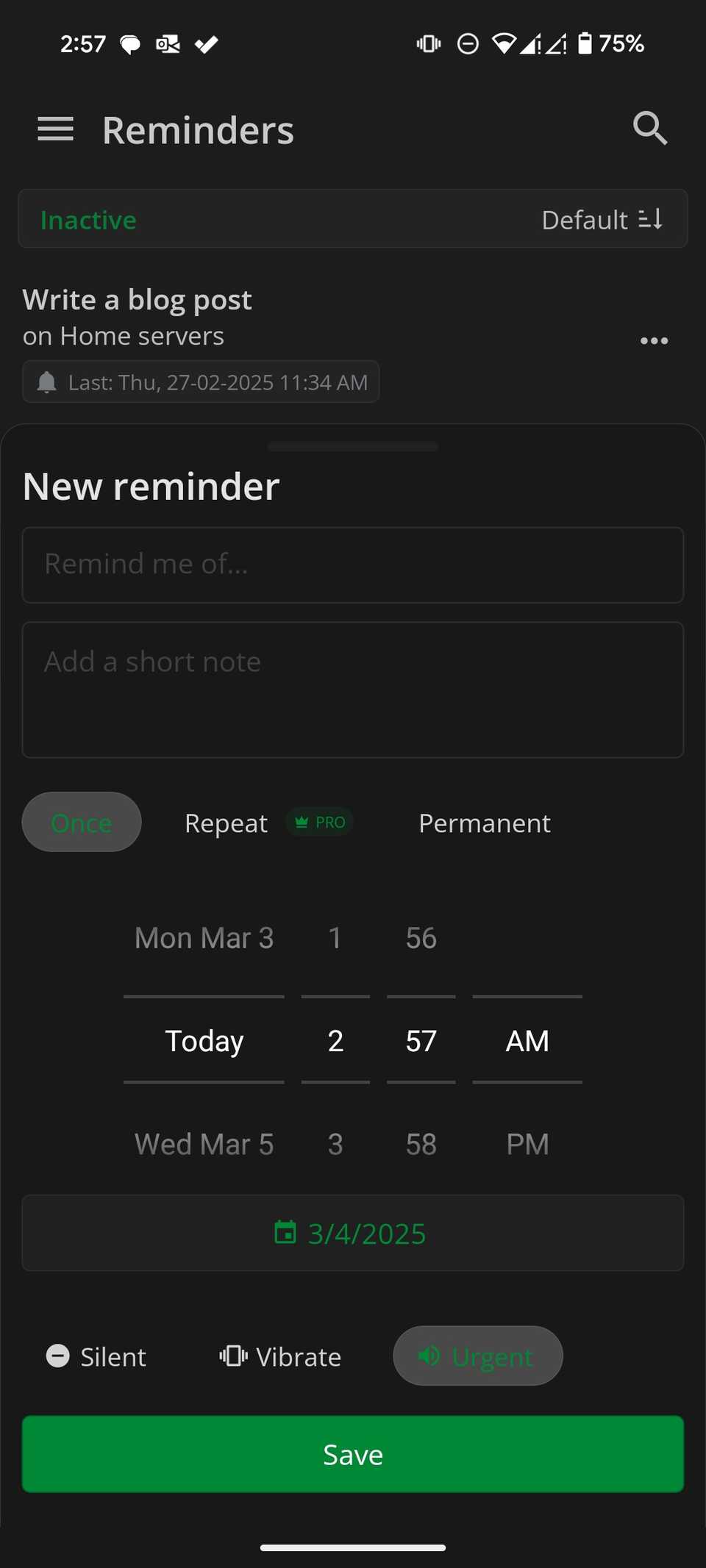
Google Keep has always been my go-to for capturing quick thoughts, but its simplicity became a limitation.
After switching to Notesnook, I realized how much functionality I was missing.
Instead of relying on basic notes and labels, I can organize my article ideas into notebooks and tags, and create detailed notes with headings, tables, formatting, and checklists.
It also offers reminders, note history, and a private vault for sensitive information.
However, Notesnook truly shines on desktop. Unlike Google Keep, which relies on a browser, Notesnook offers dedicated apps for Windows and Mac.
These aren't bare-bones desktop clients. They are feature-packed, and everything syncs seamlessly across my devices.
I also appreciate its end-to-end encryption, which adds another layer of privacy to my notes.
My email feels manageable again
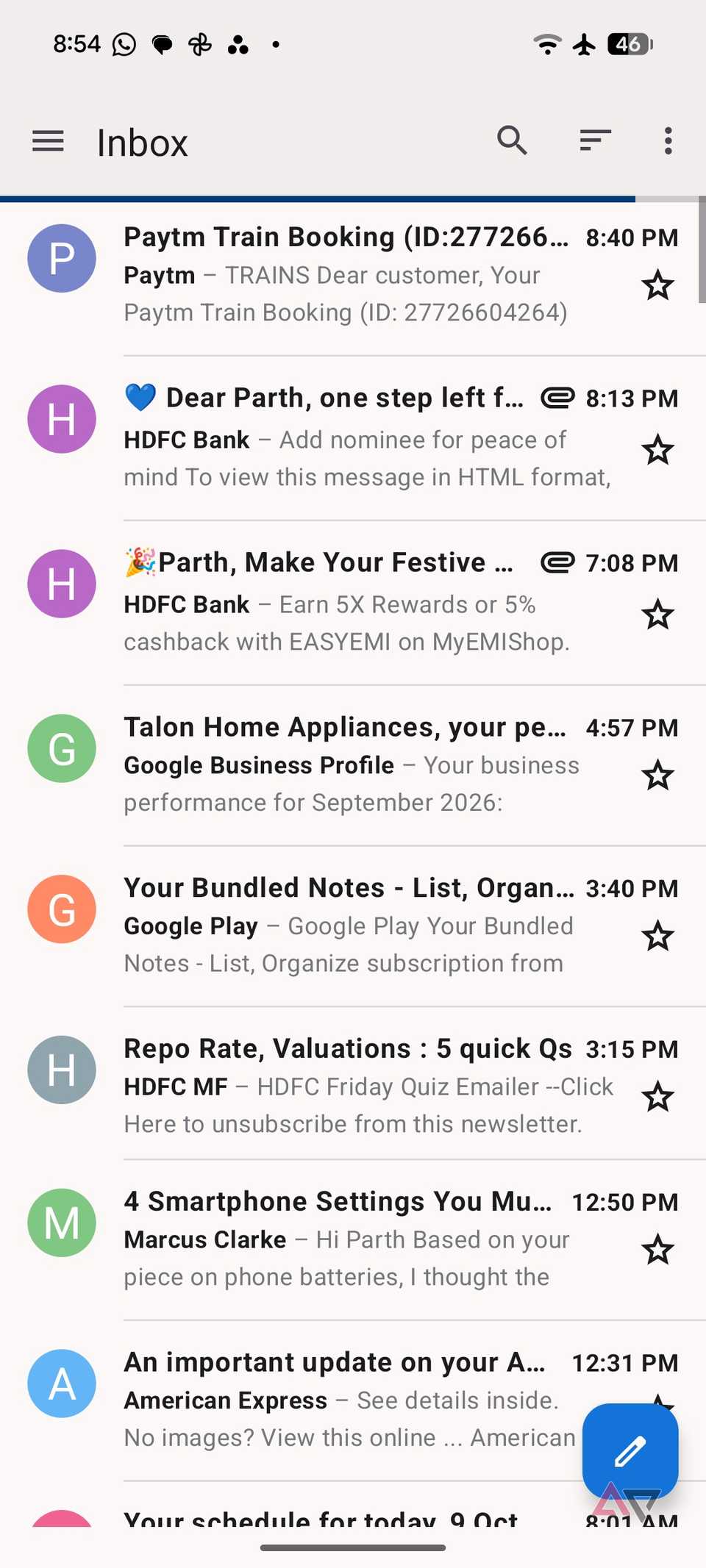
has been one of my favorite desktop email clients for years, so I was excited when Mozilla brought it to Android.
After using it as my main email app, I can confidently say it brings much of the same flexibility and control to my smartphone.
Thunderbird supports multiple email accounts, including Gmail, Outlook, and other IMAP providers.
I can bring everything together in a unified inbox or switch between individual accounts.
I appreciate the swipe gestures, folder management, email signature, and notification controls.
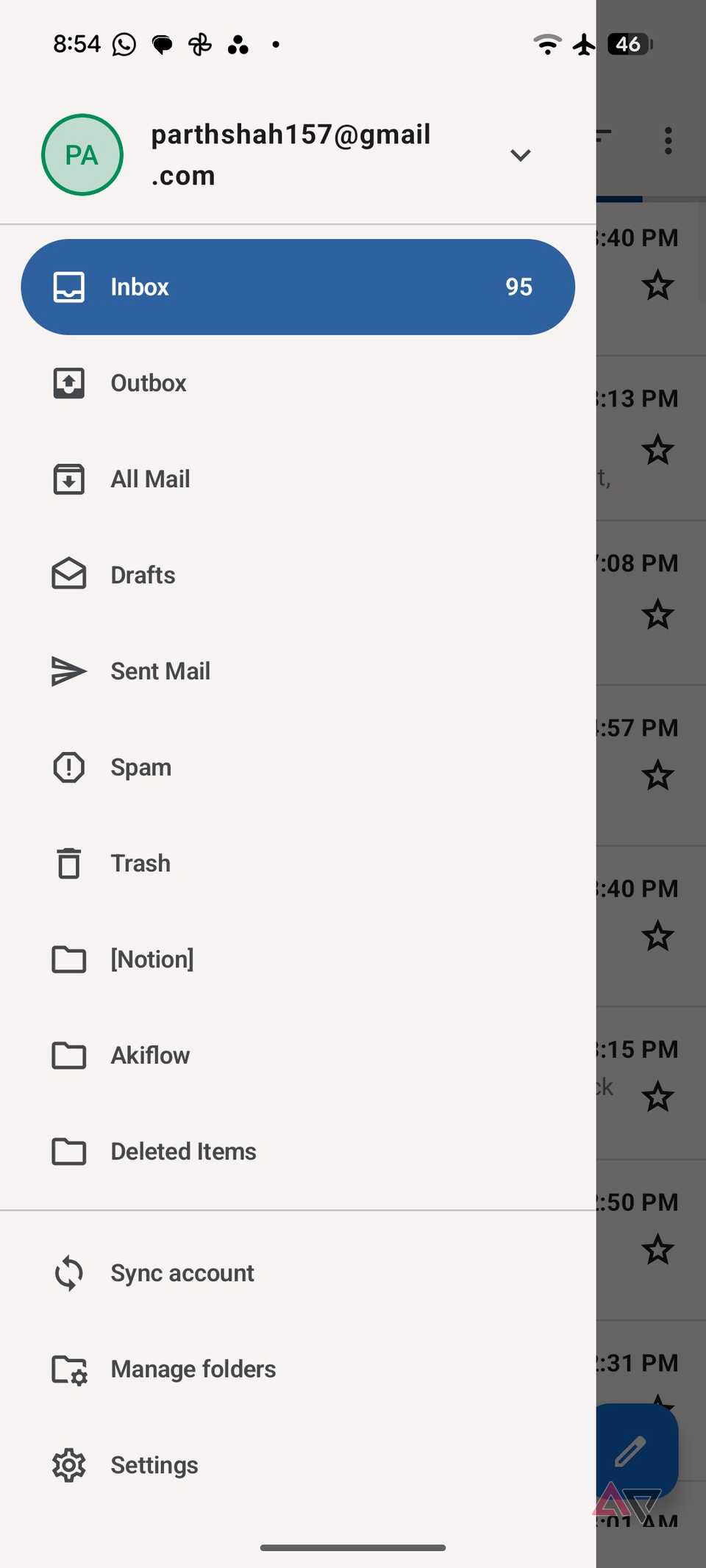
Another thoughtful addition is the ability to import account settings from Thunderbird desktop using a QR code.
Unlike Gmail, Thunderbird doesn't try to push me toward Google's ecosystem.
It is completely free, open source, and doesn't bombard me with ads.
The mobile app doesn't have every advanced desktop feature, but it covers my everyday email needs.
In the future, I would love to see a better Material You UI, though.
Typing feels personal
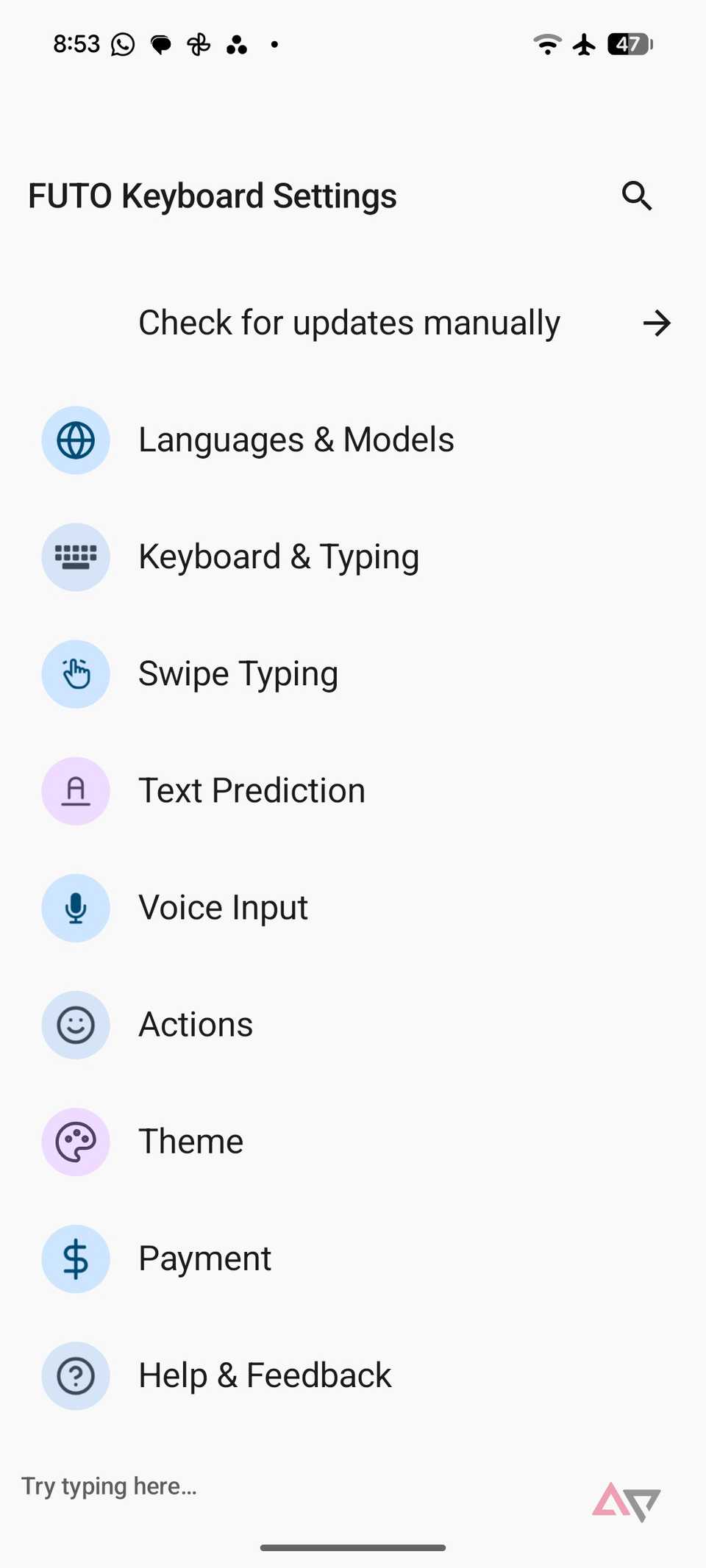
I have used Gboard for years, and replacing it wasn't an easy decision.
Google's keyboard has excellent predictions, accurate voice typing, and a polished interface.
However, the FUTO keyboard surprised me with how much functionality it packs into an offline experience.
The biggest highlight is its built-in voice typing, which processes speech directly on my phone without sending recordings to the cloud.
I don't need an internet connection to dictate messages.
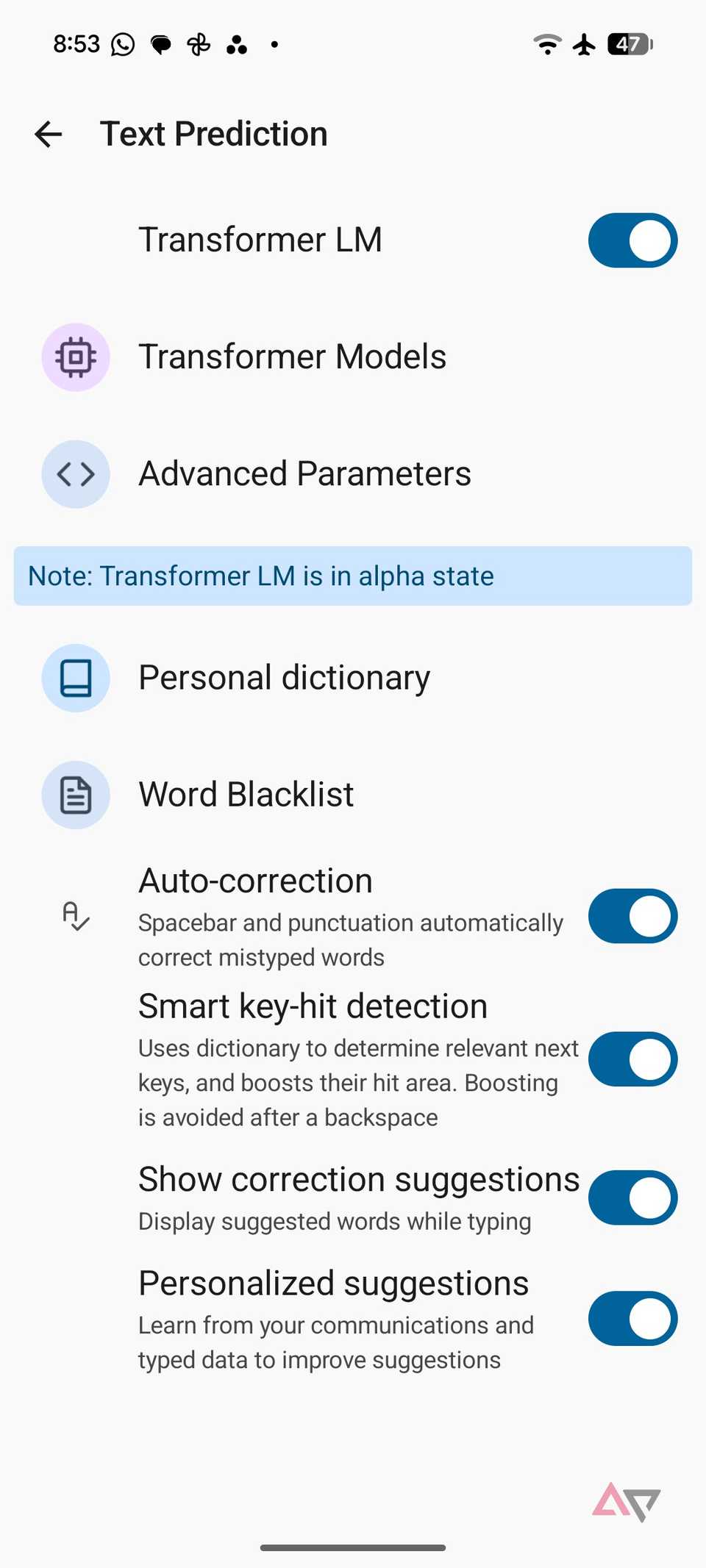
It also supports swipe typing, smart autocorrect, predictive text, and multilingual typing, so I rarely feel like I am missing Gboard's core features.
Customization is another area where FUTO Keyboard shines.
I can resize the keyboard, enable a dedicated number row, adjust haptic feedback, and choose different themes.
It also includes a handy clipboard manager and support for a floating keyboard layout.
You won't have a hard time customizing the keyboard look and feel to your preferences.
I gave up convenience, gained control
I started this experiment expecting to return to Google's familiar apps within a few days.
However, these alternatives proved that I don't need to rely on Google's ecosystem for every little thing.
Sure, none of these apps is perfect, and there are a few compromises along the way.
But the freedom, flexibility, and control they offer make those trade-offs worthwhile.
I am keeping these four installed, and I encourage you to explore the open source ecosystems.