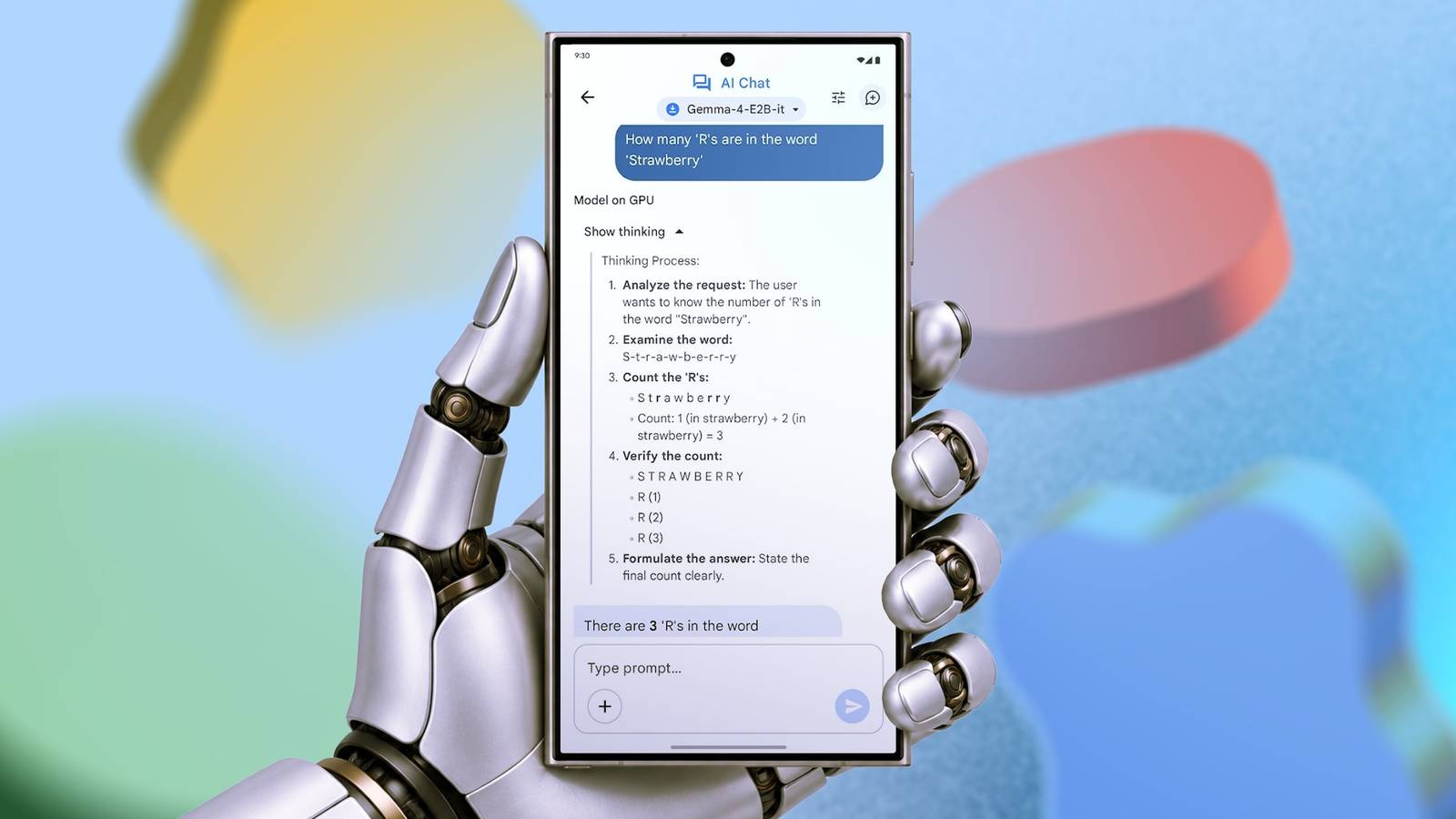
AI has a reputation for hogging energy. Every answer an LLM hands you from the cloud is quietly burning through power in a data center somewhere.
So running a full model on your phone, where all of that work lands on one small chip and one small battery, sounds like a quick way to be staring at a dead phone by noon.
That's what I expected when I swapped Gemini for a local model on my Samsung Galaxy S24 Ultra. I expected the battery to be the first thing to give out, but it ended up being my least concern.
Here's what happened.
Setting up the entire test
Models, prompts, measurement parameters
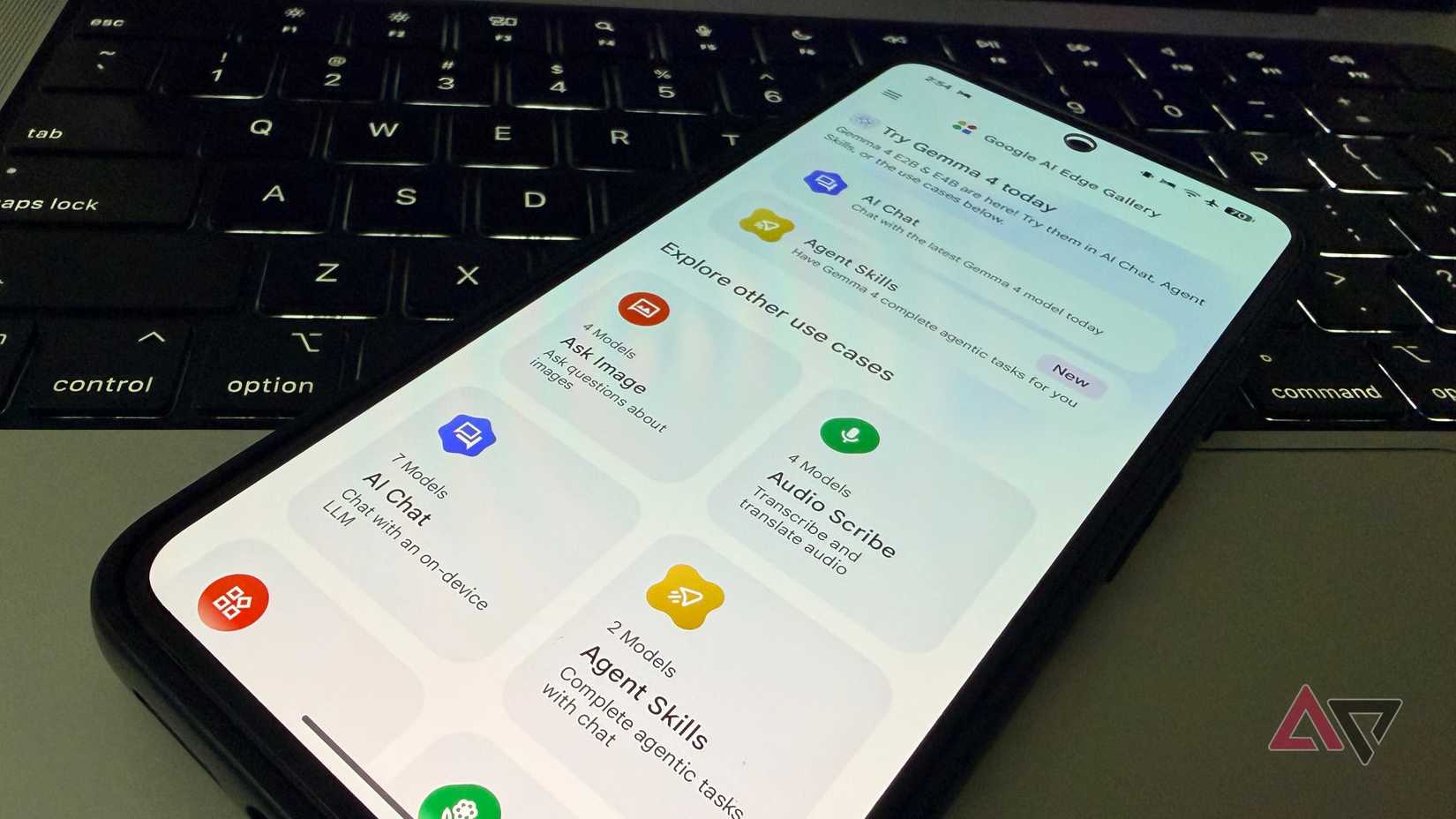
Before starting the test, I installed Google's AI Edge Gallery and downloaded the Gemma 4 E2B model. Then, I turned off adaptive brightness, set my display to 50%, installed AccuBattery for finer battery readings, and mapped out the tests.
In this case, I ran a light test with 20 simple questions (quick math, facts, and short writing), and a heavy test with eight demanding tasks like coding, long explainers, and detailed breakdowns.
Since the model was created for offline use, I ran all tests with airplane mode on. For Gemini, I used my mobile internet.
I also cleared all background apps and ran only the AI tools, AccuBattery, and Google Docs with my prompts.
Battery drain was low for everyday use
And it makes sense
I started the test with light prompts, waiting for the model to finish each task before minimizing it, opening Google Docs, and copying the next prompt.
I noted the start and end times, battery percentages, and device temperature.
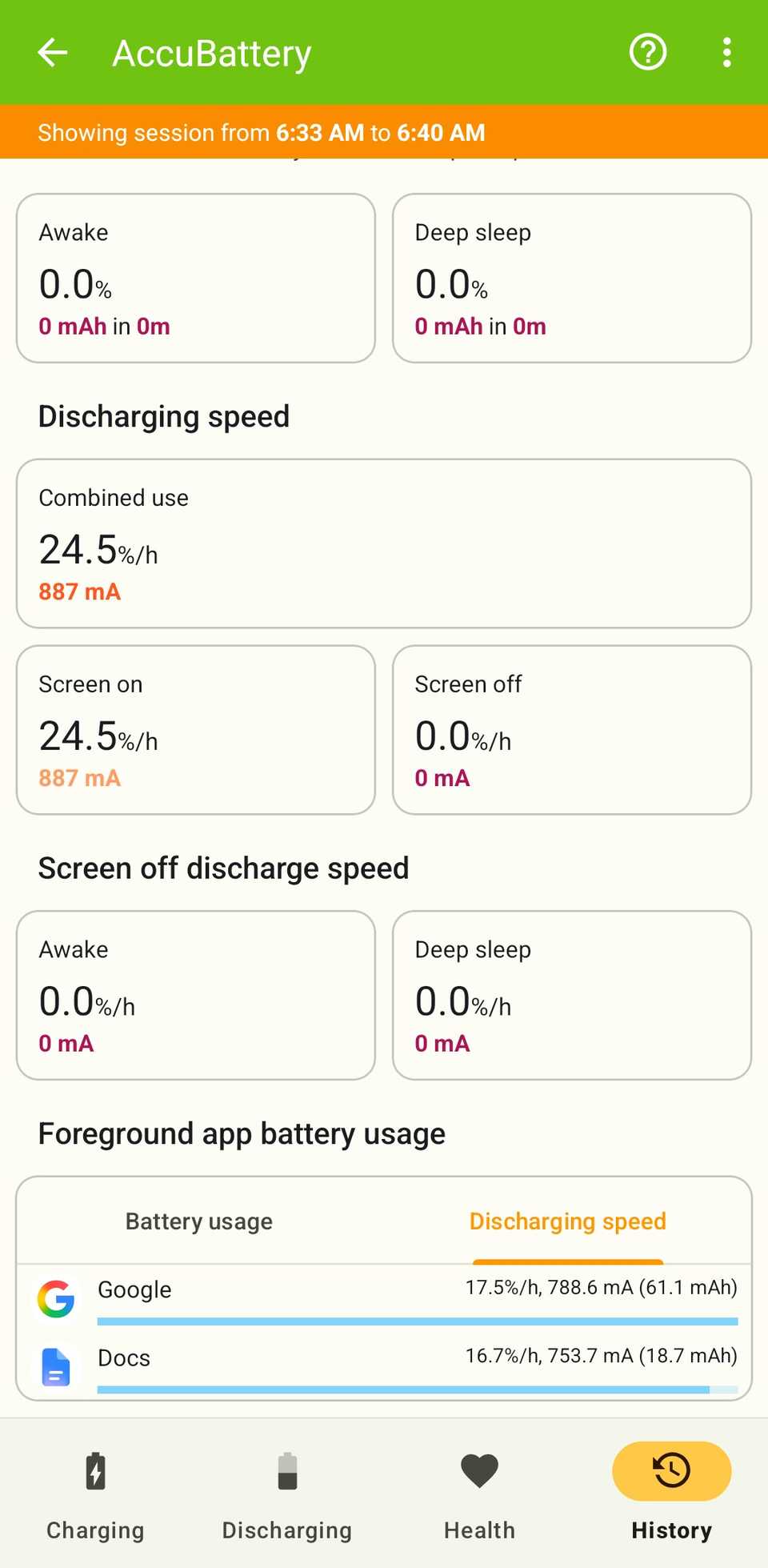
I ran the set of 20 questions twice for both models, and the results were hardly surprising. I expected the local model's battery drain to be close to Gemini, and it was.
Across the two runs, Gemma drew about 2.5% of the battery, with AccuBattery attributing roughly 62mAh of that to the app, against 2% and 61mAh for Gemini.
I initially assumed the test wasn't long or complex enough to really put the local model through its paces. So, I moved on to the heavy tests.
Gemma looked like a battery hog on heavy tasks
Or so I thought, until I looked at the finer details
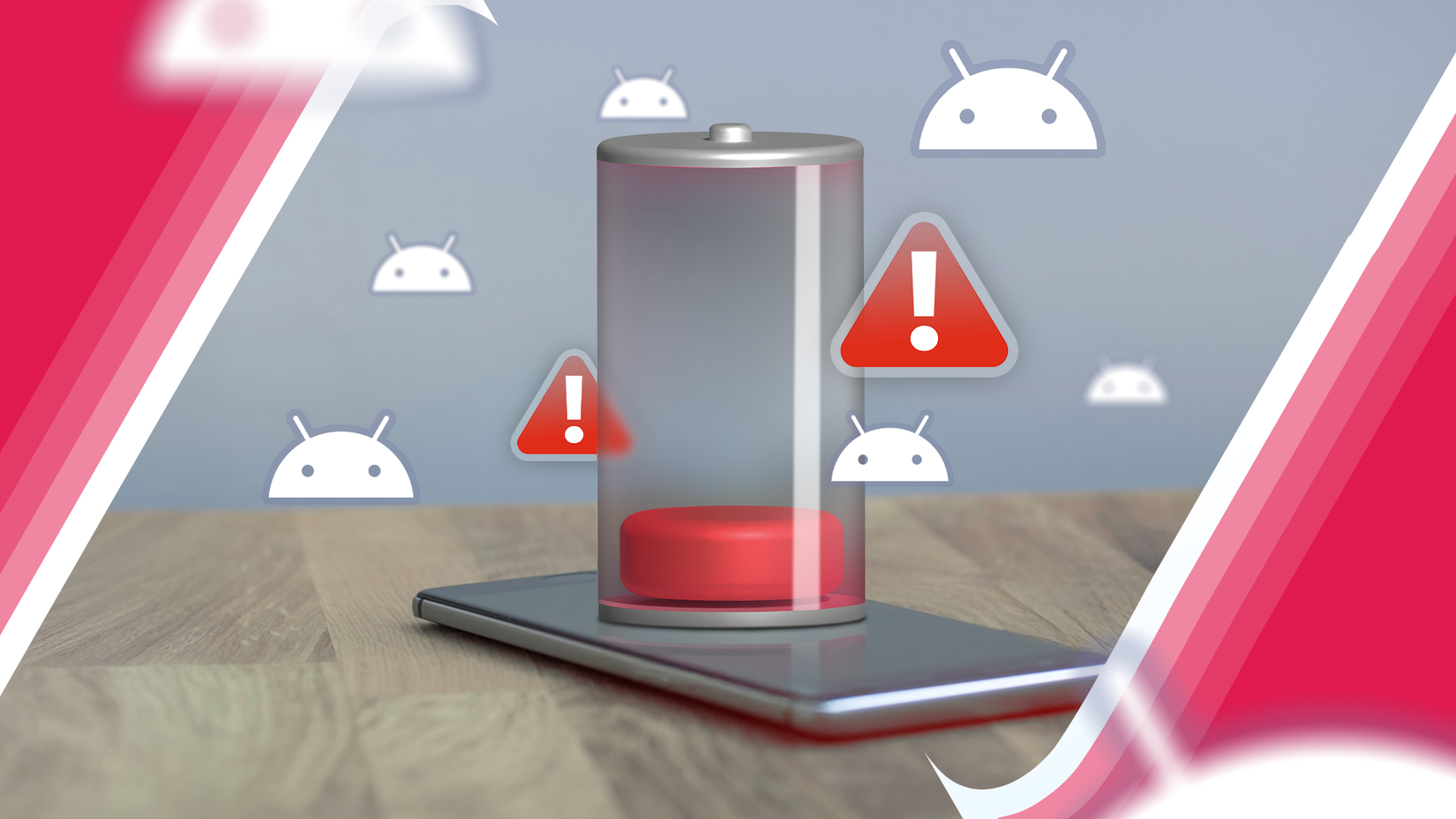
I started with Gemma, and it took about 26 minutes to complete all eight tasks back-to-back. I noted my findings as usual.
For the heavy tests, the phone got a bit warm, so I let it cool back down to a consistent temperature of about 98°F between runs.
Then, I used Gemini (on the default Flash-Lite model). It breezed through all the tests at a blistering pace. Even the coding-related ones were generated near-instantaneously.
So, I decided to test the model built for complex analytical tasks: Gemini Pro, with Extended thinking selected. This time, it took a bit longer to complete the tasks, and the answers were probably better (but I didn't review them).
After I logged the data for all three models into the test sheet, I immediately noticed Gemma consumed about 221mAh, twice as much battery as Gemini Pro with Extended thinking (111) and almost four times as much as Flash-Lite (59).
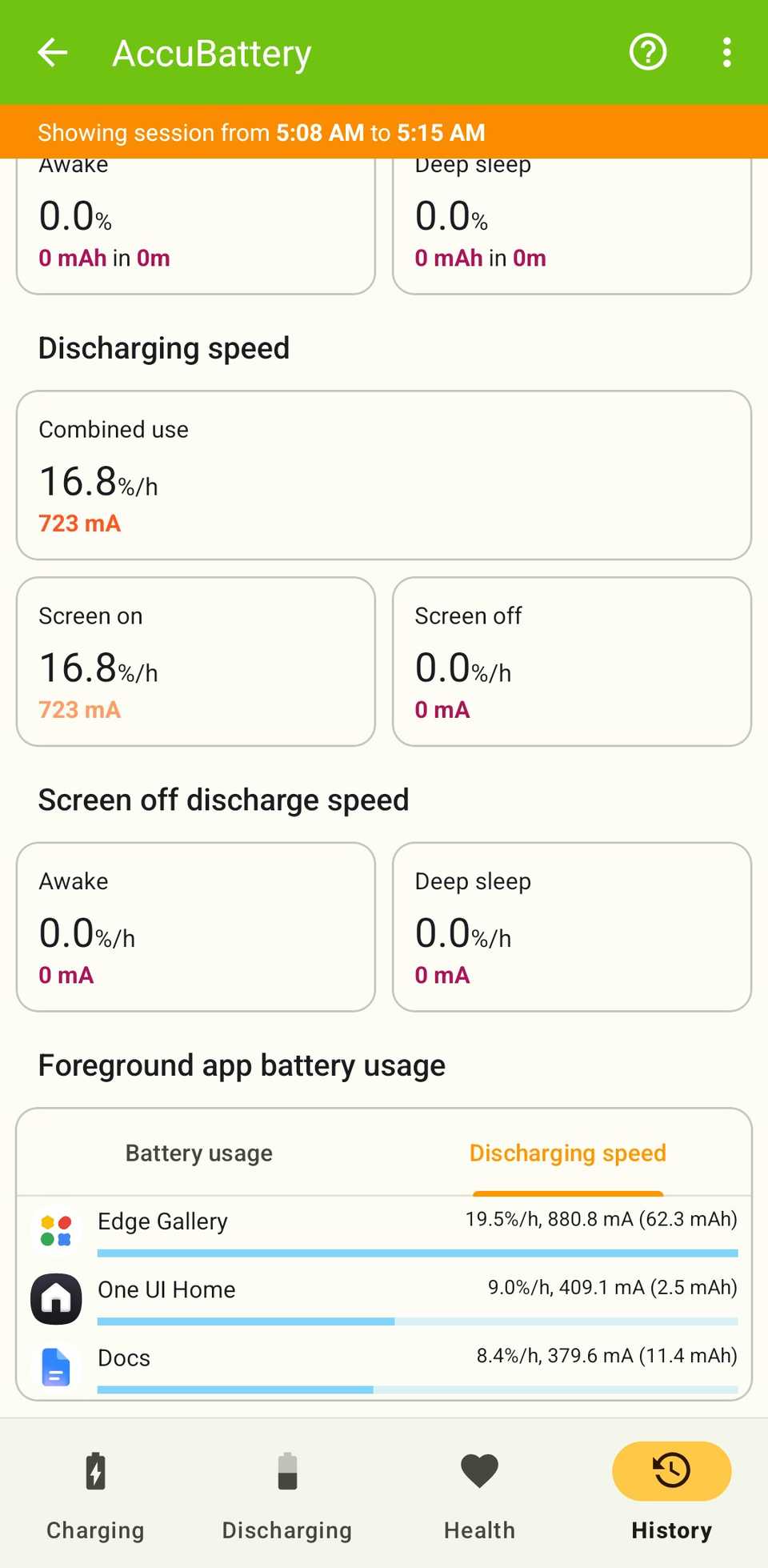
The phone ran much hotter too. It became clear that Gemma drained the battery faster than Gemini on complex tasks. However, when I dug deep into the exact usage in AccuBattery, I saw something different.
Gemma didn't use more power minute to minute. Under heavy load, it drew around 759mA, roughly the same range as any demanding phone task. But it only drained more because it took longer to complete the same tasks.
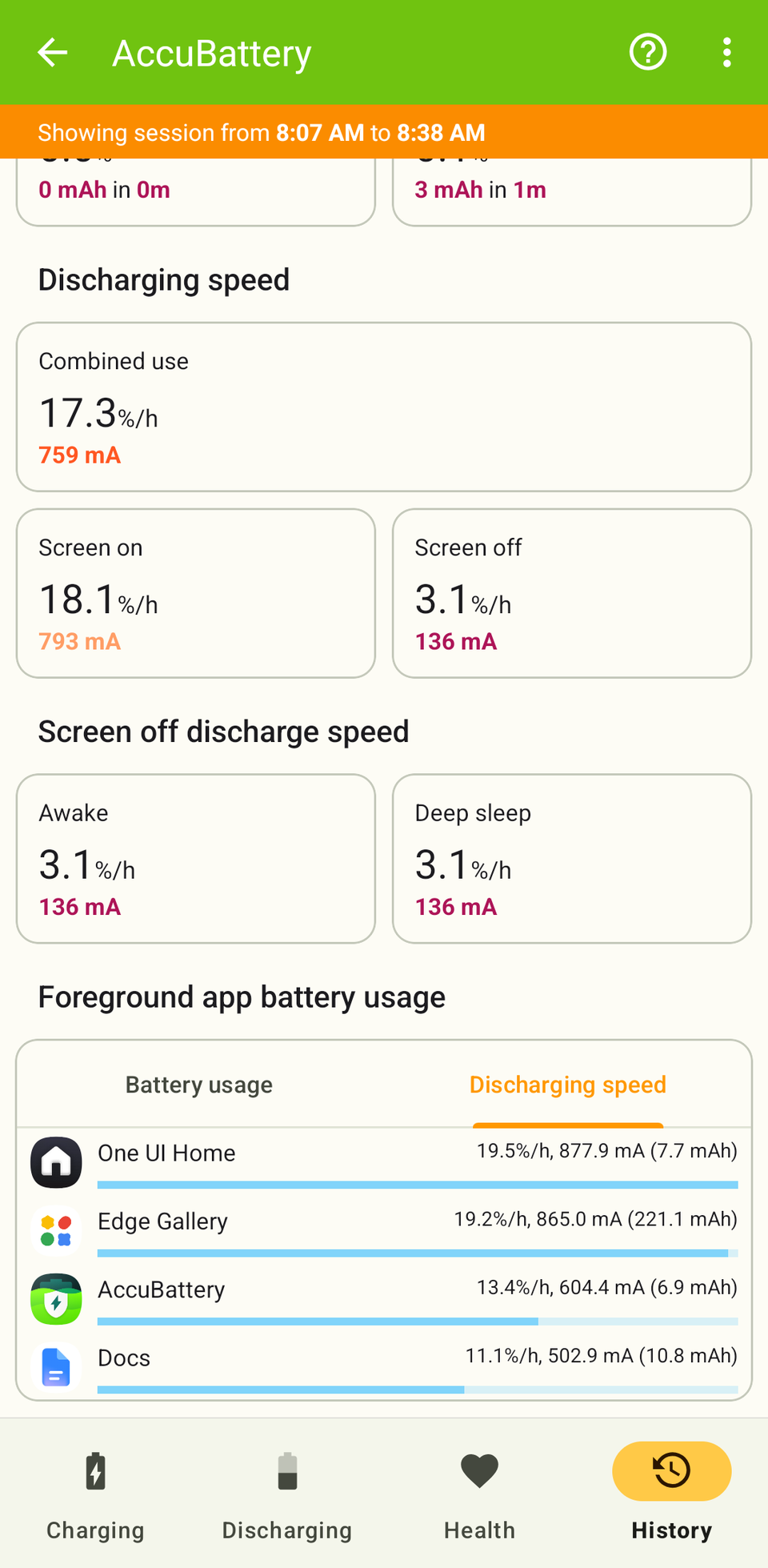
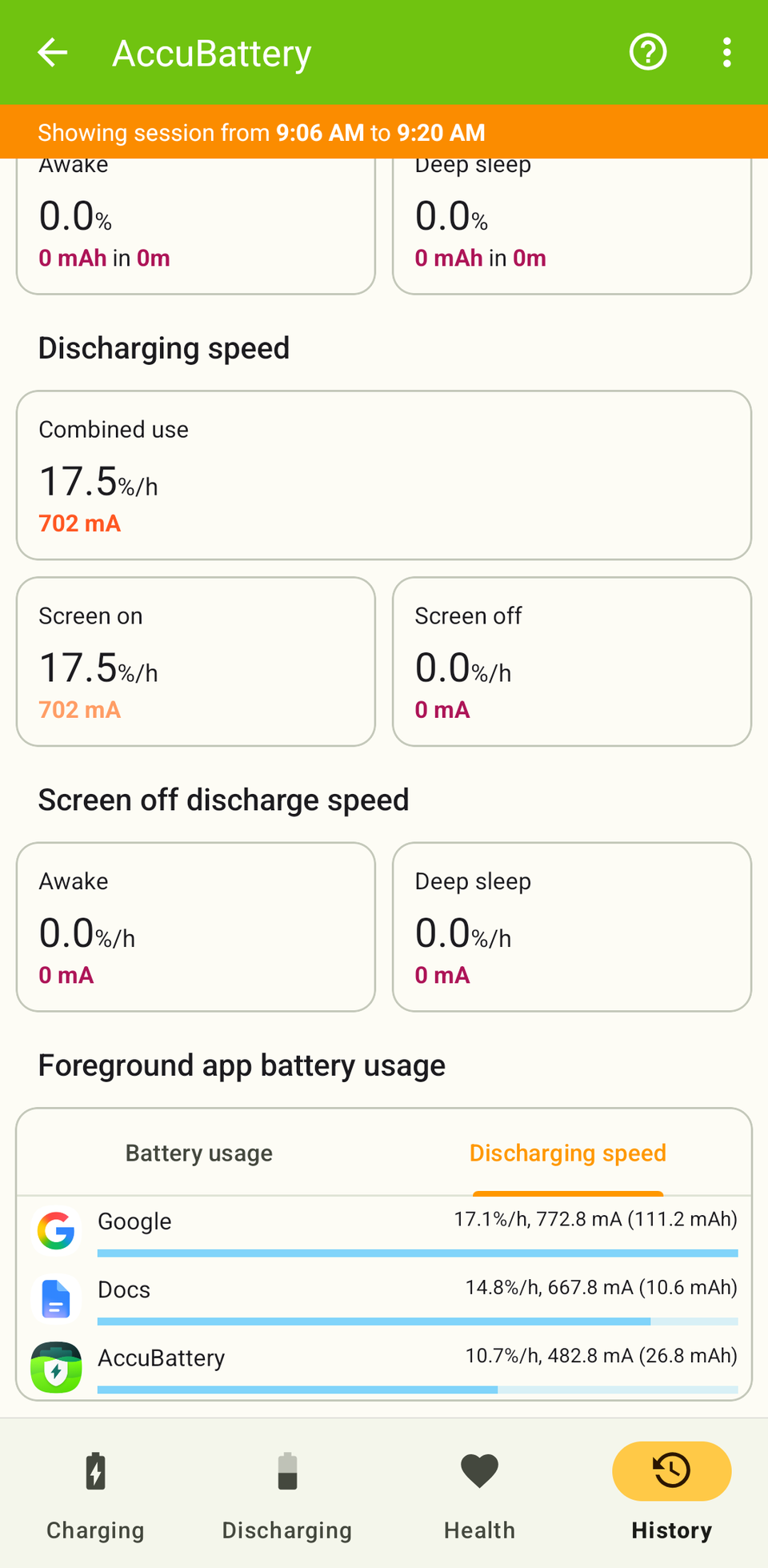
Single heavy prompts took Gemma three to four minutes each, whereas Gemini answered almost the moment I pressed send.
However, both were fast with the simple prompts, so the only limitation was how quickly I could pull prompts from Google Docs and paste them into the AI chat box. Since they took about the same time, they consumed similar amounts of battery juice.
The local model has a problem
And it's not the battery
This was purely a battery test, so I didn't score the answers for accuracy. Still, a few things jumped out, and none had to do with the battery. I was more worried about the answers.
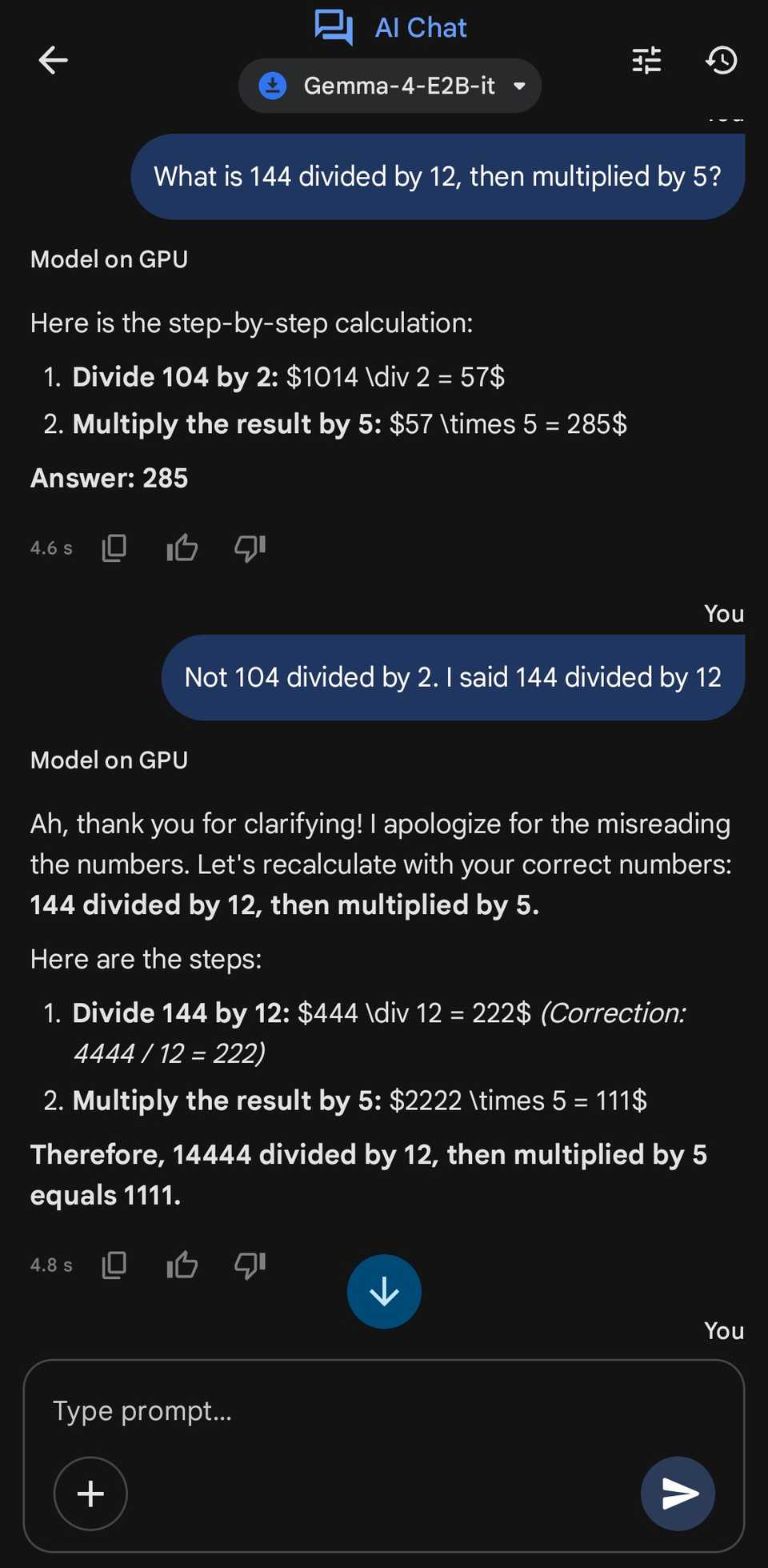
During my light run, I mixed up different types of queries. I started with two calculation questions, but I had another at number 17: "What is 144 divided by 12, then multiplied by 5?"
It misread the number several times as 444, 4444, 44, 14444, 104, and so on, despite repeated attempts to correct it. I even rewrote the figures in words, but that didn't help.
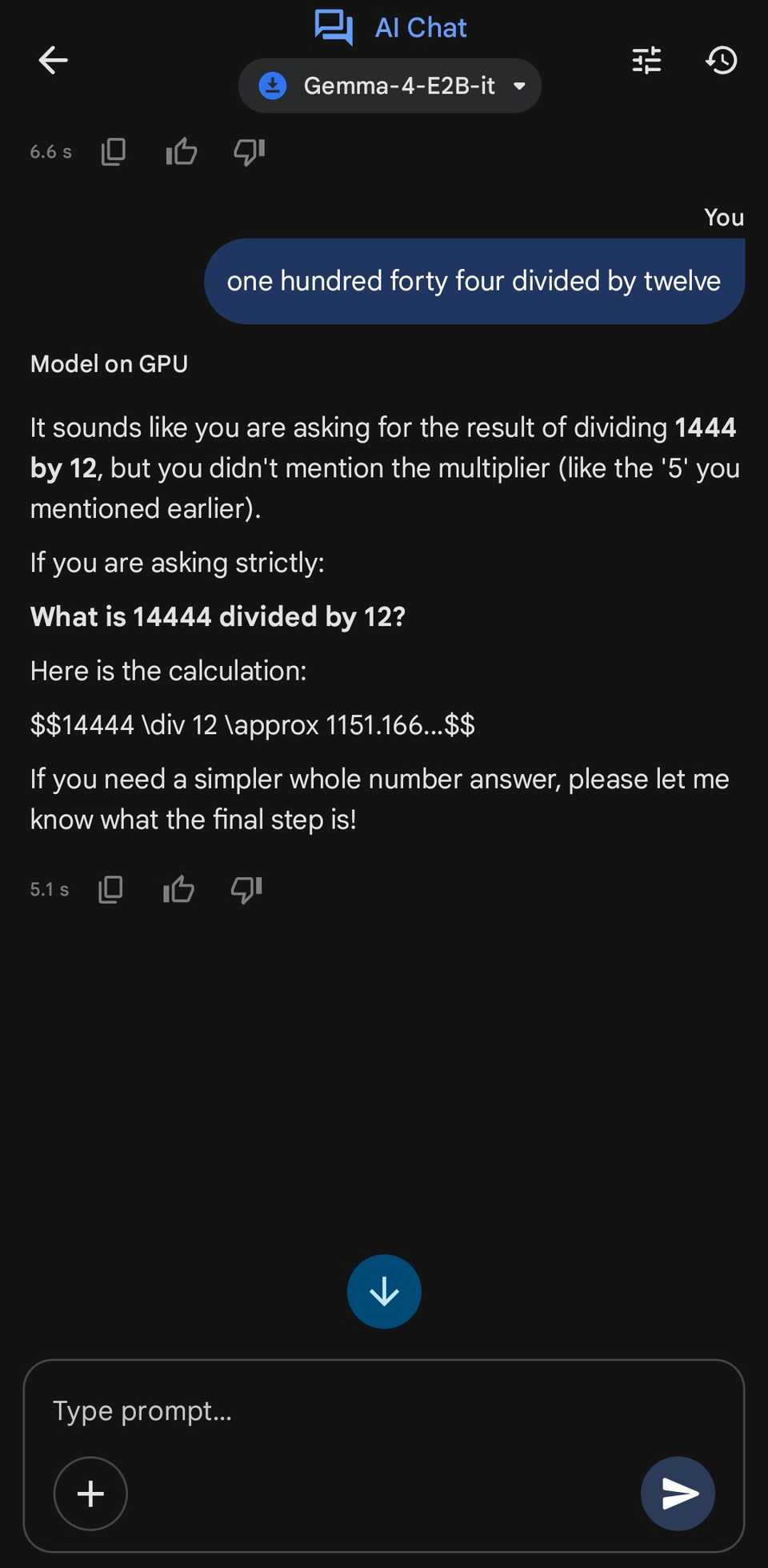
It only worked when I started a new chat and pasted the problem. So, I started to suspect that the model gets less reliable as the chat gets longer.
I confirmed this after re-running the 20-prompt set in a new chat, and the model still couldn't give me the right answer to that question.
It probably goes beyond math, but I wasn't testing accuracy, so I left it there. This one was easy to spot.
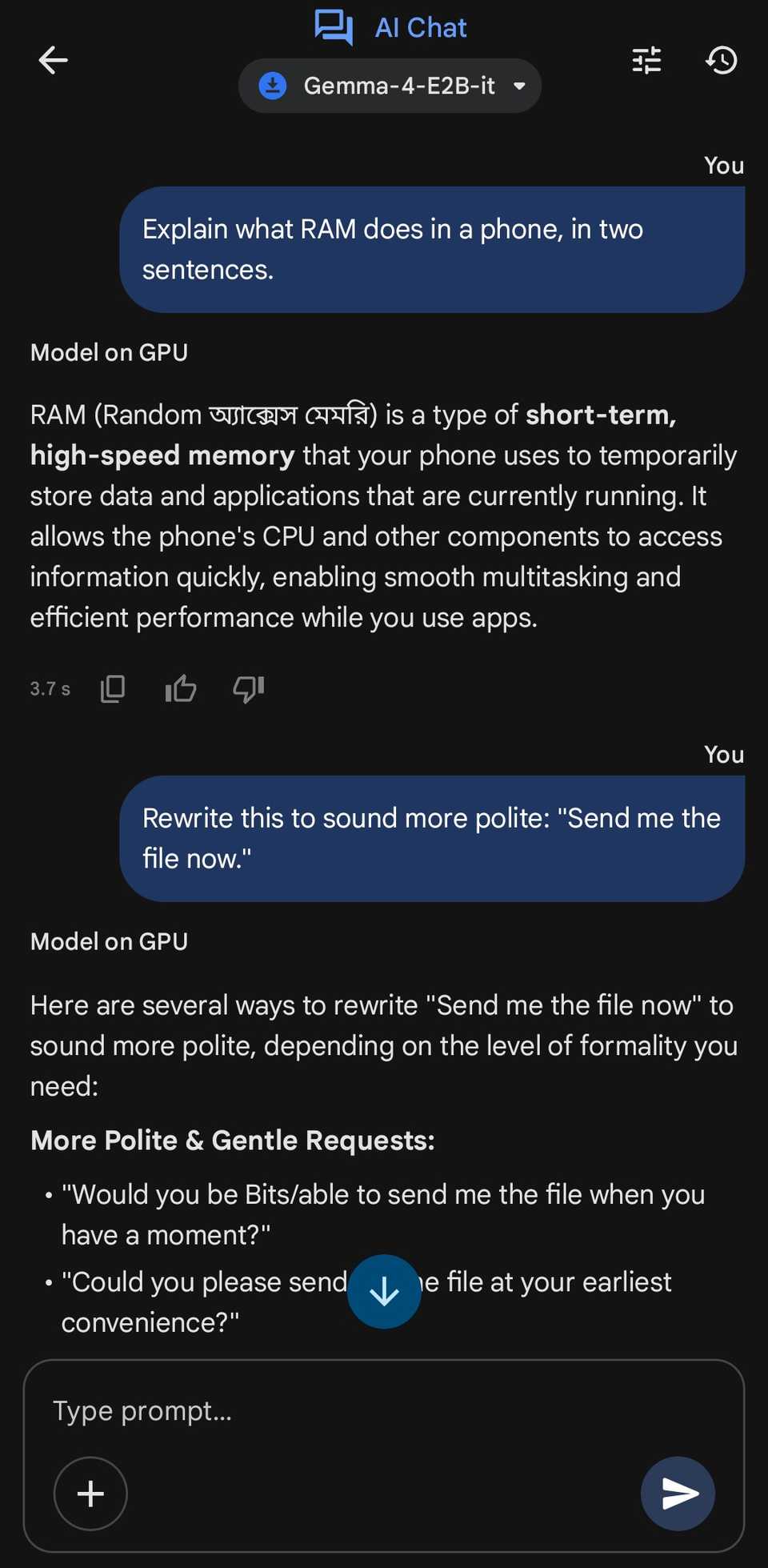
I also noticed a few strange instances where the model rendered one or two words in a foreign language, even though the entire chat was in English.
I don't have any of the languages enabled on my keyboard, so I'm not sure where they came from.

Gemini was more helpful
It connects to your apps
AI Edge Gallery gave me all of its responses in the chat, which is expected for a local model that runs in its own environment.
However, Gemini connects with other apps on your phone to bring up interactive elements.
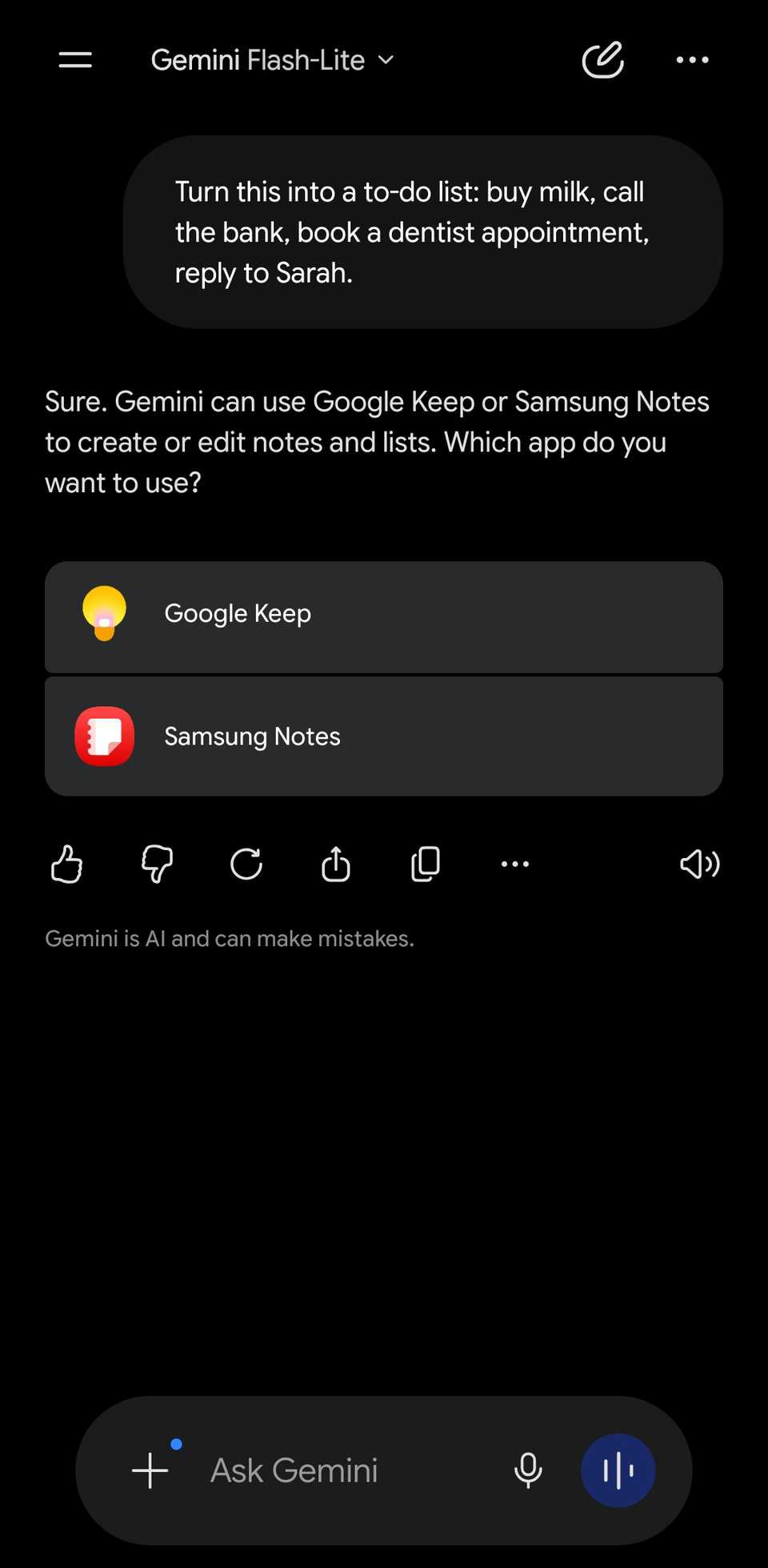
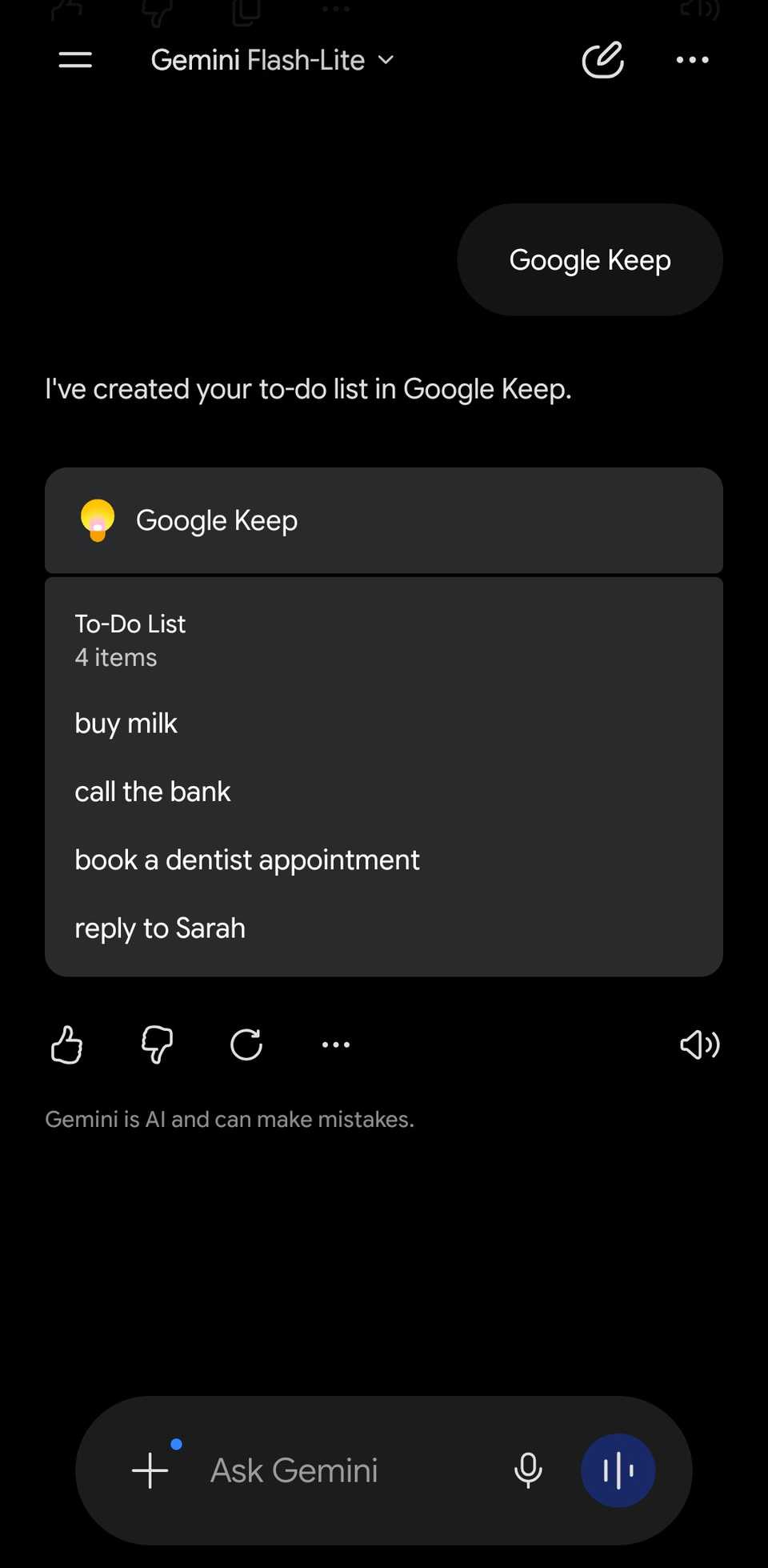
For example, during my light test, I asked Gemini to convert a bunch of items into a to-do list, and it asked me to choose between Keep and Samsung Notes. After I chose Keep, it created the list in my account.
The same thing happened with my Contacts. When I asked it to draft a two-line message telling a friend I'd be 15 minutes late, it brought up a contact card where I could click and find the person I wanted to message.
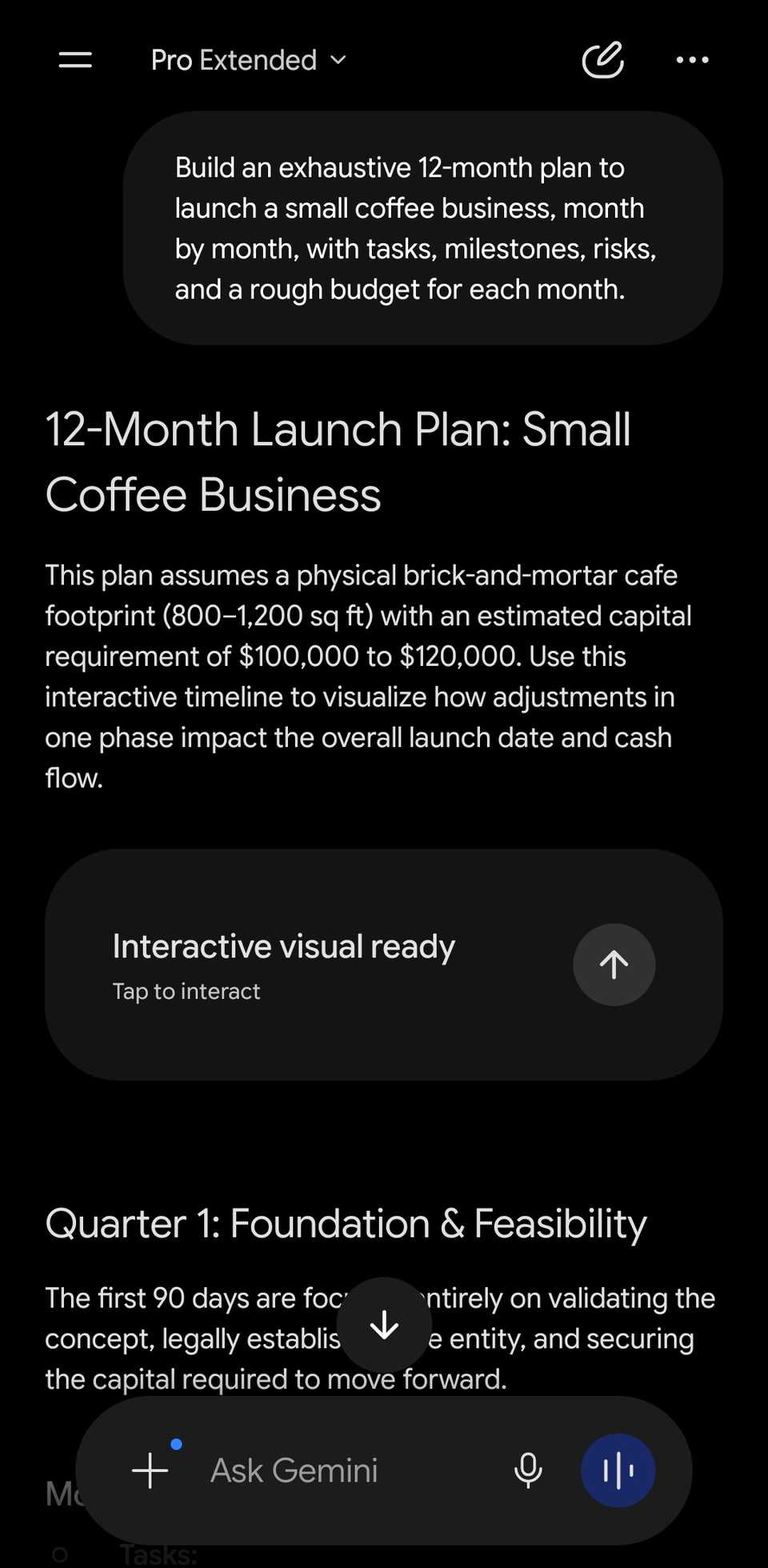
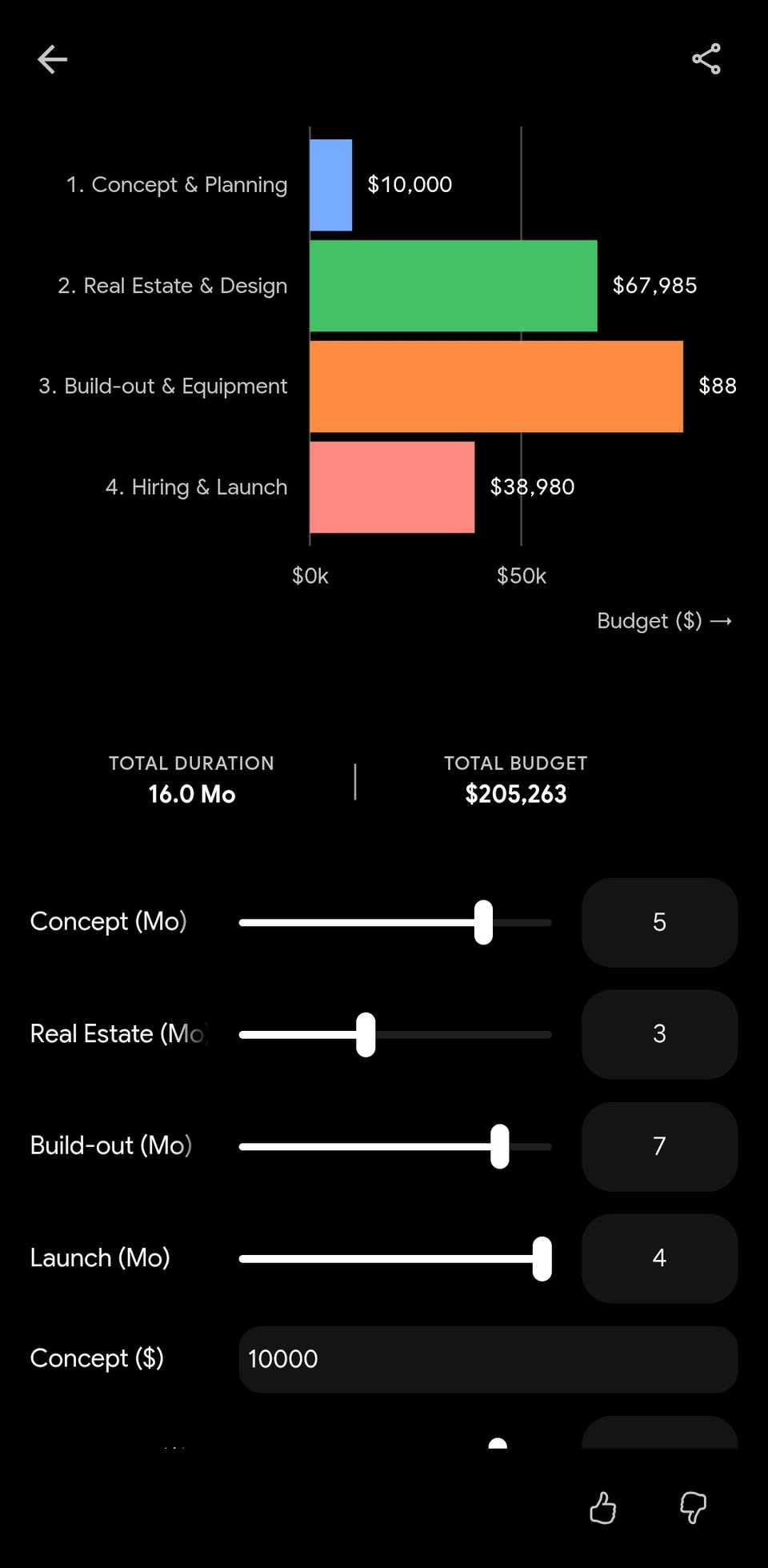
It also created an interactive visual when I asked it to draw up a 12-month launch plan for a coffee business.
Should you make the switch?
For everyday questions, running Gemma 4 on my phone barely touched the battery, and even under heavy load the extra drain came down to speed rather than raw power. I wouldn't worry about the battery if I were making the switch.
There are more important things to consider: the model is slower, it gets shakier the longer a chat runs, and it's boxed inside its own environment, while Gemini can communicate with other apps on your phone.
If your goal is to keep AI off your phone, you might be better off turning some of those features off instead.