Many of my friends compliment me, saying I have mastered note-taking. While this feels good, deserves more credit for making me look like an expert.
However, even with a great setup, you can't make good notes forever. The key to taking good notes is tweaking your setup based on your circumstances. I do this when the time is right.
I did it twice by mid-year, and it paid off. But nothing is as big as the change I made a couple of days ago; it changed everything about how I take and access my notes.
It's not a fascinating story about discovering a hidden feature only experts can use. The change is available for everyone, and you may not even know it. I only needed the intent, and Google Gemini handled the rest. Here's what I did.
I replaced Google Keep with Gemini, and it has been a game changer for my notes.
Google Keep is no longer the primary app where I take my notes
I didn't have a bitter experience using Keep
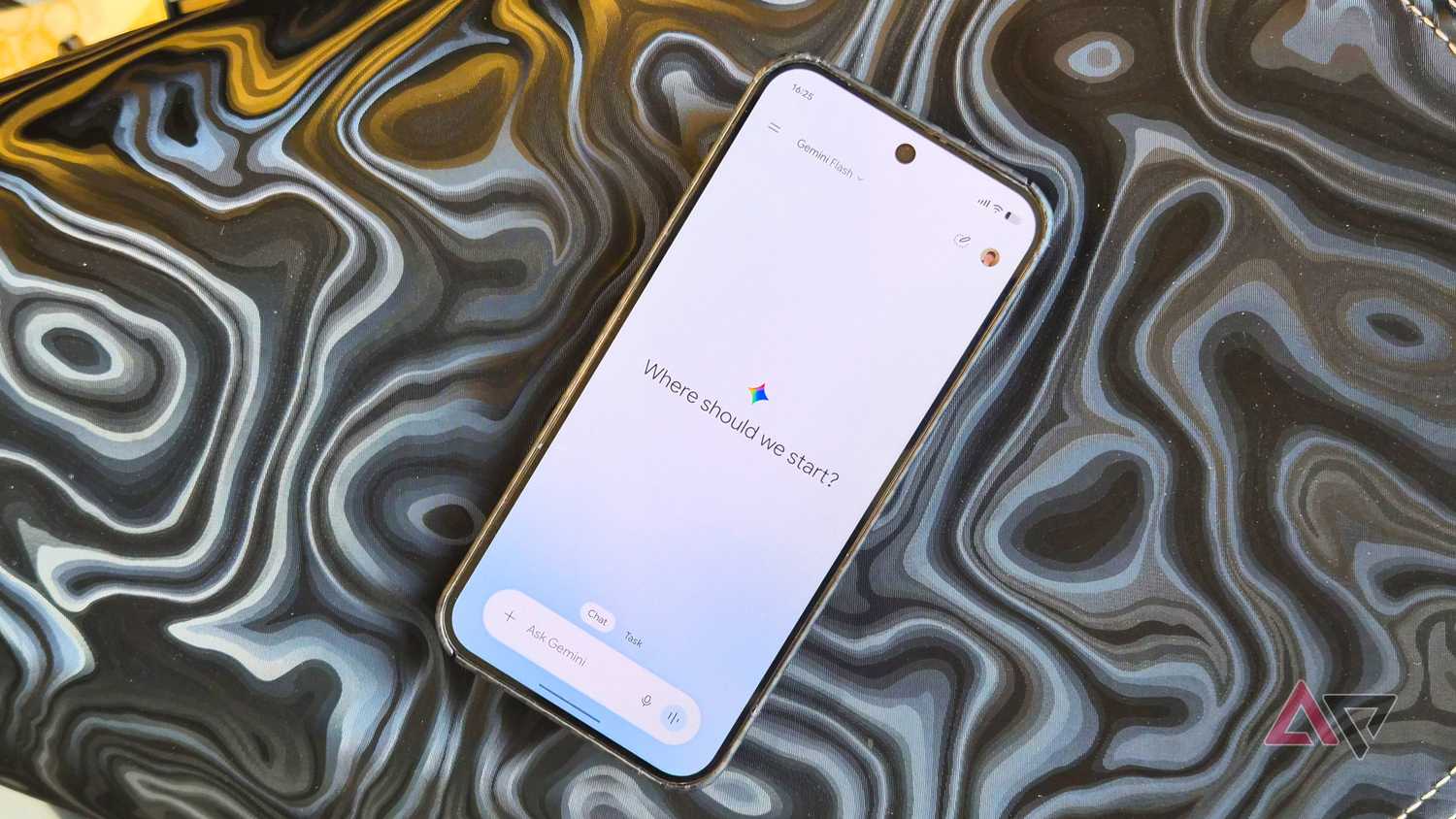
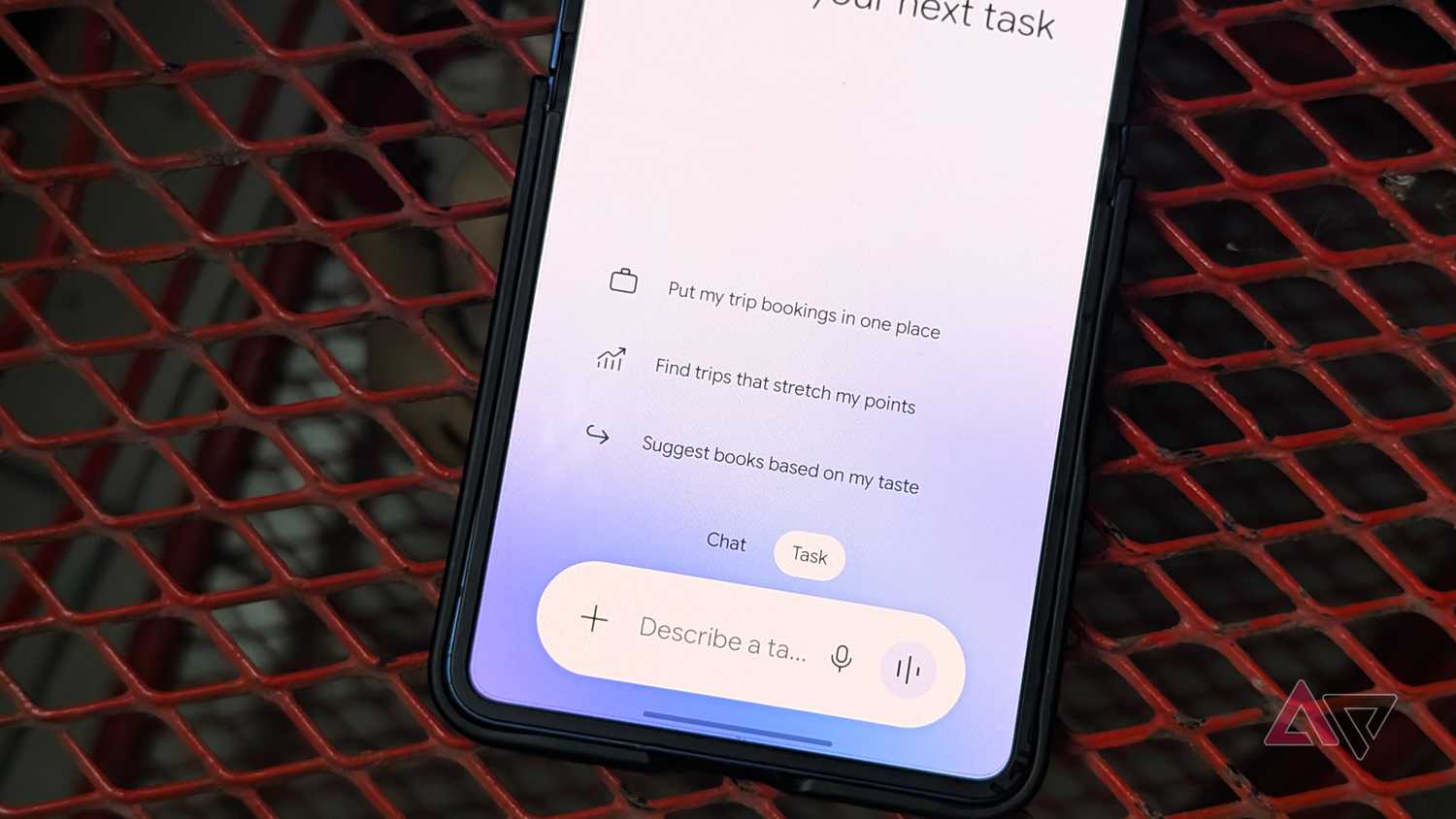
Google hasn't turned Keep into something terrible, and I've never had any issues creating or accessing notes in the app. I haven't fully quit the app yet because it hasn't lost its charm.
However, I use Keep only for noting grocery items I need to pick up for the week. I engage with the app less than I ever did, and it's not its fault. I just found a better way to take most of my notes.
Previously, when I chatted with Gemini to do research, I made quick notes in Google Keep using the connector. That's why most of my Google Keep notes are from Gemini conversations.
This was the easiest way to save information as notes on Google Keep, as I didn't need to open the app to create or access my notes. But I don't need to follow this trick anymore.
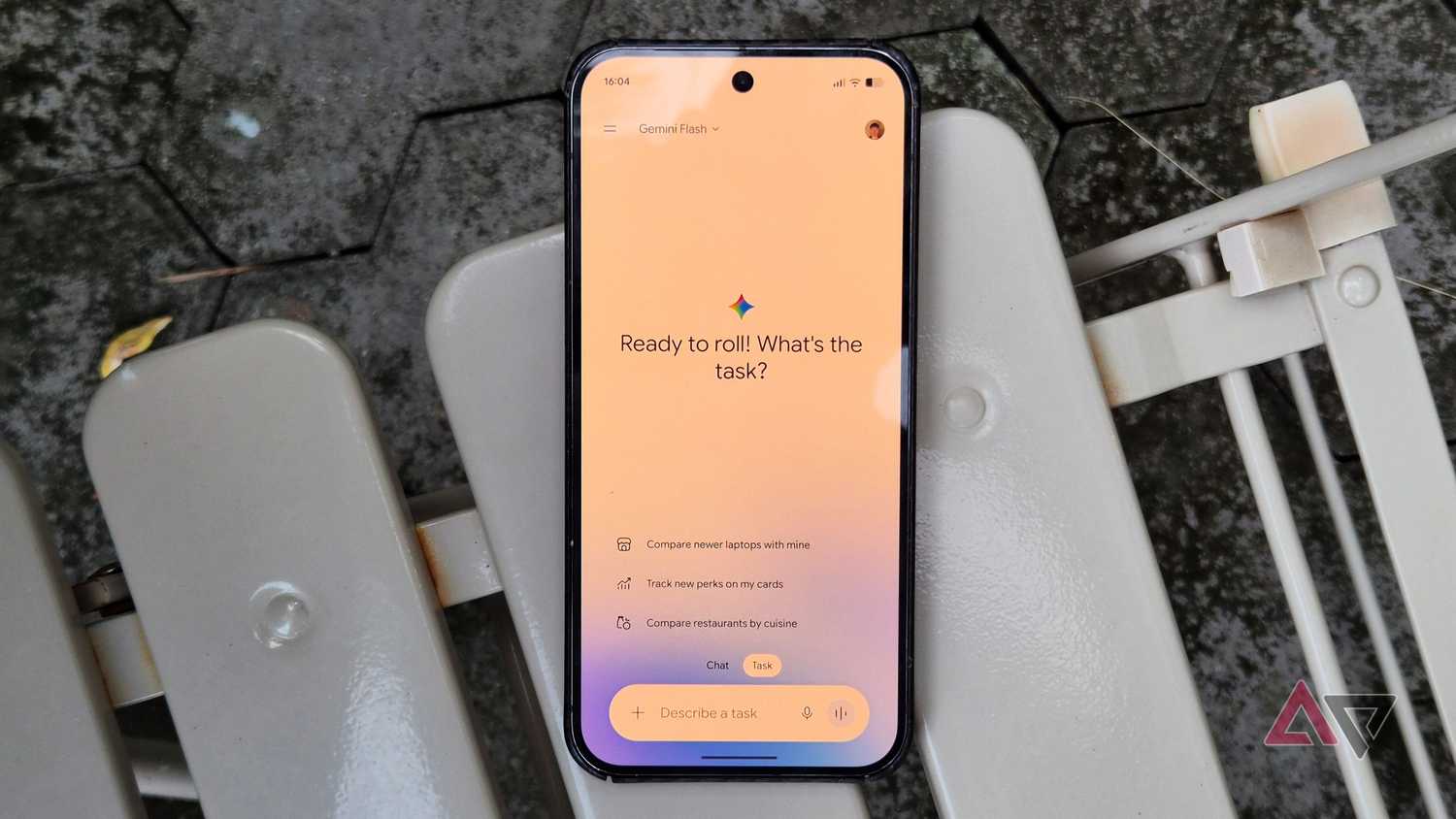
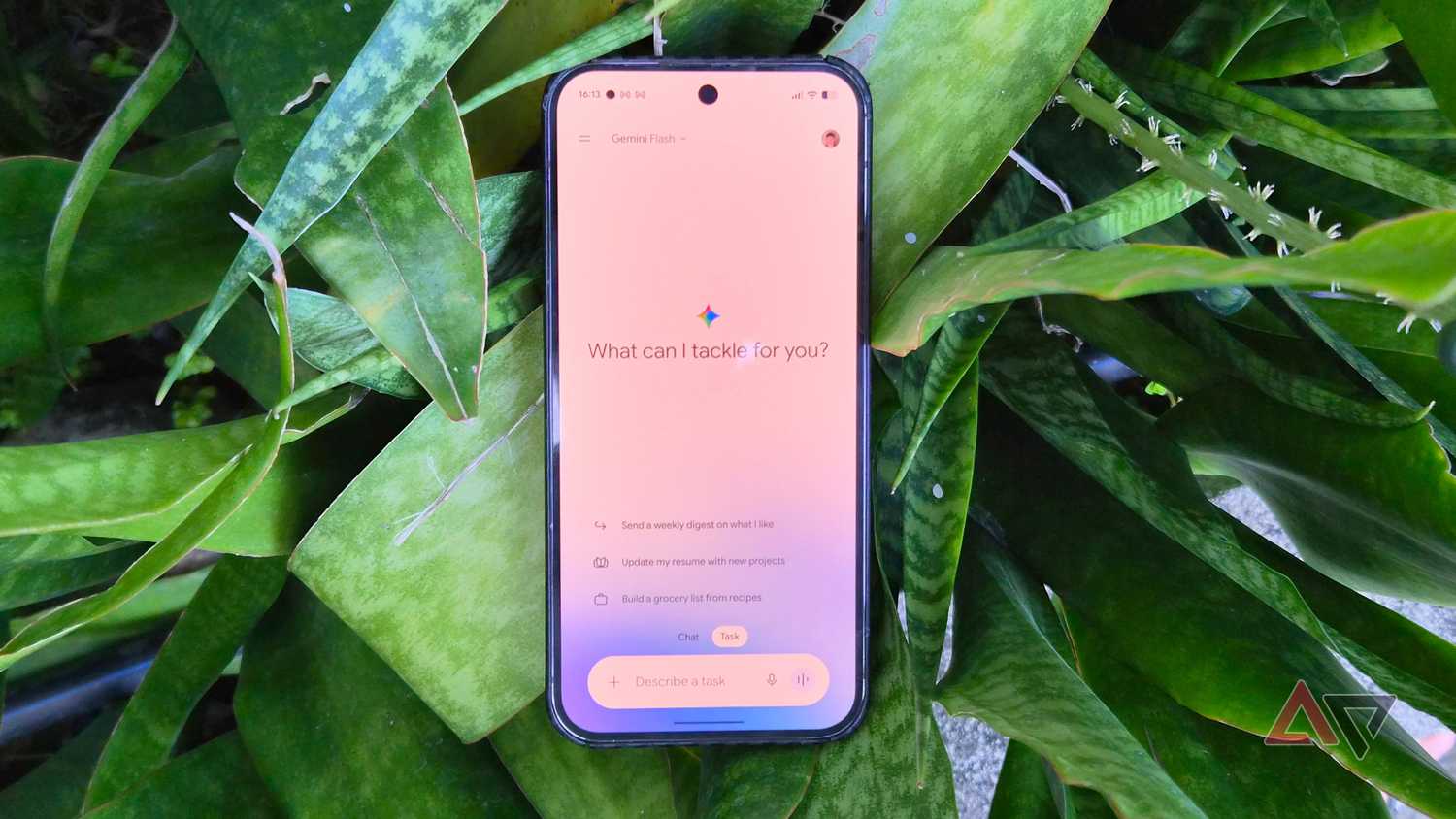
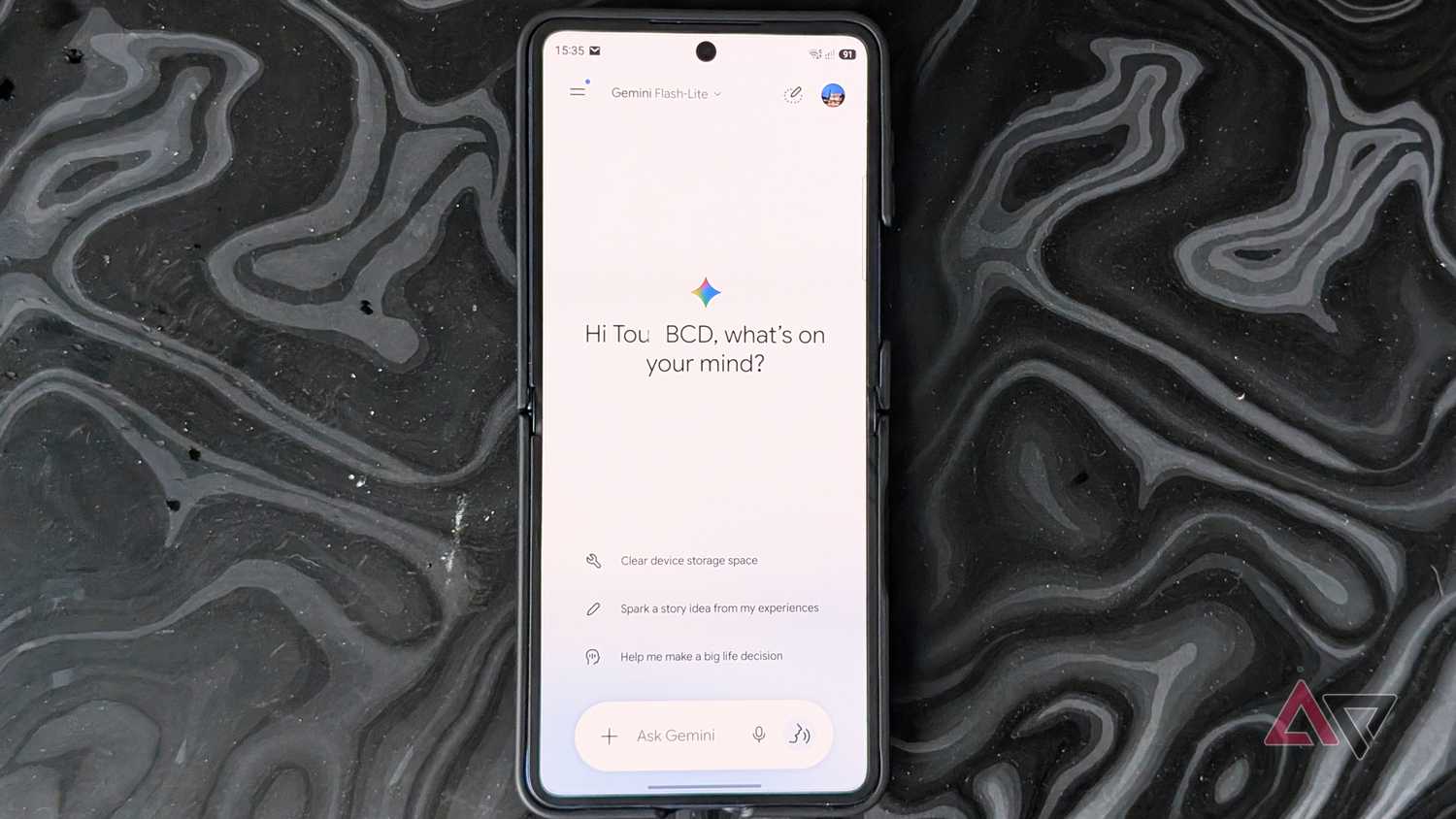
While , I can save information as Gemini notes without switching apps. All I need to do is write the right prompt in Gemini, and it saves my notes.
While my Gemini notes aren't as good-looking as the ones in Google Keep, I can do much more with notes saved in Gemini. This was my biggest motivation to replace Google Keep with Gemini Notebook.
How I use Gemini Notebook to save information as notes
My Gemini notes are more powerful than Keep notes
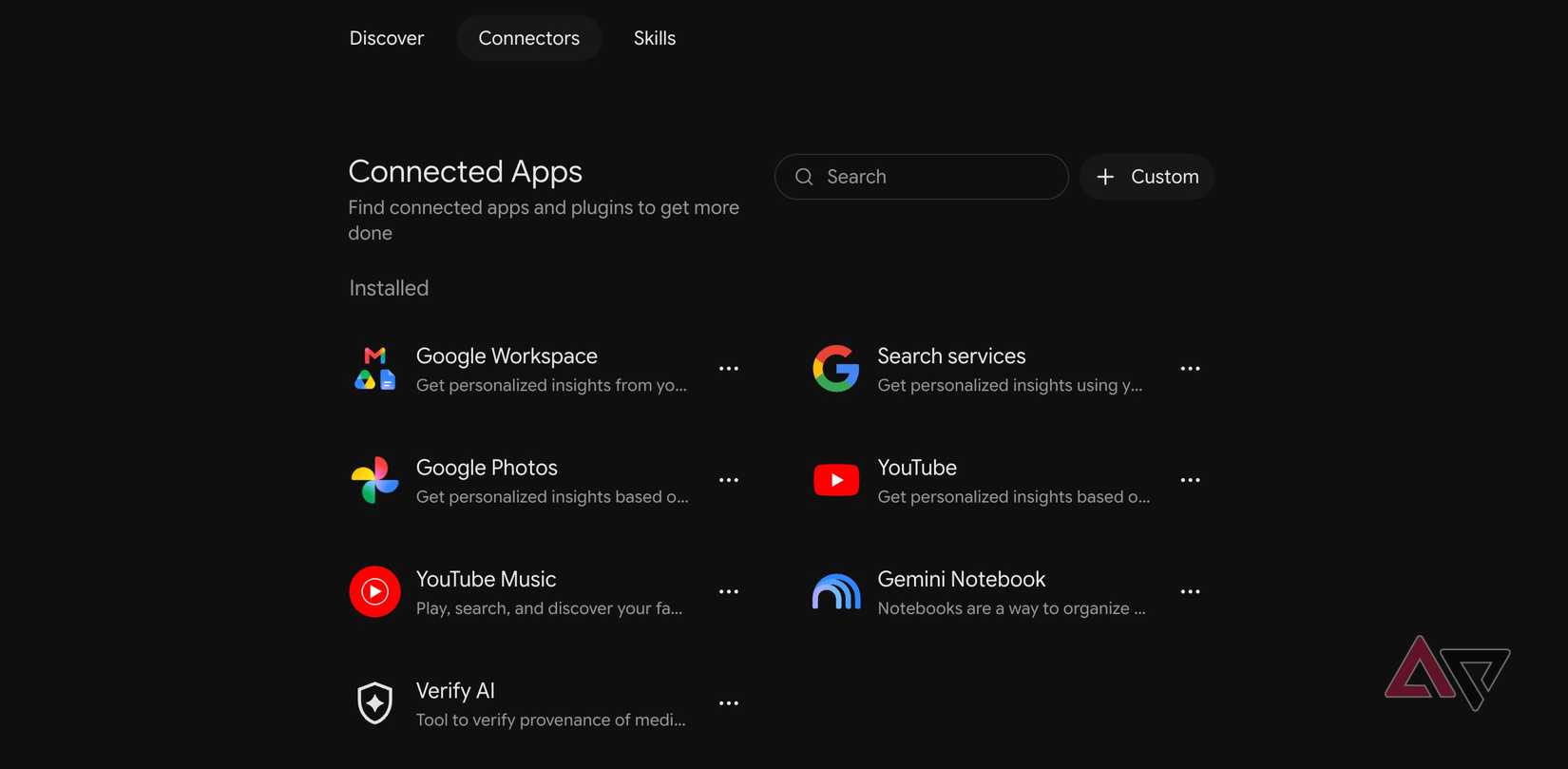
When you save information as notes in Gemini Notebook, it's available anytime you are chatting with the AI chatbot. How does that benefit you?
Imagine you are researching a topic similar to a note that you saved in Gemini Notebook. You can ask Gemini to answer questions using the context of a specific notebook.
If you don't like the answers, you can check the specified Gemini Notebook to double-check whether the information is from credible sources. But this isn't how I do it.
A Gemini prompt can show you all the sources in your notebook on a particular topic. For example, if you have several notes on a specific topic, you can write a prompt in Gemini to show all sources related to the subject.
If I feel the notebook needs changes, I can edit it with a prompt. I can also delete a notebook without opening Gemini Notebook.
For example, after creating a notebook, you can generate an AI video on that topic or turn the notes into a podcast that you can listen to on your commute. You can also create quizzes, mind maps, and Slide Decks.
This is possible because Google recently added the connector to Gemini. You can use the Gemini Notebook connector to create, edit, and retrieve information from an existing notebook.
All you need to do is type before your prompt. The connector is available for everyone, including personal Google account holders.
The Gemini Notebook connector is a game changer
Gemini Notebook and Google Keep exist as separate products because they solve different problems.
Since I never needed to take daily notes and used the Keep app to save information, I don't miss the it has to offer because I hardly needed them.
For the kind of notes I take, Gemini Notebook has always been a better fit. But before the connector support, it wasn't as easy to get started with the standalone Gemini Notebook web client or app, since you had to do everything manually.
The Gemini Notebook connector in Gemini eliminated that obstacle, and it has been a game changer for my notes.