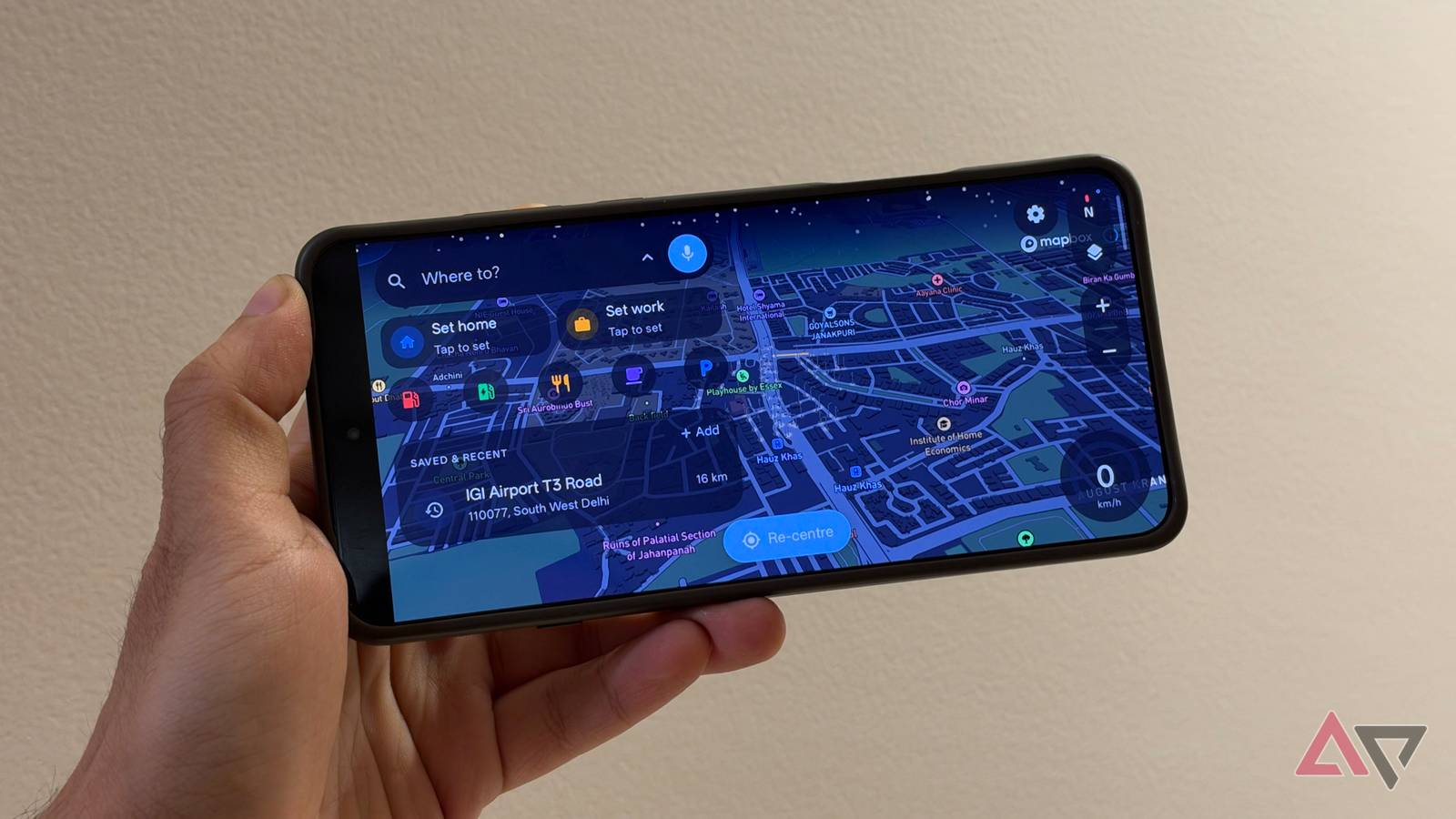
Google Maps is a brilliant, all-encompassing tool. It's my go-to when I'm looking for new restaurants, store hours, and the fastest way to get there, factoring in traffic.
However, there's a difference between figuring out where to go and how to get there.
can do both, but the result is an app that has an increasingly busy interface full of search, recommendations, business listings, and, yes, ads.
I've been looking for a simpler tool that focuses on navigation.
Recently, I came across an open source app called Horizon Maps that promises to do just that. It has no ads, no recommendations, and only does one thing. And I think it's great for that.
A navigation app that focuses on driving first
Extensive map customization support
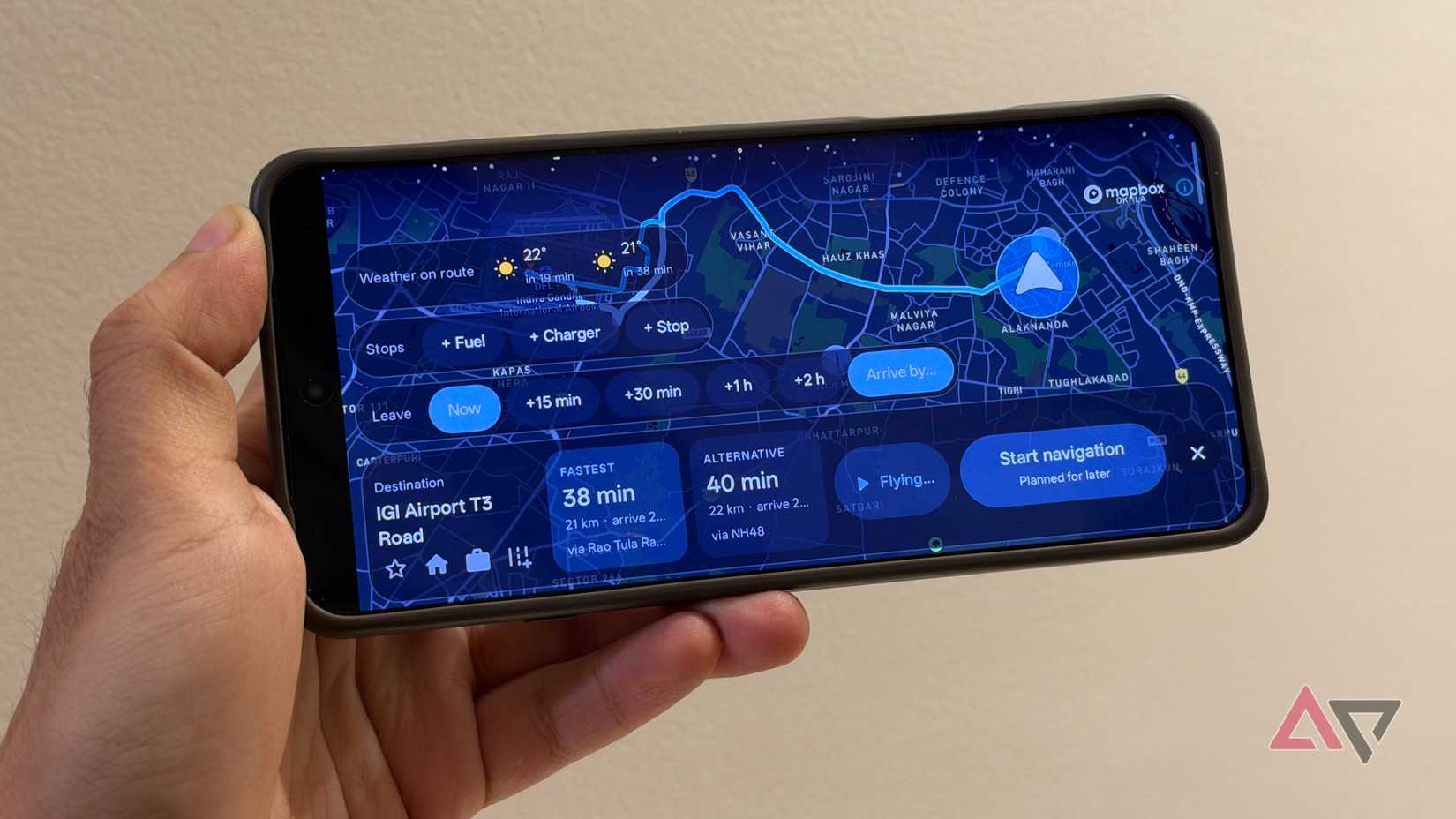
One of my biggest frustrations with Google Maps is that the actual navigation experience is just one part of what Google Maps does. A lot is happening in the app, and getting you to your destination is only one part of it.
Horizon Nav takes a different approach. The map sits front and center. The interface might look a bit dated, but it takes direct inspiration from old-school like those by Garmin and TomTom, and is focused entirely on driving.
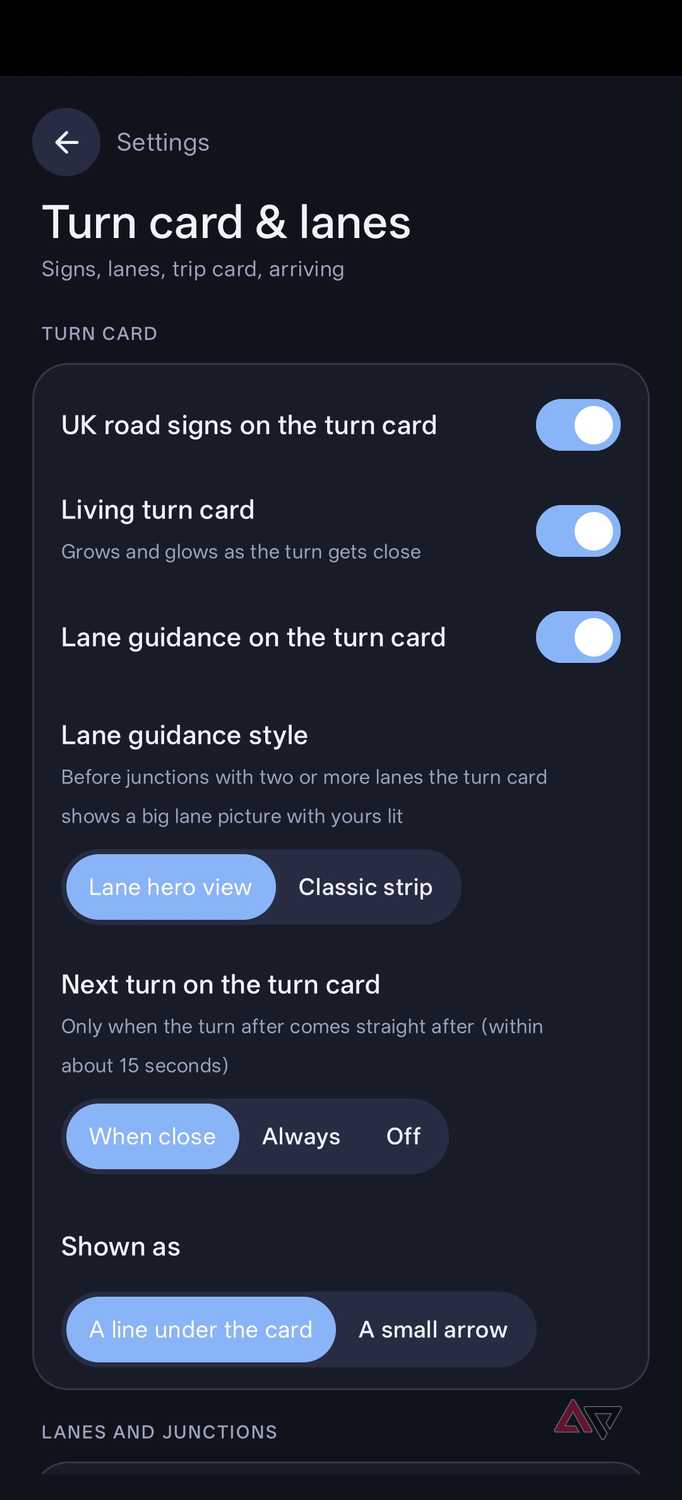
It shows your current position, upcoming turns, route information, and speed. All the essentials, none of the cruft. But that doesn't mean that the app is bereft of features.
There are plenty of mapping apps, but where Horizon Nav differs is in the degree of customization it offers.
You can switch between 2D and 3D views, adjust the default zoom level, and choose between day and night modes. Some of these might sound standard, but what isn't standard is how the app lets you make granular changes to the map.
For example, you can toggle 3D buildings and streetlights. The app will even let you pin the sun's position based on its real-time position in the sky and add a glow to the map on a moonlit night.
The coolest addition might be a weather-based overlay on the map. I left that one off because of visibility concerns.
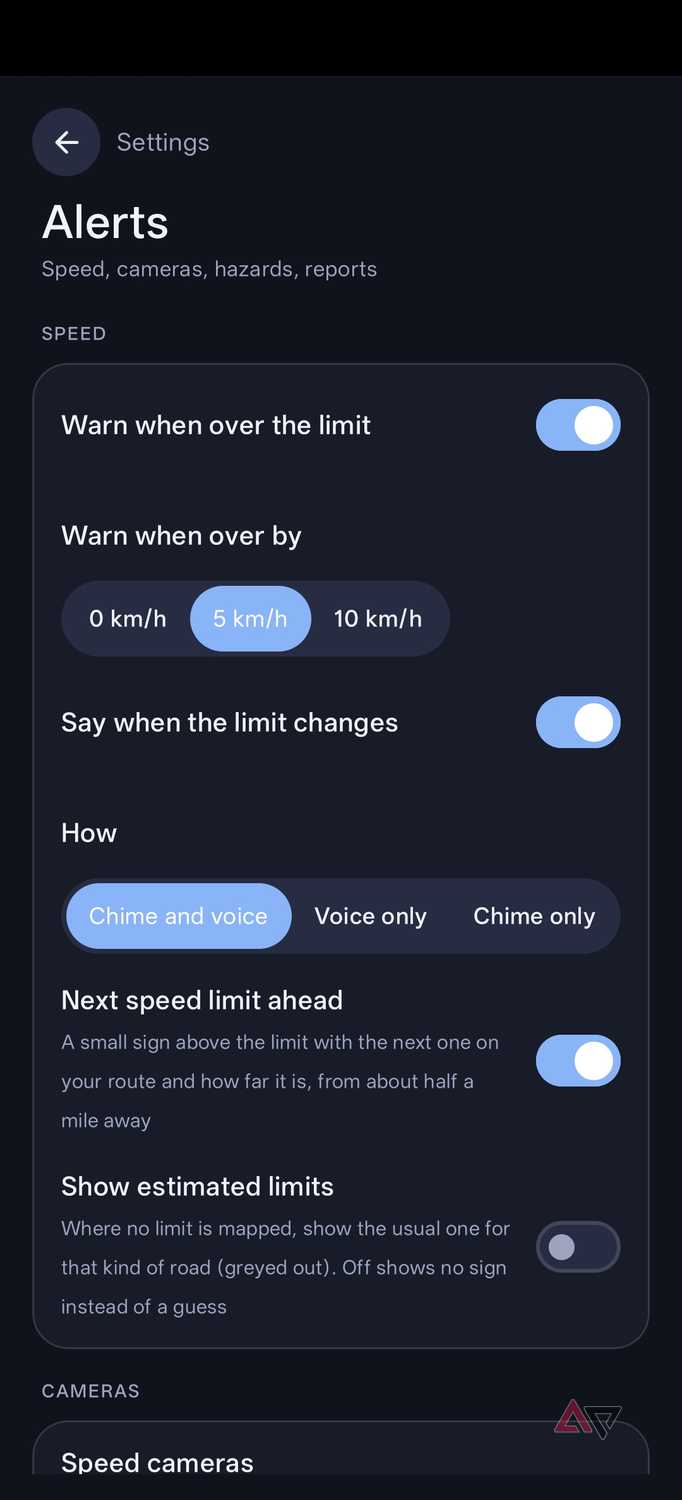
If you don't care about any of that, you'll also find more practical features like speed limits and speed camera alerts. Horizon Nav can display speed limits and enforcement zones.
I've found the accuracy good enough for my use, but not quite as good as Google Maps, which makes sense as the backend here is OpenStreetMap.
Installation can be cumbersome, but the benefits are worth it
Download entire regions instead of fiddling with rectangles in Google Maps
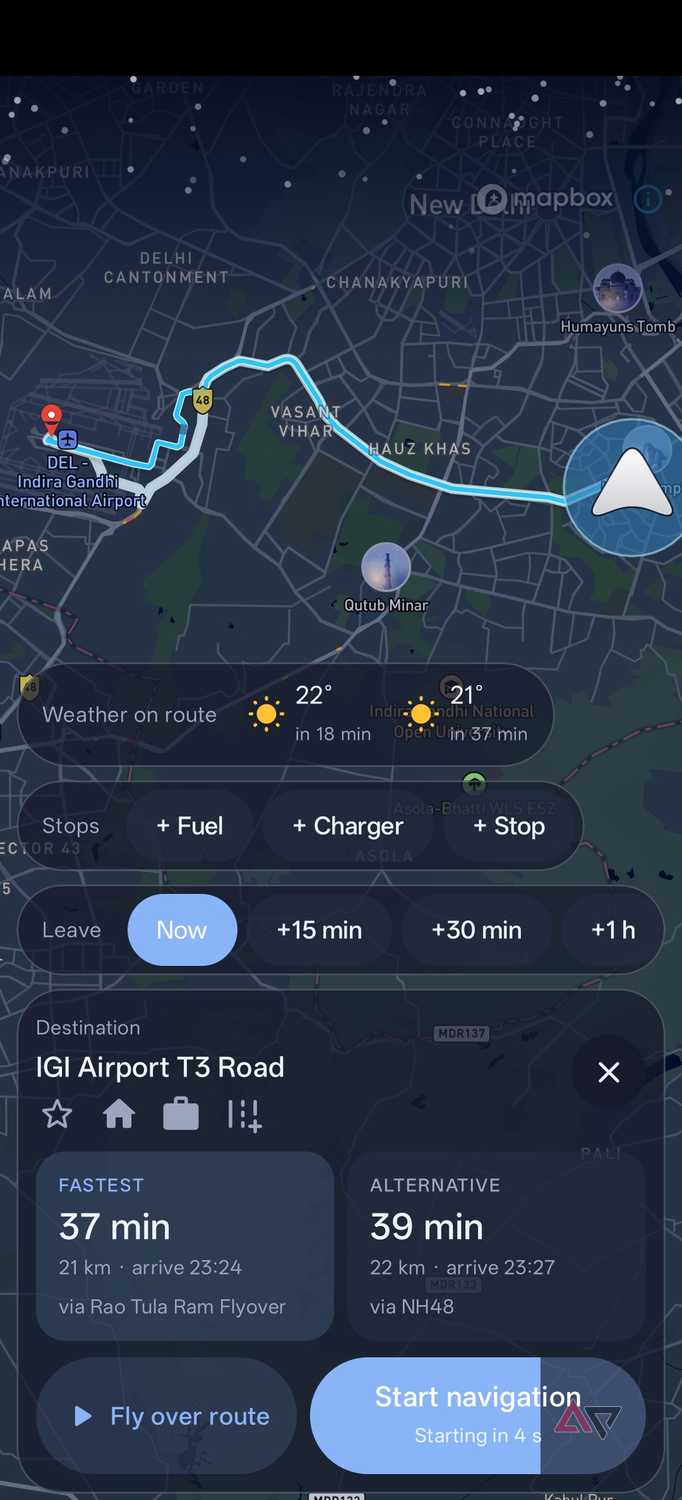
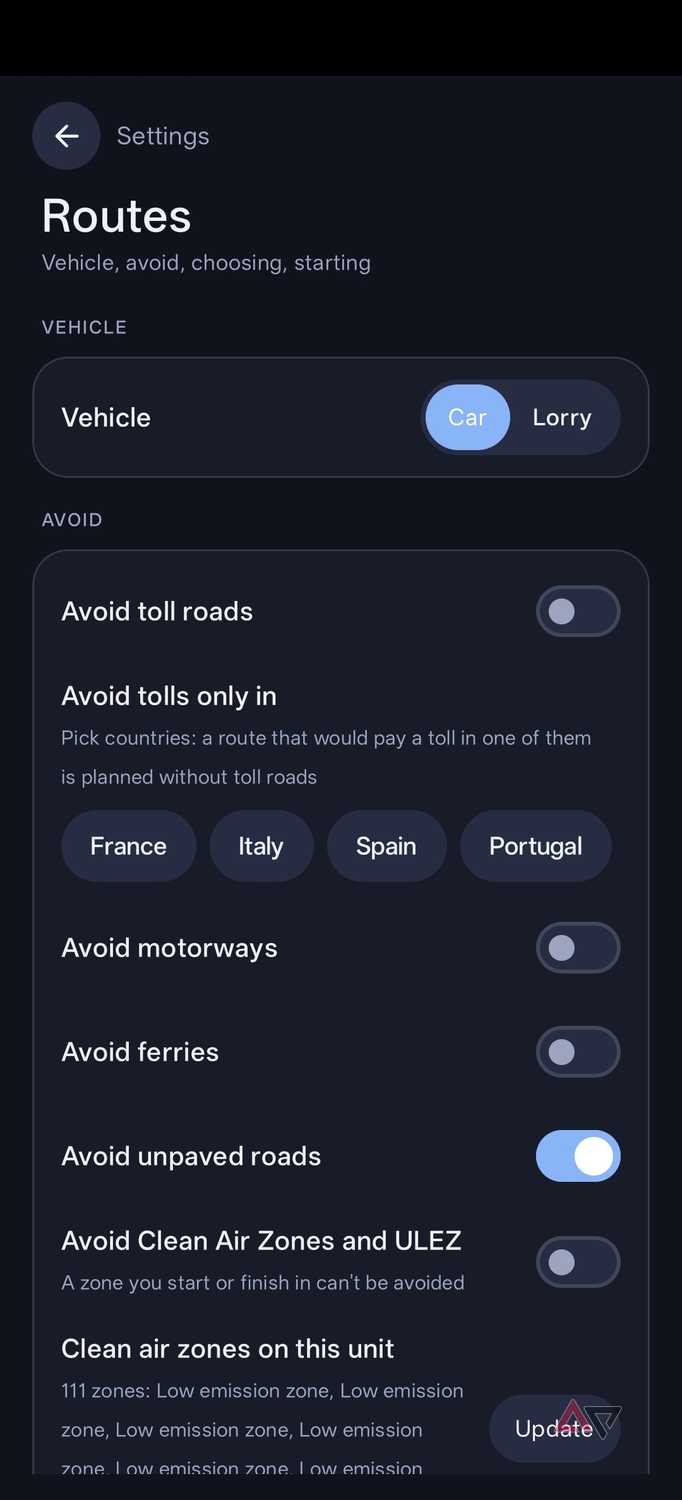
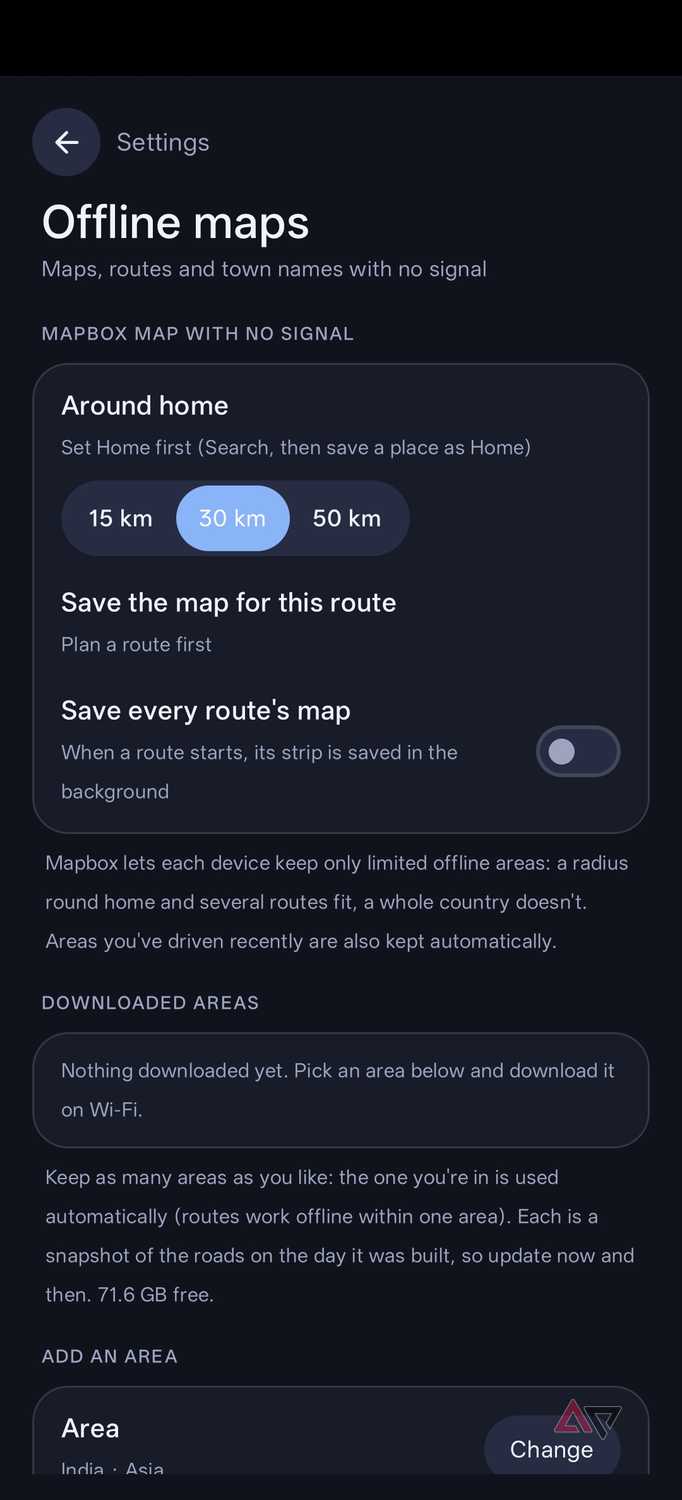
What makes Horizon Nav particularly interesting is how well it handles offline navigation. I drive the expressway often enough, and losing internet connectivity is common.
forces you to draw rectangles on a map to download a region. Horizon Nav, on the other hand, keeps it simple. You can filter down to countries and cities to cache the region.
The benefits are obvious: it lets me cache my route offline before I set off and handle full navigation offline.
Horizon Nav takes an interesting approach towards the back-end mapping infrastructure. Instead of building its own mapping service, it taps into providers like Mapbox and TomTom. This means initial setup is a bit more involved than just pulling up Google Maps.
You'll need to go to the developer portals for Mapbox or TomTom to create API tokens. Copy and paste this token into the app, and you're good to go. You only need one, and the free version more than suffices for normal use. However, the process adds a few extra steps.
On the topic of privacy, Horizon Nav doesn't require accounts or logins. It also doesn't serve any ads. All your saved locations and trip logs are saved only on your device.
That is part of why it uses Mapbox for mapping data, since building its own system to serve OpenStreetMap would inevitably come with a cost.
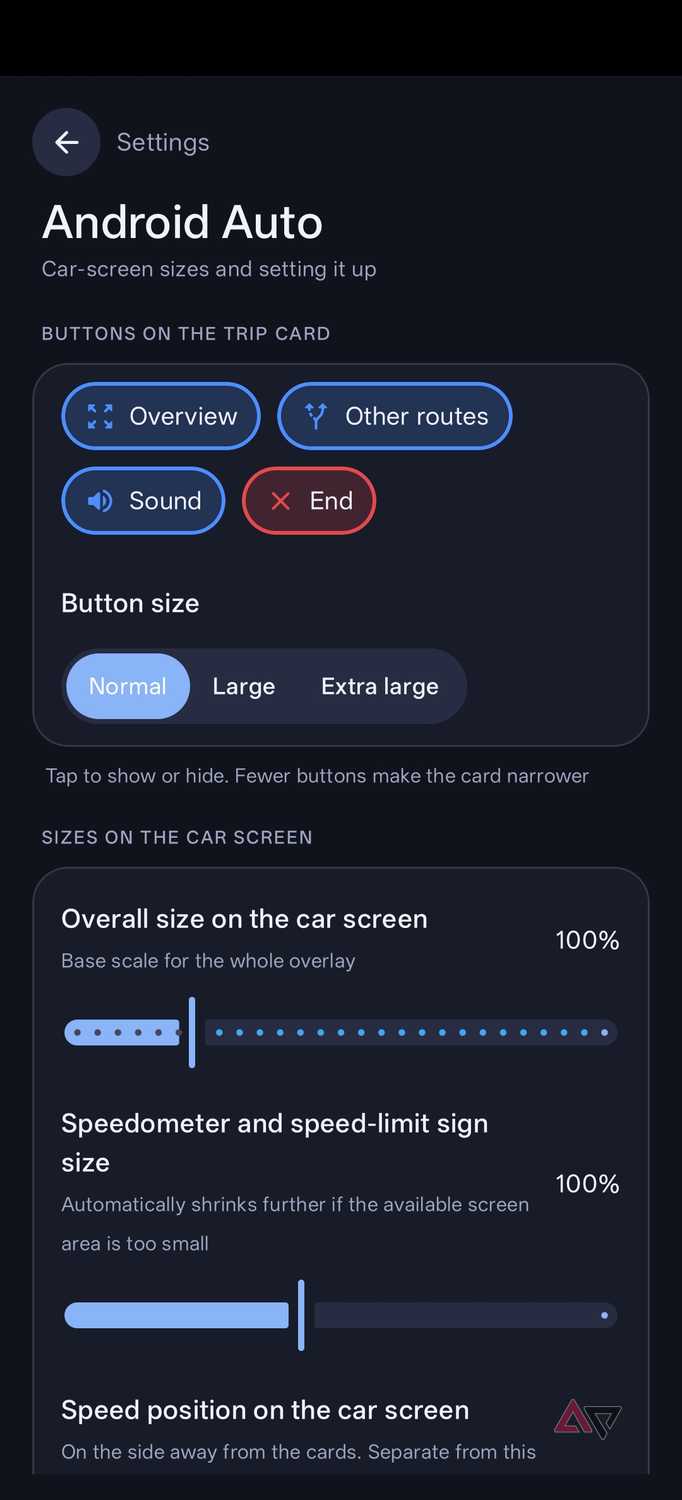
While the app is primarily designed to be used in isolation, it supports , making it easy to integrate into your daily commute.
Horizon Nav proves that a navigation app doesn't need to do everything to get the basics right
When I first started looking for , I was trying to solve a problem. Horizon Nav solves that and also proves that for an app to be good, it doesn't need to solve every problem. A singular focus on making the basics good can be enough for it to succeed.
Horizon Nav gets that right. It has excellent offline support and a breadth of customization options that let you tune the experience exactly how you want it, making the small amount of effort needed in setting it up worth it.
If you've been eyeing options that cut the noise from the navigation experience, or something different than Google Maps, this one's worth a look at.
Horizon Nav is an open-source navigation app that offers ad-free mapping using Mapbox or TomTom.