
Google Photos, Drive, and Gemini have been essential to my Android experience.
However, with the rise of open source apps on Android, I started wondering whether I really needed to depend on Google's services for almost everything.
That's when I decided to experiment, and after spending time with apps like Fossify Gallery, Nextcloud, and Gemma 4, I realized that I didn't need to rely on Google's ecosystem nearly as much as I thought.
Fossify Gallery replaced Google Photos
A simple gallery that gets the basics right
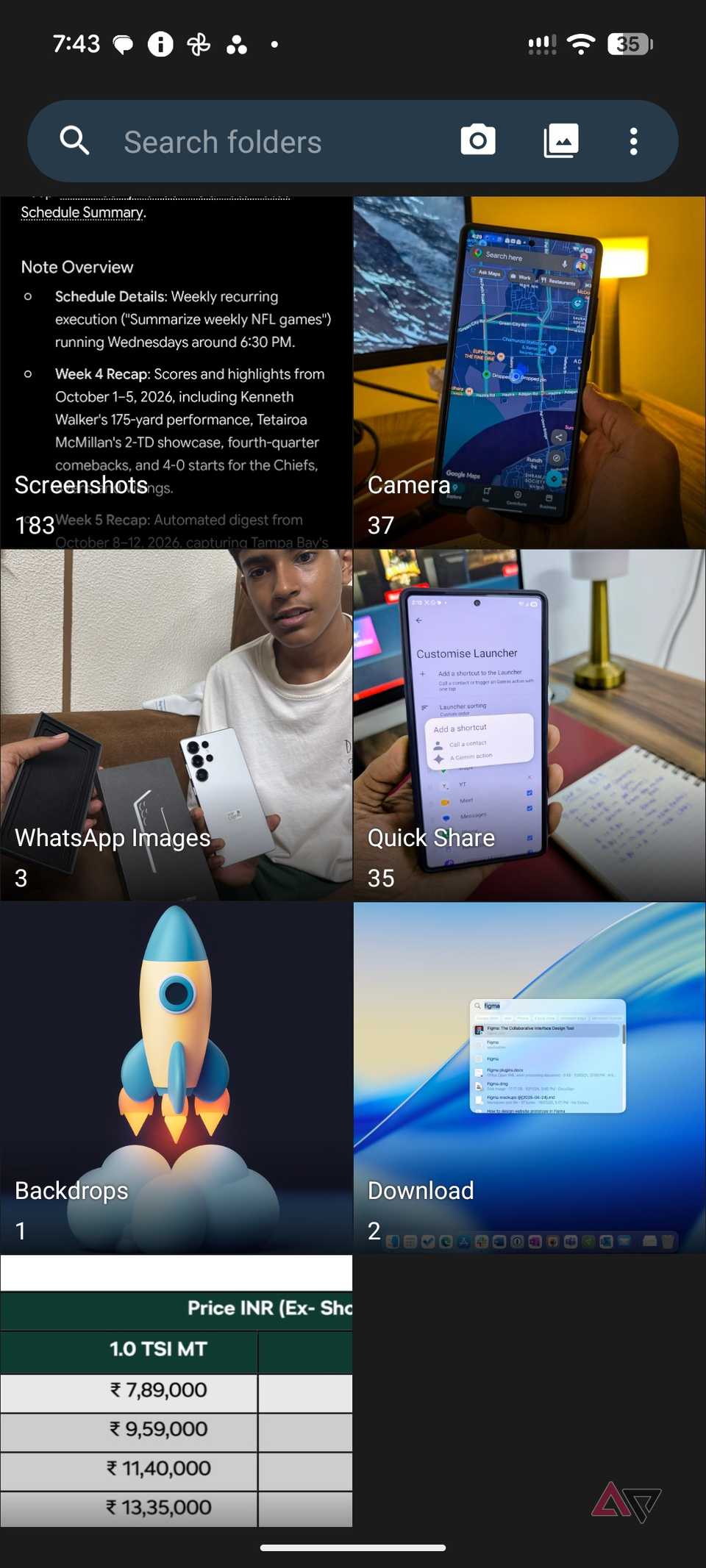
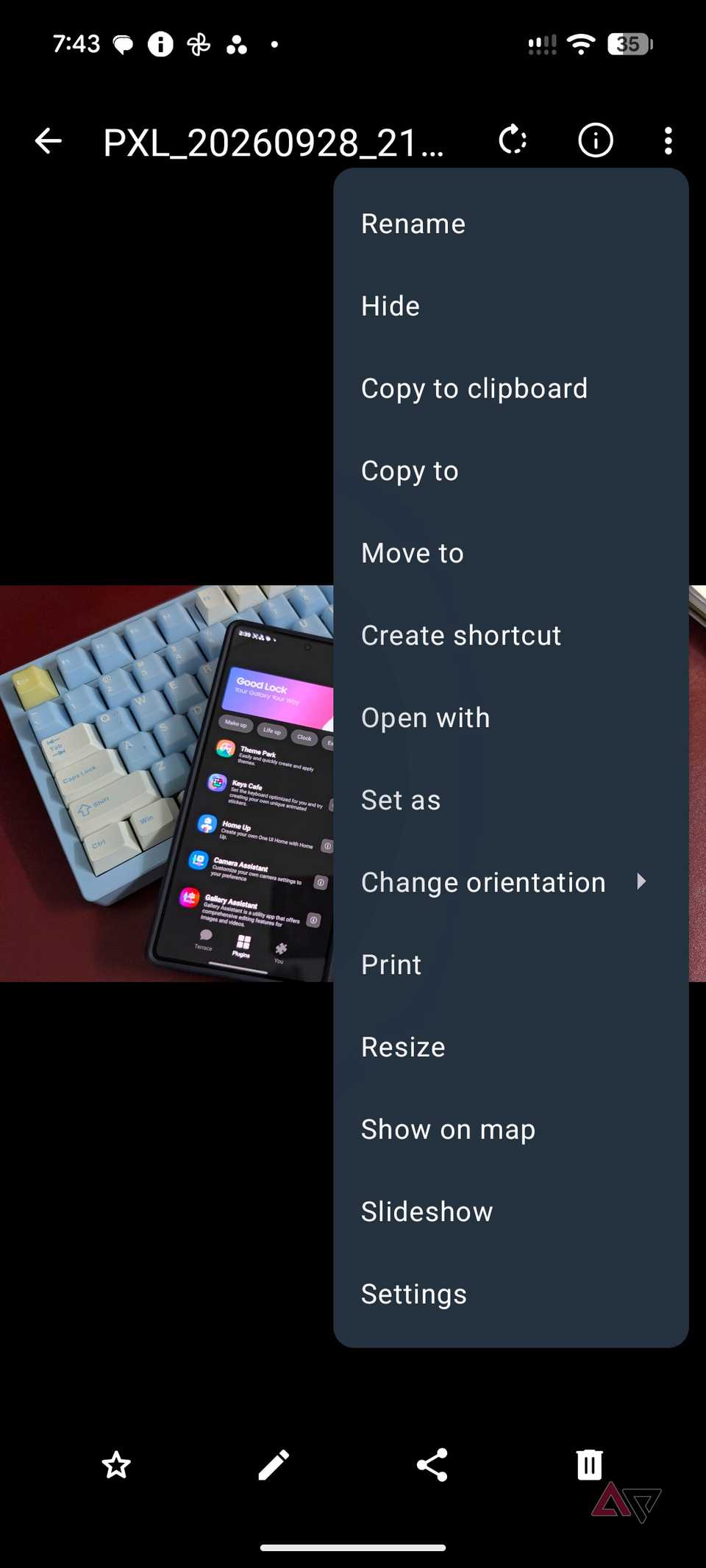
I don't need a gallery app packed with generative AI tricks, endless editing tools (I prefer Lightroom desktop for that), or features I will probably never use.
I simply want a free, open source, local-first gallery that lets me browse, organize, and manage my photos without unnecessary distractions.
That's exactly what I found with Fossify Gallery.
The app gets the basics right. I can quickly browse locally stored photos and videos, organize them into folders, move or copy files, and perform basic edits without jumping through hoops.
It also comes with a beautiful Material You-inspired interface that feels right at home on Android.
It also offers additional features like search, filter options, theming options, biometric protection, and more.
That's where Fossify shines for me. Google Photos has become a feature-packed service with AI editing tools, Memories, recommendations, and plenty of other extras that I rarely care about.
While I appreciate what Google offers, I sometimes want to find a locally stored photo on my phone without wading through a busy experience.
However, Fossify Gallery doesn't offer cloud backup, but that's not a dealbreaker for me.
I use Nextcloud to back up my photos and files, so I don't need another gallery app to handle that.
And that brings me to my next Google replacement.
Nextcloud took over Google Drive
My cloud storage, my rules
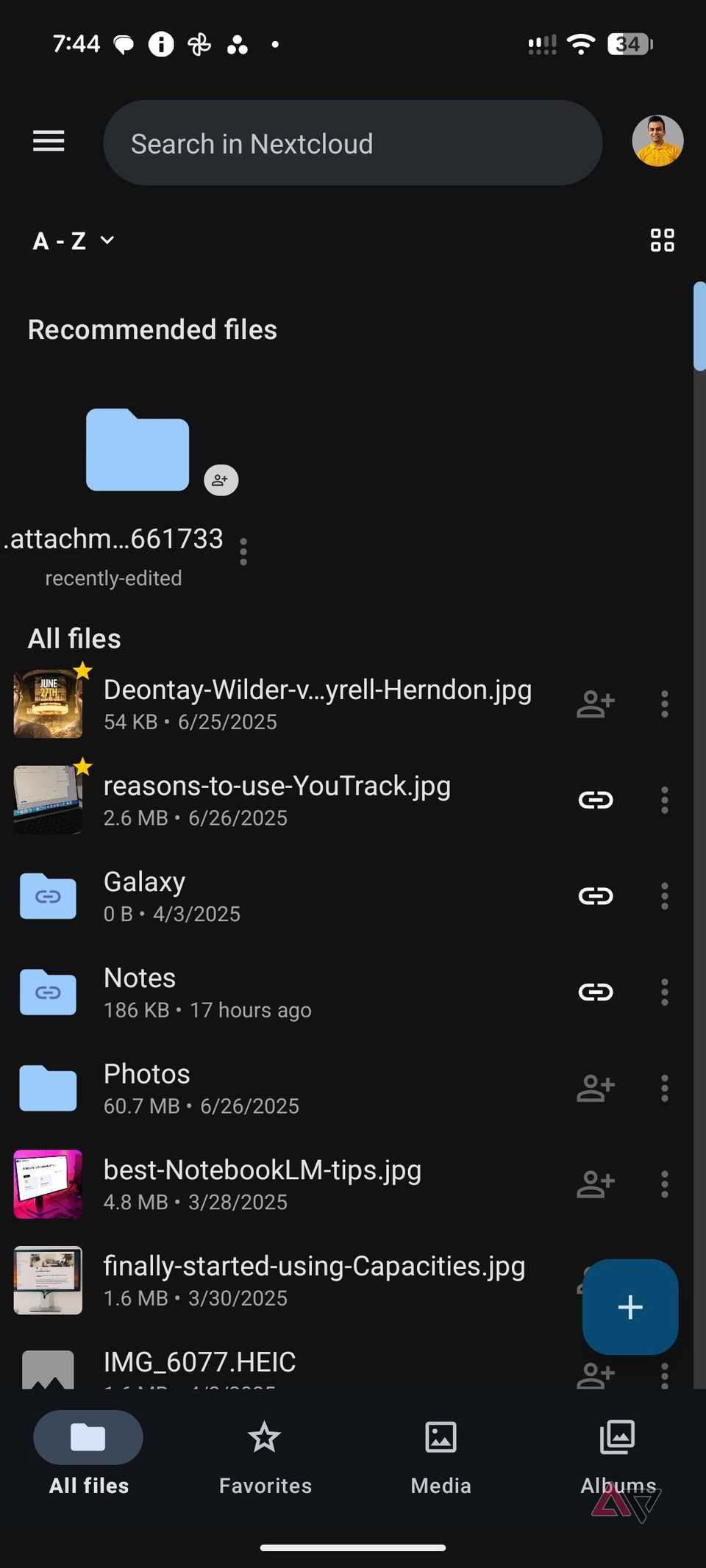
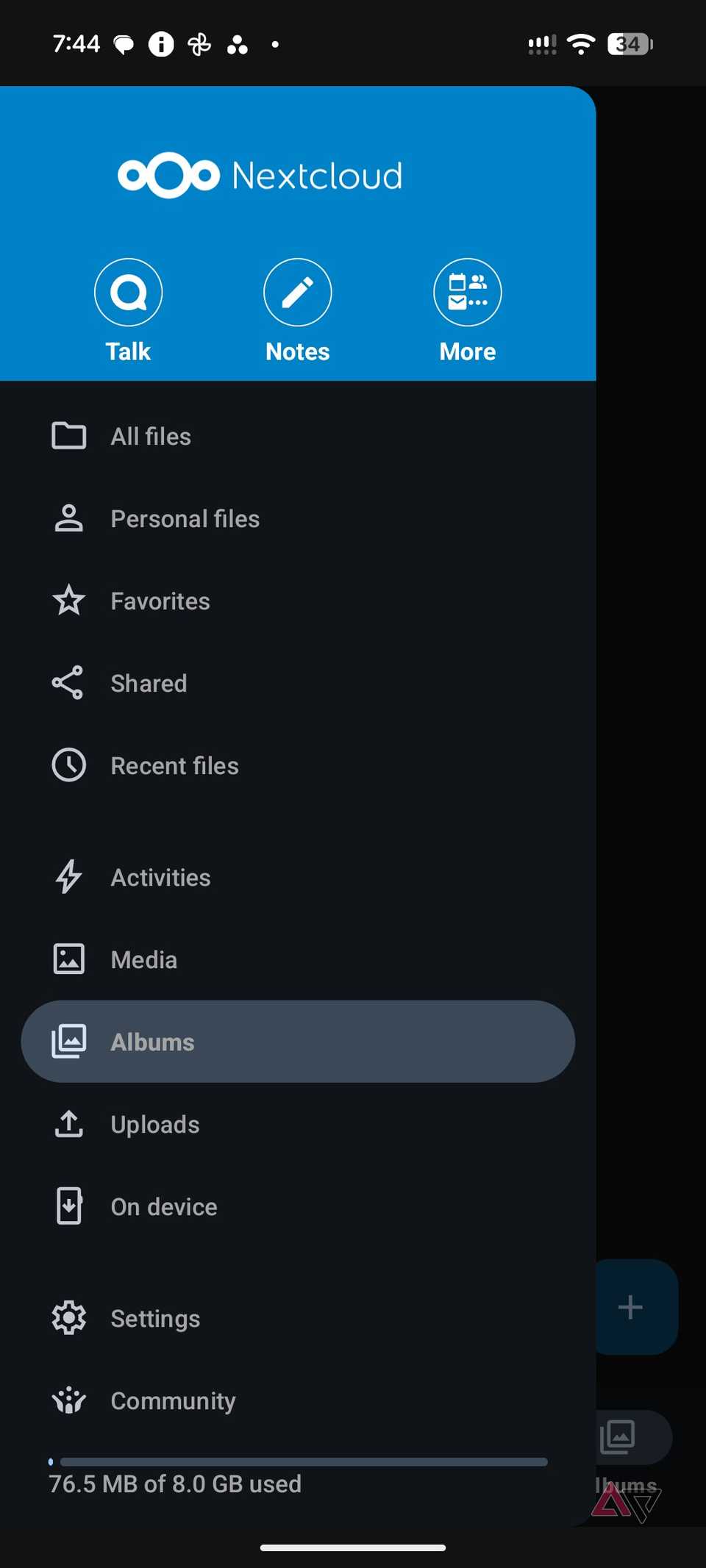
is easily one of the best self-hosted alternatives to Google Drive out there.
Unlike traditional cloud storage services, it gives me complete control over where I store my files.
Setting up Nextcloud requires some initial effort, especially if you are new to self-hosting.
However, once everything is up and running, the rewards are immense.
The Android app is excellent, too. It comes with a beautiful Material You-style interface that makes browsing folders, uploading documents, and managing files feel effortless.
One of my favorite features is automatic media uploads. I can back up my photos and videos to my Nextcloud without relying on Google Photos.
Nextcloud also offers native desktop clients for Windows, Mac, and Linux, so I can access and sync files across my devices easily.
Another major advantage is storage flexibility. Instead of dealing with Google's fixed storage tiers, I can expand my Nextcloud storage based on my hardware and configuration.
File sharing is equally impressive. I can generate sharing links, protect them with passwords, set expiration dates, and control access permissions.
Nextcloud has been around for years and has a proven track record in the self-hosting community.
It's a mature, no-nonsense solution that handles my cloud storage needs without locking me into another subscription.
Gemma 4 via Google AI Edge Gallery
Powerful AI without an internet connection
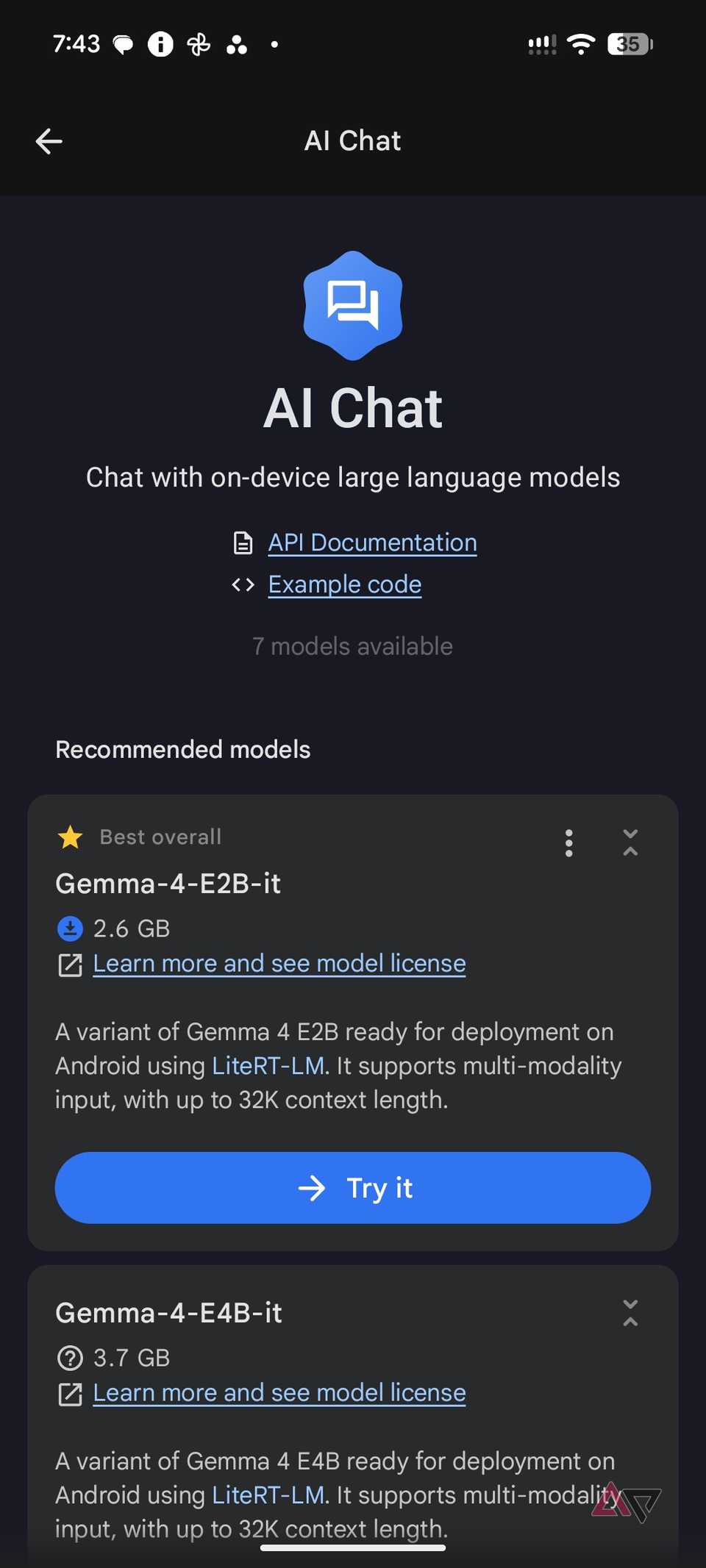
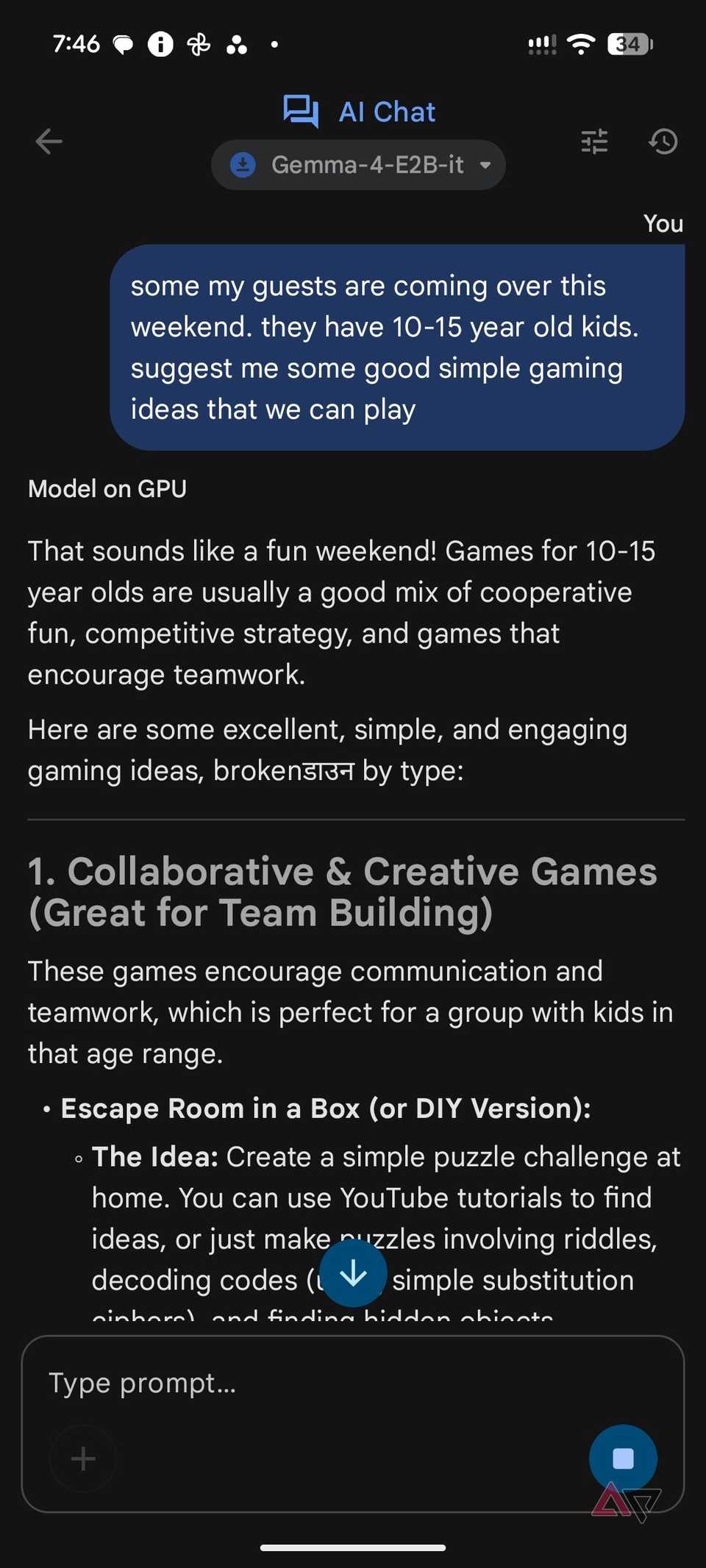
Gemini is excellent, but I don't always need a cloud-based AI assistant for every little task.
That's why I started using Gemma 4 through Google AI Edge Gallery on my Android phone.
I use it to summarize text, brainstorm article ideas, rewrite sentences, explain complex topics, and handle everyday questions.
The responses are fast on my device, and the best part is that everything runs locally.
After I download a model, I can use it without an internet connection.
There are two mobile-friendly Gemma 4 models to choose from. E2B is ideal for phones with around 8GB of RAM, while E4B suits devices with 12GB or more for more demanding tasks.
I can even use several supported LLM models.
It supports multimodal capabilities, including image understanding and audio transcription through supported models.
I can analyze pictures, extract information, and experiment with much more than text prompts.
Still, it doesn't match Gemini's deep Android integrations, but having a capable, private AI assistant that works entirely offline is a huge win for me.
Breaking free from Google's ecosystem
I have nothing against Google's apps. They are polished, convenient, and deeply integrated into Android.
However, my experience with these apps has been pleasant.
Sure, there are some compromises. Fossify lacks Google Photos' advanced AI features, Nextcloud requires some initial setup, and a locally running AI model can't match every capability of Gemini.
But the freedom, privacy, and control I get in return make these trade-offs worthwhile.
You don't need to replace everything overnight. Start with one open source app, explore its features, and see how it fits into your workflow.