
Wi-Fi dead zones are the bane of every household. You could have the most advanced router, but its signal still wouldn't reach that one room on the second floor.
There are several solutions to this. You could set up a mesh router network or Wi-Fi extenders around your home. Each solution comes with pros and cons.
I have a couple of Wi-Fi extenders plugged into strategic locations around my house. One extends the signal to my garden, while another resolves a dead spot on the second floor.
I tried a mesh network in the past, but it wasn't any better than Wi-Fi extenders, and it cost more upfront. I've since been using extenders as a simple, flexible solution to the small dead zones in my home.
Unfortunately, the farthest corner of my bedroom still doesn't receive a decent signal, even with a Wi-Fi extender on the second floor.
I didn't want to spend money on another extender or overhauling my network for a single dead spot, so I turned to an old Android phone to alleviate the problem.
My old phone brought life to dead zones
Not to be mistaken for another repeater
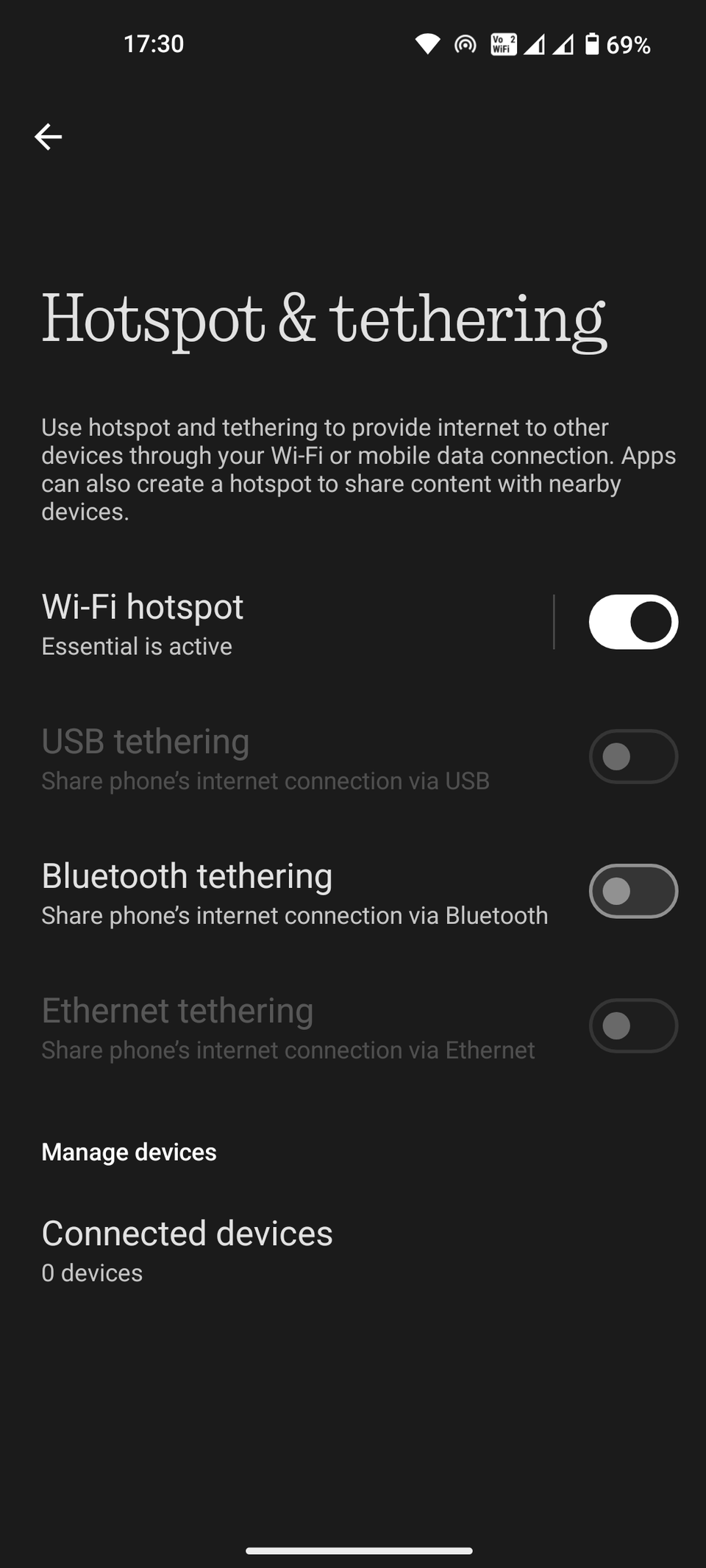
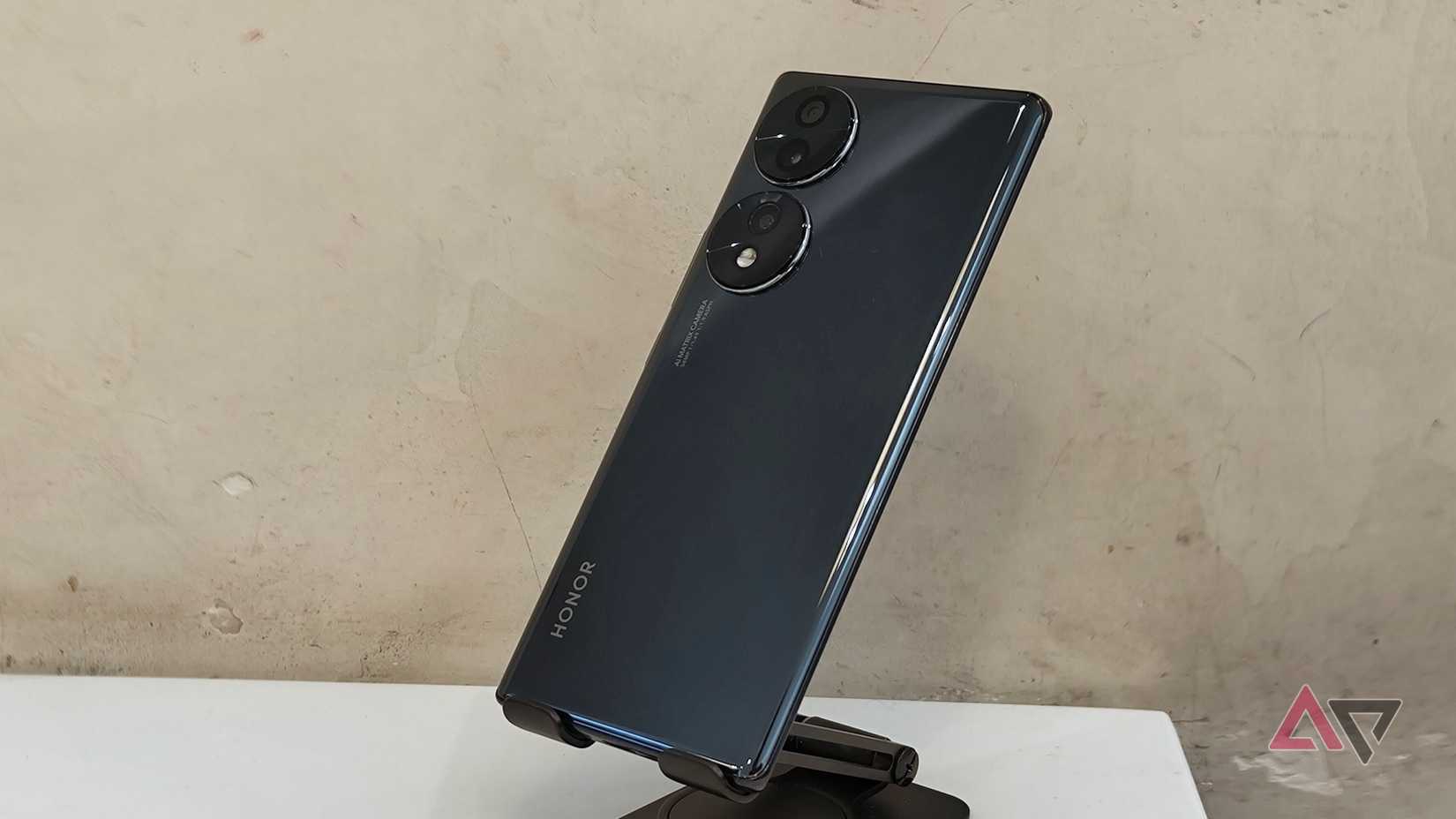
I turned my old Honor phone into a full-time hotspot. I inserted a prepaid SIM card, subscribed to the appropriate data plan, and kept the phone plugged into its own electrical outlet.
Using a prepaid SIM card is an important step. It avoids costly monthly plans and lets me spend only what I need. In my case, I chose a set number of gigabytes that doesn't expire for a year.
Since I'm using this permanent hotspot only for browsing on my phone while inside my bedroom, the data consumption is minimal. I could subscribe to an affordable prepaid data plan and call it a day.
Picking your oldest, most worn-out Android phone is ideal, but choose one that has 5G connectivity. Phones that came out before 2019 shipped with the slower 4G standard.
Monitoring the data consumption is easy. Unlike many home prepaid Wi-Fi devices, my old phone has its own screen. I can use Android's built-in data usage stats or the app from my SIM card provider.
Any Android phone released after 2010 can act as a mobile hotspot. This is not to be confused with using an Android as a Wi-Fi repeater. This wouldn't be any better than the dedicated Wi-Fi extender I have at home.
Maximize your connection with some planning
Place the old phone where the mobile network signal is strong. I placed mine on a phone stand beside the window.
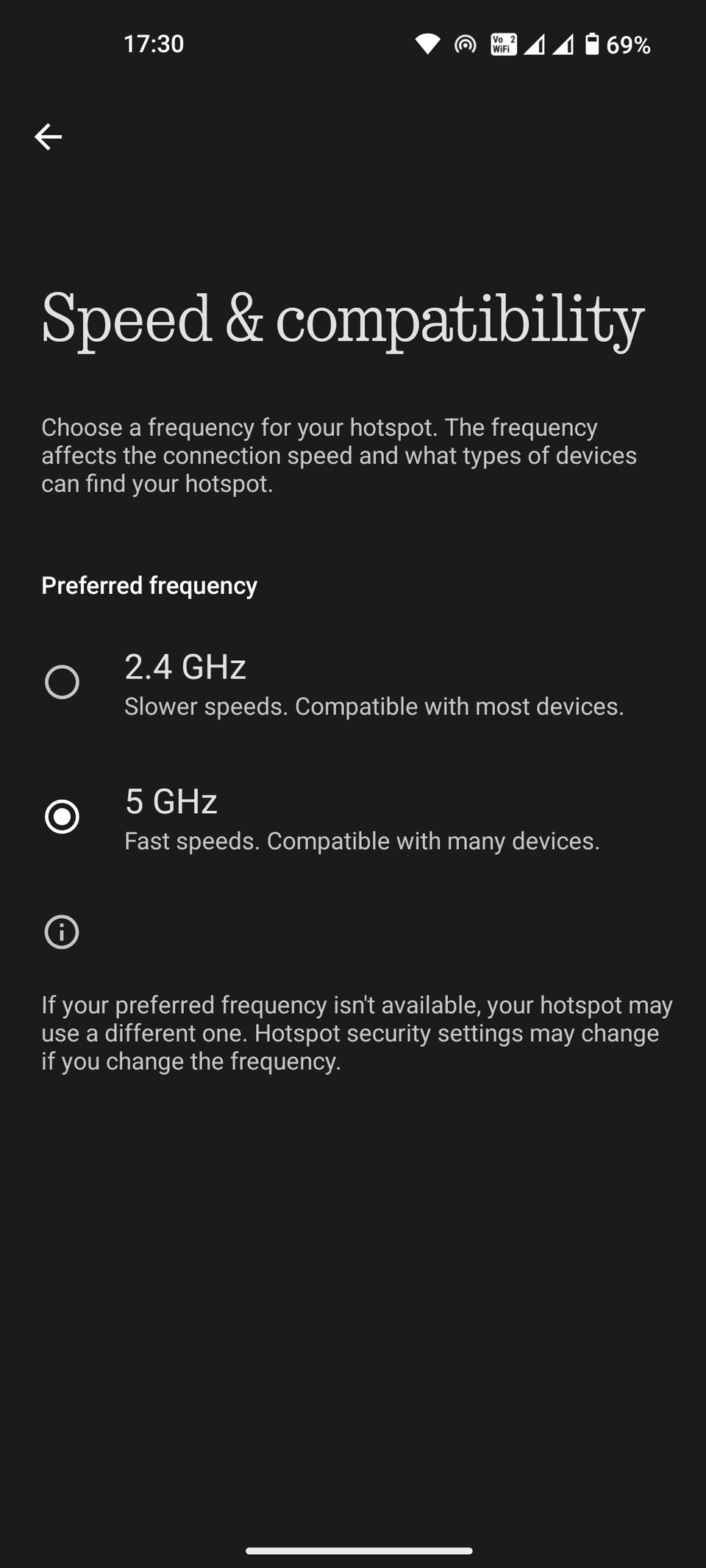
I then pick the 5GHz band for my hotspot's broadcasting. It ensures the best possible speed at the expense of a shorter range. Not that distance matters, since I'm connecting only my phone inside my bedroom.
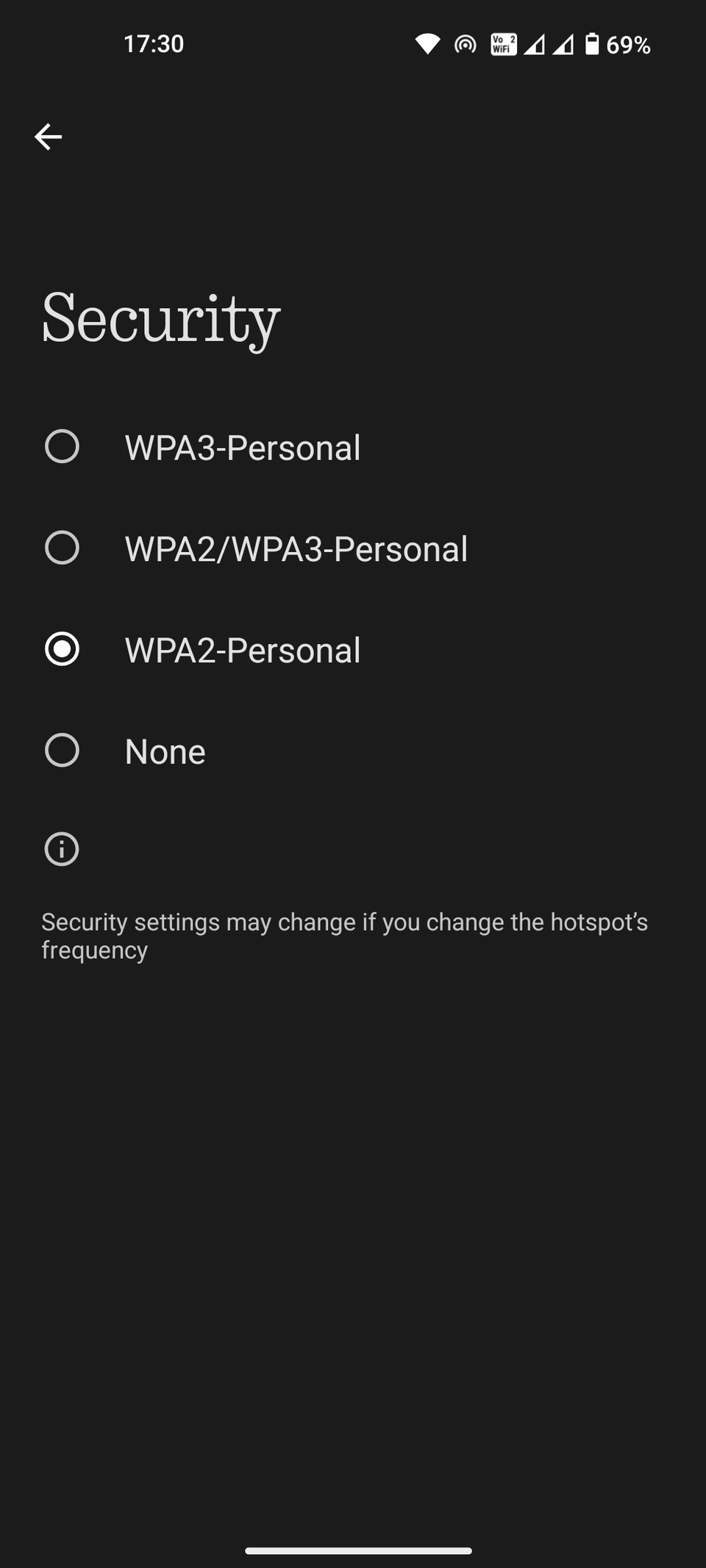
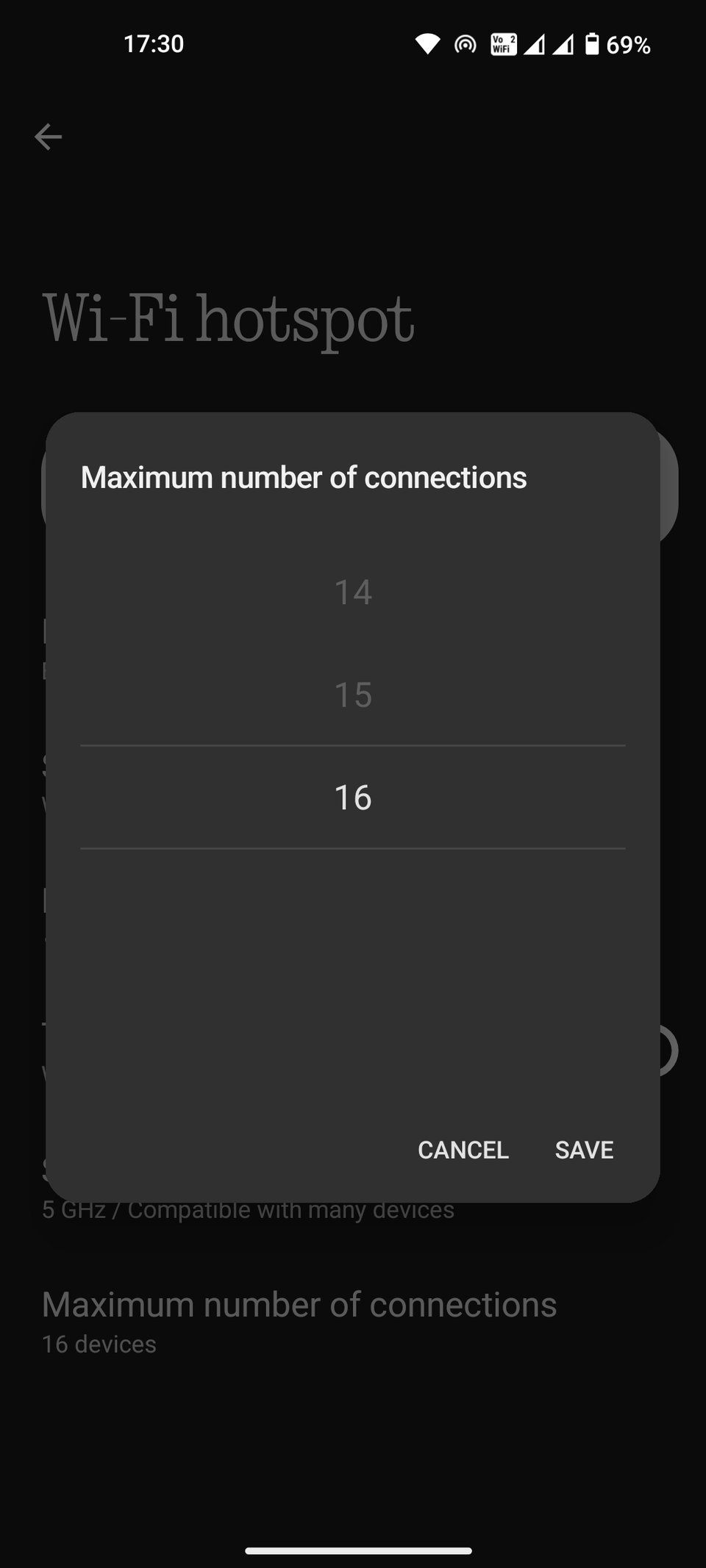
I intentionally lower the maximum number of connections allowed. This ensures that no one else can connect to my hotspot, even if they have the password.
Finally, I keep the old phone connected to an electrical outlet while in use. Hotspotting drains battery power like crazy, and it's even worse on my Honor's sub-75% battery health.
If you use a discarded phone as a hotspot, connect it to an older, slower charger. A slow charger (anything below 20W output) would heat up a lot less.
One more thing: Since I'm using a prepaid SIM card on a per-byte plan, I have to alert connected devices that this is a metered connection.
This can be done from the Wi-Fi settings of the connected Android phone or Windows laptop. From there, I tell the device that my hotspot is a metered connection.
Turning on this toggle prevents the connected devices from downloading large system files or syncing in the background. Most modern devices can detect a metered connection, but it's better to be safe than wasteful.
This solution comes with a few flaws. One, it's reliant on the strength of the mobile signal; and two, the SIM card requires its own upkeep.
On the bright side, it's another great way to make use of an old smartphone. It prevents unnecessary e-waste and provides a stopgap until I invest in newer Wi-Fi technology.
I'll eventually upgrade my home network when my aging router needs replacing. In the meantime, my repurposed Android phone more than makes up for my router's shortcomings.