I have been bouncing between Spotify and for quite some time.
However, I eventually realized I was paying monthly subscriptions for features I barely used while losing control over my actual listening experience.
That's when I decided to revisit an Android app that has been around for 16 years, and to my surprise, the answer to all my music frustrations turned out to be an old favorite called Poweramp.
Why I abandoned music streaming
Convenience came with too many compromises
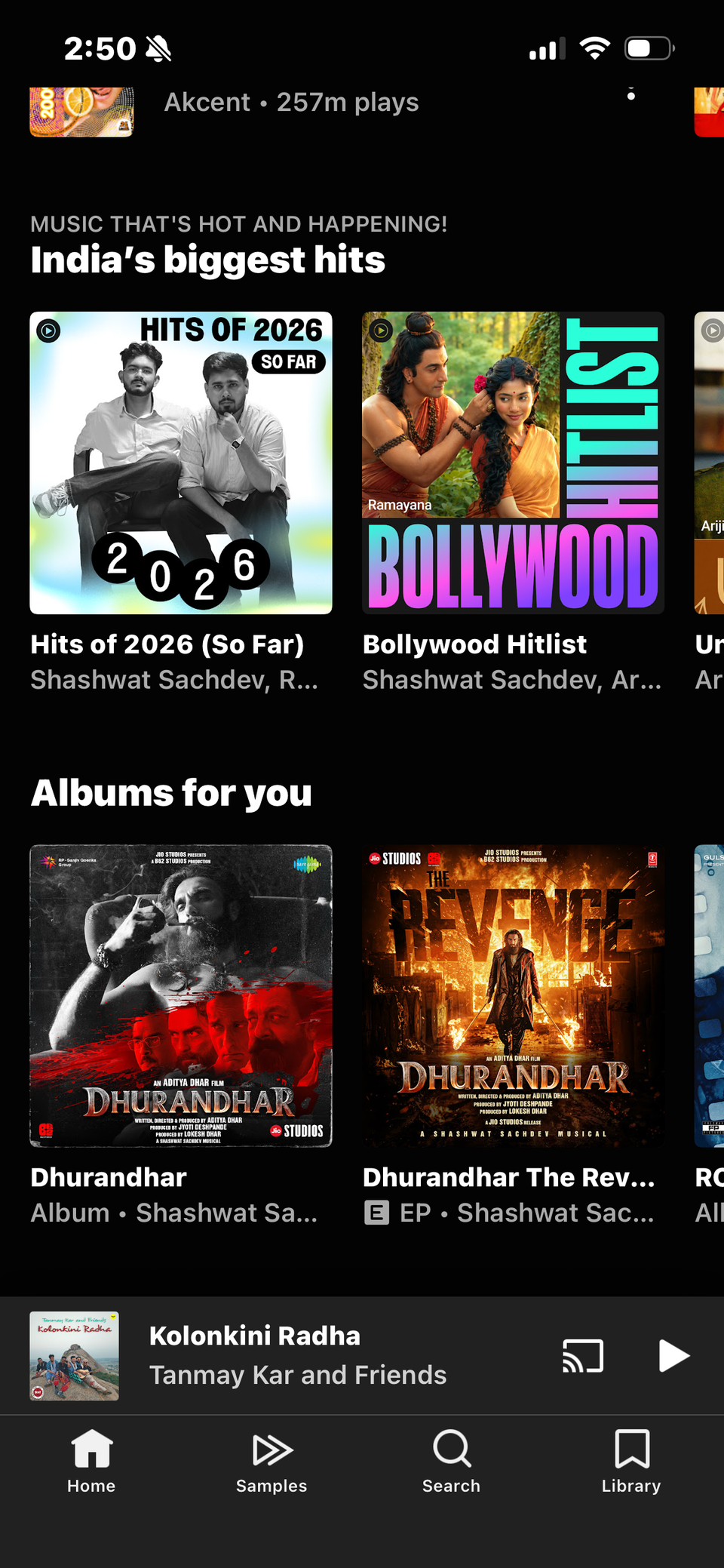
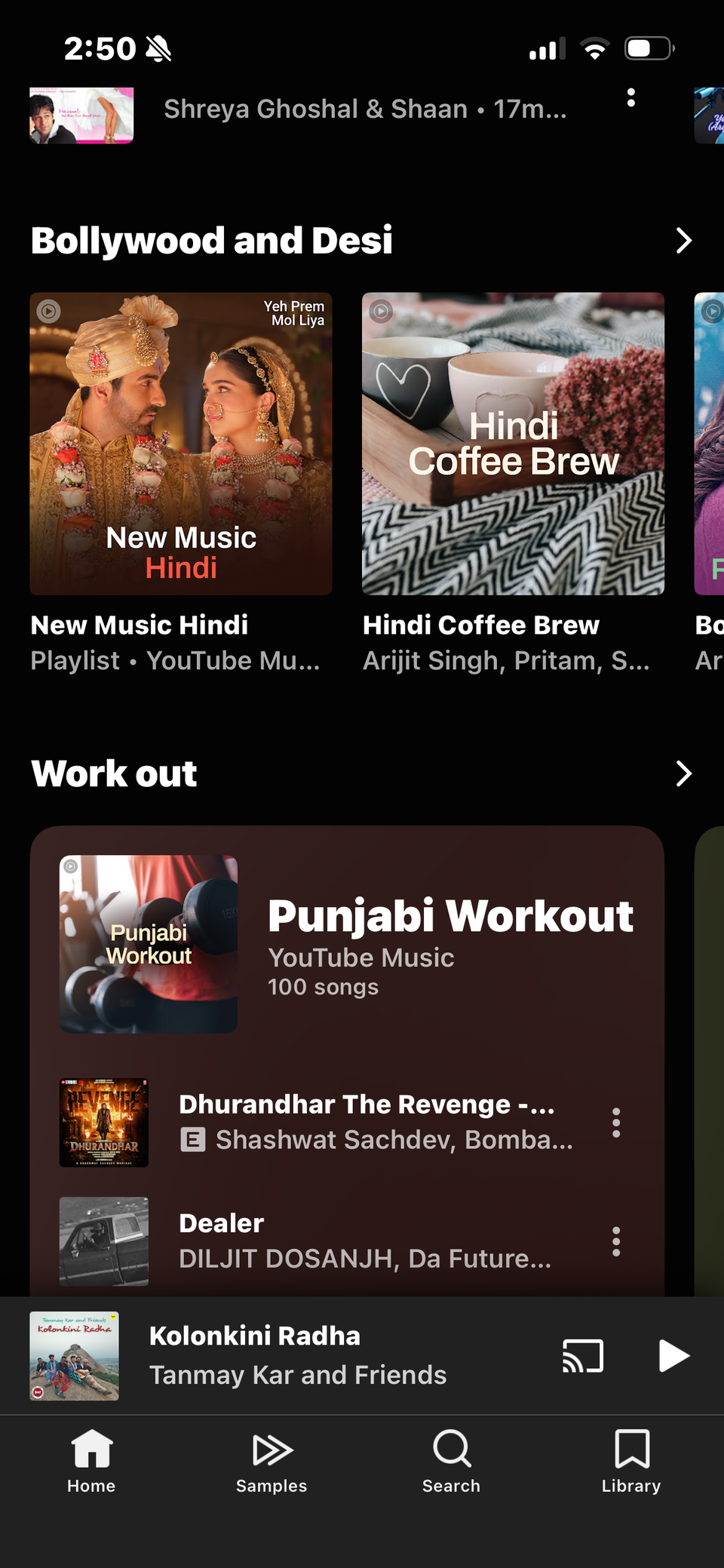
I have been using Spotify and YouTube Music for years, and I can't deny how convenient these services are.
However, I wasn't happy about paying recurring subscription fees to listen to my favorite tracks.
I also grew tired of recommendations constantly pushing new artists, playlists, and songs I had little interest in exploring.
Offline listening was another annoyance. Although both services support downloading music with a Premium subscription, those downloads remain locked inside their respective apps.
I couldn't freely manage the downloaded files, transfer them between devices, or use them with another music player.
I realized that I didn't need access to millions of tracks when I regularly listened to the same curated collection.
Rediscovering a 16-year-old Android classic
Poweramp has aged quite well
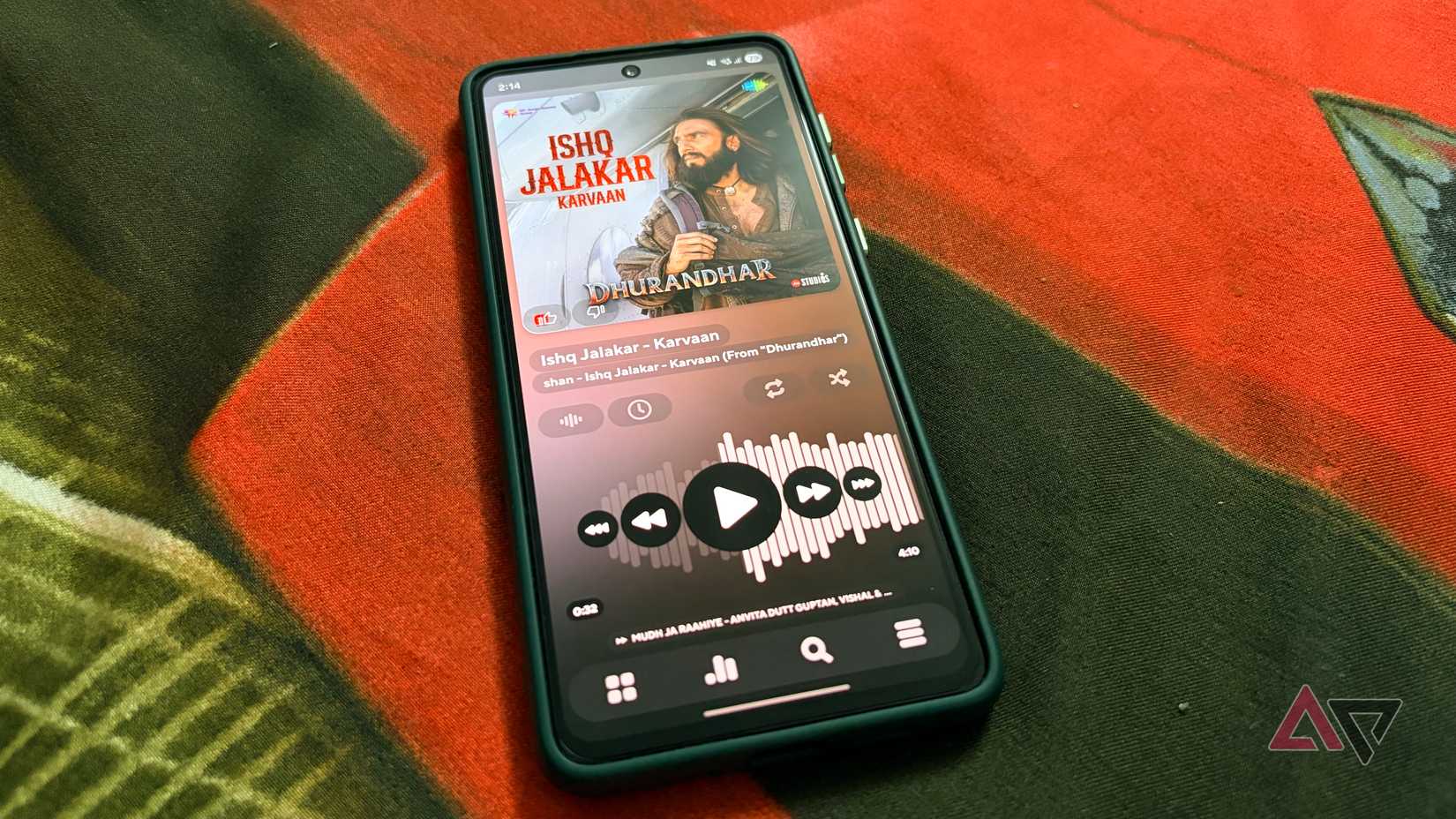
When I decided to give Poweramp a shot, I wasn't expecting much from a 16-year-old music player. To my surprise, Poweramp has aged quite well.
The first thing that caught my attention was its interface. It doesn't feel like an outdated Android app that has been left behind.
The album artwork looks fantastic, the animations are smooth, and the navigation feels polished.
I also appreciate the attention to detail throughout the interface, from the playback controls to the neatly organized music library.
Poweramp hasn't remained stuck in the past. It supports popular audio formats like MP3, FLAC, WAV, and more, so I didn't have to worry about compatibility with my existing collection.
Poweramp combines old-school music playback with modern features.
It doesn't bombard me with unnecessary recommendations or promotional content. Instead, it puts my music front and center, which is exactly what I want.
My music library finally feels mine
Complete control without streaming service restrictions

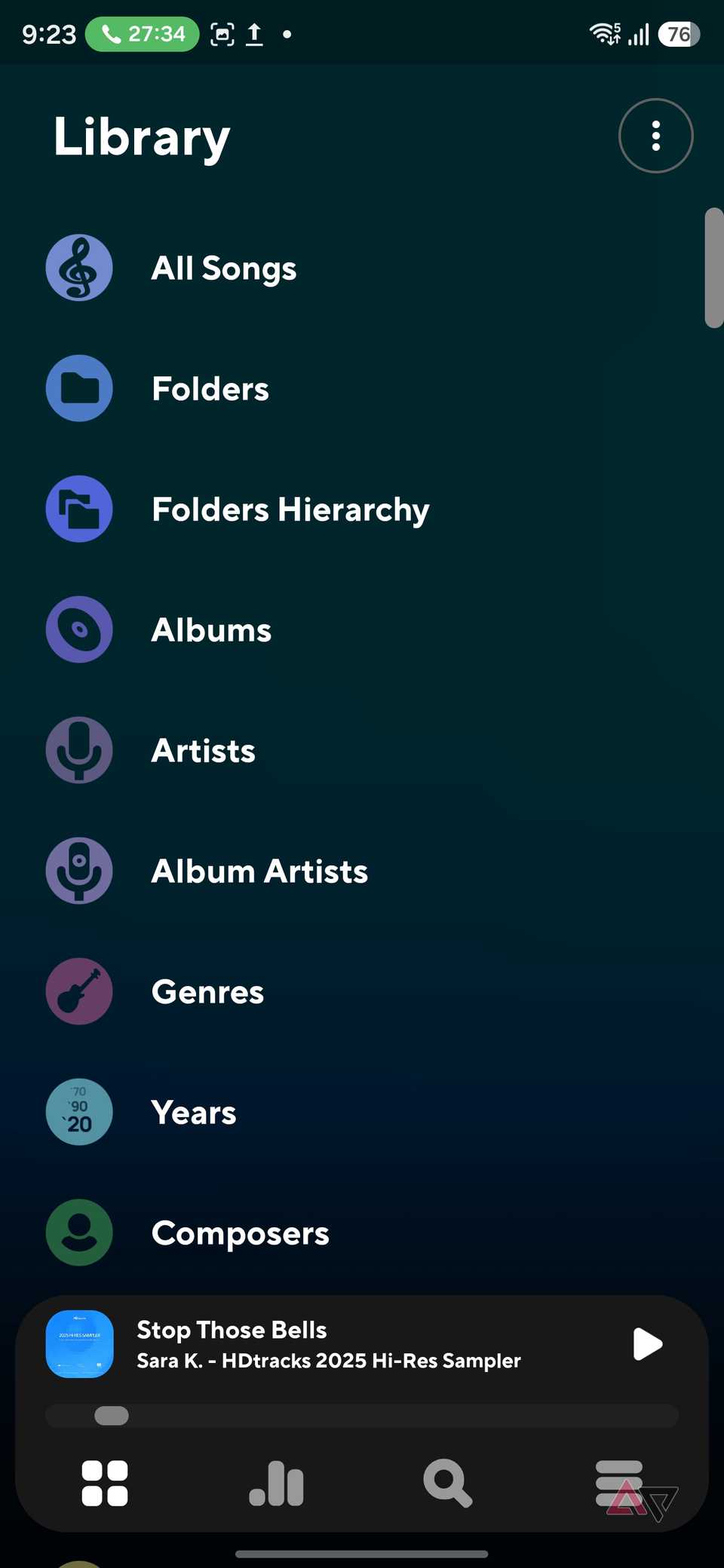
One of my biggest frustrations with Spotify and YouTube Music was the lack of control over my local audio files.
With Poweramp, that restriction is gone.
I started by transferring my existing collection of MP3 and FLAC files to my Samsung Galaxy S25 Ultra.
Poweramp quickly scanned the folders and organized everything into a proper music library.
I could browse tracks by album, artist, genre, playlist, or individual folder.
Folder-based browsing is useful since I organized my music into categories, and Poweramp respects that structure instead of forcing me to adopt its system.
I also appreciate the flexibility to create custom playlists, edit track information, manage album artwork, and fine-tune how my collection appears.
If I want to transfer my songs to another Android phone, PC, or external drive, I can copy the files without worrying about subscription status or platform restrictions.
For the first time in a while, I feel like I am managing my own music collection instead of borrowing access to one.
The equalizer changed my experience
Poweramp feels right at home in my car
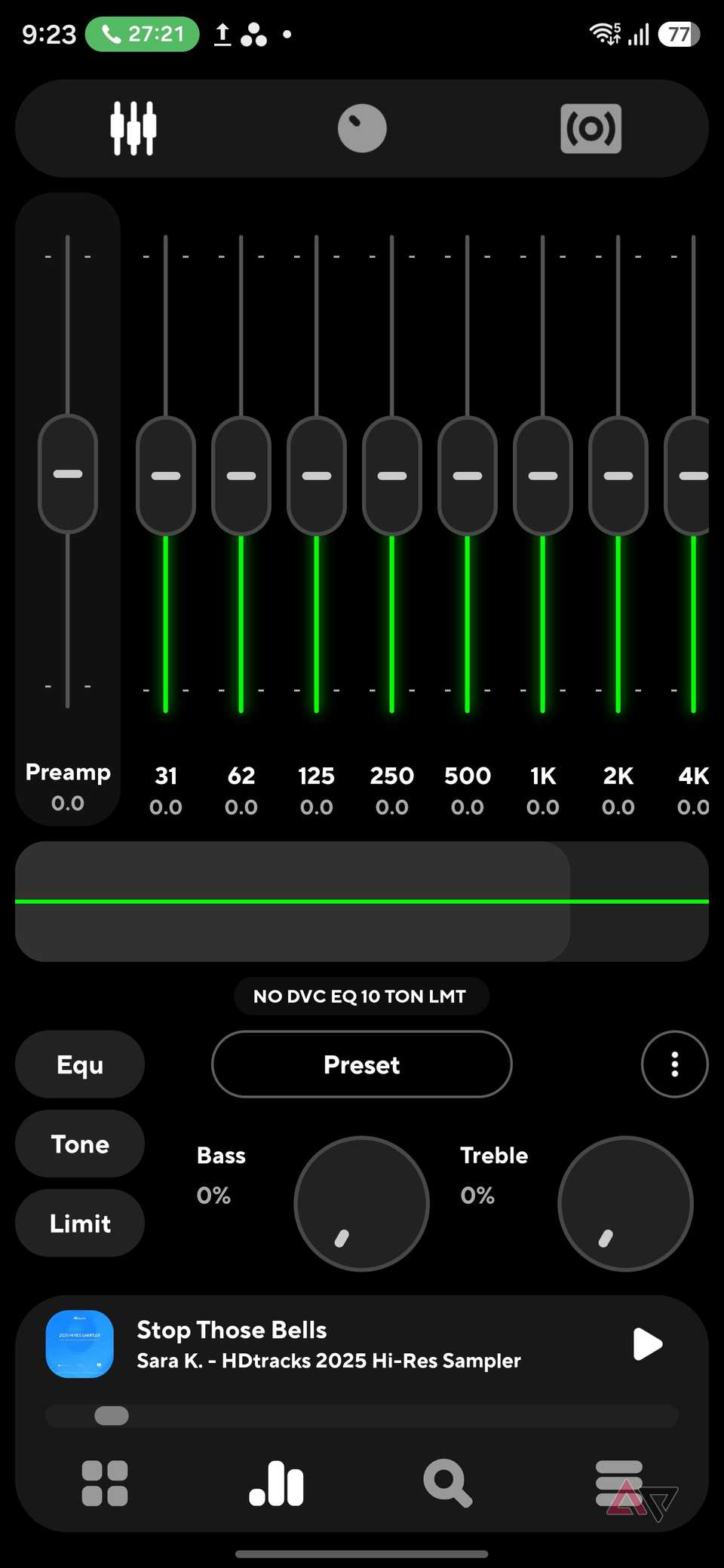

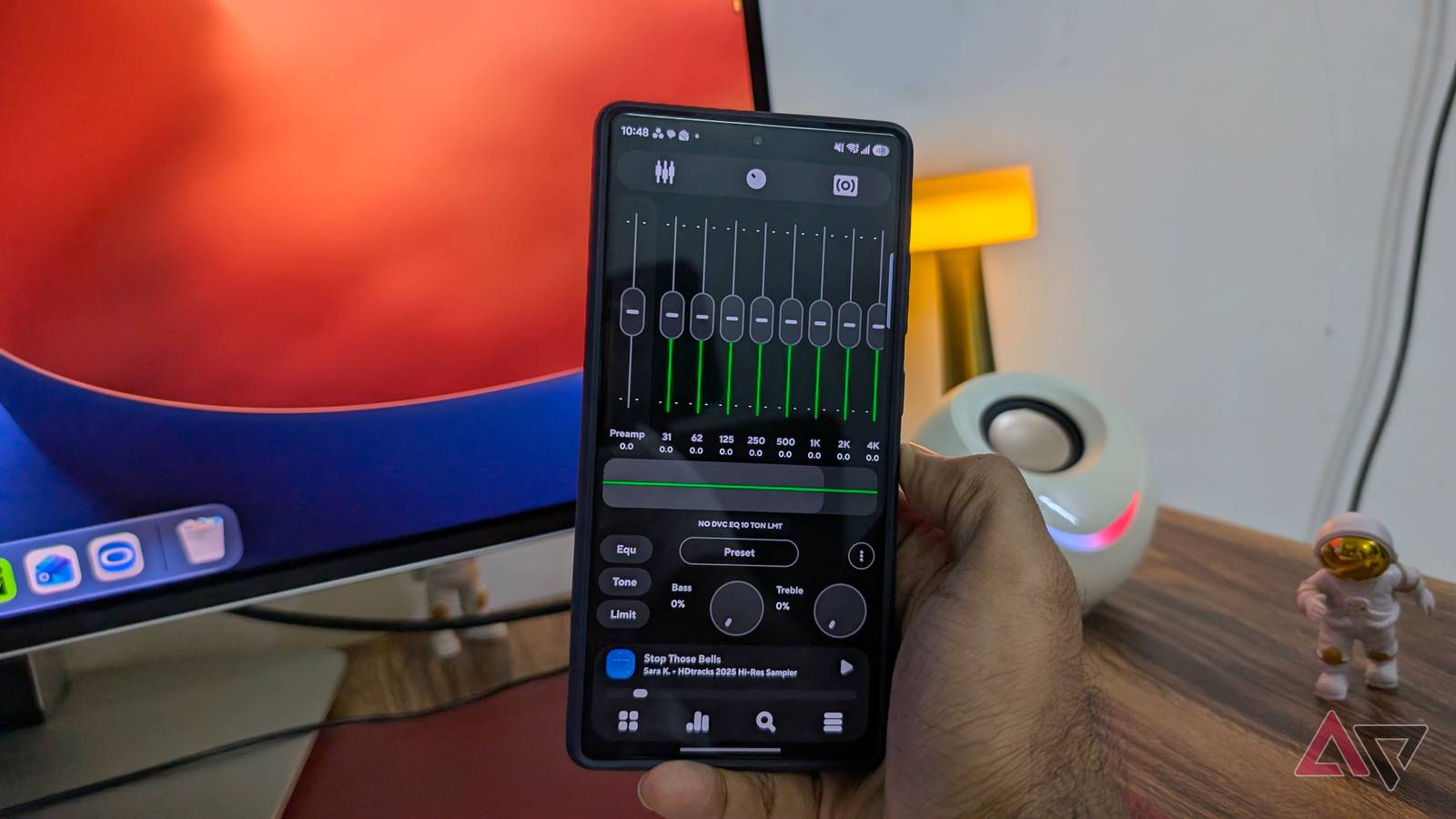
One of the biggest reasons I decided to stick with Poweramp is its powerful equalizer.
While Spotify and YouTube Music offer basic audio adjustments, Poweramp takes things to another level with its graphic and parametric equalizers, bass and treble controls, and customizable presets.
I can fine-tune different frequencies, adjust the sound signature, and create separate profiles for my wireless earbuds and car speakers.
After I found the right settings for my listening preferences, the difference was noticeable.
But Poweramp won me over in my car.
I regularly use for navigation and entertainment, and Poweramp integrates nicely with it.
I can browse my offline music collection, access playlists, switch between albums, and control playback from my car's dashboard.
Another pleasant surprise was its compatibility with Gemini on Android Auto.
I can activate Gemini and ask it to play a specific song from my collection using Poweramp.
It's convenient when I want to switch tracks without taking my eyes off the road.
Sixteen years later, it still delivers
Switching from Spotify and YouTube Music to Poweramp reminded me that newer doesn't always mean better.
Yet, here I am, enjoying my favorite tracks without worrying about monthly subscriptions, internet connectivity or algorithms deciding what I should listen to next.
Still, it won't replace Spotify or YouTube Music for everyone, especially those who rely heavily on music discovery and massive streaming catalogs.
But if you have a personal music collection and value control over convenience, Poweramp is worth revisiting.