Setting up a new Android phone is always a task, especially since you can't migrate app data between devices.
When I switch phones, I focus on getting back into my routine and rebuilding my workflows as quickly as possible.
That starts with installing apps that help me get the job done — apps that take priority over social media, which can always wait.
1Password
Logging in to apps and websites is a breeze
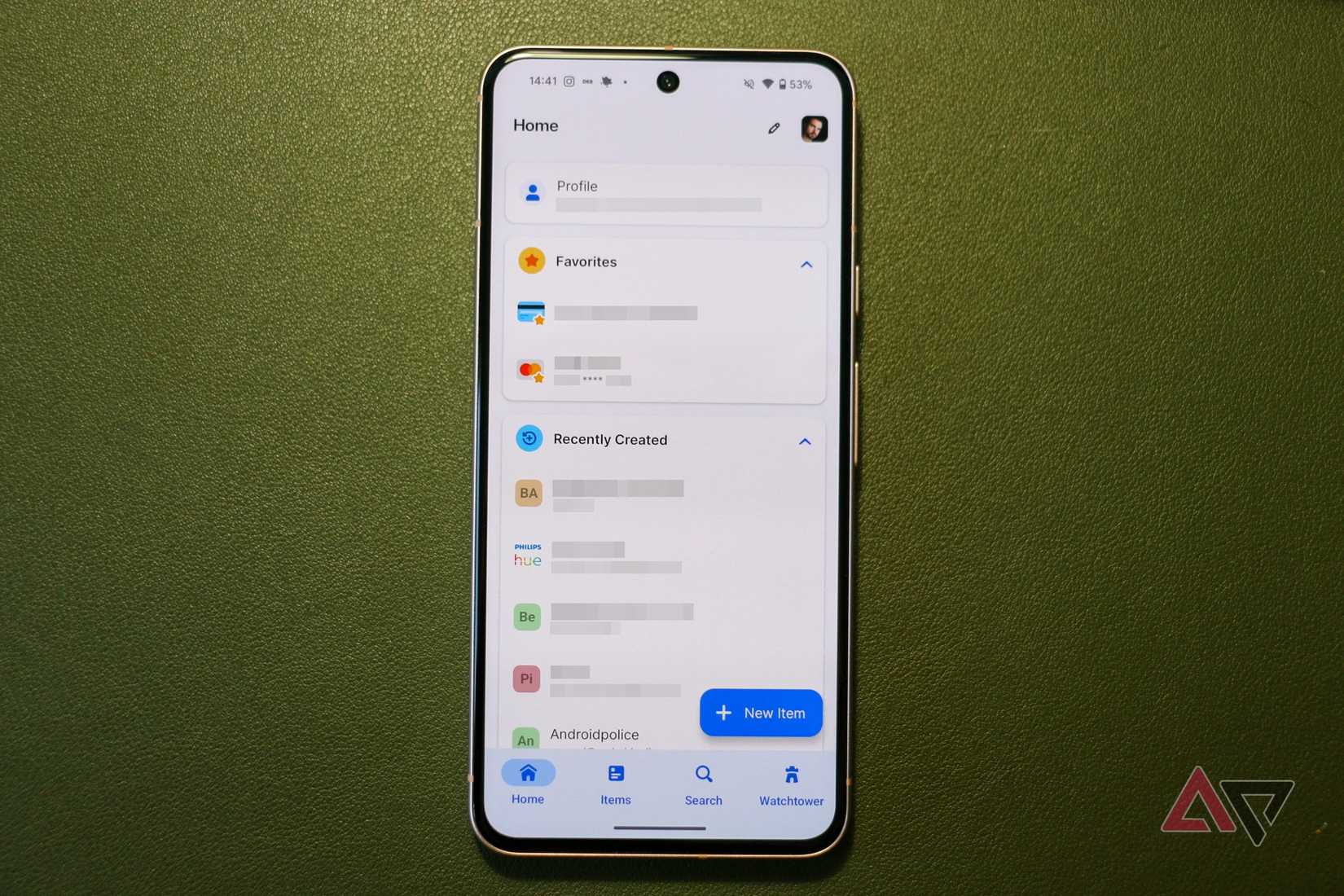
1Password is the first app I install on every new phone. Ideally, I install it before finishing the phone's initial setup.
That's because 1Password stores all my login credentials and other important information related to my digital life, such as bank account details, IDs, secure notes, and more.
Without 1Password, I can't log in to my banking apps, secondary Google accounts, or food delivery apps. It's the key to my digital life.
After installing 1Password on a new phone, I immediately set up autofill.
This lets the app automatically fill in login credentials across apps and websites, making setup on a new phone a breeze.
Because I rely so heavily on 1Password, I can't set up a new Android phone or even a new PC without installing it first.
1Password is among the best password managers available, and if you aren't already, I strongly recommend you start using it.
Find every app you need with a quick tap
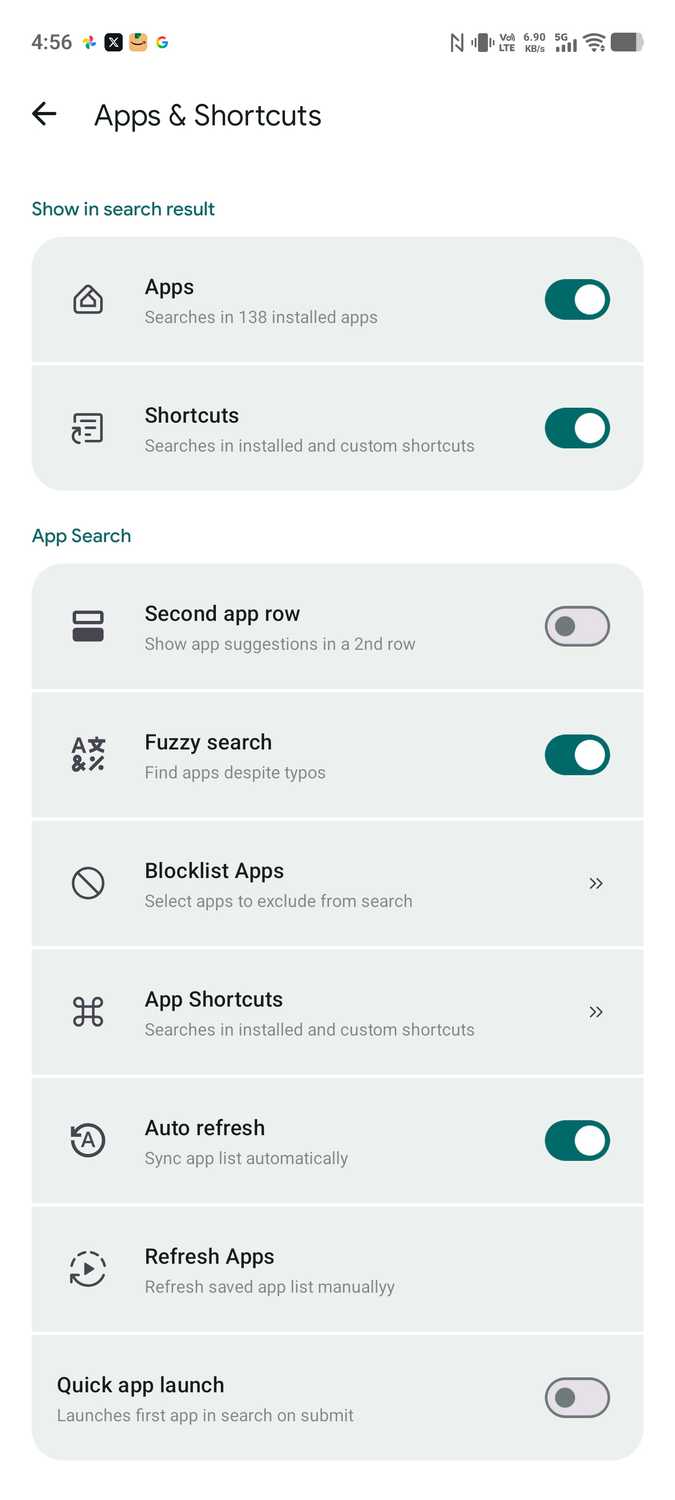
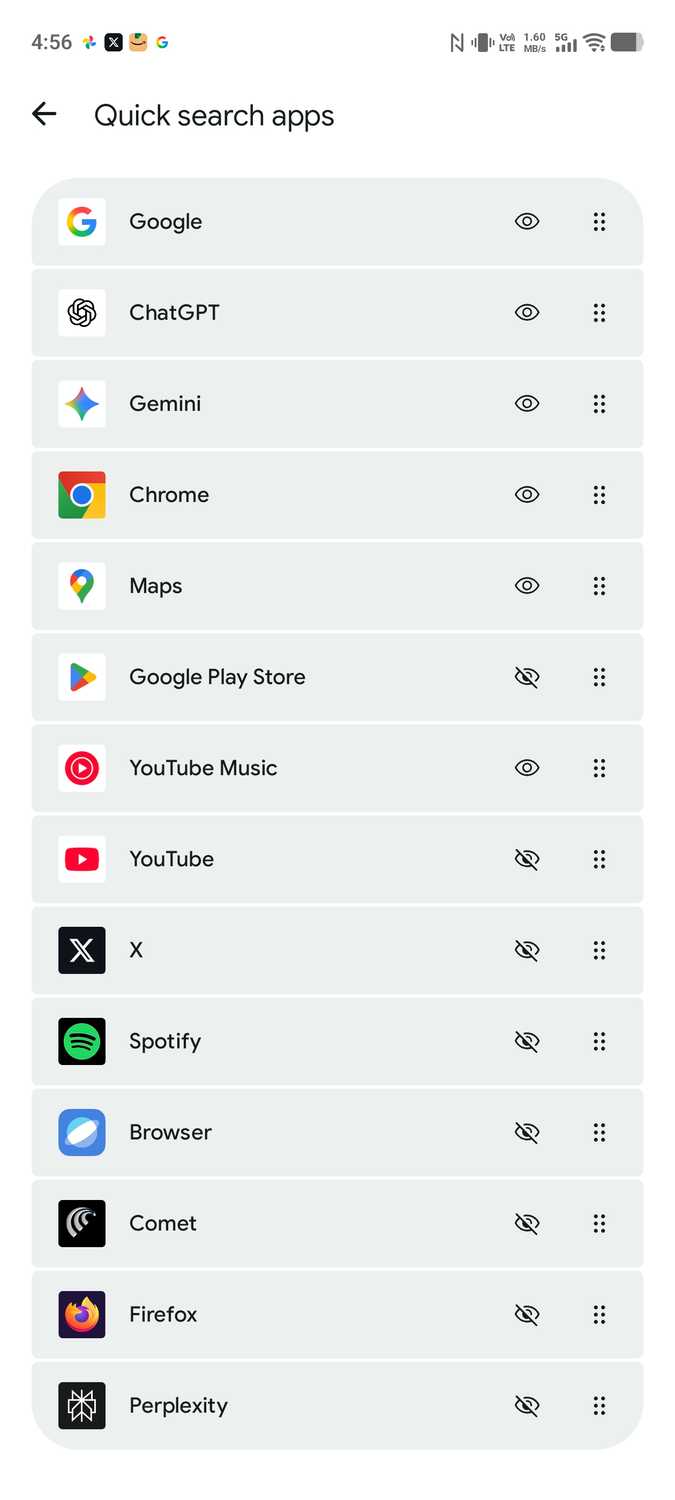
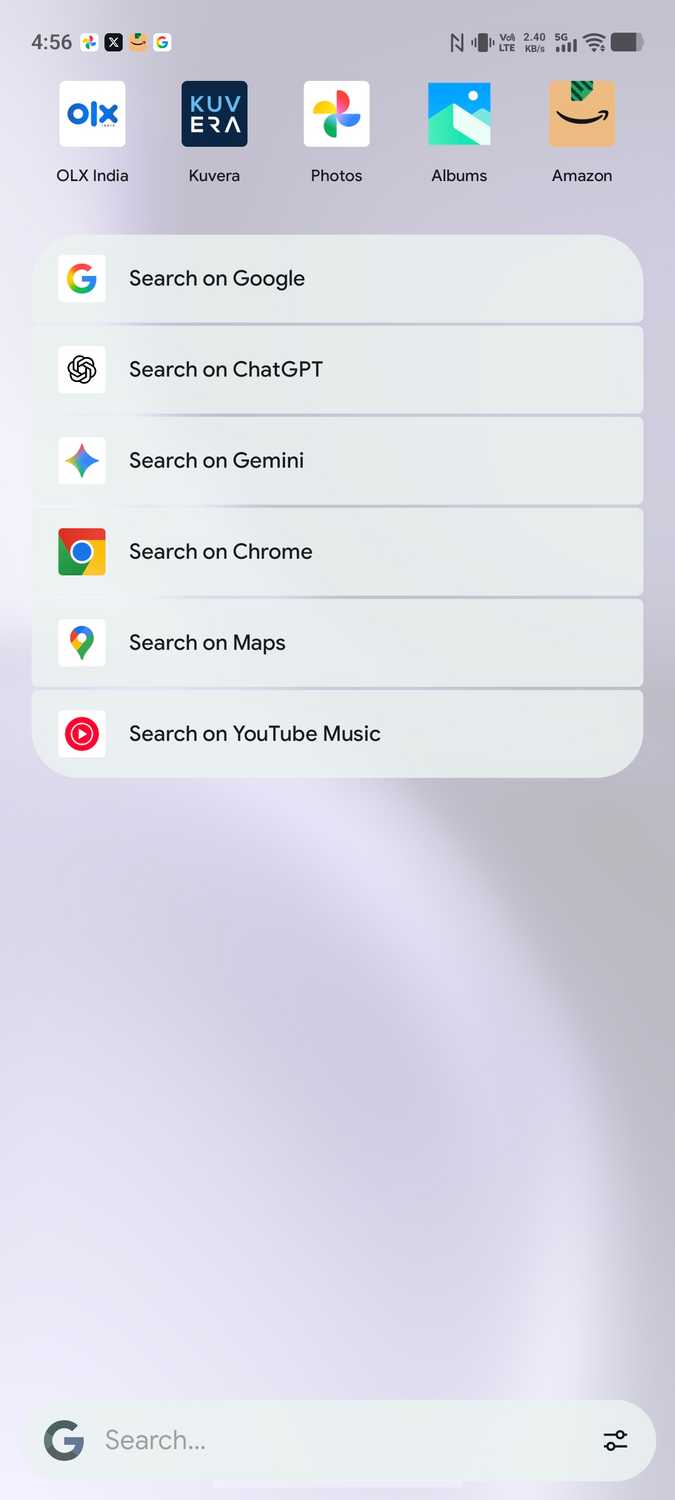
I install hundreds of apps on my phone. With on-device search an afterthought on Android, I rely on to avoid getting lost in my phone's app drawer.
It initially started as an app that brought the Pixel Launcher's search feature to non-Pixel devices. But over the last few months, it has become the unified search appon Android.
Pixel Search is among the first apps I install on any new Android phone.
I can even start conversations in WhatsApp or Google Messages straight from Pixel Search's search results — all without opening the apps first.
After you get used to Pixel Search's speed, you won't want to go back. That's why I prioritize it over social media apps when I set up a new phone.
For those times when you need a second brain
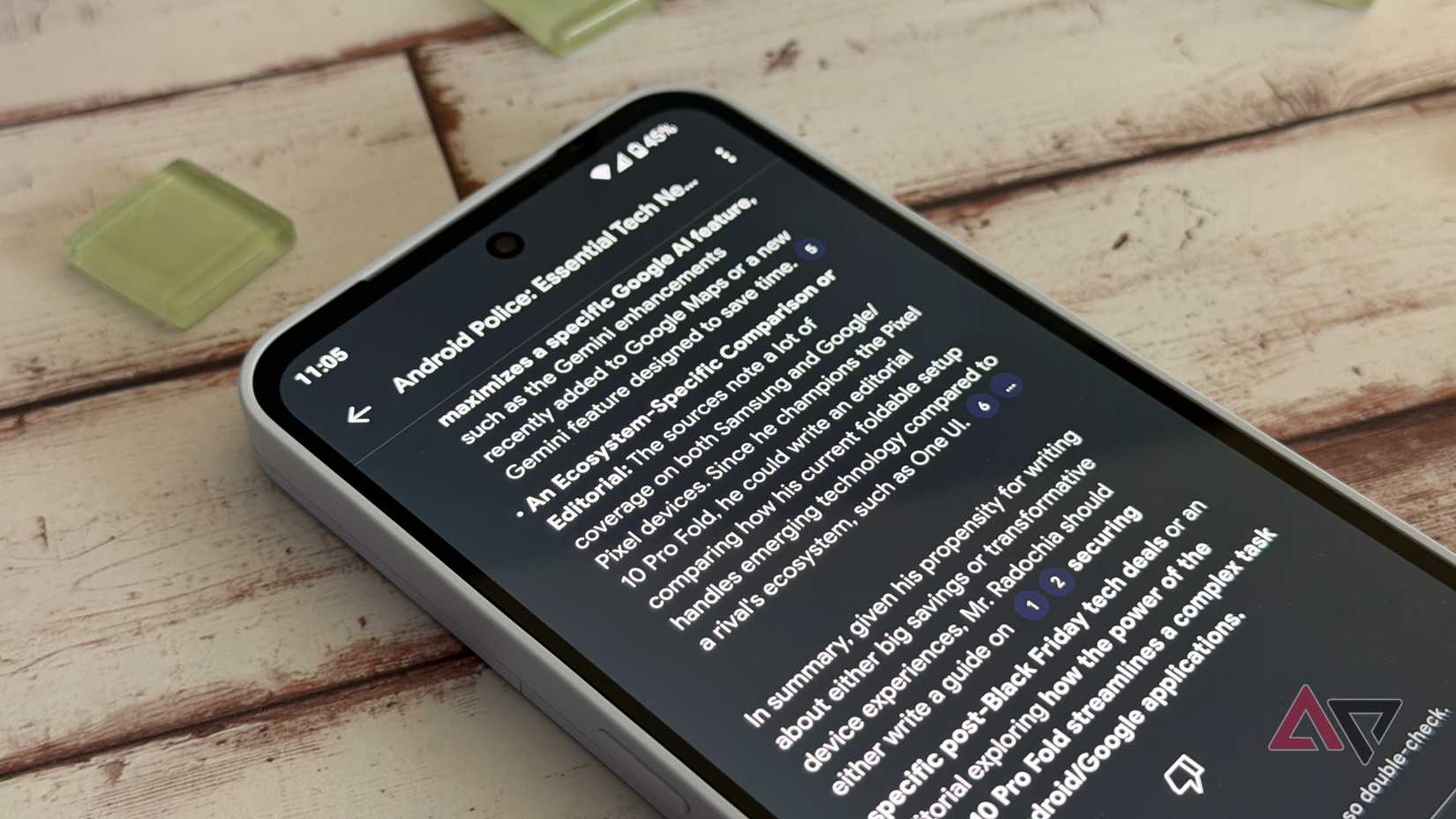
Gemini Notebook has quickly become my go-to app for reading, writing, and research.
It acts as my second brain: I keep adding links, PDFs, files, and other information I can reference later.
With how much information I add to my Gemini Notebook projects each day, I can't imagine using an Android phone without it.
It's become such a core part of my workflow that I install it on a new phone before any social media apps.
Without Gemini Notebook, I wouldn't have a place to quickly save and organize any important reference material I come across on social media throughout the day.
More importantly, Gemini Notebook enables me to harness the full power of AI while grounding it in the data I want. That helps prevent hallucinations or fabricated data.
Plus, Google keeps improving Gemini Notebook every month, making it an indispensable part of my daily life.
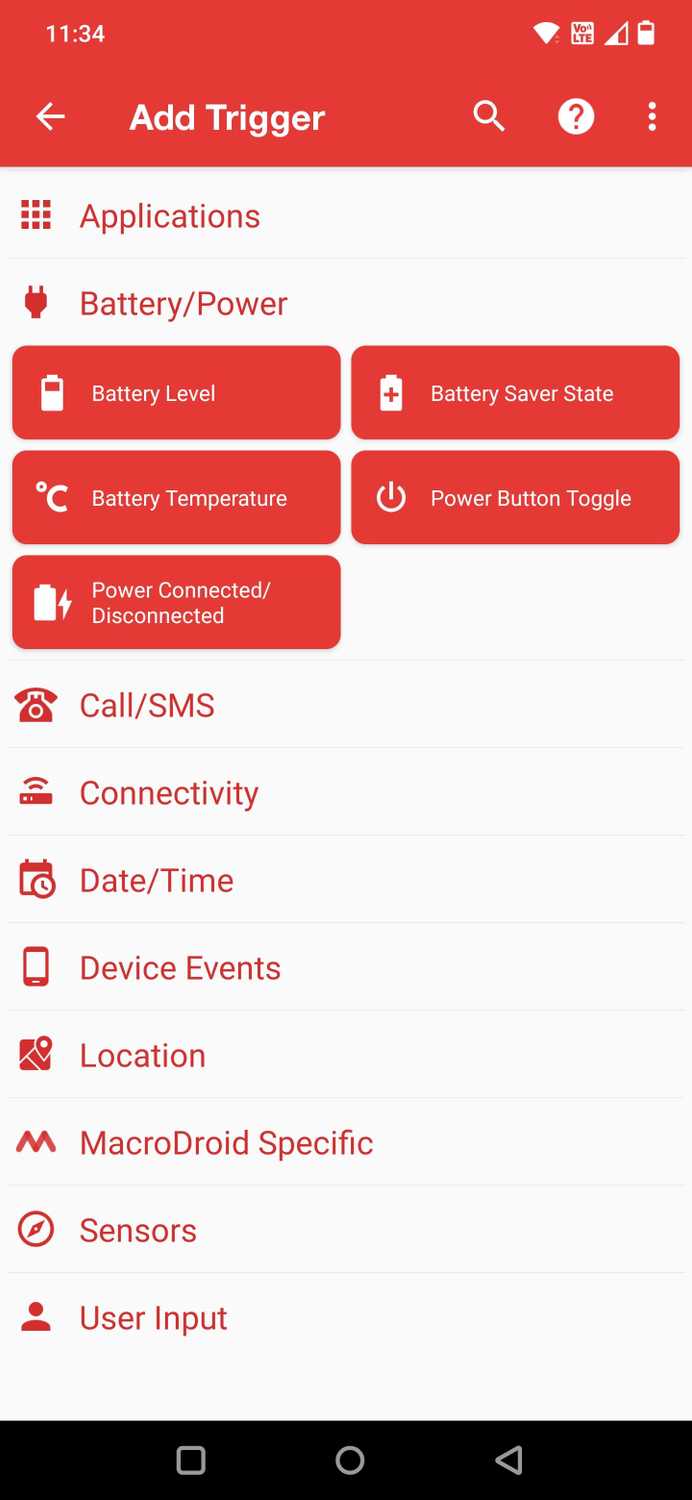
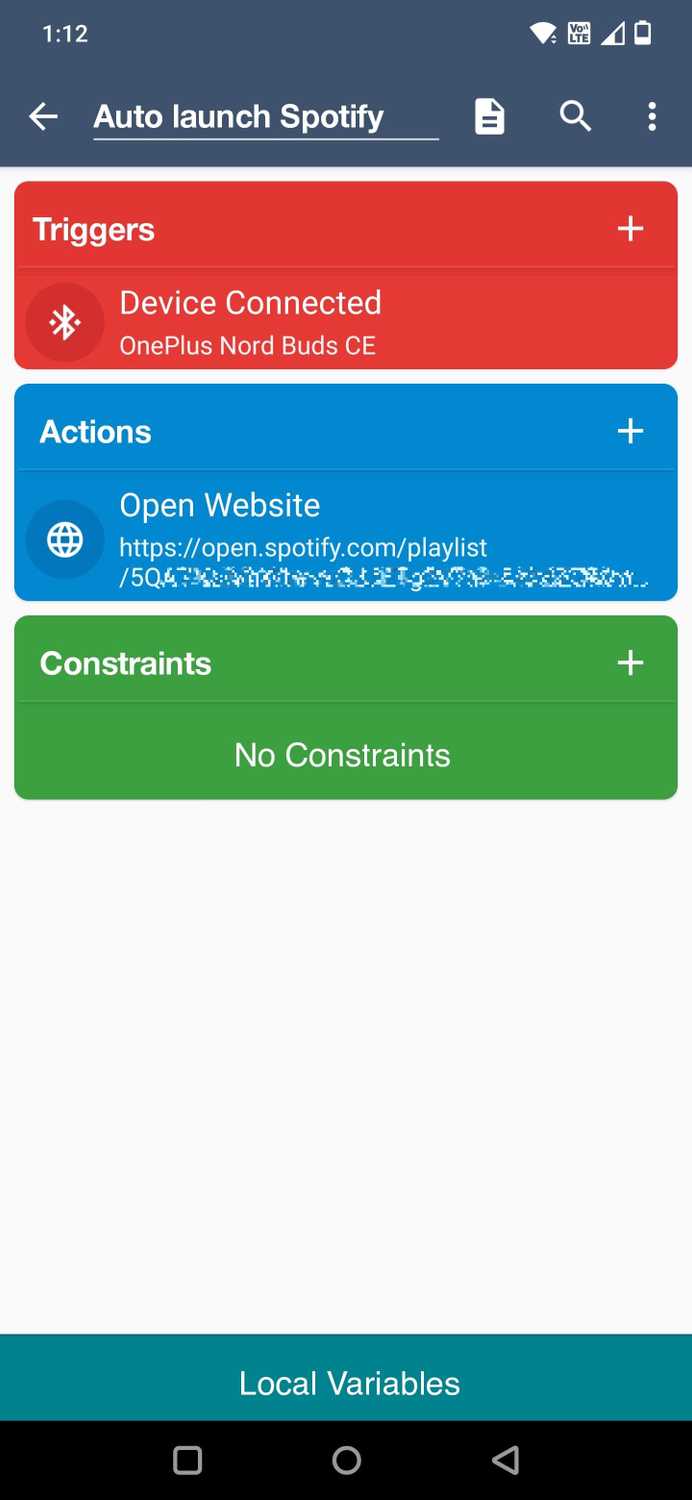
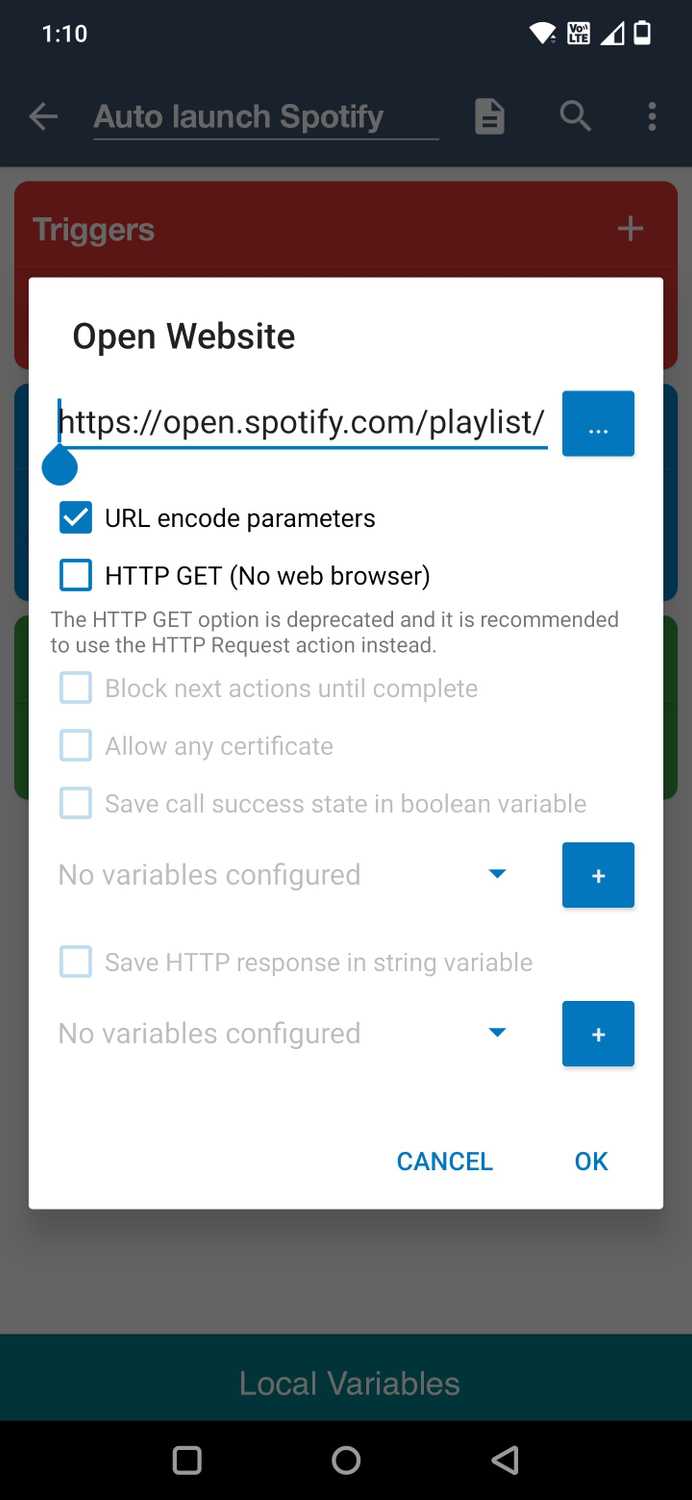
I can use a phone without social media apps. But I cannot use an Android phone without MacroDroid.
Over the years, I have used the app to create various automations, adapting them to my needs.
These automations run in the background and trigger based on specific actions or conditions — all without manual input.
I use various MacroDroid automations, including ones that make auto-rotate smarter, automate "on my way" texts, and provide smarter light controls.
Turn off those annoying notifications
I receive hundreds of notifications throughout the day. That makes it hard to stay on top of the ones that matter.
I turn off unwanted notifications from several apps, but that is not enough.
That's to set rules around how notifications behave. It gives me granular control over alerts, letting me prioritize and surface notifications from the people and apps that matter.
BuzzKill automatically silences repetitive alerts and keeps unwanted notifications from piling up.
More importantly, it ensures that even if I miss an important notification from my wife or work colleagues, it resurfaces them again.
That's why BuzzKill comes before social media apps when I'm setting up a new phone. It lets me control the chaos, instead of letting it control me.
Share files between all your devices
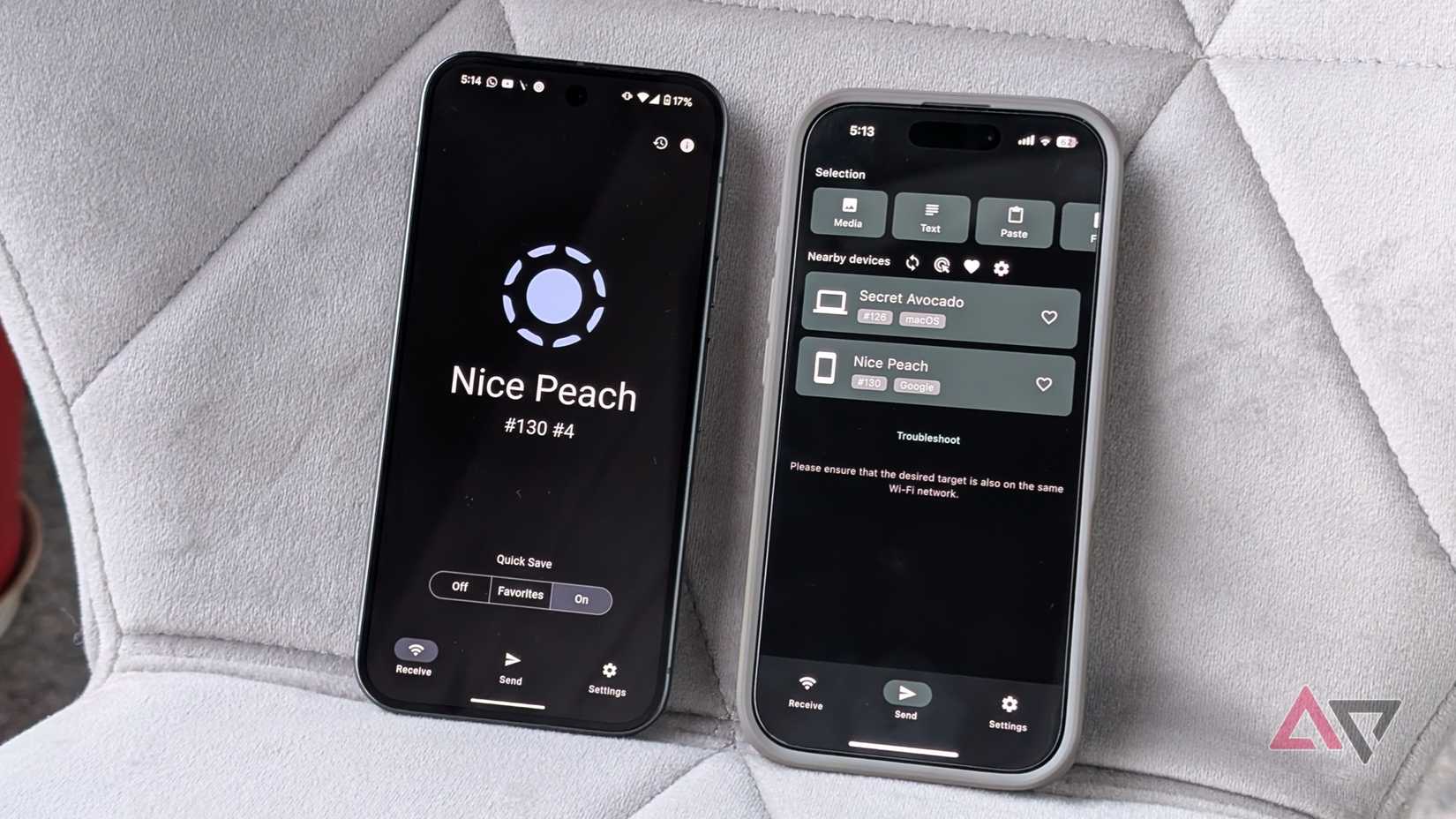
I use a Mac as my primary computing device, with Android being my preferred mobile OS. These two operating systems don't officially talk to each other, making my life difficult.
I also use an iPad for content consumption and frequently have to share files wirelessly between devices.
This is where LocalSend comes in. It's one of my most-used apps because it solves a problem I encounter regularly: sharing files or images wirelessly between devices.
It just works; there's no friction like creating accounts or opening a web page.
For transfers to happen instantly, both devices, whether they run Windows, Mac, iPhone, or Android, need to be on the same Wi-Fi network.
I've used LocalSend for years, and it's worked reliably every time. That's why I install it before social media apps when I set up a new phone.
Getting my data onto a new device and recreating my workflow is more important to me than scrolling through a feed.
Manage all your files, no matter where they're stored
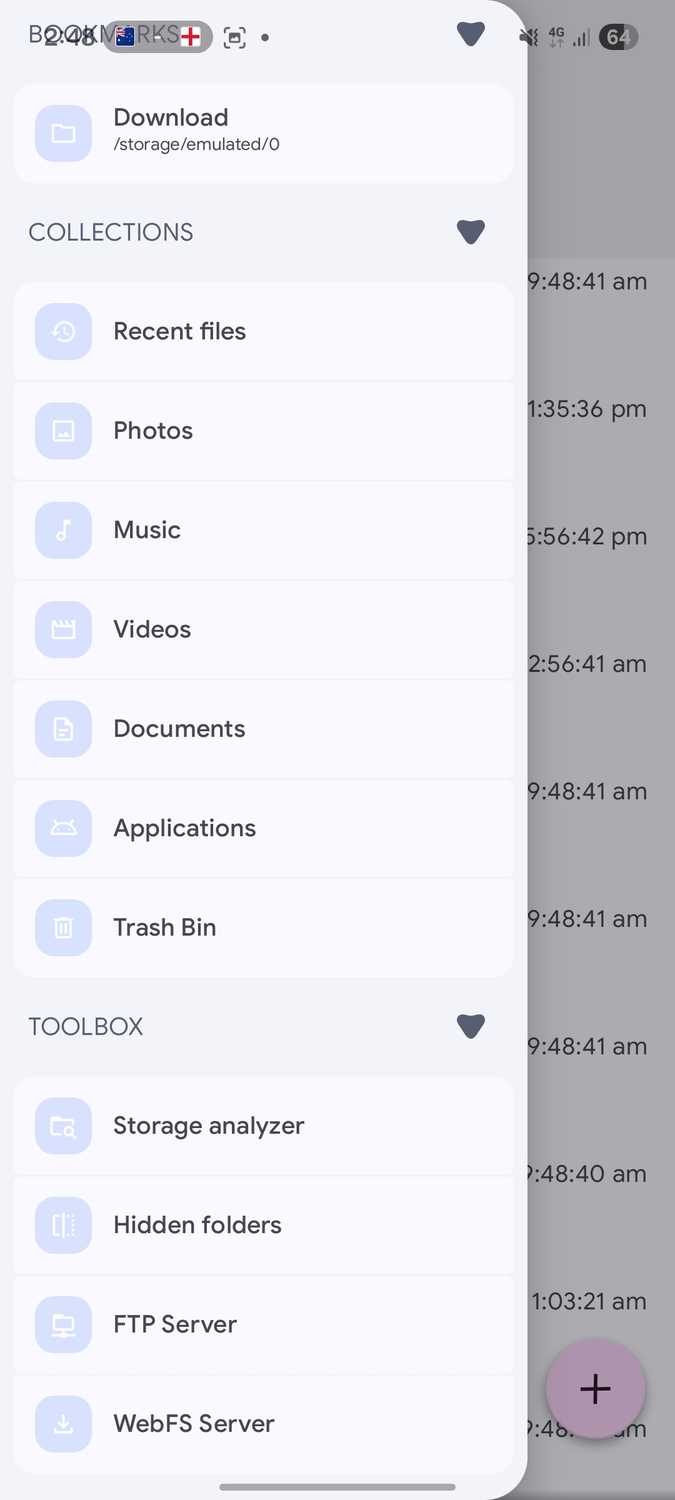
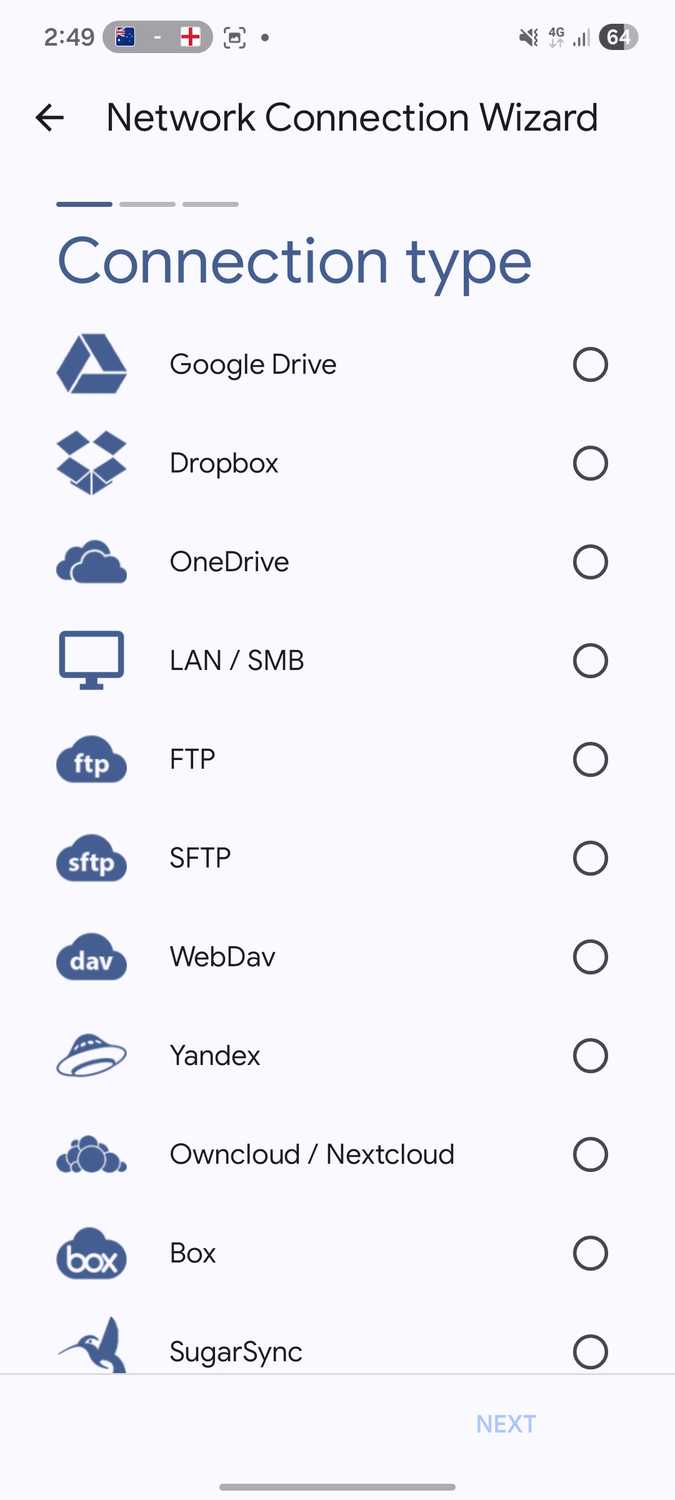
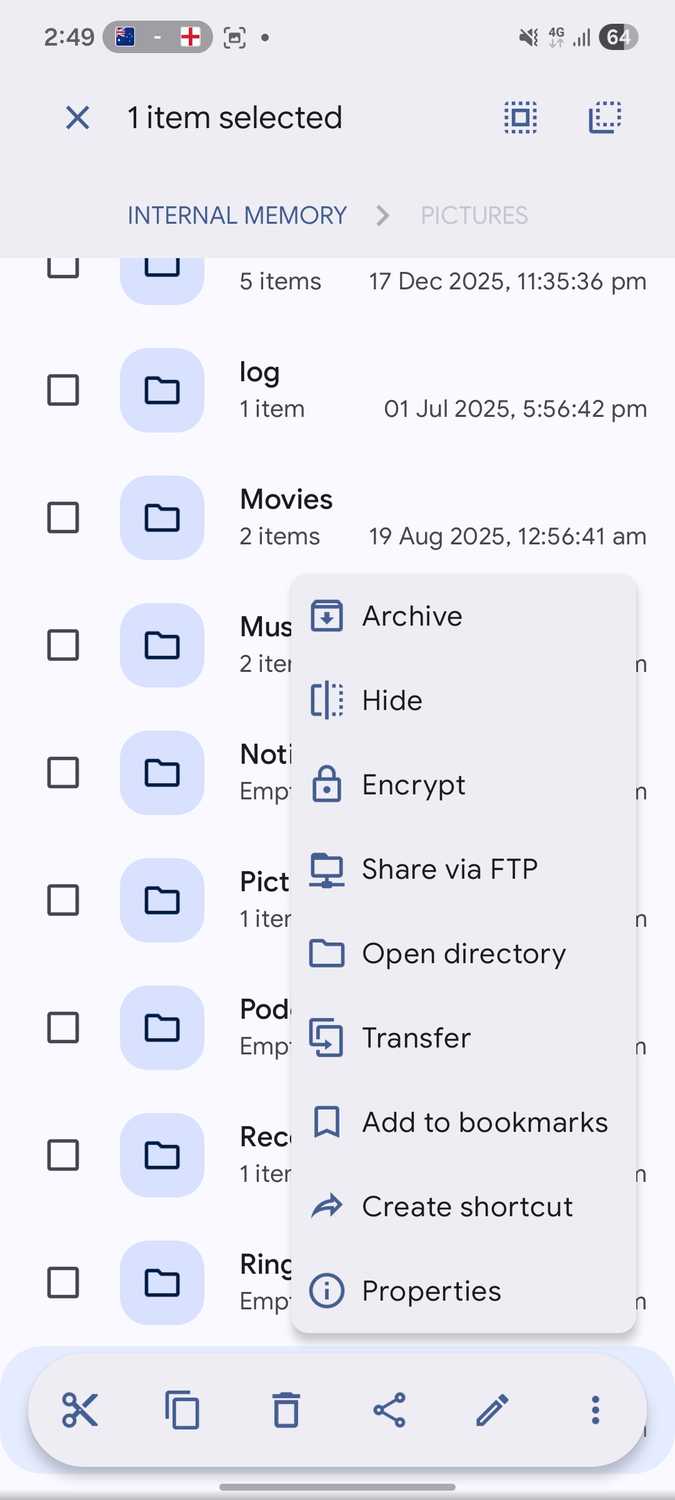
I frequently move files across my phone, Google Drive, OneDrive, and even my NAS. When I switch phones, accessing that data becomes a priority because it's essential to my workflow.
That's why I install Solid Explorer first on a new phone. It gives me full control over all files, whether they are stored on my phone, Google Drive, OneDrive, or NAS.
Managing files across local and remote services from a single app makes file management much easier. Otherwise, I'd have to juggle between multiple apps to get things done.
When I switch phones, my top priority is access to all my data. It matters more than filling my home screen with shortcuts to social media apps like X, Facebook, and Threads.
Productivity before dopamine
None of the apps above are new or offer breakthrough features. But they help me regain control of my phone as quickly as possible and get back to my workflow.
Everything else can wait until this foundation is in place. Social media apps are easy to install, but rebuilding a workflow takes time.
That's why installing and setting up my takes priority.