
YouTube has always been one of my go-to platforms for learning new things, whether it's exploring a new productivity app, understanding complicated logic, or catching up on the latest tech trends.
I often spend more time watching videos than putting that knowledge to good use. That's where comes in.
I recently started combining it with YouTube, and it has changed how I consume video content.
I no longer watch every YouTube video
I get the important details first
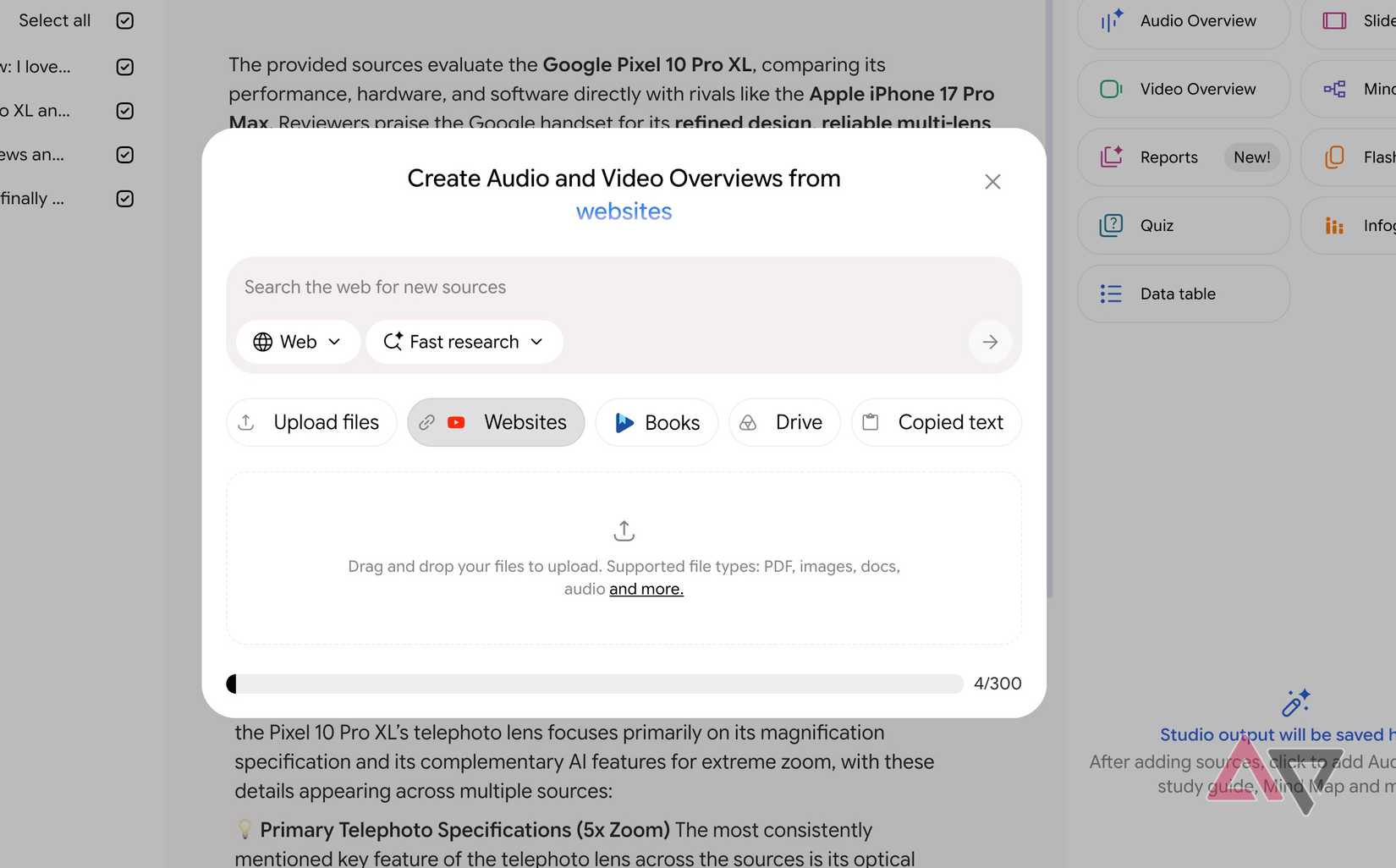
I frequently come across lengthy laptop reviews, Android feature breakdowns, and on YouTube.
Instead of watching everything from start to finish, I copy the video link into Gemini Notebook and ask questions from start to finish.
For instance, when I was searching for a new Windows flagship laptop, I could copy my preferred reviewer's long video into Gemini Notebook and ask questions about keyboard experience, overall battery life, hinge, pricing, and performance charts.
YouTube has a Gemini-powered Ask button, which is useful for asking questions about the current video.
However, Gemini Notebook takes things further by letting me save these videos and related conversations in a dedicated space and revisit them when I need.
This is where Gemini Notebook hits it out of the park.
Say I am researching the latest One UI 9 features. Instead of jumping between five videos, I add them all to a single notebook.
I can then ask Gemini to identify common recommendations, highlight features one creator mentioned but others missed, or compare their opinions on specific changes.
My Gemini Notebook isn't limited to videos
I bring other sources into research
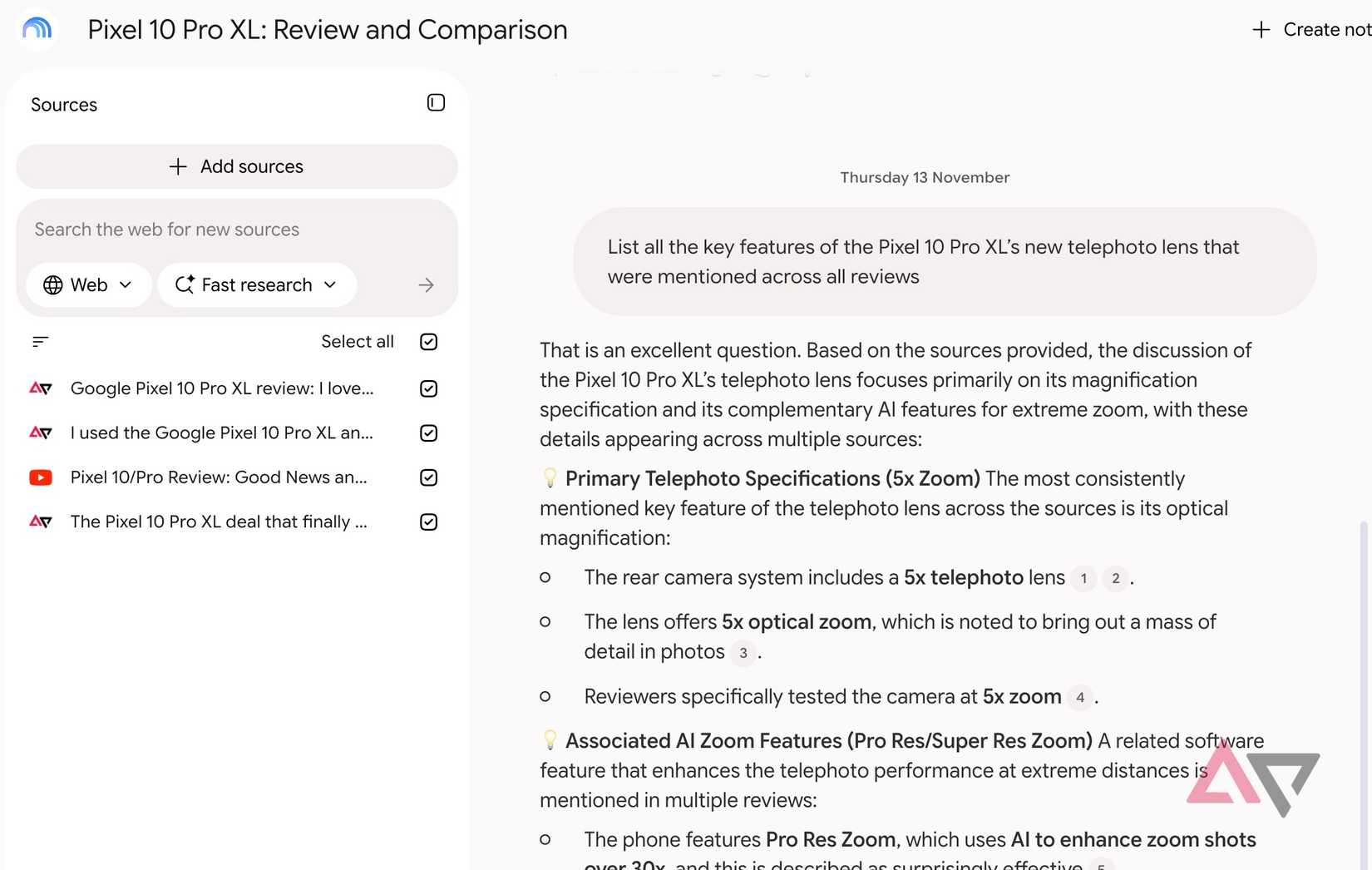
Another reason I prefer Gemini Notebook is its flexibility to go beyond videos.
I can add PDFs, web links, Markdown files, Google Docs files, and other supported sources to the same notebook.
This makes a huge difference when I am researching a complicated topic.
For example, when I am learning about Python in Excel or setting up complex self-hosted tools, I don't always rely on YouTube videos.
Some videos are several months or even years old, and the steps shown may no longer apply to the latest version.
In such cases, I add links to the official documentation alongside relevant YouTube videos.
Then I ask Gemini to compare the instructions, identify outdated information, and explain the process using the official documentation as its primary reference.
I can also upload PDF manuals or my Markdown notes to provide additional context.
Instead of jumping between YouTube, browser tabs, and documents, I have everything organized in one place.
I can turn video research into useful content
My research becomes something actually useful
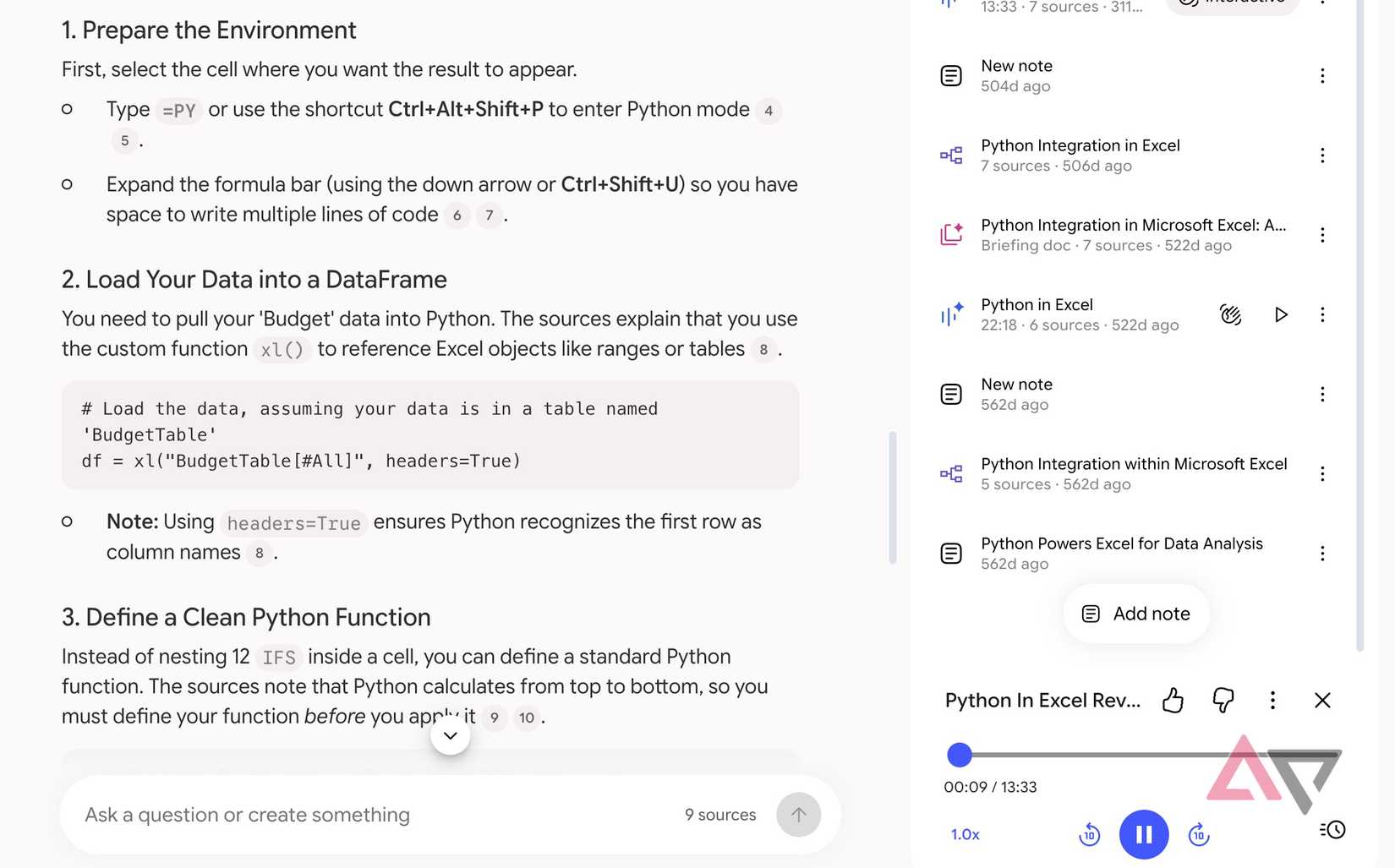
Summarizing YouTube videos is only one part of the equation.
Gemini Notebook can turn that research into something I can actually use.
For example, suppose I am planning a five-day trip to Japan.
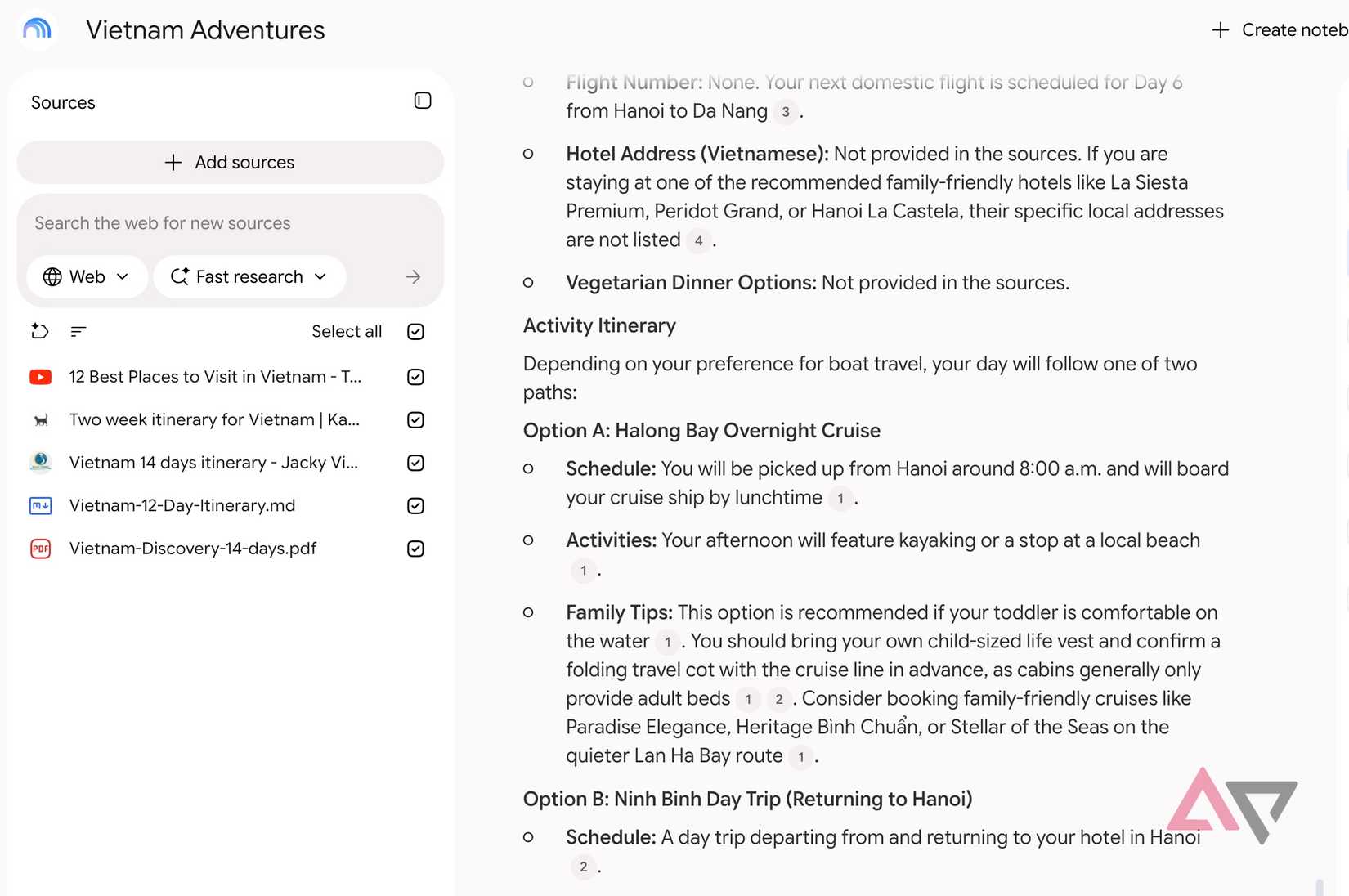
I can add several travel vlogs, destination guides, and food recommendations from YouTube to a notebook.
When I have enough material, I can ask Gemini to create a detailed itinerary with places to visit, activities, restaurant suggestions, and tips gathered from those videos.
I can even refine the plan based on my interests and available time.
That's not all. I can head to the Studio panel and turn the same research into an Audio Overview, where AI hosts discuss the highlights in a podcast-like format.
It's useful when I want to revisit important details without staring at another screen.
I can also generate visually appealing slide decks based on the collected material.
It's a handy way to organize destinations, recommendations, and travel plans into a presentation I can share with family or friends.
There are limitations, but they are manageable
Keep these in mind
As much as I enjoy this combination, it isn't flawless.
For starters, Gemini Notebook mainly relies on video transcripts, so it can't fully understand visual demonstrations, charts, or on-screen instructions.
This becomes a problem when I watch tutorials where visuals matter more than the narration.
Also, you shouldn't blindly trust every AI-generated summary or comparison.
Gemini can occasionally miss important context or misinterpret information.
That's why I cross-check critical details with the original video or official documentation before relying on its answers.
Let Gemini do the heavy lifting
I never thought I would consider an essential part of my productivity workflows, but Gemini Notebook has changed that.
It started as a simple experiment to save time and quickly became one of my favorite ways to research topics, learn new skills, and organize useful information.
Still, it doesn't replace YouTube entirely, and I still enjoy watching videos when the content deserves my full attention.
For research and learning, I find this approach much more practical.
So what are you waiting for? Start with a few videos on a topic you are interested in, ask some questions, and explore what it can do.