
Falling asleep is such an ordeal — and it shouldn't be — but sadly it is. According to HelpGuide, about 32.8% of adults don't get enough sleep.
I am one of those people, despite the improvements over the last few years. Mainly because I have a lot of trouble falling asleep — it usually takes me around two hours.
I've used bedtime mode to reduce my screen time, but I have also needed my smartphone to calm my anxieties right before bed.
It becomes a vicious cycle, and it doesn't matter whether I bring my trusty Android phone or my iPad — both can keep me awake longer than I'd like.
What causes common sleeping disruptions?
Blue light is a problem if it goes unchecked
Blue light is the main issue when you view screens at night, since digital displays emit this high-energy wavelength of visible light.
Essentially, screens on your phone and tablet are a no-go unless you use a blue light filter.
Without one, it can trick your brain into staying awake because it signals daytime (the sun is another source of blue light), so the pineal gland stops releasing melatonin, the hormone that helps regulate your sleep cycle.
Research has also indicated that prolonged exposure to blue light increases alertness.
So to me, it is a no-brainer to reduce my exposure.
But that doesn't mean I stop looking at phone screens altogether. I try to cut it down, but if I am feeling anxious, I prefer having something to look at than being in my own thoughts.
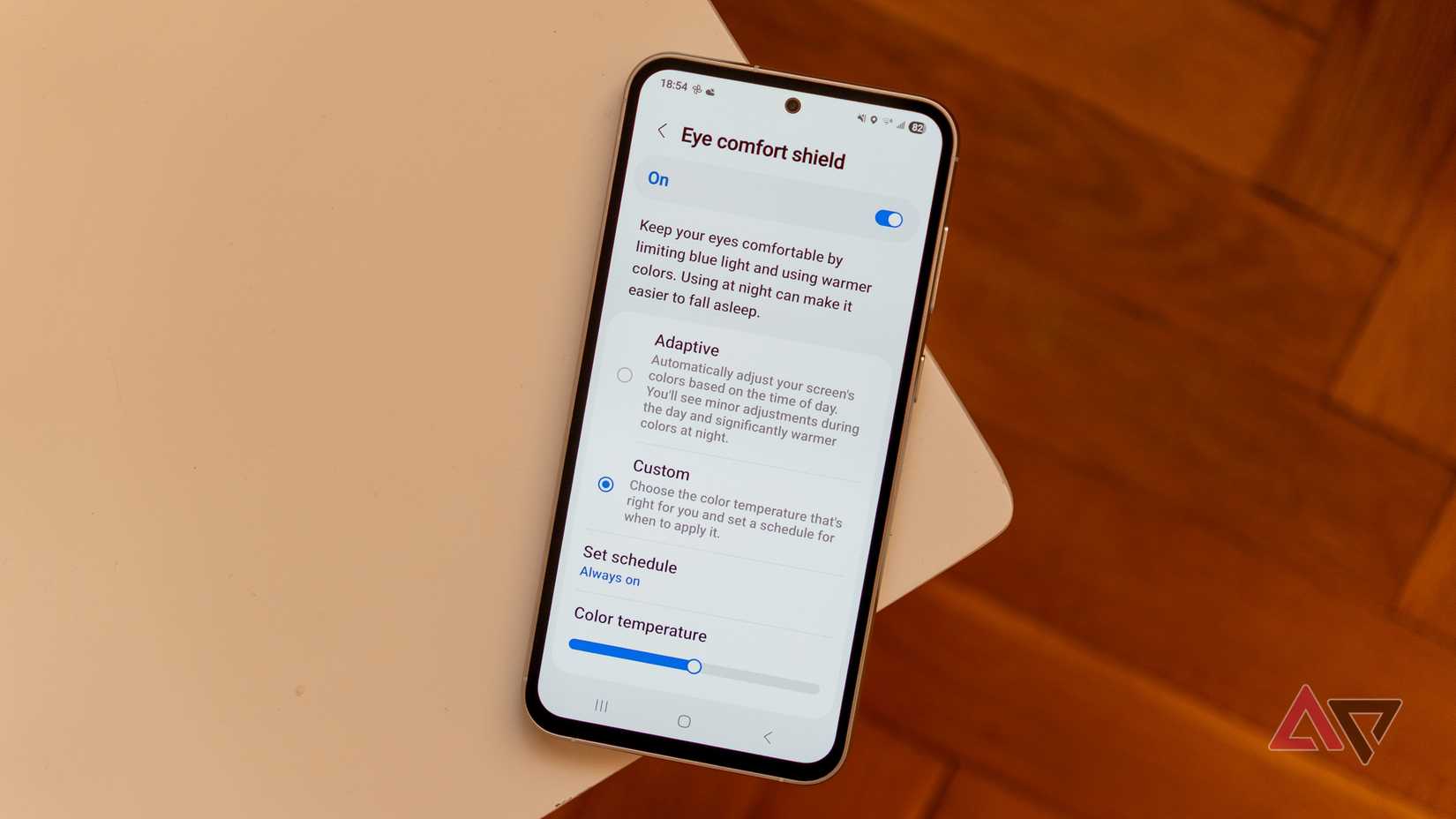
My Samsung Galaxy S25+ has built-in blue light filtering with Eye Comfort Shield.
While I've been using this more daily, I haven't been as satisfied with the experience.
I realized I wanted more fine-tuning and a more natural transition for nighttime reading (the adaptive option doesn't quite get it where I want it).
I like to read in the evening after work, which sometimes ends at 9 pm; other times, it is 10 pm. Or when dusk settles in if I am done earlier.
My actual bedtime is technically not until midnight.
As such, I don't try to fall asleep until sometime after midnight, which means I don't necessarily want to use full blue-light filtering until closer to my actual bedtime.
That's why I decided to check out a highly rated app on the Google Play Store, Twilight, which focuses on fine-tuning your device's blue light filter depending on the time of day.
Twilight app blue light filtering is more natural
I like that I can create custom profiles in the Twilight app.
Since I do evening and bedtime reading, I wanted to create two profiles that suited both.
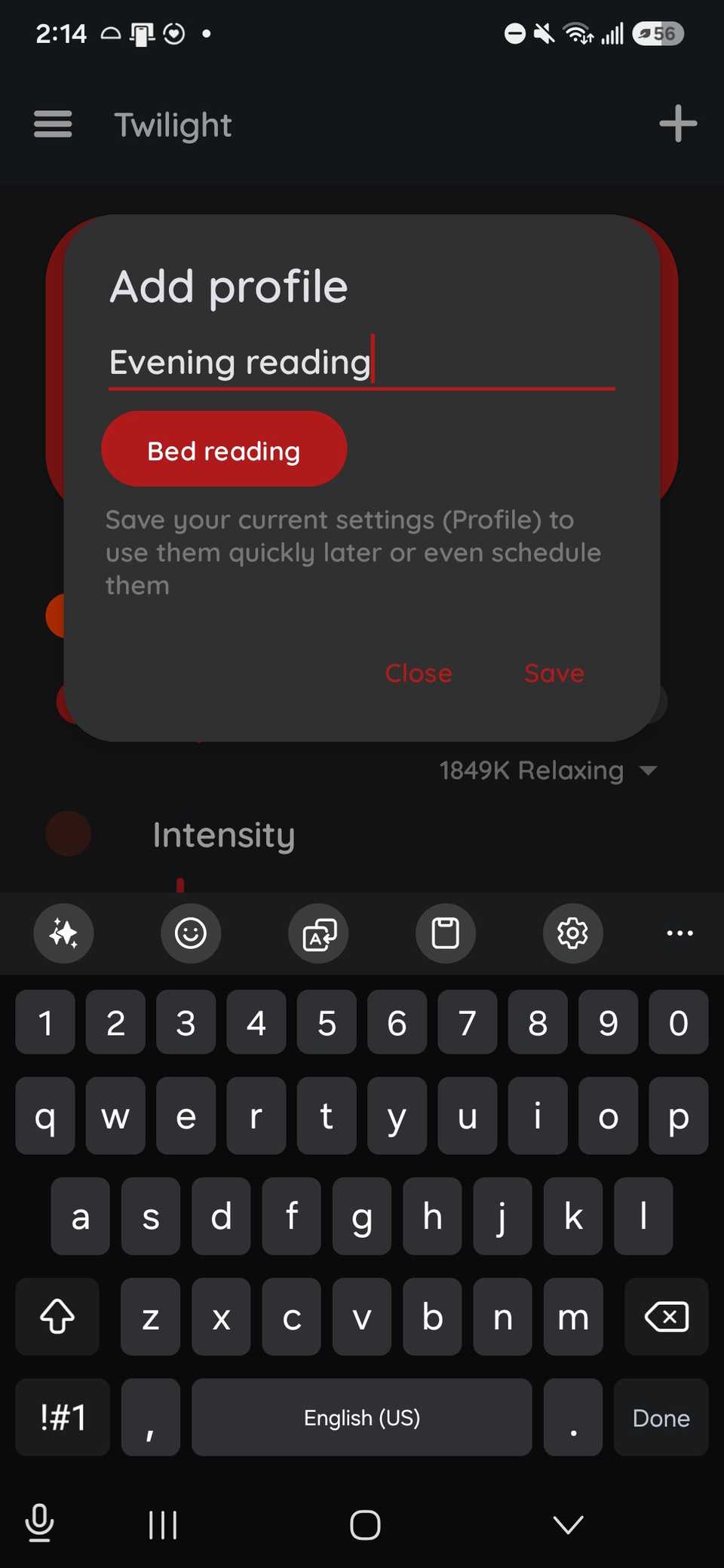
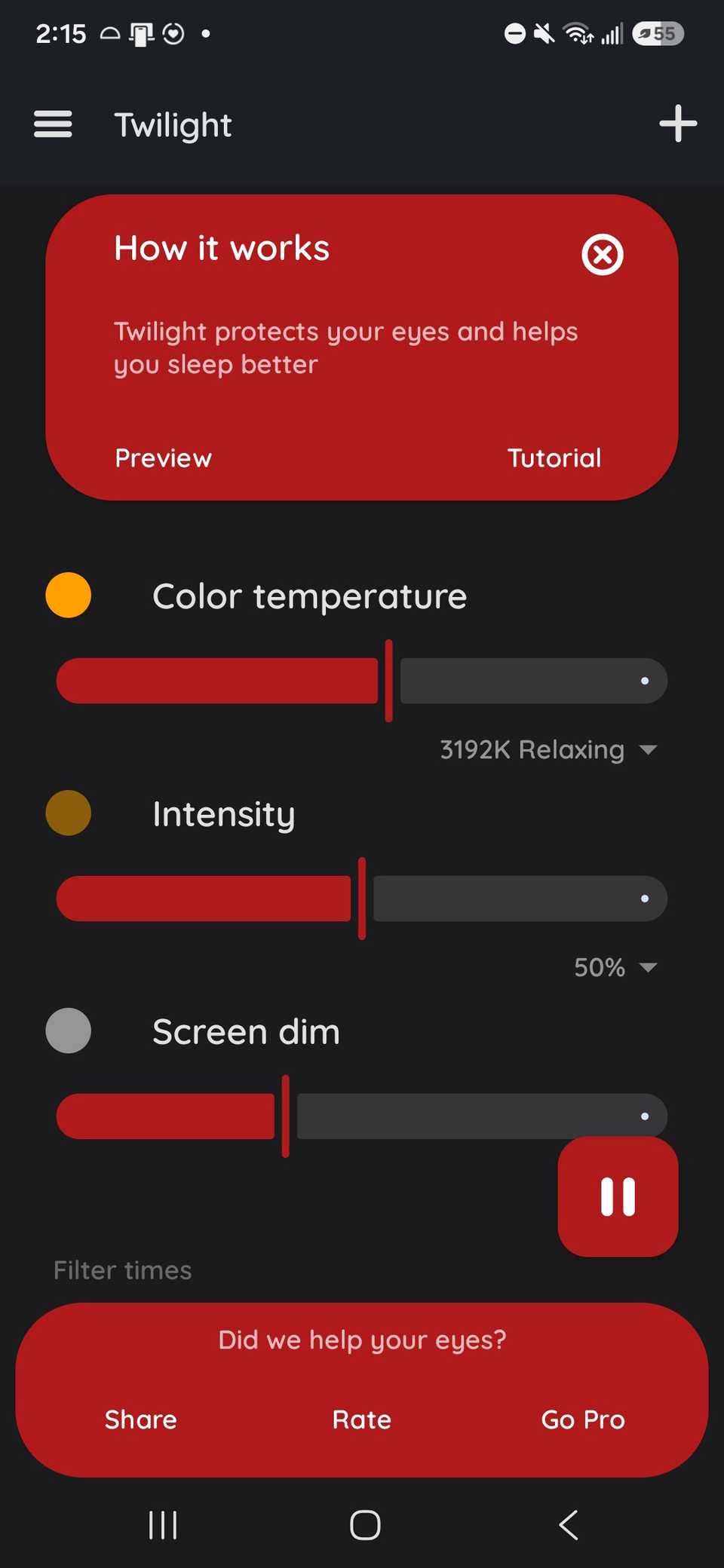
For the evening reading profile, I set the color temperature to a warm, medium intensity and the screen dimming (which lowers the backlight) to a low-to-medium setting, since my home is naturally dark.
Below the sliders, you can schedule the filters by time and location, which I thought was neat.
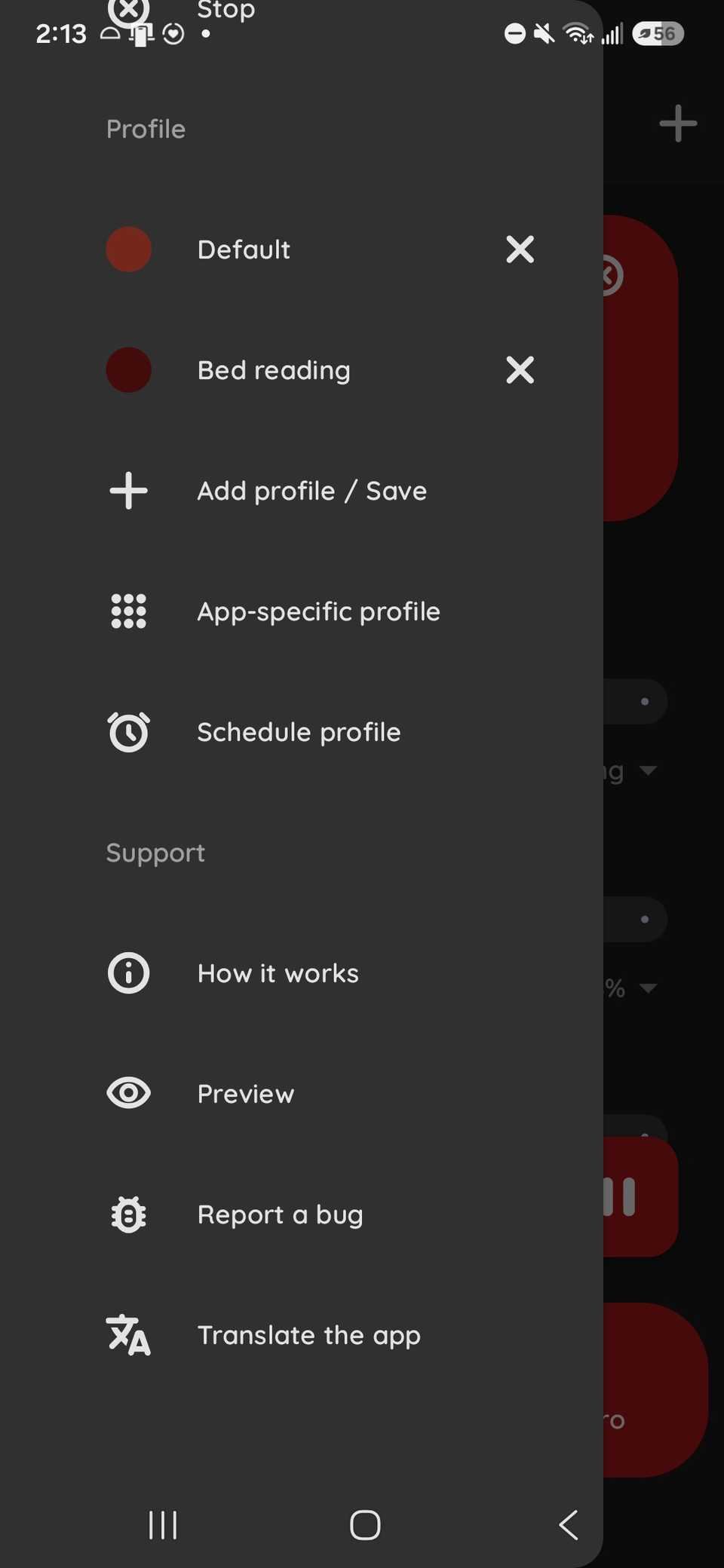
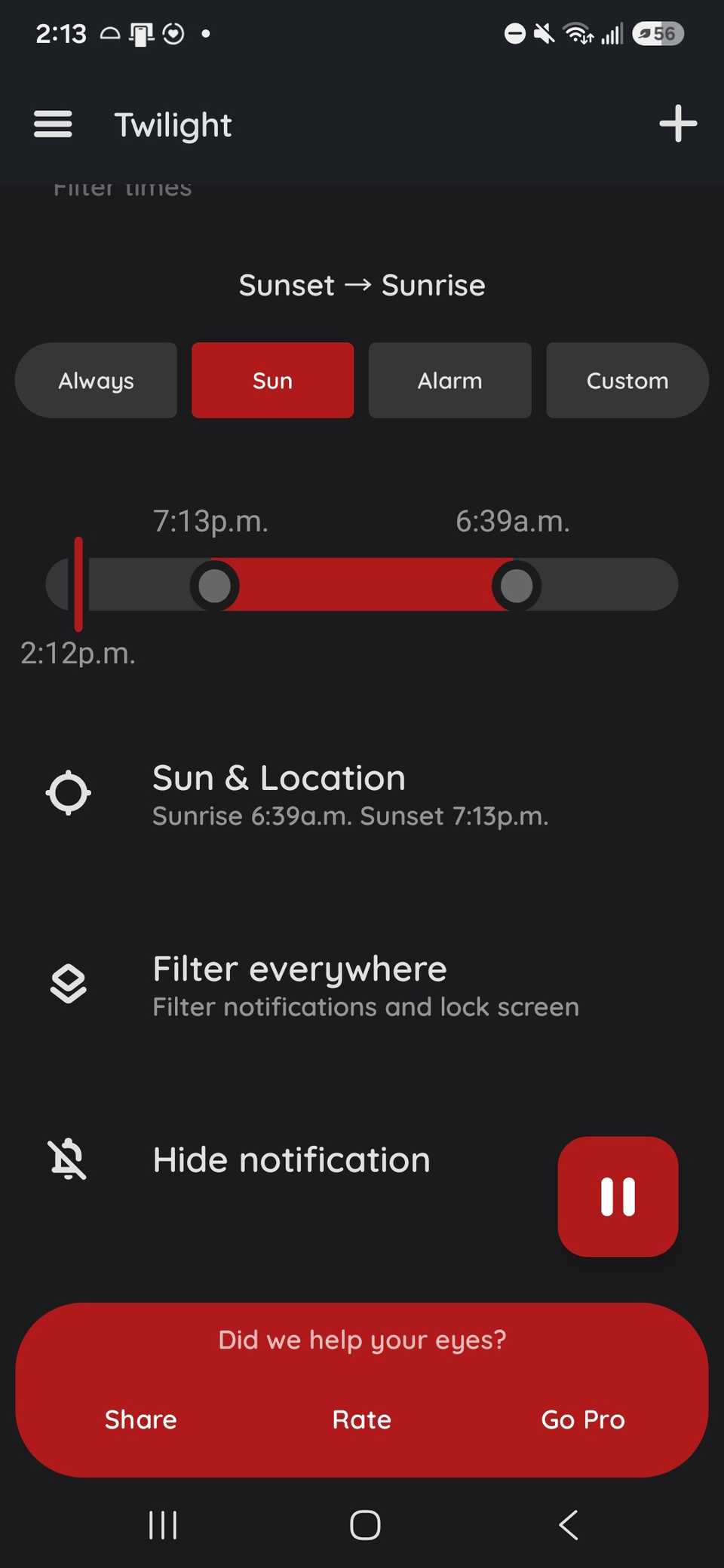
Where I live, depending on whether it is approaching daylight saving time, it either stays light out longer or the night starts much earlier (around 6 pm), which messes with the natural lighting for my phone since a few of my rooms depend on it.
It also relies on the time, so the transition to changing the color temperature, dimming, and the intensity filter is gentler (custom transitions are paid only) — which is a massive boon for me.
Then, for the bedtime reading profile, these settings are stricter, since I want to use the blue light filter to the fullest, which means setting the color temperature more orange-red and the filter intensity higher.
The screen dimming needs to be lower (less dimming) since my bedroom is quite dark.
If you aren't accustomed to using a blue light filter, the transition to warmer colors can be jarring. For the first week, I set mine to a lighter orange and lowered the intensity to train my eyes to handle more extreme settings.
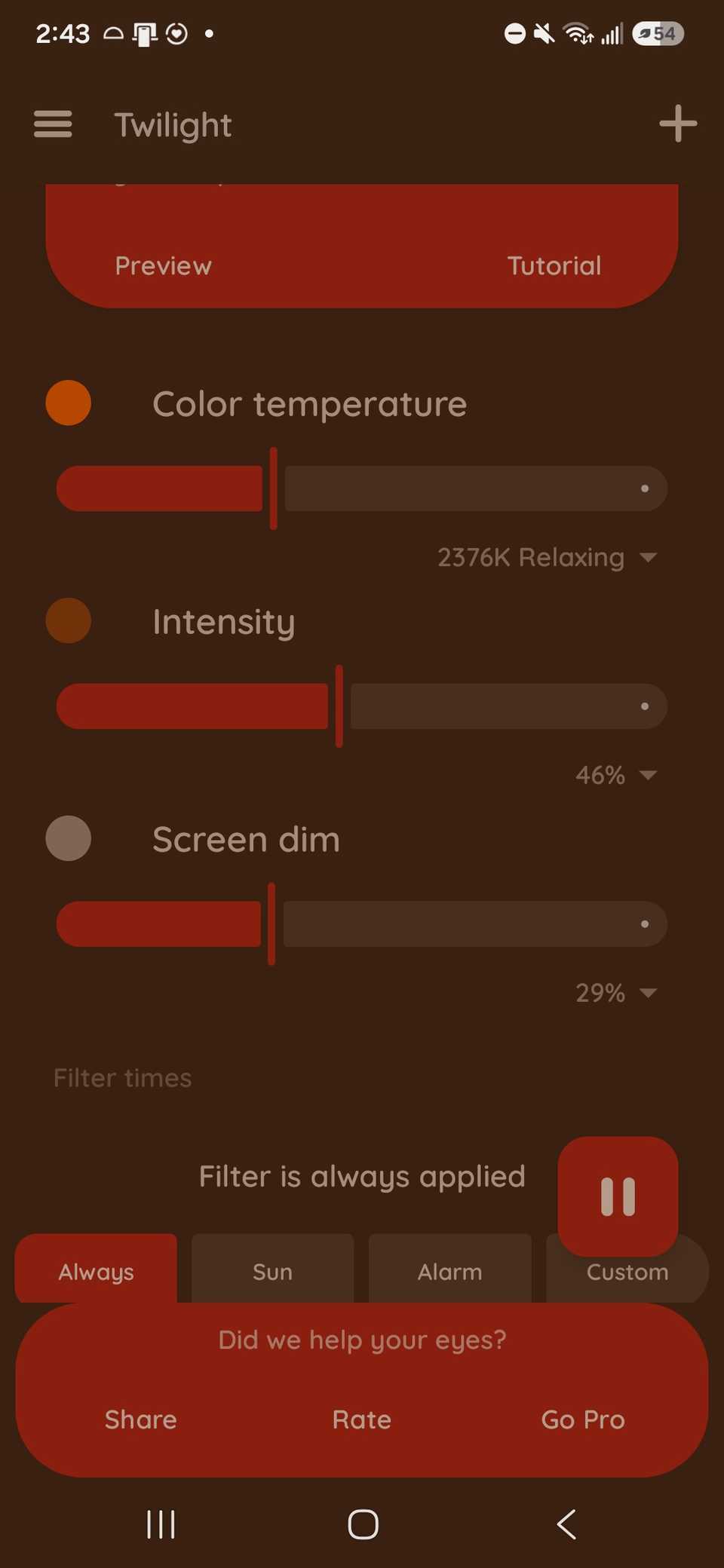
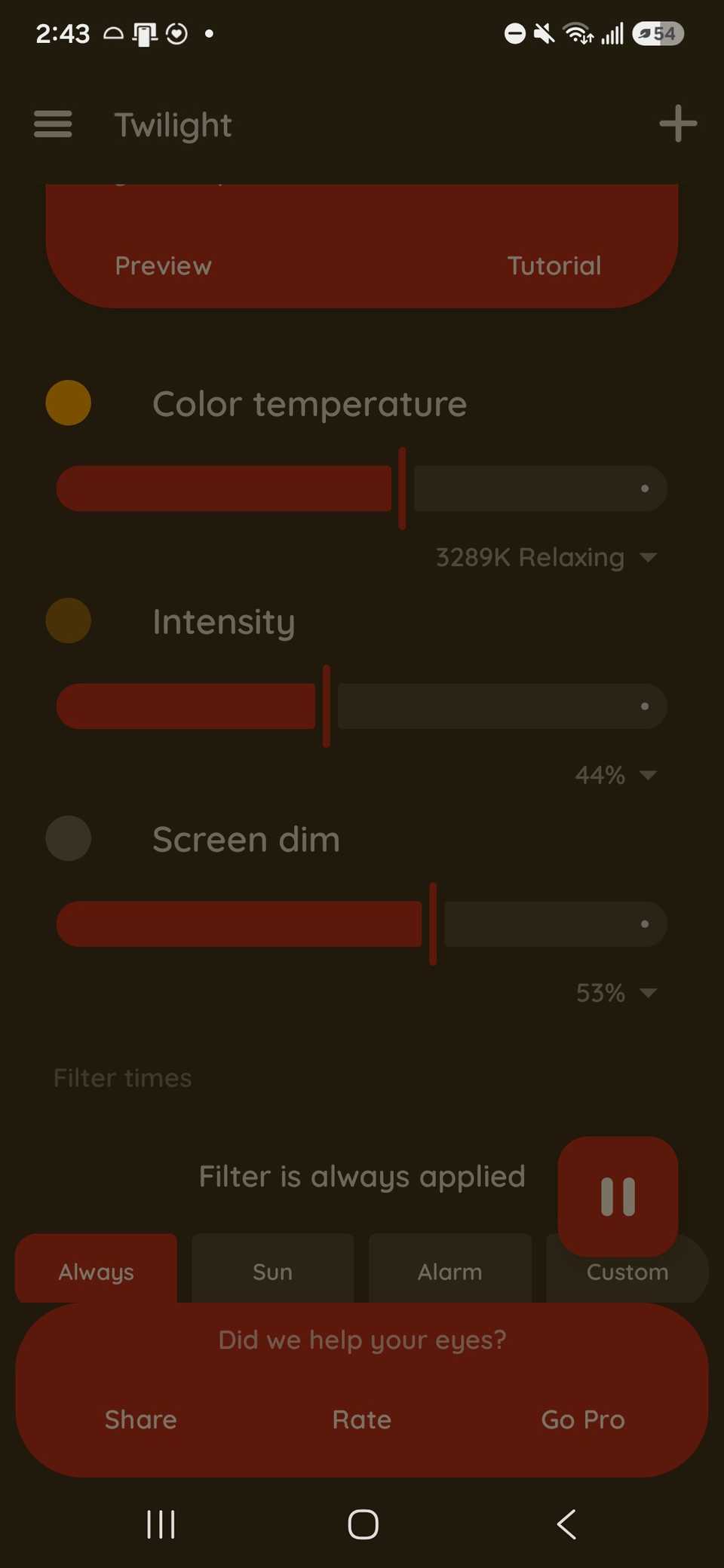
After I finished making my profiles, I used the app to toggle the modes on and off.
You can also turn the app into an overlay to use with other apps if you need to fine-tune your settings during nightly reading.
You also don't need to use this app only for reading if you want to watch videos, which I tend to do when I am feeling anxious about falling asleep. You can apply the filter while doing this on YouTube or Netflix.
There is also a Twilight Pro version of the app, which gives you more profiles, scheduling options for improved transition control, and an array of experimental features you wouldn't find in the regular app for $10 (one-time fee).
Though I think the free version does plenty.
Monitor your eye fatigue and strain
But beyond blue light filters, you can do more, such as adjusting your room lighting and using dark mode more often on your phone.