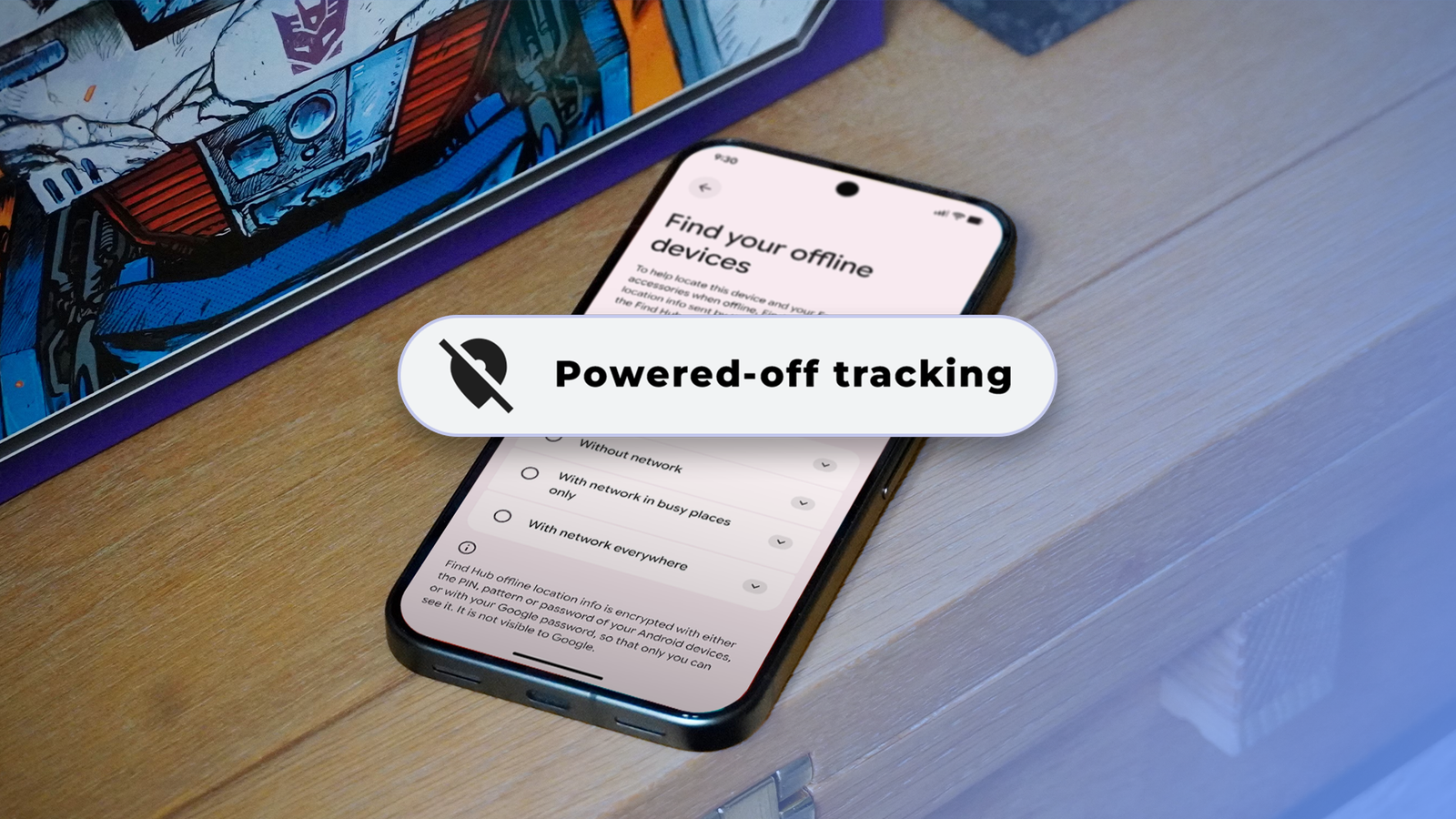
I thought turning off my Google Pixel meant it was completely off. As it turns out, that's not the case.
The phone sends a Bluetooth signal for hours after being powered off, secretly broadcasting its location as a security feature. While this is an incredibly useful feature, I was not comfortable leaving it enabled.
Thankfully, I could disable powered-off tracking without turning off Google Find Hub completely.
Your Pixel is still detectable after it's turned off
Special hardware keeps Bluetooth running in the background
Modern smartphones are incredibly complex devices, packed with advanced hardware and software. So the idea that turning off a phone means it's completely off is no longer true.
When I turned off my Google Pixel 8 Pro, I assumed it would stop communicating with anything around it. After all, the screen is black, and the phone has shut down, so there's no way it could do anything.

But that's not the case. Pixel 8 and newer models feature offline tracking, letting them keep sending a low-power Bluetooth signal for hours after they power off. Other nearby devices can detect this signal and relay the location information to Google's servers.
On paper, this is a great security feature. It ensures that even if your phone is lost or stolen, you can find its approximate location for at least a few hours. And there's no major security risk either, since the location information is end-to-end encrypted.
Even so, I did not like the idea that my Pixel could remain detectable after I deliberately turned it off. I wanted the power button to work how I expected.
Offline device tracking on Pixels is not exactly a secret. My Pixel displays a short message explaining that the phone can still be located after shutdown when I turn it off. Google has also explained the feature in detail on its support page.
However, that message is easy to miss, and after you set up offline device tracking, its controls are buried deep in the Settings menu.
I turned off powered-off tracking
And I didn't have to turn off Find Hub completely

At first, I thought my only option was to turn off Find Hub completely. That was not something I wanted to do. After all, it's a useful security feature that can help me locate the phone remotely, make it ring, or erase its data.
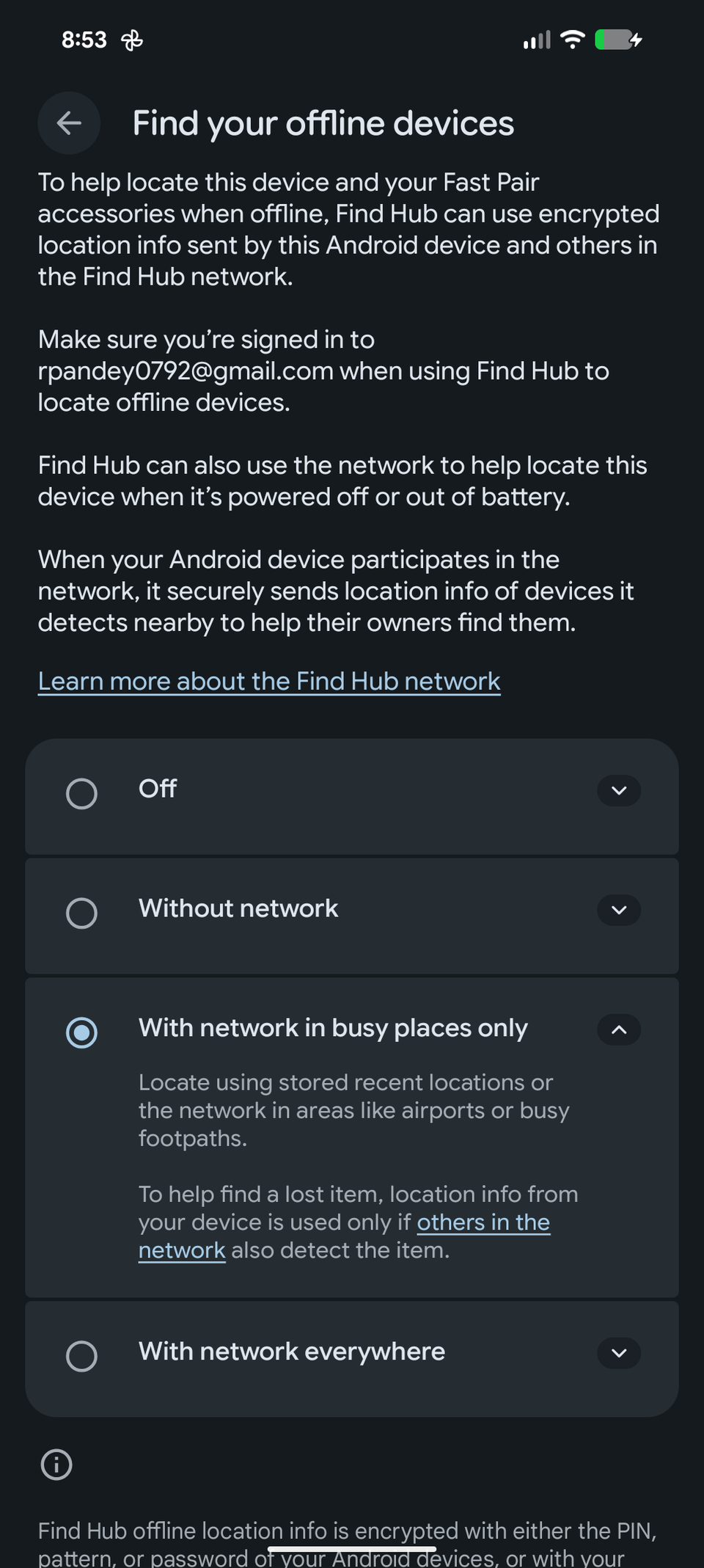
Offline tracking controls in Find Hub are separate from the rest of the settings. The option is tucked away in Settings > Security & privacy > Lost device protection > Find Hub > Find your offline devices.
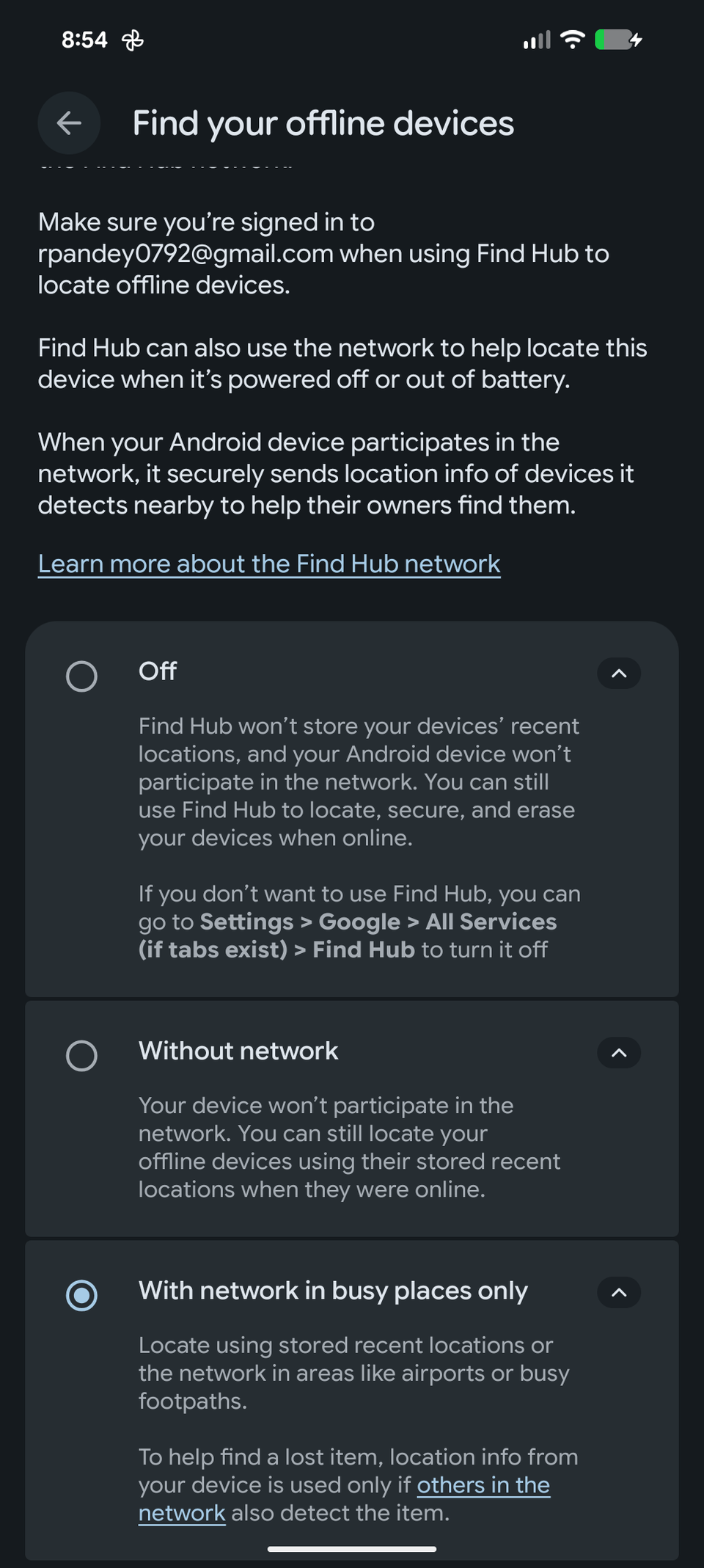
There are four options: Off, Without network, With network in busy places only, and With network everywhere. I selected as I wanted to disable offline finding entirely.
However, I left the Allow device to be located option enabled so that I could continue using Find Hub while my phone was on and connected.
So, while my Pixel 8 Pro is not discoverable after it's turned off, I can still track it using Find Hub as long as it's online.
The latest Android Canary build adds a new setting that prevents toggling Wi-Fi, Bluetooth, and mobile data from the lock screen without biometric authentication. It closes a major security loophole and makes it much harder to disconnect a stolen Pixel from the internet.
This addition also gives me the balance I want: the convenience of Find Hub without allowing my Pixel to broadcast its location when powered down.
If you are not as paranoid as I am, you can go with the middle ground: Without network. This ensures your Pixel does not participate in the crowdsourced network, but Find Hub can still show a recent encrypted location while it was online.
I know I am giving up a useful security feature
Privacy comes at the cost of easier recovery

Powered-off finding is one of the most useful features Google has added to Find Hub in recent years. It ensures that if your Pixel is stolen, you can track it even if someone removes the SIM card or disconnects it from Wi-Fi.
For most users, this is too big a trade-off, and I wouldn't recommend making it. With Google encrypting location information, there's no major security risk to worry about. When I switch off my Pixel, I want it to stop broadcasting its location entirely.
My decision comes down to personal preference. I know I may regret turning it off if my Pixel is ever lost or stolen.
Turning off my Pixel now means what I expect
None of the above means that powered-off finding is a bad feature. It's one of the most useful recovery options on Android phones and significantly increases the chances of finding a lost or stolen device.
Still, I prefer knowing my Pixel isn't broadcasting its location when I turn it off. I only wish Google made this choice clearer and placed the setting somewhere more obvious.