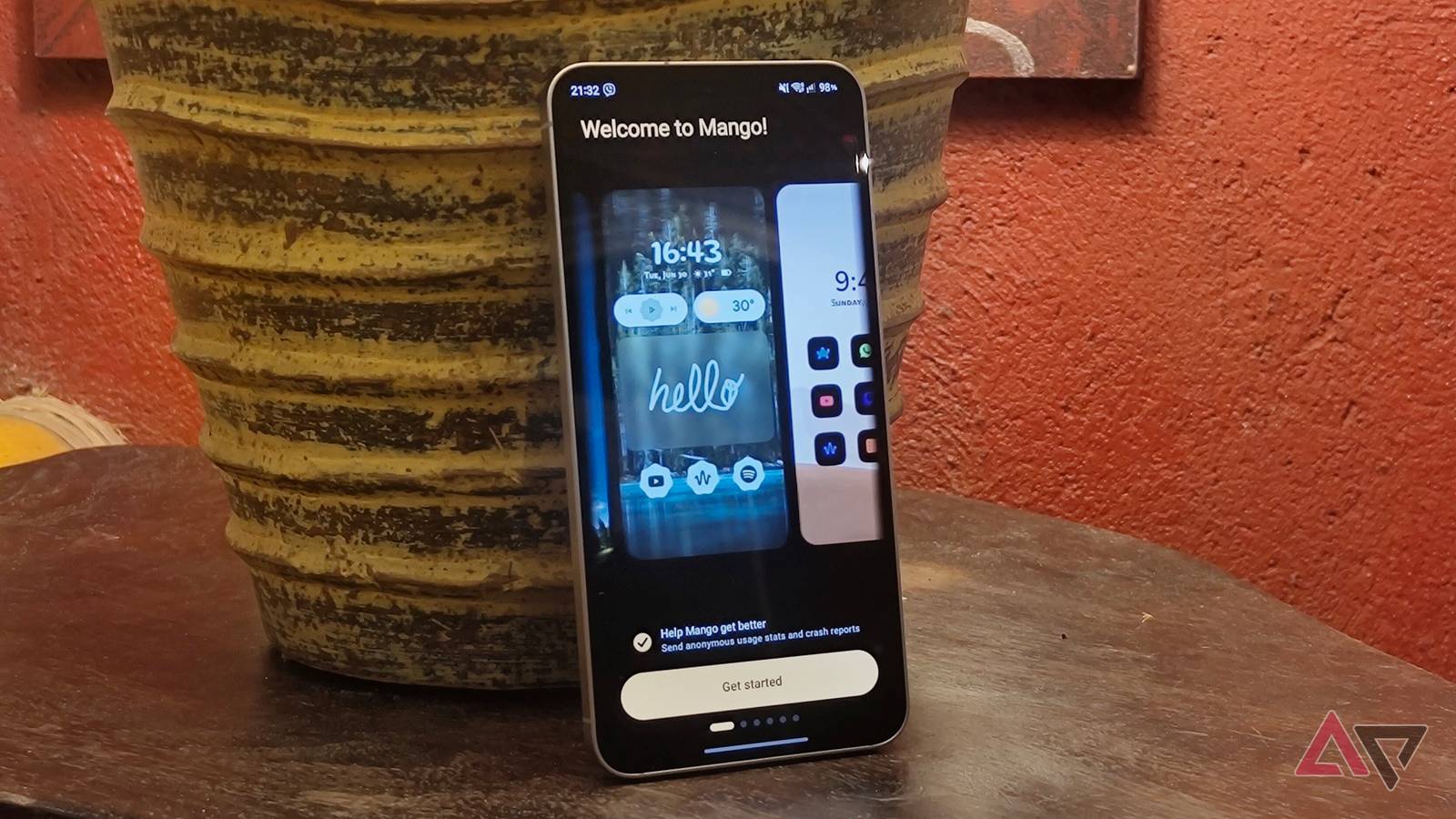
I've been fed up with my Samsung phone's One UI Home lately. I feel restricted by the customization options, and I could never achieve the personalized home screen and app drawer I get from third-party launchers.
It's really too bad. One UI Home delivers everywhere else, such as one-handed use and overall speed. When I need more control, I fire up Good Lock to unlock additional features.
Still, I wanted something new. I recently discovered Mango Launcher. It's a third-party Android launcher that looks basic on the surface but offers more customization than I expected.
What was an attempt to make my home screen feel fresh turned into a semi-permanent replacement. Mango Launcher is that good.
Mango Launcher made my home screen feel like home
The templates provide a fantastic start
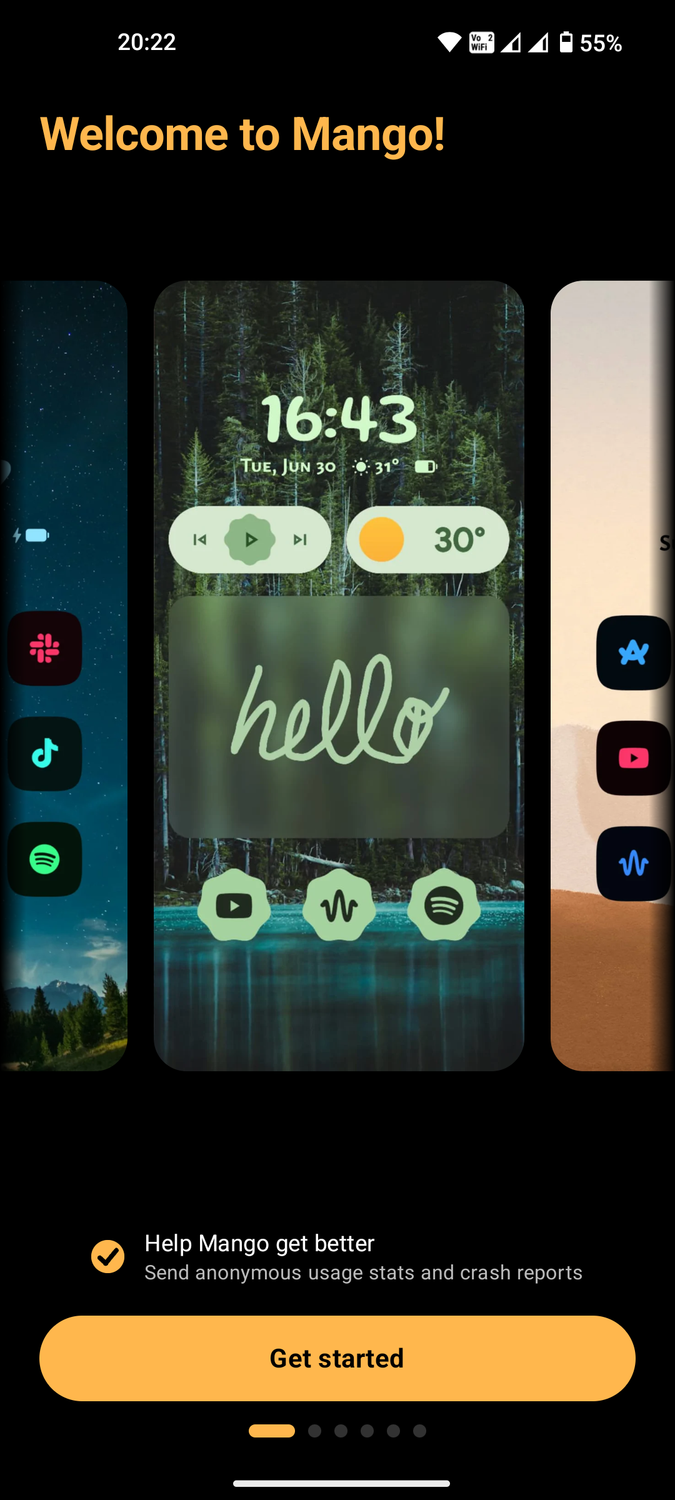
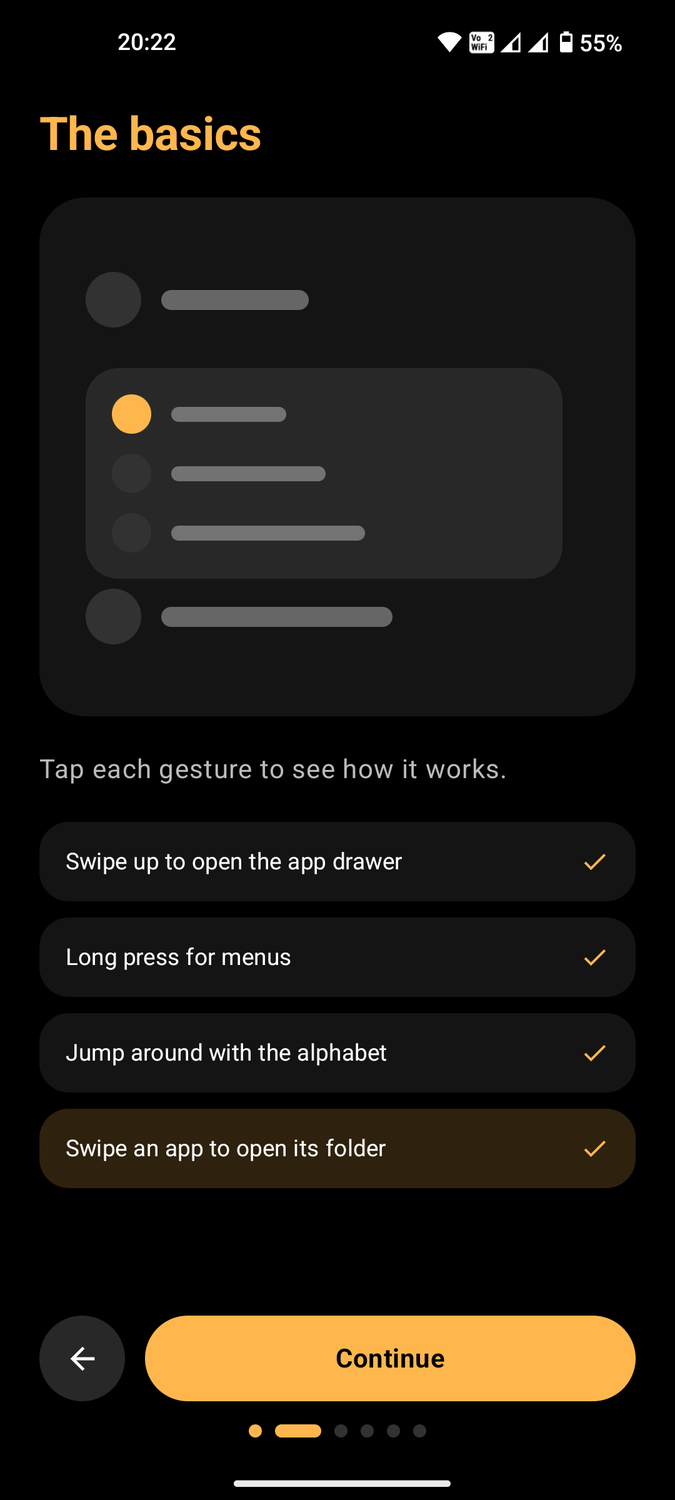
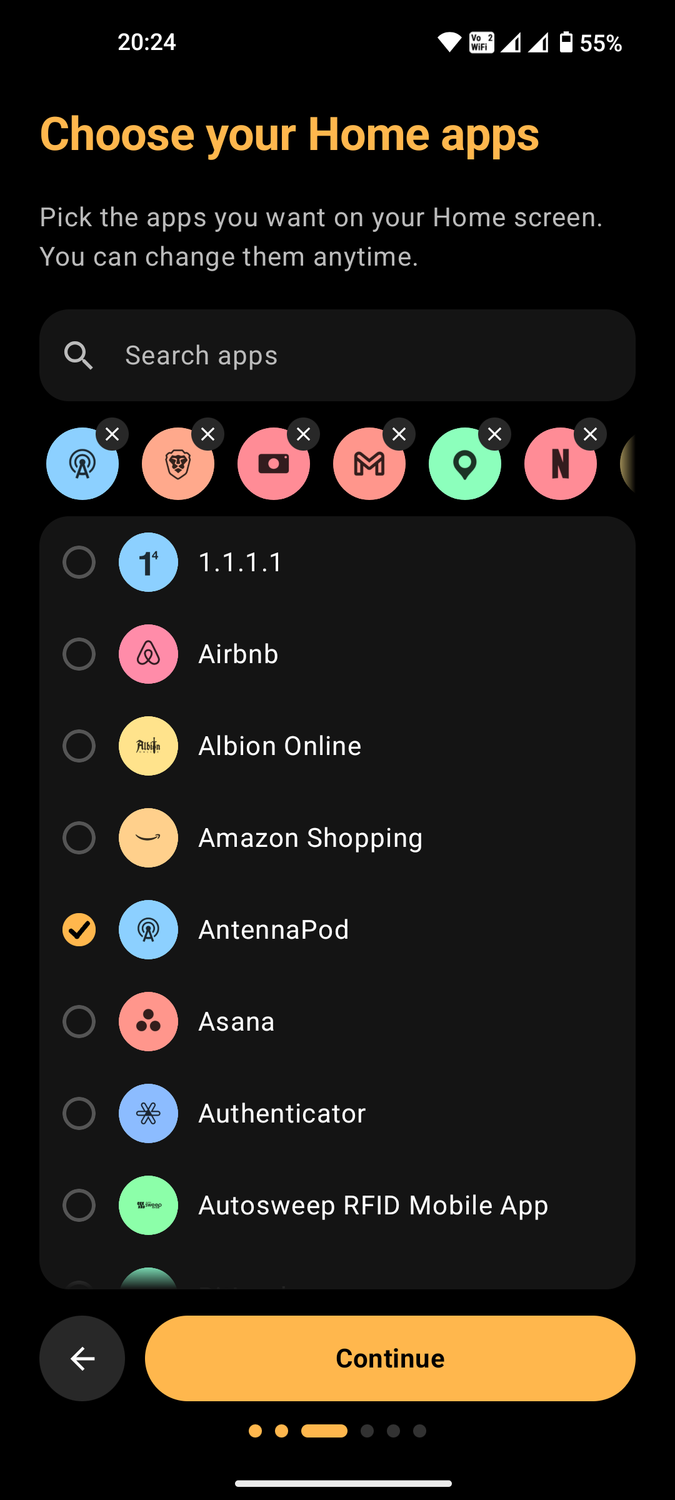
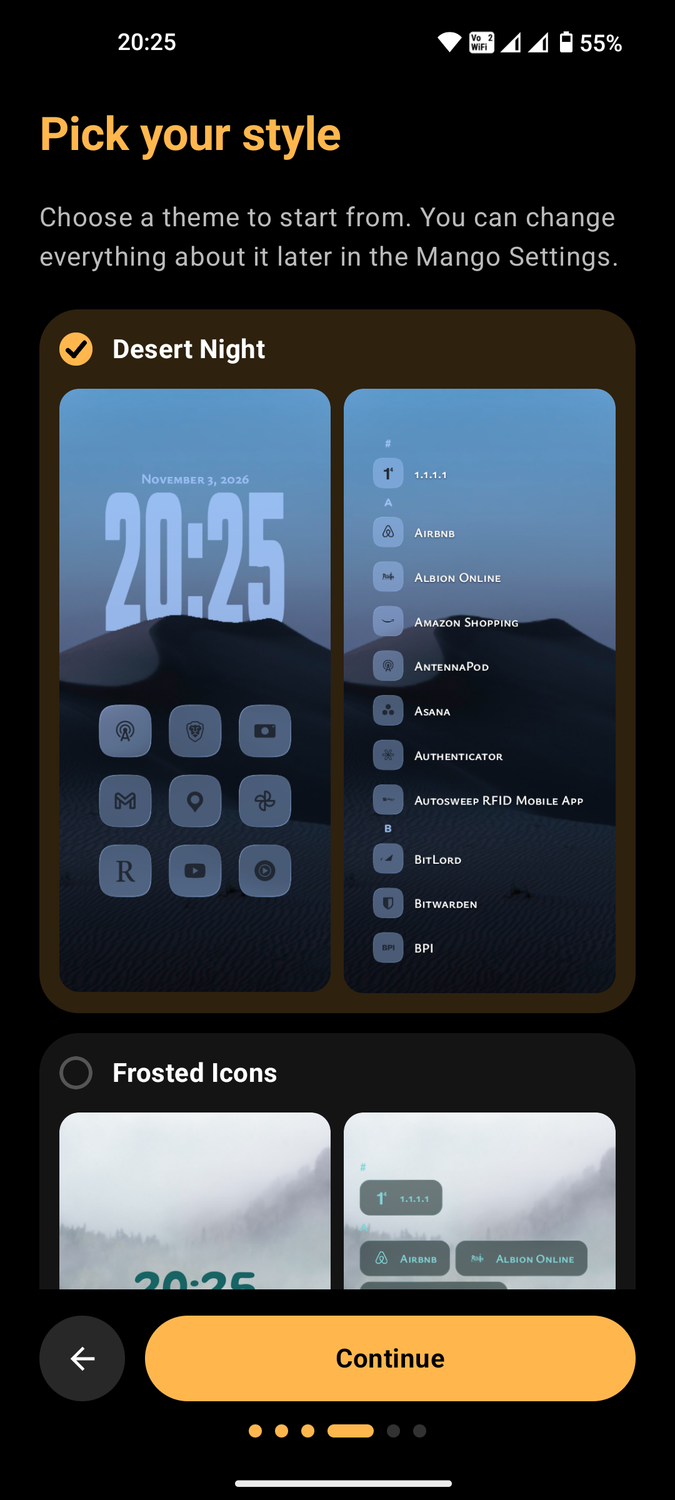
Mango Launcher does a great job of making me feel welcome. As soon as I installed it and opened it for the first time, it gave me a tour of the gestures and offered themes to start with.
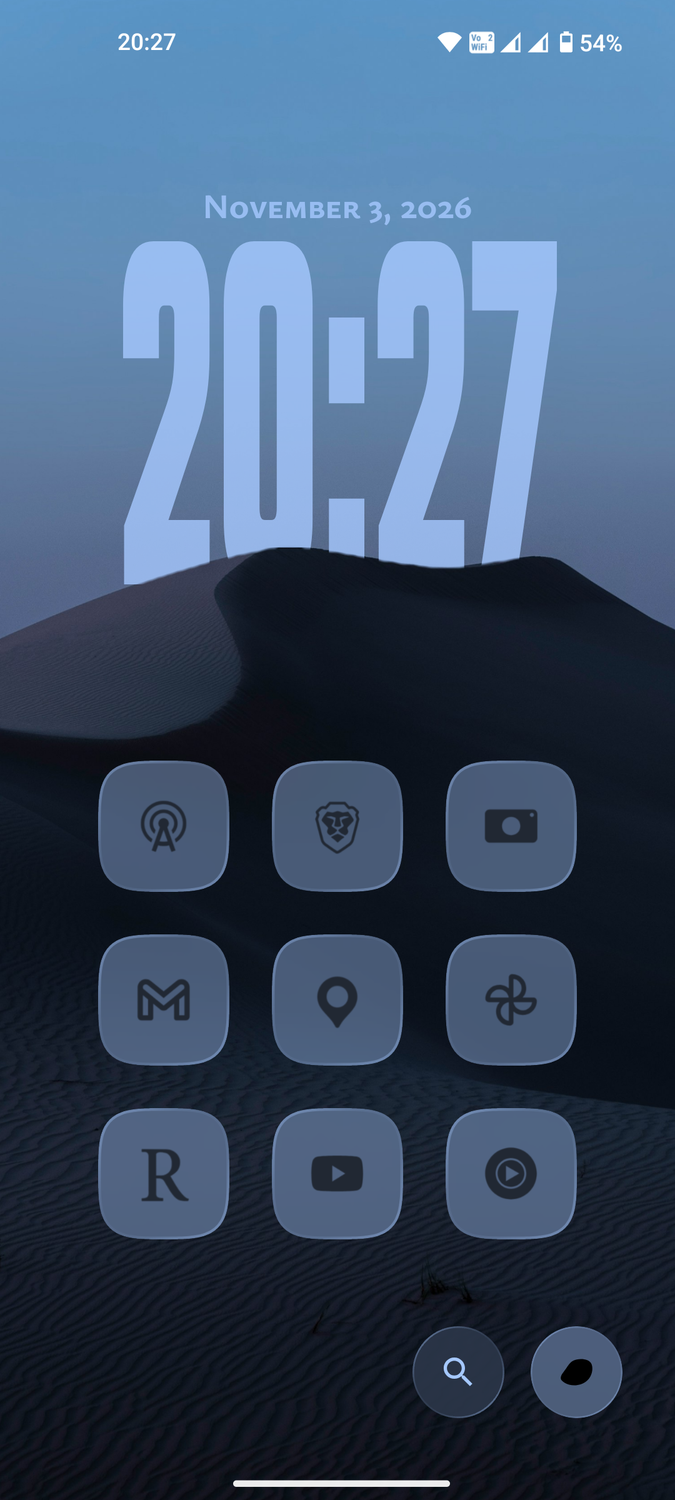
I got to choose which apps to set as my favorites on the home screen. The look is , but with a more intuitive layout that makes sense.
Most minimalist launchers like Olauncher oversimplify the user interface by stripping productivity features in favor of text-only pages. There's nothing wrong with that, but it's not ideal for power users.
Mango Launcher lets me add text shortcuts on the home screen or to app icons. I prefer the icon grid, which lets me put as many app icons as I want on the homepage.
Enable the during the initial setup. It appears at the bottom of the home screen and can be set to any shortcut. I set the button to a tap that expands the notifications and a long press that accesses quick settings.
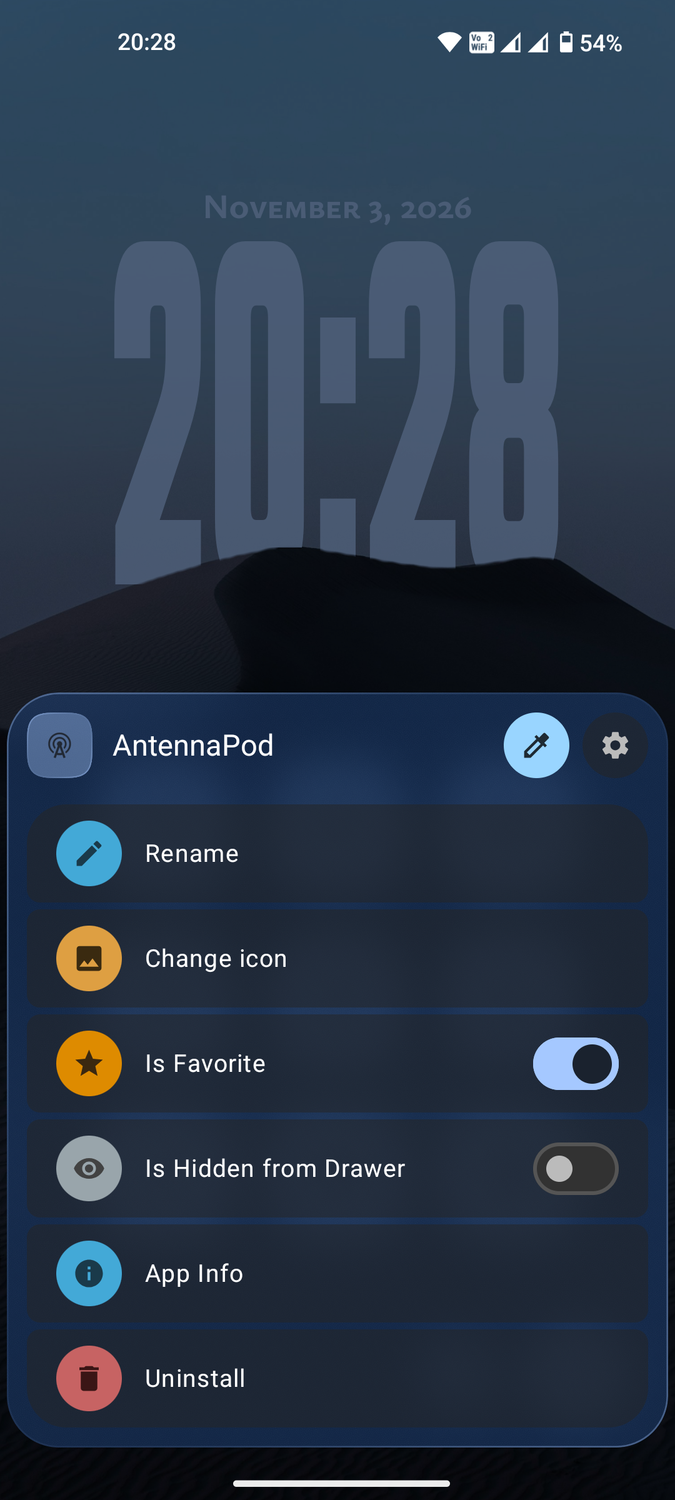
Gestures take some getting used to. Holding an app icon brings up the customization settings. Here I can change the icon's color, rename it, add it to the homepage favorites, or hide it from the app drawer.
Swiping an icon to the side reveals the app's shortcuts. Swiping the Gmail app, for example, lets me go to compose or any of my inboxes. Interestingly, I can add an app shortcut inside this menu, as if it were a folder.
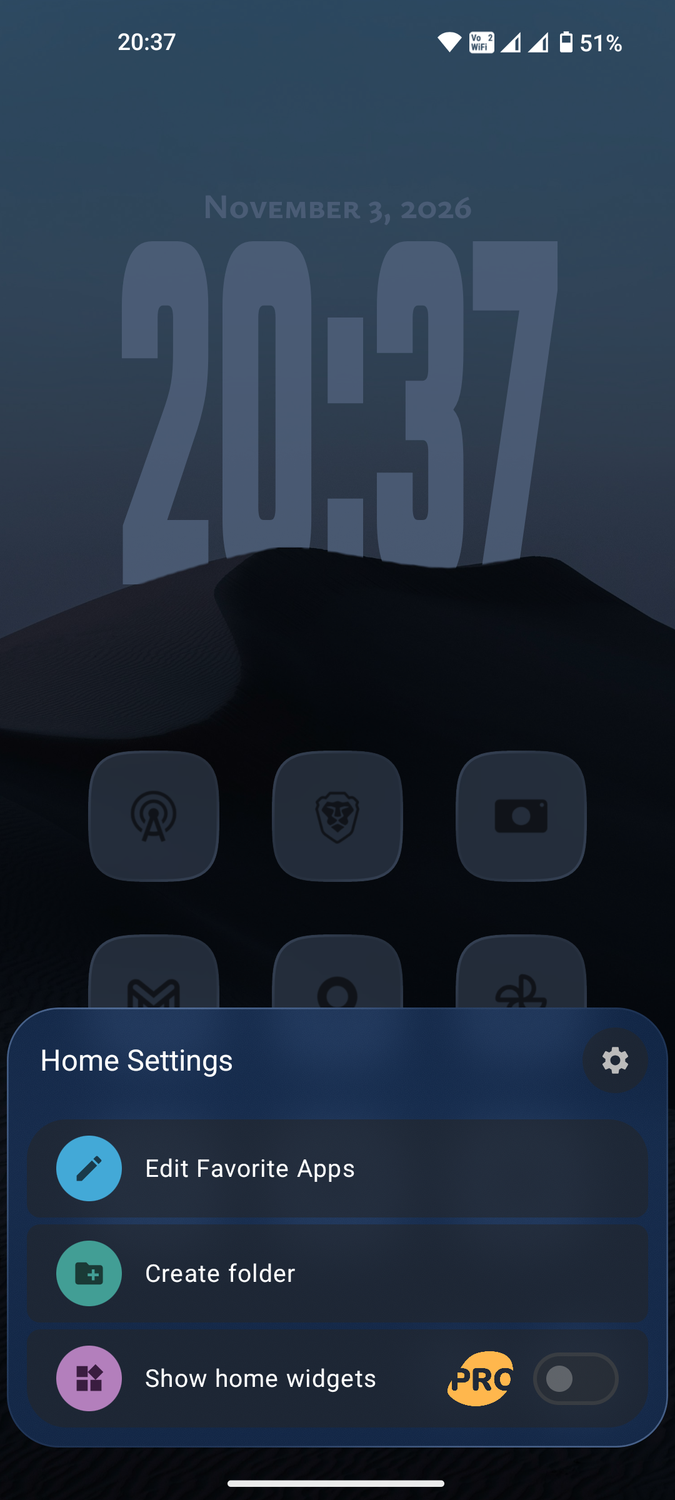
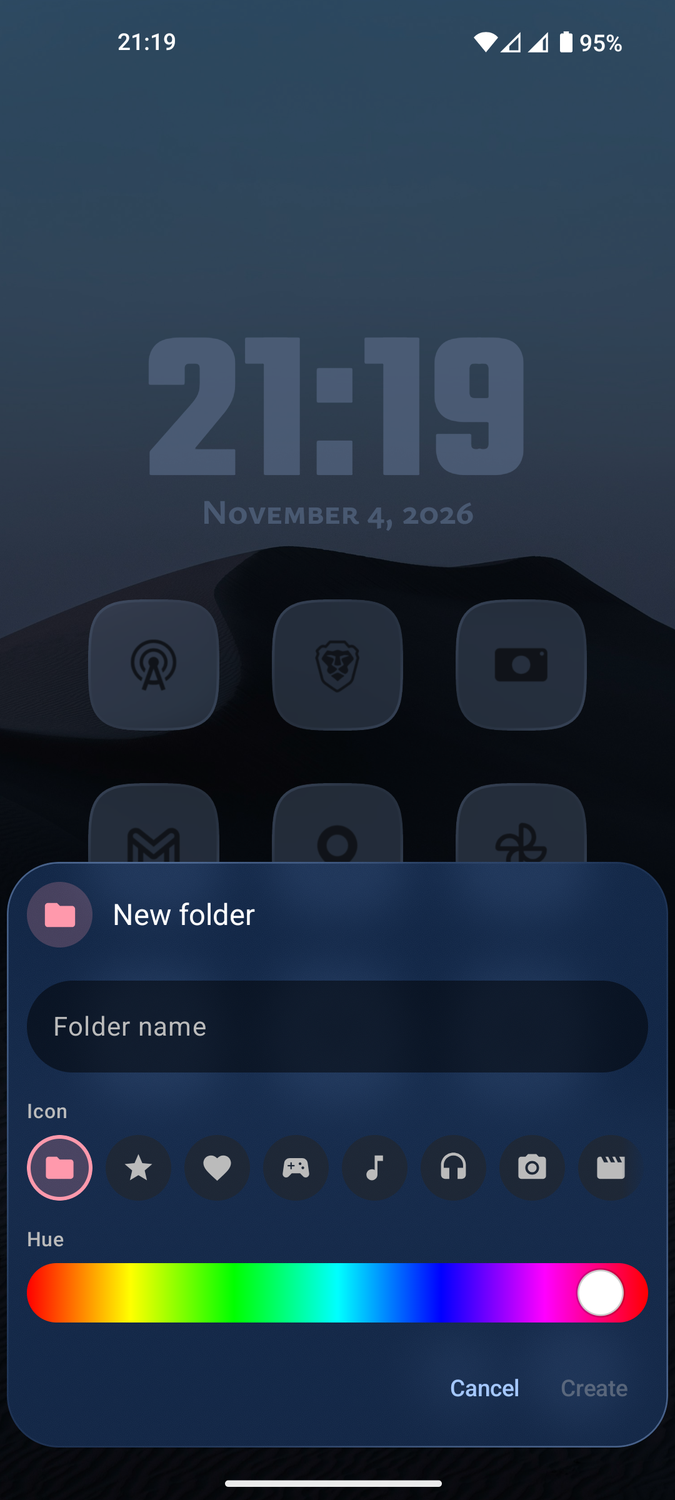
Speaking of folders, I can create one on the homepage by pressing and holding a blank space. I can then add as many app shortcuts as I'd like. You can choose from a ton of designs for the folder's icon.
Mango Launcher's app drawer is a lot more basic
True to its minimalist roots
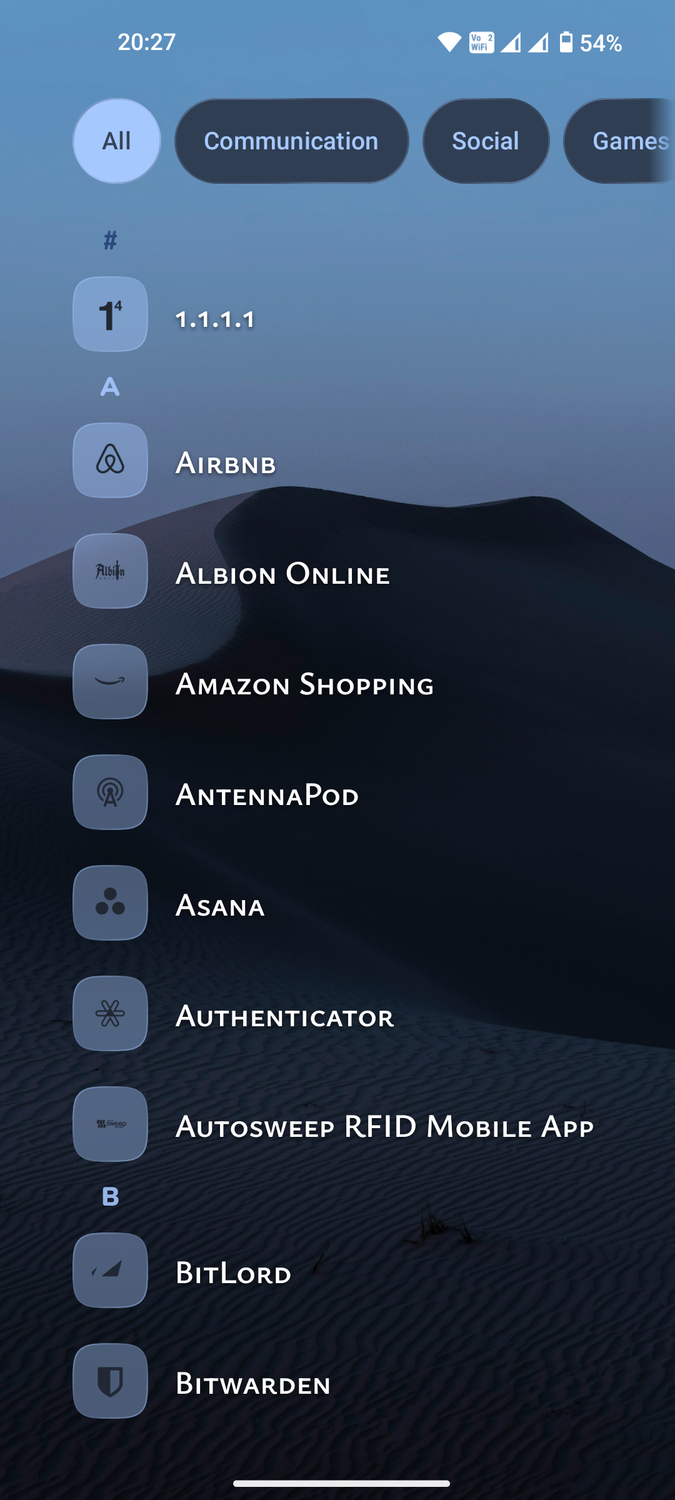
Like other minimalist launchers, Mango Launcher uses an alphabet scrubber to scroll through all the apps in the drawer from A to Z. I don't have to enter the app drawer to scrub; I can swipe up or down from the homepage to start scrolling.
I prefer using the search icon on the home screen to open my chosen app instantly. The app opens as soon as I type part of its name. For instance, typing "Gm" is enough to access Gmail. I also don't have to press enter after typing in the app's name.
The top of the drawer sorts my apps into seven categories. It's surprisingly accurate, even with some of my region-specific apps. I have gas station and ride-hailing apps that correctly fall under Navigation, and a niche networking app that goes inside Productivity.
I find categories unnecessary when the scrubbing and app search functions are so intuitive. I turned categories off by going to > > , then toggling Show categories.
You can change individual app icons inside the drawer. Press and hold anand select Change icon. Then, pick either a generic blank design or a photo from your local gallery.
Mango Launcher lets you hide apps in its free tier. Most require payment to enable this basic feature. Again, Mango Launcher is quite customizable for an app advertised to be minimalist.
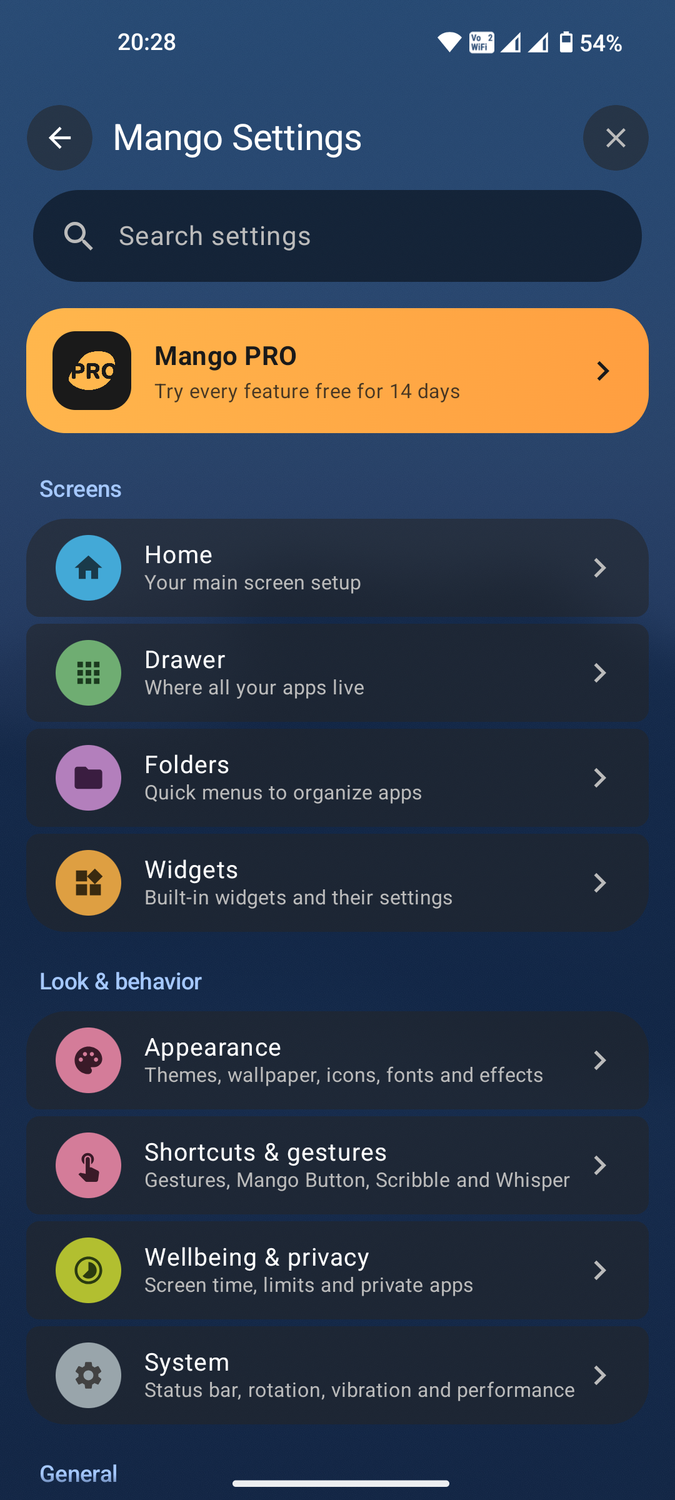
Mango Launcher offers plenty more customization options in its main settings. You can adjust the appearance of items on the homepage, in the app drawer, and in folders.
You can take customization a step further by tweaking gestures, shortcuts, and privacy settings in the same main menu. When you have the look you like, export the settings to a Mango file to import them to another device.
This minimalist launcher is almost perfect
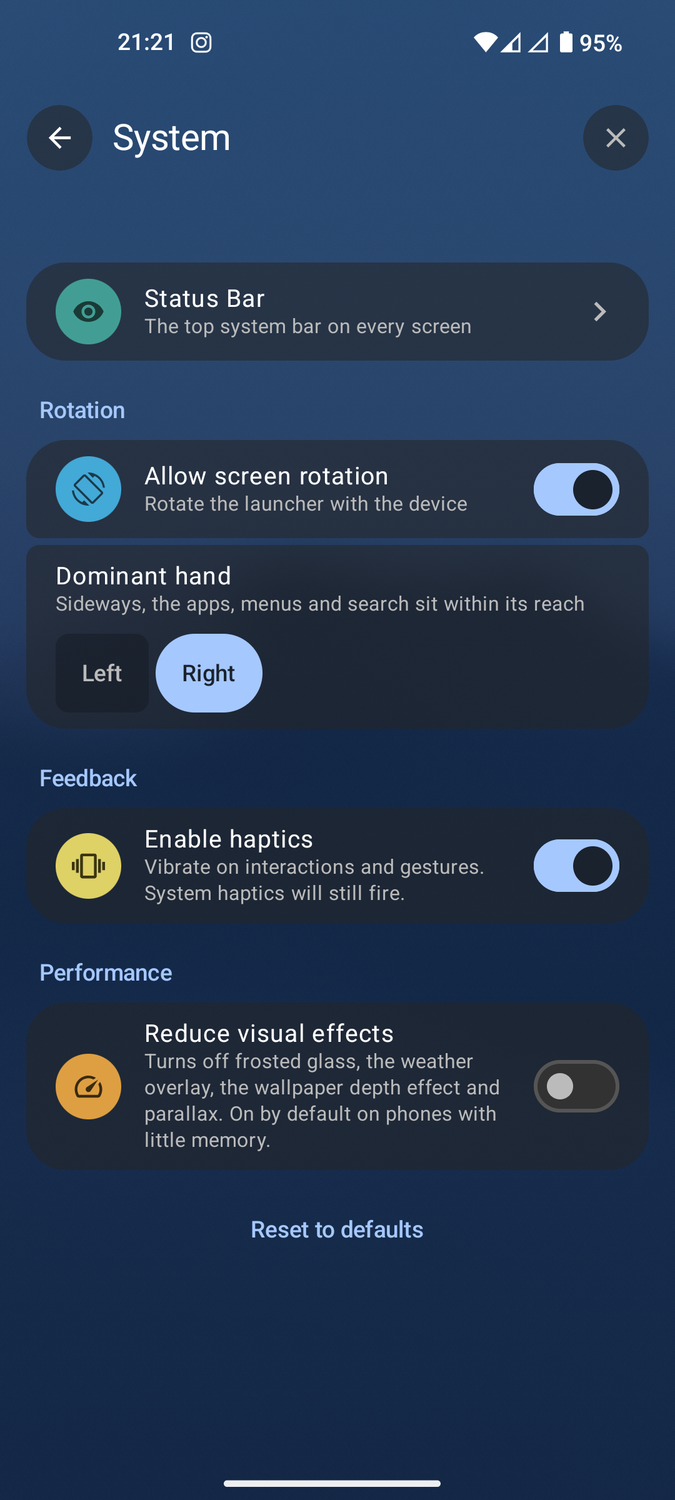
My biggest gripe with Mango Launcher pertains to its speed. For a minimalist launcher, it's somewhat slow and lags on one of my midrange phones when too many animations happen in succession.
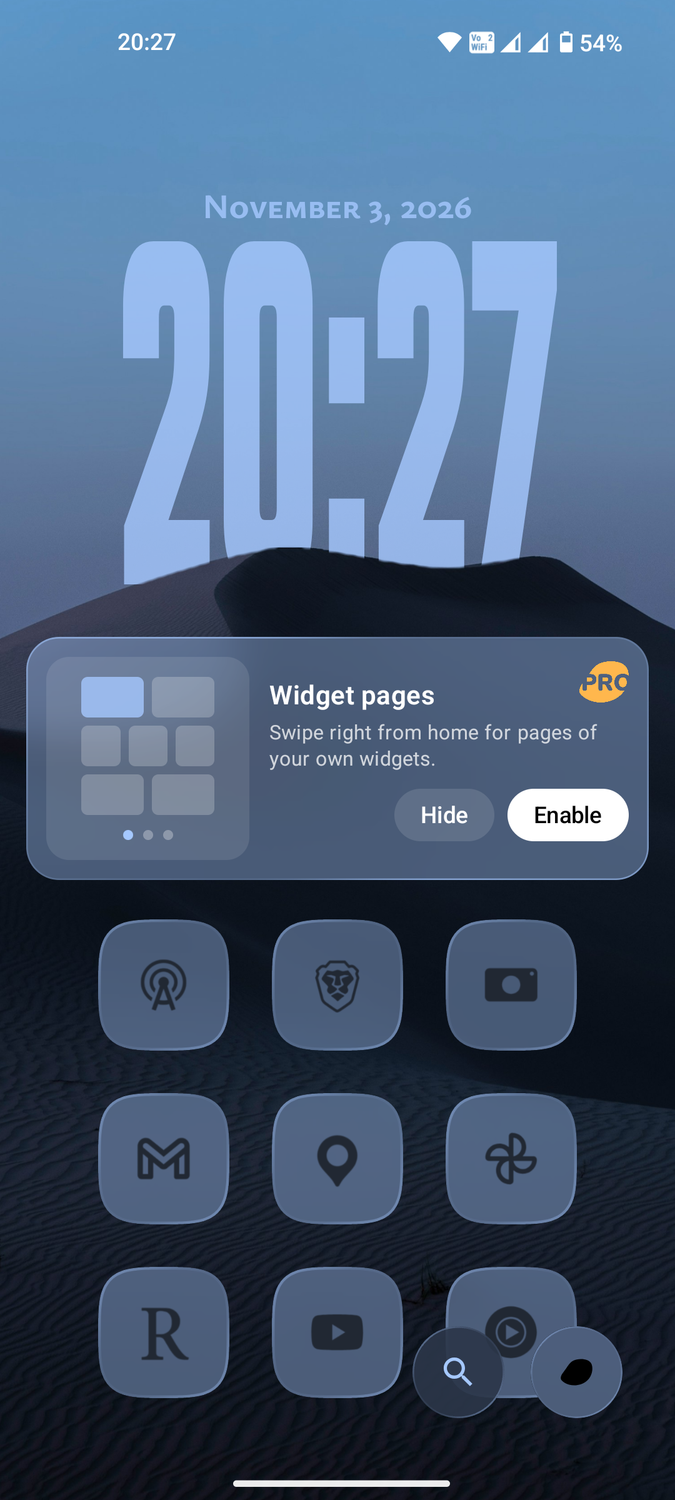
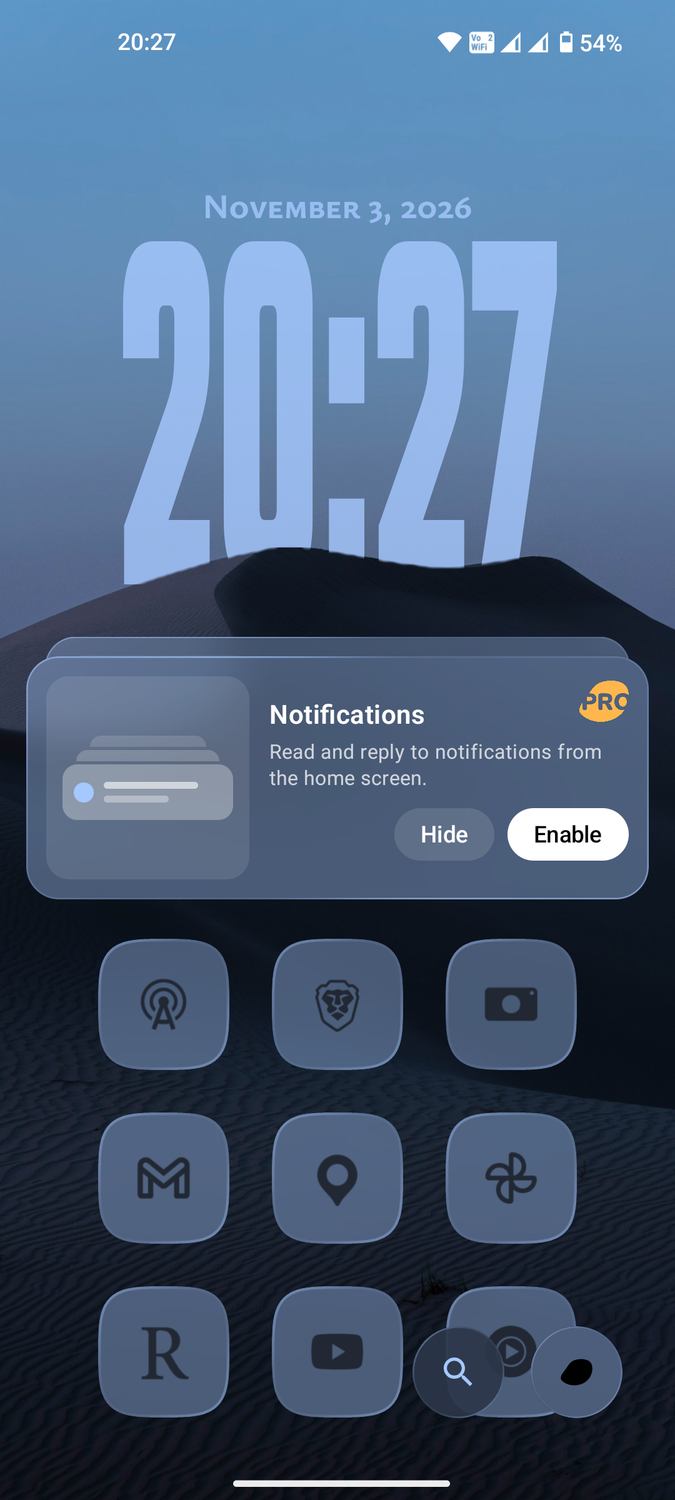
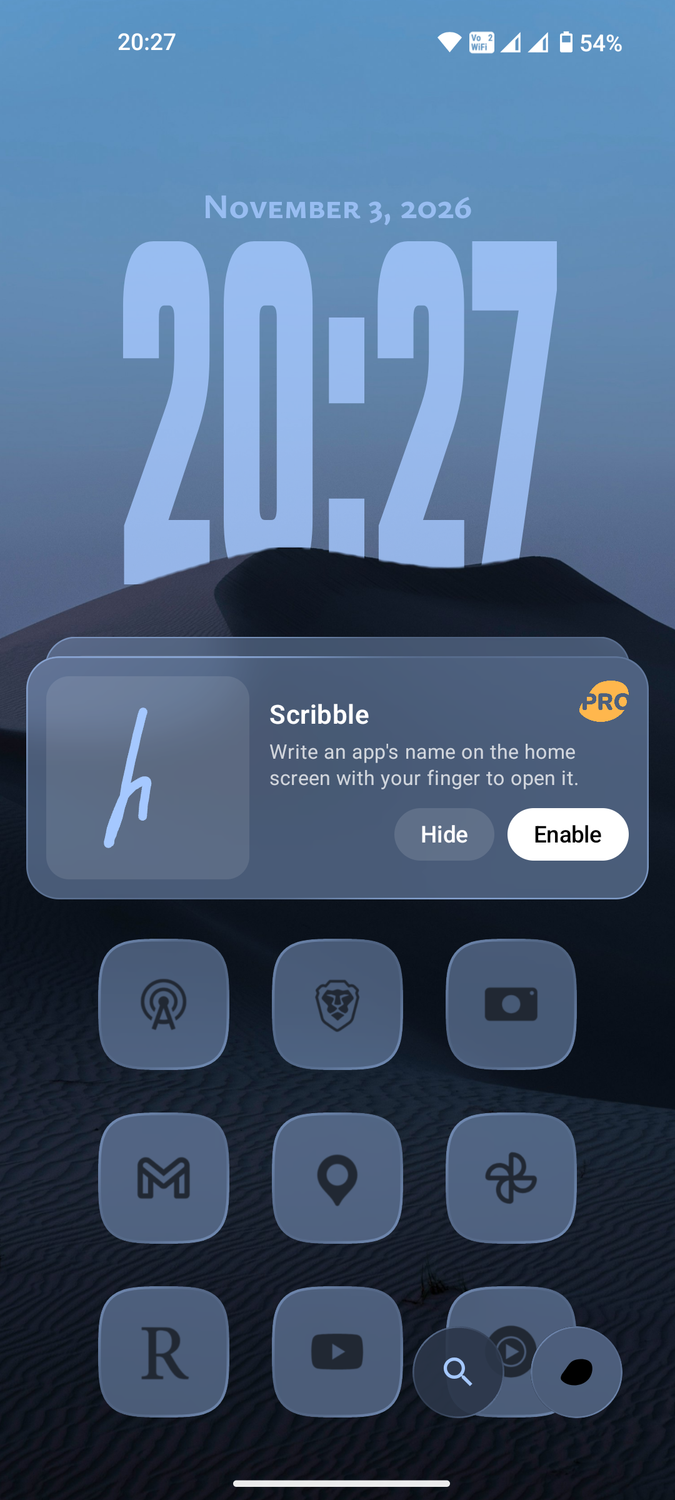
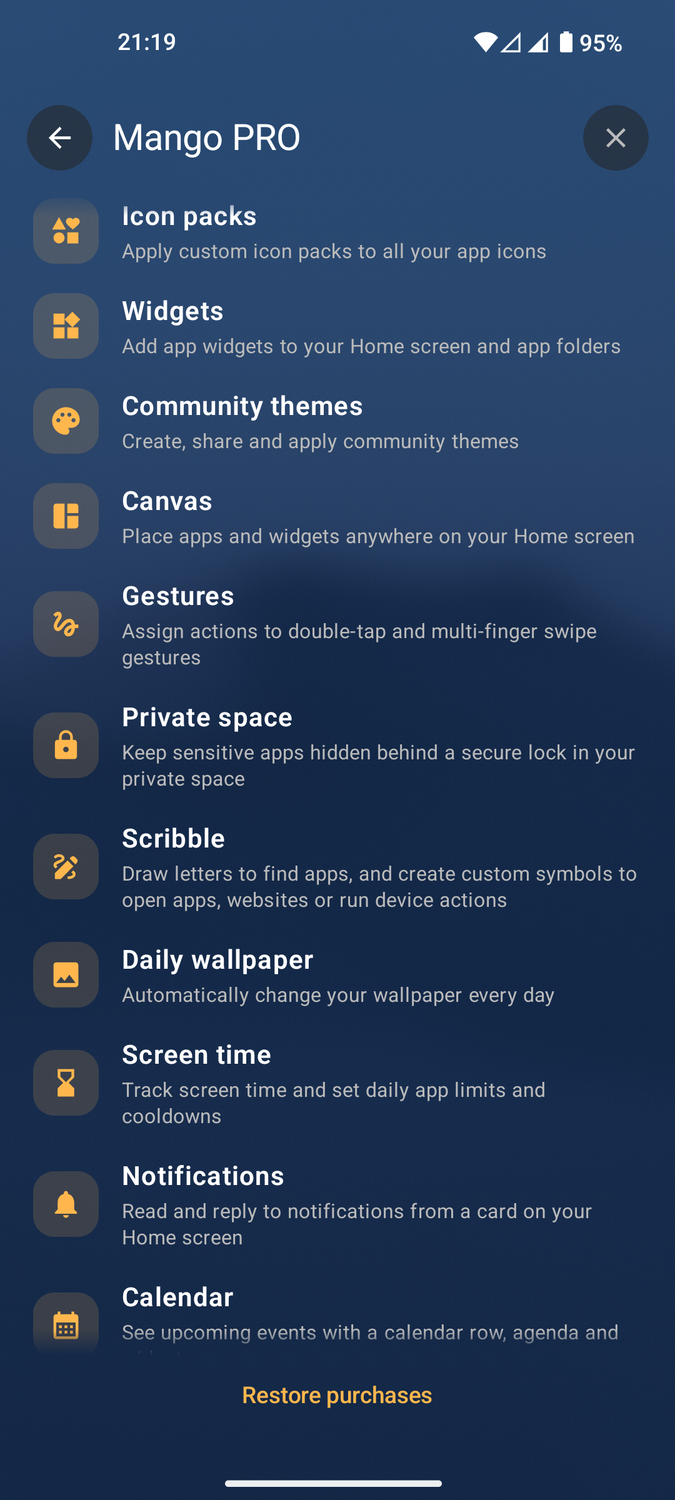
Several features are locked behind a paywall, including , the ability to reply to notifications on the home screen, and a scribble function to open apps with my own handwriting.
Besides the widgets, which I find important for at-a-glance information, most of the Pro features are unnecessary. If you need these features and want additional customization options, you can pay a subscription fee of $7 per year or $25 for a one-time lifetime license.
The free tier is ad-free and keeps the Pro upgrade reminders to a minimum. Given how full-featured Mango Launcher is out of the box, I wouldn't bother paying for its paid tier, especially when I only want a free alternative to One UI Home.