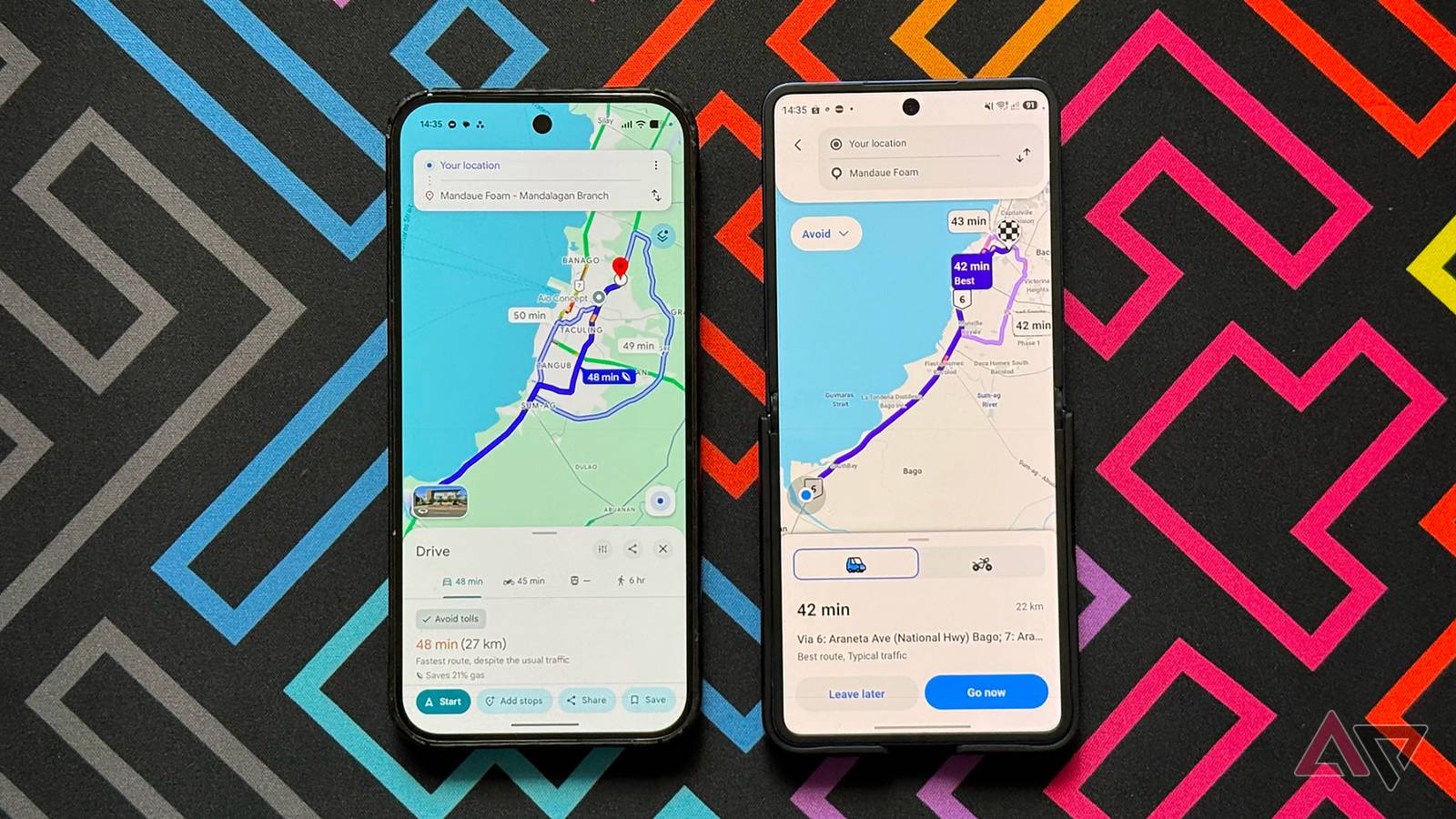
I've been using Google Maps for years. It's my go-to app for navigating daily commutes, unfamiliar cities, and last-minute detours. It's muscle memory now.
But Waze has always had a reputation for offering smarter routes, real-time alerts, and a community that supposedly outsmarts Google's algorithms.
So, I figured it was time to find out what I was missing.
Waze excels in several areas, and I see why many drivers rely on it.
However, using it for a month made me realize how much I'd been taking Google Maps for granted.
Why Waze felt like the right move at first
I thought it was the practical thing to do

On paper, switching from Google Maps to Waze felt like a no-brainer.
Waze's identity is built around the promise of outsmarting traffic in real time. Compared to Google Maps' increasingly "do everything" approach, Waze promises a focused and ruthlessly practical experience.
For me, the biggest draw was the community-driven reporting. Waze users flag speed traps, accidents, stalled vehicles, and road closures, often faster than any official data source could.
The idea that thousands of drivers around me were collectively shaping my route felt useful.
Waze also feels more driver-first, with alerts that are loud, frequent, and impossible to miss.
The switch also felt like an act of rebellion. Google Maps is the default. It's preinstalled on Android phones and is integrated into Android.
Choosing Waze felt like opting out of the obvious choice for something more specialized, even though Google owns Waze, which adds its own irony.
For a while, it worked. But that honeymoon period didn't last.
After the novelty wore off and I started relying on Waze for everything, the cracks became harder to ignore.
I missed the Google Maps Timeline
It gave me a long-term view of where I'd been
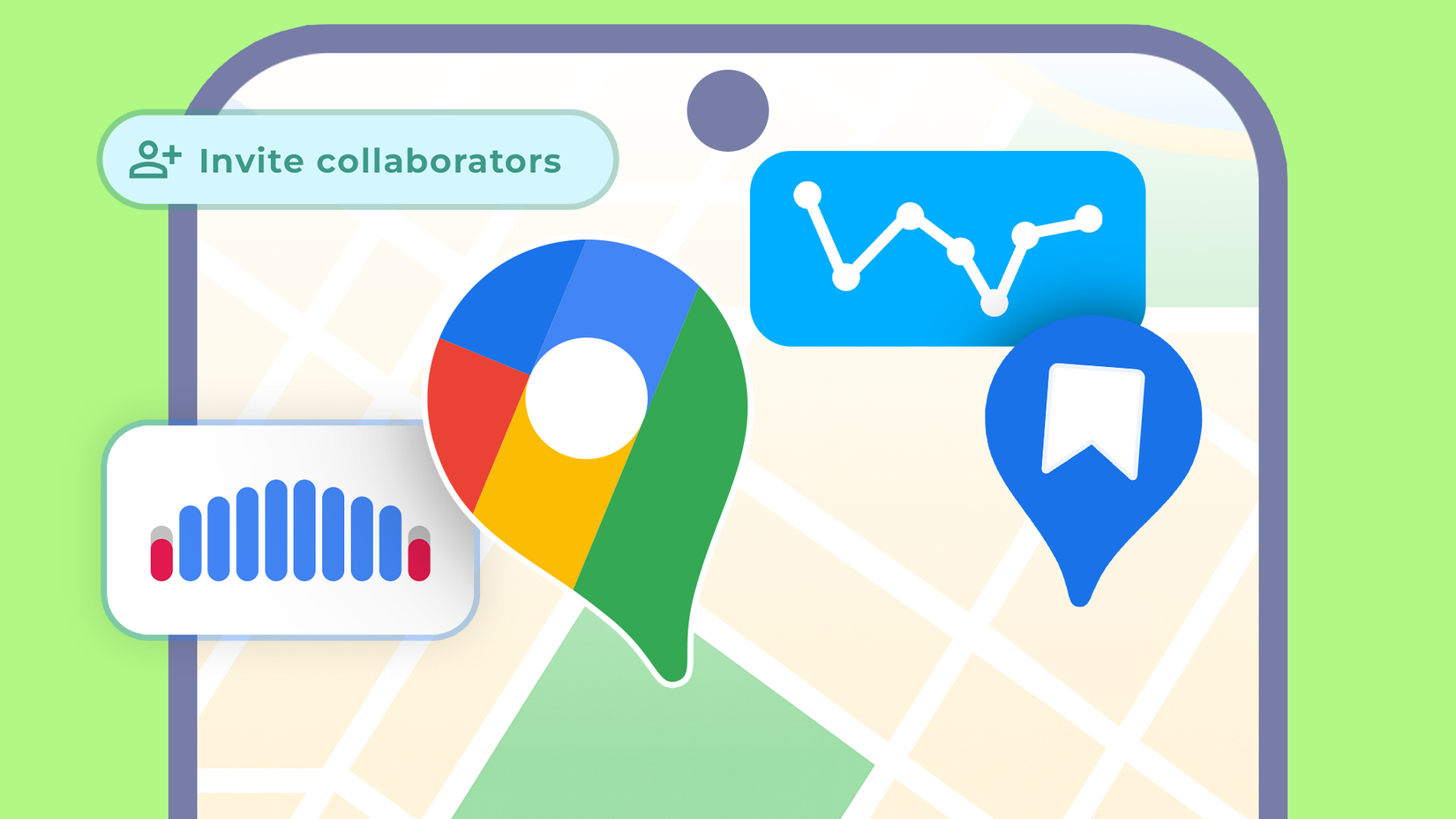
Waze has a navigation history feature that lets you review recent drives, see where you have been, and revisit past routes from the last few months.
However, using Waze made me realize that the Google Maps Timeline feature is much more helpful.
Google Maps creates a long-term record of your movements over days, months, and years. The Timeline tracks activities such as walking, driving, public transport, and flights, and it links this information to specific places, dates, and times.
You must change the default three-month auto-delete limit to retain data across years.
With Timeline, I can scroll to a random Tuesday three months ago and see where I went, how long I stayed, and how I got there.
Waze's history, by comparison, feels disposable.
It is helpful in the short term if you are revisiting a recent destination or checking a route you took last week.
However, older data fades away, and there is no sense of continuity across different types of movement.
Walking, transit, and mixed travel broke the illusion
Here's where Google Maps takes the lead
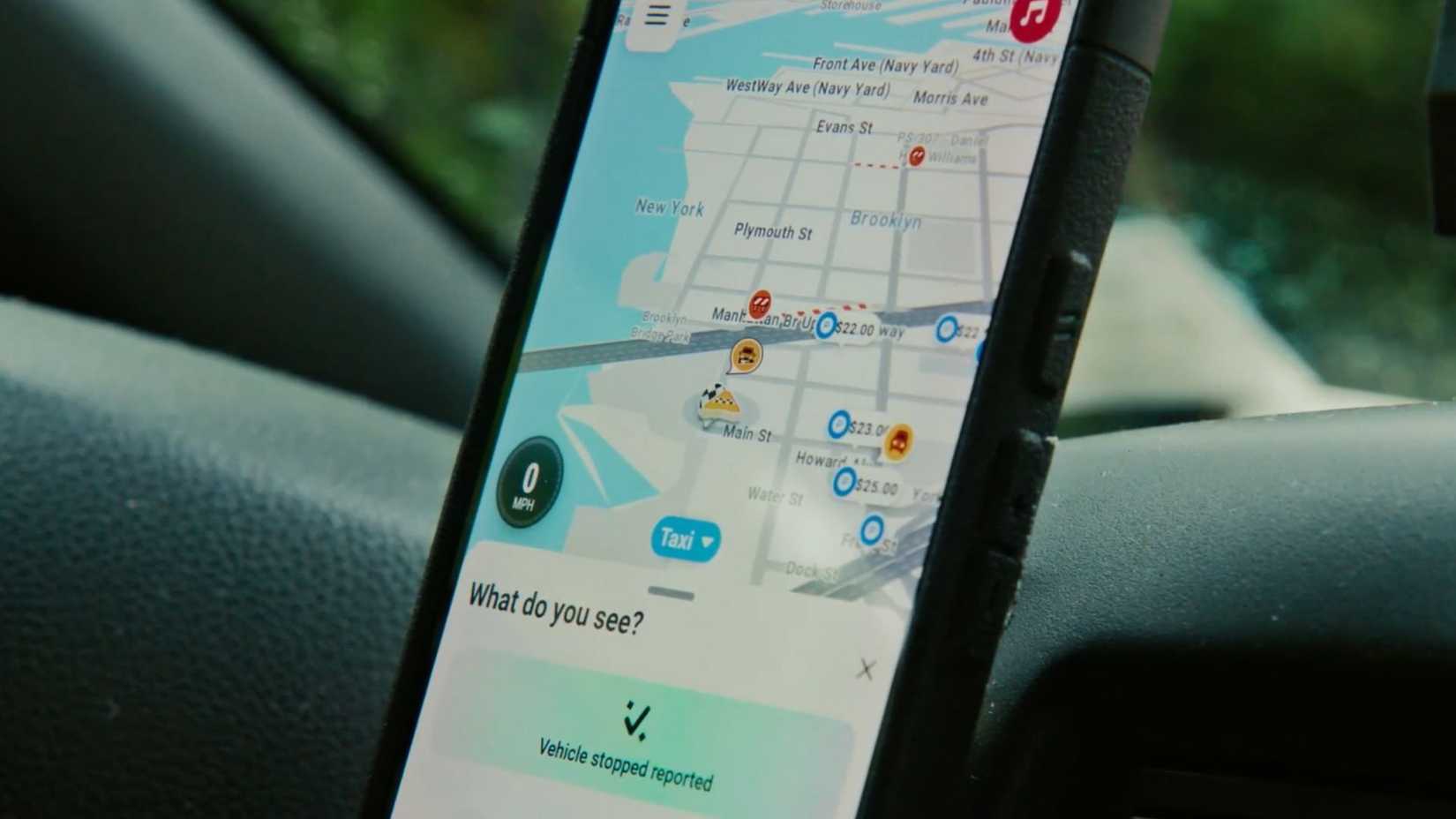
Waze is unapologetically car-centric.
When I needed to walk somewhere, take public transport, or combine driving with other modes of travel, I relied on Google Maps.
Even something as simple as checking how long it would take to walk to a nearby location became a shift in context.
With Google Maps, I could quickly compare walking, transit, and driving times to determine the best option before heading out.
If you only drive, that difference might not seem significant. However, when your routine includes walking several blocks, catching trains, or making spontaneous changes during your journey, Waze feels lacking.
For those times when you have a spotty connection
Here was the point where my patience with Waze started to thin.
Google Maps has spoiled me when it comes to offline reliability.
I can download entire cities, zoom into neighborhoods, check street names, landmarks, business entrances, and even get turn-by-turn navigation without a data connection.
It's not perfect, but it's dependable enough that I don't think twice about it anymore.
That isn't the case with Waze.
Although it caches routes temporarily, the moment you stray from the suggested path or try to search for something new, it falls apart.
In areas with spotty reception, such as parking garages, basements, and highways on the outskirts of the city, rerouting becomes unreliable.
Map detail is another downgrade.
Google Maps adds context with lane markings, building outlines, footpaths, entrances, and service roads.
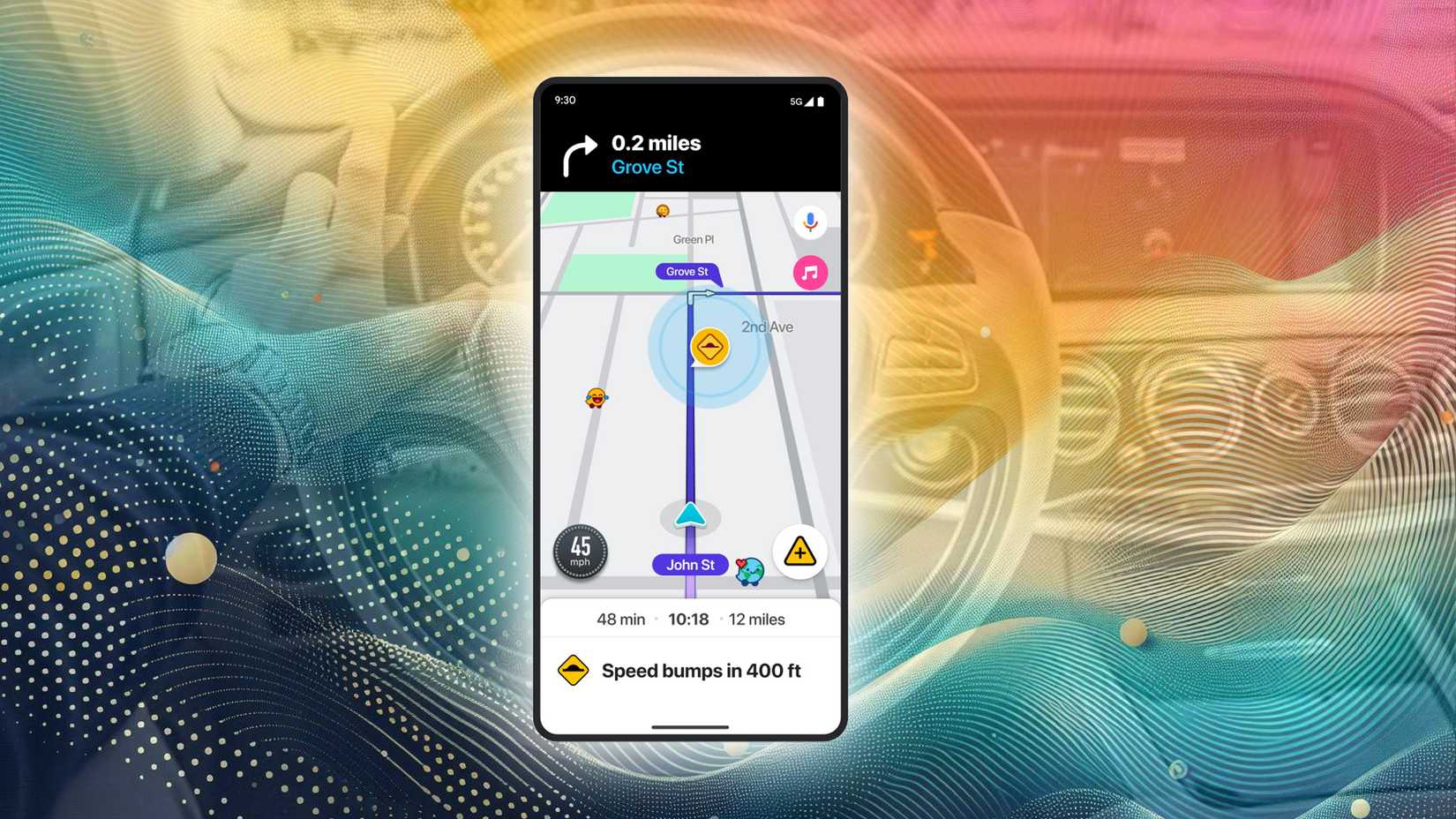
Waze's map feels sparser by comparison, since it's designed for speed alerts and traffic flow, rather than spatial understanding.
That's fine until you need to locate a specific entrance, figure out which side of the road something is on, or understand a complex intersection at a glance.
Why I'm going back to Google Maps
Waze isn't a bad app. Parts of it are genuinely excellent.
Its real-time traffic awareness still feels unmatched in certain situations, especially during peak commute hours.
Speed camera alerts, accident reports, and hazard warnings arrive faster than anything I've seen in Google Maps, and the crowdsourced approach works when you drive the same routes every day and want the quickest way through congestion.
But using it as my only navigation app made its limits impossible to ignore.
Google Maps is better for planning, switching travel modes, going offline, and understanding your routes. That's why Maps is back as my default navigation app.