Earlier this year, Samsung , bringing meaningful changes with natural language and smarter reasoning.
I have to admit it's been the digital assistant on my Samsung Galaxy Z Flip 7 for a couple of months now.
But despite that lengthy honeymoon phase, I still find it lacking and underperforming, to the point that it crippled my workflow when I relied on it entirely.
I tested going back to Gemini on my Galaxy phone, knowing it wouldn't offer the same deep system-level integration and offline mode convenience as Bixby.
After putting it through its paces, I picked it as my primary assistant, and now I have no plans to go back.
Why I am leaving Bixby for Gemini
It's not because Gemini is smarter
I had a good run with the new Bixby on my Galaxy device. The difference from the older version has been a notable improvement in my everyday use.
I can talk to it in conversational speech, and it easily understands nuances, such as recognizing that my phone's display is too bright while streaming and automatically lowering the brightness in settings.
I also appreciate the multistep commands, especially when managing system toggles and routines on my hardware.
Moreover, it responds to queries faster than before, though occasional hiccups and loading pauses remain. An upgrade is an upgrade, nonetheless.
The more time I spend with it, though, the more I realize it's still playing catch-up with Gemini, especially in screen awareness and third-party utility integration.
Ultimately, it stalled my productivity given my workflow and daily use.
Gemini knows what's on my screen
Bixby even fails a basic screen awareness test
I use Circle to Search constantly on my Android devices, and I admit it's one of my favorite features, despite having loathed AI at the start.
The image-to-text grabber is indispensable when I want to extract a long URL or code snippet, or translate text in a photo.
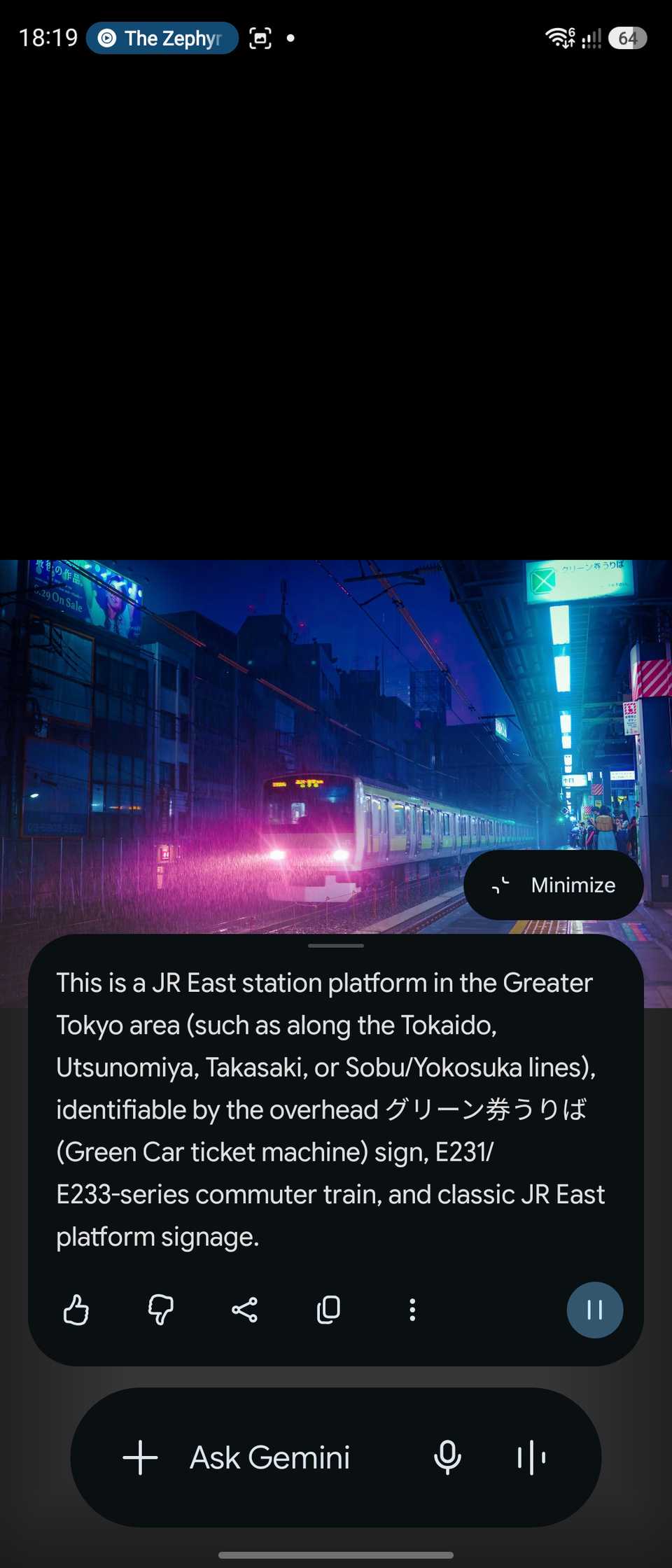
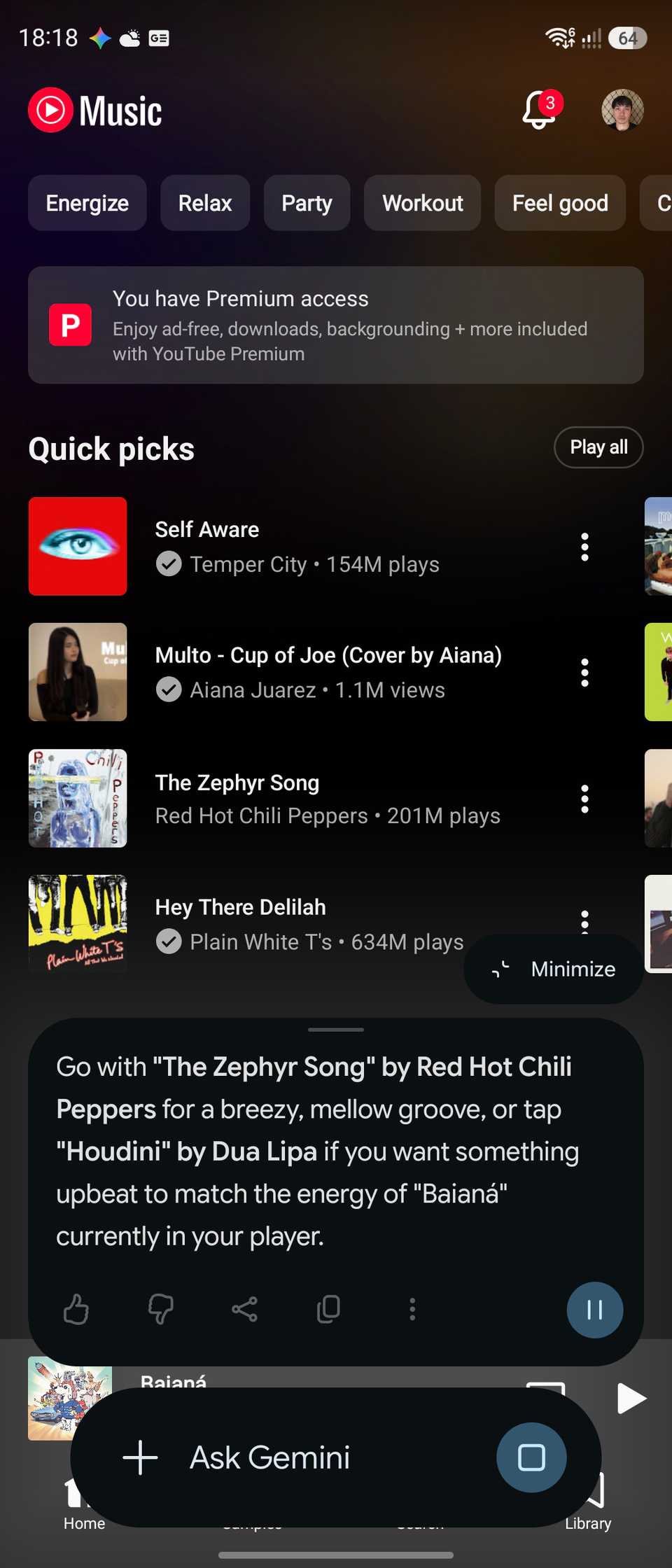
Google blends this feature directly with Gemini through .
That adds far more flexibility, such as querying the chatbot about what's on my display and getting context-rich answers instead of a basic web lookup or translation.
And what about Bixby? Samsung still didn't ship those same capabilities with its assistant. I wonder what's stopping them, despite utilizing Perplexity models in 2026.
I am constantly forced to turn to Google or Gemini to crop or parse an image, adding needless friction when Bixby is my default assistant.
Gemini beats Bixby in app integration
And the contest isn't close
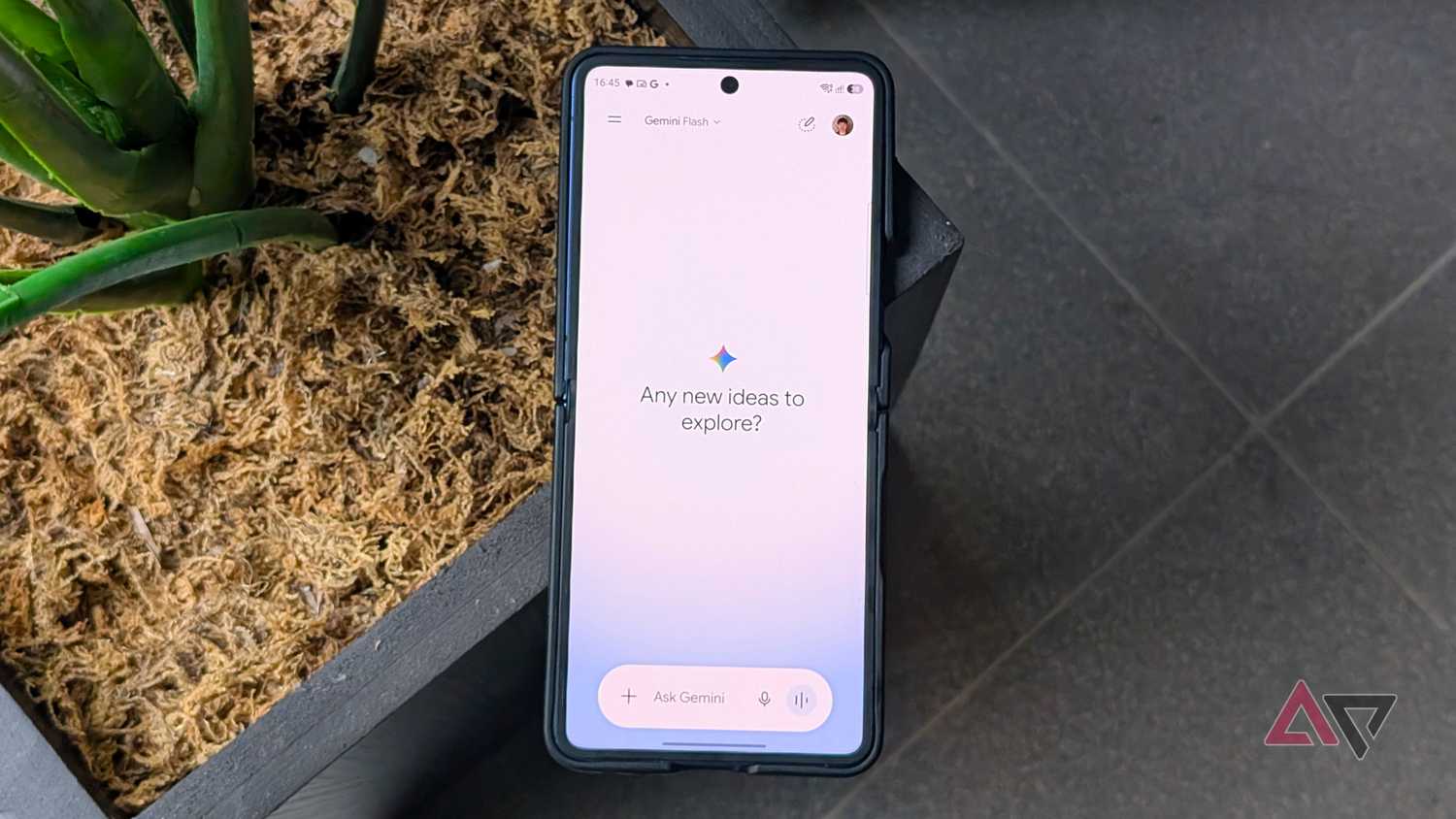
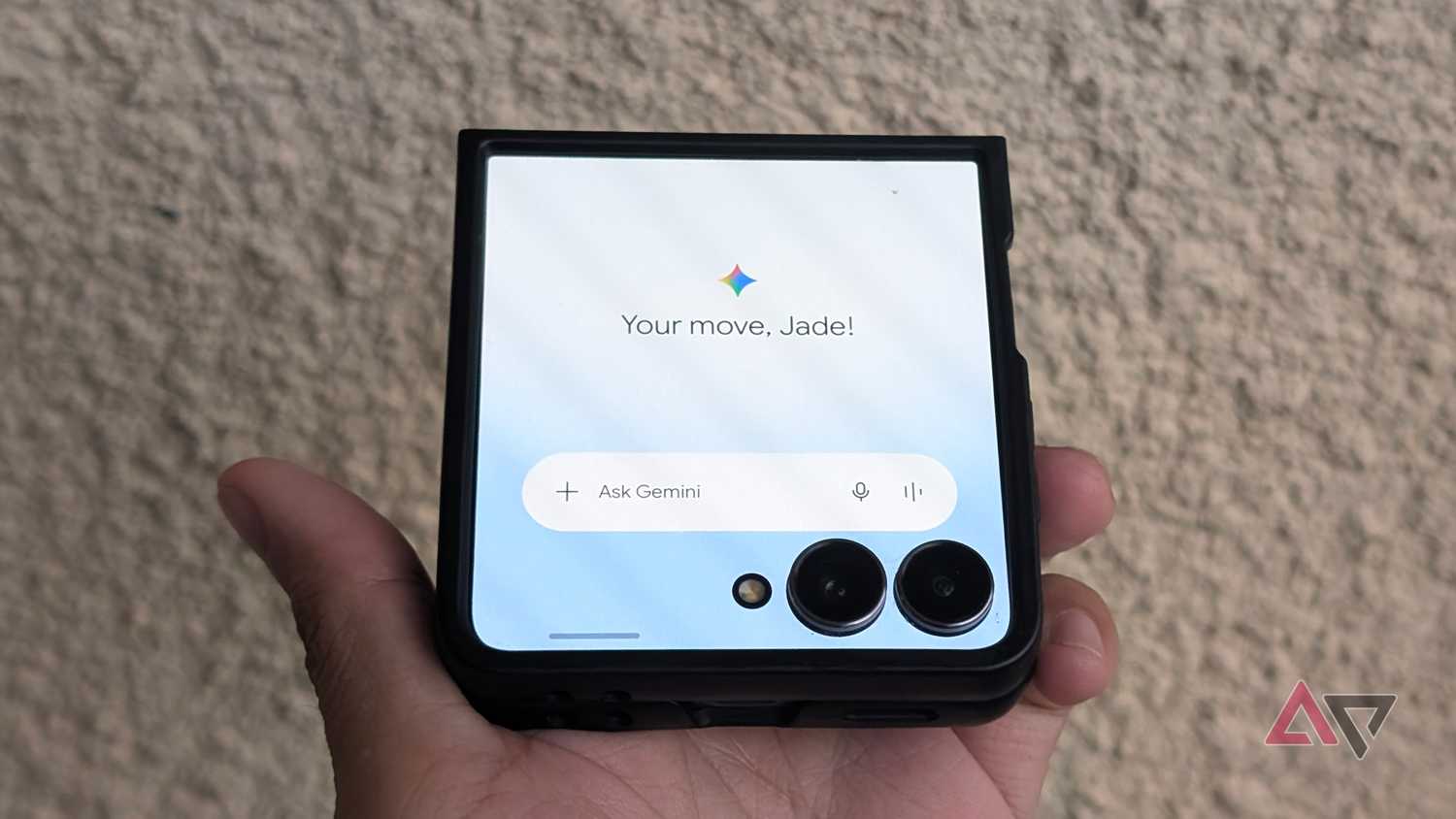
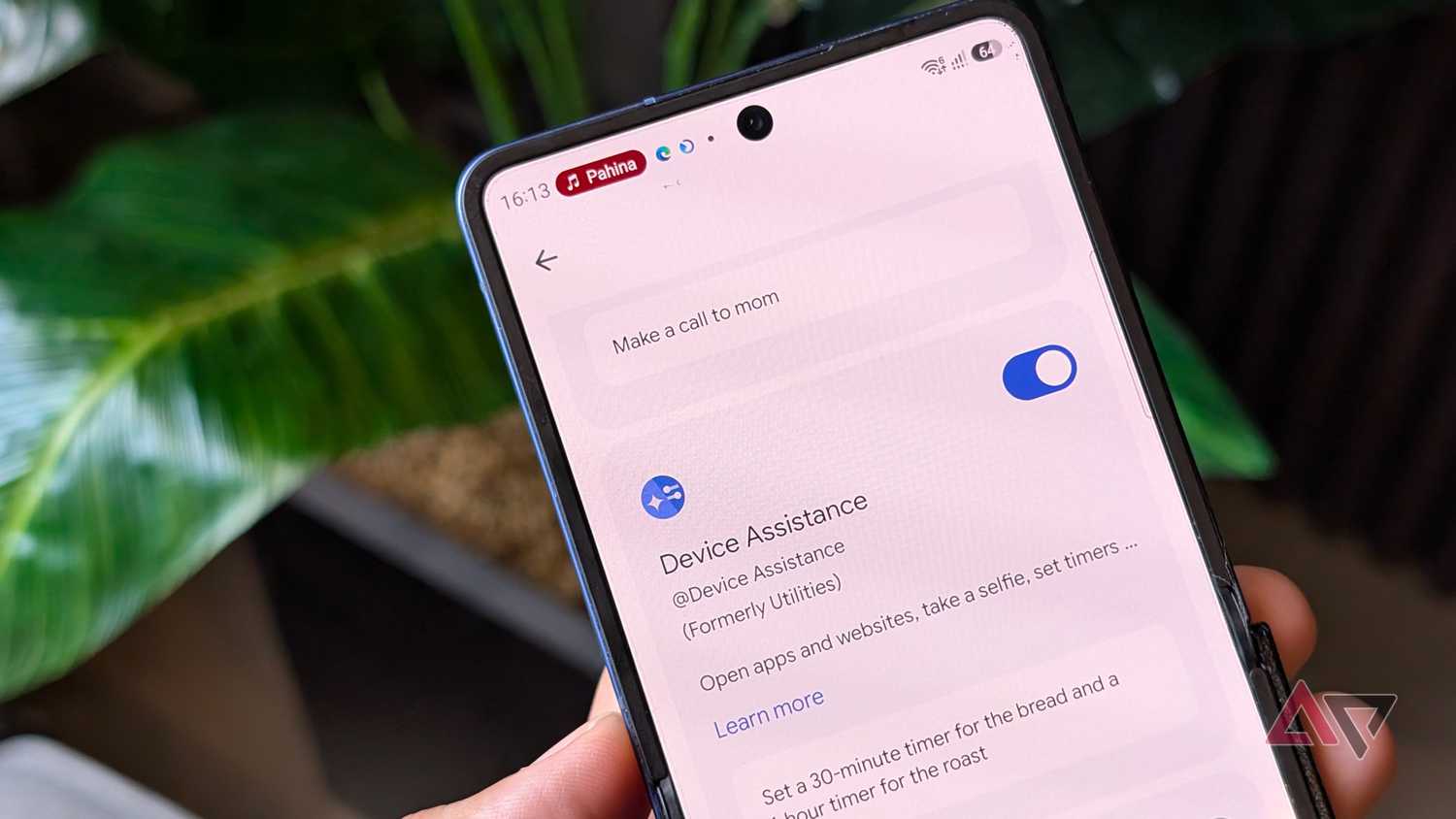
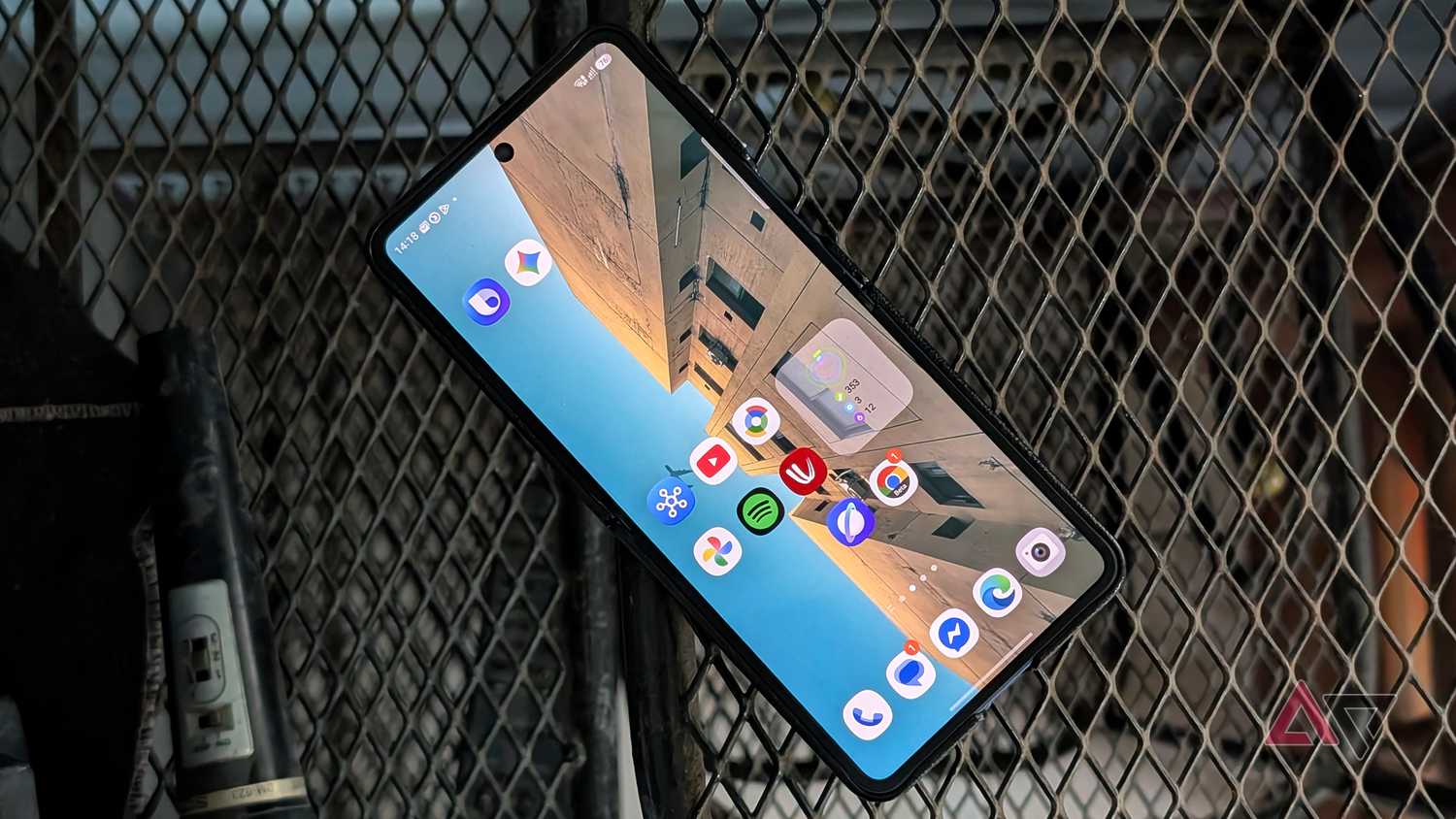
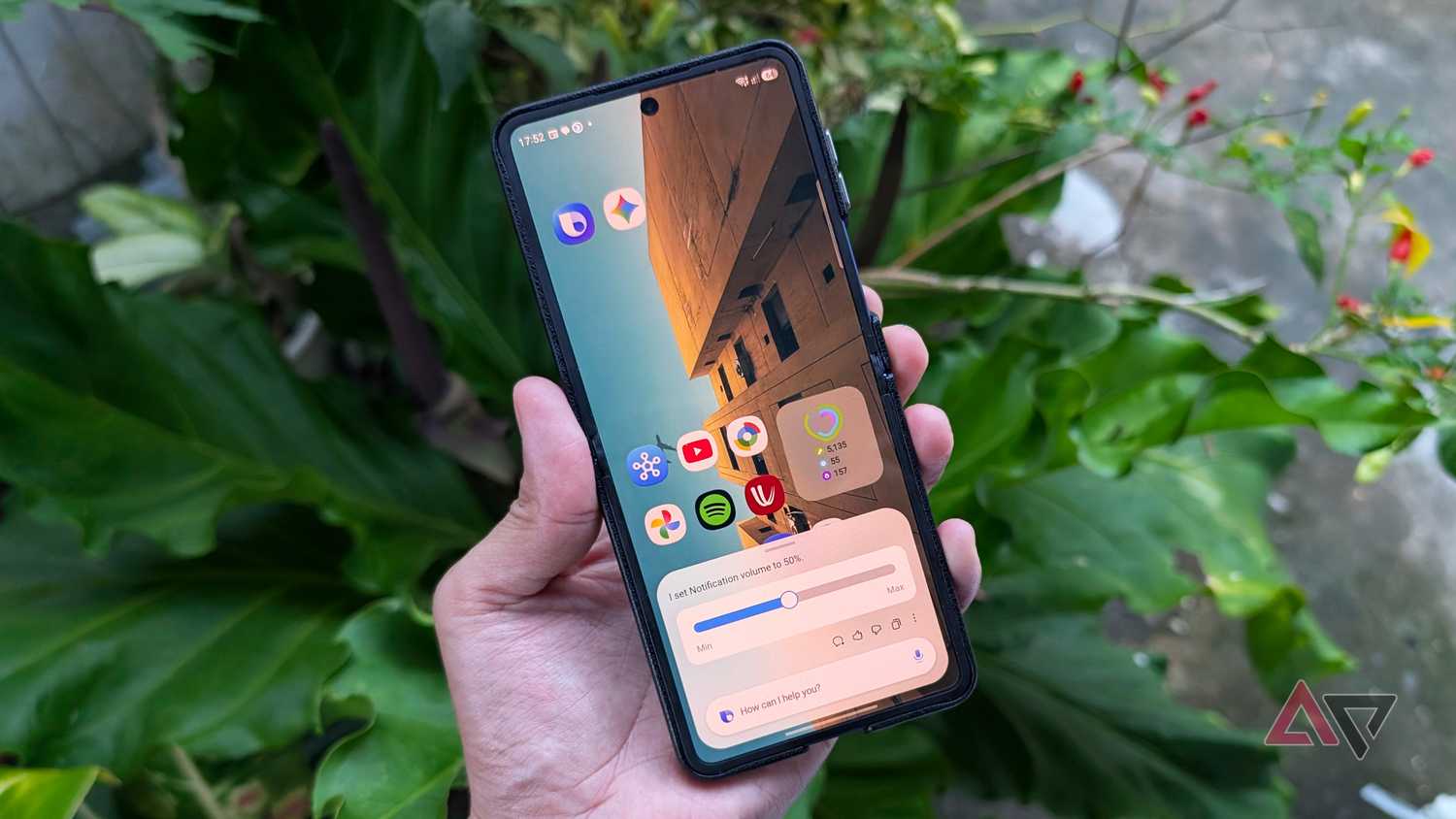
I know that Samsung does excellent work tying Bixby into its first-party tools, system-level toggles, and routines. It easily beats Gemini in that department.
What it sorely lacks is wide software support. Worse, Bixby still works properly only with Samsung's native services and utilities.
I know many Galaxy owners rely heavily on Google apps, and that creates a bottleneck when Bixby is the default assistant.
It adds an extra step to switch to Gemini when I need to perform a cross-service task in a Google app, such as generating a list in Keep based on my Gmail or Chrome browser.
Gemini also supports Samsung's utilities, such as Calendar and Notes, so I can still turn to it for basic device commands and nudges.
Even with basic cross-app tasks, Bixby can fail to generate a quick memo from a message sitting inside Samsung's Email app.
To use Gemini with Samsung apps, make sure that the services are enabled in > > Connected apps.
It also feels completely backwards when Bixby stumbles over basic contextual awareness, forcing me to manually dictate the text or create the checklist myself.
While Samsung provides counterpart apps like Email and Notes, I can't fathom why Bixby still ignores essentials like Maps and YouTube, even though these equivalent apps are missing from Samsung's ecosystem.
I bypassed this headache by configuring the side button to launch Gemini and assigning the double-press to Bixby.
Still, this isn't an ideal setup, since juggling multiple assistants to handle different apps adds significant friction.
Samsung needs to fix Bixby's robotic voice
Custom voice creation doesn't solve the problem
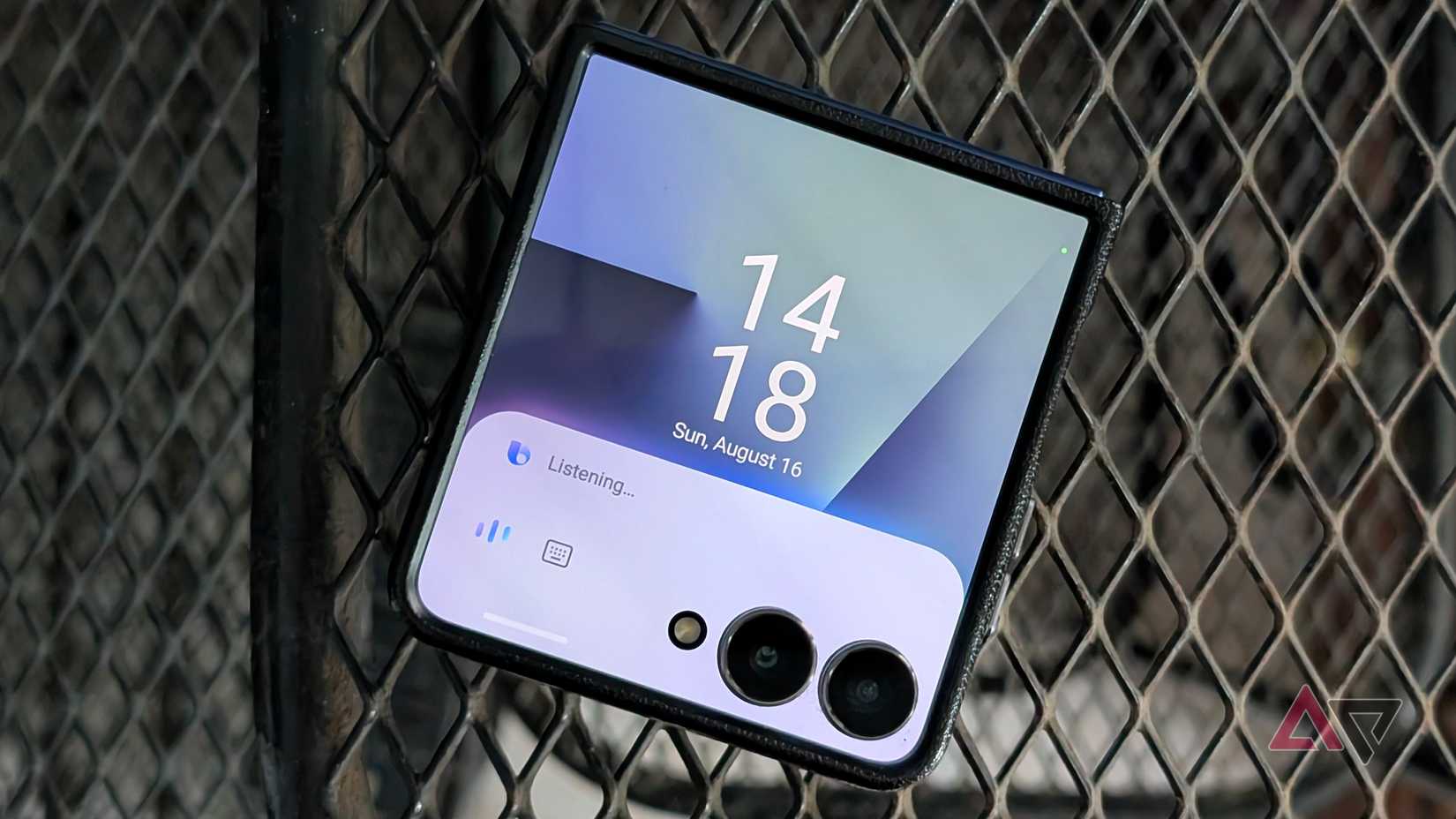
While a minor gripe, using Bixby for months has been less engaging than Gemini, mainly due to its vocal models.
Bixby's speech profile still feels noticeably artificial, sounding miles away from the natural voices in Gemini.
I appreciate that I can clone my own voice to create a model, but the flat, robotic output is still noticeable. That leaves every voice interaction feeling uninspired.
Although Gemini lacks voice cloning, its preset voice library sounds like a real person.
That alone gives Gemini a real personality, making extended conversations much more engaging and tolerable.
Bixby is now Gemini's glorified sidekick on my phone
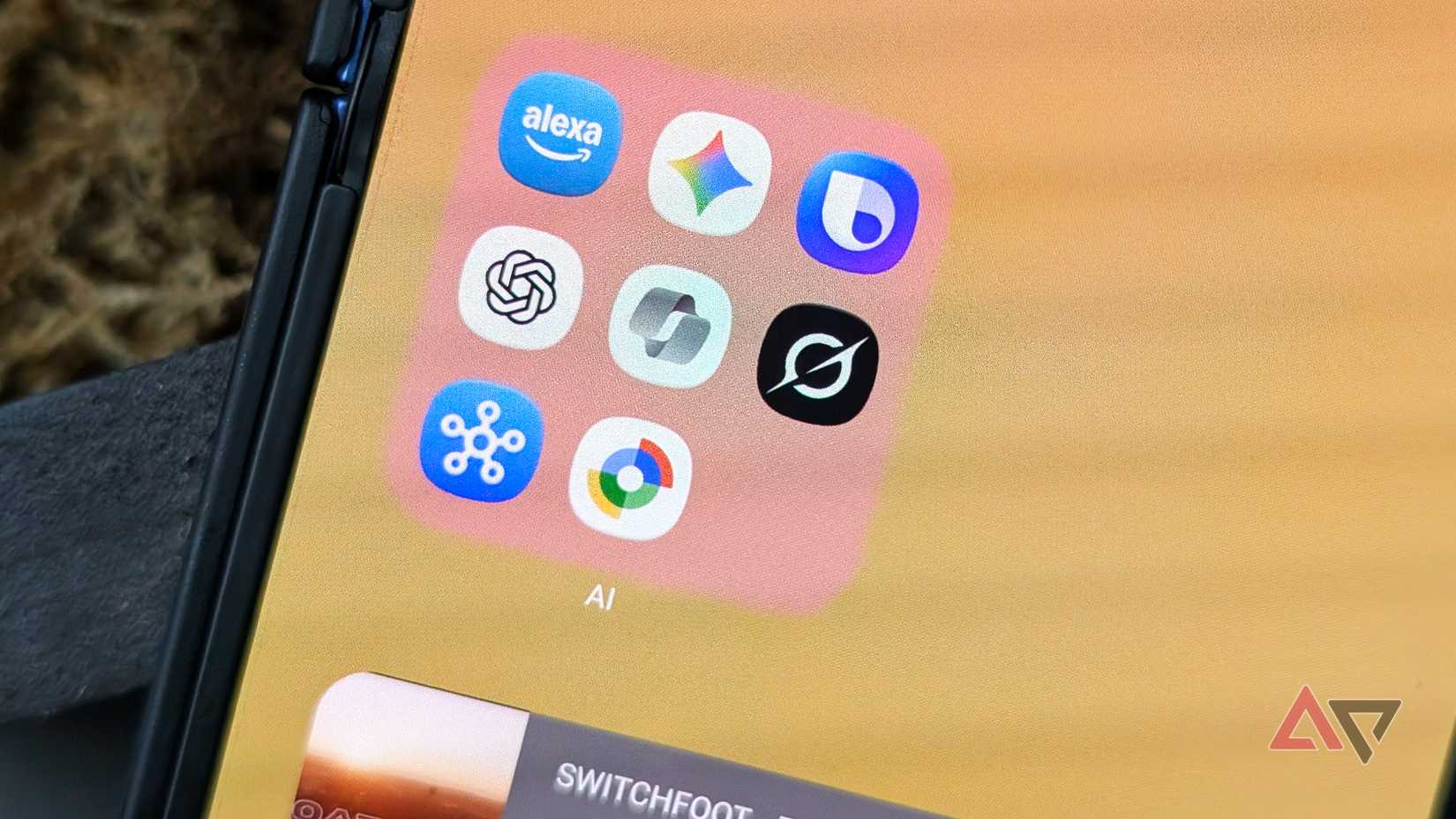
It's clear that Gemini remains superior to Bixby for Galaxy users, even if Google's chatbot is far from flawless.
It lacks low-level system controls and a proper offline mode from Bixby, but it compensates with app support and even plays nicely with Samsung's software.
That comes alongside sharper reasoning and multimodal capabilities that Samsung is still trying (or not trying at all) to replicate.
However, you don't necessarily have to ditch Bixby. Thanks to One UI customization, I've set Bixby as a secondary assistant, which proves effective in executing tasks that Gemini struggles with.