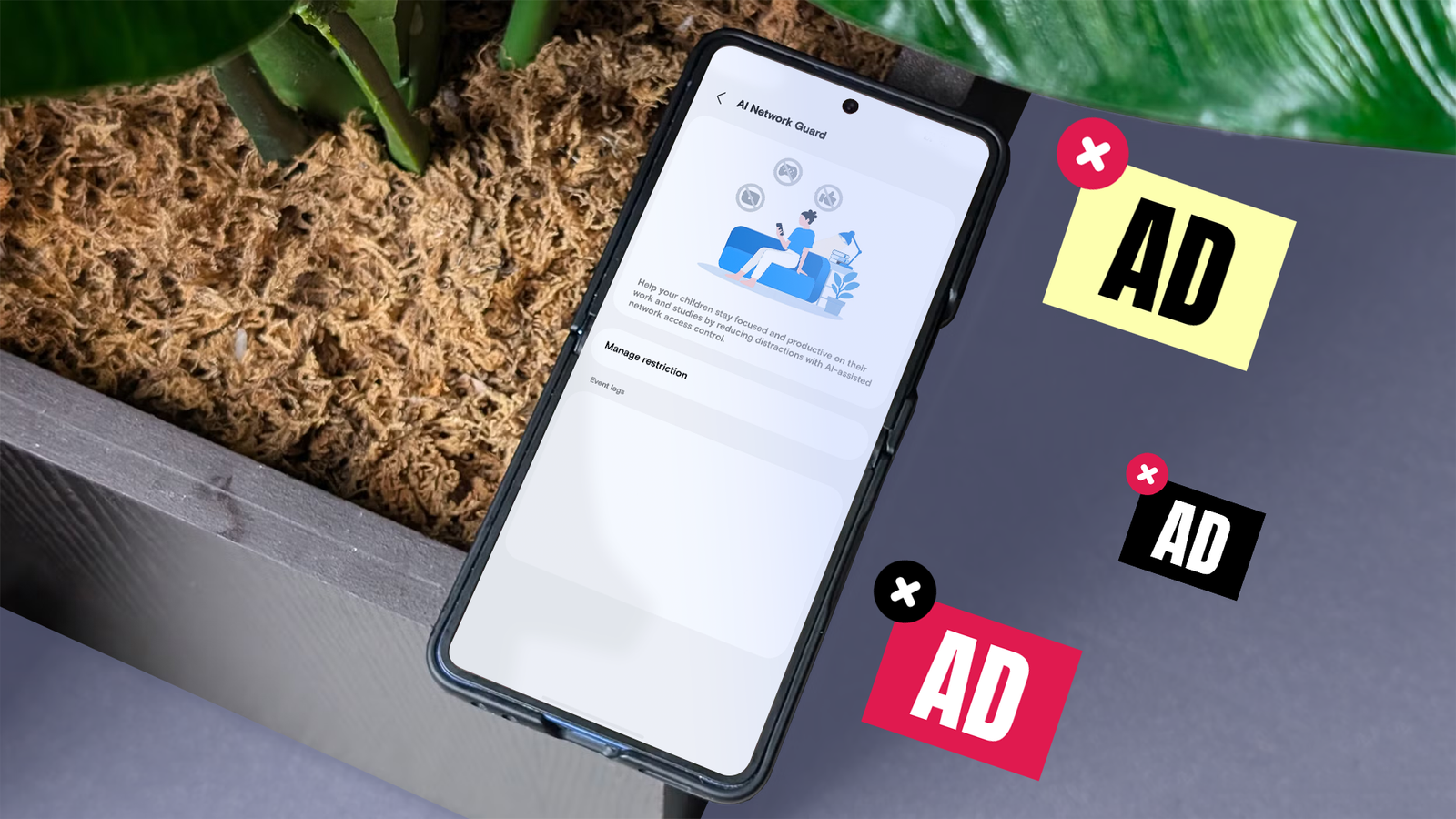
Ads can be simple banners that appear at intervals on a page, or obstructive full-page videos that interrupt whatever you're doing.
introduced a tool to stop them: AI Network Guard. It's hidden in your Wi-Fi settings, and it works differently from most ad blockers.
So, I put it up against AdGuard, a popular, free way to block ads using Android's Private DNS setting. I tested both with three free, ad-supported apps and one ad-heavy website.
Here's how they performed.
Network Guard blocks ads by cutting off the internet
It doesn't even bother looking for ads
Most ad blockers target ads, but Network Guard doesn't. It just cuts off selected apps from the internet (both Wi-Fi and mobile data).
Since ads need the internet to load, they can't show.
This makes it effective at blocking ads. But because of how it works, you can't use any apps that require an internet connection.
It blocked all ads in my offline apps
For my tests, I installed two apps that don't require an internet connection, by Easybrain and by Gamma Play, and an app that needs data, .
With Network Guard, Sudoku and the QR scanner still worked, but they didn't show any ads.
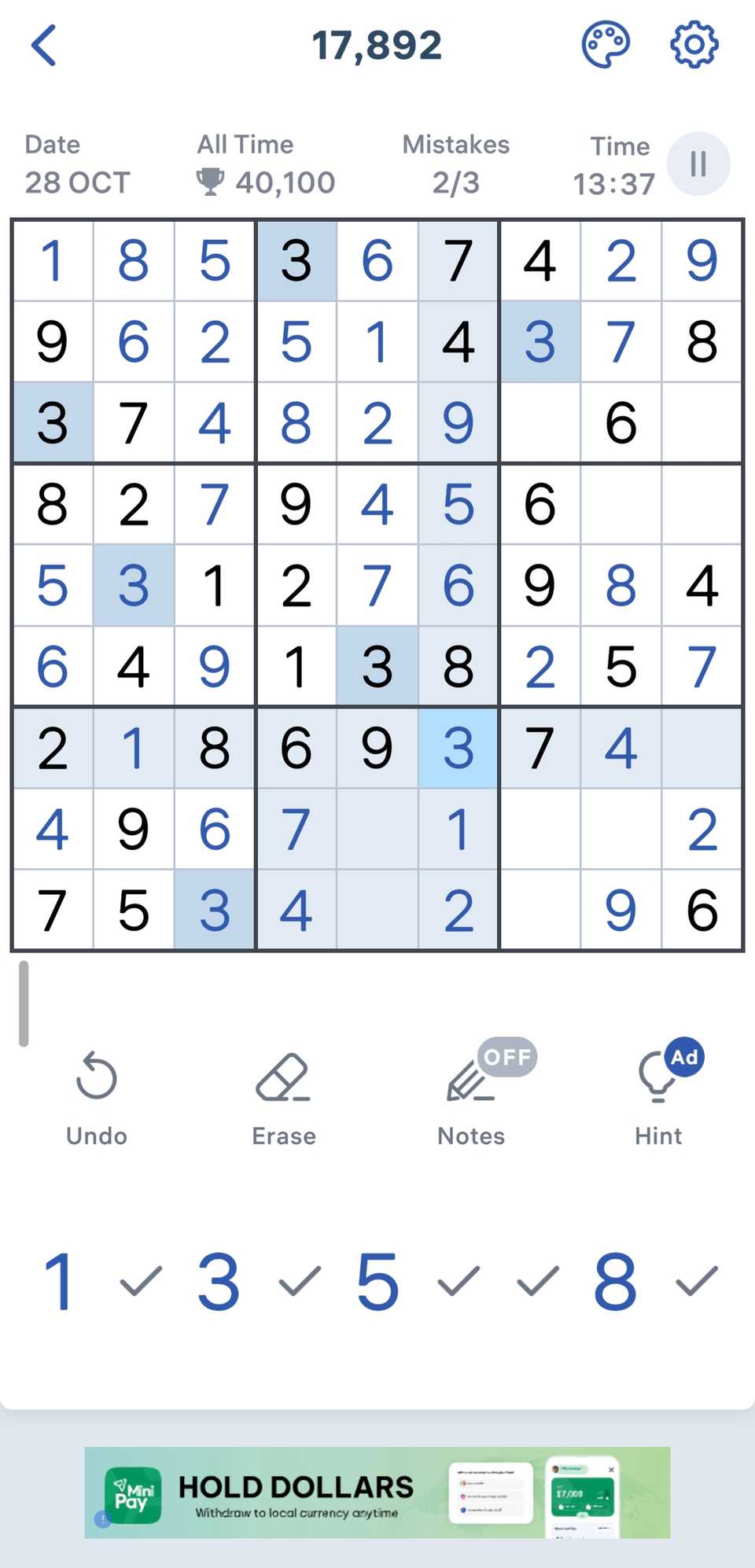
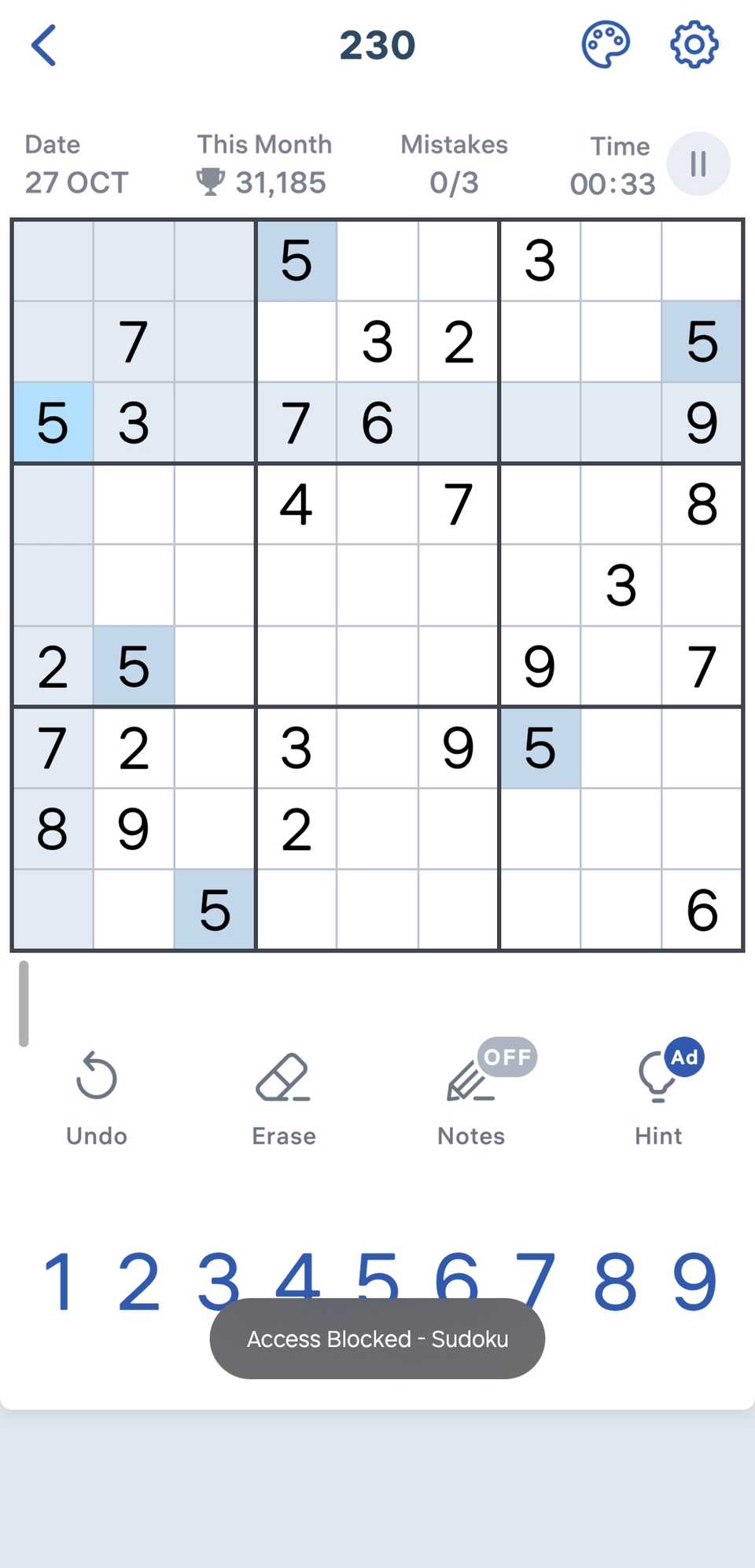
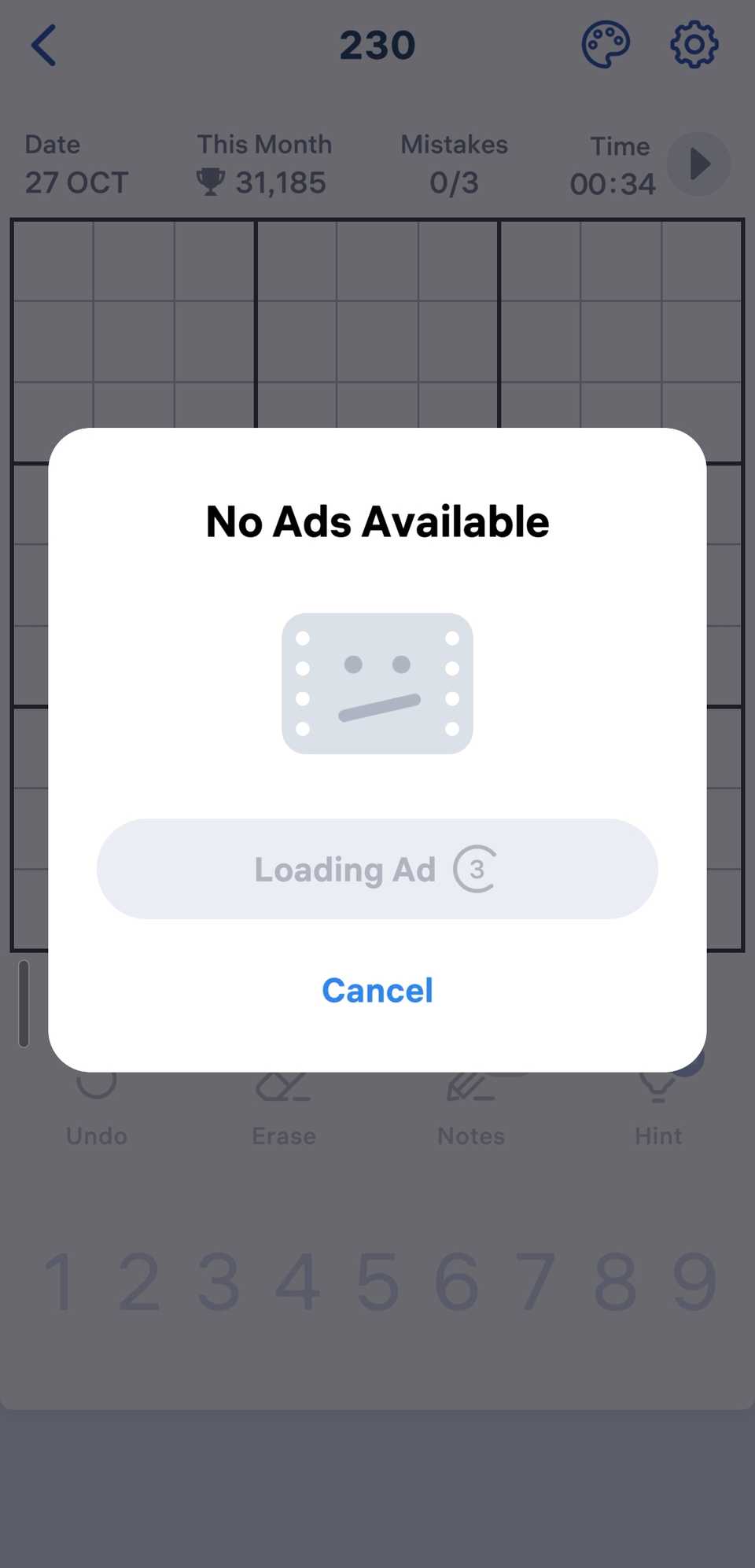
Even when I tried watching an ad to get a free hint in Sudoku, the ad failed to load.
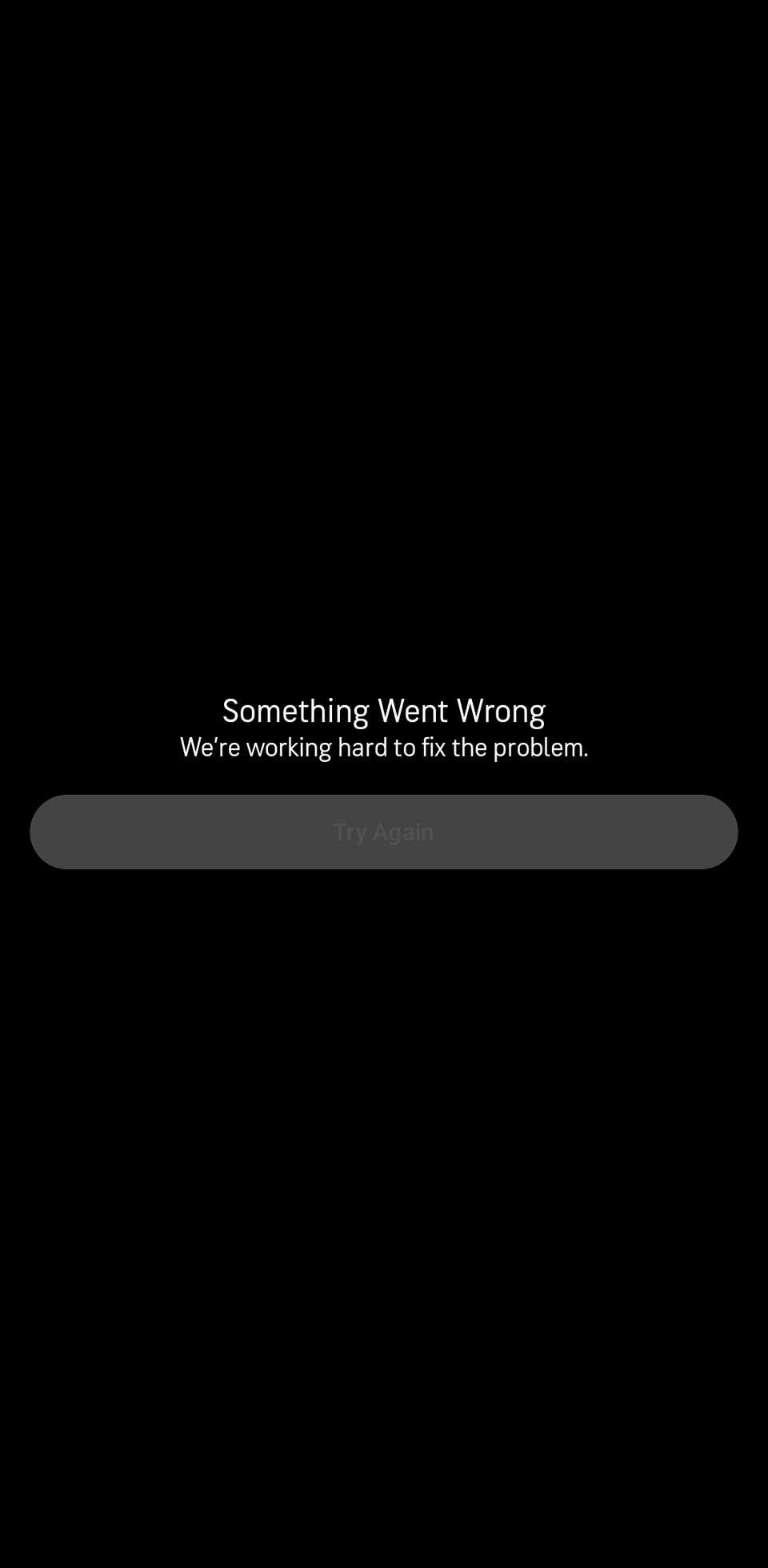
On the flip side, AccuWeather did not load at all. It simply displayed a something-went-wrong error.

With all three apps, a short message saying, "Access blocked - name of the app" would display at the bottom of the screen at intervals. That's likely every time the app tried to go online, such as to load a new ad.
Because it's app-blocking, Network Guard doesn't affect websites at all unless you block your browsers. All ads still displayed on my test site, weather.com.
Setting it up
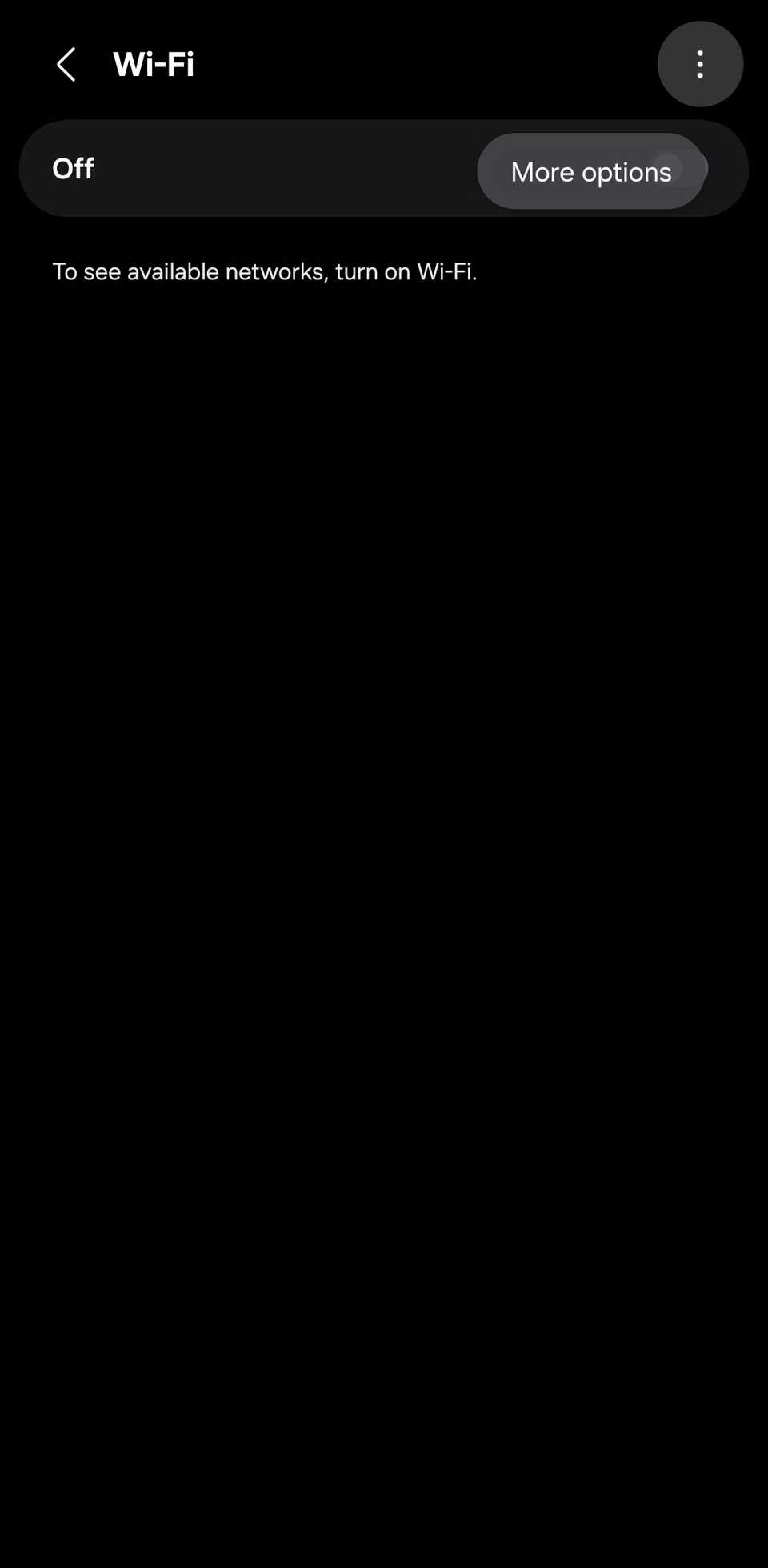
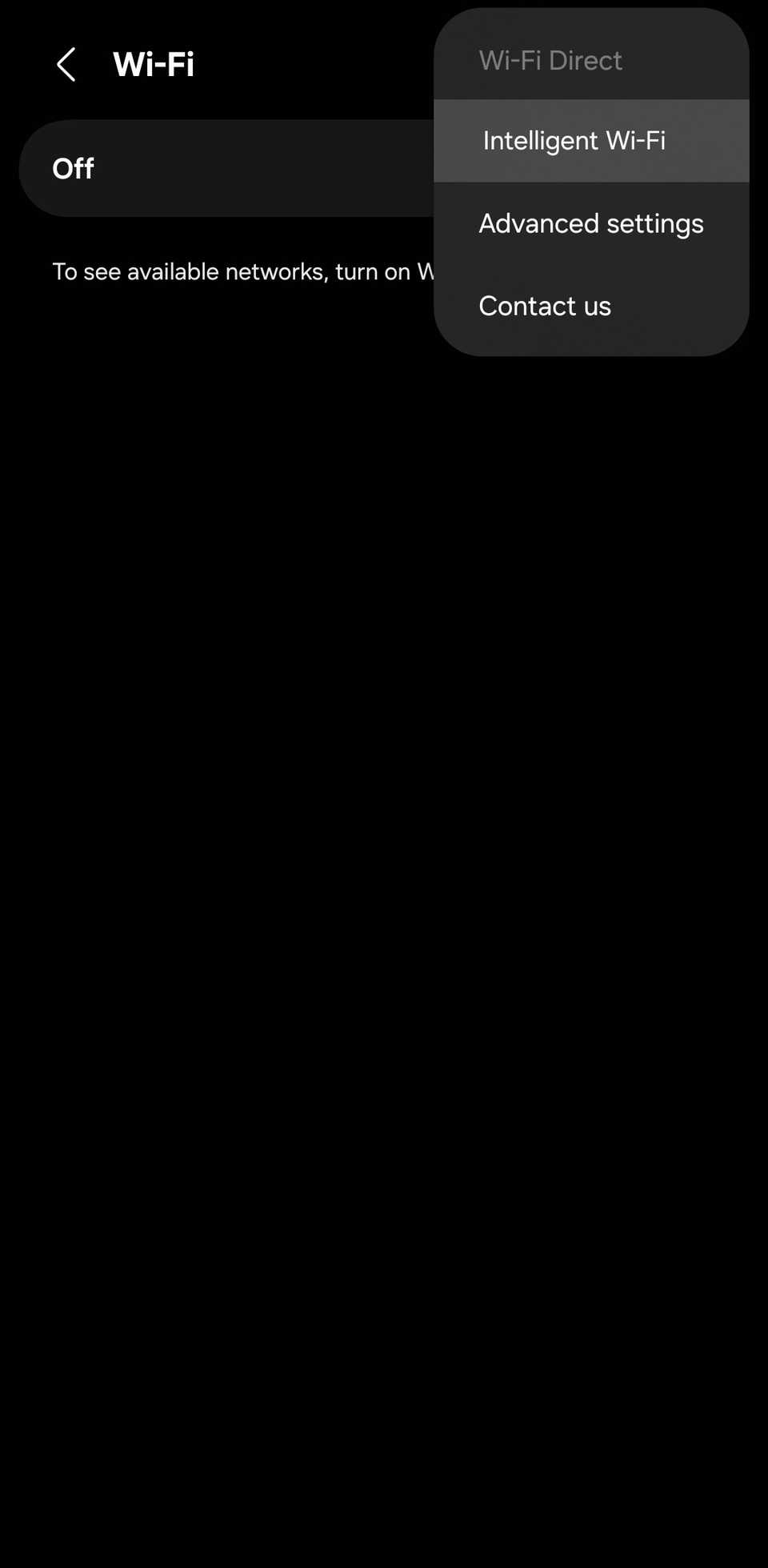
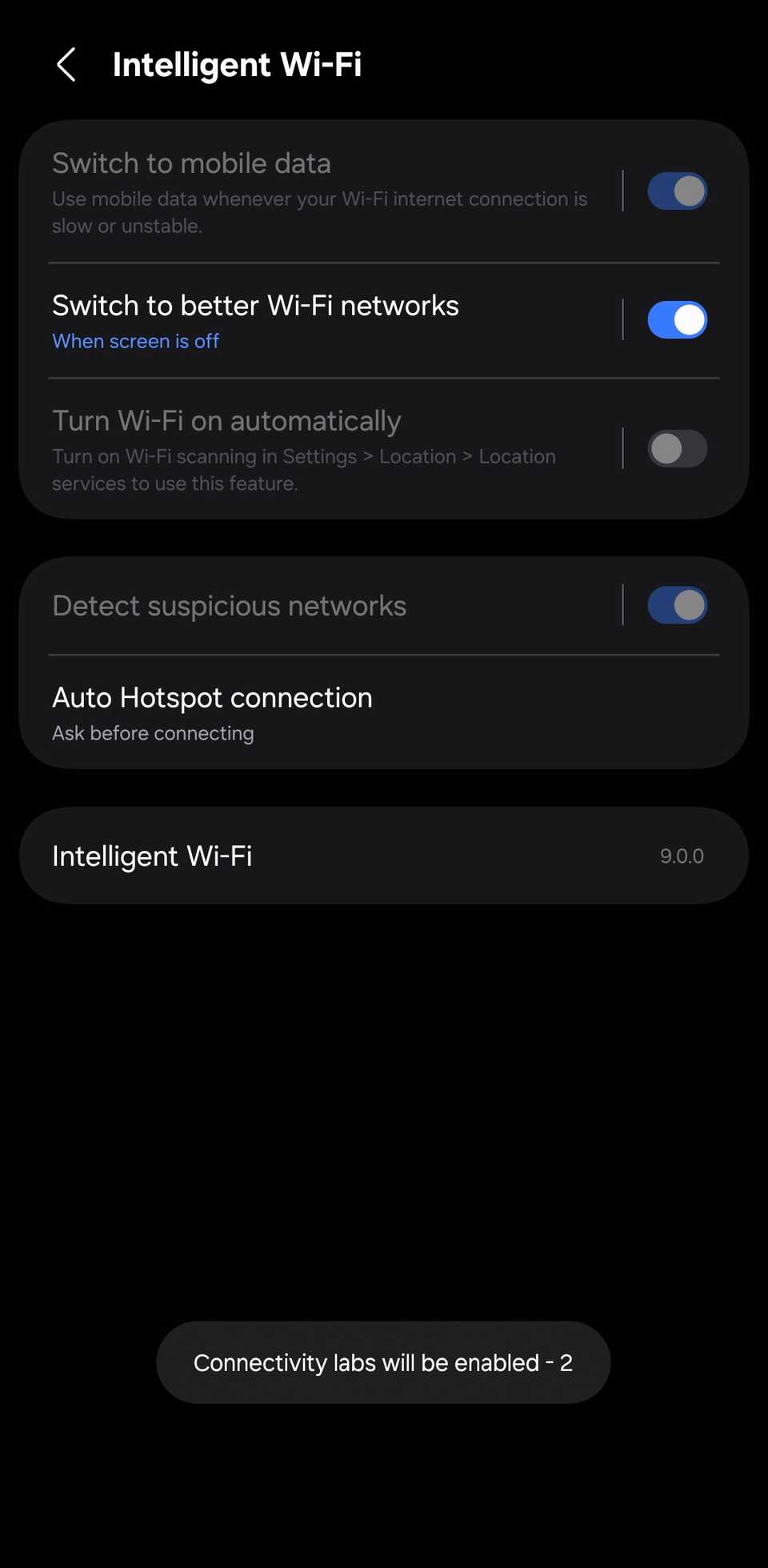
Network Guard is in a hidden menu called Connectivity Labs. Here's how to enable it:
- .
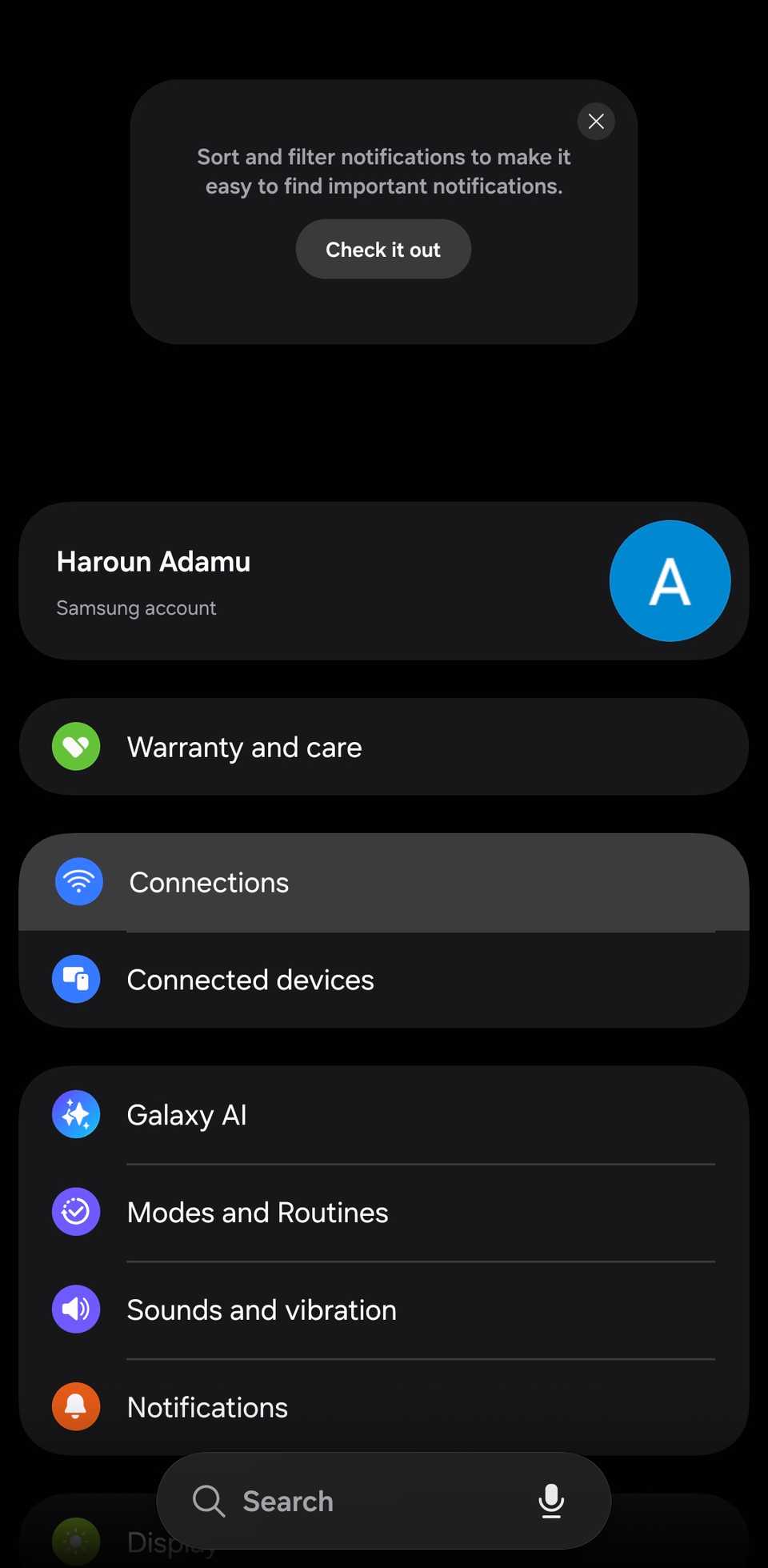
- in the upper-right corner.
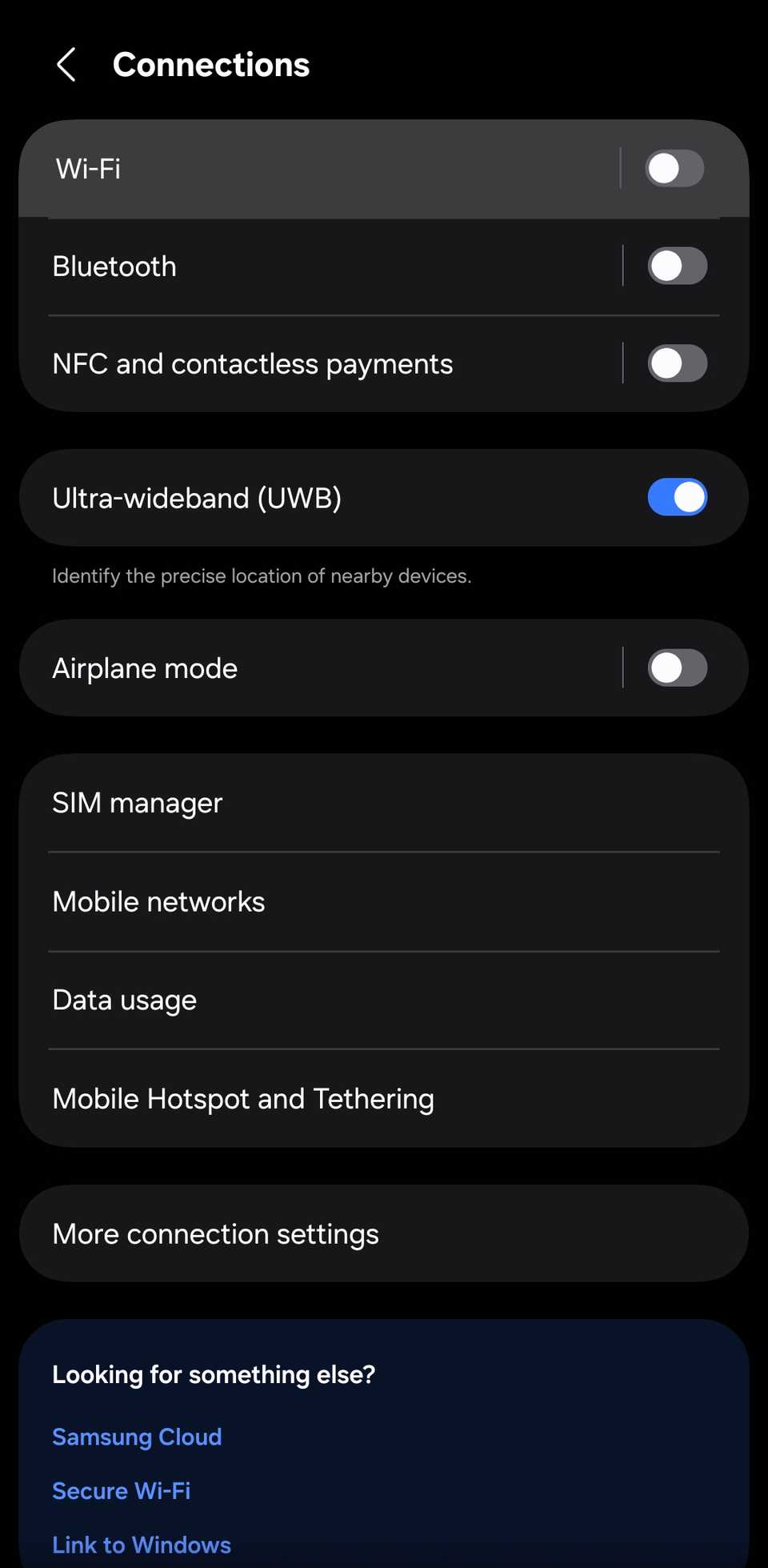
- from the options.
- several times until you see a message that says "Connectivity Labs is enabled."
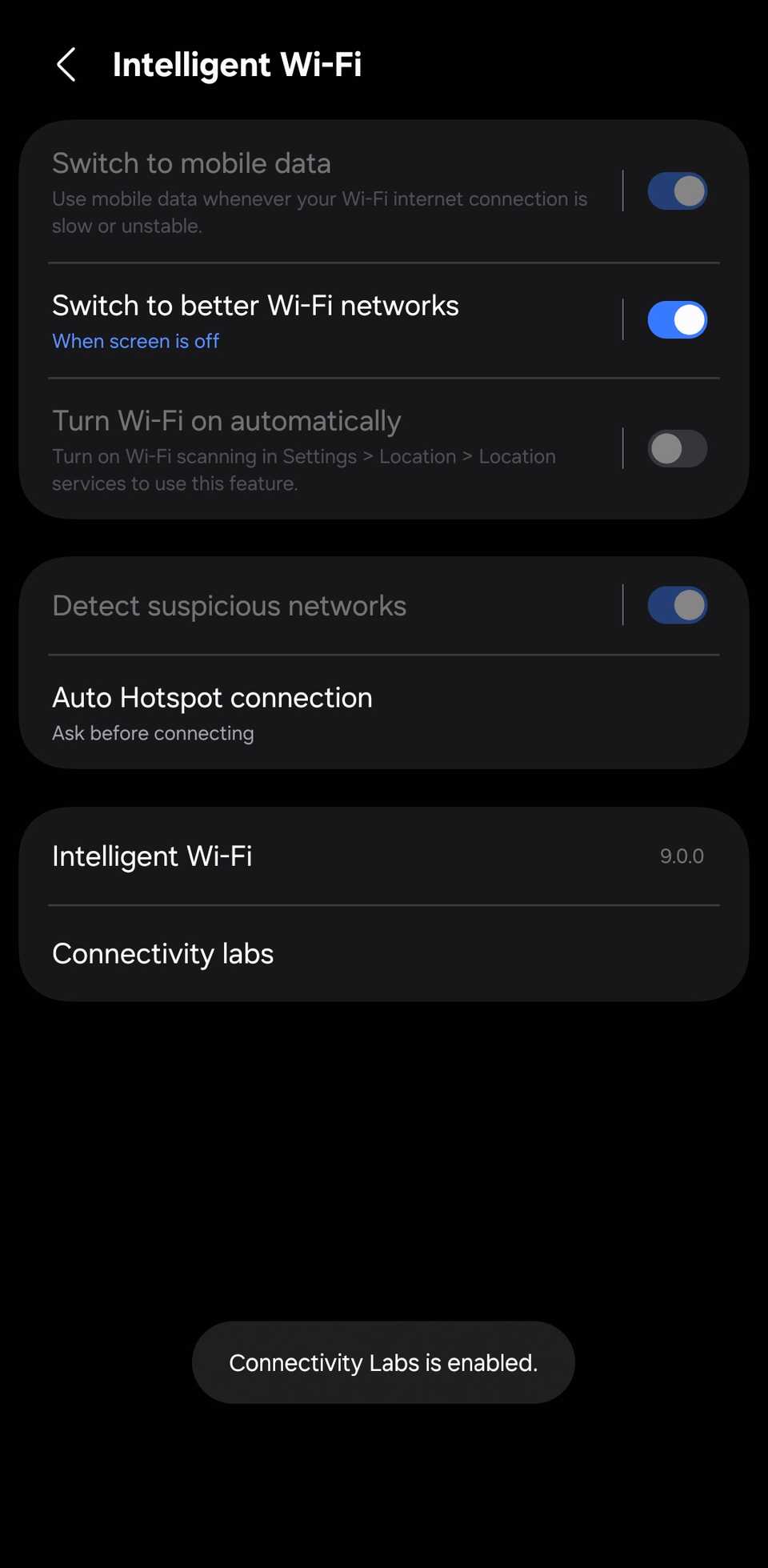
- Open and select .
- Set up a Guardian PIN and enter a six-digit code.
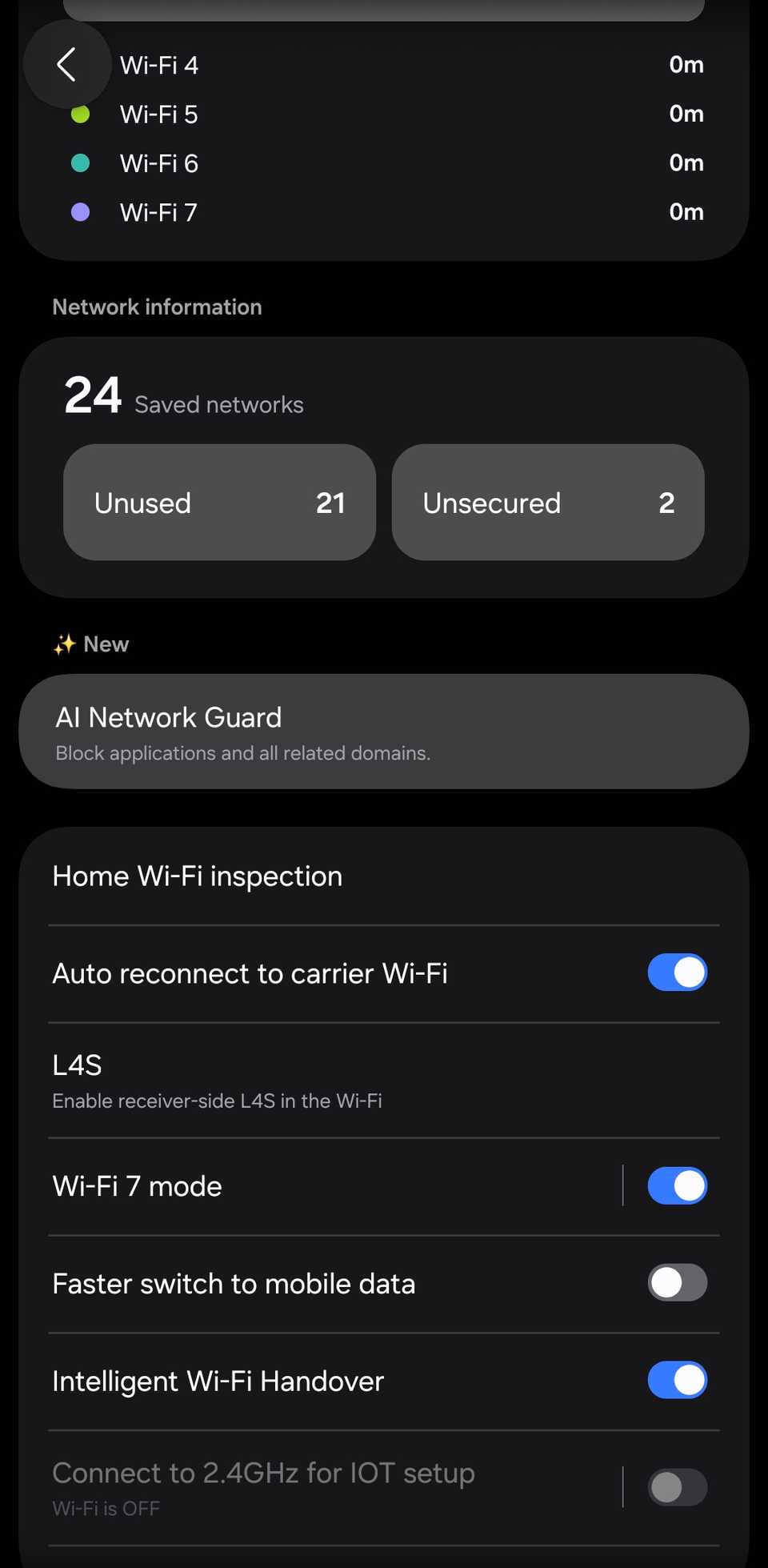
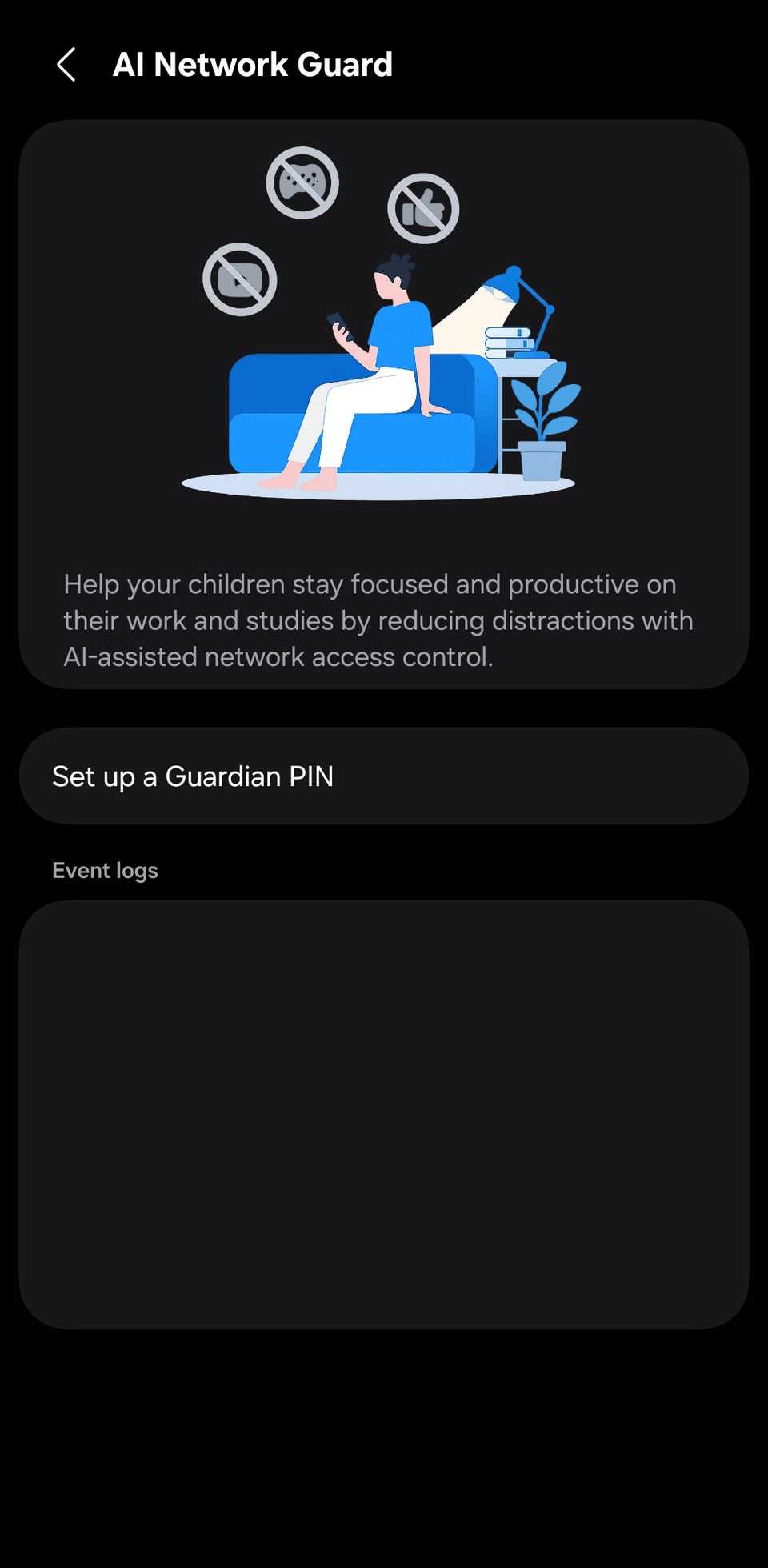
- Manage restrictionRestrict apps.
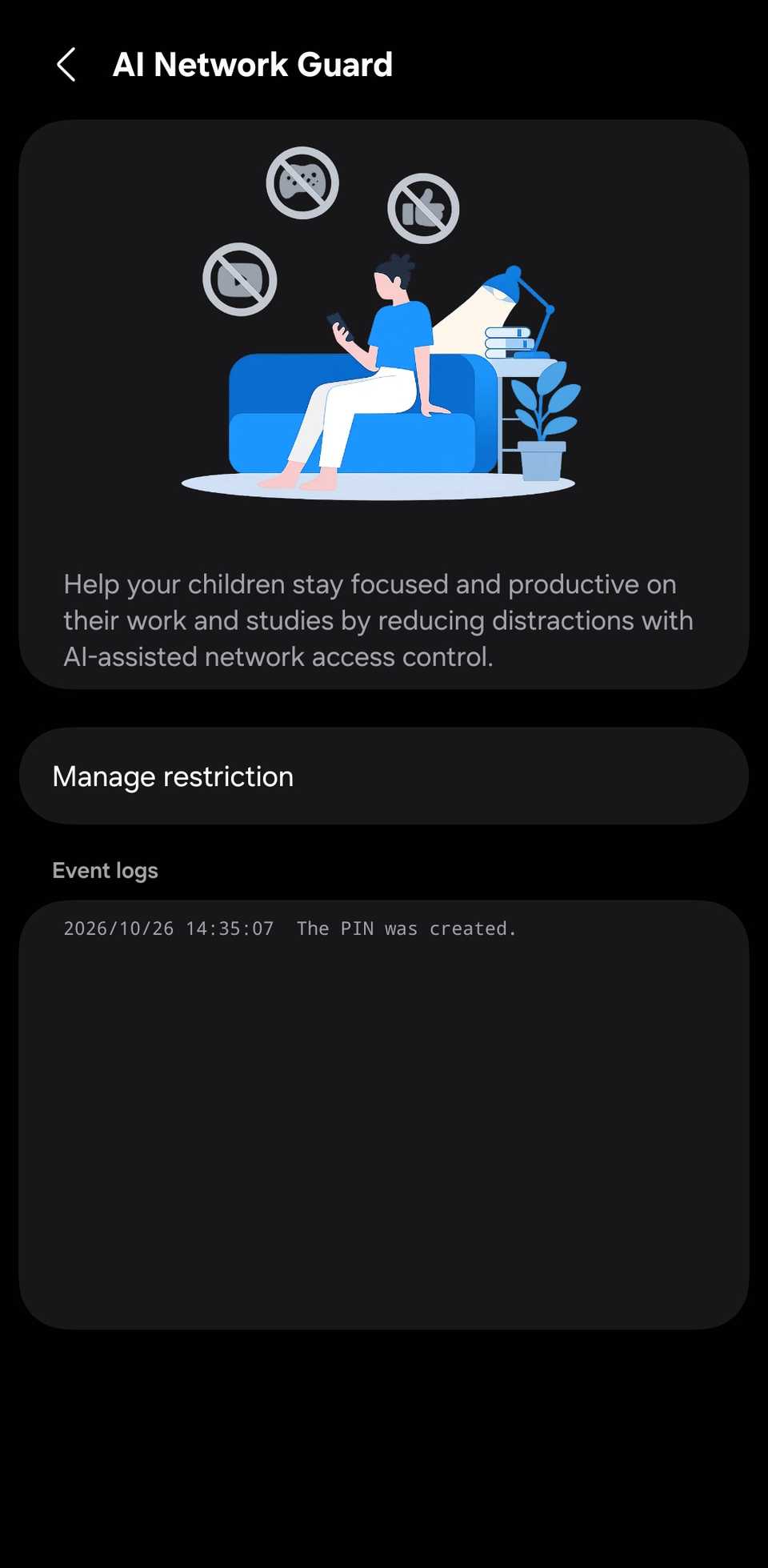
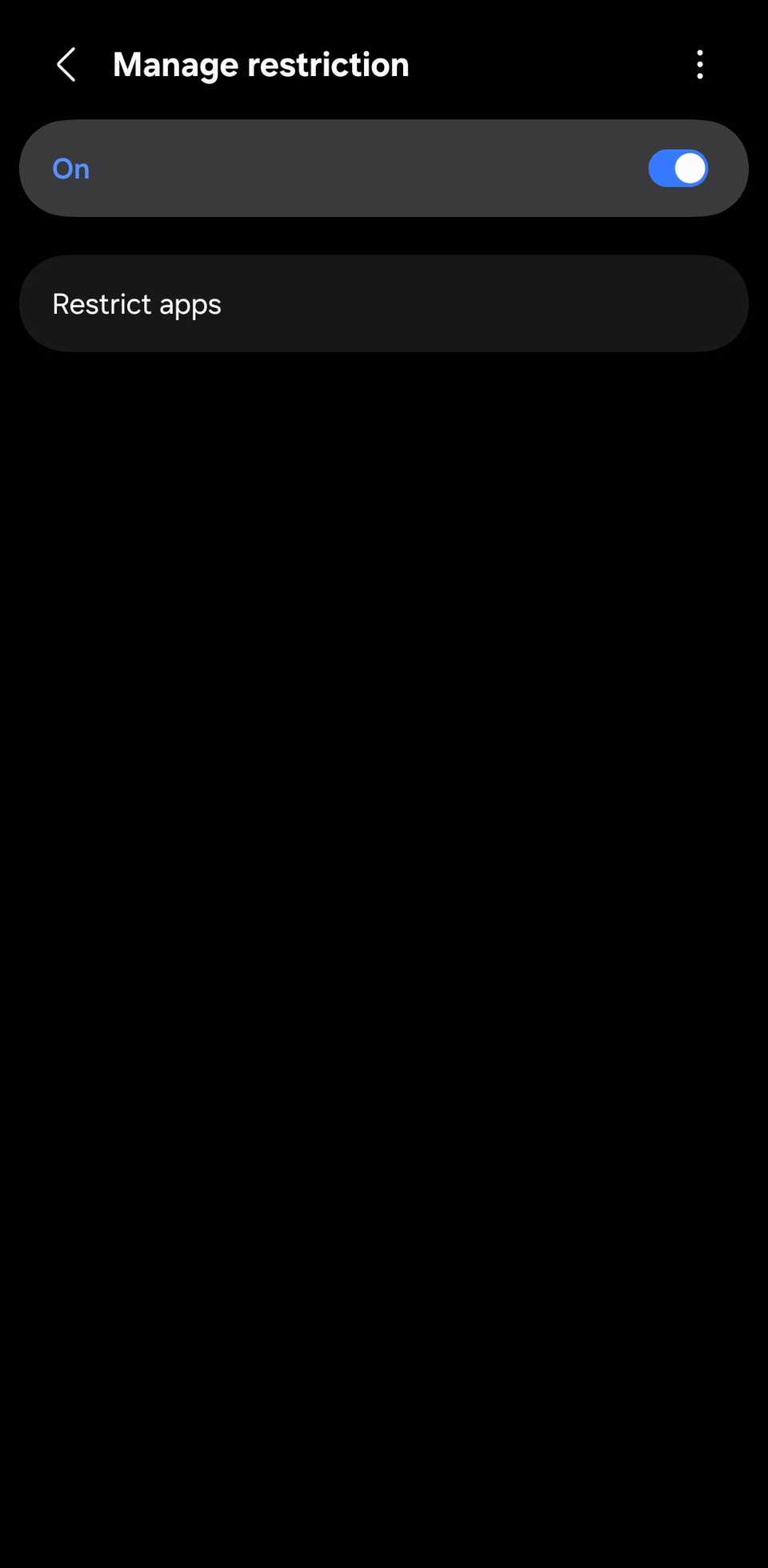
-
Choose the apps you want to block and tap .
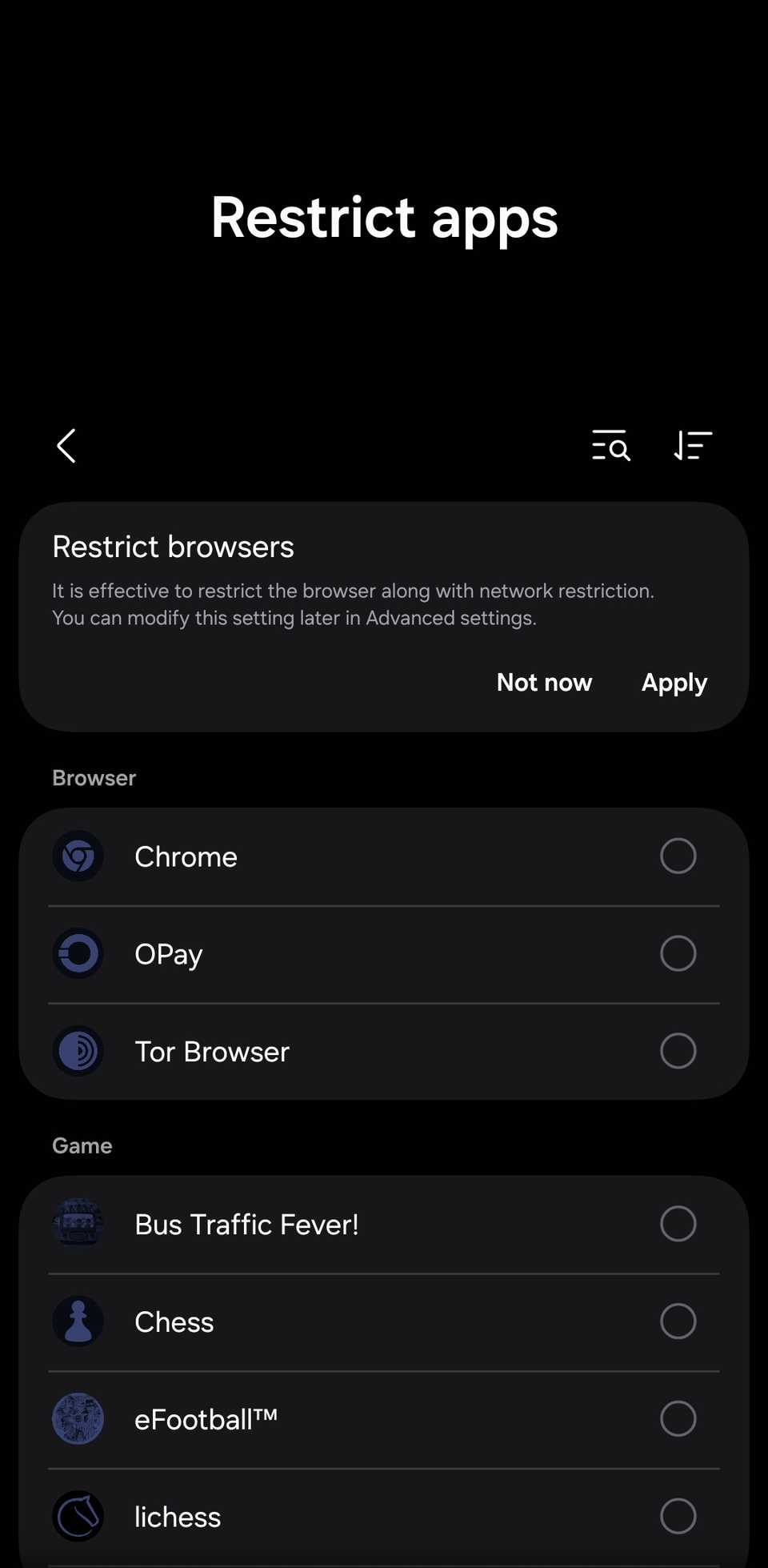
Ads that the app downloaded may still display after restriction. Clear the app's cache to prevent this.
It goes beyond ad blocking
Samsung built Network Guard to cut distractions, so it's more of a productivity tool than just an ad blocker.
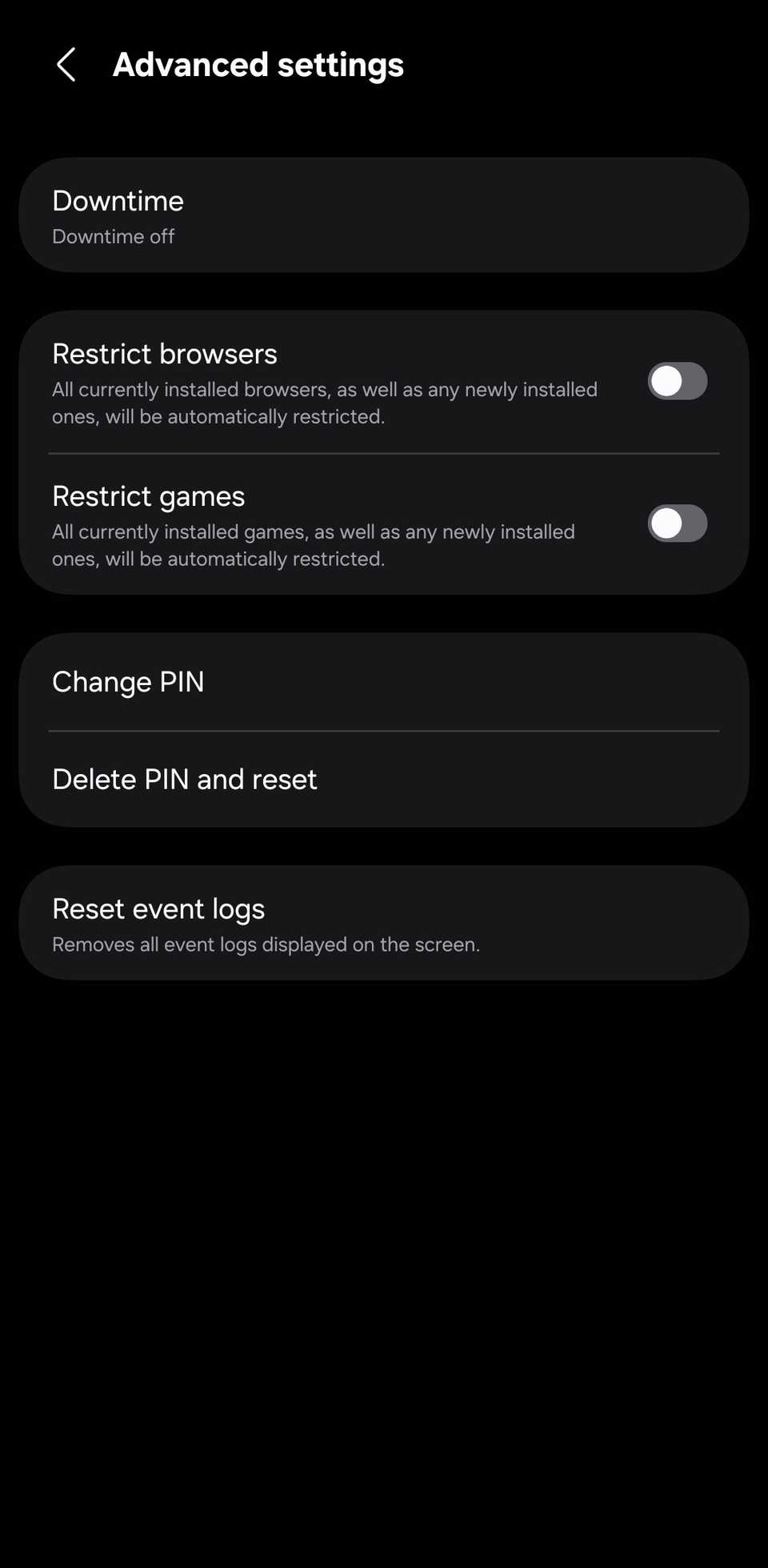
It also groups social apps in one place, but it has no toggle to restrict them all at once. That would be a nifty addition.
But it's not perfect. It grouped OPay, a banking app, under browsers and omitted Samsung Browser from the list.
AdGuard's Private DNS blocks ads without breaking your apps
Some ads may get through
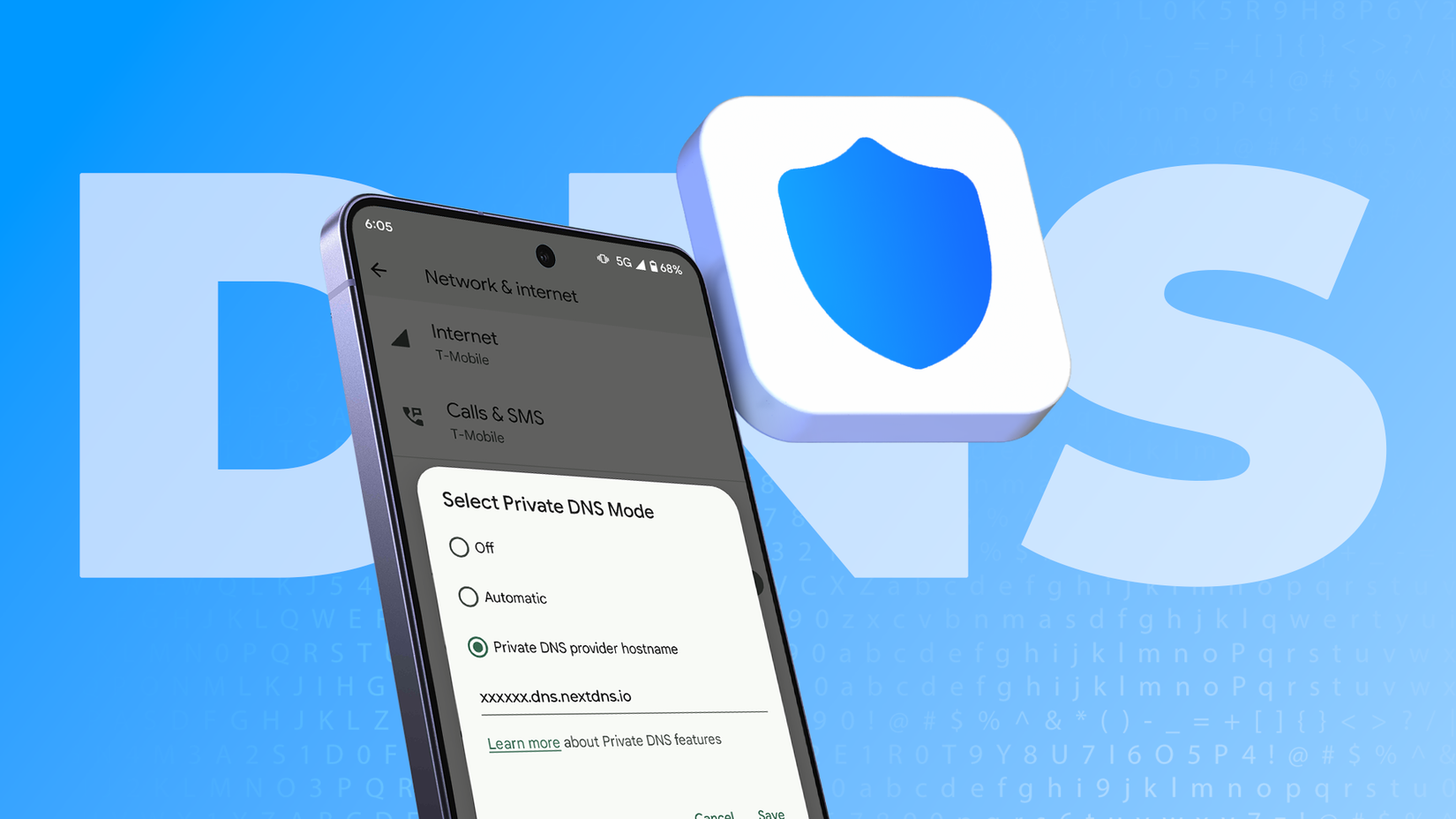
You can set up AdGuard through Android's Private DNS setting, so you don't need to download the app. Here's how:
-
Go to .
- More connection settings.
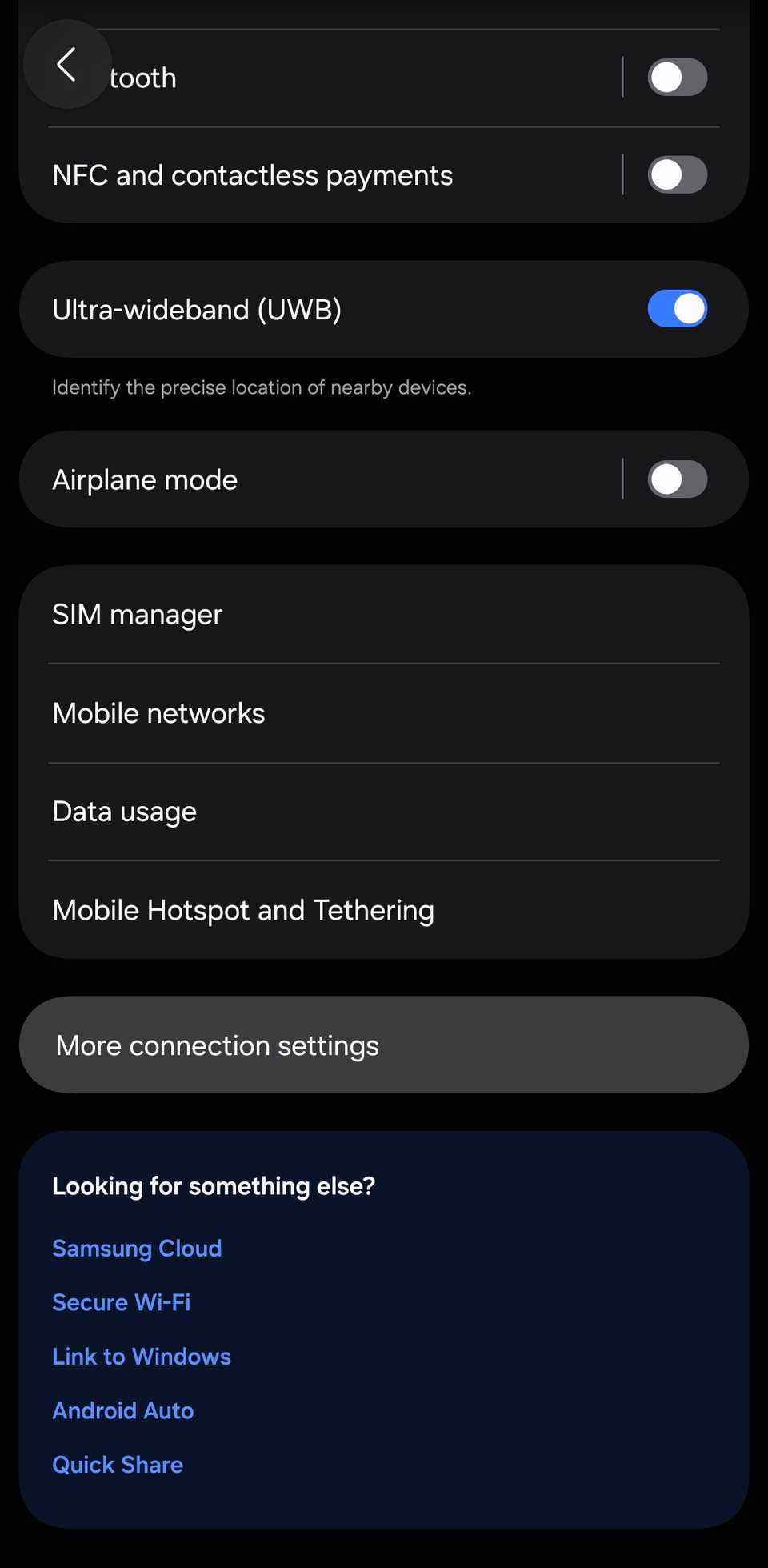
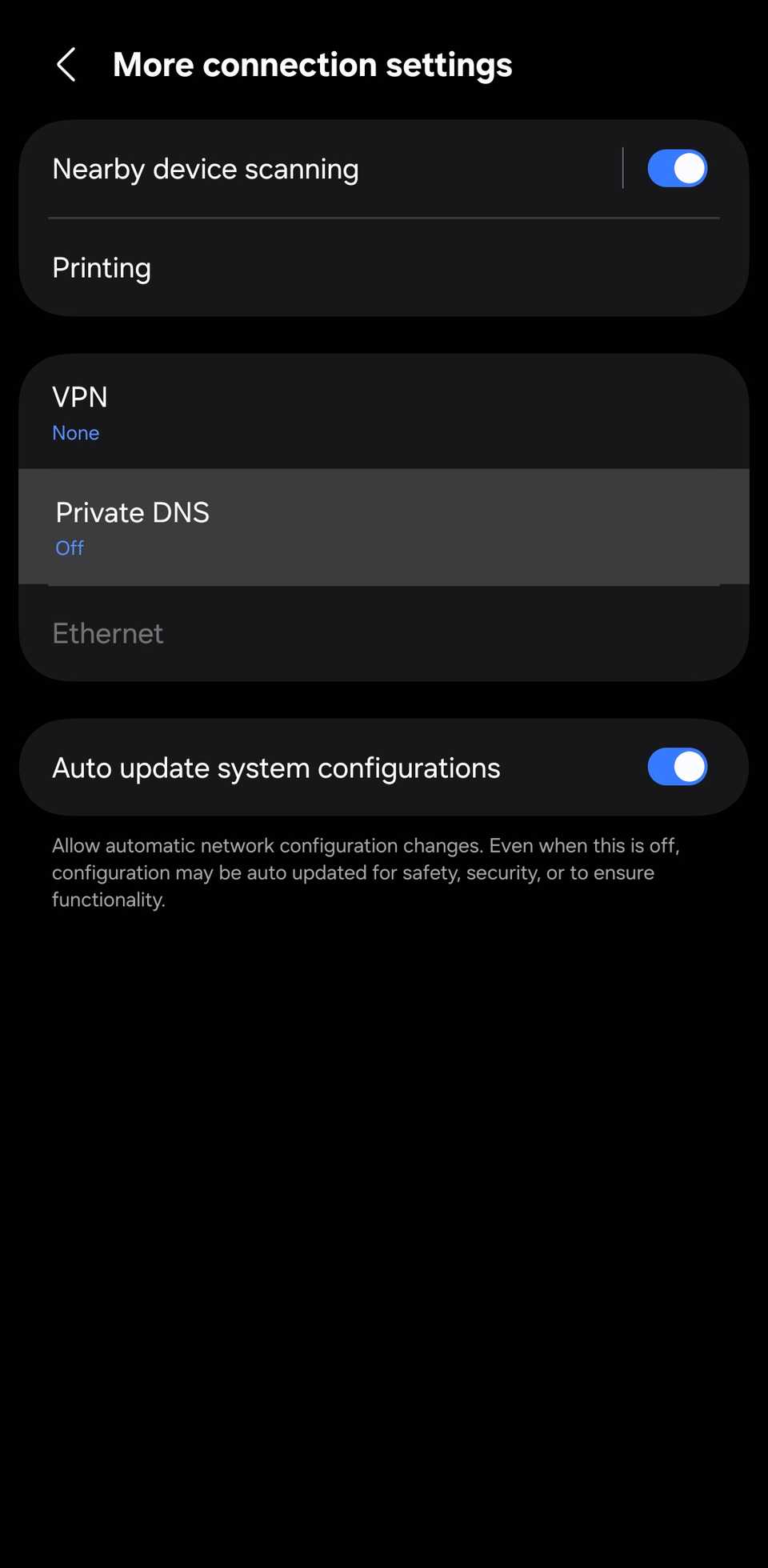
- dns.adguard-dns.com.
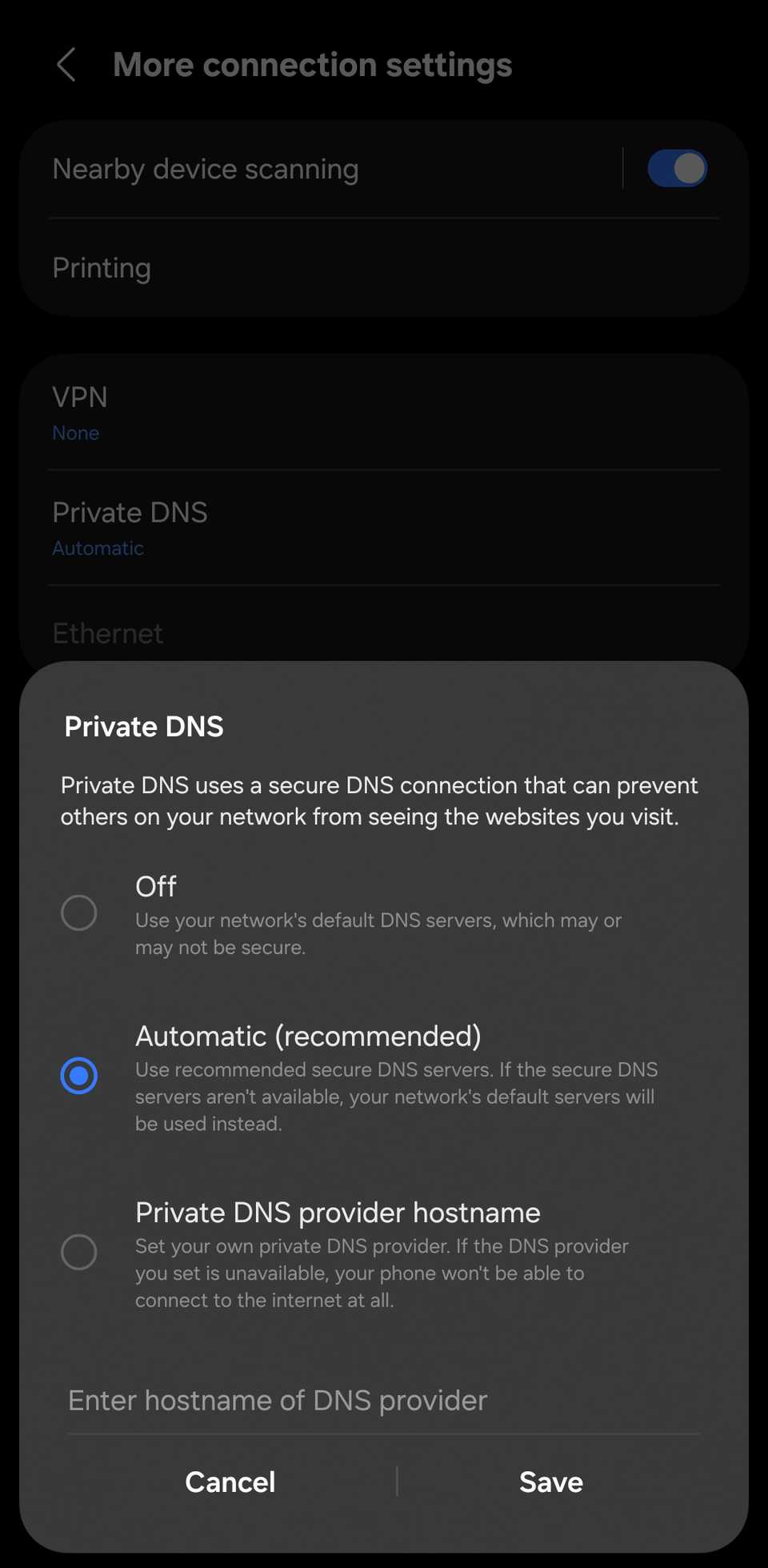
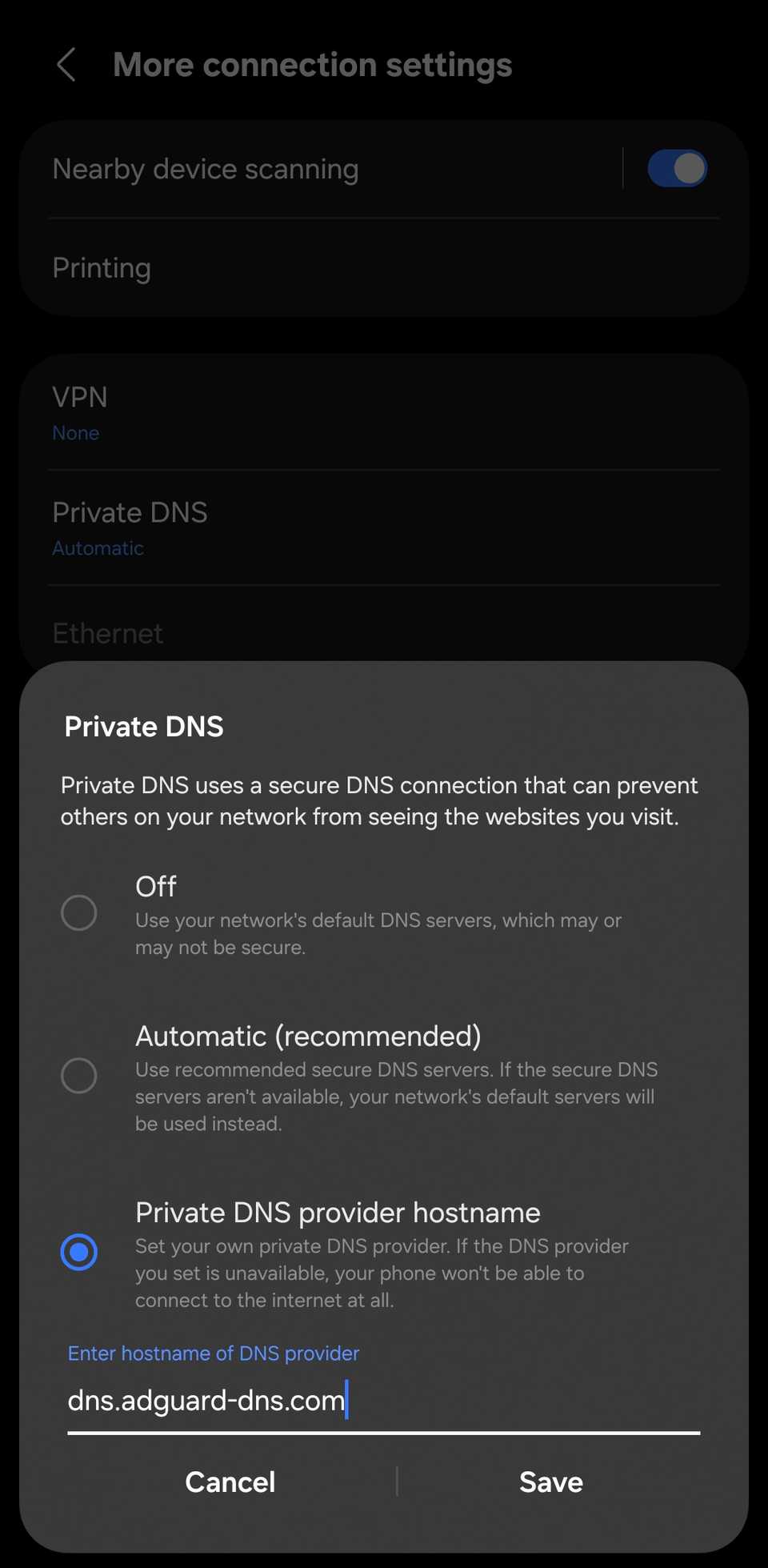
Unlike Network Guard, it only blocks ads and doesn't affect your internet connection, so apps that require online connectivity work just fine. In my tests, I used AccuWeather without any issues.
It also blocks ads on the web. So, if you open a website in your browser, you won't see ads.
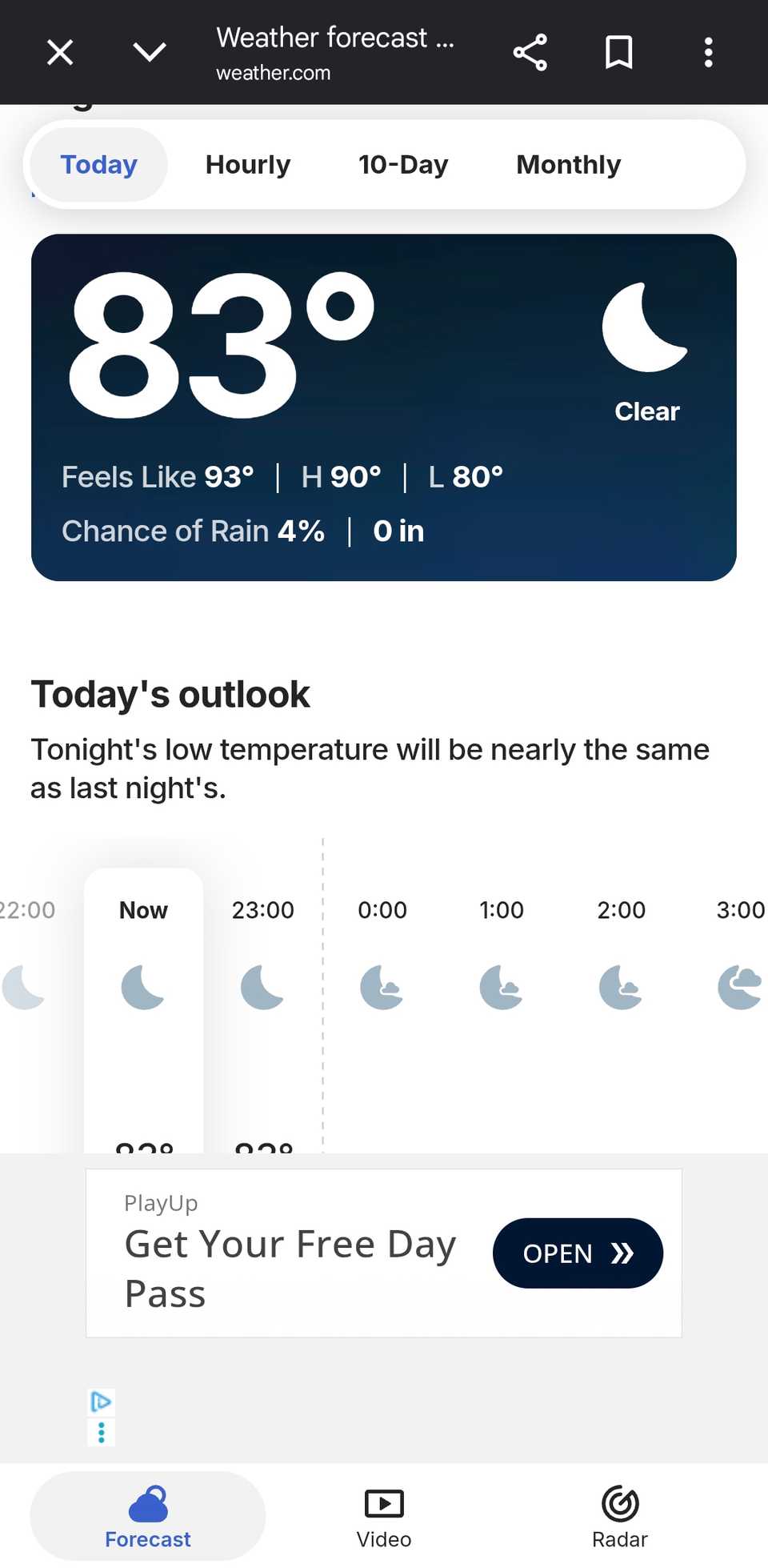
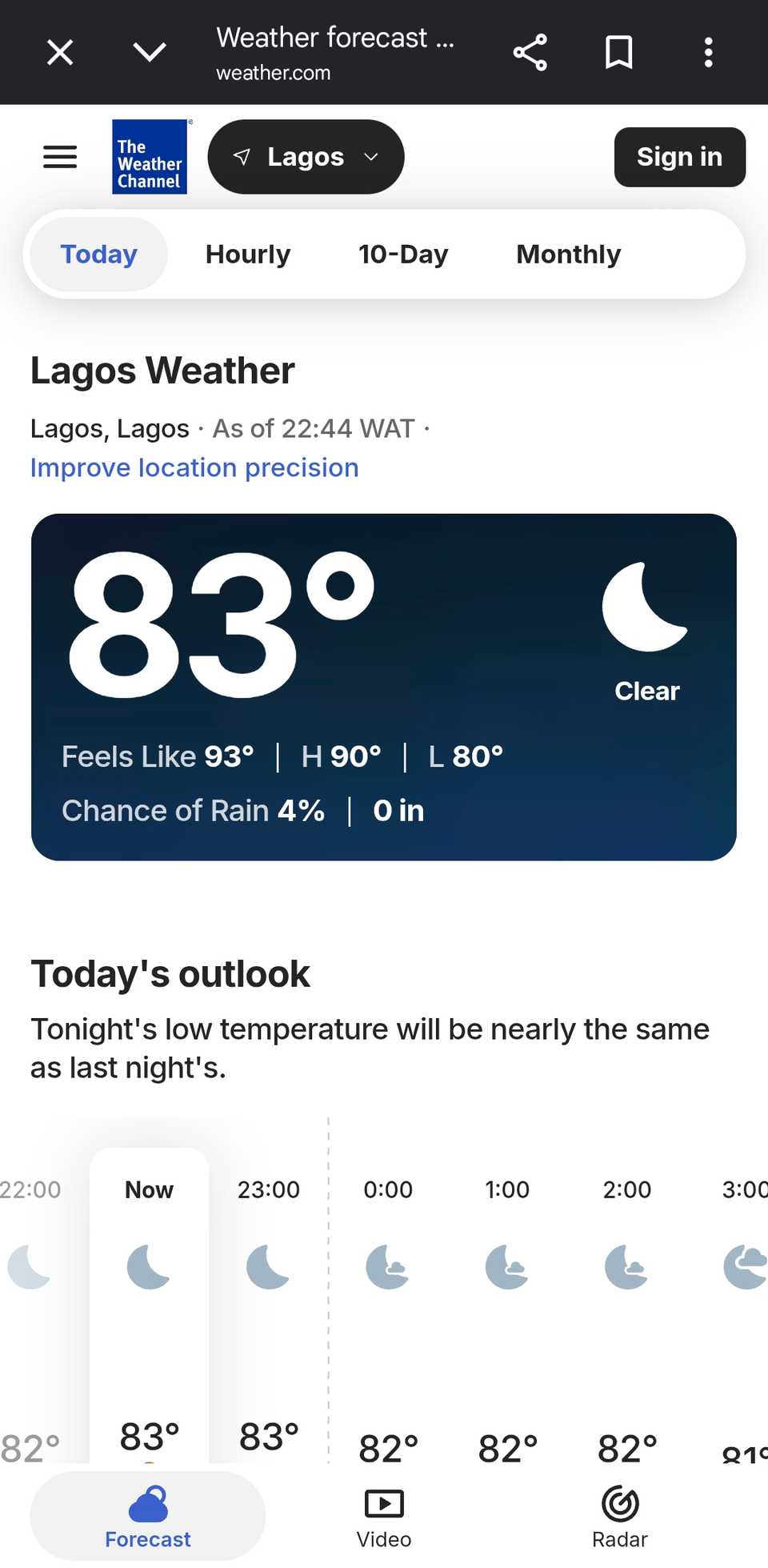
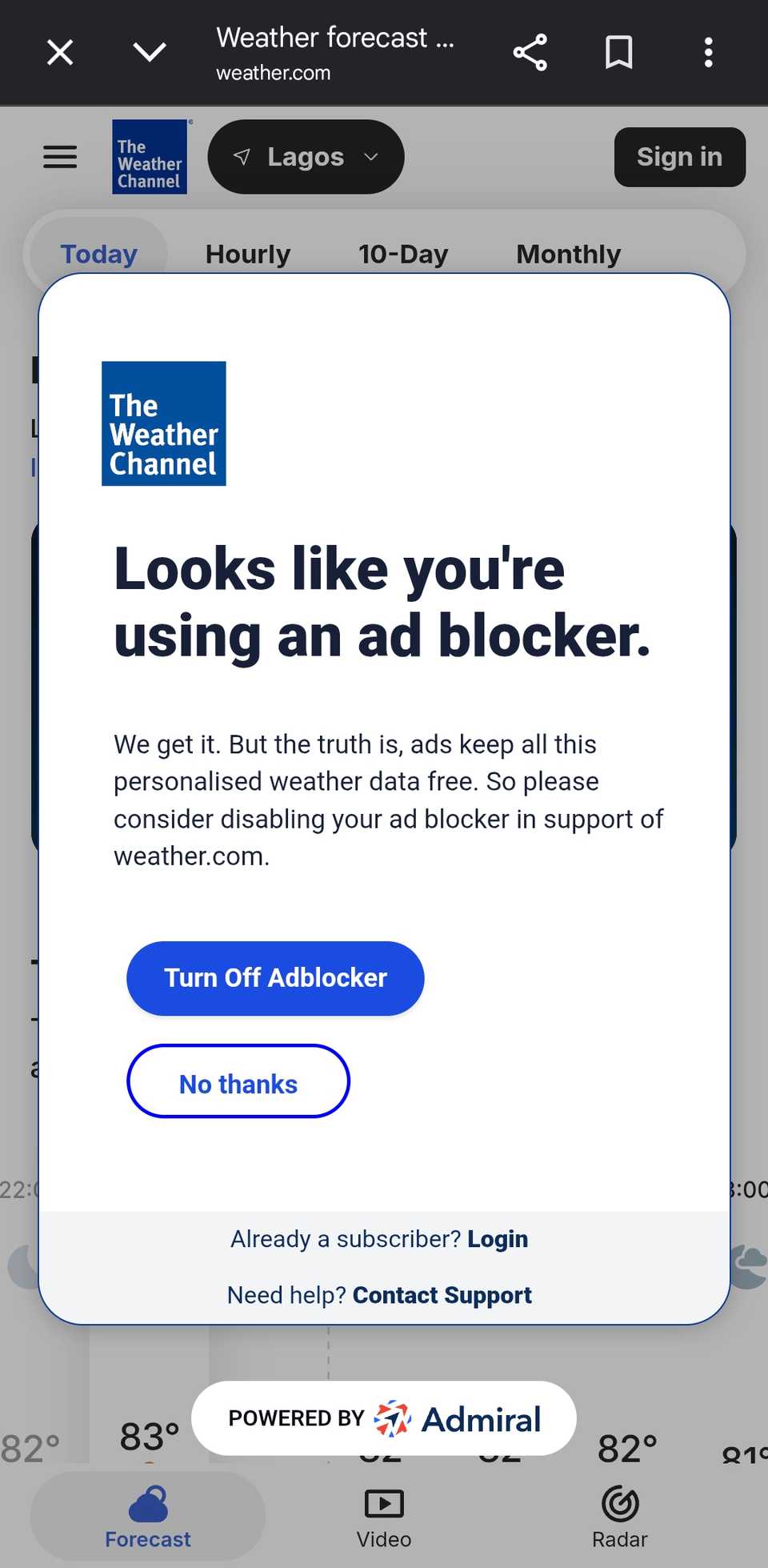
That was the case with my test site, weather.com, though it detected the blocker and showed a pop-up asking me to turn it off.
AdGuard has one major flaw: it doesn't block every ad. More importantly, it doesn't block the most obstructive ads that ruin the user experience.
The Sudoku app is a perfect example. It has display ads at the bottom of the screen, which I don't mind because they don't interfere with my gameplay — AdGuard blocked those completely.
However, the full-screen ads still showed up as often as before. They show up every minute or so, completely interrupt your flow, and make you watch a few seconds before you can close them.
And these are the ones I want blocked.
Network Guard is better at blocking the ads I actually mind

is the easier tool to use. It works across all apps and websites and doesn't break anything. But in my tests, it blocked the ads I didn't mind and let through the ones I did.
on the other hand, is blunter, but that's what makes it useful. It stopped every ad in my offline apps, including Sudoku's full-screen interruptions, and left everything else untouched.
That matters because ads keep many apps and websites free. I don't want to pay for every simple game I play, or article I read online, so I'd rather block only the ads that ruin the experience.
For now, I'll keep Network Guard on for the offline games and utilities that bombard me with full-screen ads, and leave the rest alone.
If ad-heavy notifications bother you, Samsung has another tool to silence them.