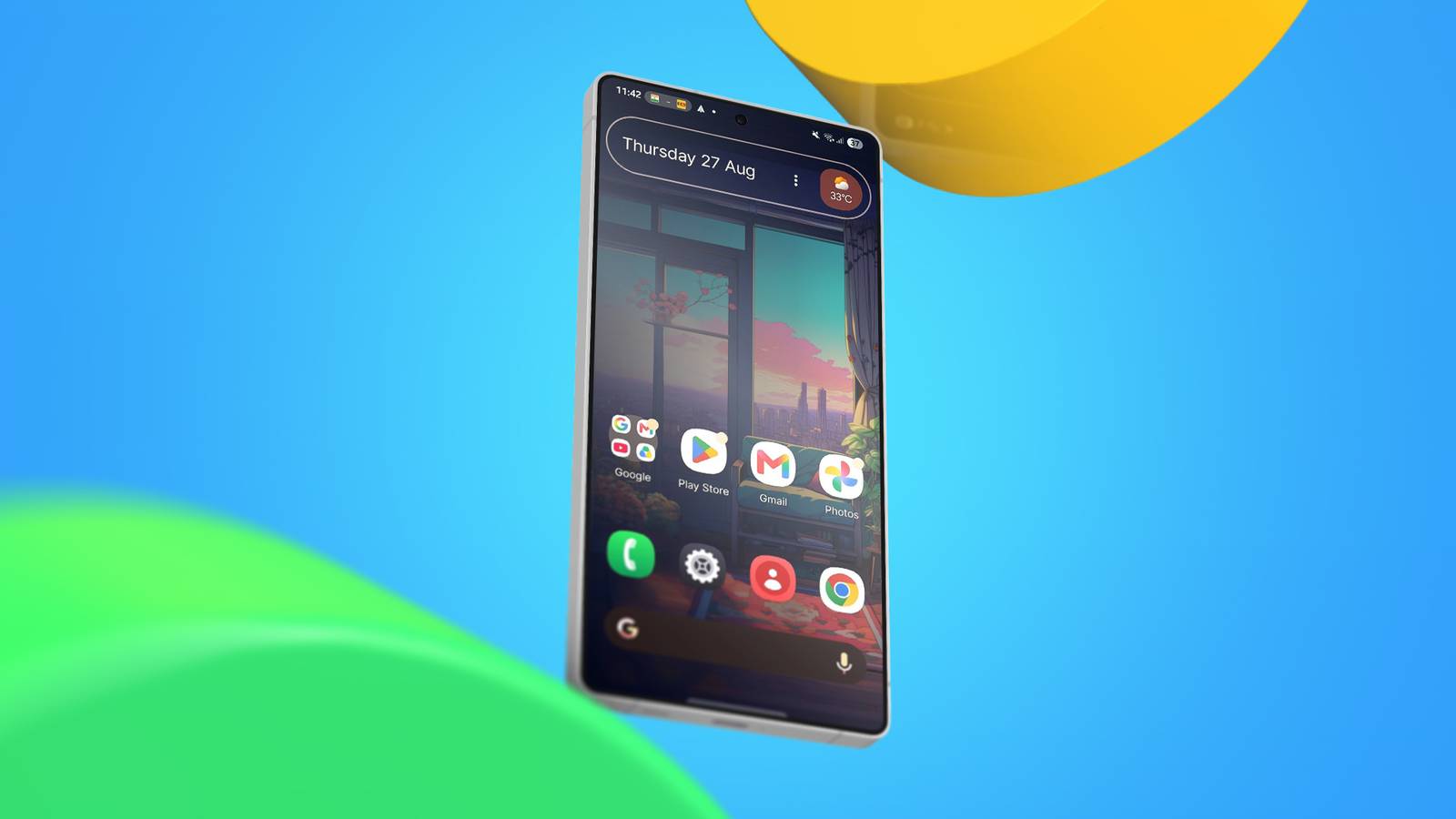
For many years, I've , and I've realized there are fantastic options for different styling and user-experience goals.
But during that stretch, I haven't settled on an alternative that comes close to , especially in its minimalist, dynamic theming, clean implementation, typography, and other elements.
I love its straightforward simplicity, despite the limited customization. I craved that exact aesthetic on my other Android devices.
After testing over 20 launchers, I found the one that most closely matches the stock Pixel Launcher and makes my handset feel Pixel-like.
A free launcher to get the Pixel style
I wish I had discovered it sooner
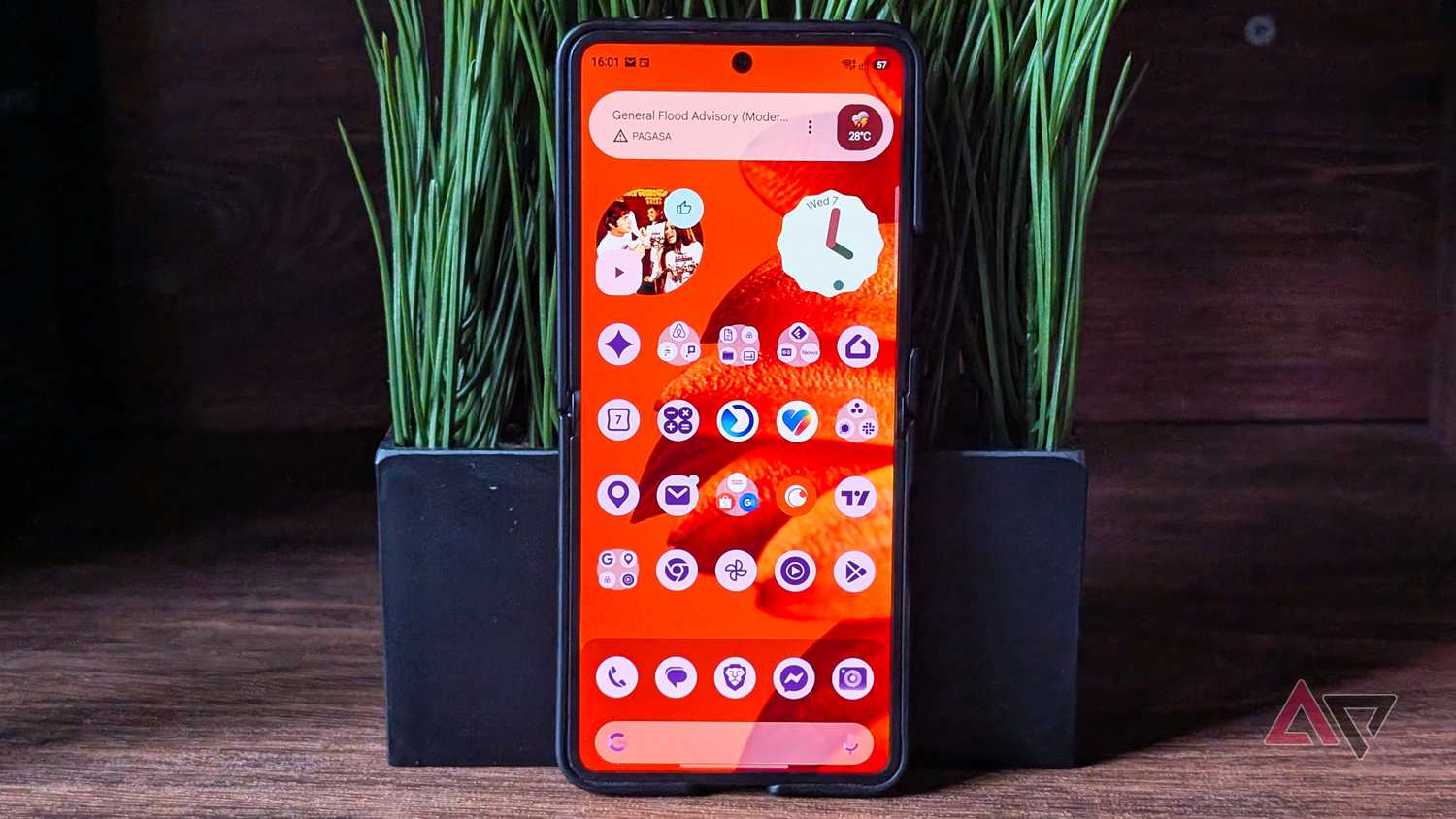
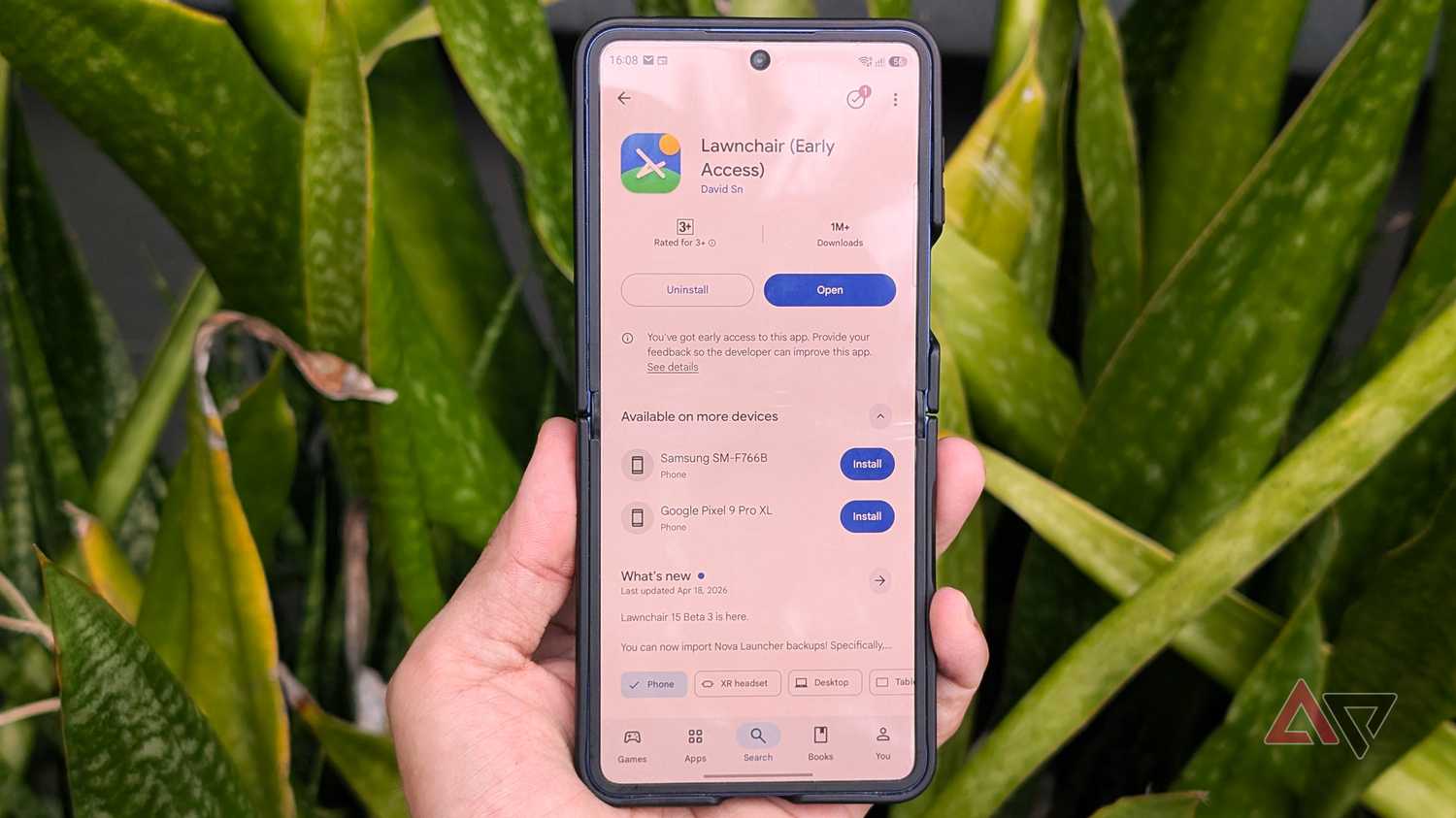
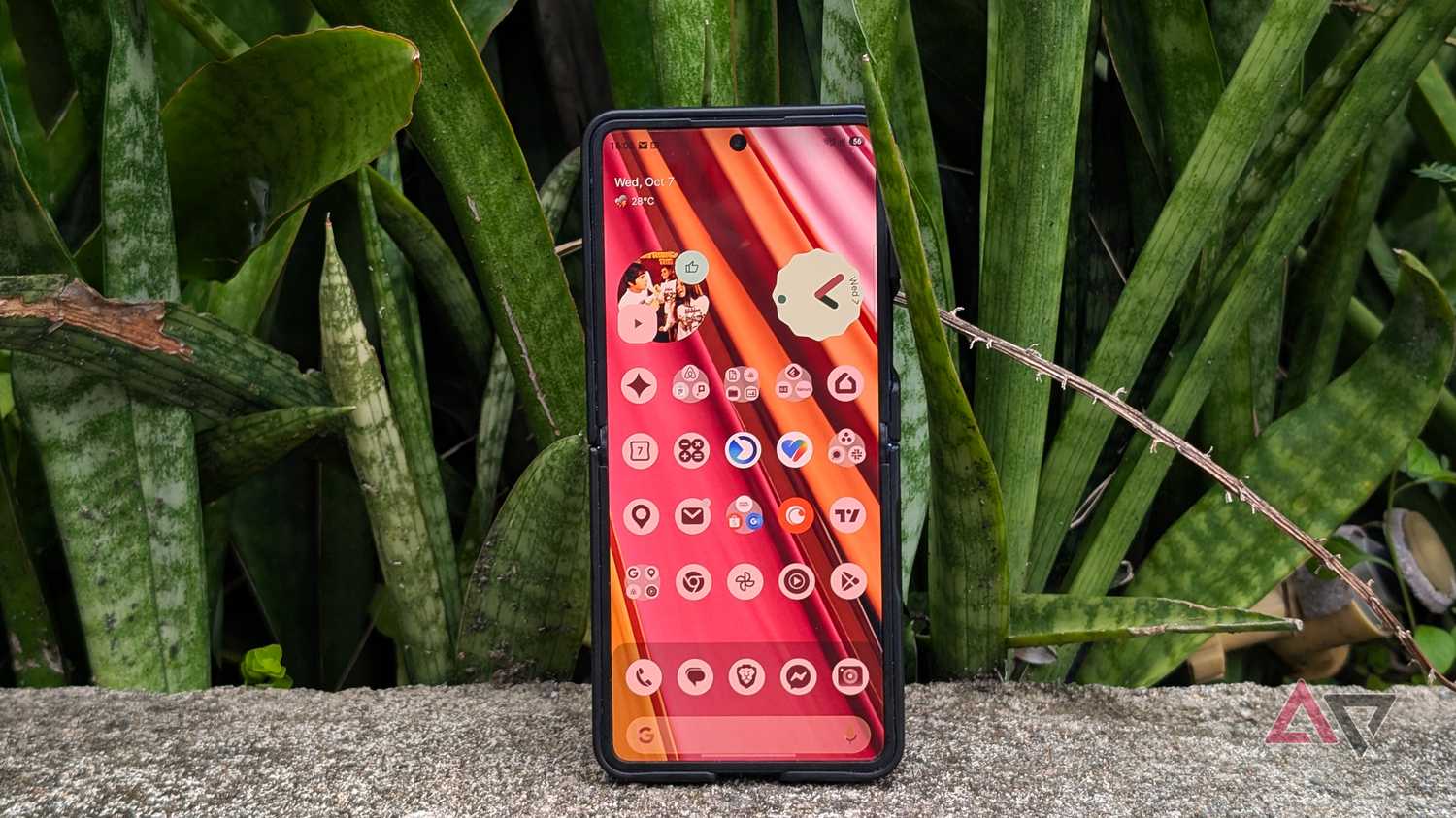
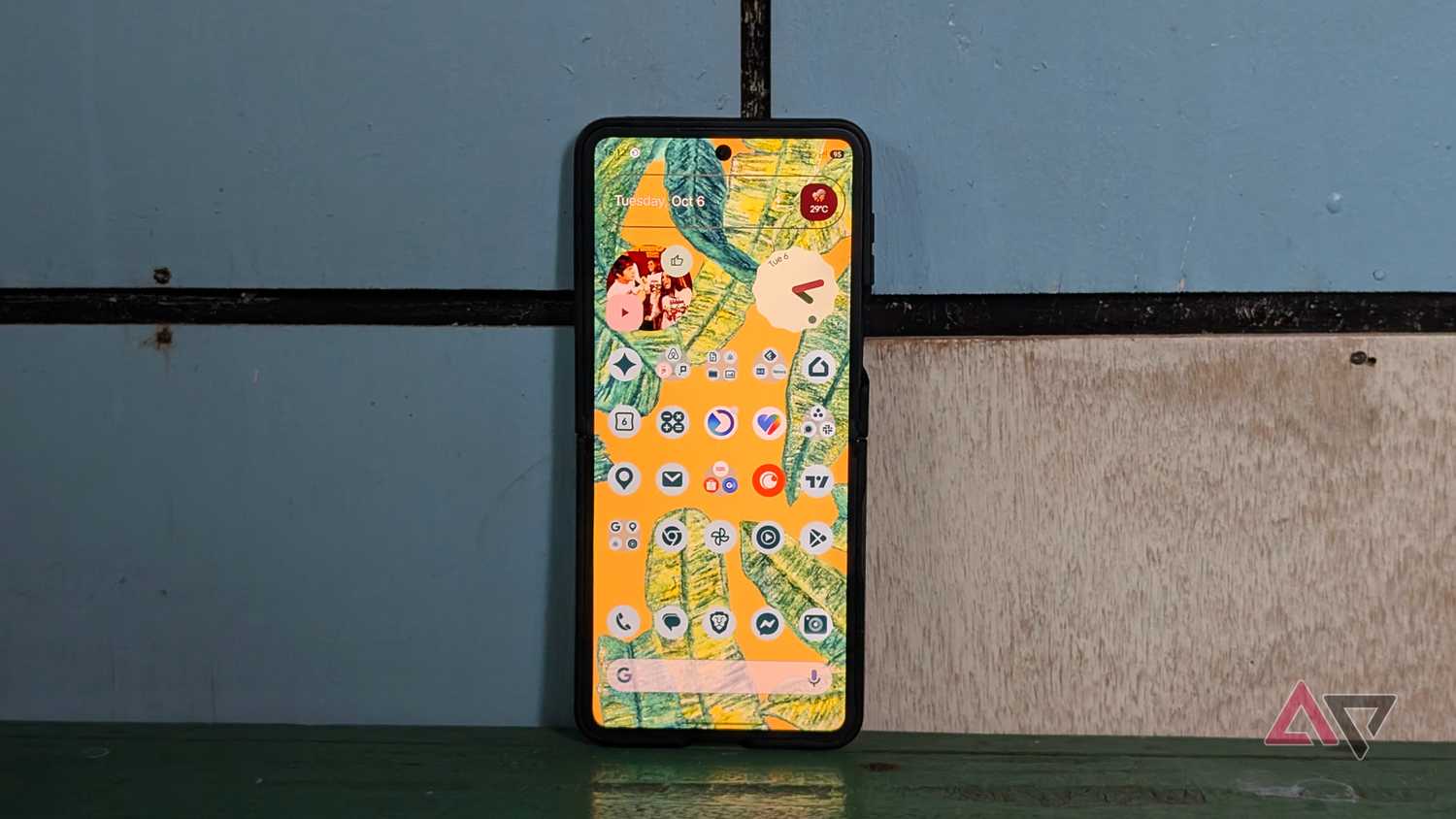
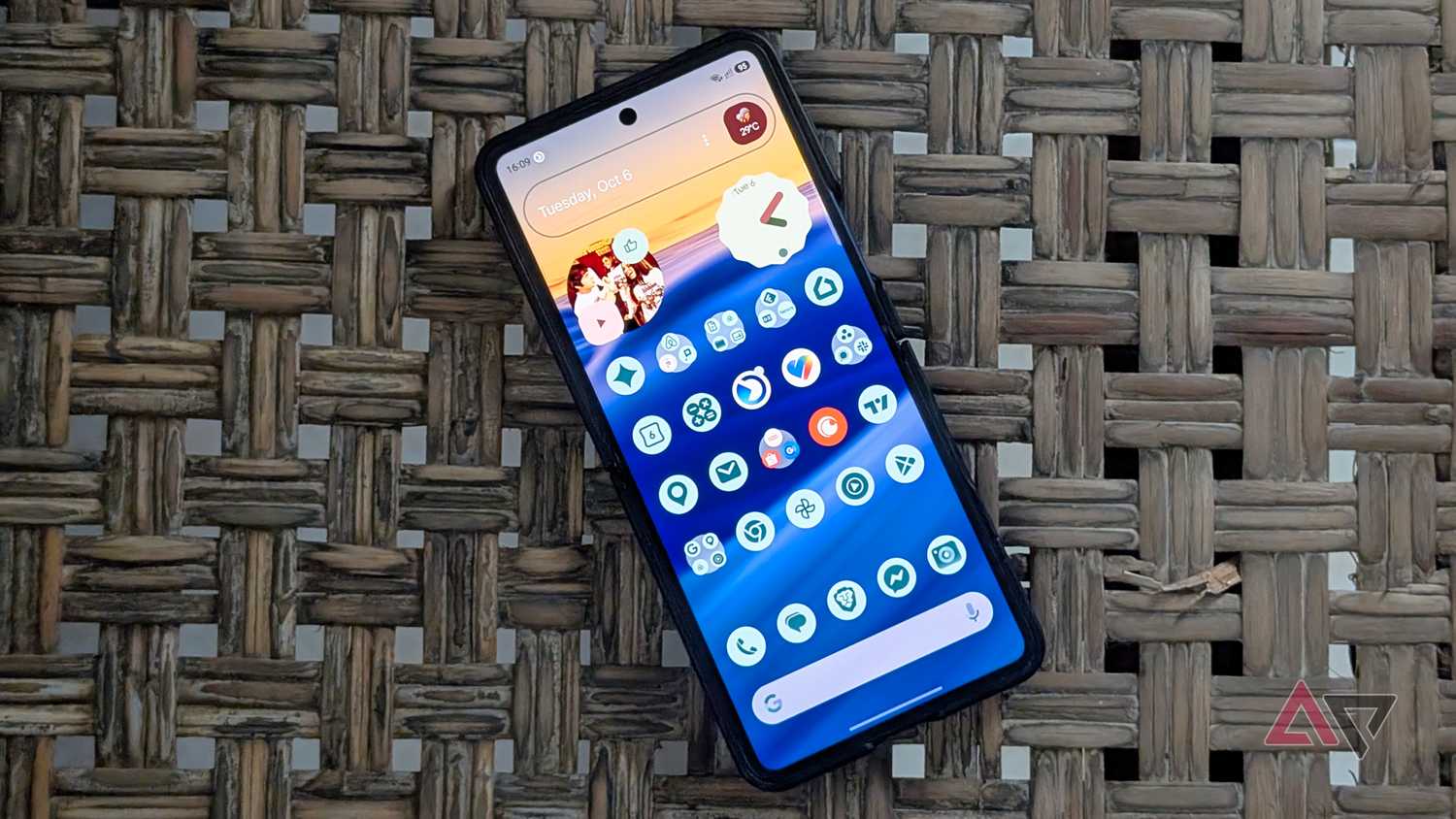
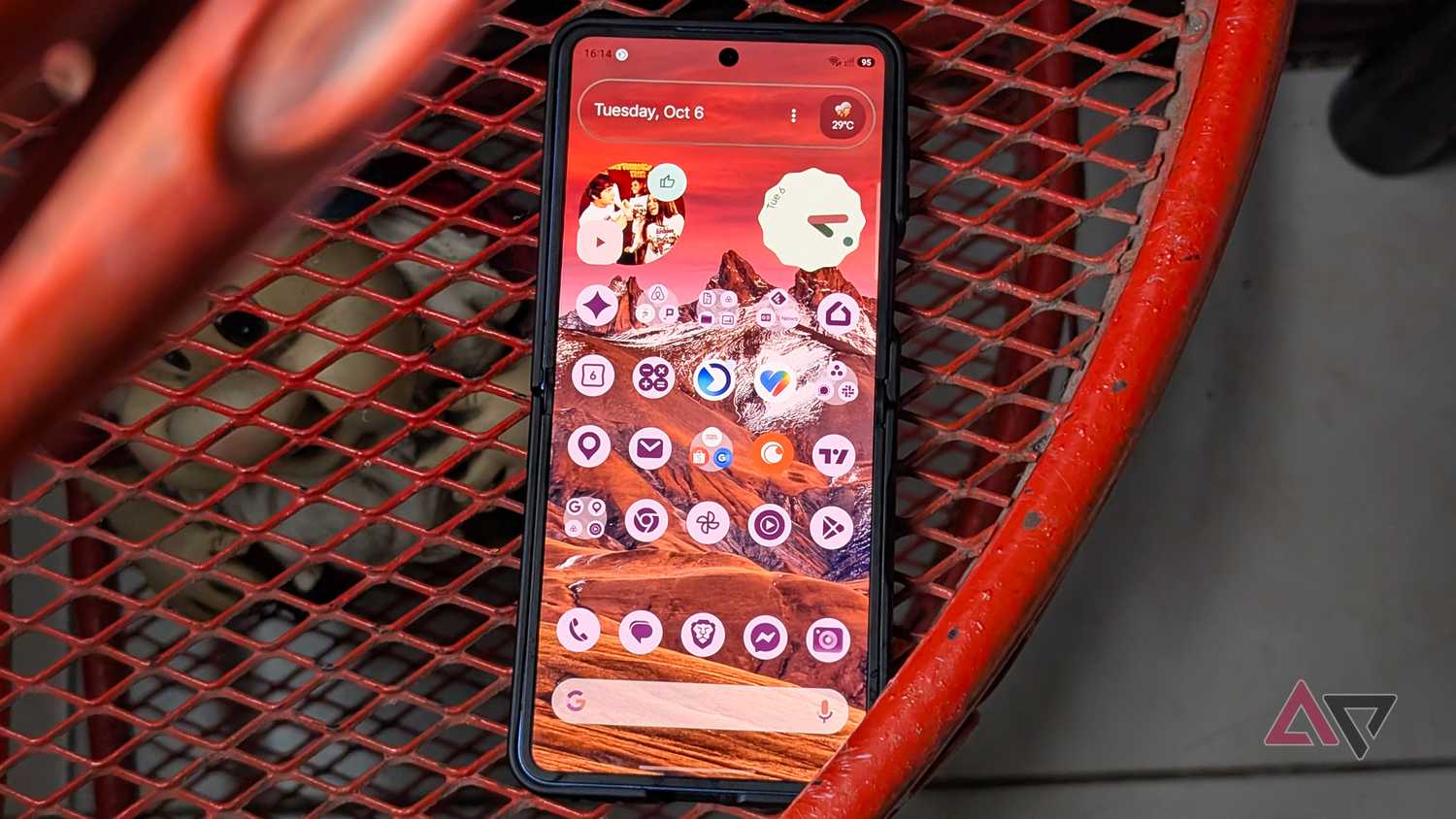
Lawnchair is an established, free, open source Android launcher.
Although not as widely known as big names like Nova or , it has a solid following thanks to its similarities to the Pixel Launcher, which is also based on the same AOSP foundation.
Lawnchair is as lightweight as many launcher alternatives I've tested, and it puts most to shame for stability and speed.
It even feels smoother than One UI on my Samsung Galaxy Z Flip 7 because it has a cleaner UI and fewer background elements.
Although that sounds like a compromise, Lawnchair offers more flexibility than Google's interface, which is why I'm hooked on it on both my Galaxy phone and tablet.
But with extra controls
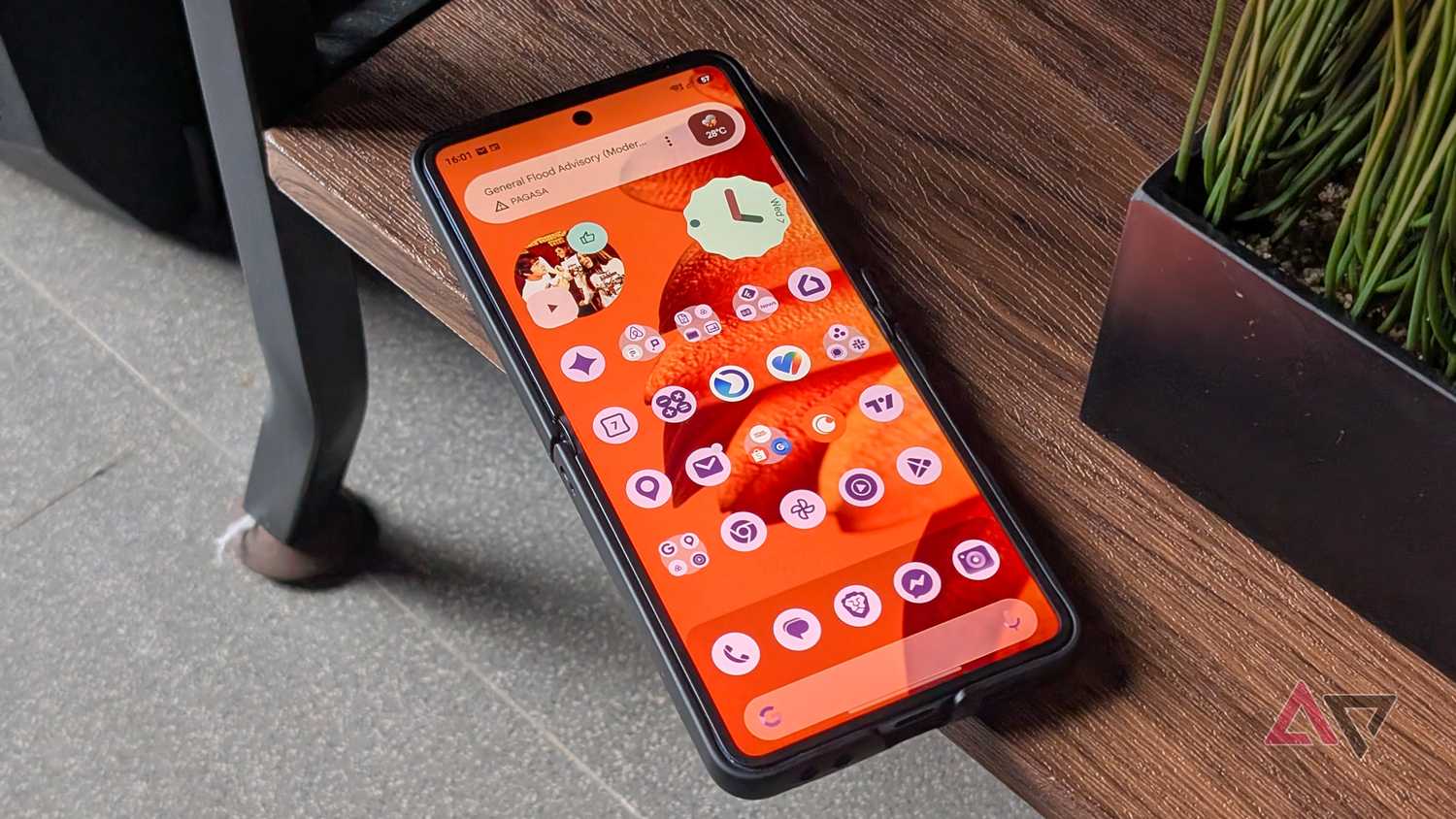
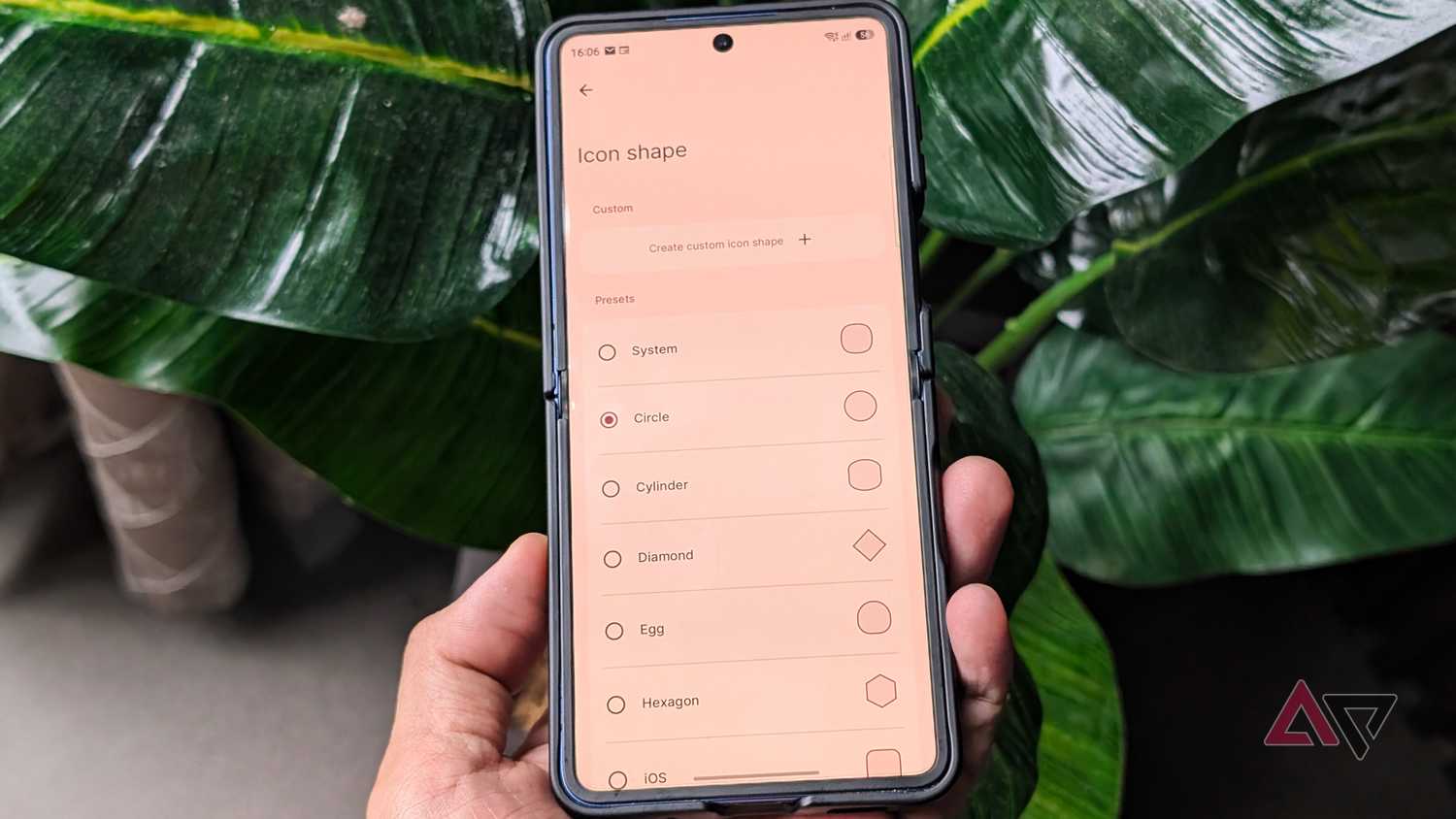
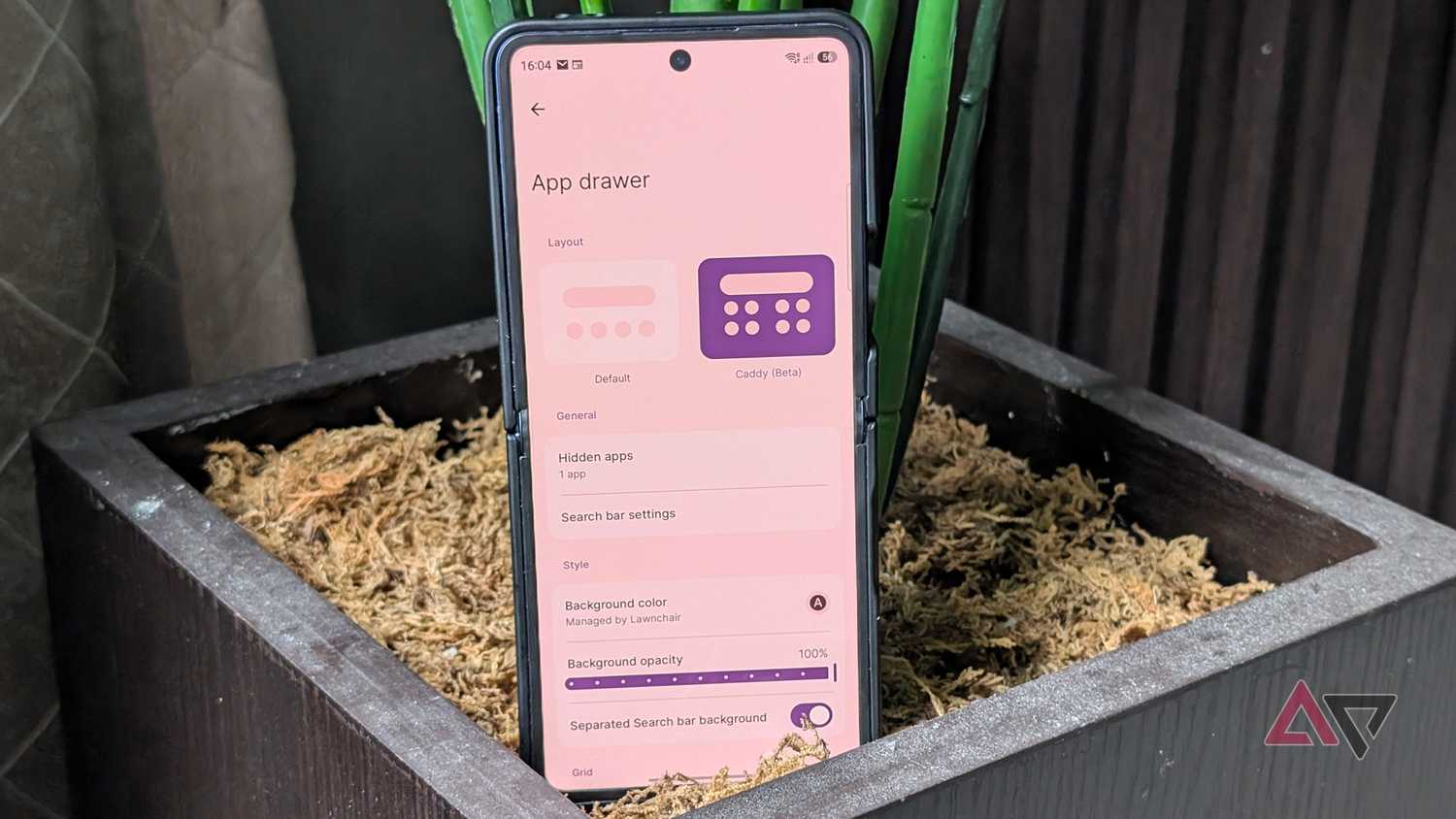
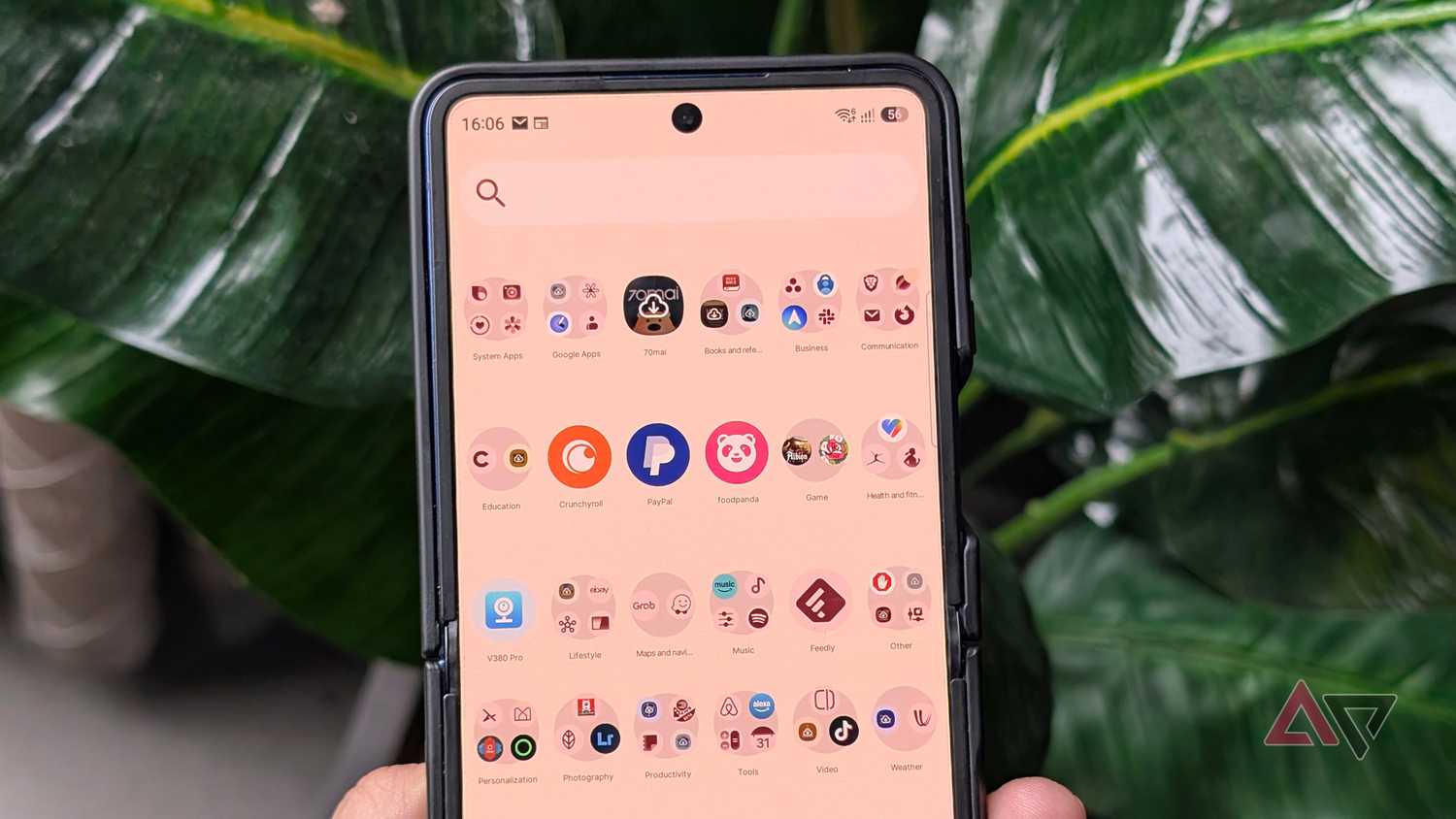
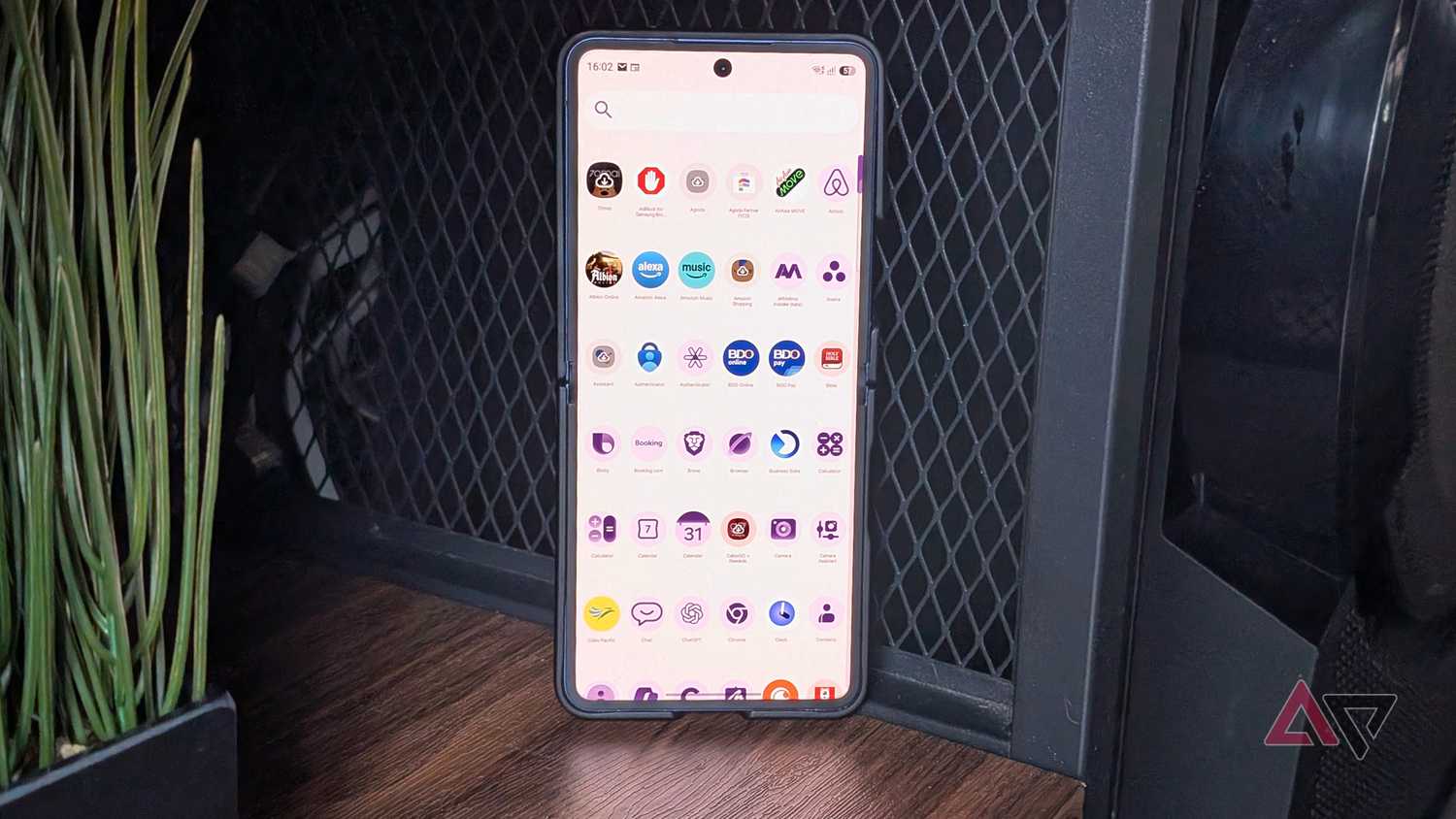
Lawnchair differs because it lets me customize fonts, the grid, the app drawer, app icons, and the dock, something I wish Google would add to Pixel Launcher in the future.
I can adjust the number of rows and columns on the home screen, in app folders, and in the app drawer.
I also appreciate the option to resize app icons and apply a custom accent color.
I still wish there were a way to force all app icons to follow the theming, as some apps on my home screen, including Google Health, remain stuck with the default system icon design.
The dock is another area that I'm glad I can tweak. I can add more rows that aren't locked to the home screen's row count. There's also a setting to apply a custom dock background.
At the bottom is a search bar, which I set to Google or Lawnchair.
On my Galaxy Z Flip, I disabled it for a cleaner look, which I still prefer today.
Widgets also play beautifully on the home screen. I can resize them freely, and most adapt dynamically, similar to my Pixel 9 Pro XL's layout.
A nifty trick in Lawnchair is double-tapping to sleep the screen, another convenience I always enable on my Samsung devices.
Lawnchair stretches customization controls
I can completely disable At a Glance and Search
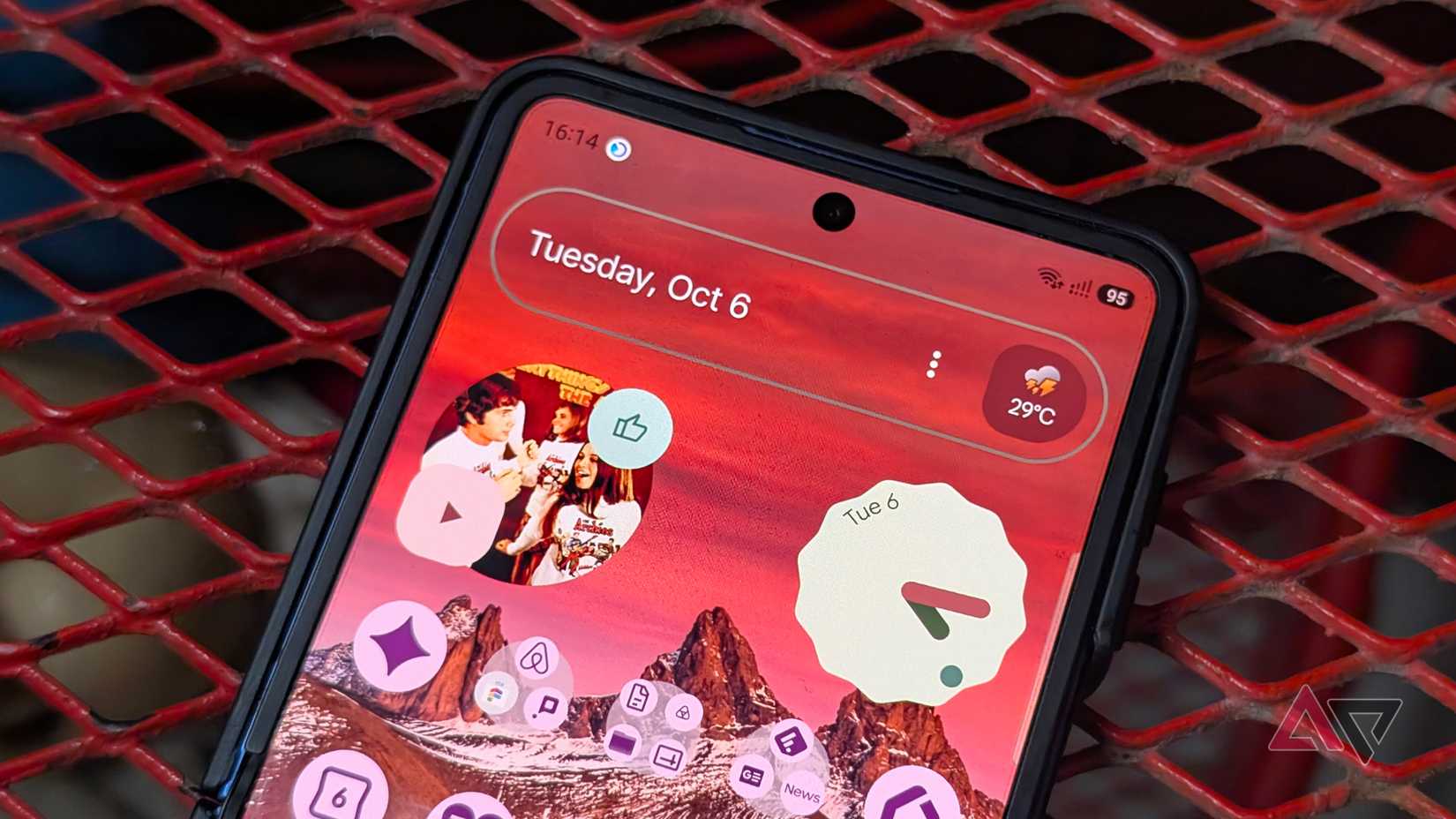
Another reason to love Lawnchair is that it lets me customize At a Glance and the sticky search widget, my biggest frustrations with the Pixel Launcher.
With At a Glance, I can select Lawnchair's default widget showing weather, time, battery status, and now playing.
Alternatively, I can configure it as an At a Glance clone similar to Pixel Launcher, and I appreciate being able to adjust the styling and choose which feeds to include in the card.
The search widget gets even more versatile with Lawnchair. When active, I can choose from different search providers, including Google, YouTube, or Pixel Search.
I can also pick third-party services like Firefox, Wikipedia, and Brave, among others.
For visual style, I can customize the bar's color, corner radius, background opacity, and outline to match my wallpaper.
It also lets you embed search in the app drawer, which is useful if you have over a hundred apps clogging your device.
Beyond apps, you can use the search bar to find files, contacts, and the web.
You can apply a background to the dock and search widget to make them stand out on your home screen.
But they are minor trade-offs
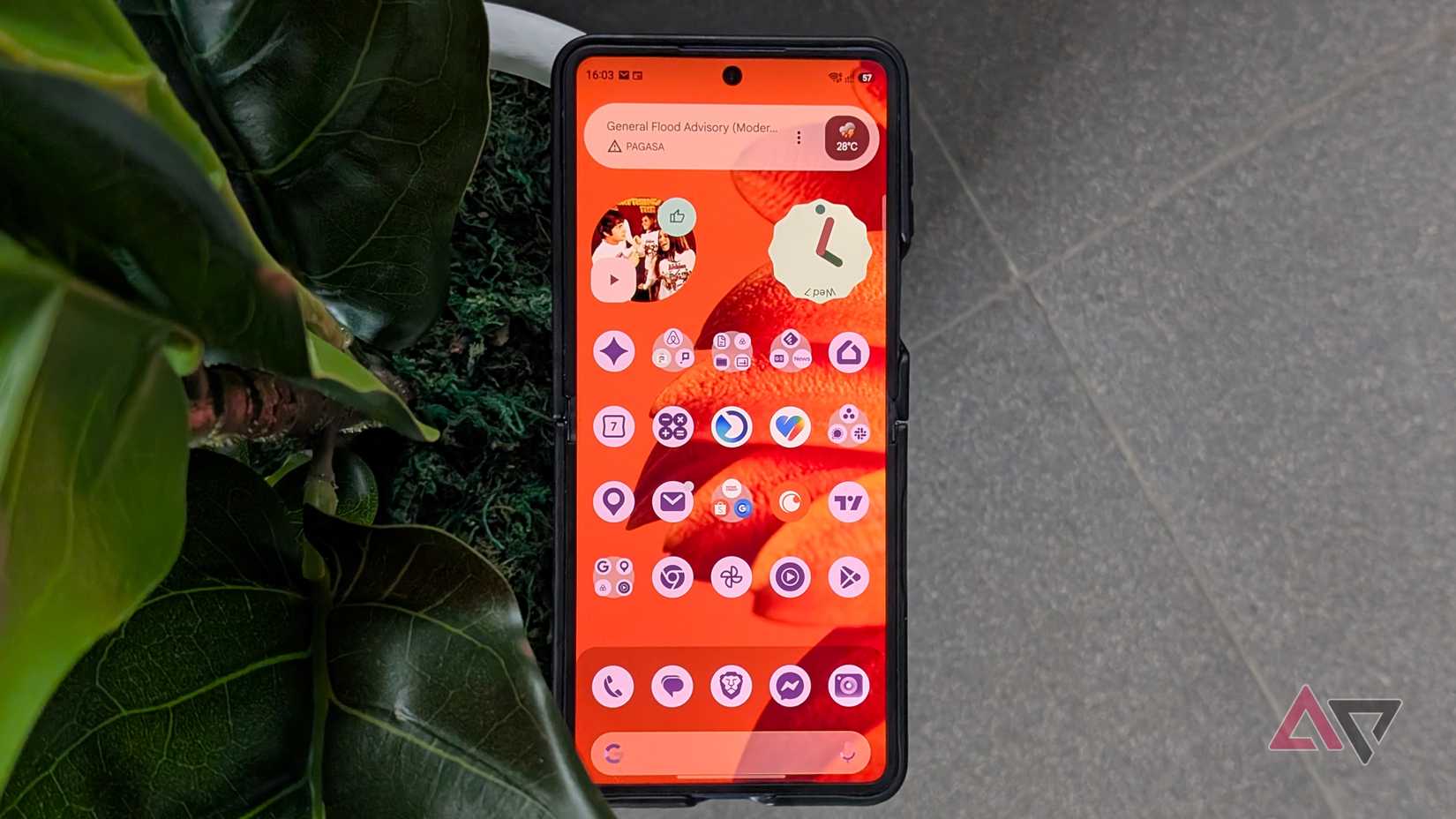
Even though Lawnchair offers better customization than Pixel Launcher, it still misses a few perks to make it an undisputed home screen champion.
One of those is the rigid app folder size. I'm still stuck with an icon-sized container for app folders on my home screen.
Still, I appreciate the option to increase the number of rows and columns for the expanded view, which maxes out at 5.
I also ran into trouble getting the Feed to work. Even after enabling all permissions and accessibility toggles, the side panel refuses to load.
I suspect that this requires sideloading the APK installer from GitHub instead of installing from the Play Store.
The number of gestures is also relatively limited to a few basic shortcuts, although that remains a minor constraint.
Transforming my Android phone to Pixel costs $0
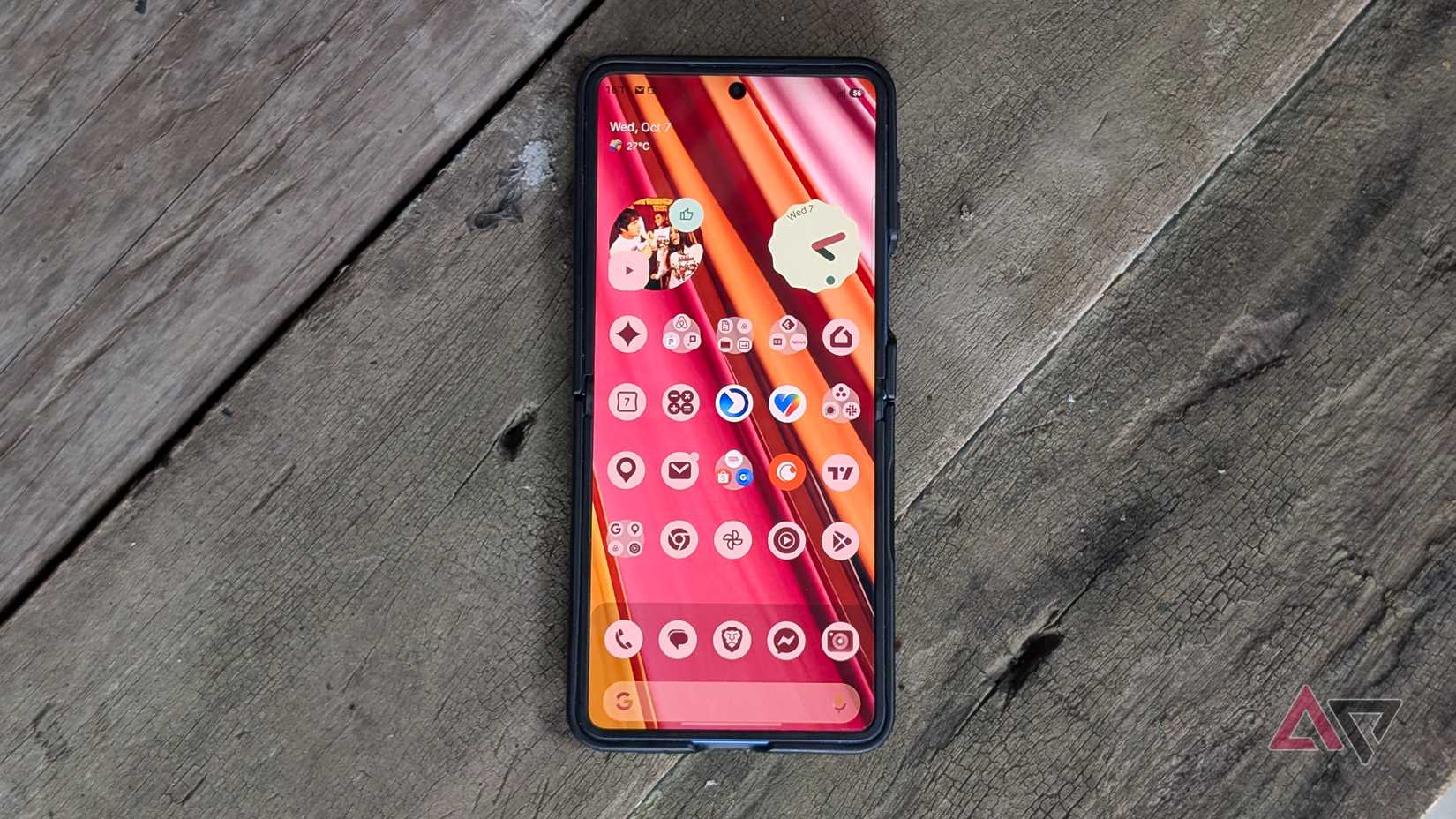
After testing a , Lawnchair is definitely the best out there if you want to transform your Android phone into a Pixel-like experience.
It works right out of the box without the overwhelming settings and menus that bloat the competing launchers.
Best of all, it doesn't bog down my Galaxy device and delivers the clean Pixel aesthetic without requiring a subscription.