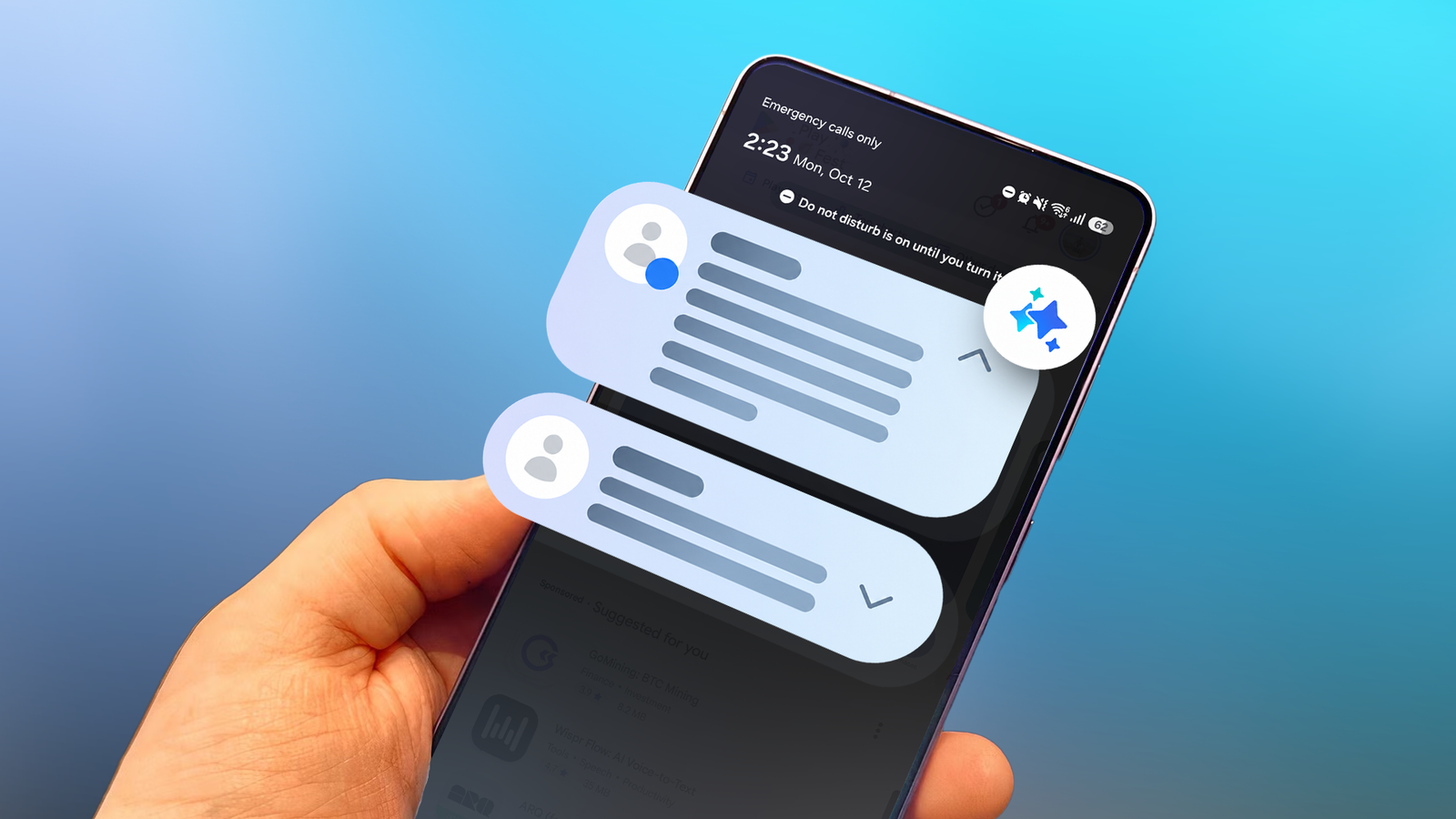
During busy hours, messages from my group chats pour in faster than I can read them, and I often lose track of where one conversation ended and the next began.
Then I got a new Samsung phone and found out about while setting it up. It promised a quick way to see who needed what from me without opening every thread.
So I turned on Notification highlights on my Galaxy S26 Ultra. And I tested it on WhatsApp and Telegram for two weeks to see whether it would make my chats easier to manage.
24 hours of history, processed on the phone
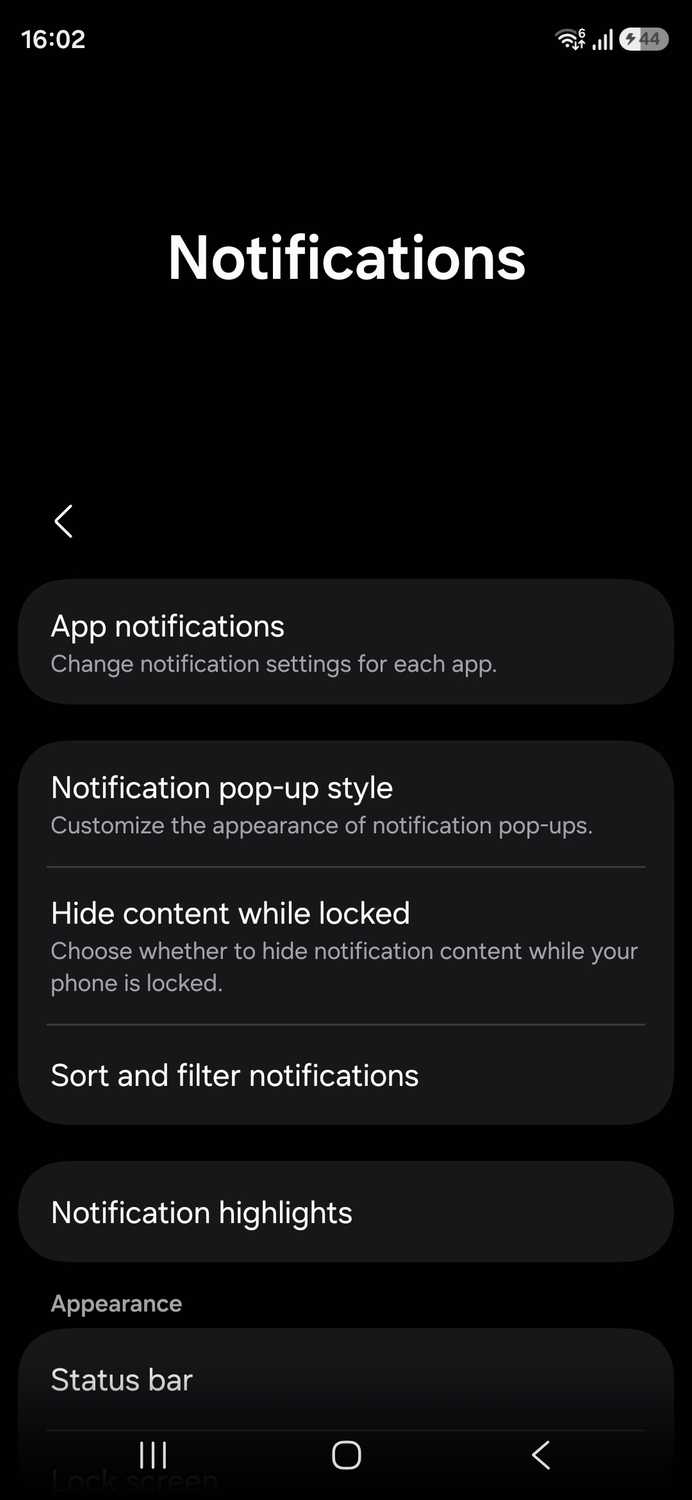

Notification highlights arrived with One UI 8.5 as one of the .
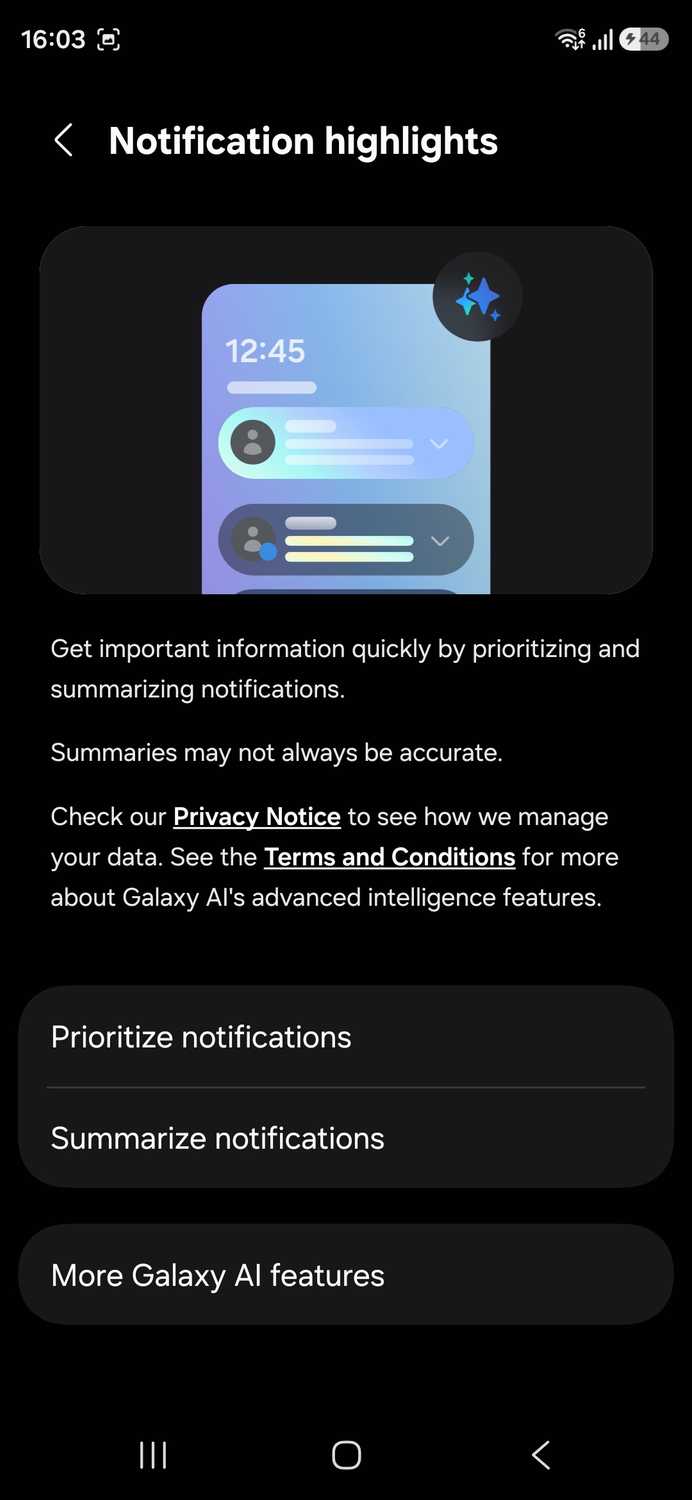
You can find it in Settings > Notifications > Notification , but I found it under Samsung's while looking through another setting.
On the highlights menu, I turned on Prioritize notifications and Summarize notifications.
Prioritize reorders notifications, moving important alerts to the top of the panel.
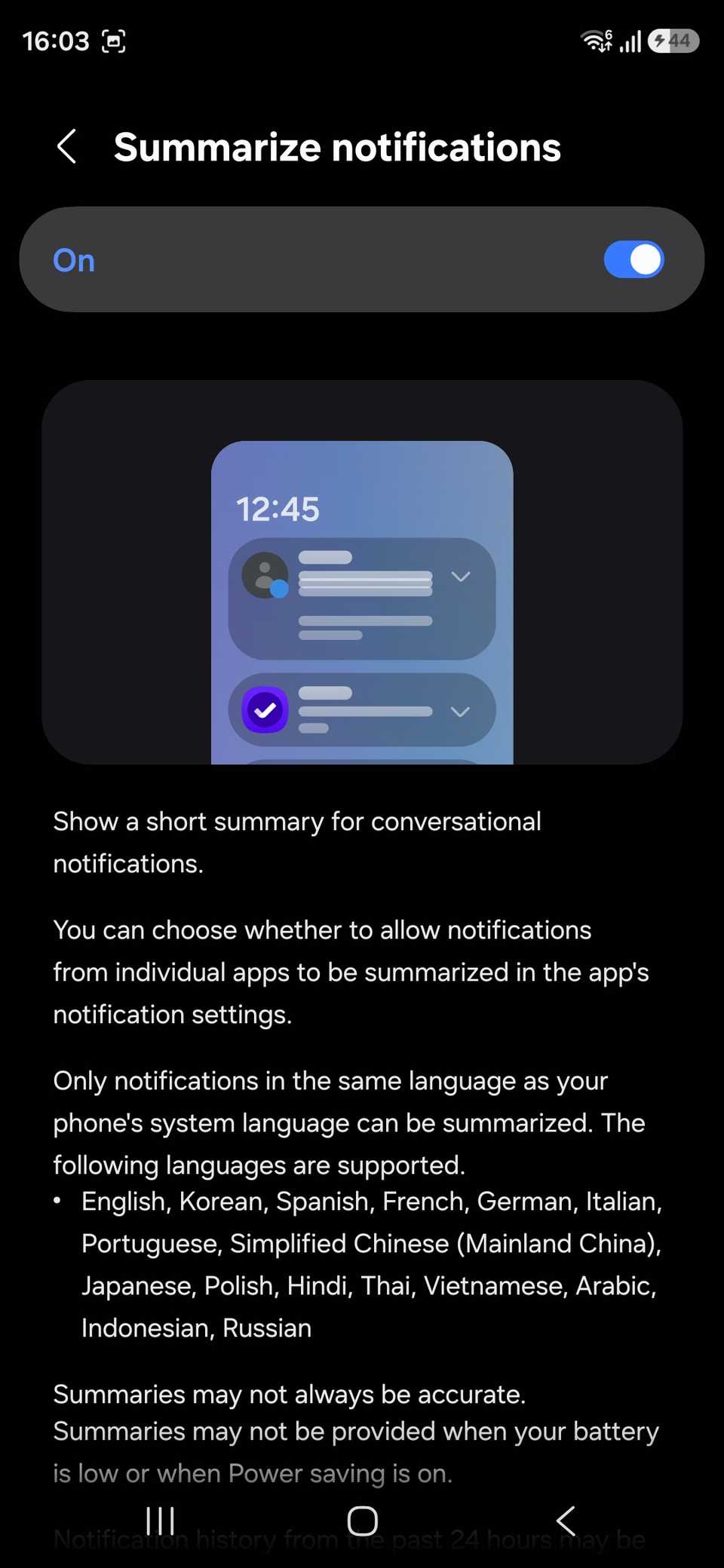
Summarize gives a short recap of unread chat notifications that shows while the notification is collapsed. Expanding it brings back the original messages.
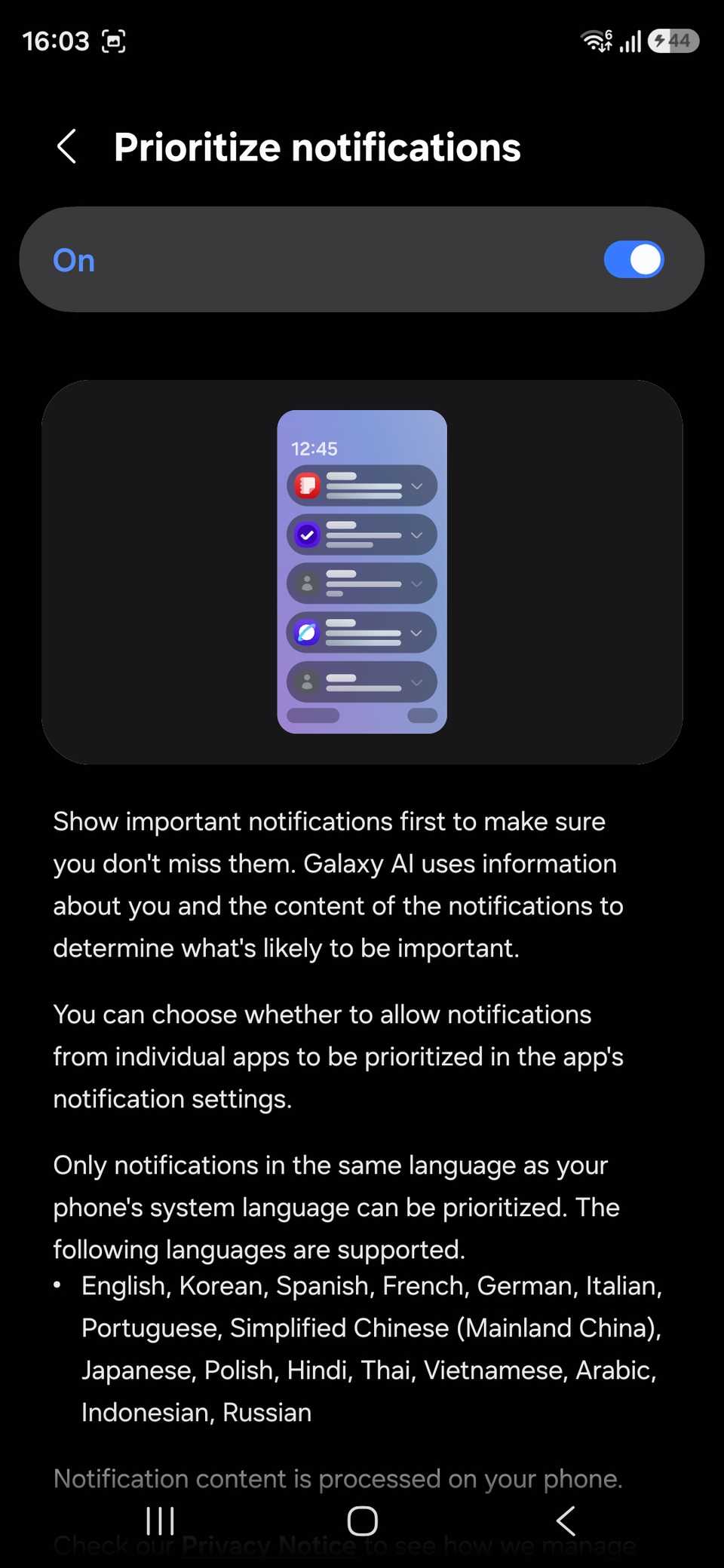
The setup screen says Galaxy AI processes notification content on the phone for both features, which is similar to how Google handles the same feature on Pixel phones.
It also says notification history from the past 24 hours may be included in summaries.
The supported list covers most of the apps I use, including WhatsApp, Telegram, Messenger, Google Messages, Discord, Signal, and Teams.
Samsung says the list may change, so apps can be added or removed in the future.
Samsung also warns that summaries may not always be accurate. I wanted to find out how often that warning applied to the chats I care about.
Two weeks of summaries
How I tested one-on-one and group chats
I focused on WhatsApp and Telegram so I could compare one-on-one chats and group chats inside the same two apps. Both are on Samsung's supported list, and they contain most of my daily conversations.
To make sure that my , I unmuted all chats before I started. Otherwise, I would have had no summaries.
This requirement shows that Galaxy AI doesn't reach into apps and only uses the notifications they send.
I rated each summary on whether it named the sender, said what that person wanted, and flagged any immediate action items. I used these three details to judge whether a message can wait.
When a summary appeared, I took a screenshot before opening the chat. That let me compare the recap against the full thread instead of relying on my memory.
Over two weeks, the test covered dozens of one-on-one messages and several hundred group messages.
What summaries got right and wrong
One-on-one chats worked well, but busy groups did not

One-on-one chat summaries passed all three checks. When a friend sent three messages about an outing, the summary said exactly that, because there was only one sender to track.
Group chats were a different story. In my busiest WhatsApp group, summaries reliably flagged deadlines, but they often left out who was asking me for something.
This gave me a recap of what the group discussed with no clear link between requests and people. So, I still had to open the chat to match each request to a name.
To be precise, the group chat summaries worked as well as regular one-on-one chats for a few messages. But it struggled with many messages, which defeats the point.
Telegram behaved the same way. Most group summaries missed at least one of my three checks, usually the sender.
Samsung's support page sets a higher bar for groups, requiring nine minutes of notifications compared with three for one-on-one chats.
In fast-moving groups, that window covers many senders at once, so the summaries I got merged them into a single recap.
When you do not get a summary
Battery, power saving, language, and app support

On some days, I didn't get summaries even though the notifications clearly showed them. Samsung says the feature only runs when the screen is off, and the phone has at least 30% battery, and it doesn't work in power-saving mode.
If summaries stop showing up, check whether power saving turns on automatically at a battery percentage.
Modes and Routines can also switch it on through a schedule, and the steps to extend your Galaxy’s battery life cover both settings.
Short messages are another issue. Samsung says notifications under 200 characters may not be summarized, so a burst of quick replies may be missed.
Language matters too. Samsung says summaries only work for notifications in the phone's system language, so a chat in a second language is skipped.
Apps outside Samsung's supported list also don't get summaries.
Useful in DMs, risky in group chats
I'll be keeping Notification highlights on until it proves to be a battery drain. It's earned its place for one-on-one chats, since I can read a recap and move on without opening each message.
However, in busy groups, it kept sending me back into the chat to find out who said what, so I wouldn't rely on it for large group chats yet.
A summary line like "Peter needs help moving by Friday" would fix most of my complaints, and Pixel’s take on notification fatigue shows that Google is working on the same problem.
Until Samsung adds sender names to group recaps, I treat them as a hint and open the thread anyway.