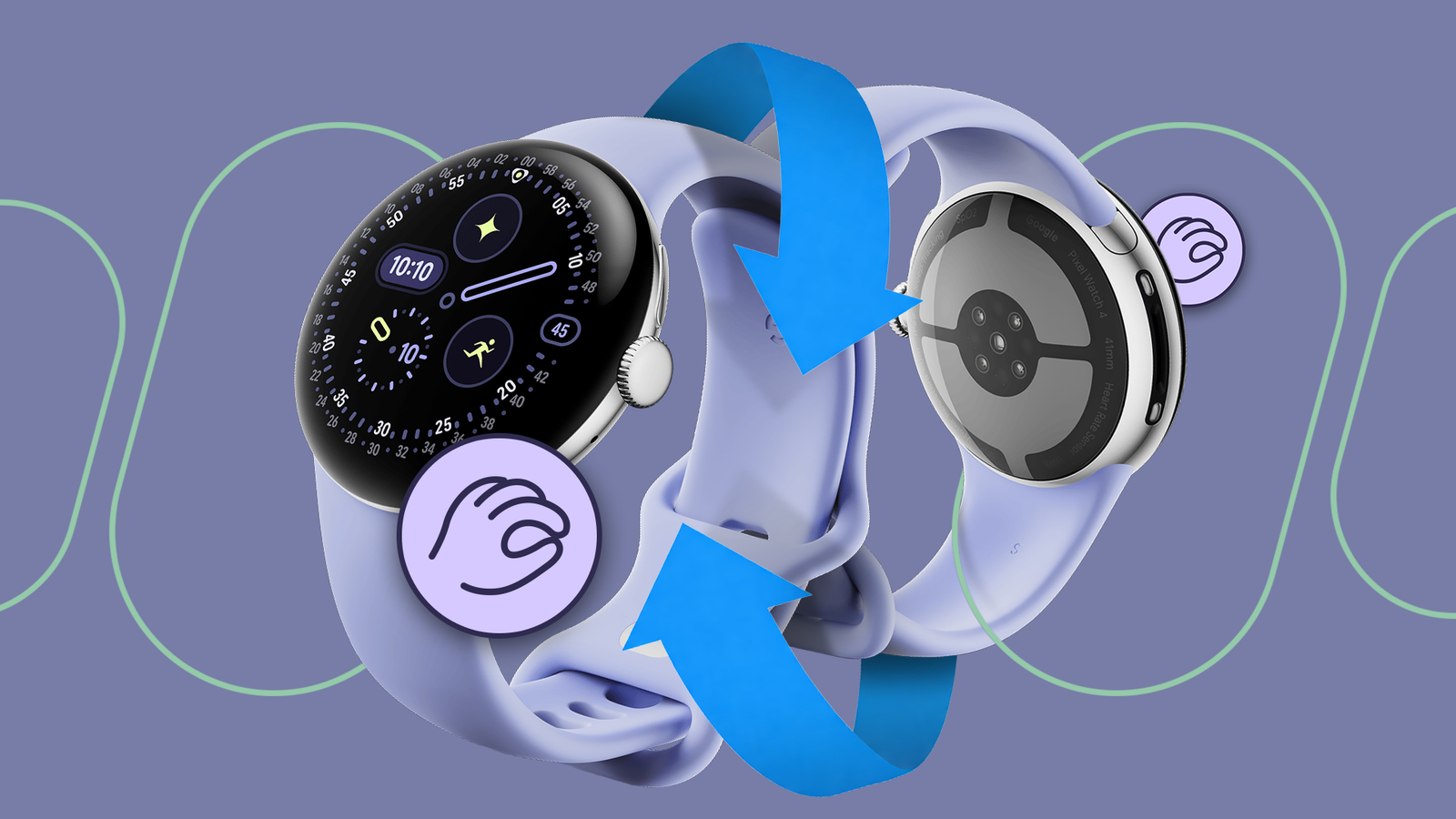
When the Pixel Watch 5 launched, Google was pretty proud to mention its expanded and improved hand gestures. Supposedly, more screens and more options on the watch were now controllable through the double-pinch and twist-to-dismiss mechanisms.
Then, a couple of weeks ago, those new gestures rolled out to older Pixel watches, too, making them available to more users. I decided to give them a go to see how well they now worked and whether they finally made the Pixel Watch a "single-handed device."
Double-pinch completely changed how I used my Pixel Watch
Single-handed use is now almost universal
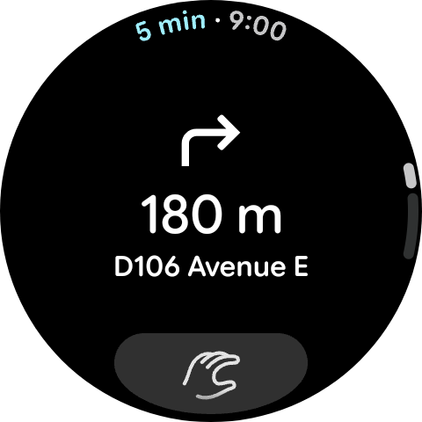
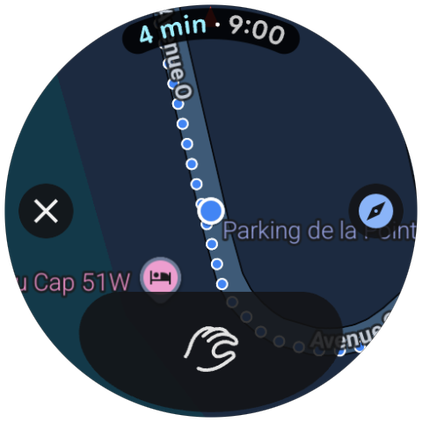
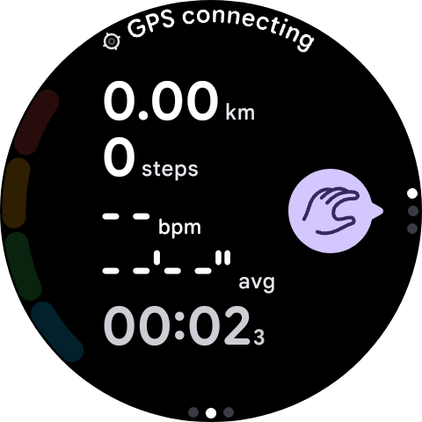
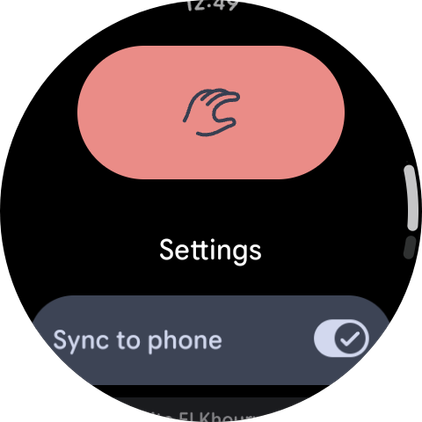
Double-pinch and wrist turns first launched on the Pixel Watch 4 last year, bringing two ways to control the watch without using your other hand. They worked well as a start, but they were limited in what they could do and where.
Pausing and resuming music, dismissing or snoozing alarms, opening and scrolling through the first notification, starting or stopping timers or exercises, taking a photo on your phone — all of these were available as a start, but they weren't enough for me.
I needed more: ideally, a way to use my entire watch without ever needing the second hand. While the newly-added gestures don't enable this, they get me very close to that idealistic scenario. The universal wrist turn to go back is especially fantastic because it works everywhere, even in apps that don't support other gestures.
What won me over with these is that they make using my Pixel Watch a seamless affair. Previously, I had to stop whatever I was doing to use both hands to do anything on my watch: one hand wearing it and another swiping and tapping on it. This annoyed me to no end; it made the watch, in a way, less practical than my phone.
If I was carrying groceries, had my hands in my pockets because of the cold, or was drinking or eating with my right hand, I couldn't use the watch on my left hand. I had to free the right hand first — a big daily obstacle. I often ended up picking my phone with one hand, even out of my pocket, to use it because that was faster.
The gestures allow me to skip that two-hand requirement. I can now control more of my watch with the hand that's wearing it, keeping my second hand free for other tasks, and that makes all the difference in how often I use my watch versus reaching out for my phone, and how much I actually enjoy using it versus being frustrated by it.
At a Glance elevates the double-pinch's utility
The most important information is always a double-pinch away
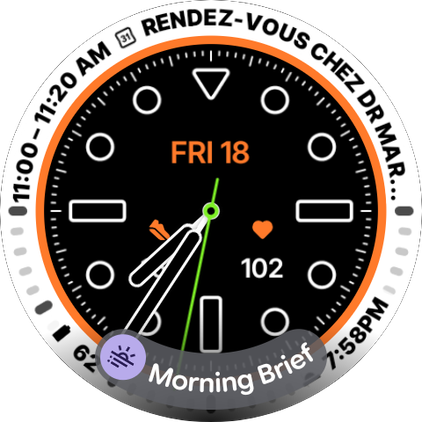
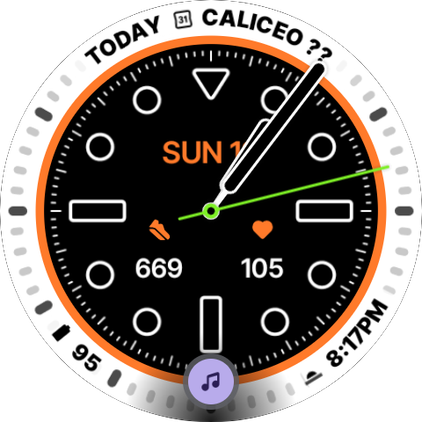
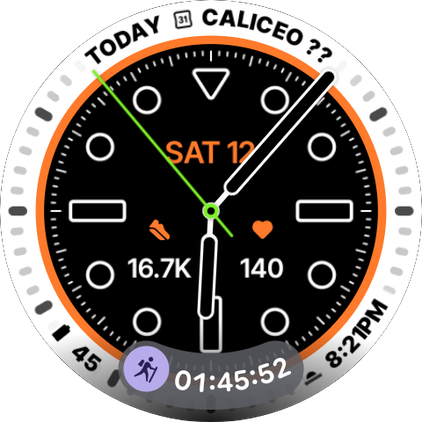
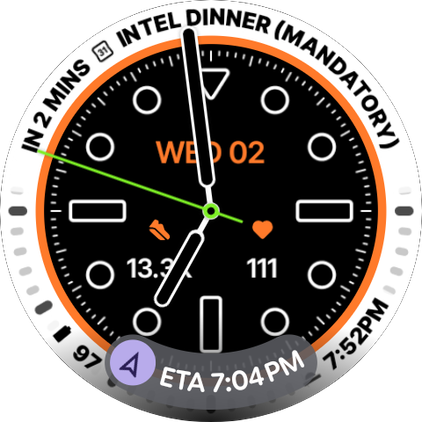
What makes this double-pinch exceptionally useful for me are the improved contextual notifications that pop up at the bottom of the Pixel Watch's face and remain there as long as they're relevant. Google calls this At a Glance, similar to the top widget on Pixel phones' home screens.
I've already seen these for a lot of apps and features: the Morning Brief, Google Maps ETAs, ongoing exercises like hikes or walks, playing music, phone calls, ongoing timers or countdowns, Google Wallet passes, and more. All of these can be simply opened with a double-pinch. All apps that support Android's Live Notifications (Bolt and AllTrails for example) also show them here.
That has been absolutely life-changing in my Pixel Watch use. Because it's the most relevant information in the moment and it's accessible without "pausing" to bring my second hand to use the watch, I've been checking these much more often.
If music is playing, I pinch twice to open the Now Playing screen and pinch twice again to pause it. If I'm using transit or walking in Maps, I double-pinch to show the directions. When I wake up, I double-pinch to show my brief and do it again to scroll through it.
After any of these, I just turn my wrist away and whatever I opened gets dismissed. It's so fast, so simple, so seamless.
How to enable the Pixel Watch's hand gestures
And where to use them
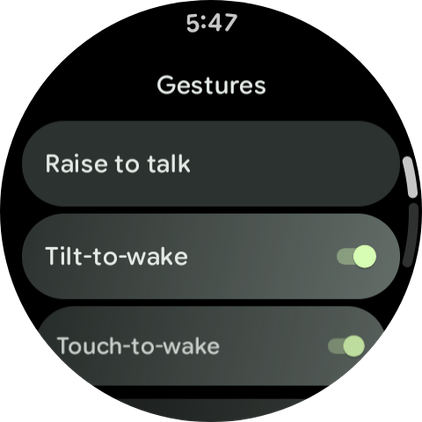
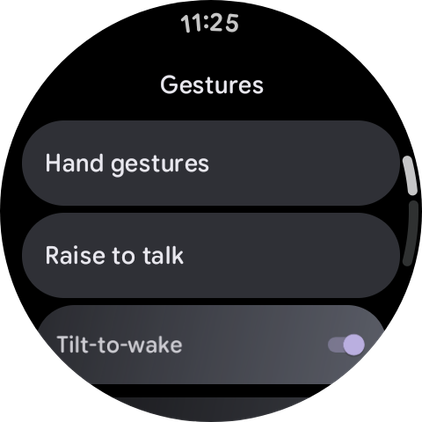
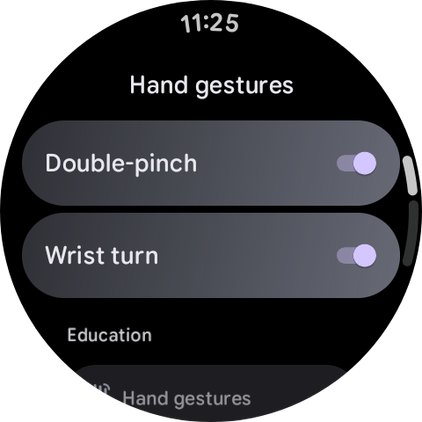
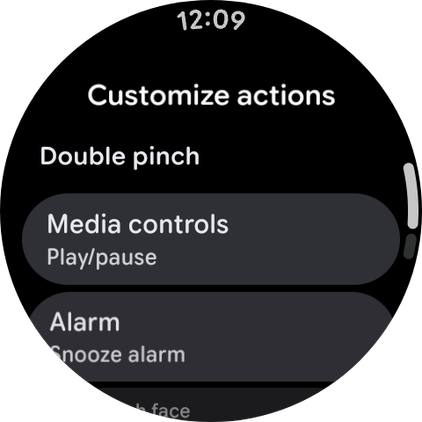
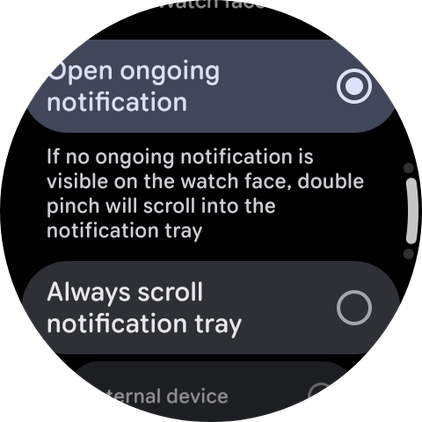
To turn on gestures on your Pixel Watch, follow these steps:
- Open Settings > Gestures > Hand gestures.
- Make sure both and Wrist turn are both turned on.
You can also customize what the double pinch does in certain apps or menus. Pick between pause/resume and skip in media controls, choose whether it snoozes or dismisses an alarm, and so on. And you can choose what happens on the watch face, i.e. if it opens an ongoing notification or if it scrolls through notifications.
The wrist turn gesture works anywhere to go back, it's like swiping back on your Android phone. Developers don't have to implement it in their apps, it just works. As for the pinch, here's where it works:
- Timers, alarms, and stopwatches (start timers and stopwatches, stop timers and alarms)
- Default music controls, YouTube Music, and Spotify (play/pause or skip)
- Phone calls (answer a call)
- Google Maps (switch views between simple turn-by-turn directions and map view)
- Gemini (scroll through long responses)
- Wallet (scroll through all your cards)
- Camera (snap a photo or start recording video)
- Workouts (scroll through the different metric pages, or the summary of a finished workout)
I'm addicted to the double-pinch, and I need more

It has taken a few years, but Pixel Watch gestures are finally usable and very, very, if you'll excuse the pun, handy. They work well, they're reliable, and they more or less allow me to do the most important stuff on my watch with one hand and without having to stop everything to use the second hand, too.
But they're not universal yet. Calendar, Gmail, and Weather don't support the double-pinch gesture. Launching apps or opening the app drawer is not possible with gestures. I can react to ongoing things, but I can't start anything if it's not happening already.
And the fact that Google has only implemented double-pinch means there's no way to differentiate between scrolling and selecting. So in some places double-pinch scrolls, in others it selects. But where there's both a way to scroll and select (like notifications), it's only one of the two.
Samsung handles this more elegantly and powerfully with One UI 8 on its Galaxy Watches.There are more gestures, like a double knock to launch apps, and better differentiation between scrolling and selecting. I hope Google looks at those and decides to be inspired a bit.