
Back in 2018, I paid $750 for a Google Pixelbook. It was the most money I could fathom paying for a Chromebook that only ran a semi-proven operating system at the time, but over the next few years, I ended up falling in love with the Pixelbook. And with Chrome OS.
The hardware was high-end, the software took multiple updates and iterations to become usable for me on a daily basis, and by 2022 or so, it nearly had everything I wanted from a personal laptop. For work, it still lacked proper Adobe Lightroom support.
When Google decided to (more or less) shelve Chrome OS and go in the direction of Android on laptops, I was more than a little dubious. Google has botched many transitions and its first-generation products often feel unfinished.
But this week's Googlebook announcement surprised me. Not only does this seem like an interesting proposition, but it's enticing enough that I might consider putting down $1,000 or so of my own money to get one.
Who would pay $1,000 or more for an "Android laptop"?
Google had an uphill battle with this proposition

Although Google has been trying to explain what the Googlebook is for nearly a full year, a lot of it boiled down to a simple summary: It's an Android laptop with some Chrome OS elements. With that in mind, my jaw literally dropped when I saw the prices of the five new Googlebook models.
The cheapest choice is Acer's $899 convertible Googlebook 14. Every other option starts above $1,000 and goes up to $1,299 as a price for the HP, Lenovo, and ASUS models with the lowest storage tiers. That is not pocket money. It's more than the MacBook Neo, which runs full macOS.
If you asked me how much I'd have been ready to pay for an Android-running laptop a week ago, the answer would've been somewhere between $500 and $700. Anything above that would've sounded preposterous because I don't want a powerful laptop that excels at half of my tasks and gloriously fails at the other half.
I already have a Pixel Tablet; I know what Android 17 looks like on a large screen. I also have seven years of experience with Chrome OS, so I know what I can and can't do with it. Mixing the two doesn't get me anywhere close to what my MacBook Air provides — full Adobe Photoshop and Lightroom, a clipboard manager, native 1Password integration across all apps, etc.
Clearly, this kind of merger was dreamed up by a product manager who didn't understand what Chrome OS users were really missing... or maybe I was wrong with my assumption.
Where Google convinced me with the Googlebook
If this had Chrome mobile, it'd be game over

You can give me all the apps of the world with the mobile version of Chrome on a laptop, and I'd return it to you without a second thought. I need the full Chrome experience on my computer to be able to do anything remotely resembling productivity.
The CMS I write in, the sites I read, the tools I use every day (Asana, Gmail, Sheets, Docs) all work better in the desktop version of Chrome than the mobile one or through native apps. I also need browser extensions and, crucially, custom search engines as well as the ability to switch profiles and users.
I was afraid Google would do the shortsighted thing and simply consider Chrome for mobile is enough to run on Googlebooks, but that's not true. The platform, Googlebook OS (previously known as Aluminium OS), runs the full desktop version of Chrome. That already answered one of my concerns.

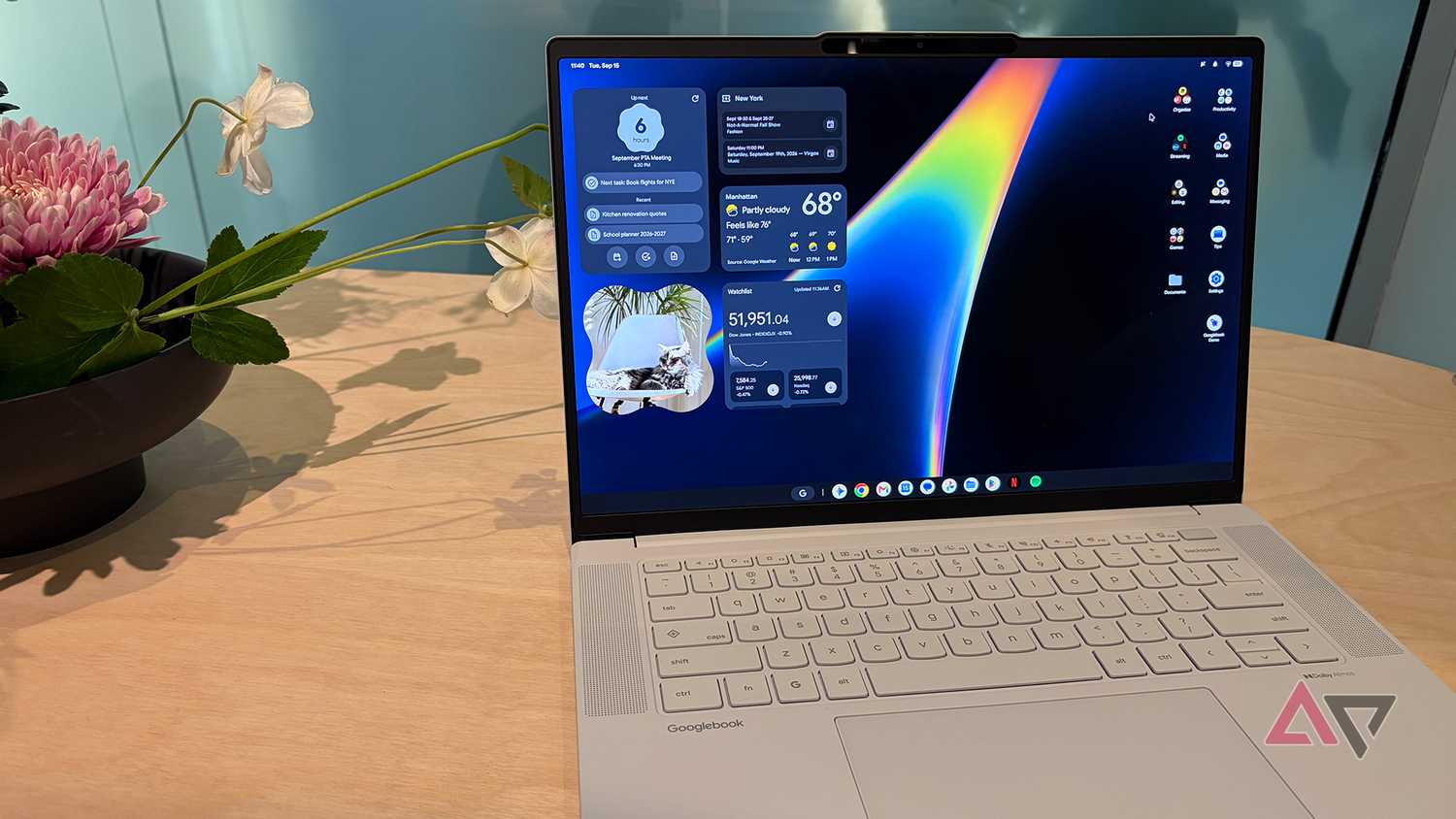


The file browser also appears to be as powerful as the one in Chrome OS, with ways to plug in external cloud drives, like my NAS or my Google Drive folders. There are home screen widgets, an intriguing Magic Pointer, and an underused Glowbar that could be opened up to third-party devs in the future.
Add to that the very decent spec requirements for any Googlebook, the 10 years of support, and the fact that Google handles these updates without manufacturers messing with the software or delaying it, and I'm mostly on board. But not completely, yet.
Linux and Android integration sealed the deal
There's nothing like it for Android fans
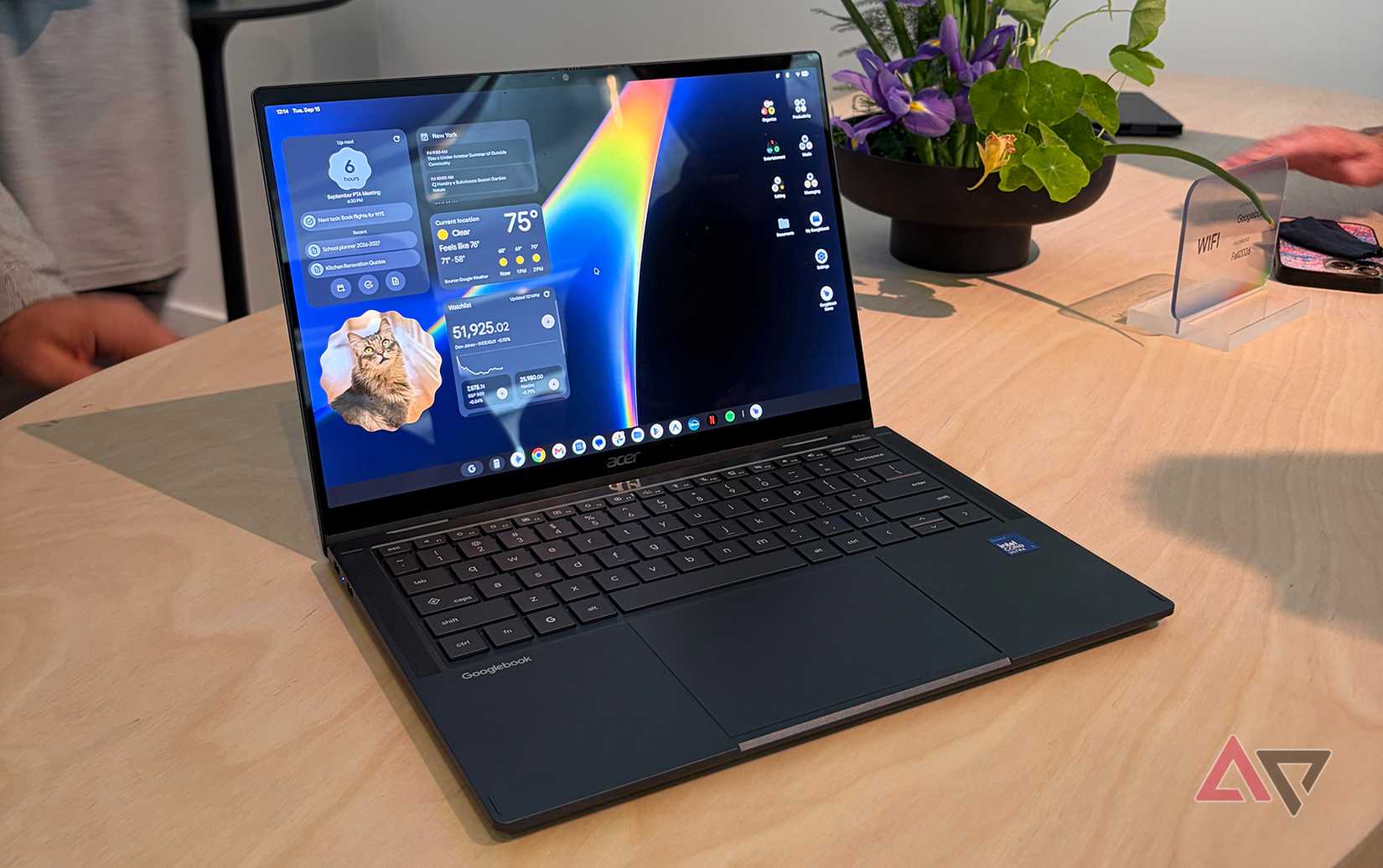
I've tried a lot of apps to bridge the gap between my macOS and Windows computers and my Android phones, but nothing really felt as instantaneous and simple as what my old Google Pixelbook could achieve.
Everything from my quick settings toggles to my latest photos and most recently opened Chrome tabs showed up immediately in Chrome OS, without me agreeing to anything or starting a connection or app. It was seamless and perfect.
Googlebook OS appears to carry that forward with an even tighter integration. Developers can now allow entire apps to continue where they left off, so I could technically open Booking.com, start reserving a hotel, realize I need a bigger screen, and move to my laptop without missing a beat. If Booking.com allows this, of course.
There's also app mirroring without installing the app on the laptop, which I think is huge for someone like me who only uses some apps sporadically and doesn't want them permanently installed.
Google has also scored a huge win by allowing Googlebook OS to run a complete, secure Linux terminal environment out of the box with native networking and port access, support for local and agentic AI, and more. This is much better than Chrome OS's container Linux support and Android's restricted permissions experimental Linux shell.
I could run GIMP or any other Linux photo editor or app through it, without issue. I could use it to run coding apps and package managers or AI tools like Antigravity. It's enterprise-grade Linux support, which is something I didn't expect Google to take a leap on with the first-gen Googlebooks.
Google has convinced me of its Googlebook vision

Last week, I wasn't so sure about this Googlebook promise. Google has rarely succeeded at a first-gen product launch, and magnificently failed to keep many of its impulse-projects alive. The company's recent confused approach to laptops and tablets didn't instill confidence either.
But the Googlebook launch is, surprisingly, leaving me with a much more positive feeling. I was very skeptical going in, but almost all of my concerns have been answered, and all that remains is actually using one of these to make sure the promise matches the execution.
On paper, everything about the Googlebooks sounds well-thought-out and planned, which I want to say is a first for Google — perhaps the only similar feeling I've had was with the first Pixel phone launch.
Like my colleague Jade, I find myself considering ditching my laptop to switch to Googlebook OS. At least I'm no longer thinking that $1,000 is too much for this proposition. It sounds relatively reasonable, though I may still save myself a few dollars and opt for the cheaper $899 Acer model.