
I favor One UI for the versatility it offers when I need to customize deep in the menus or controls, routinely saving me in a pinch.
That's true of memory management. I've long enjoyed RAM Plus, which lets me expand the temporary memory on my Samsung Galaxy devices.
While it aims to help power users with heavy multitasking and devices with lower memory configurations, I suspected it might also cause performance and battery hiccups on my handset.
I tested it for a week without the feature active, and I was surprised by how much snappier my Galaxy Z Flip felt.
What is Samsung's RAM Plus?
And when do you actually need it?
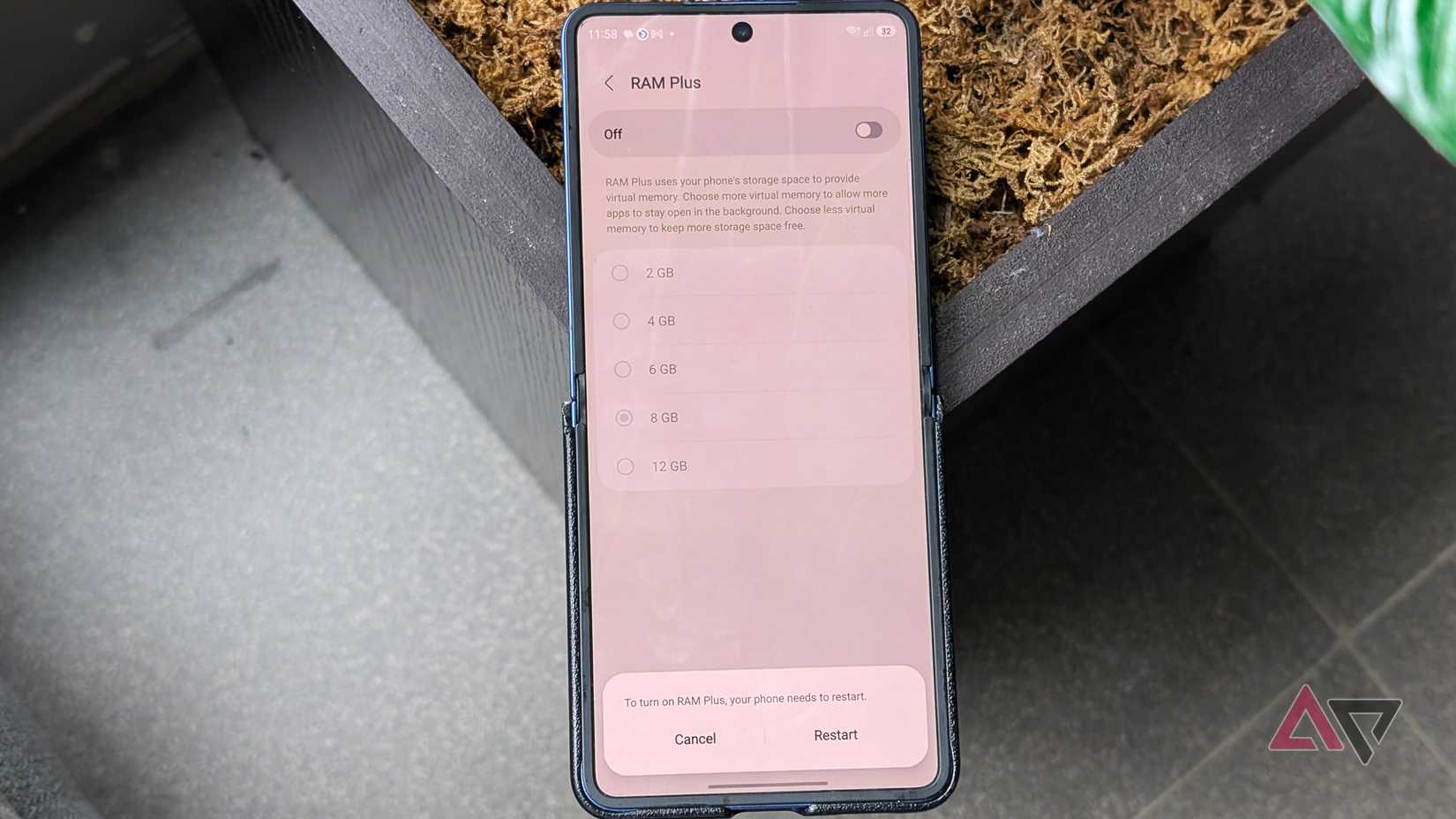
RAM Plus is Samsung's spin on virtual memory expansion, using storage swapping to create an extra RAM pool.
It has been on by default for years now, even on lower-end Galaxy devices.
On my Galaxy Flip 7, it defaults to 8GB, though I can set it higher at 12GB as the ceiling or lower at 2GB as the floor, in 2GB increments.
Technically, Samsung has not disclosed a full white paper on how it works, aside from the vague verbiage that it consumes my storage space when needed.
Developers note that Samsung uses a hybrid approach, combining physical hardware and storage to create extra virtual capacity for keeping apps suspended in the background.
So, even when active, selecting a tier does not mean that exact storage space is immediately consumed.
Even if it is toggled off, virtual memory, or ZRAM, remains a permanent partition in the hardware module and differs from Samsung's RAM Plus.
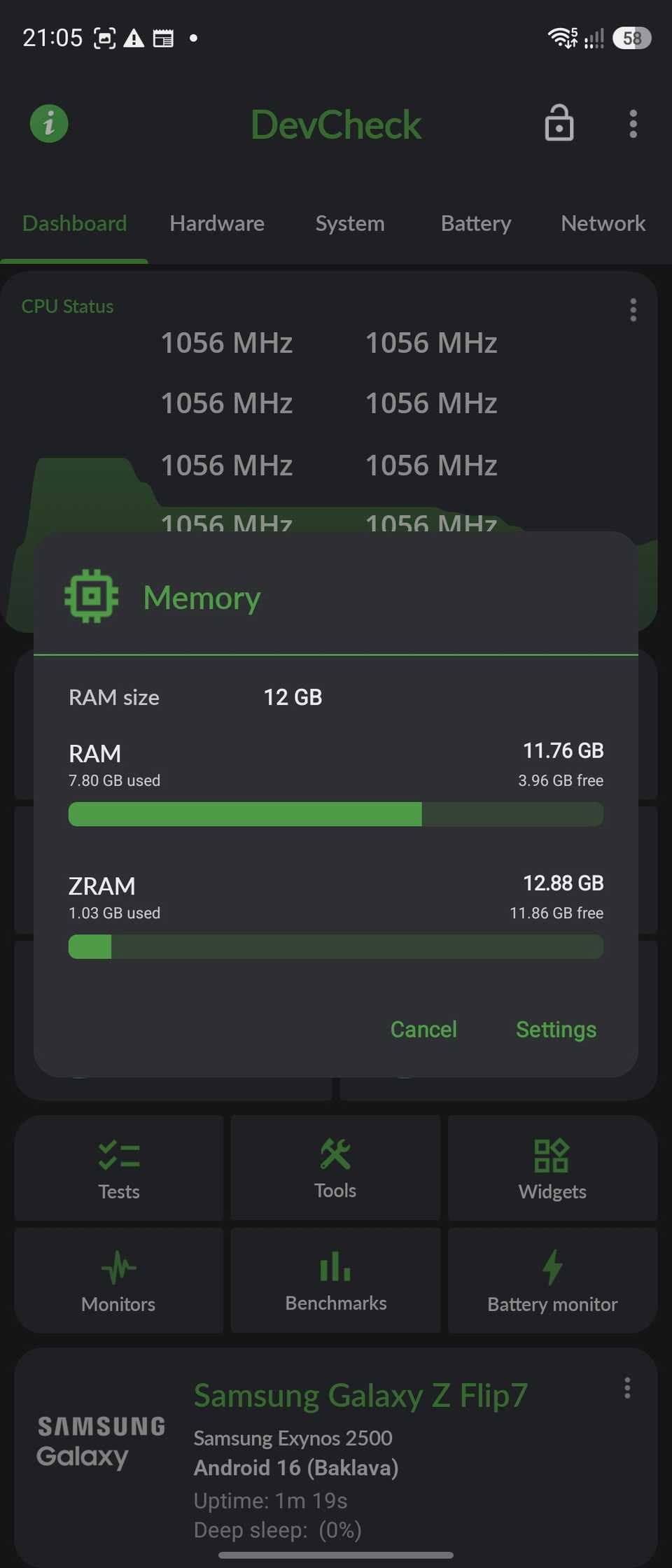
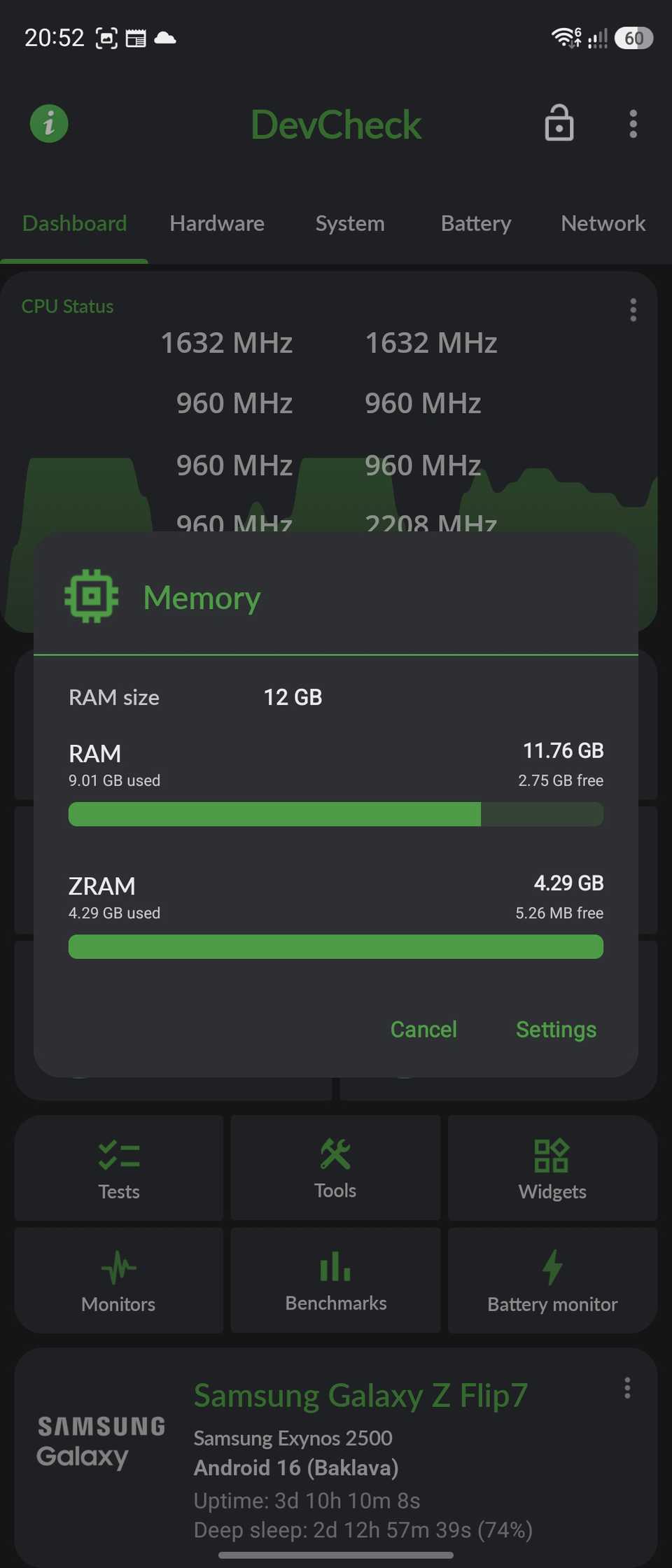
Plus, third-party system monitoring apps label them both together. On my handset, I still have 4GB of ZRAM, as confirmed in the DevCheck app.
If I select 2GB in the menu, the total extended RAM will be about 6GB, with 4GB allocated for ZRAM and 2GB supplied by RAM Plus.
Extended memory might not benefit every Galaxy
Virtual swap space can slow down your phone
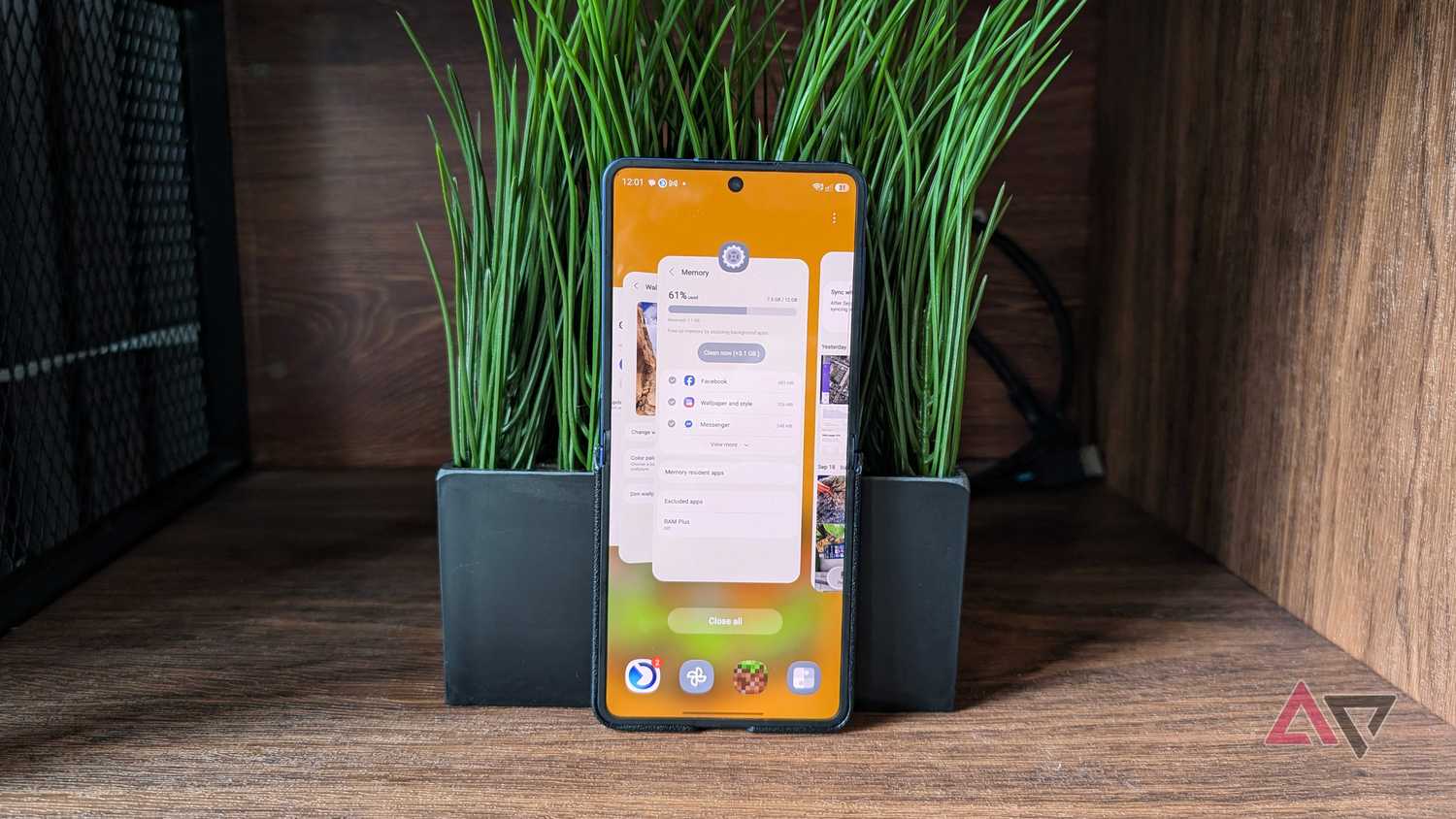
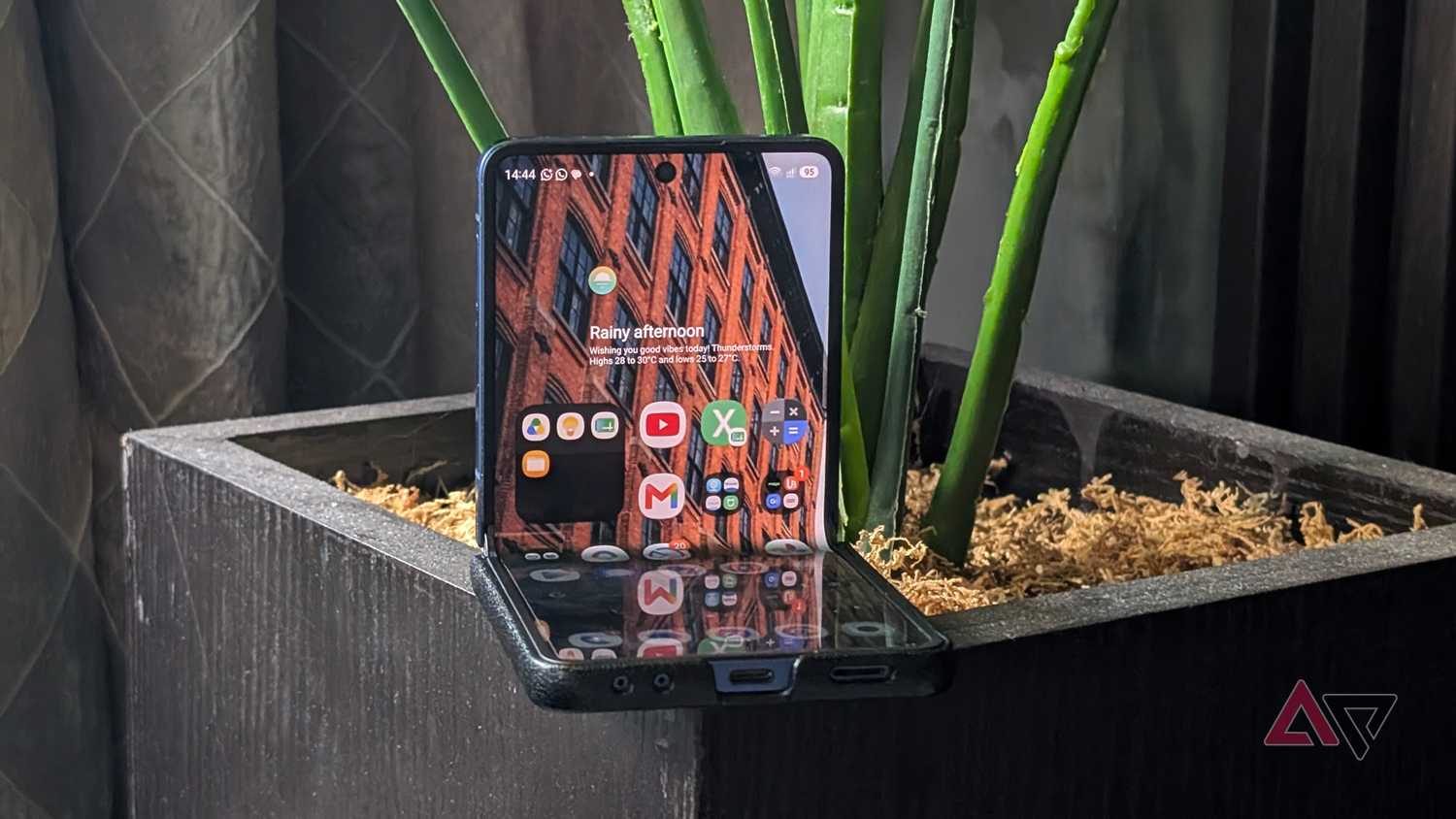
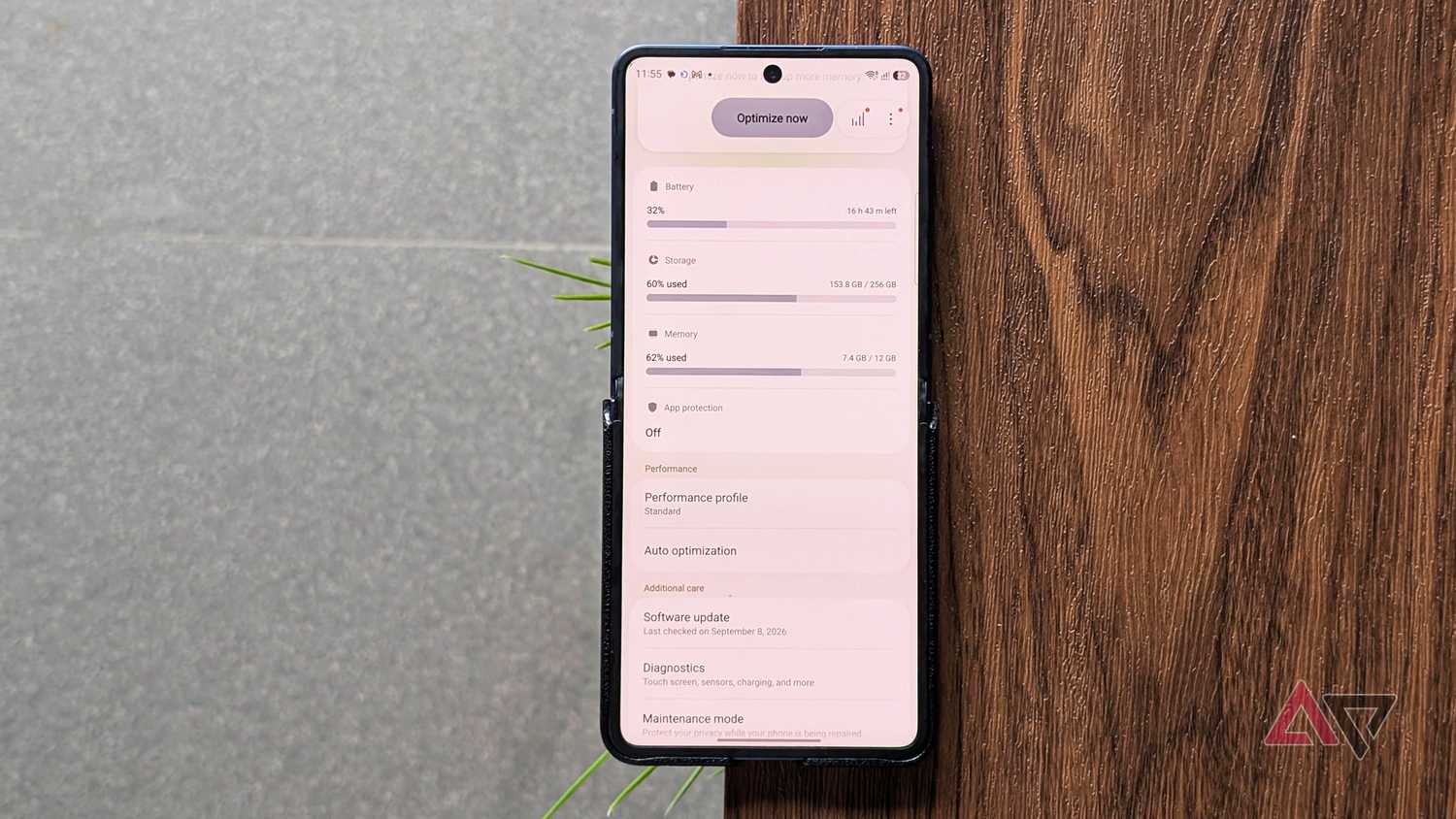
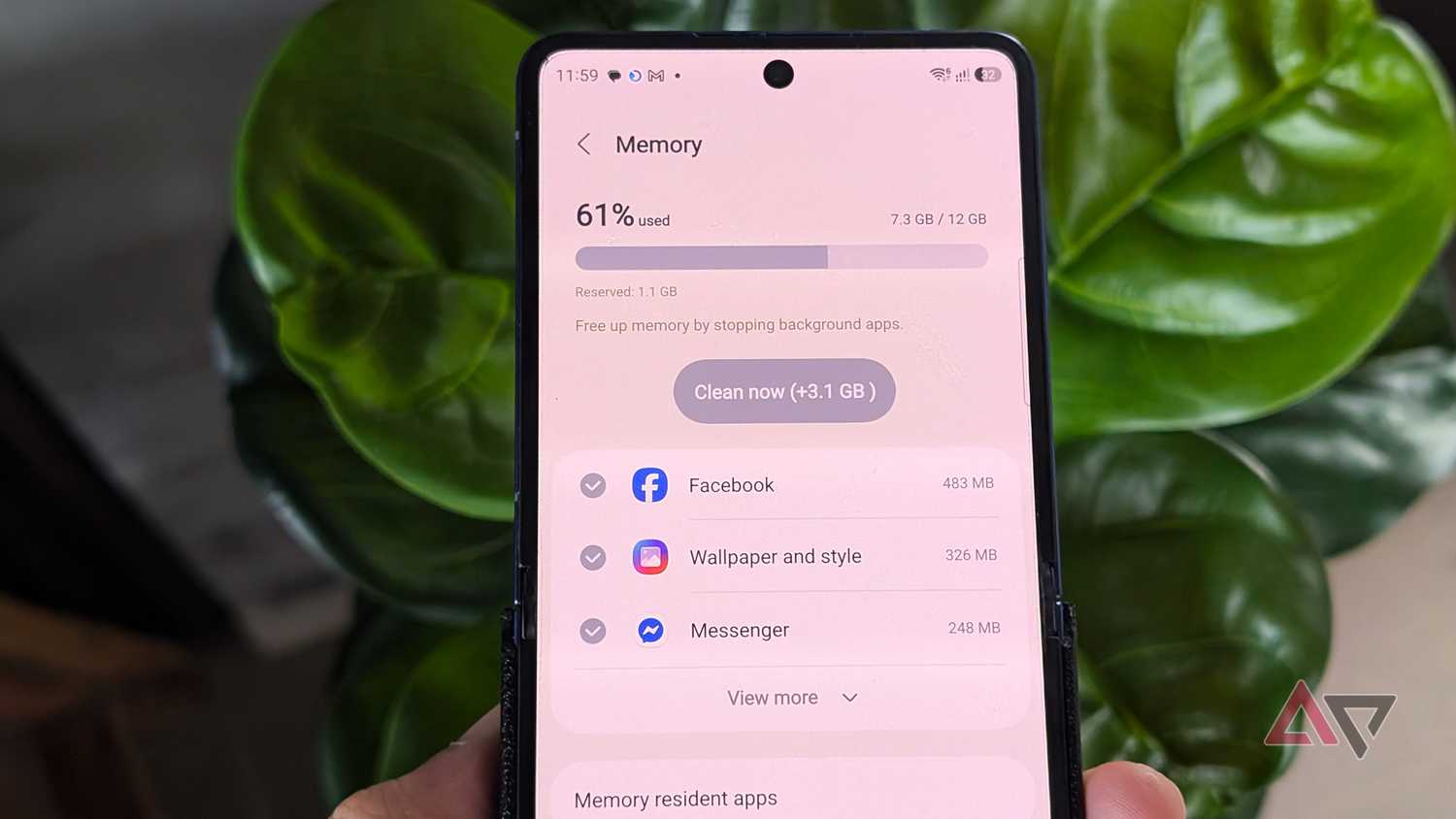
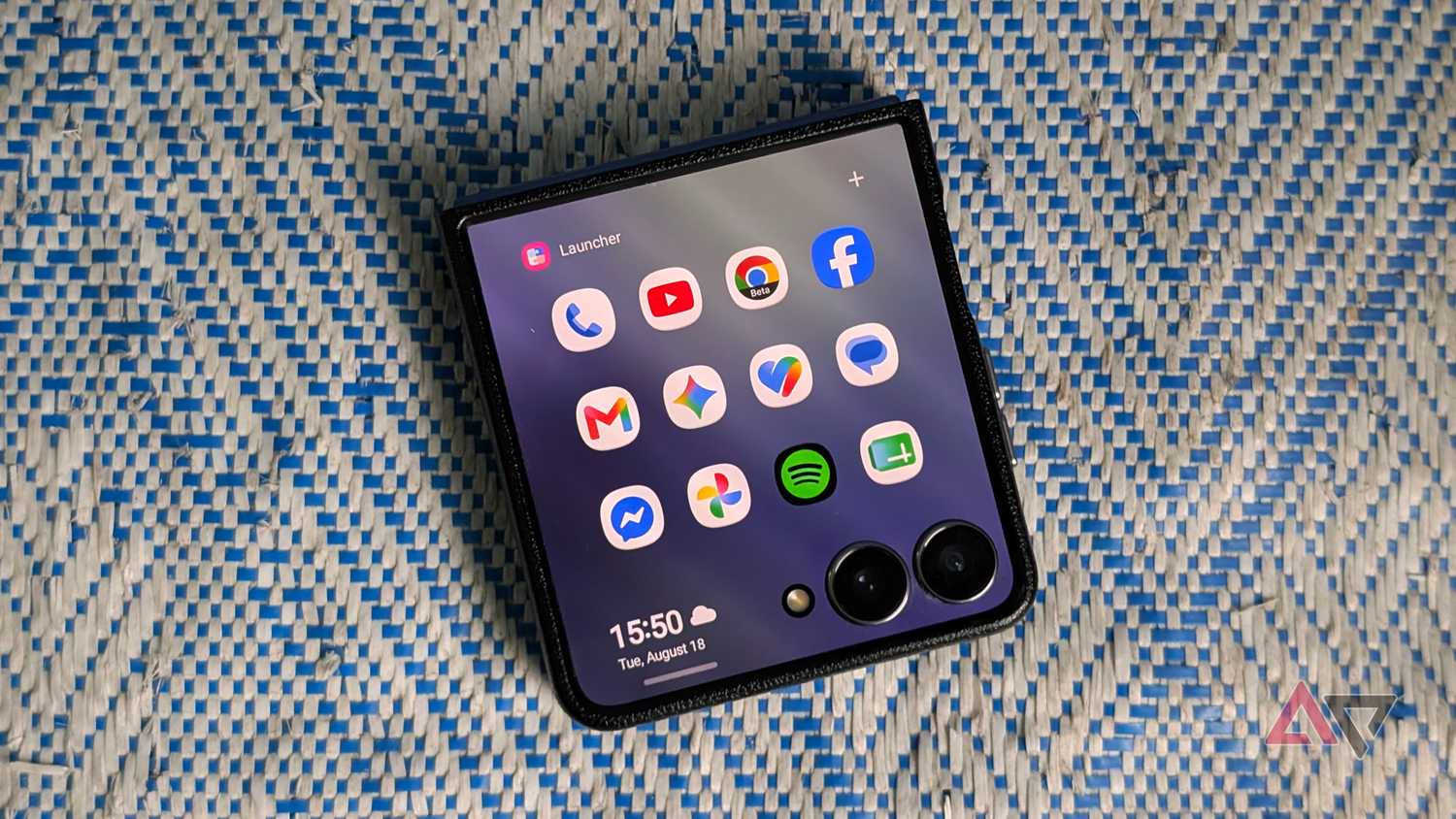
Normally, RAM Plus is practical for budget and mid-tier devices with modest memory capacities.
It gives users extra breathing room to retain several tasks in the cache rather than aggressively killing processes to make way for active apps.
For flagships loaded with ample capacity, like my Flip 7 with 12GB, it provides minimal uplift given the large memory already available.
In some cases, RAM Plus can impact responsiveness, since virtual swap partitions are fundamentally slower than physical RAM chips because they rely on flash storage read and write speeds (and that's a multifold difference).
That means when active tasks draw from virtual or extended memory, navigation will not feel anywhere near as fluid as it does with native memory.
That has been somewhat of an intermittent issue on my Flip 7 throughout the months I have used it.
I often felt it lacked the speed of my previous Fold 5 or my current Google Pixel 9 Pro XL, occasionally showing slight delays in the interface when toggling between recent apps.
For over a week, I have put my Flip 7 through its paces to see whether switching RAM Plus off genuinely boosts responsiveness or improves battery life.
Testing my Galaxy without RAM Plus
Real-world multitasking showed fewer stutters
I did not run synthetic, lab-style tests. Instead, I used real-world benchmarks with the games and apps I use regularly.
In Minecraft, with RAM Plus switched off, returning to the session from the home screen still forces an app refresh, so the world reloads from the dashboard rather than resuming instantly where I left off.
This happens even if the game is minimized for just a second and immediately reopened, and despite setting the battery optimization profile set to unrestricted.
However, I noticed it reloads noticeably quicker, avoiding the behavior under RAM Plus where the loading bar often hung indefinitely halfway through.
Albion Online yielded a completely different outcome, staying active in the background beneath three or four apps and only needing a cold restart after a fifth app loaded.
Surprisingly, retention was erratic when RAM Plus was running. The game occasionally stayed active even with half a dozen apps in the background.
In terms of speed, I didn't find it laggy, but general touch responsiveness when waking from idle felt substantially cleaner with RAM Plus off.
While working on a 2GB media project in Instagram Edits, I appreciated being able to hop back to my timeline even with multiple apps running on top of it, all with the virtual RAM turned off.
Although the difference is subtle, it becomes noticeable if you juggle sustained, resource-heavy workflows simultaneously, simply because the device is forced to prioritize the faster physical memory.
I would also love to keep this setup under my belt to confirm whether the changes stick.
Multitasking capacity remained completely unchanged
My phone never hit a memory limit
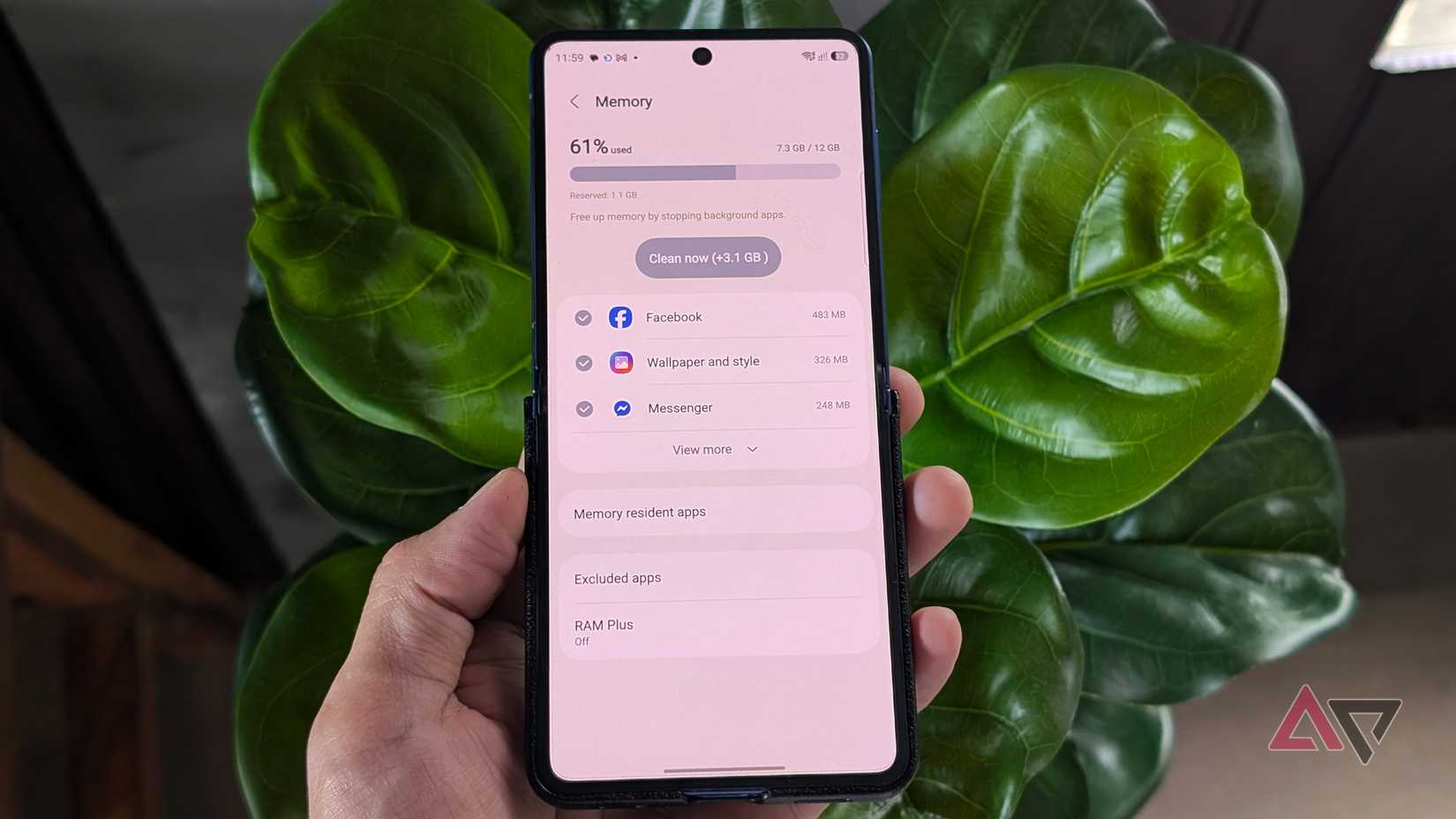
Even with RAM Plus disabled, I was surprised to find my Flip 7 maintained the same number of apps as when the RAM Plus toggle was active.
In the background, I kept 43 apps open with one actively running, or 41 suspended with two in split-screen mode.
That matches the number of apps I can have with RAM Plus set to 8GB.
Even under that load, my physical memory was never maxed out. Usage hovered consistently between 7GB and 8GB, leaving 3GB to 4GB of free overhead space.
Generally, multitasking on real memory is faster than relying on extended, swapped-out storage.
Should you turn off Samsung's RAM Plus?
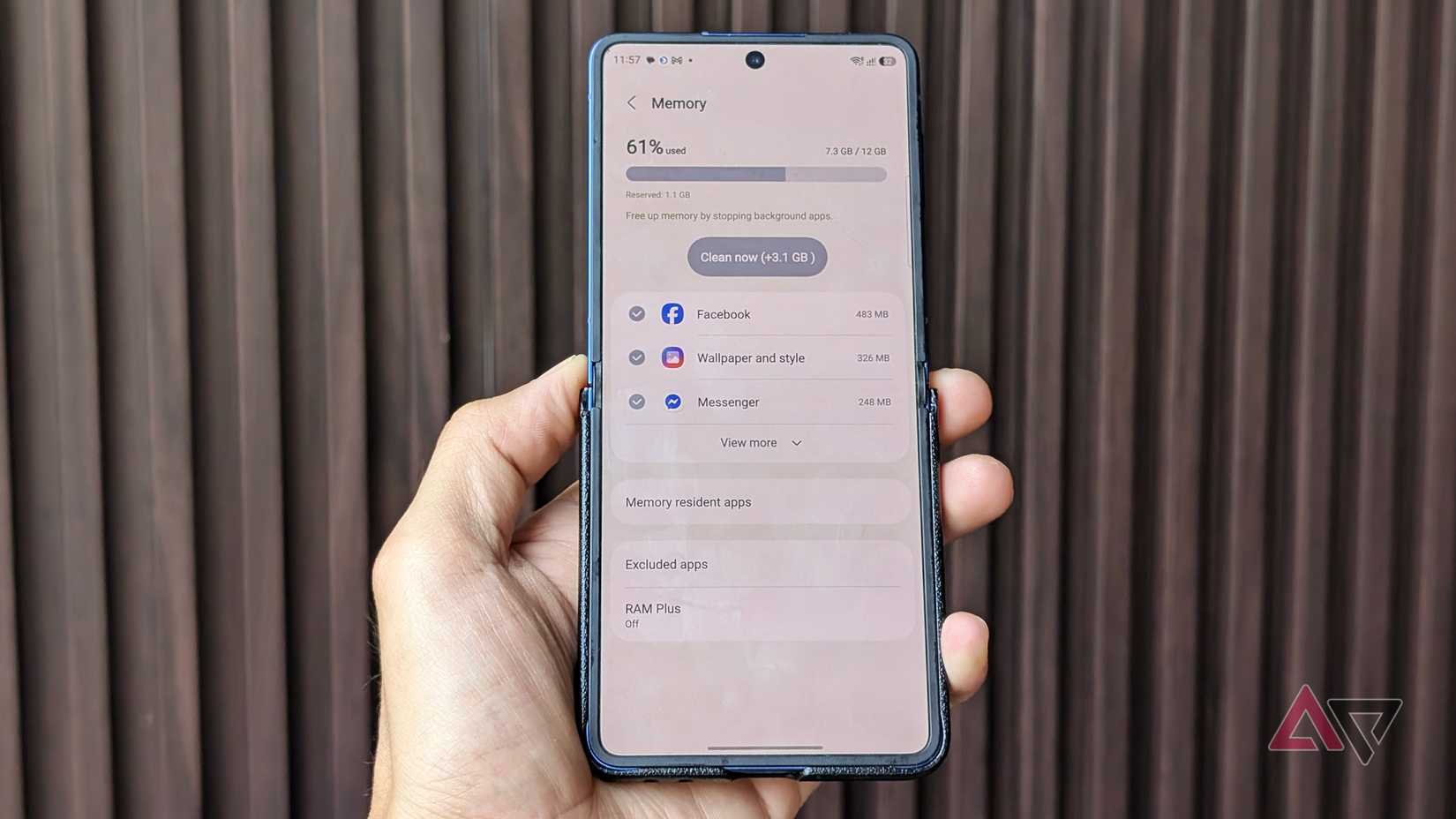
Why keep a feature on when your phone can handle the same workload? If your Galaxy ships a healthy allotment of RAM, especially with flagship models, this setting might be redundant.
I saw no reduction in background apps with the setting disabled, and I didn't experience any multitasking issues or penalties.
Even so, my Galaxy phone felt smoother, with animations and app switching gliding along without micro-stutter, and the battery was much more optimized.
Storage space is another factor to consider. RAM Plus permanently consumes gigabytes of your internal drive. In my case, it's about 2GB or more. That would be bigger if you set it to a higher virtual RAM amount.
Unless your Android device aggressively closes background apps, you don't need to enable RAM Plus. But if you feel your RAM isn't struggling to keep up, I suggest allocating only the minimum amount.