When your Samsung phone is online, losing it is usually not a serious problem.
With or Samsung Find, you can easily locate it on a map, make it ring aloud, or lock it remotely.
The real problem starts when your phone is offline. Most trackers rely on internet connectivity to track devices, so they usually go down when your phone loses connection.
However, Samsung Find and Google Find Hub both promise to keep track of your phone even without an internet connection.
I wanted to see how far that promise goes. So, I took my Samsung Galaxy S22+ offline, took it to different places, and tried locating it with my second phone.
Offline trackers locate your phone by using the internet connection of nearby devices. With the necessary settings active, your offline phone broadcasts a Bluetooth signal, and online, nearby compatible phones and tablets report your phone's location to the appropriate servers.
How I tested Samsung Find and Google Find Hub offline
I ran every test twice, with Bluetooth and Location off, then on
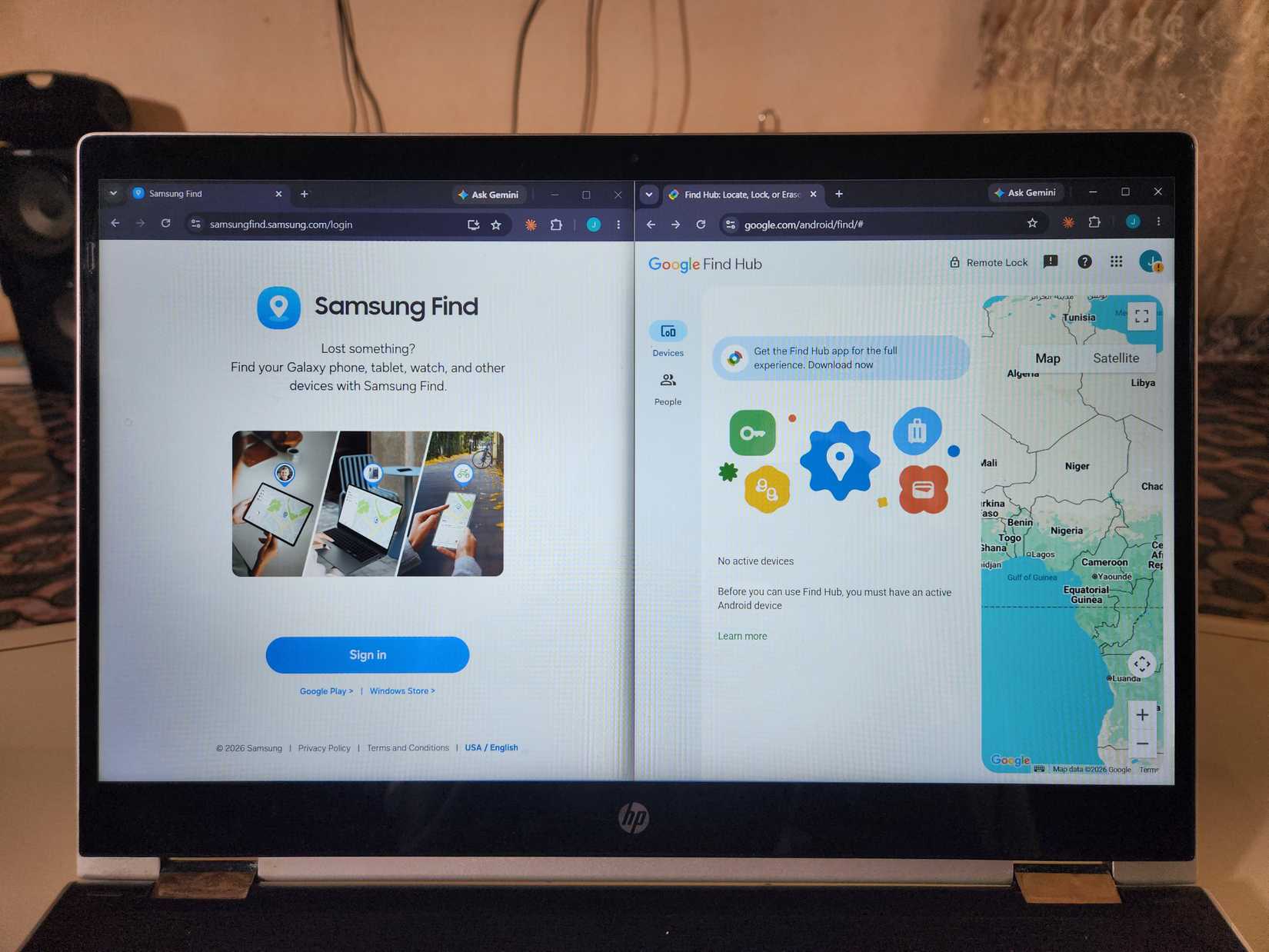
For my tests, I used two identical Galaxy S22+ phones: one to lose and one to search with.
To take one offline, I turned off its mobile data and Wi-Fi. I left Airplane mode off, as Samsung Find doesn't work when it's on.
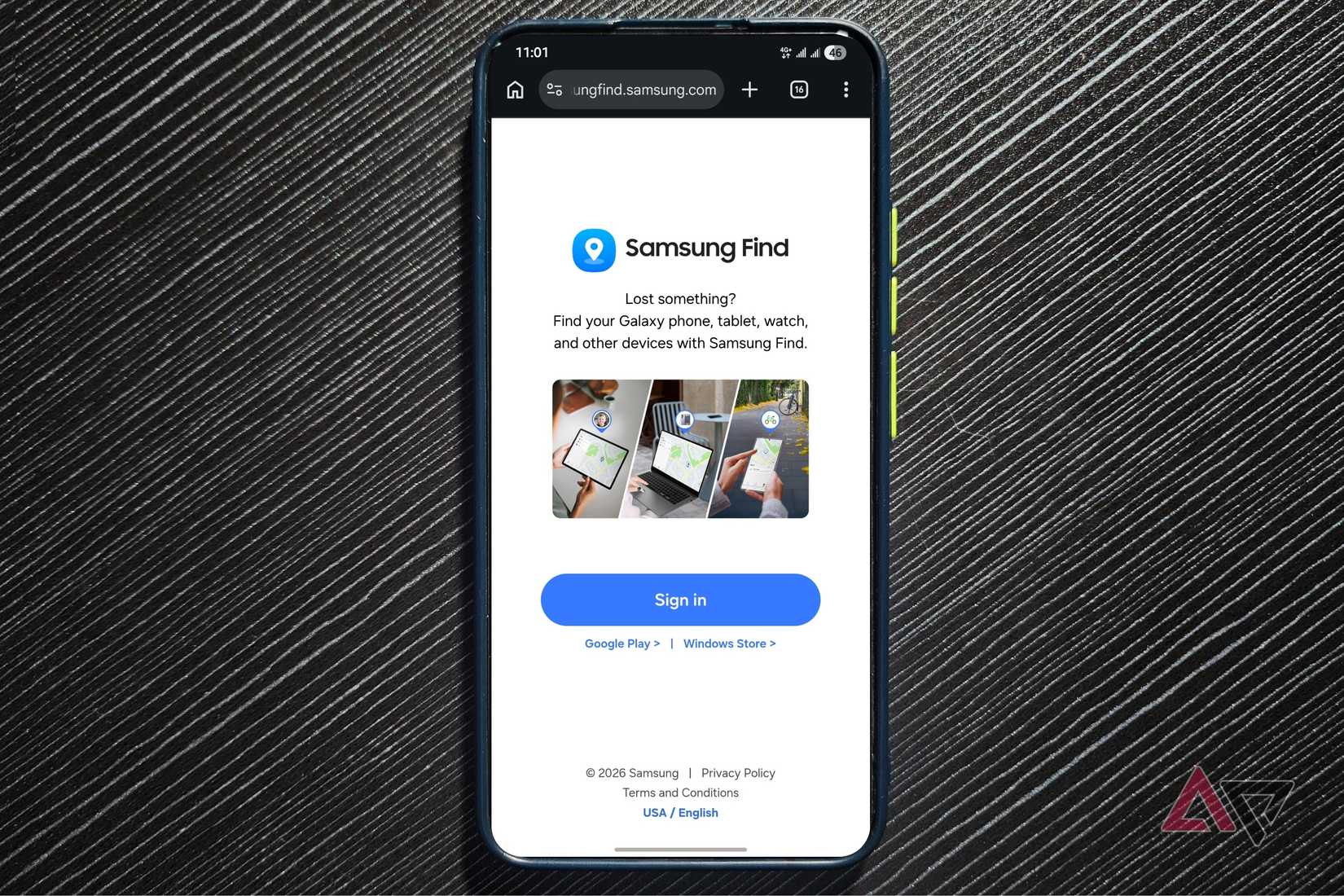
Samsung Find's offline signal only starts after 30 minutes, so I waited that long before each test. For Find Hub, I set the offline phone to With network everywhere.
I ran every test twice: once with the offline phone's Bluetooth and Location off, and once with both on.
I also ran 16 tests over two days and measured accuracy by the distance between the phone's real location and where each tracker directed me.
Both trackers spotted my phone in a crowded market
Neither got me to the exact spot
When my friend, who had my offline phone in his bag, went to a crowded marketplace, Samsung Find and Find Hub had no issues spotting it in the area.
However, when I tried navigating to the precise spot, both missed the mark. Samsung Find was about 20 meters off, and Find Hub about 15 meters off.
Both trackers were close, and in a real case, I could've found my phone by searching the area.
Samsung Find got close in moderately busy places
Find Hub's silence here was by design
In moderately busy places, Find Hub went silent. I expected it to at least spot my phone in the area. Instead, I only got the phone's last-seen location.
Find Hub stayed silent because, by default, Android phones only participate in the Find Hub network in busy places where multiple nearby devices detect the lost phone.
You can set your phone to report a lost phone's location everywhere, but many people never change it. So, the default setting is prevalent.
Samsung Find, on the other hand, consistently got me within sight of my friend. He was still reasonably far away, though, at about 90 meters from the spot Samsung Find led me to.
I tried using the Search nearby feature to close the remaining gap, but that didn't work.
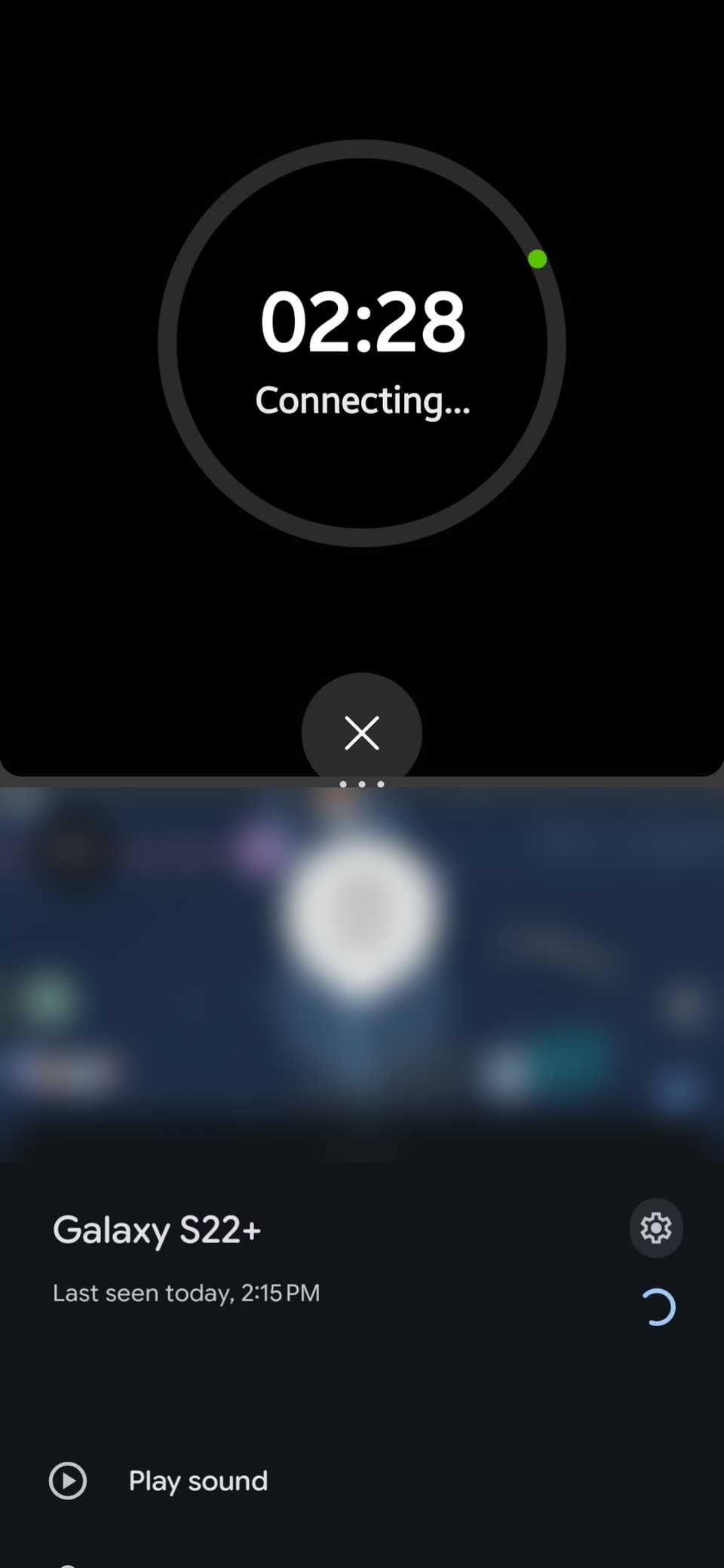
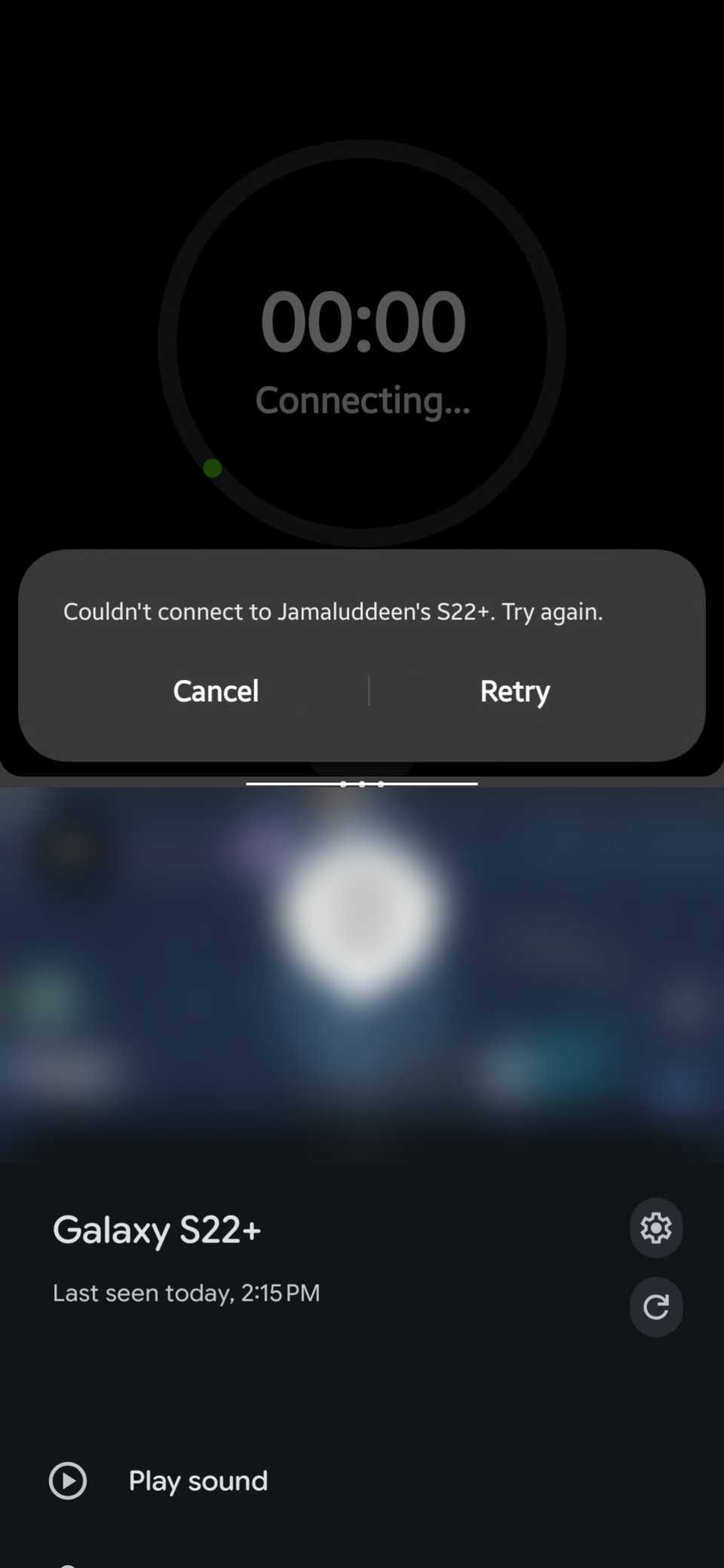
Samsung says the feature has a 100-meter range outdoors, but walls and pedestrians can reduce that to about 10 meters. So it wasn’t a surprise when the feature failed.
Samsung Find sent me the wrong way in an isolated spot
The only time I appreciated Find Hub's silence
When the offline phone was taken to an isolated spot, Find Hub remained silent again. It kept showing the phone's last-seen location.
Samsung Find, however, told me a nearby device had spotted my phone. It then directed me to a location over 340 meters from my phone.
That's well past the 100 meters Samsung says its offline locations can be off by, so I was very surprised.
In a real case, I would've followed the map and wasted my time searching the wrong area.
That's why I appreciated it when Find Hub didn't claim to know more than it did. It simply gave me my phone's last-seen location.
Both trackers rang my phone around the house
Samsung Find did it with less setup
Around the house, I put the offline phone in a room, out of view. From my initial spot, nothing was picked up.
So, I moved around the house, the way I would if I didn't know where the phone was.
After I got close, both trackers spotted my phone and made it ring out loud, even on .
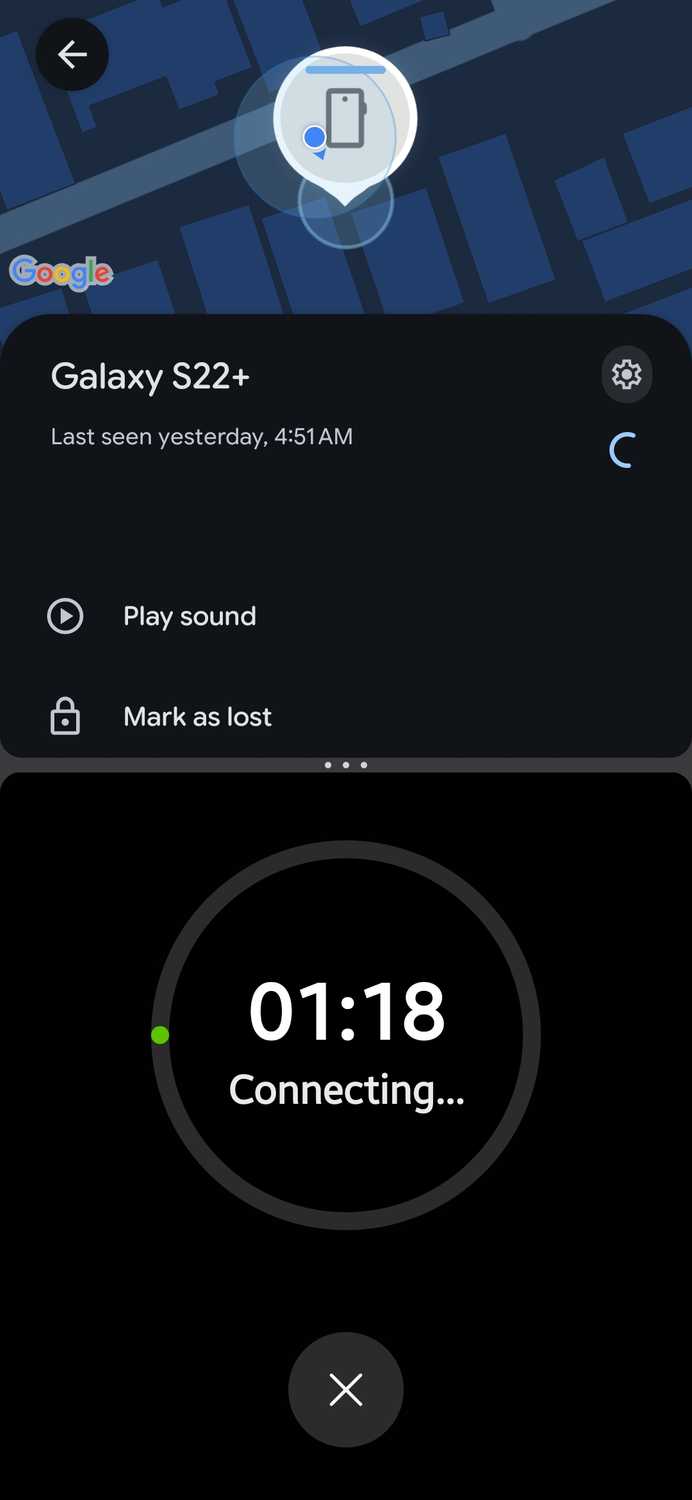
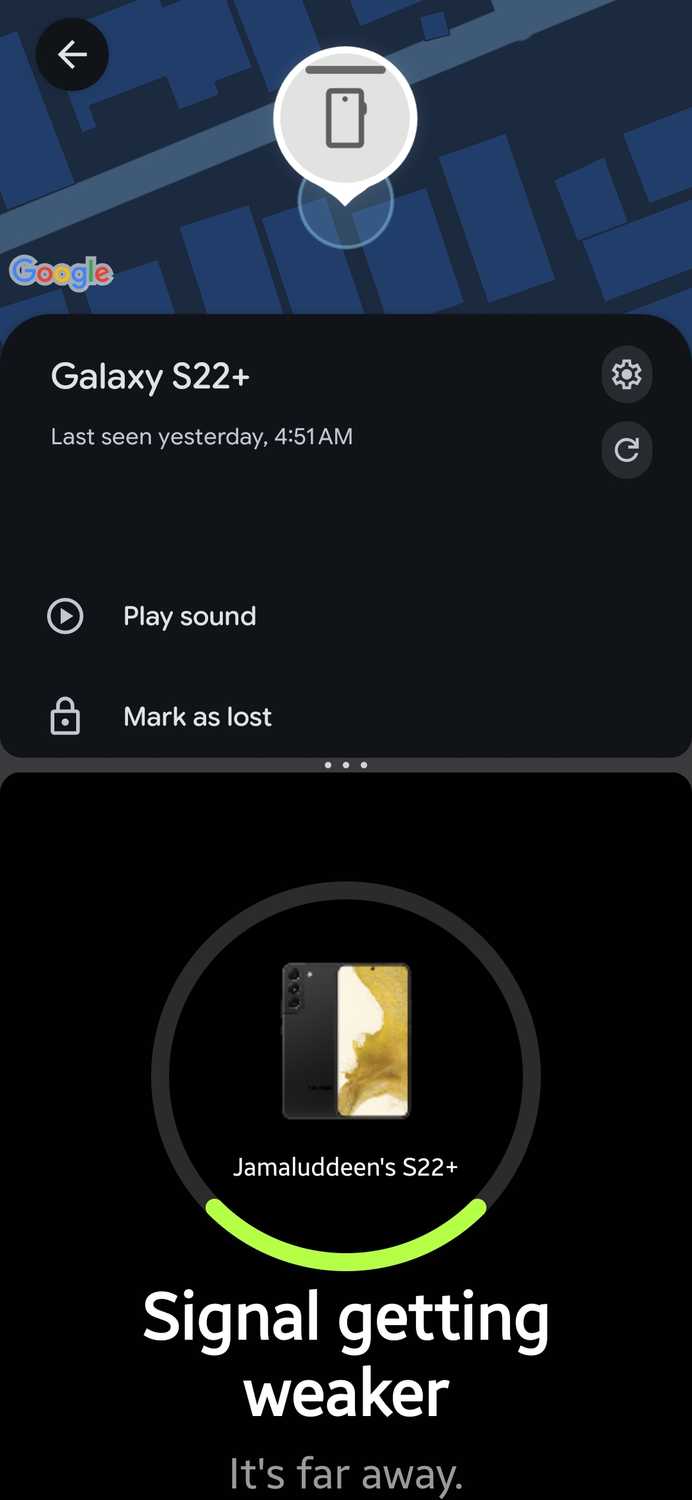
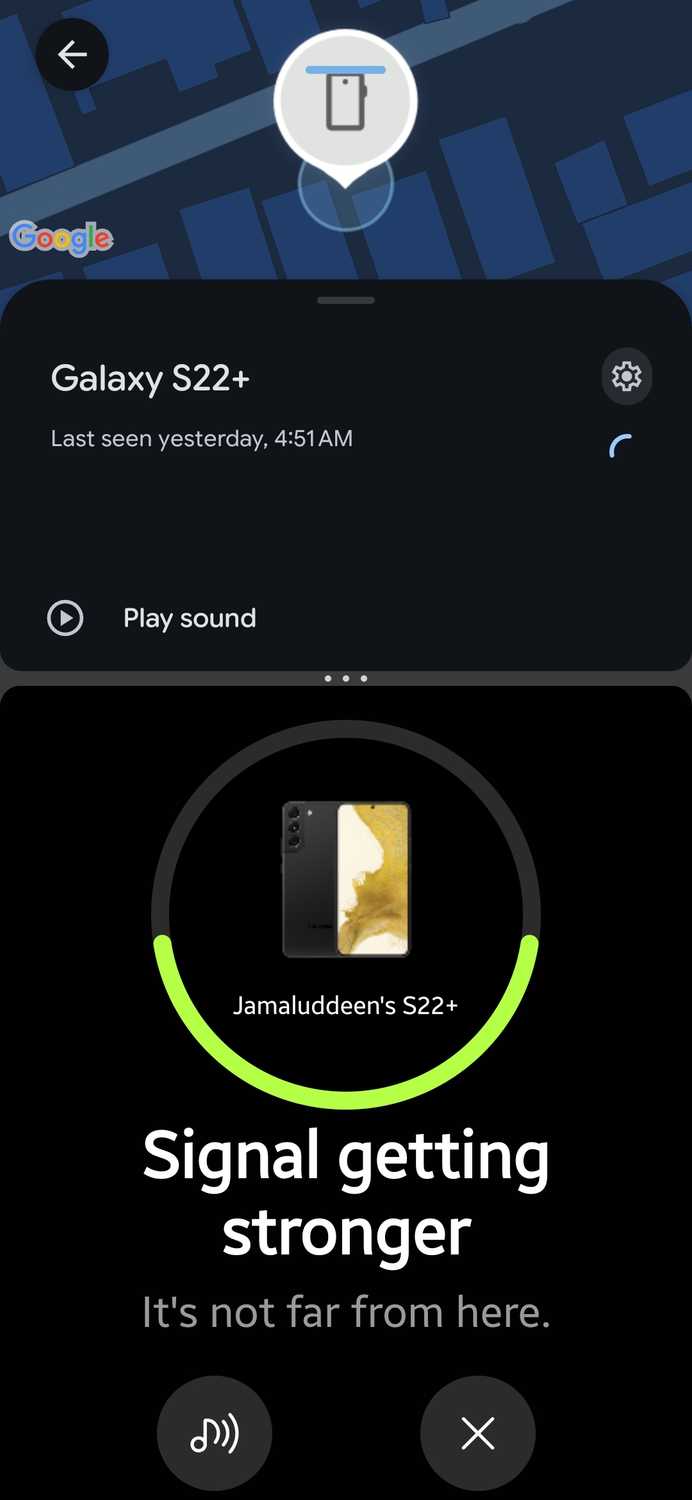
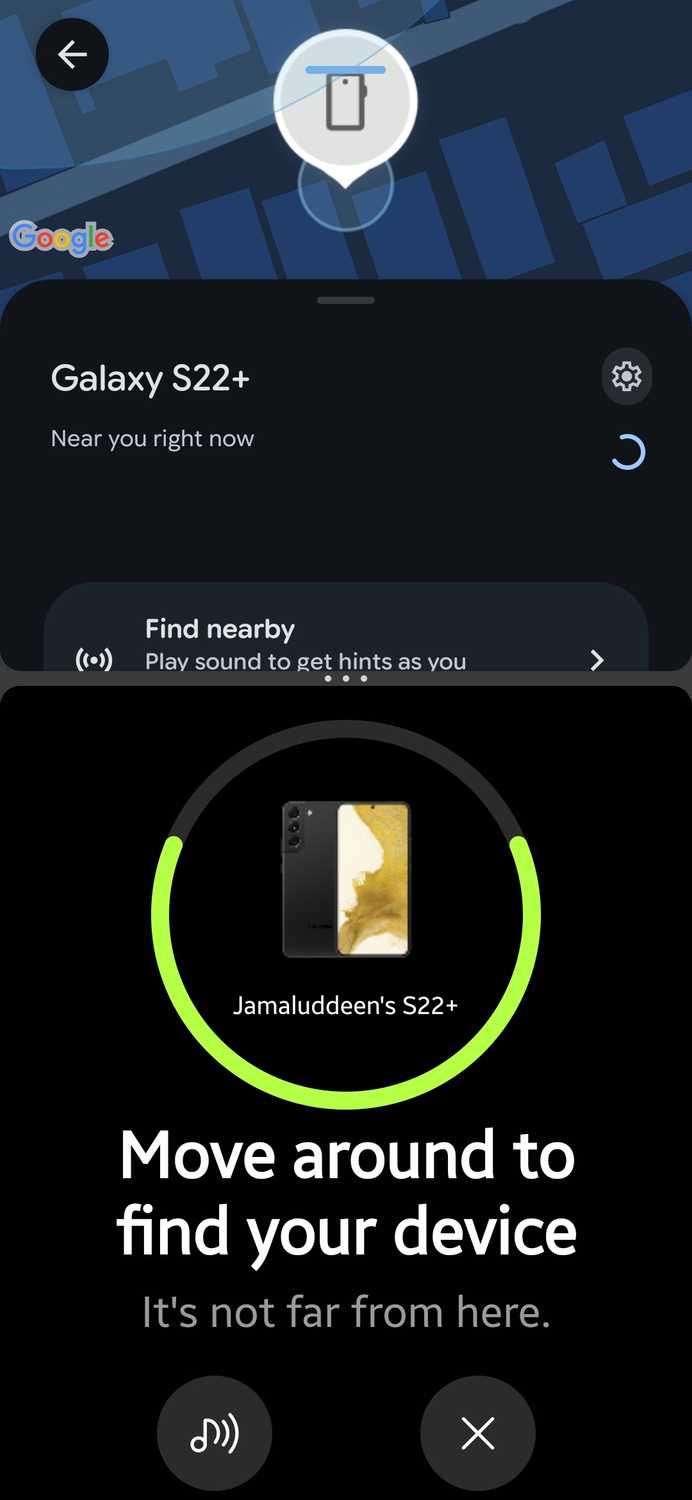
Although Find Hub did as good a job as Samsung Find, I'll still give Samsung Find the win because it didn't need the offline phone's Bluetooth and Location to be on.
Neither tracker could keep up with a moving phone
Find Hub caught it only once, in traffic
After the stationary tests, I gave my phone a ride across town in a moving vehicle. Both trackers struggled to keep up.
Samsung Find occasionally spotted it in one place. But because the phone was moving, the location quickly became outdated.
Find Hub, on the other hand, only spotted the device once, when the vehicle was stuck in traffic. Every other time, it only gave the last-seen location.
Samsung Find is the offline tracker I'd rely on, but only around the house or in a crowd
For an offline Galaxy phone, Samsung Find is the tracker I’d pick. It found my phone more consistently than Find Hub did. And I didn't need to keep Bluetooth and Location on for it to work.
It rarely took me right to my phone. But it usually came close, just not close enough for Search nearby to close the remaining gap. And in isolated spots, it sent me to the wrong place entirely.
So, my advice is: Set up both trackers, since you can. Just don't count on either one to , unless it's somewhere around the house or in a crowded place.
And wherever you can, keep your Galaxy phone online, because online tracking is more reliable.