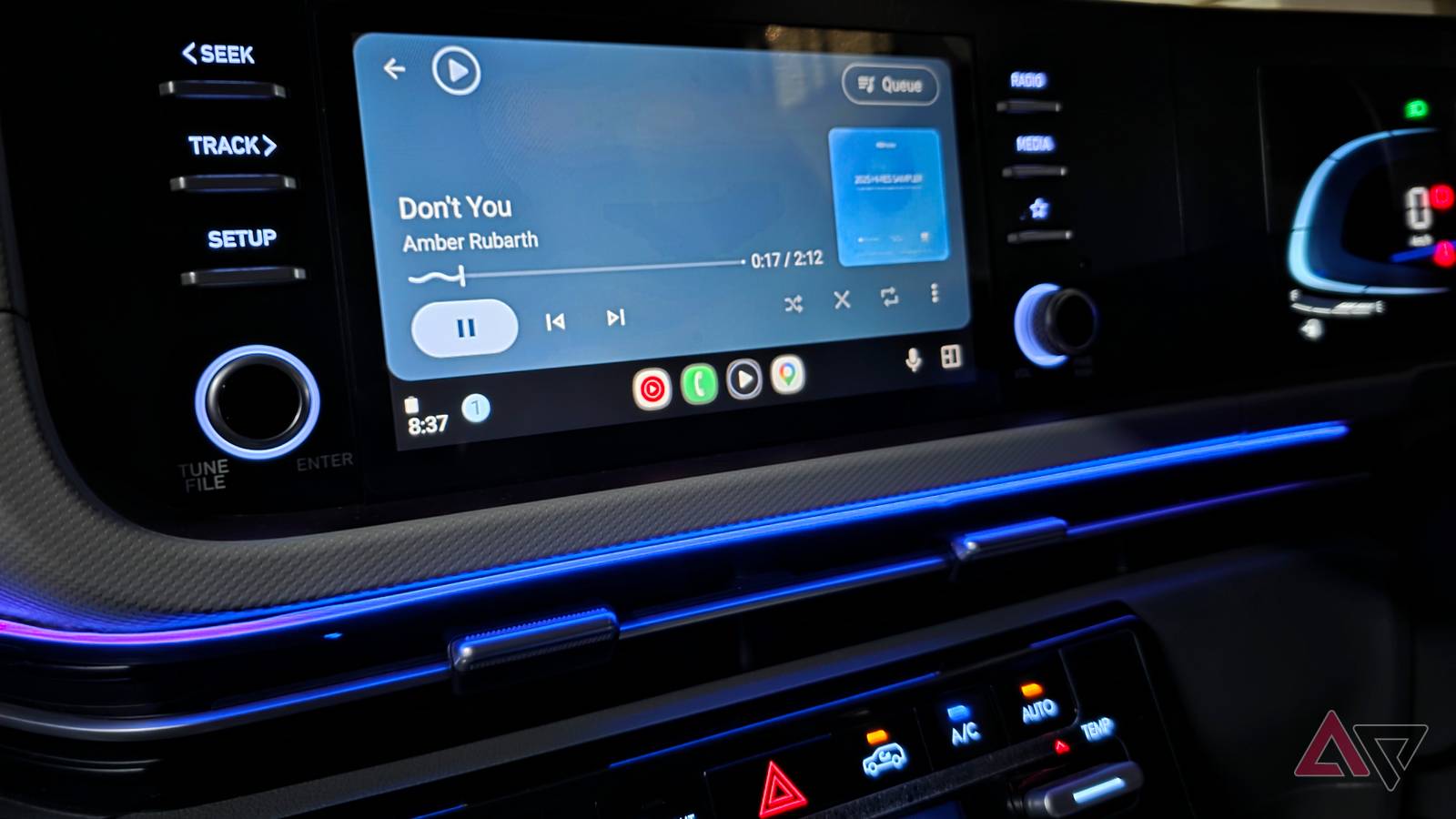
I have tried almost every major music app on Android Auto, including YouTube Music, Spotify, and Amazon Music.
They all work well enough, but after switching between them for weeks, none felt like the perfect fit for my car.
Out of curiosity, I tried an offline music player and expected it to feel a little old-school compared to the .
I came away far more impressed than I expected. The app that ultimately stood out to me was Poweramp.
I started with the obvious Android Auto choices
Streaming apps are convenient, but not always ideal in the car
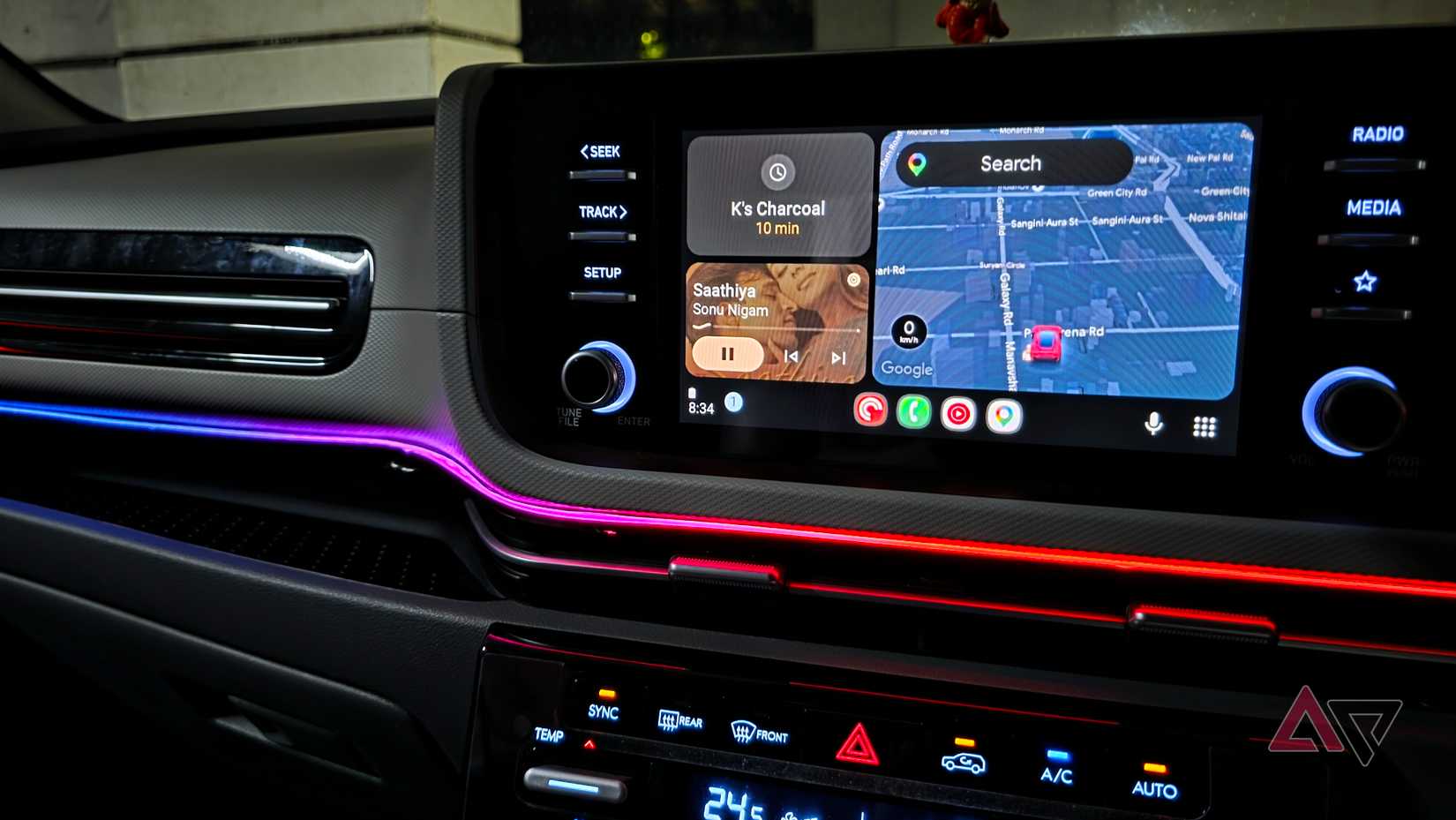
When I started comparing music apps on Android Auto, I went straight to the biggest names first.
YouTube Music, Spotify, and Amazon Music were familiar, polished, and easy to recommend.
They all integrated well with Android Auto, giving me quick access to playlists and recently played tracks.
For a while, I assumed one of them would easily become my favorite. Spotify is excellent for discovery, YouTube Music has a huge catalog, while Amazon Music makes sense for Prime members.
The more I used them while driving, though, the more I noticed the compromises that come with relying on streaming.
A weak mobile signal can interrupt playback at the worst possible moment, and even downloaded music does not always feel as straightforward as keeping a proper local library on my phone.
I also don't need recommendations, trending playlists, and endless discovery options every time I start the car.
Most of the time, I know what I want to hear.
Poweramp feels polished on Android Auto
Folder-based browsing is a bigger deal than I expected
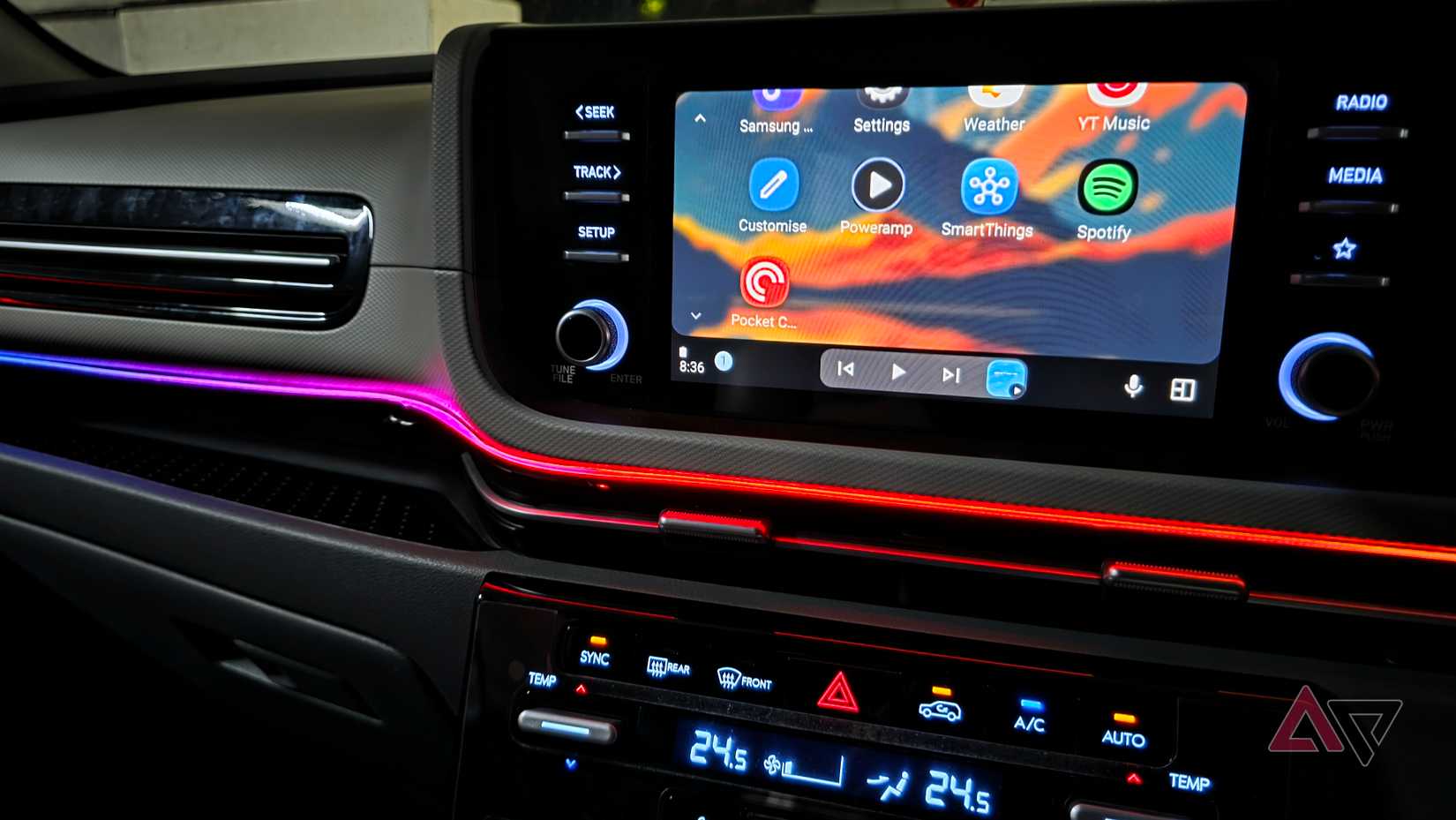
I started with Musicolet and Poweramp, since both are popular among people who still keep a proper local music library on their phones.
Musicolet impressed me right away. But after switching between the two, I settled on Poweramp. The biggest reason was its mobile interface (more on that in a minute).
Poweramp's Android Auto interface is clean and does not overload the screen with unnecessary information.
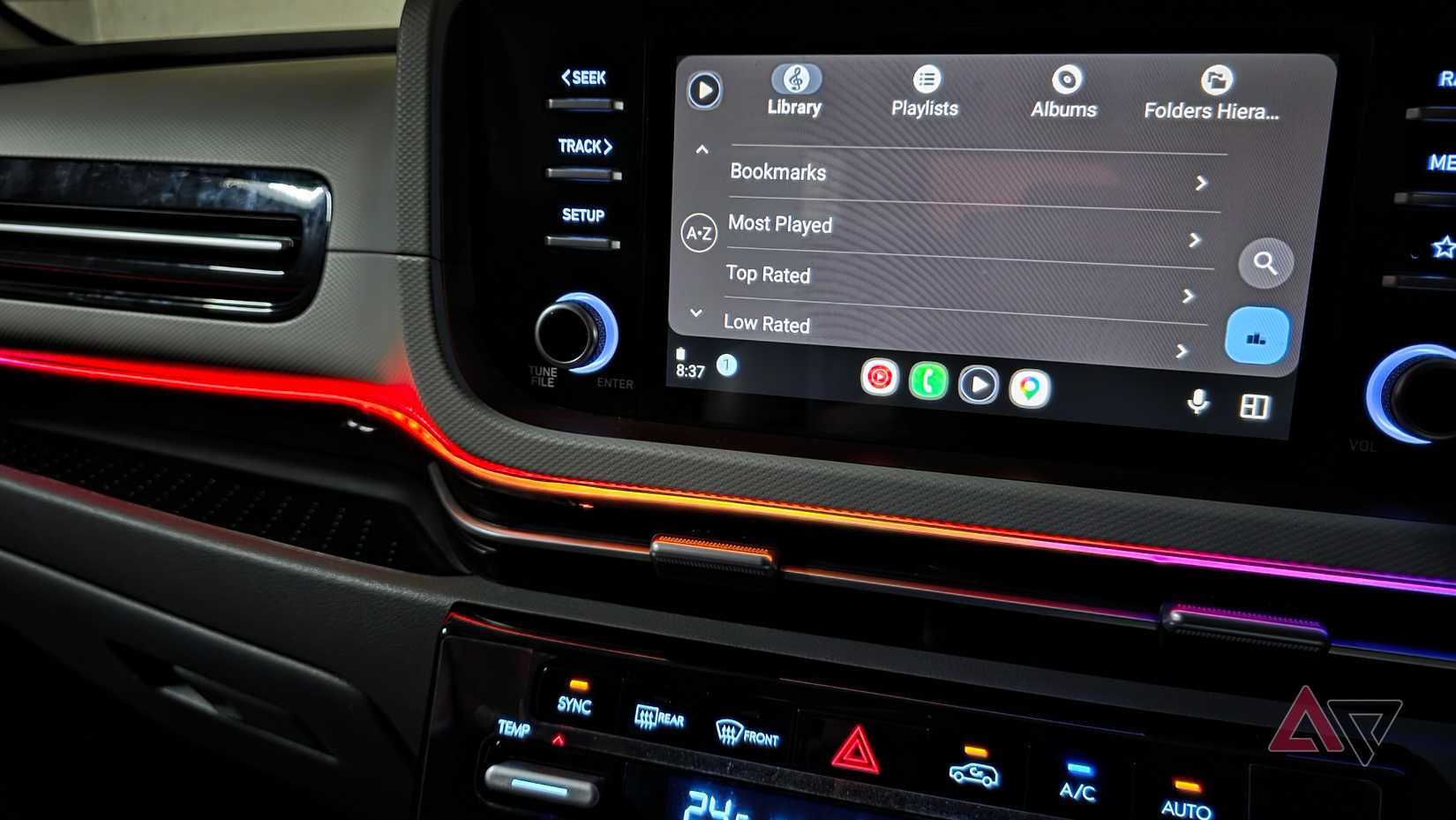
I can quickly get to my albums, artists, playlists, and other parts of my library without digging through a maze of menus.
One feature I underestimated was folder-based browsing.
Most streaming services want me to think in terms of playlists, albums, recommendations, and their library structure.
Poweramp can work that way, too, but it also lets me browse music based on how I organized the files on my phone.
It also makes my offline collection feel much more manageable. Instead of depending on an algorithm to surface something I might like, I am browsing a library I built myself.
The sound quality is where Poweramp pulled ahead
The Gemini integration was a surprising touch
The biggest difference became obvious after I started playing the same tracks through my car speakers.
Poweramp gives me more control over how my music sounds than the streaming apps I have tried.
Its equalizer is one of the best parts of the experience, with enough flexibility to tweak bass, mids, treble, and other audio characteristics to suit my car's speakers.
After spending a little time dialing it in, my local tracks sounded fuller and more energetic than they did through my usual streaming setup.
Poweramp works with Gemini too, so I can ask Gemini to play a specific song in Poweramp, and it can hand playback over to the app.
That matters a lot on Android Auto because I don't want to scroll through folders or search manually while driving.
That combination is what pushed Poweramp ahead for me.
I get the sound customization of a proper enthusiast music player without sacrificing the hands-free convenience I expect from Android Auto.
Poweramp mobile app is robust
The beautiful UI impressed me a lot
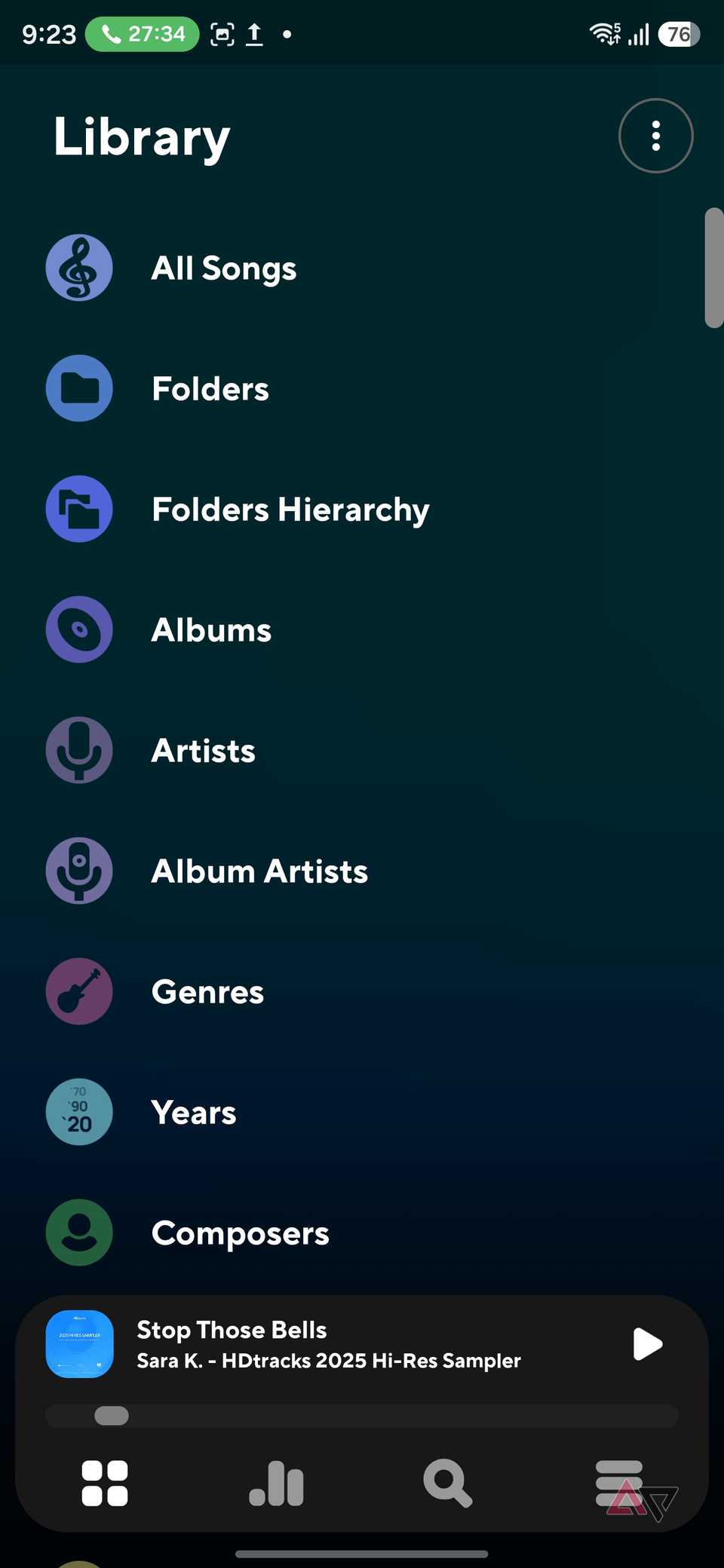
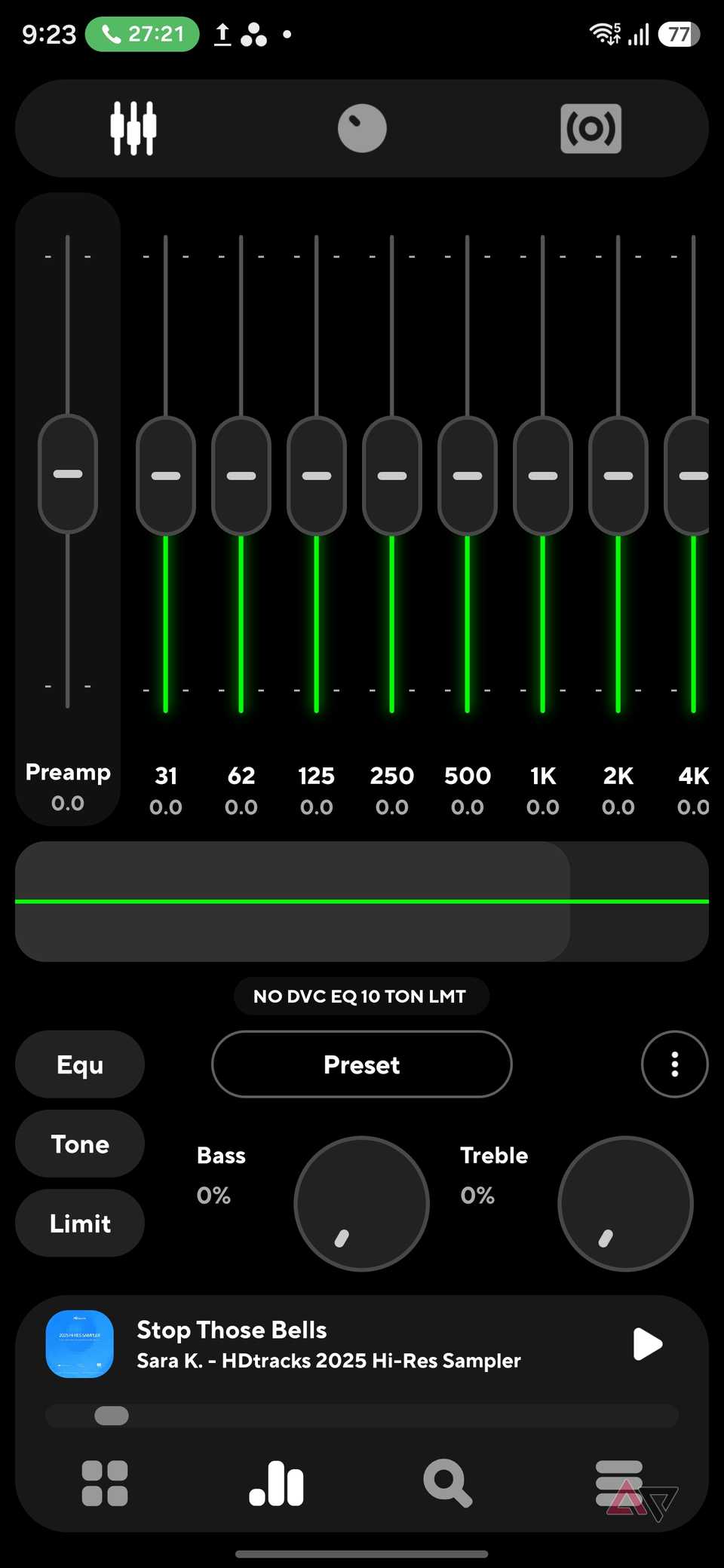
Poweramp's mobile app was a pleasant surprise.
I went in expecting something functional, but a little dated, which is usually the trade-off with powerful offline music players.
Instead, Poweramp feels polished. The interface is beautiful, with large album artwork, clean typography, and a layout that makes my library feel more inviting to browse.
What stood out were the animations.
Swiping between tracks, opening albums, moving through menus, and switching views all feel smooth and deliberate.
There are plenty of options for customizing the player, library categories, gestures, playback behavior, themes, and audio settings, yet the app never feels complicated during everyday use.
The player I nearly overlooked
I went into this expecting one of the big streaming services to come out on top, but Poweramp changed my mind.
The modern interface, reliable offline playback, folder-based browsing, and powerful EQ made it feel better suited to my car than I expected.
I am not uninstalling my streaming apps, because they still have their place when I want to discover something new.
But for everyday drives, especially when I want my own music without distractions or data collection, Poweramp has become my first choice.