My knowledge of plants and rocket engineering is on the same level. I know nothing about either.
So, instead of learning about plants (and soon rocket ships) from Google, I turned the learning exercise into an interactive session with Gemini Notebook.
Ideally, I would for this problem, but Gemini Notebook is more interactive and always evolving with new sources and information.
It can be a sandboxed AI for anything. It changed the how .
Plant a garden
How to set up a Gemini Notebook as a gardening expert
After I finished charting my expenses, side hustles, and fantasy football team, I looked at how Gemini Notebook could take more things off my plate.
Gemini Notebook will not magically fix my plants, but now I can monitor their health and take necessary precautions based on their type and breed.
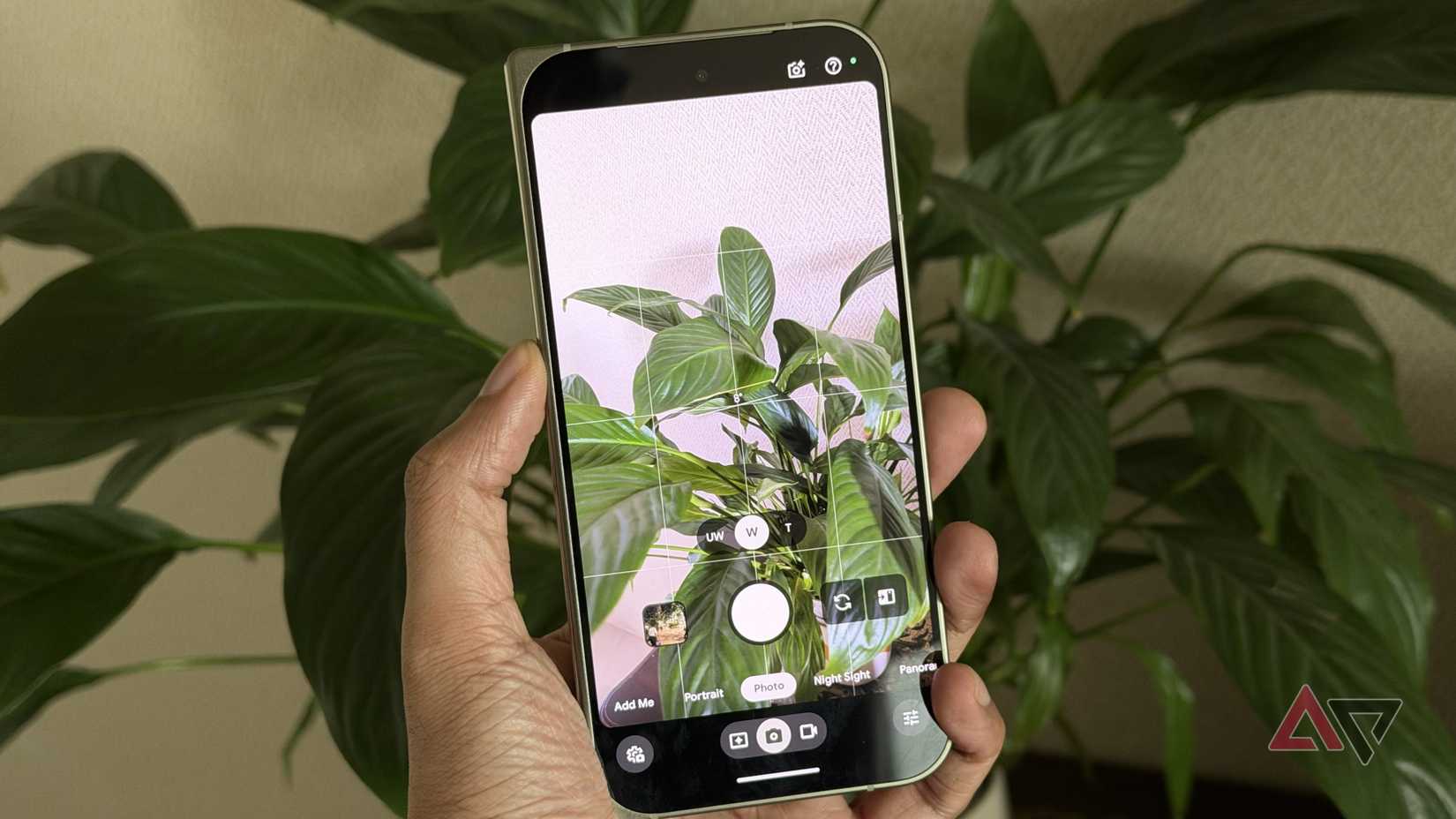
I took photos of my plants from my Google Pixel 11 and uploaded them to a Gemini Notebook. I made sure the plants were photographed during the day and that their specific traits were clearly visible in the photo.
This way I don't have to download unnecessary Android apps to track my plants.
After Gemini recognized my plants and tagged their type and species, I prompted Gemini to do deep research on them. This lets my Gemini Notebook gather all the crucial information for my plants in one place and store it as a Notebook source.
I did this to reduce AI hallucination and context drift. My Gemini Notebook will refer to these researched websites and studies as a source in the future.
However, I suggest you read through the sources at least once to cross-check the website's authenticity and data.
After vetting the information, I was more confident about my Gemini Notebook's answers.
Watering the context
Double down on the research
Gemini pulls world knowledge that can be a bit ambiguous, and you need to fine-tune this sandbox experience to your home and environment.
I would suggest letting Gemini track the weather in your location. This lets the AI understand your region's general climate conditions and suggest changes accordingly.
I live in a tropical climate with 60% or more humidity. The soil here tends to dry out quickly, so I have always watered my plants more than usual.
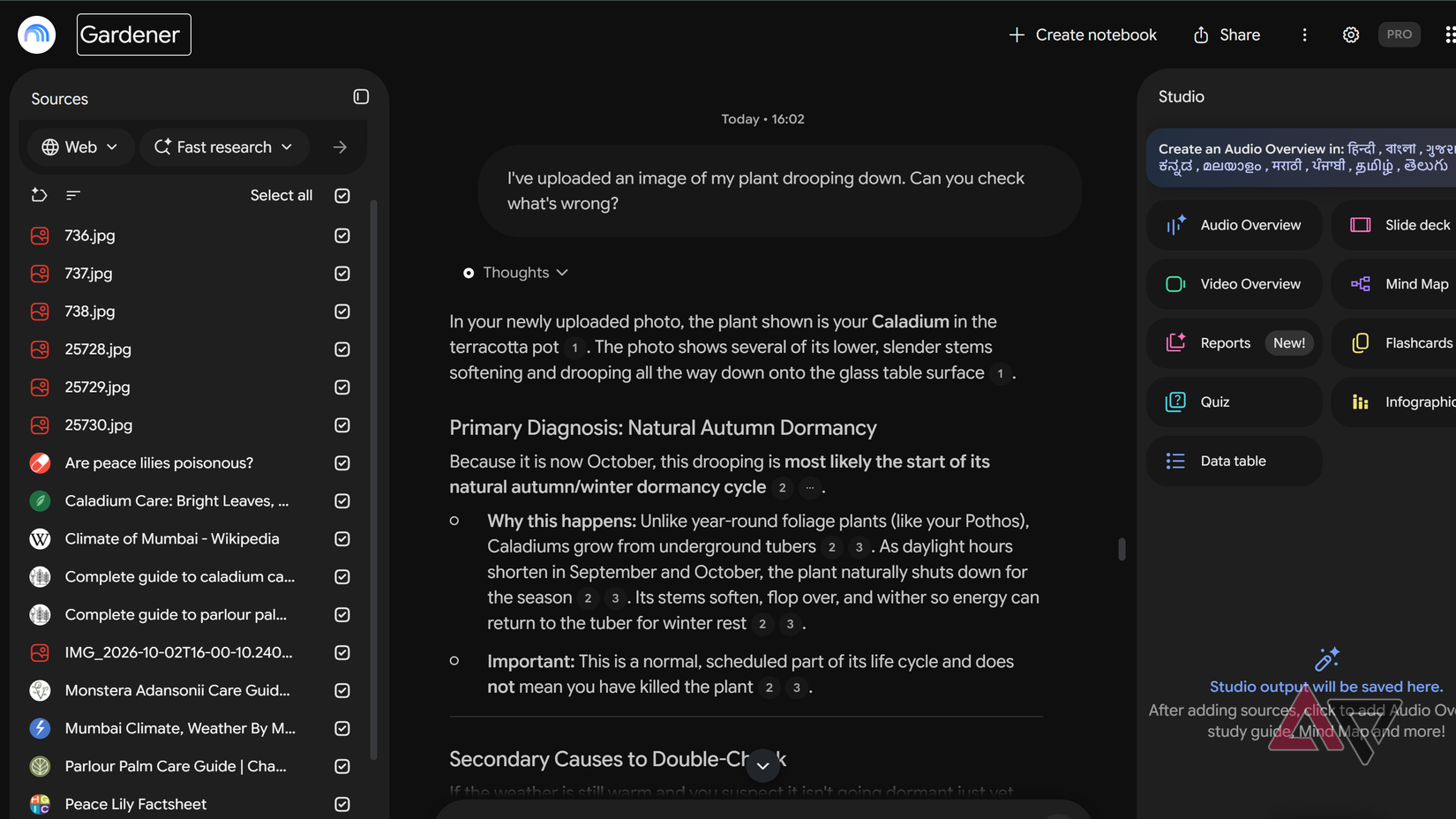
However, my Notebook told me that overwatering can lead to root rot in certain plants. It's an obvious answer, but I also take photos of any unnatural plant behavior.
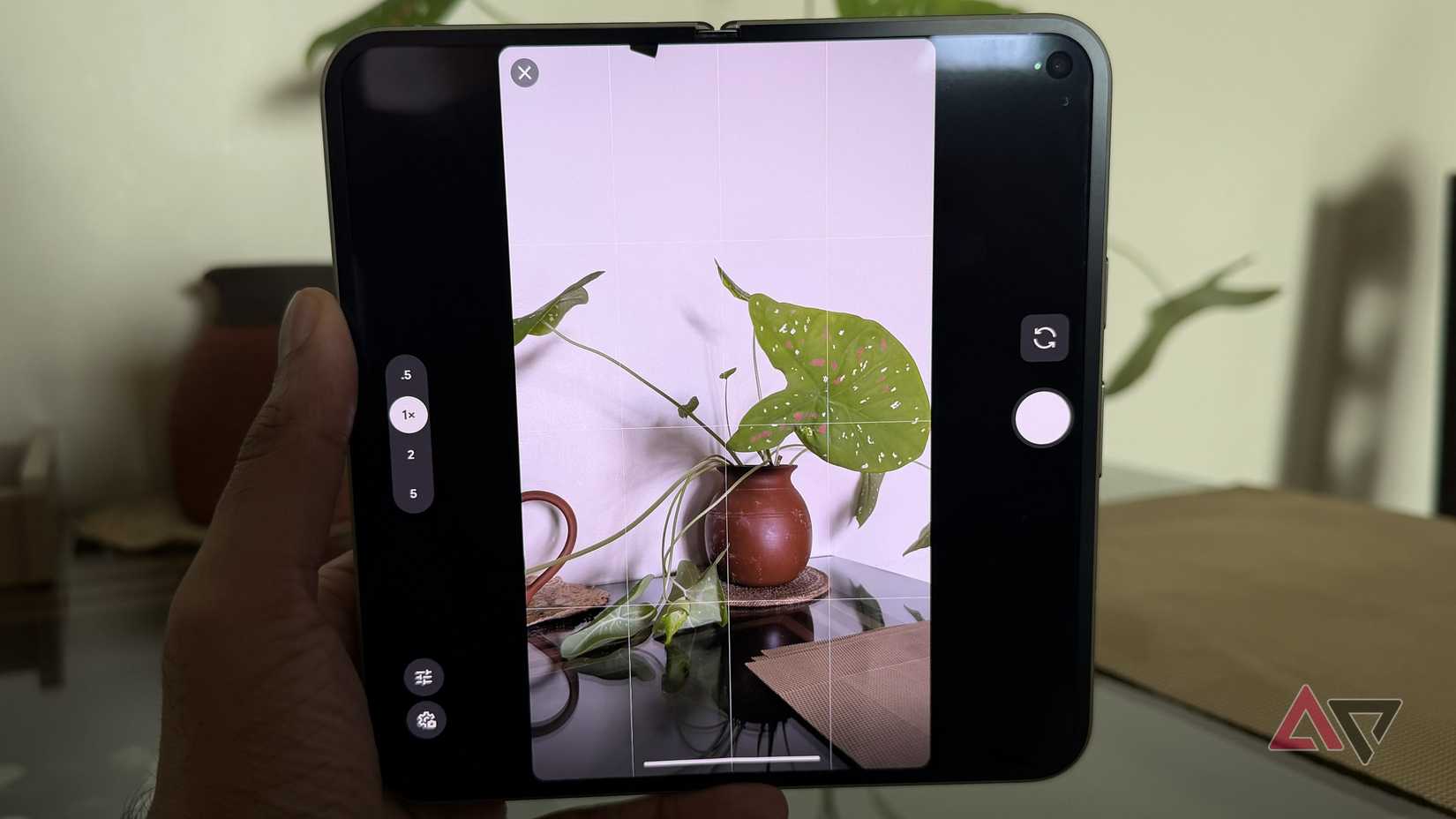
Currently, my Caladium (Caladium bicolor) is drooping and not standing firm. Gemini initially thought it was hibernation season, but told me to check the roots for rot.
I told my AI gardener the soil had become soggy, and it immediately told me to drain out excess water and create holes at the bottom for water drainage.
This simple fix was a good start to testing my new AI gardener.
If you have a lot of indoor plants, I would suggest giving the Notebook context of the room temperature and its position relative to direct sunlight.
My Swiss Cheese Vine (Monstera adansonii) was getting black margins with yellow halos. Gemini Notebook quickly identified the lack of humidity in my room due to the air conditioner.
These smaller fixes have helped me take care of my plants, and I can do all of this in a single chat without running to Google.
It's a task
Integrate Google Tasks with this

After you set up your AI gardener to your preferences, you still need to make sure your plants can survive the week.
I am bad at watering my plants on time and also changing their soil and position in the sunlight. So I asked my Gemini Notebook to create a weekly task list to keep my plants healthy.
It also made a list of monthly tasks that included soil change and fertilizing.
I wish Gemini Notebook had an automated way to create a list of tasks in the Google Tasks app, but it doesn't, so you will have to add daily and weekly tasks manually.
Strangely enough, you can give Gemini access to your , which includes Google Tasks but not Gemini Notebook.
Since Gemini Notebook already knows your home environment, you can add photos of any new plants you want to add, and it will tell you whether the plant is suited for your home.
Setting up a Gemini Notebook as a gardening expert gives me more confidence when I head to a plant nursery to pick new plants for my home.