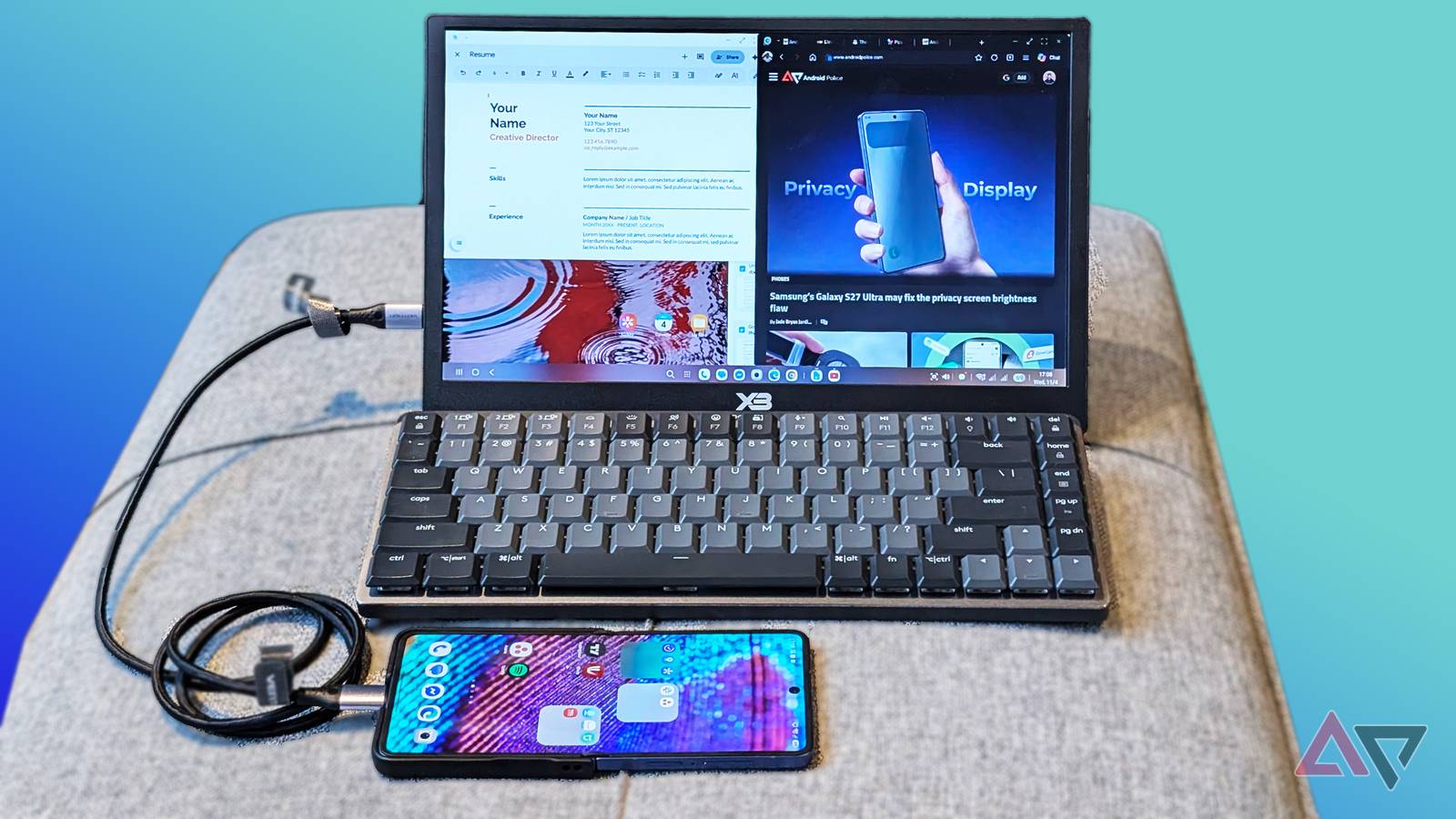
Last month, Google launched Googlebook, and while it's fantastic new hardware that bridges my phone and my desktop, it didn't fully sell me.
Don't get me wrong, I was excited when Google teased Googlebook, all the way up to its release. However, given their premium price and , I didn't risk buying one, since spending almost a grand sounds like a big gamble.
I realized I have a Samsung Galaxy phone that supports DeX. However, the only problem is that its screen estate is too small to handle my content and entire workflow.
With a $100 budget, I wanted to test pairing it with a portable monitor and peripherals to see if DeX could really be an incredible on-the-go workstation and prove that a $1,000 Googlebook might be better spent elsewhere.
I turn my tiny phone into a powerful desktop
Googlebook is a tablet slapped with a keyboard
DeX and Desktop Mode work well with an external monitor or even a TV, but they are not portable enough.
On the other hand, third-party laptop-style docks cost a couple of Benjamins or more, which isn't ideal on a tight budget.
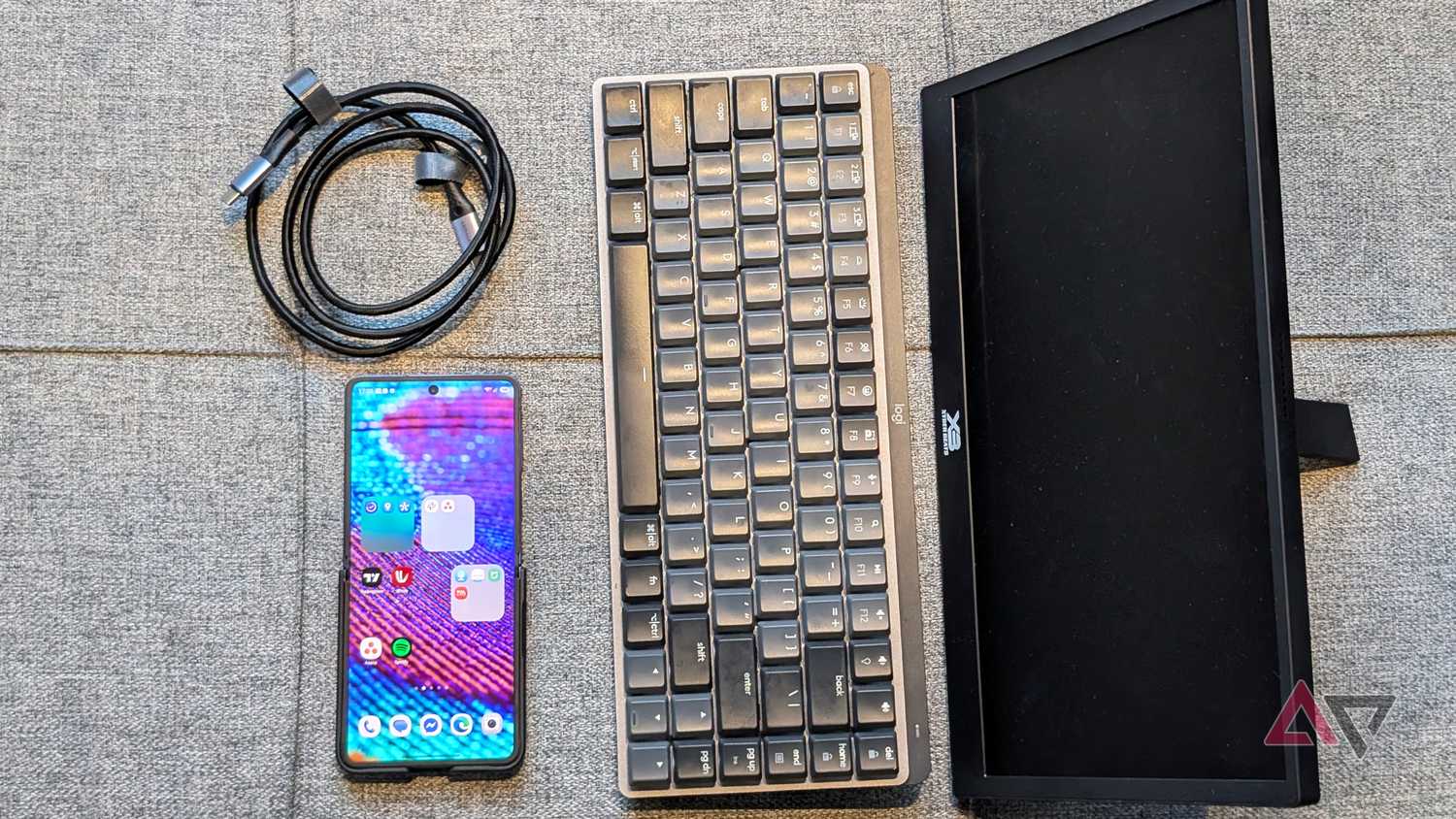
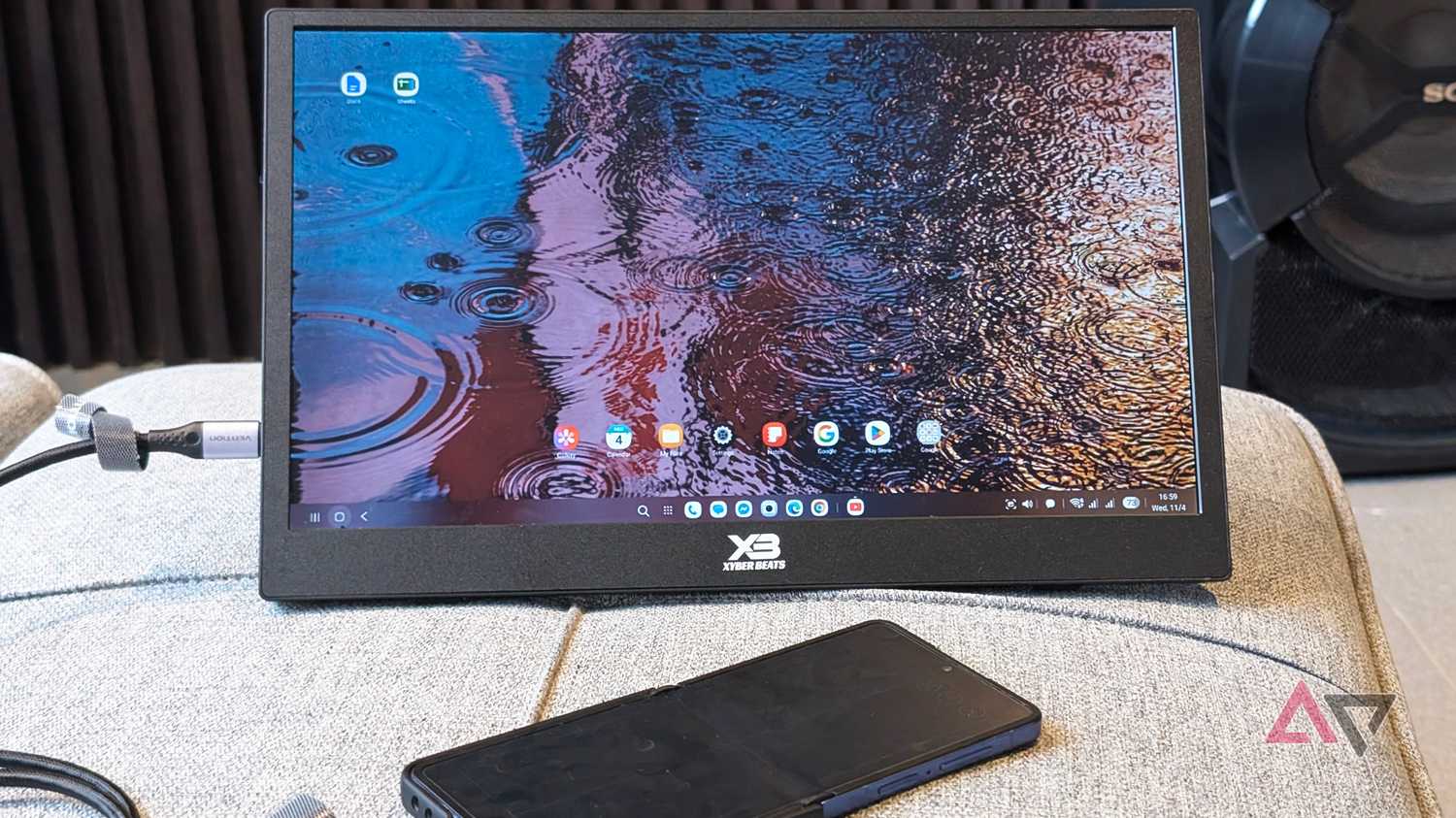
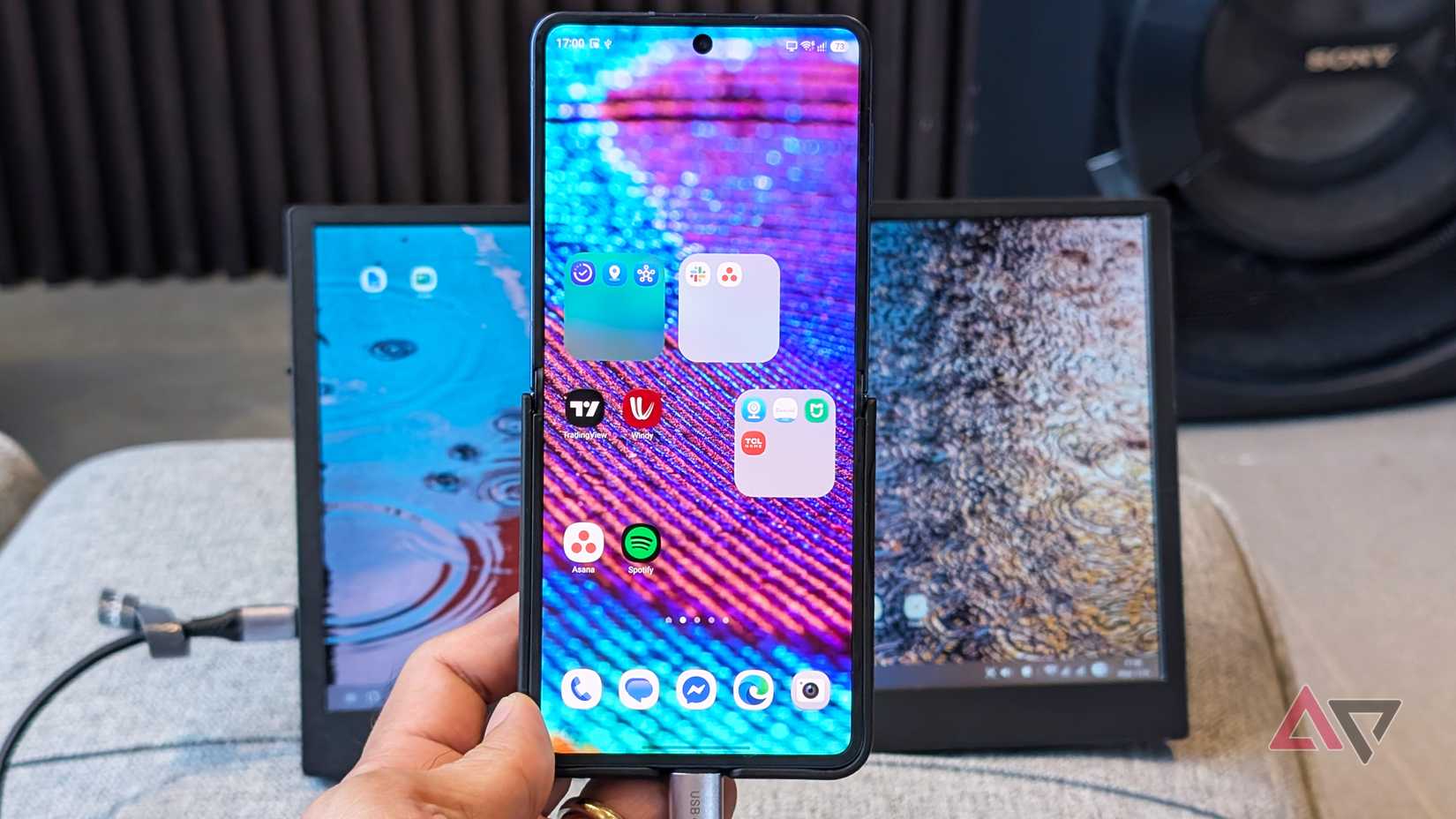
The obvious trick is to use a portable monitor, since they're easy to find and, more importantly, cheaper. With readily available accessories, I set up a $100 workstation.
I bought a 15-inch model with Full HD resolution and a non-touchscreen panel for $50. What I like most is the weight, which is just over a pound. I paired it with a $20 foldable keyboard and a $30 wireless Logitech mouse.
Alternatively, you can get better options, such as touch-enabled models, for more than $100 while keeping the same lightweight, slim build as most portable monitors.
I also recommend choosing a monitor that supports USB-C PD (Power Delivery) so you can connect to your handset while powering the display.
I've used a USB-C cable that supports PD, which lets me connect to the panel while powering it.
The only downside is that it drains my phone's battery faster, but in my experience, I get about two to three hours of use on half a charge, depending on the monitor's brightness.
If not, some options include a built-in battery, so you don't need to carry a power bank or drain your phone's battery while plugged in.
DeX is meant for a portable monitor
Galaxy phones are productivity beasts
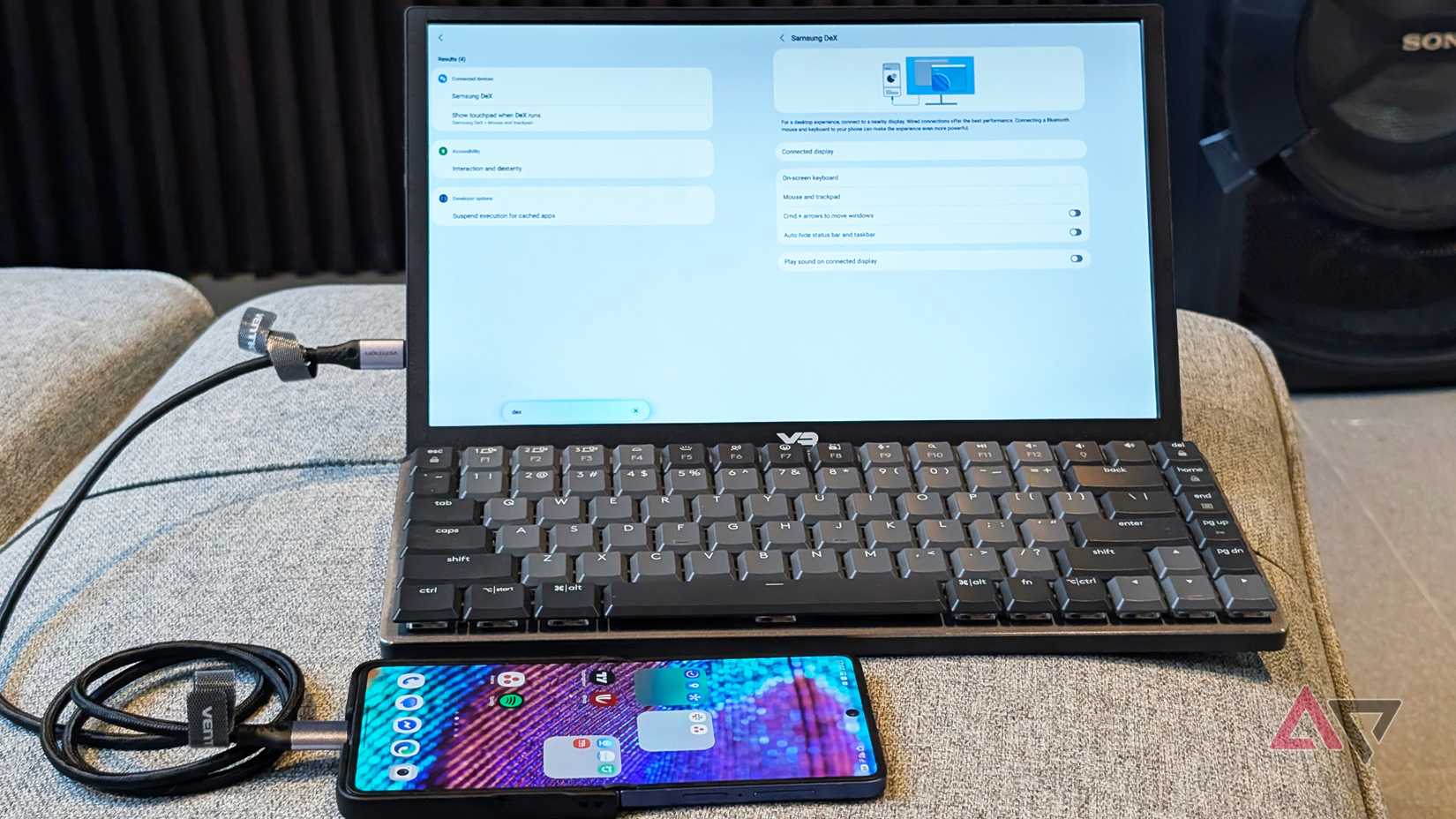
Similar to connecting to a standalone monitor or TV, I find connecting DeX to a portable monitor much breezier.
You don't have to reach and dig for cables behind a fixed monitor, since a portable monitor is easy to position and transport.
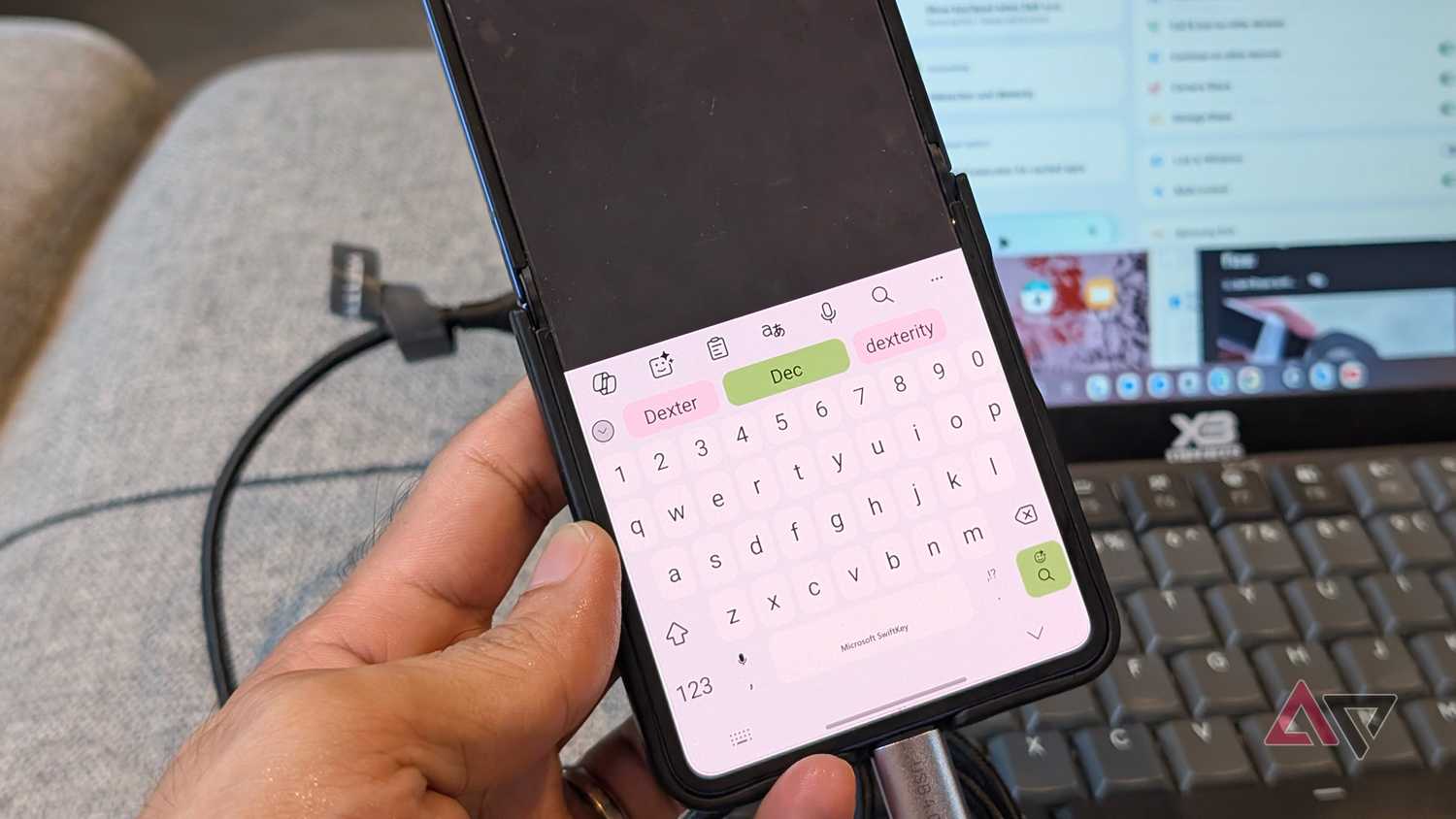
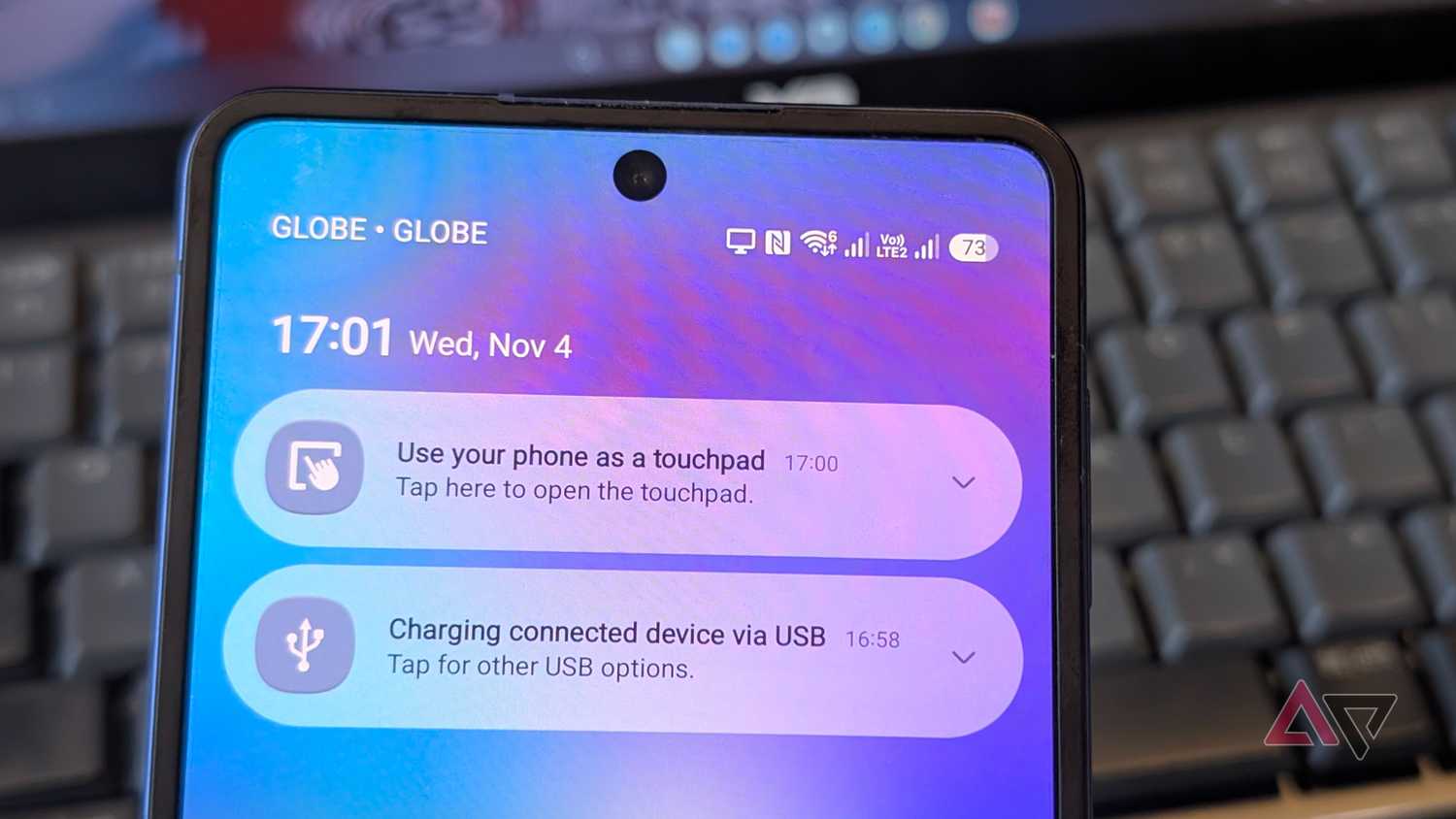
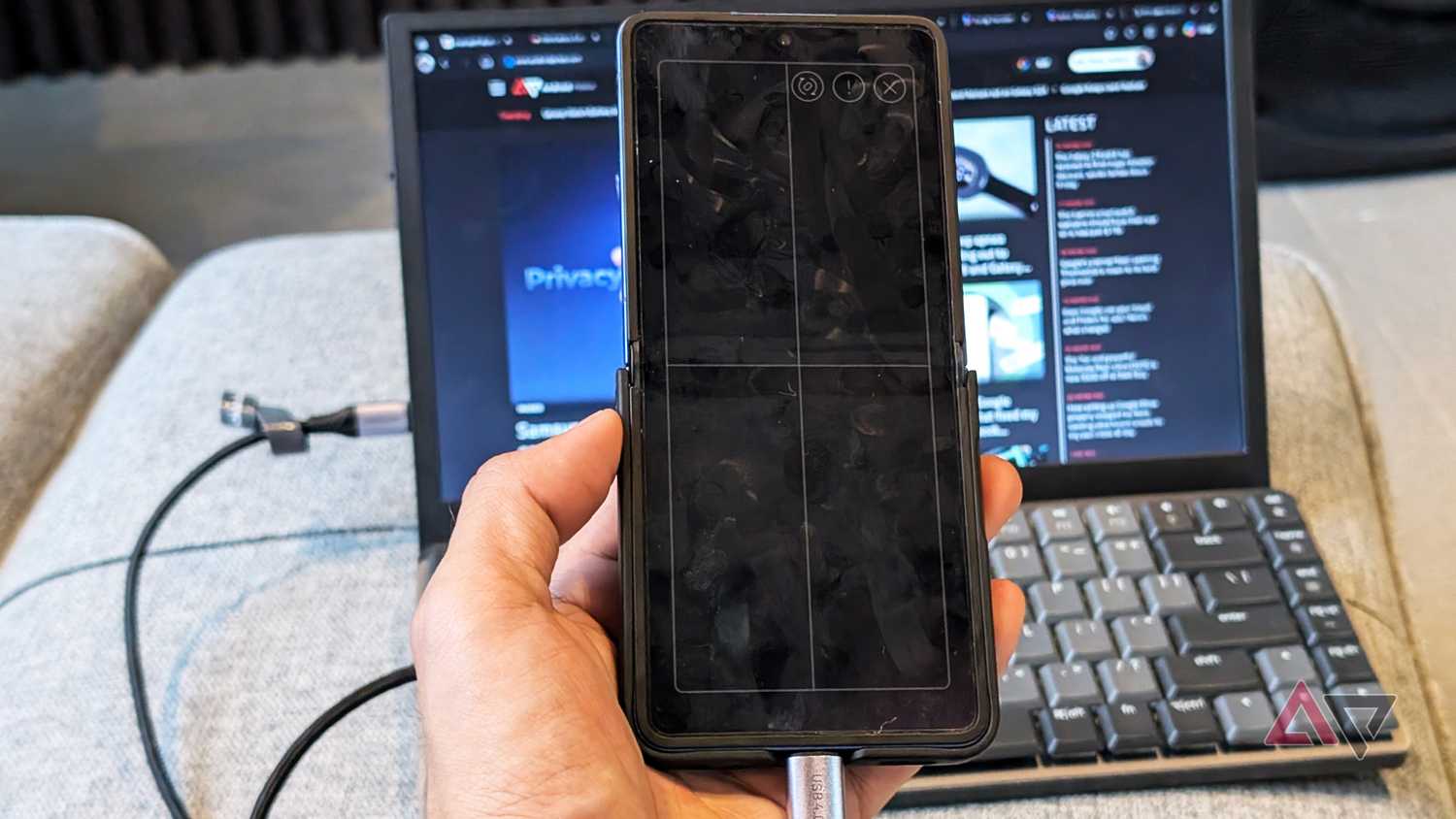
I also used my Galaxy Z Flip 7 as my touchpad, which is a neat advantage over Desktop Mode on my Pixel.
It has a brief learning curve to memorize the gestures, which work similarly to a regular laptop touchpad.
Samsung also designed it with users in mind, so you can't easily close the touchpad by accident.
I also tried it with my Logitech wireless mouse, and I appreciate that the customizations include remapping the primary buttons, plus tweaking pointer appearance and scroll sensitivity.
Similarly, pairing a wireless Logitech keyboard works smoothly, and my only complaint is that I can't customize system keyboard shortcuts.
Still, I love that some native keys, like Print Screen, work right away for taking screenshots.
I also plan to test DeX with a touchscreen monitor to see whether it offers the same level of productivity I get on a Galaxy tablet with DeX or on a Googlebook.
Running DeX feels buttery smooth
Sometimes I forget it's running off a phone
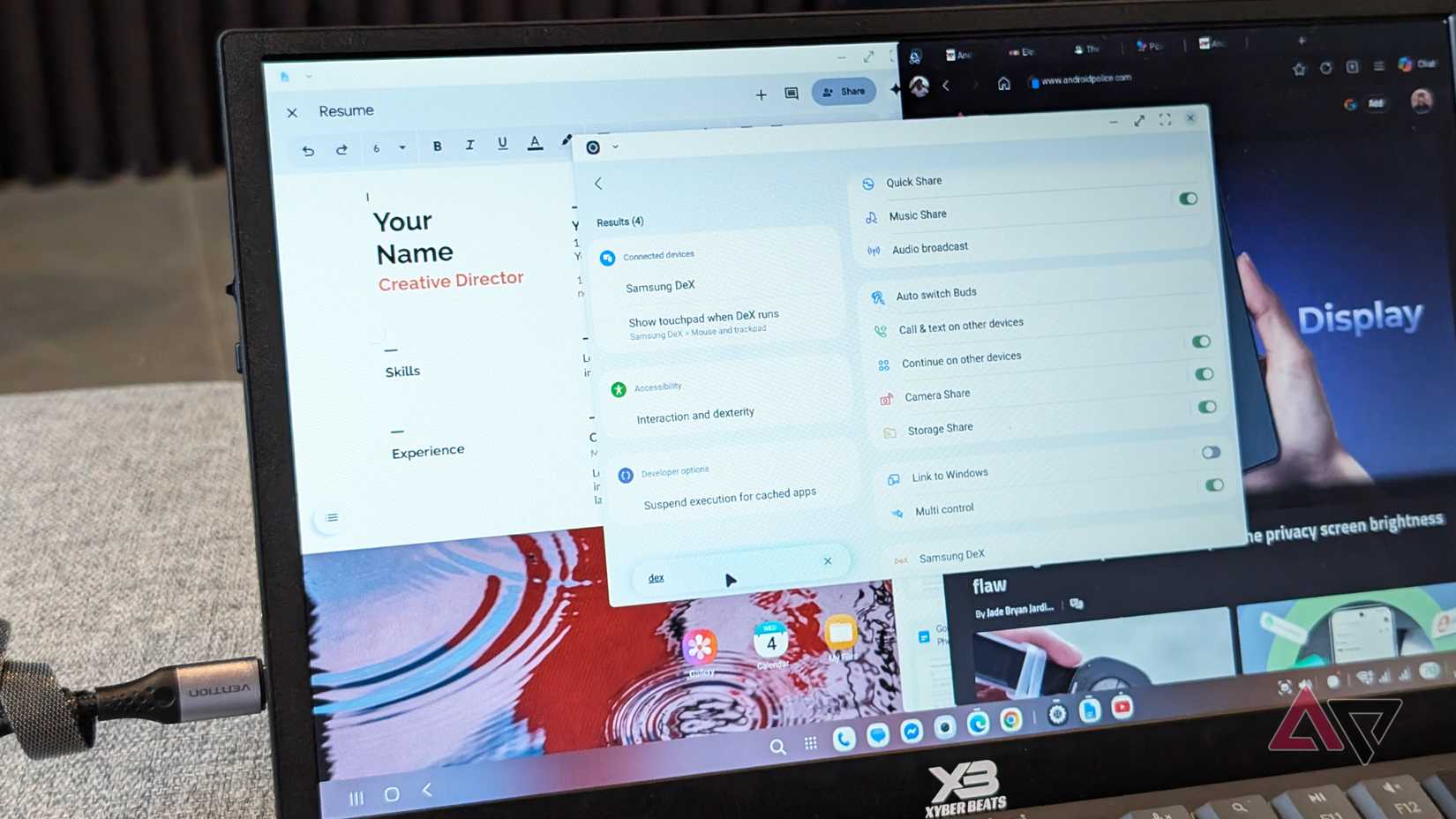
With DeX, I can save my own desktop and pick up where I left off, while Desktop Mode on my Pixel is frustrating.
DeX is fully baked and consistent, and even customizing the interface feels more fluid and flexible.
I can also set my desktop wallpaper as easily as on my Flip phone, and DeX remembers it the next time I plug in.
Plus, I can lock my Galaxy device in DeX mode, which reduces power consumption compared to leaving the phone screen on.
These are small things that make a meaningful difference.
Although baseline performance mostly depends on the handset's processor, I'm happy with how optimized the experience is, even under a heavy workload.
I tested running over a dozen tabs in Edge and Chrome, and I didn't run into any hiccups.
I also ran a YouTube stream in Edge (because the YouTube app is not optimized on DeX) while browsing, with other apps open on the same canvas, and the Galaxy Z Flip 7 handled it with flying colors.
I realized it shares one limitation with Desktop Mode, as I can only maintain four workspaces.
However, that's plenty to keep my writing tasks and streaming sessions on separate desktops, while reserving the other two for secondary loads.
Use a USB 4.0 cable with the Power Delivery specification when connecting your Android or Samsung phone to an external monitor. Your phone can energize the portable monitor, ditching the need to power it separately with an adapter.
What DeX doesn't offer that Googlebook has
But these quirks aren't a deal breaker
While this setup is cheap, it has major trade-offs compared with a Googlebook.
First, Chrome on DeX is a mobile version, not the desktop-class experience Googlebook offers. That also applies to a few programs like Photoshop, which have been optimized for large screens like laptops.
Googlebooks also offer better continuity with your phone, making file handling easier.
At the hardware level, port access is limited, so that's a wall to consider if you're a power user.
However, casual users who want portability and to maximize their Android phone's value can easily overlook those trade-offs.
DeX is convincing enough for me to skip Googlebook
Comparing DeX to Googlebook isn't an apples-to-apples comparison.
I don't get the luxury of a seamless, all-in-one laptop chassis, especially since I still need to pack an external keyboard or mouse.
Yet, by repurposing the device in my pocket, DeX becomes a remarkably dependable portable workstation, rather than requiring an expensive, full-fledged machine like a Googlebook.
Even better, I don't need to drop close to a grand on an inflated, unbaked Android experience stretched across a bigger panel slapped with a keyboard, especially knowing I can transform the phone I own for pocket change.