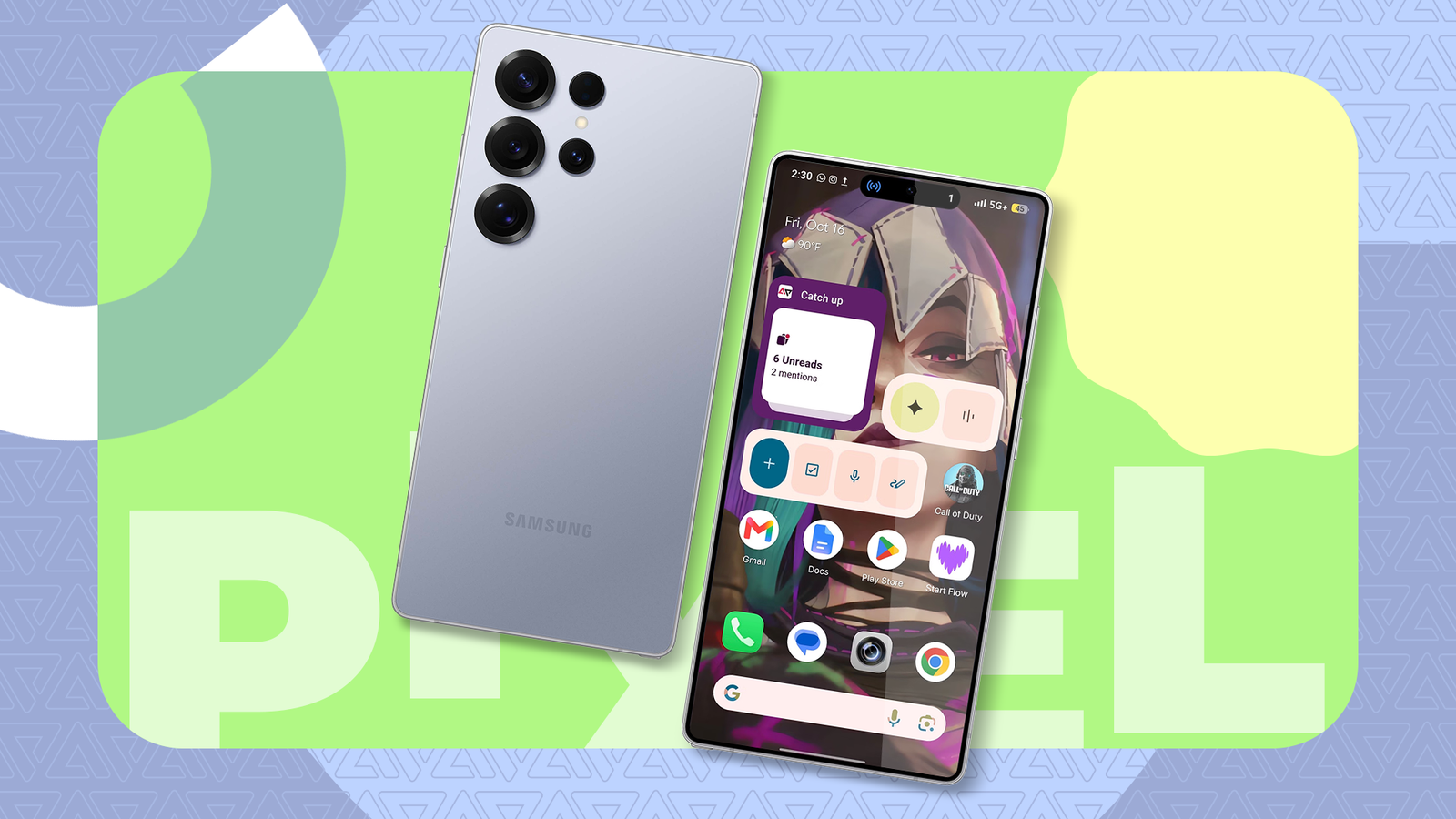
Using a third-party phone in a smaller smartphone market is a balanced scale of freedom and limitations.
I get broader features than Google's Pixel software offers, like Floating Window multitasking on XOS 16. Pixels only got something similar through Android 17's app bubbles in June.
But my interface never feels as clean as the stock UI. It wasn't long after I got my first Pixel that I overhauled my Infinix GT 50 Pro's home screen to emulate it.
Here's how I gave it a convincing makeover and unlocked exclusive features.
I bypassed the long wait for Rambler
It helps me talk less

I've been anticipating Rambler since I bought my Pixel 8 recently because I babble excessively. Unfortunately, the Gemini-powered Gboard text input is limited to the Pixel 11 series.
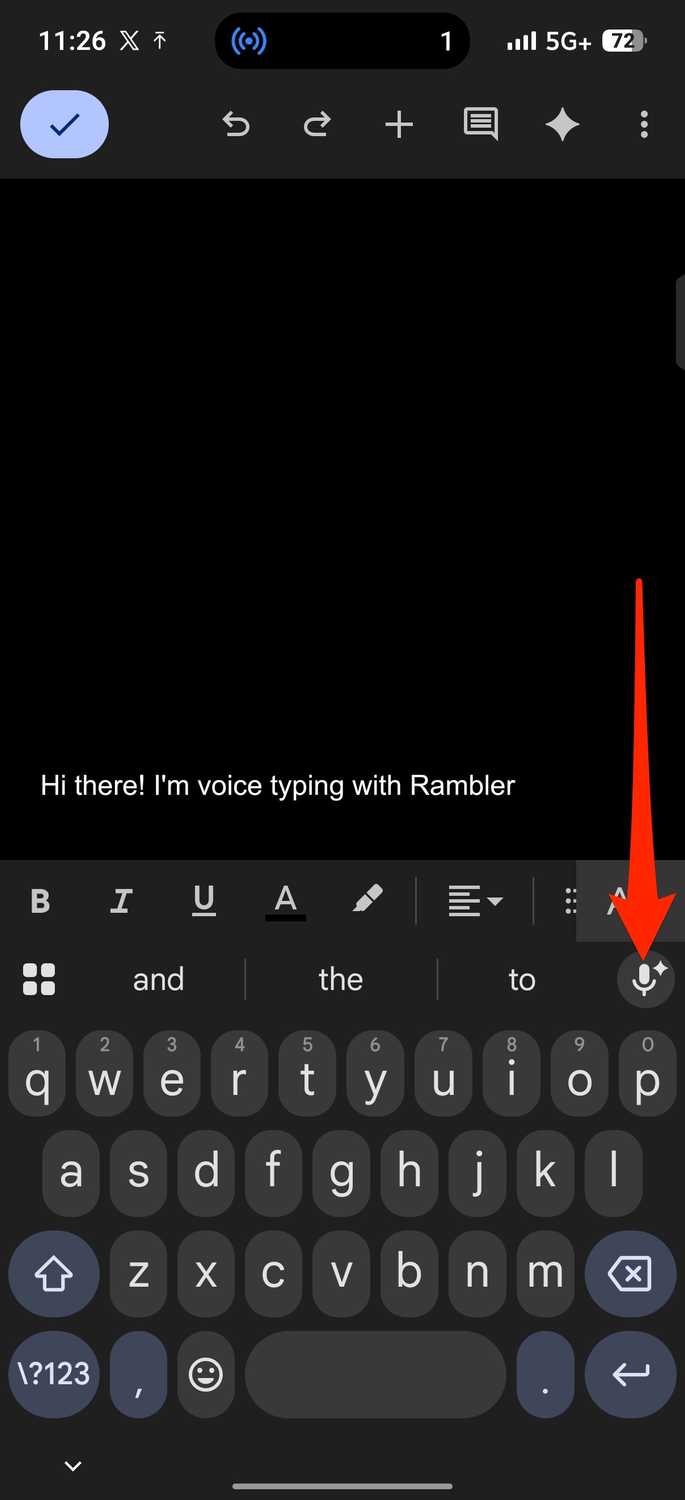
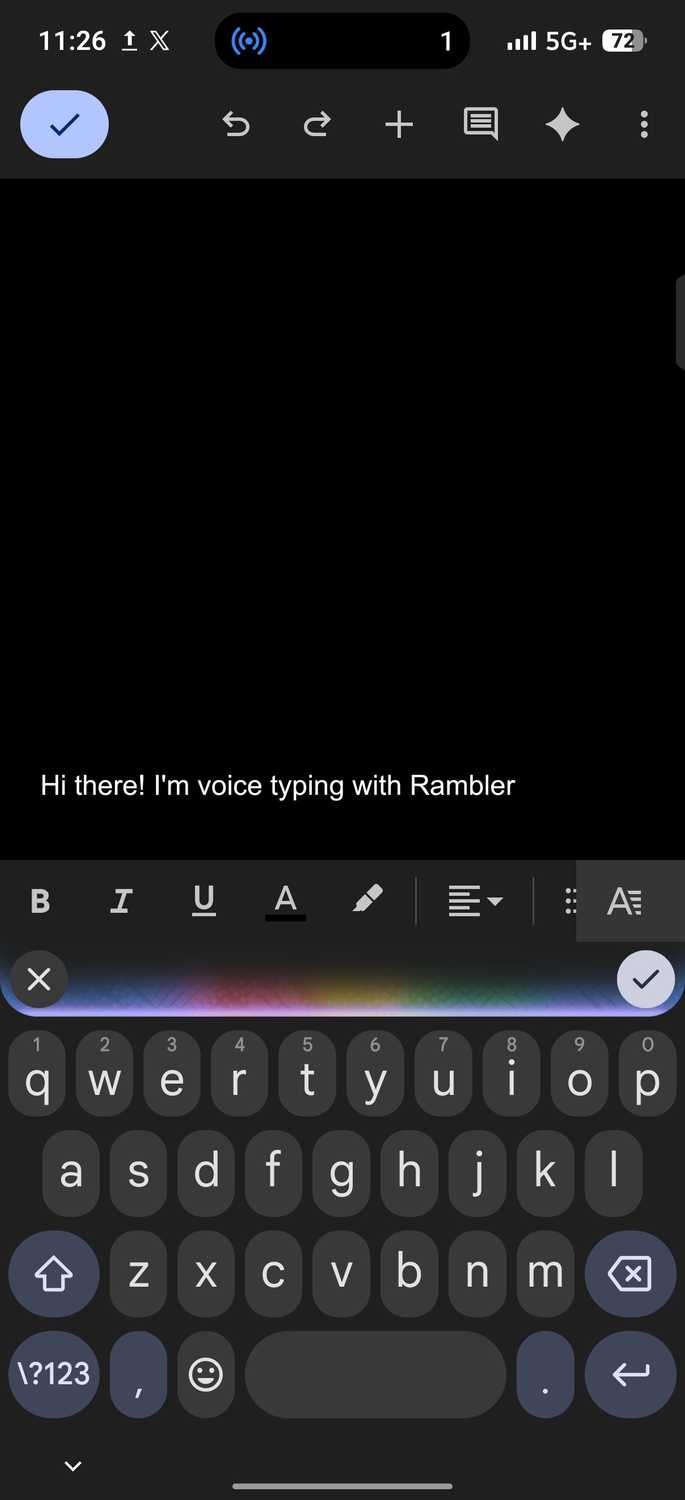
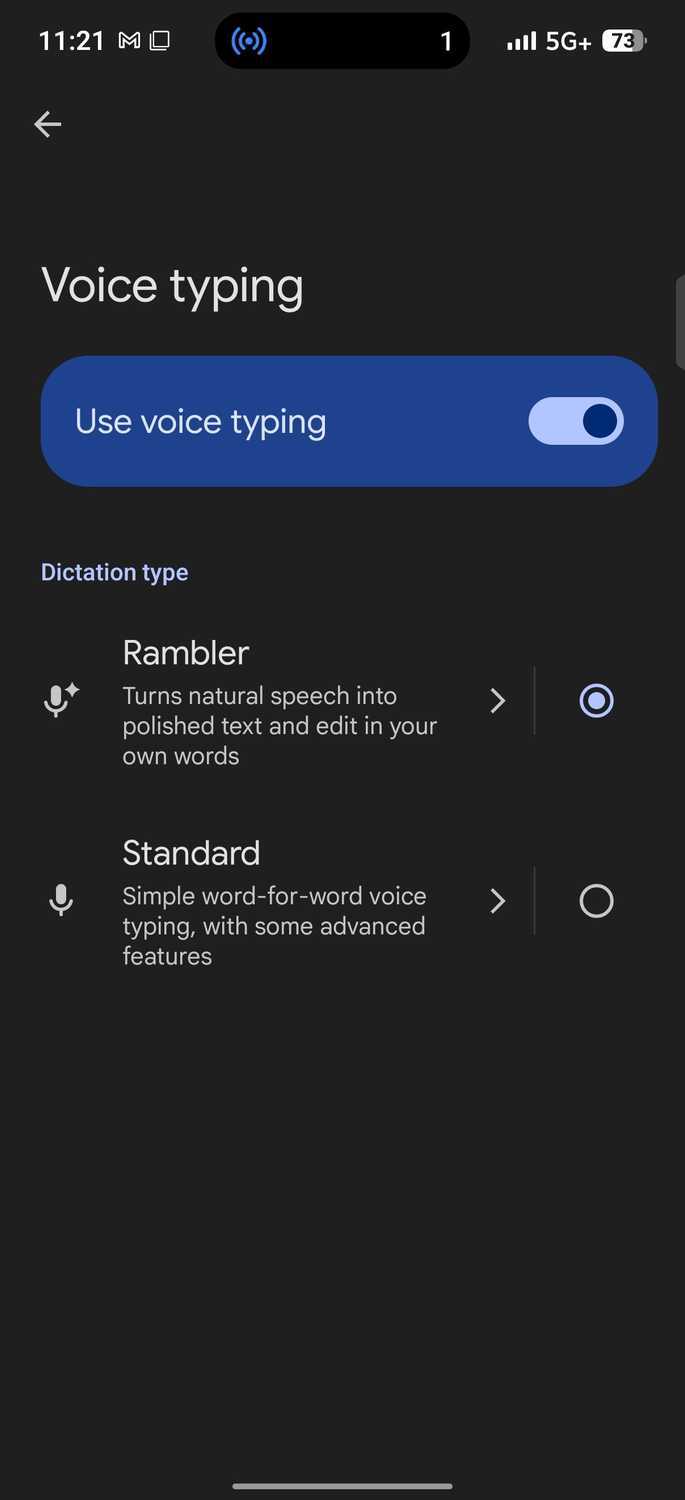
It enables you to tap or hold the microphone in the suggestion strip. Then you'll speak without pausing for punctuation. Release the mic or tap the tick to see the cleaned-up text appear in the field.
In contrast, standard voice typing transcribes your speech word for word. In accepting that the newer feature may never trickle down to my phone, I used the AI dictation app Wispr Flow.
It was just as effective, but I quickly found the accessibility bubble on my screen an inconvenience. Thankfully, I stumbled on an alternative that doesn't hover.
A third-party developer built a modified Gboard version that brings Rambler to non-Pixel Android phones without root. I didn't hesitate to sideload the direct download.
I'm pushing all the right keys
PixelBoard APK brings Gemini magic to my daily typing
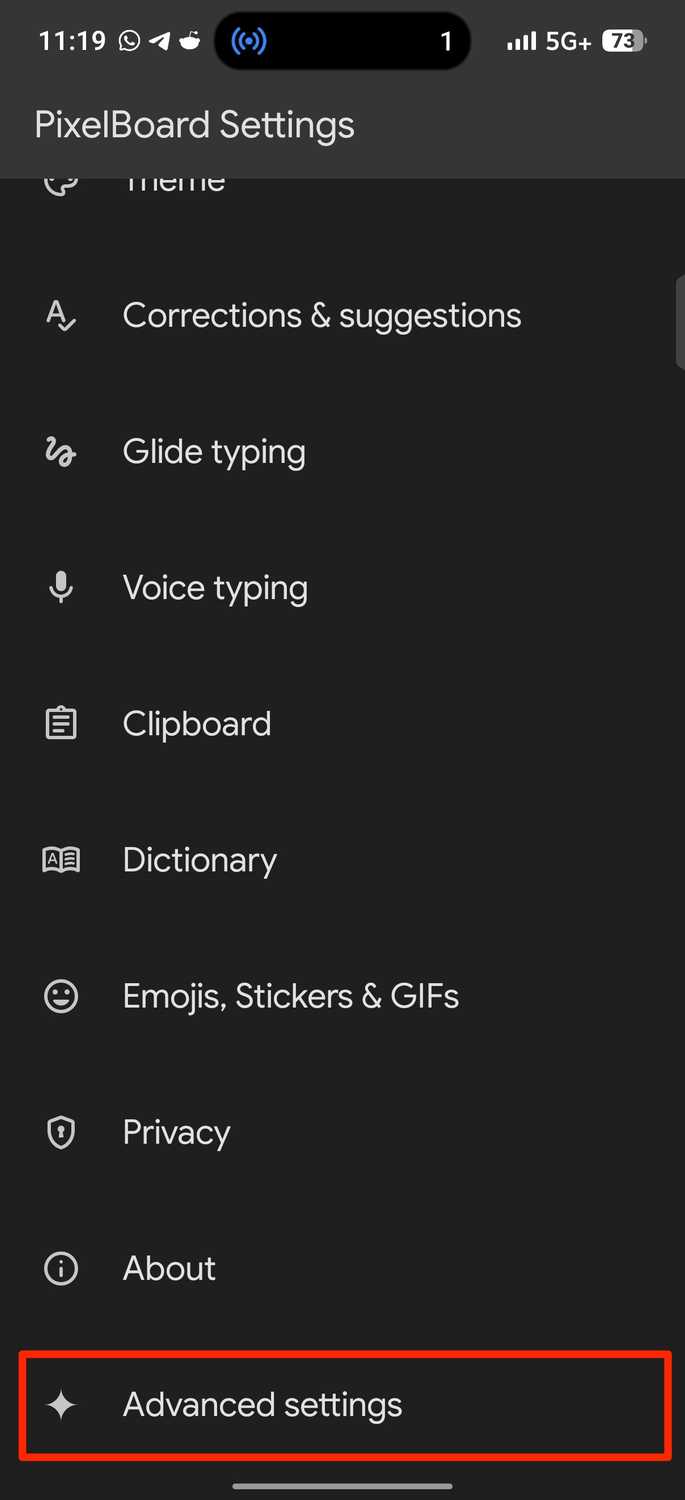
PixelBoard is an unofficial Gboard mod, with its patch code publicly accessible on GitHub. After installing and opening it, I was prompted to add it as an on-screen keyboard.
This action only makes PixelBoard available as an option on the phone. Toggling it on brings up a warning that the input method may collect information as you type.
Android normally shows it for every third-party app. I tapped and returned to the setup screen. Then I made it my default input method.
Alternatively, go to > > > . Then select .
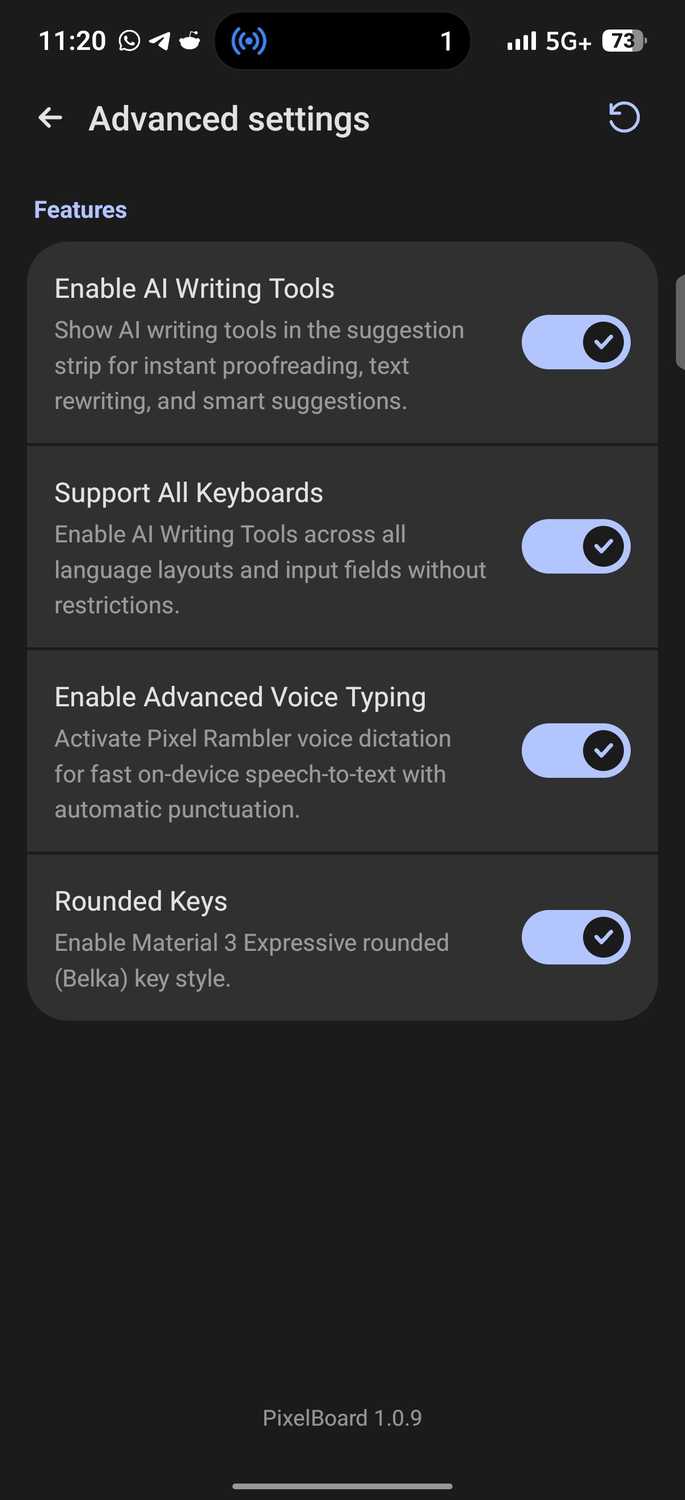
Its layout is identical to Gboard, down to the settings. The main difference is an added Advanced settings page. It houses four toggles: AI Writing Tools, Support All Keyboards, Advanced Voice Typing, and Rounded Keys.
Leave on because it unlocks Rambler. You'll notice the voice typing icon now has a star. Tap it, and a pop-up lists what the feature does. Then select Get started and allow audio recording.
The Pixel-style launcher fixed Google's tight home screen rules
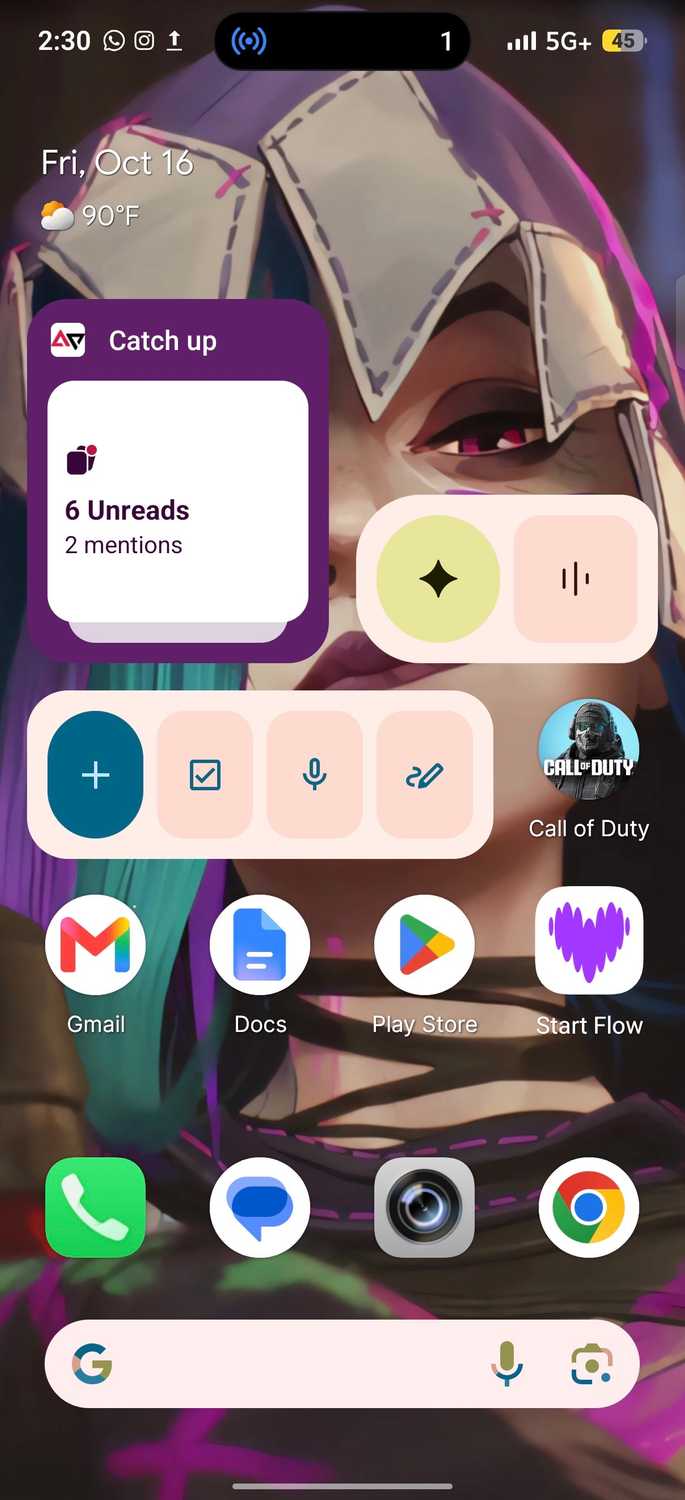
I asked Gemini for the best launcher recommendations, and it presented Lawnchair among others. The AI tool also led me to the app's download website and Google Play Store listing.
Lawnchair 15 arrived in beta in 2025 and is rebuilt on Android 15's Launcher3 code. Lawnchair 16 has since reached early access on the Play Store with Material 3 Expressive theming.
Because I'm skeptical of early software and its instability, I stuck with Lawnchair 15 Beta 3. I installed it from the Google Play Store to avoid Play Protect's sideloading blocking.
Then I set it as my default home app at launch. You can also go to > > Default apps > > . I think it's the best rendition of a Pixel Launcher I've seen.
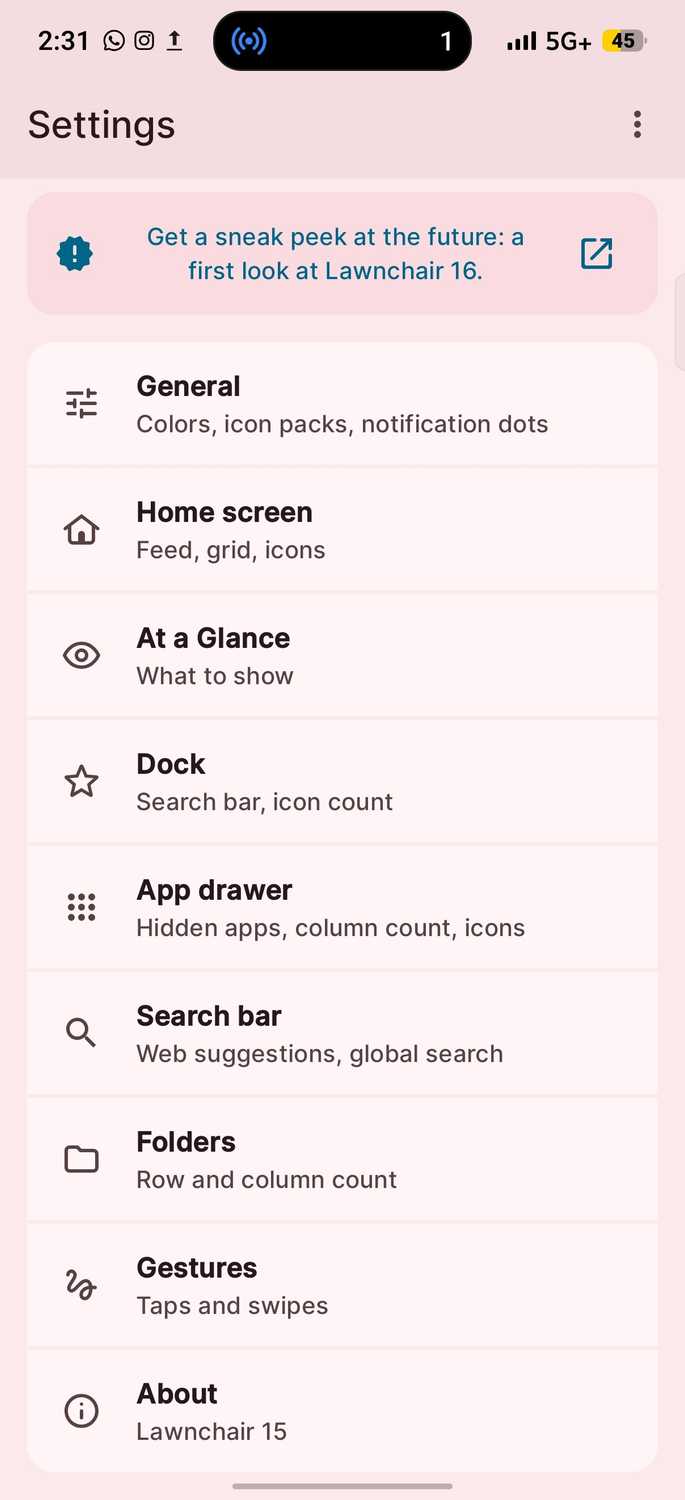
It even has the irremovable search bar from the stock UI, although you can disable it. Long-press the home screen to see a Pixel-style pop-up. Tap Home settings to access the tool suite.
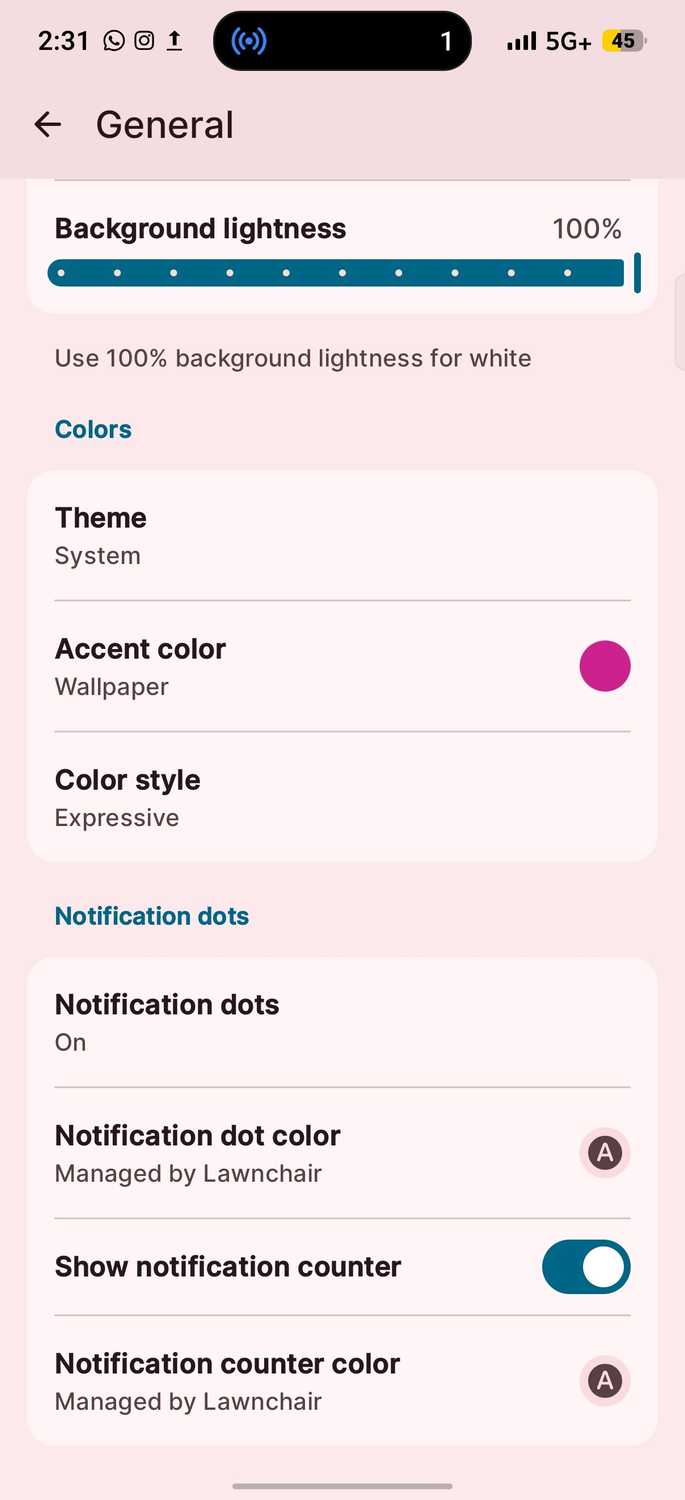
It offers more icon shapes than my phone's factory launcher and, best of all, lets me copy a valid shape from an online source and import it.
Themed icons still break the uniform look because apps keep their original colors and shapes. But they're not so bad that I'd give up on the feature.
When using Lawnchair on a Pixel, you can double-tap the home screen to put your phone to sleep is an option. It's funny that Google phones still lack this, considering you can double-tap to wake on the lock screen.
Sleep is not the only option on the action list. The double-tap setting can also open Recents, the notification panel, the app drawer, or Search.
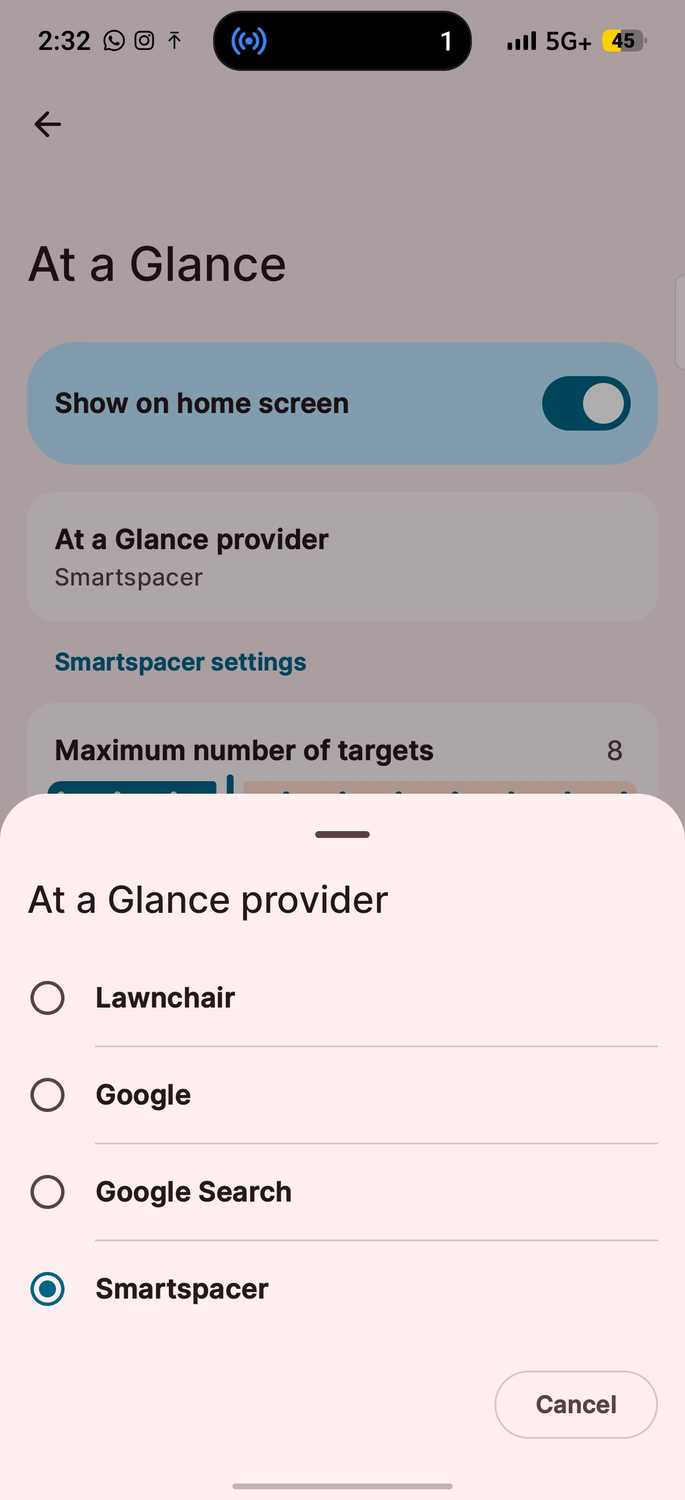
You can even choose an At a Glance widget provider. I use the third-party Smartspacer app over Google to pull information beyond the date, weather, and calendar events from other apps through plugins.
I took the custom bridge home
It led me to rediscover my lost art of left-swiping
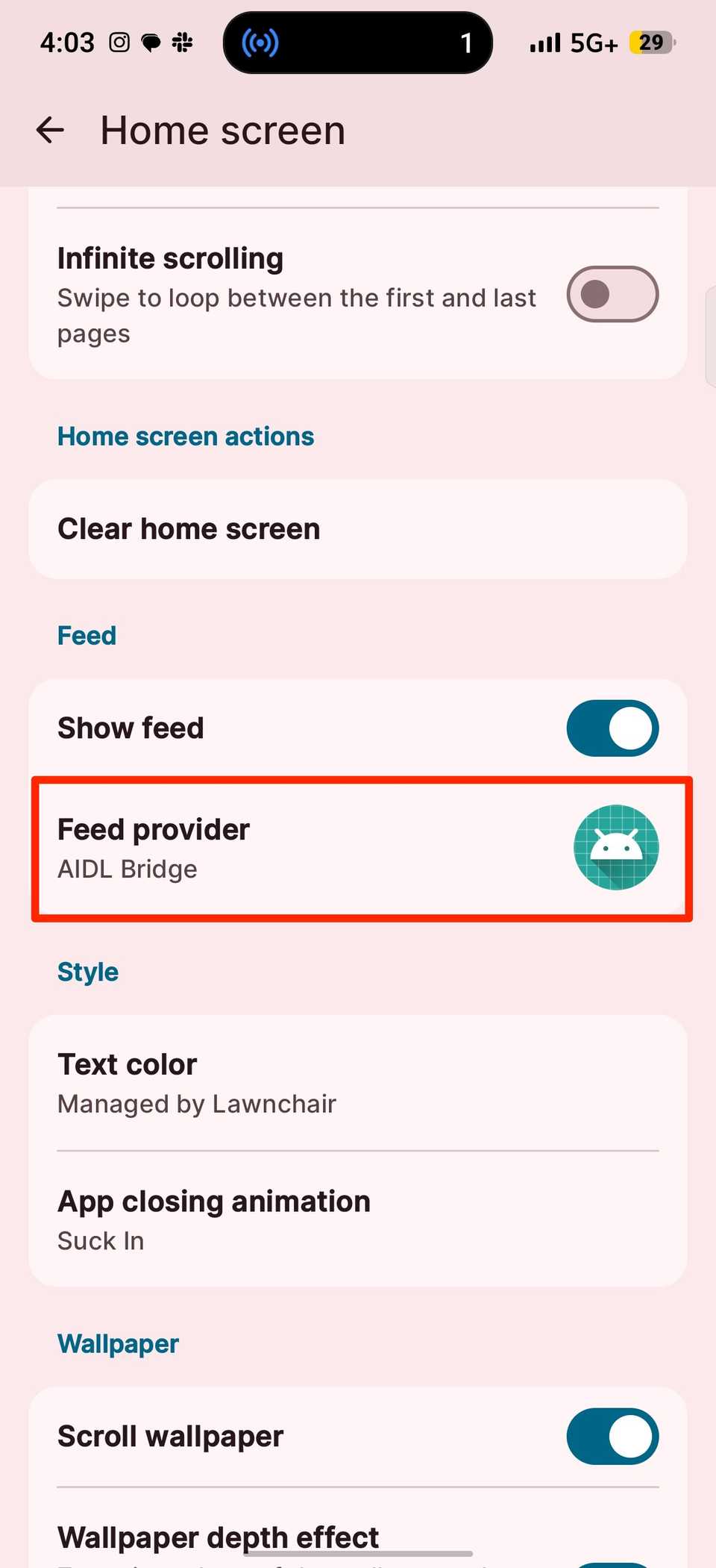
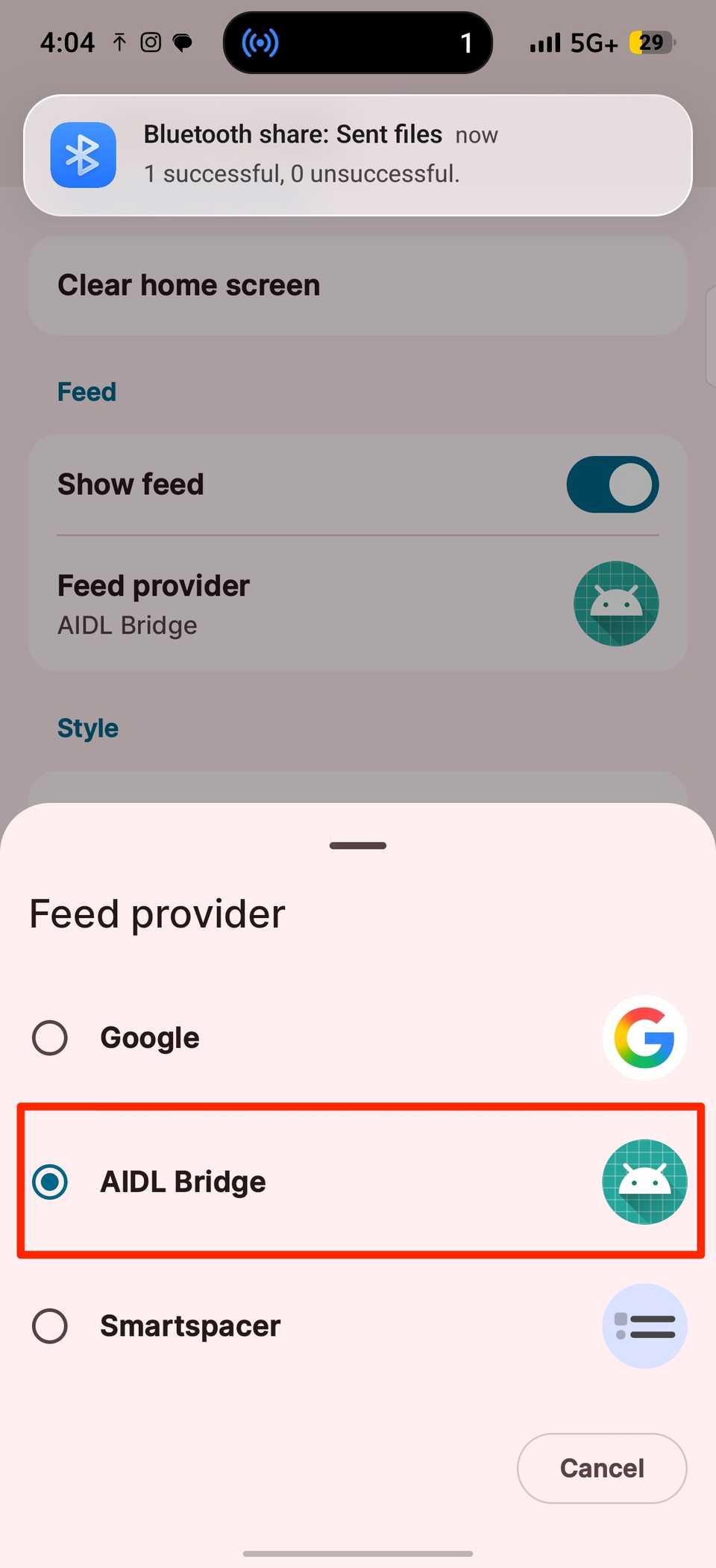
The Google feed option, also known as Google Discover, is my favorite on Lawnchair. Months ago, I was surprised that not every phone offers the left-swipe feed.
I could use it on my Realme phone, but I lost the ability when I switched to Infinix. I had to rely on the Google News app or my Chrome browser for updates.
Initially, it didn't work on Lawnchair. The documentation clarified that the feed relies on companion software, and it may not work properly on some devices.
Also, Google's app serves the feed only to system and debug apps, so force-stopping and restarting the launcher won't work. My web exploration led me to AIDL Bridge, another GitHub tool and debugger.
AIDL stands for Android Interface Definition Language. I installed it and set it as my feed provider. Then I double-tapped the home screen and granted Lawnchair accessibility access.
Yet again, this might sound scary, because accessibility permissions let an app see and act on on-screen content. But the software has built a reputation over the years, and it's open source, so anyone can inspect its code.
AIDL Bridge's developer built Rootless Pixel Launcher, and Lawnchair lists it as the fallback.
Play Protect may block sideloaded apps. Disable it for apps you trust, and re-enable it after installation. Open the Play Store and tap your in the upper-right corner. Then select and tap the in the upper-right corner.
Disable Scan apps with Play Protect. If the installation is still blocked, force stop the Play Store and try again.
Android helps you defy your limits
Sideloading is getting harder, with Google expanding developer verification globally in 2027. It's unclear whether these direct downloads will be covered.
If they are, apps from unregistered developers would need a longer install process. It's avoidable for now. Customization remains Android's biggest appeal.
With so many , icon packs, themes, and wallpapers inside and outside the Play Store, the chance of owning the same generic lookalike is slim.
These features allow users to infuse personality into their devices, and they shouldn't be taken away.