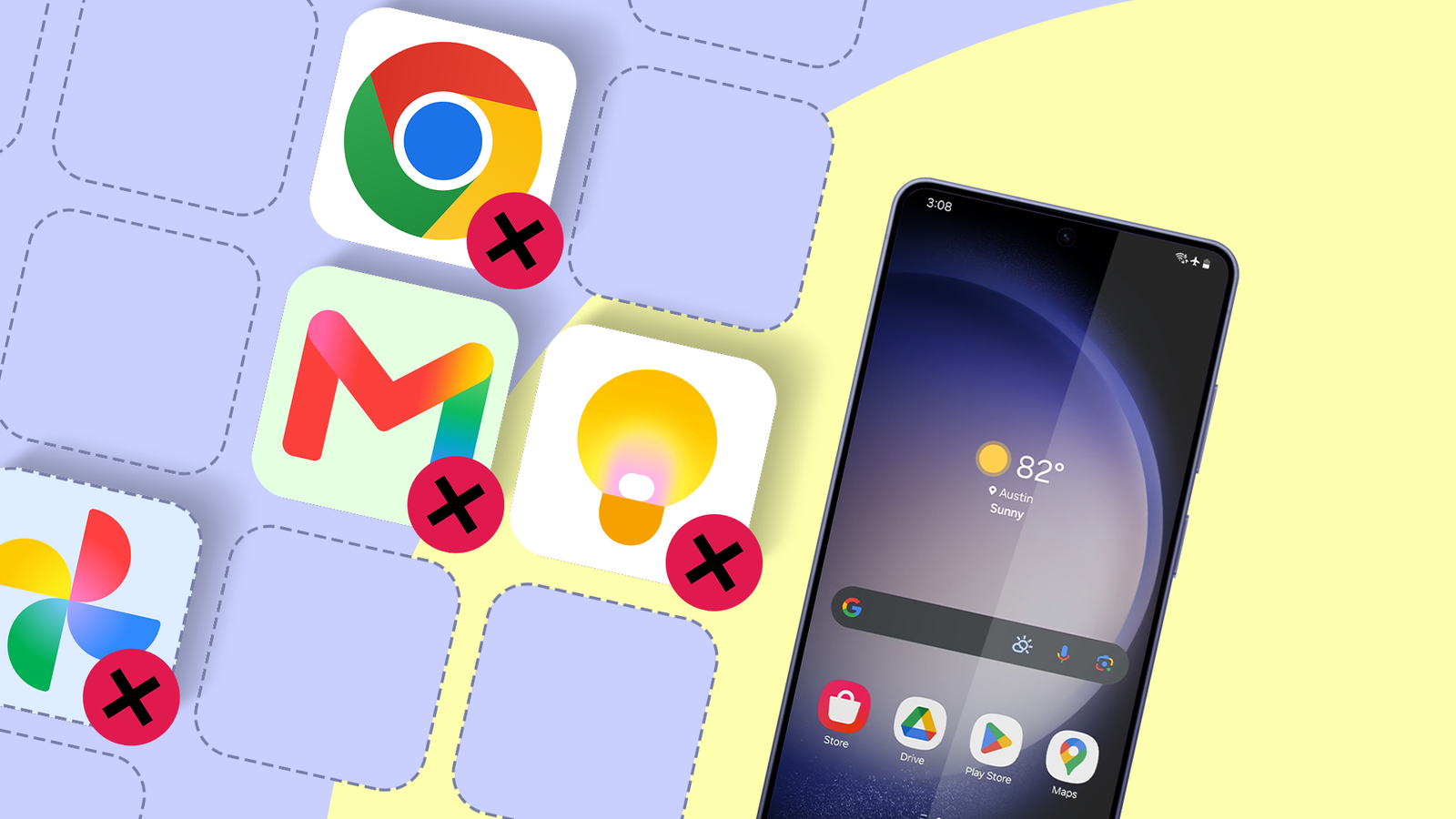
As a long-time Samsung Galaxy user who relies on a Galaxy Z Flip and Galaxy Tab daily, I always maximize their potential.
One way is to lean into Samsung's first-party ecosystem and stop depending on Google apps.
While Google produces exceptional services, they often overlap and replicate the same functions. Worse, they can bog down my Galaxy device or drain battery life.
Reducing my reliance on Google apps also lets me break free from the broader Google ecosystem with far less friction.
After removing several Google utilities, my Galaxy feels snappier, and I stay more productive.
Swapping Chrome for Samsung Browser
I reclaimed my privacy and cut down the background bloat
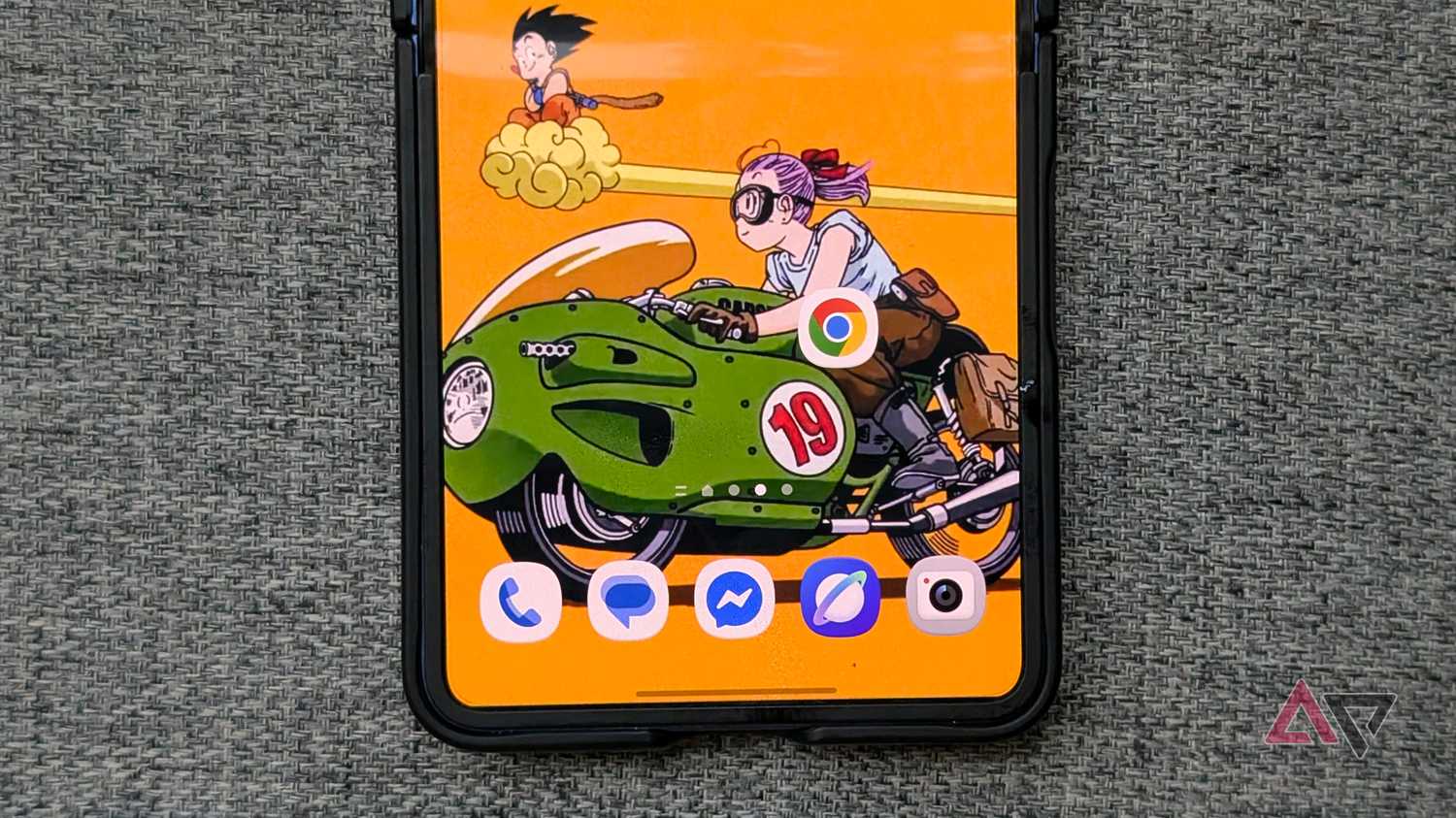
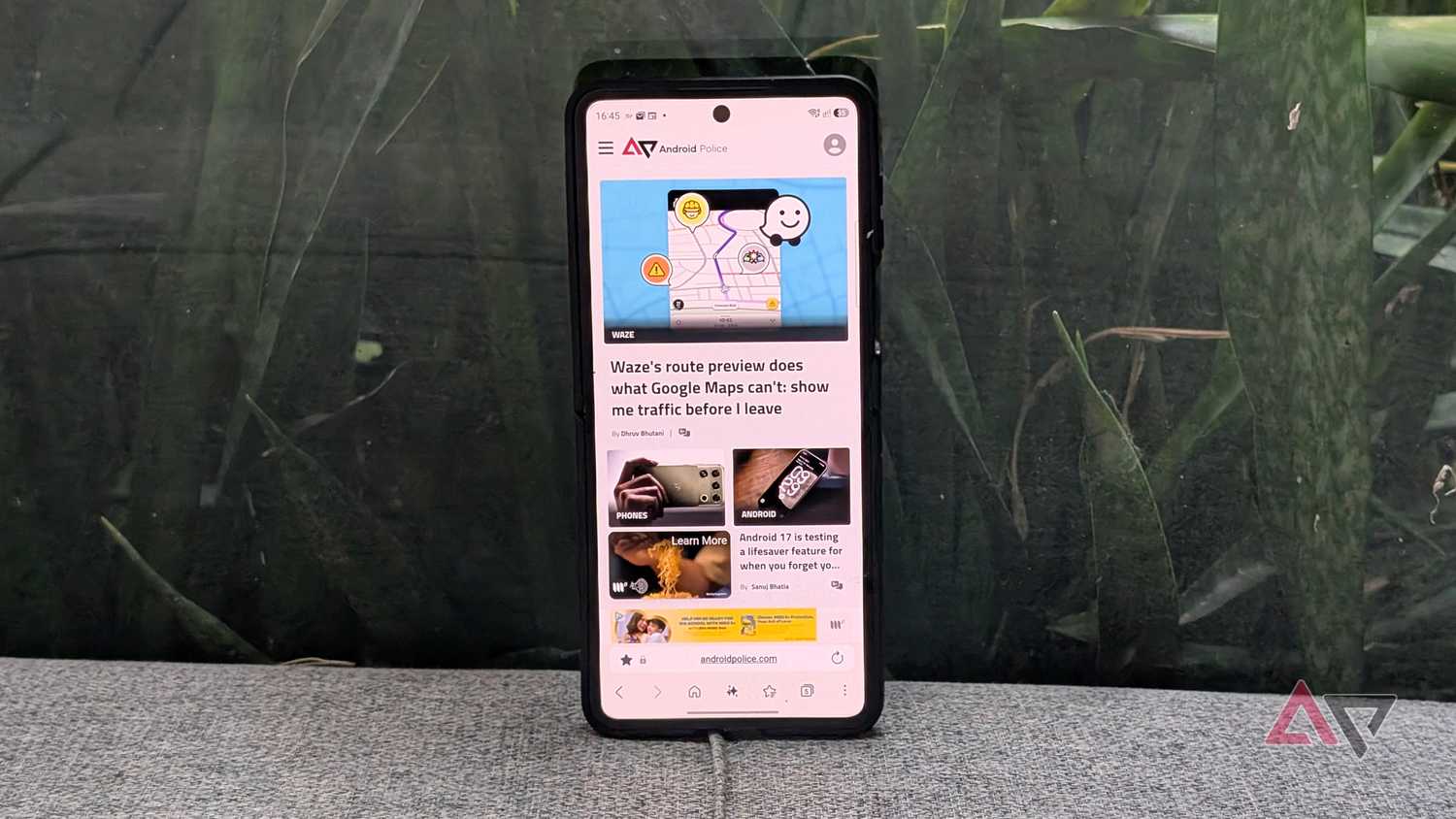
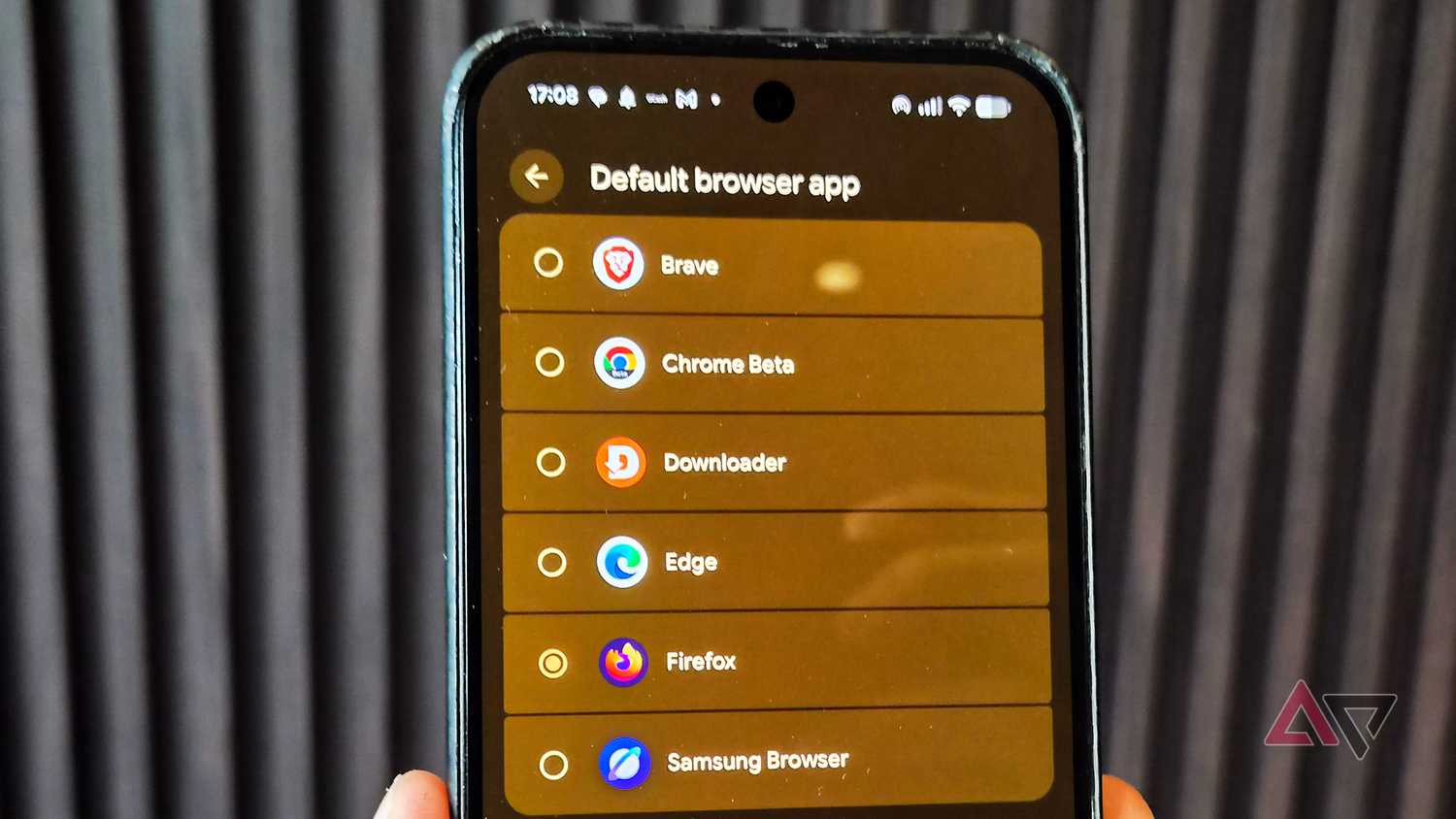
I've spent the past few months testing alternatives to Chrome, and it quickly became clear that several third-party options are better than Google's default browser.
On both my Galaxy phone and tablet, I've settled on Samsung Browser, which delivers immediate practical advantages over Chrome.
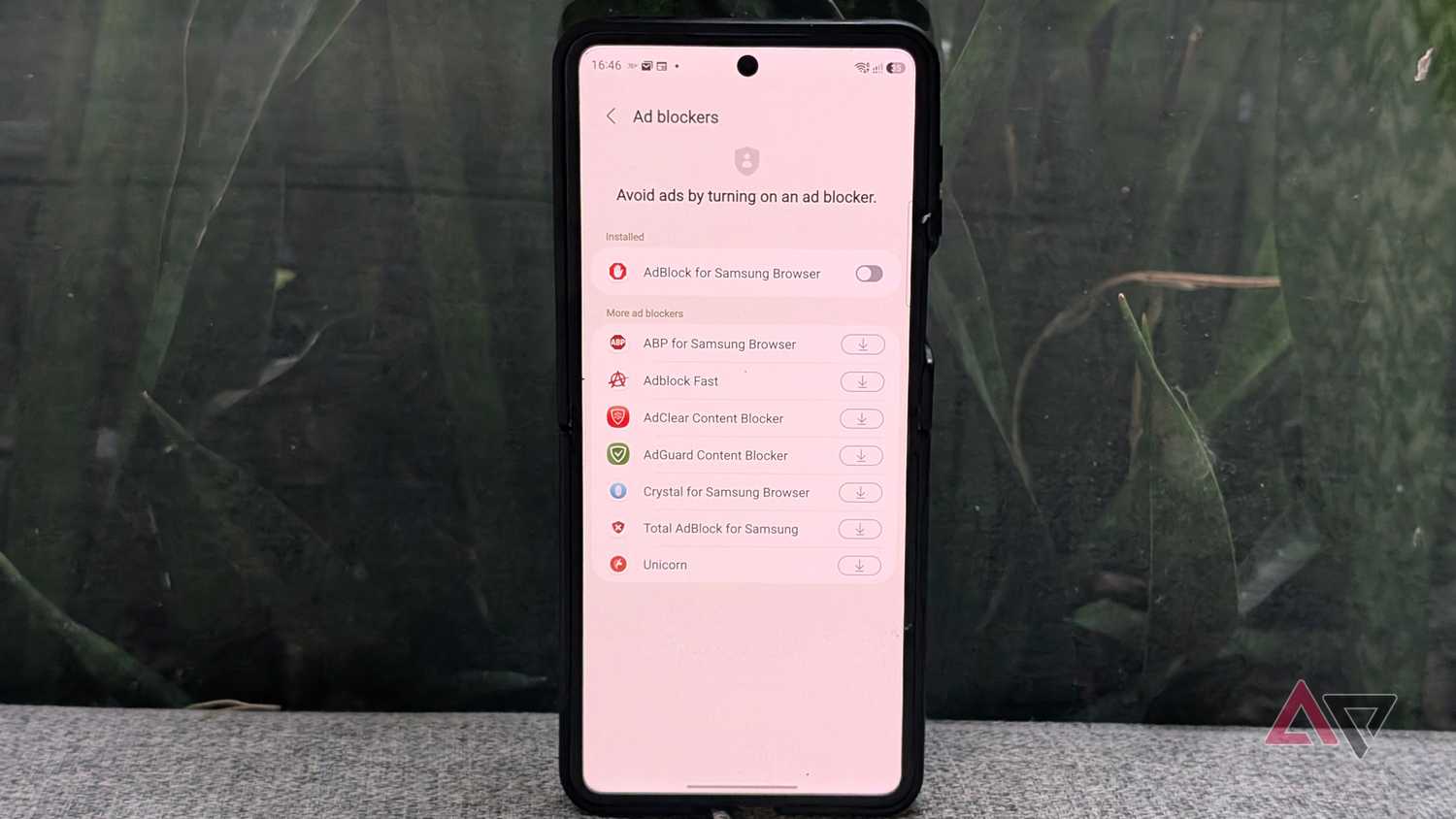
Samsung Browser is tailored specifically for Galaxy hardware, offering deep interface customization and native add-on support, including effective ad blockers.
It also gives me granular control over anti-tracking, letting me curb trackers selectively or block them entirely.
Without invasive trackers and background data collection, it makes Samsung Browser run more efficiently, which is especially noticeable on mid-range and entry-level hardware with constrained RAM configuration.
It has also proven remarkably dependable on my Windows PC, which convinced me to switch.
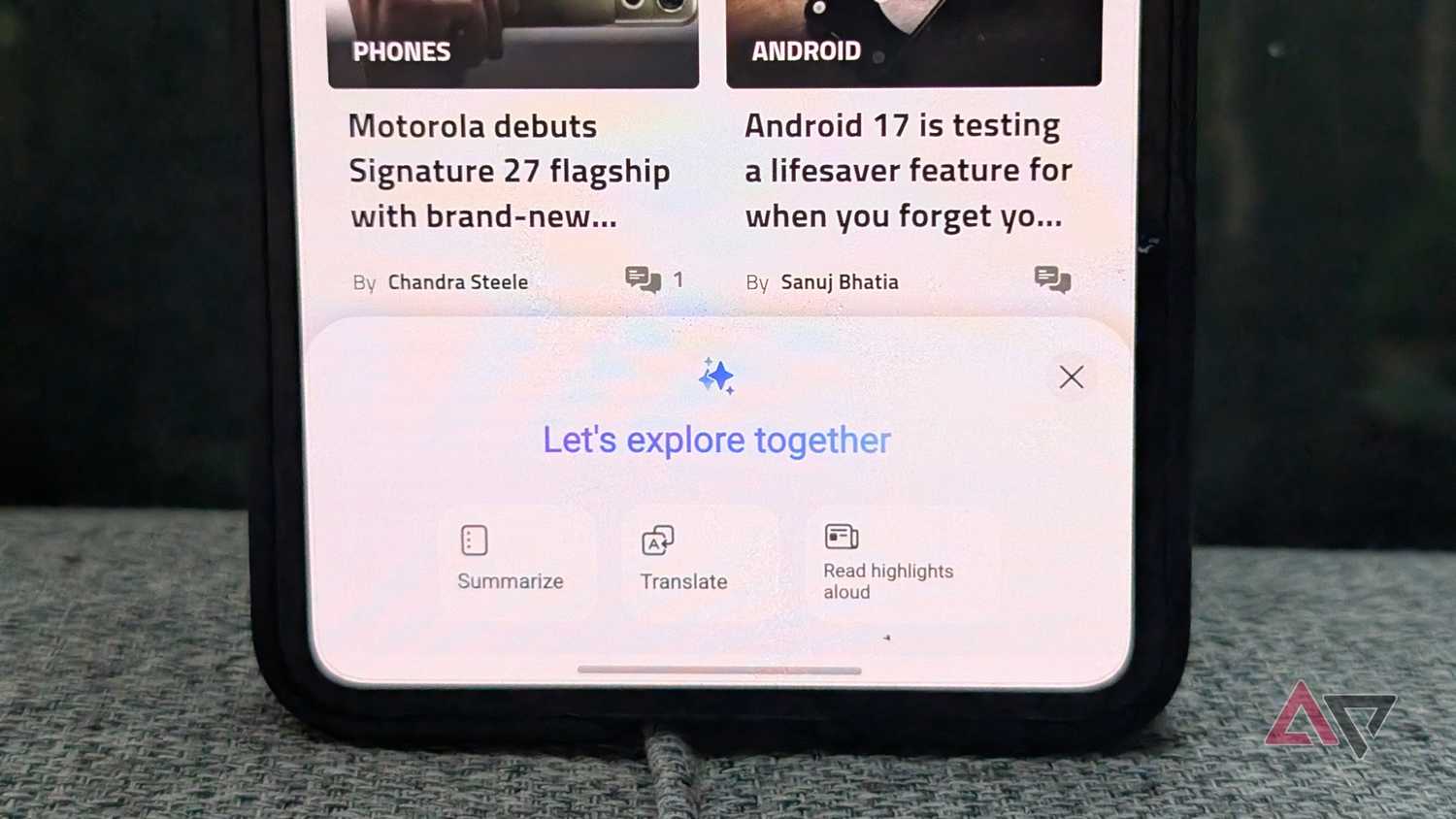
The only caveat is losing seamless access to baked-in Google perks like Gemini or native Google Translate.
Even with that trade-off, Samsung Browser's consistency and responsiveness won me over, prompting me to disable Chrome for good.
Samsung Email edges out Gmail
A clean and functional email client without AI clutter
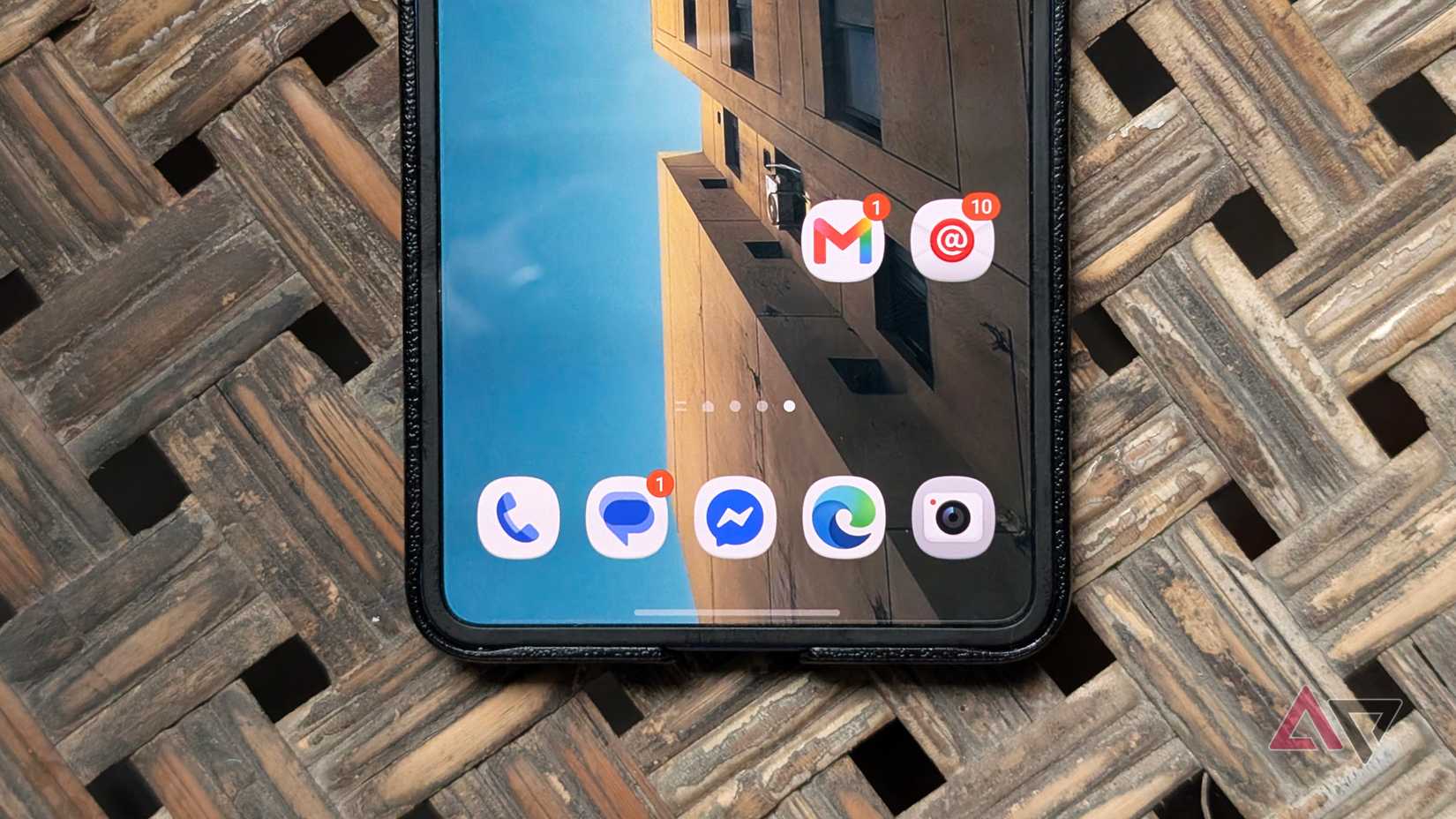
Another Google app I purged from my Galaxy is Gmail.
It isn't necessarily broken, but Samsung Email suits my workflow better for a few critical reasons.
It remains lightweight and efficient on my Galaxy Z Flip 7 and Tab S10 FE. Mainly because it is free from the aggressive Gemini and AI prompts creeping into my inbox.
The visual color-coding, folder hierarchy, and dedicated VIP filtering make everyday triage much more intuitive than Gmail's mail system.
Samsung Email has also resolved my persistent frustration with inconsistent notifications on Gmail.
The only real drawback is that it remains locked exclusively to Galaxy devices, meaning I cannot bring it over to a Pixel, which is a shame.
Samsung Notes outclasses Google Keep
A note app with powerful features
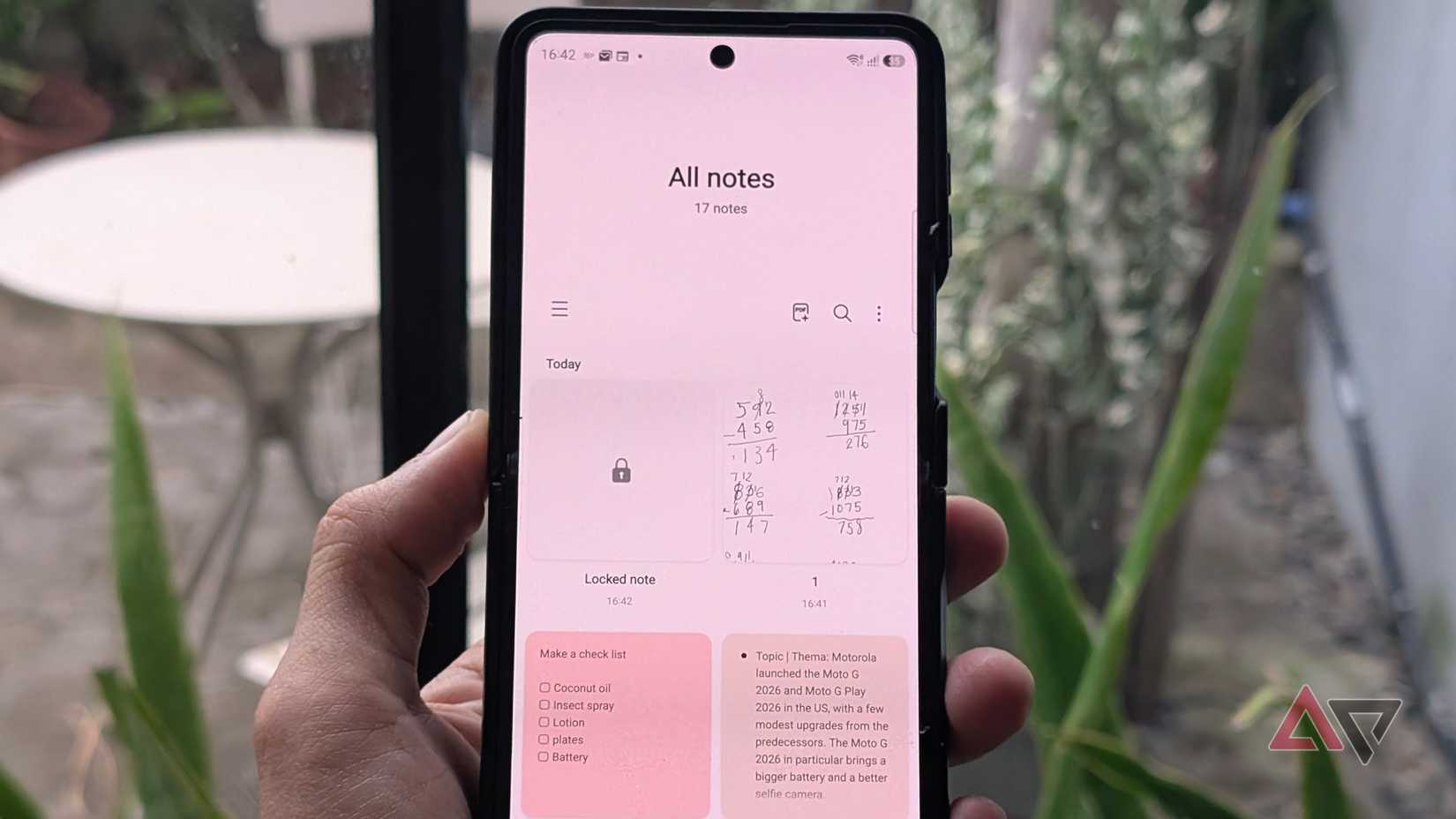
Although I relied on Google Keep for over a decade, Samsung Notes has become my primary note app across Galaxy devices.
It handles tasks Keep ignores, including native PDF exports, built-in file imports, password-protected note locks, and extensive S Pen support.
The formatting options also beat Google Keep. Plus, despite shipping with so many advanced features, Samsung Notes never stutters.
I also find synchronization faster, unlike Google Keep, which delays showing cross-device edits.
My typing has become more efficient
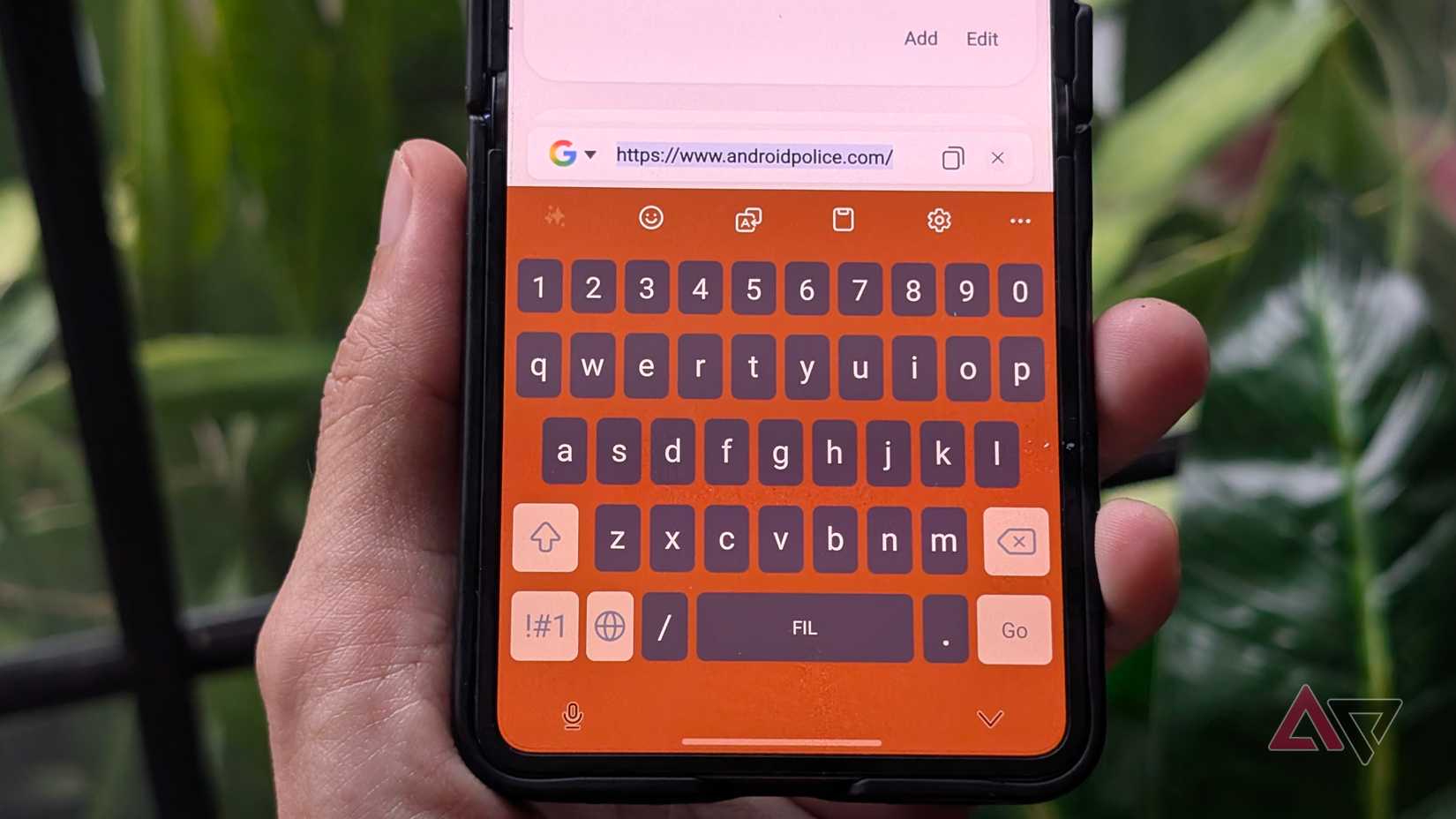
I was an outspoken Google Gboard loyalist for years. However, the lack of progress wore thin, especially when rival keyboard platforms began offering superior multi-language typing, prediction, and unified clipboard support.
Samsung Keyboard is an outstanding replacement and the default on my Galaxy devices.
It prioritizes user privacy while supporting extensive customizations through Good Lock's Keys Cafe module.
More importantly, voice dictation and language translation work offline, cutting out the connectivity delays I faced on Gboard.
Direct Samsung Pass integration with the keyboard is another win, giving me quicker access to my credentials when signing in on apps and websites.
Samsung Gallery skips Google Photos' stutters
Instant gallery access without the cloud bottlenecks
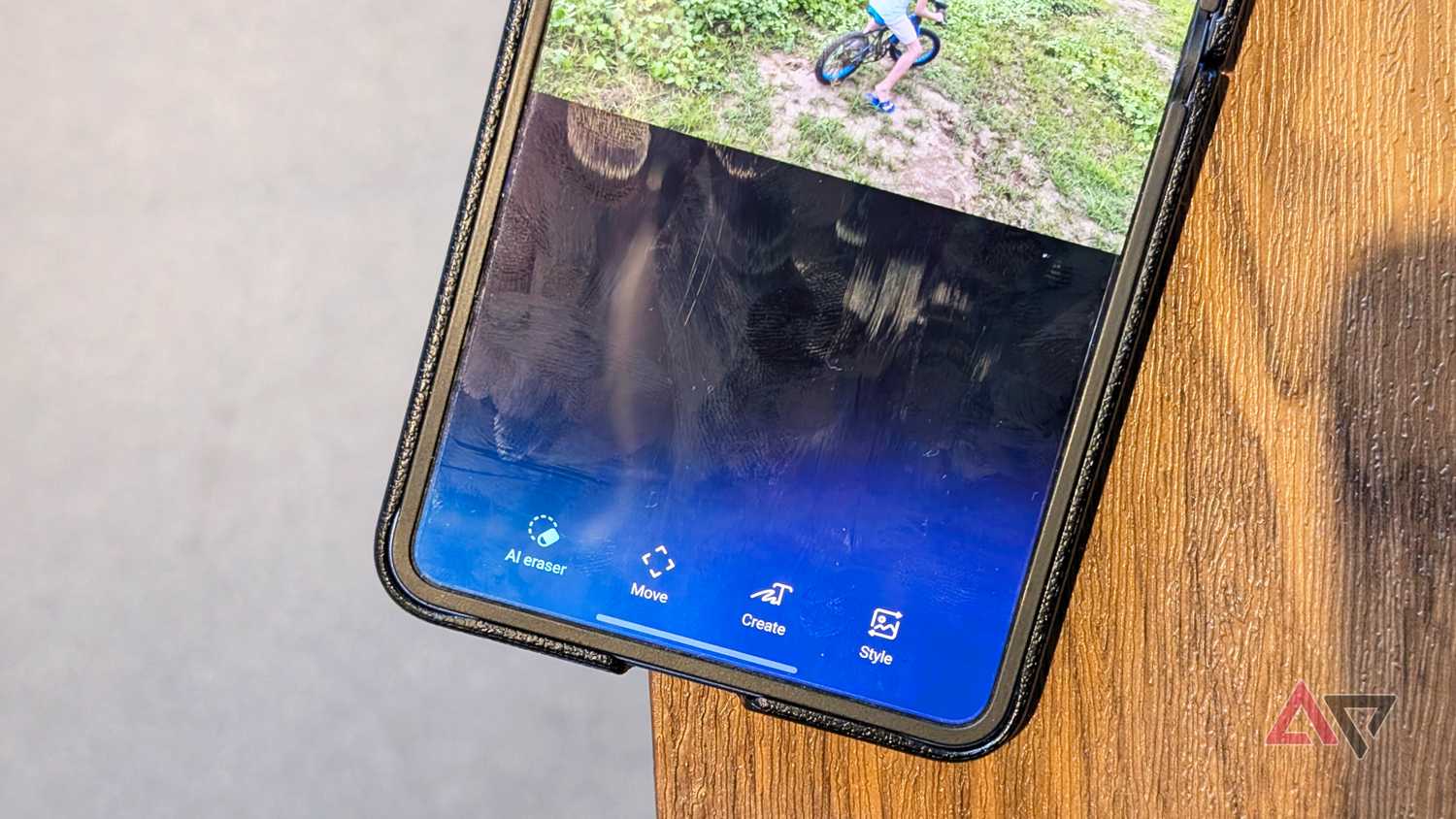
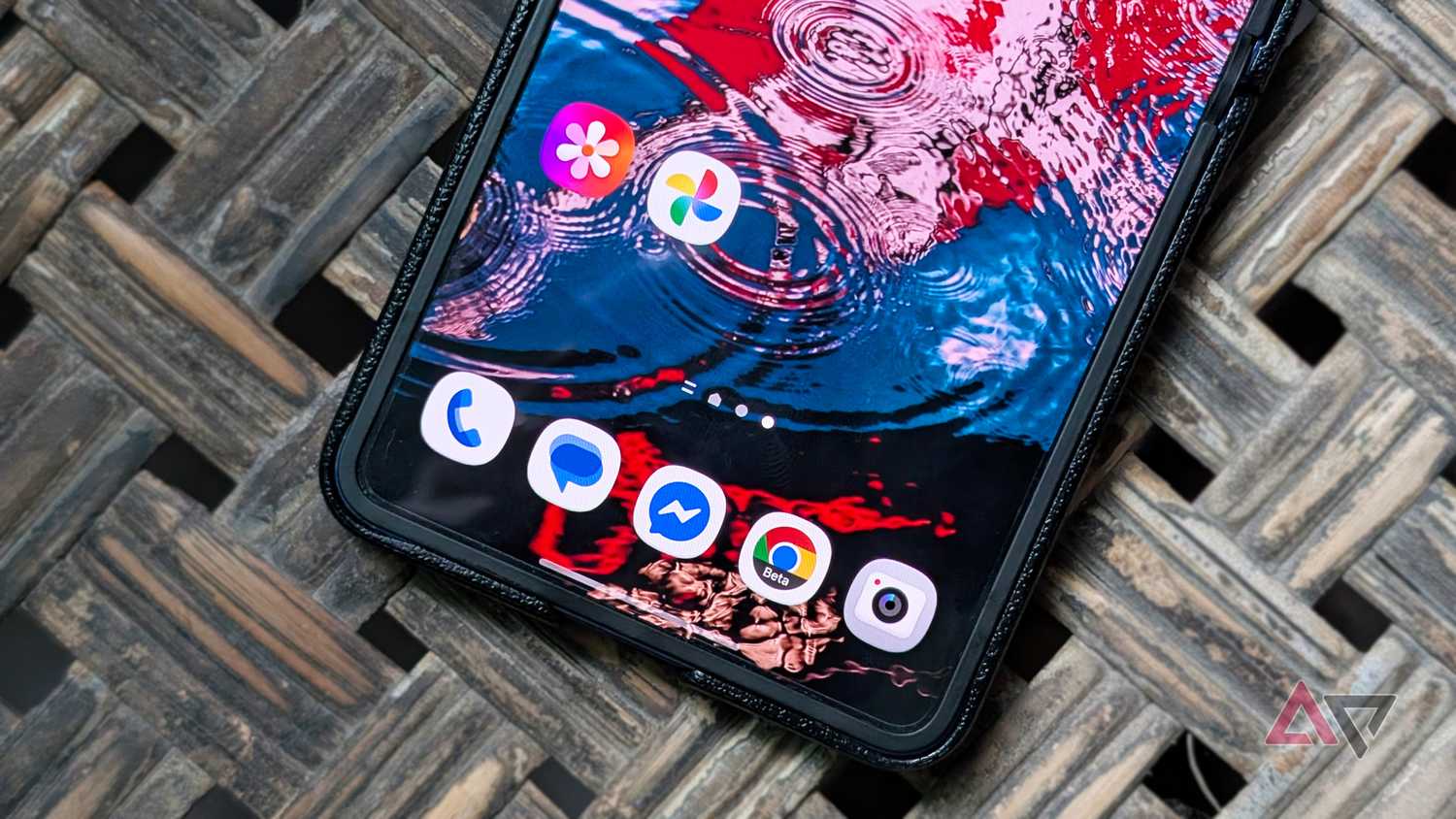
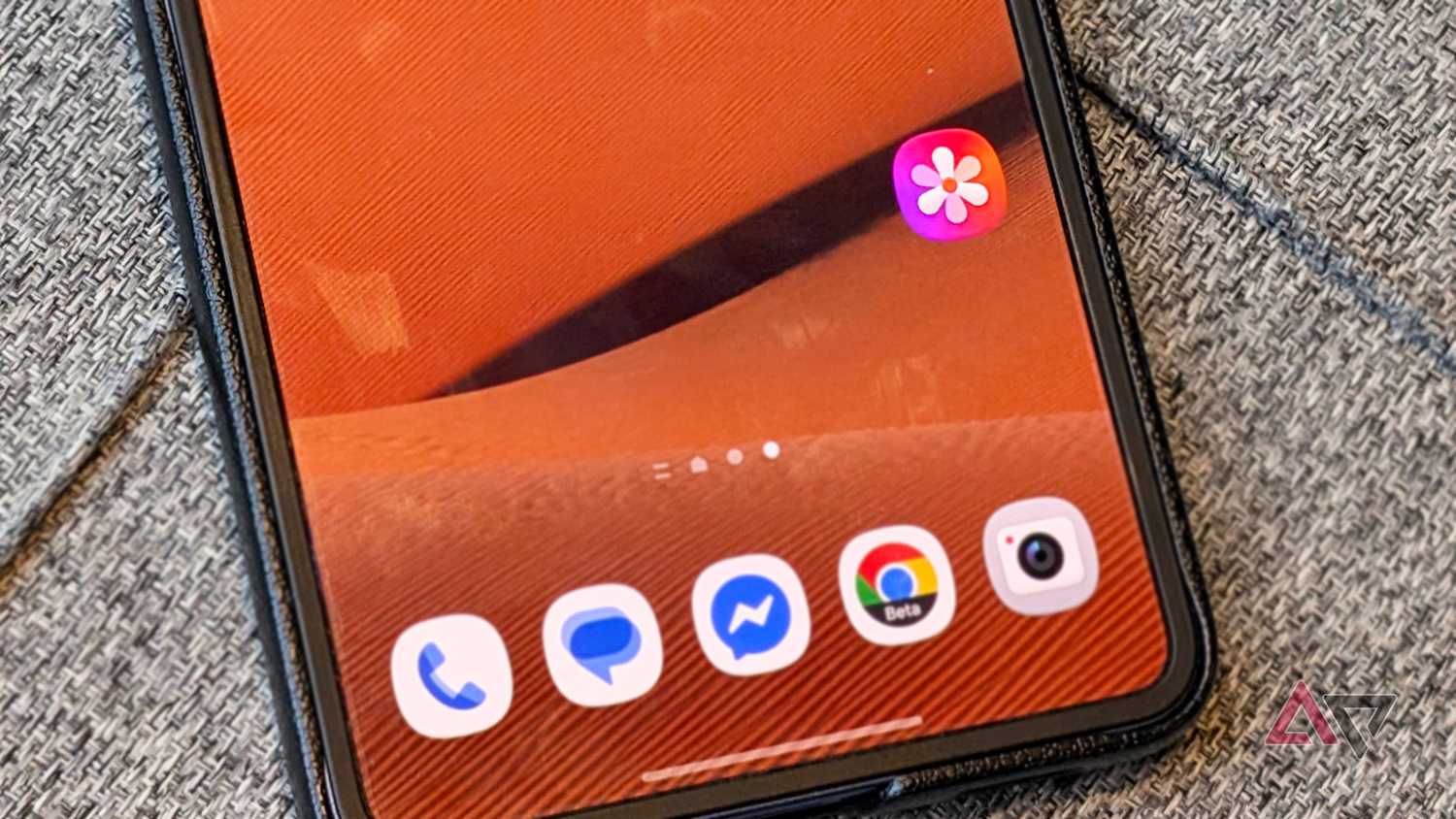
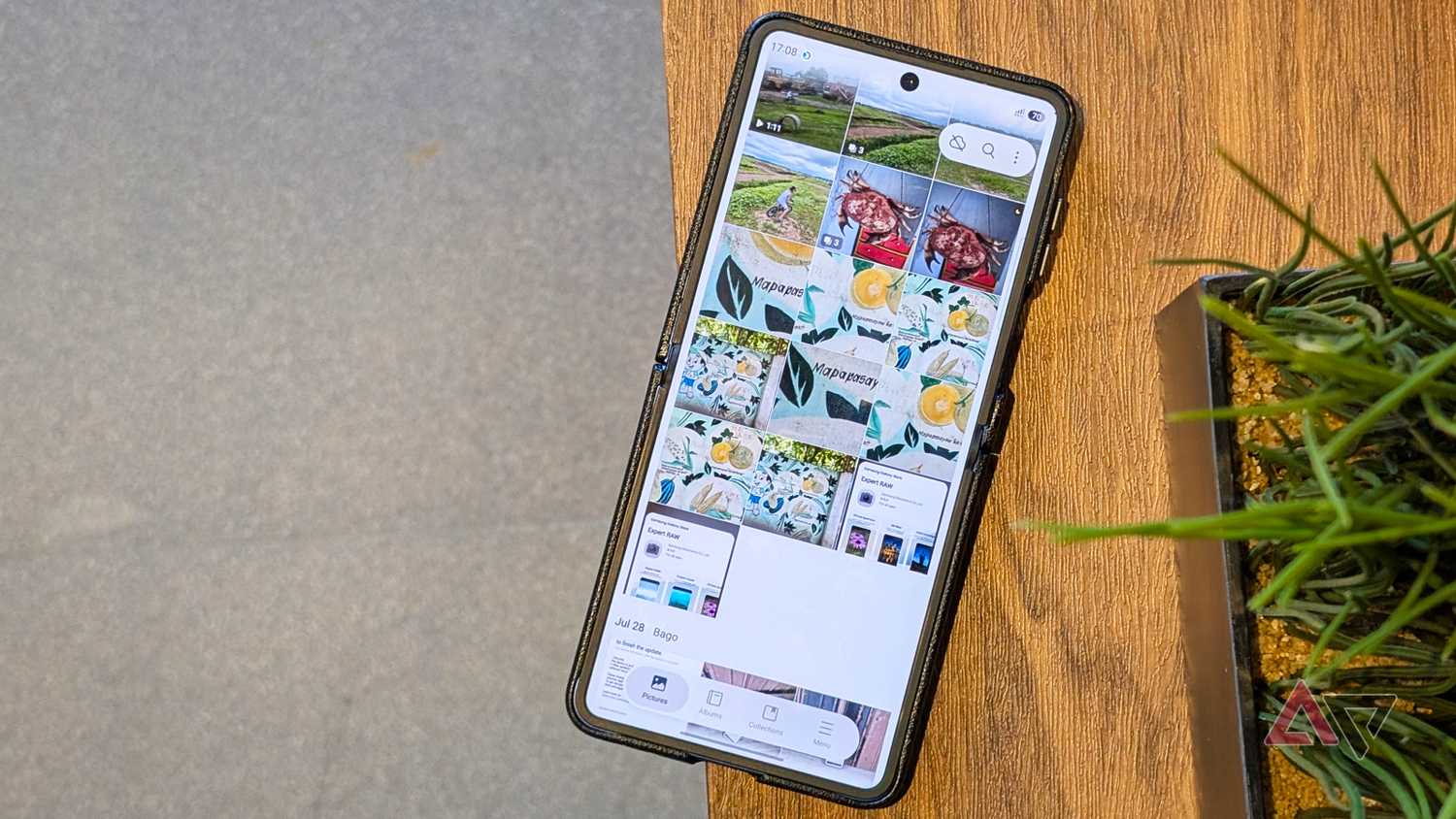
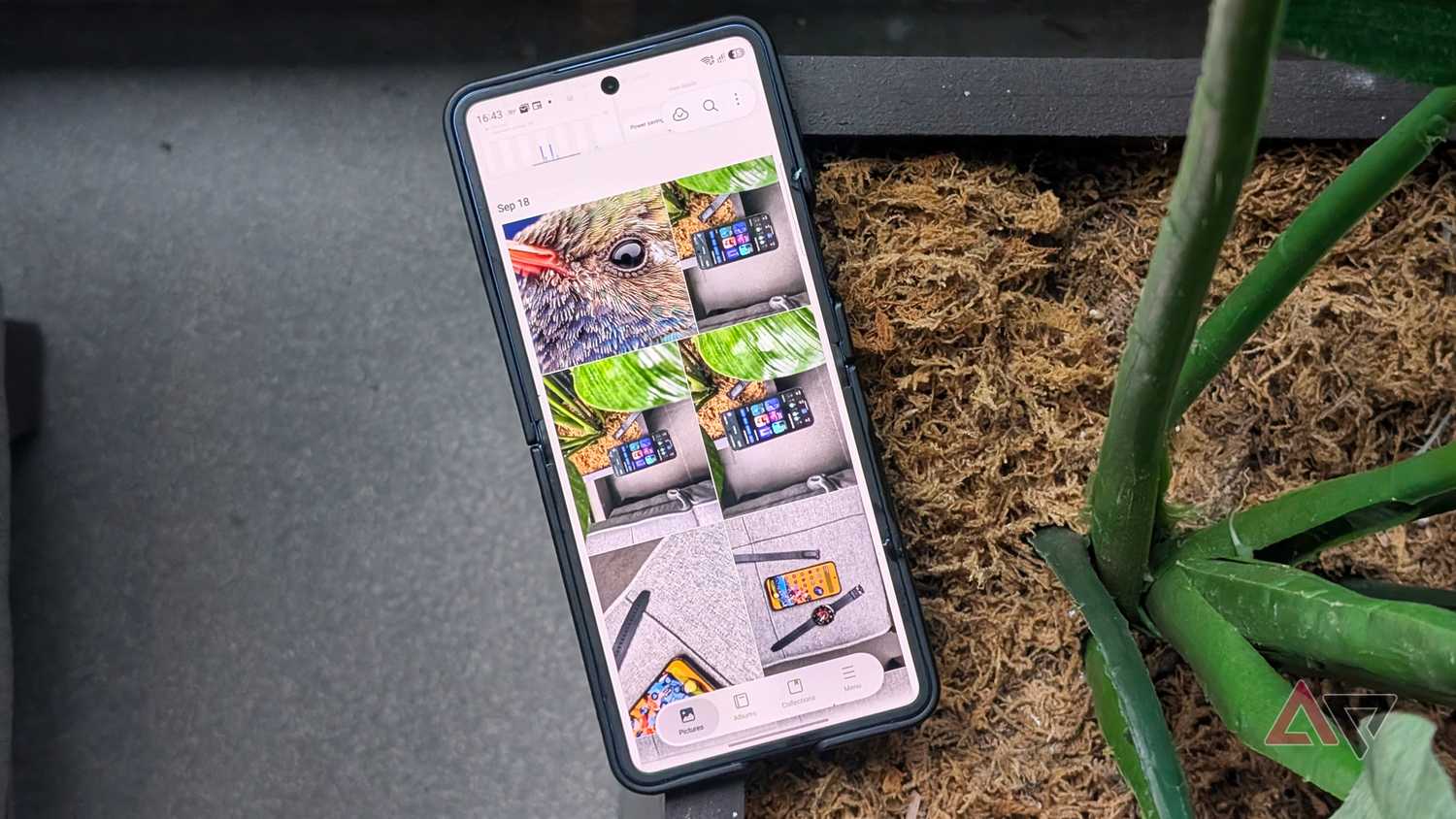
Yet for everyday viewing on a Galaxy device, the stock Samsung Gallery app proves more efficient than Photos when I want quick access to my gallery.
That snappiness carries over into the UI, gestures, and local offline search queries.
With Google Photos, the library and albums often hitch before they fully populate, even when browsing local photos and videos.
I have not ditched Google Photos entirely, since it's a reliable cloud backup, especially now that the OneDrive direct integration with Gallery is retiring.
I use Samsung Gallery mainly for media access while I utilize Google Photos to back up my files, making a perfect setup.
My experience became cohesive after I disabled these Google apps
I admit that I thought these Google apps were irreplaceable and felt like a drastic measure at first.
But I later realized that sticking with these first-party Samsung apps brings several advantages.
Samsung's native apps deliver a more cohesive experience and quickly proved how much smoother my device and One UI can be.