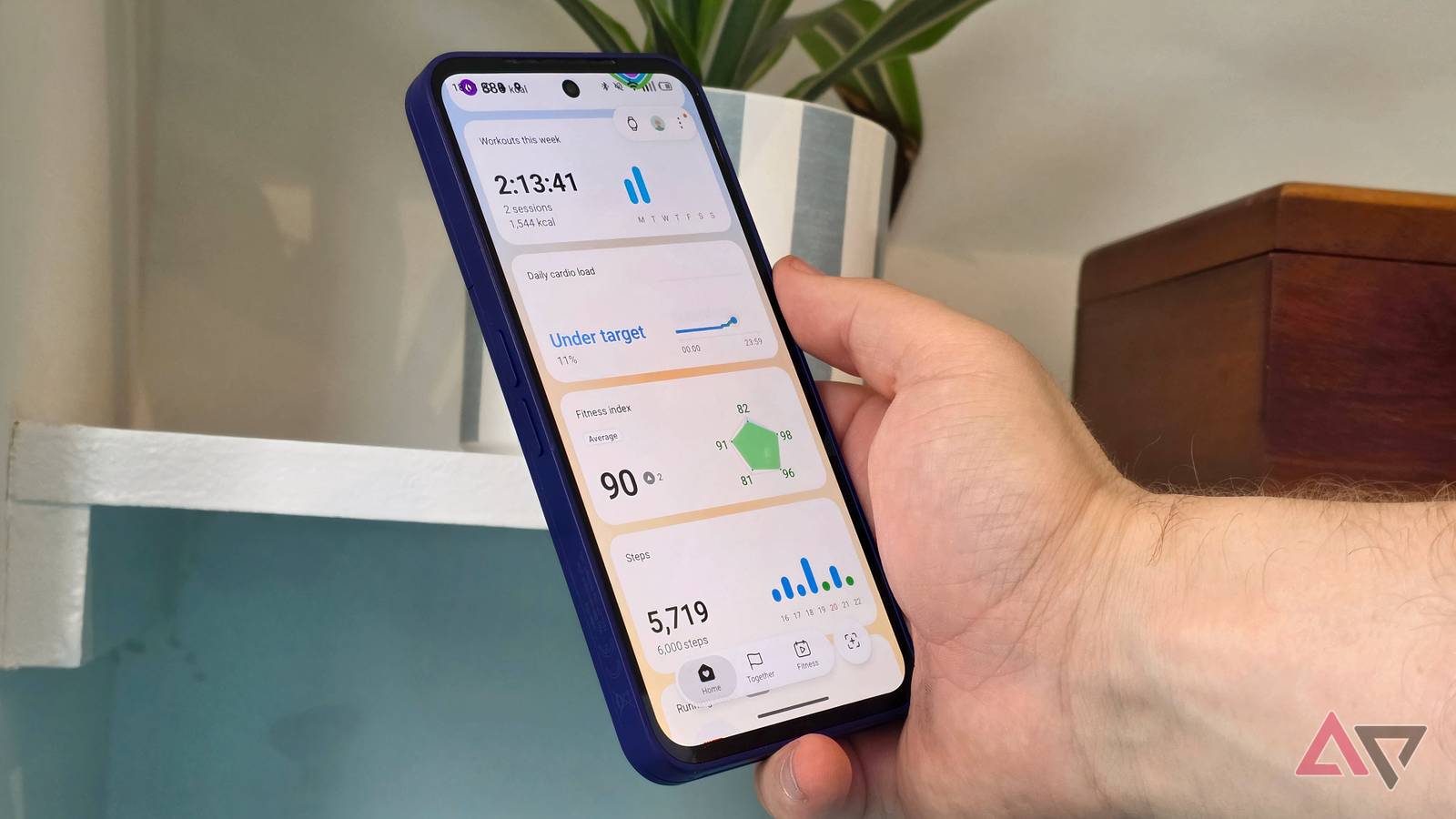
I've been using the Samsung Galaxy Watch 9 for over a month. I know not everyone is a fan, as some Android Police writers have argued that the future is screen-less trackers, but I'm fine with smartwatches having displays.
A major component of Samsung's new wearable vision is its smartphone app, Samsung Health. This isn't exclusive to Galaxy Watch owners. Anyone can use it, with a June overhaul completely reinventing how the health app works.
After testing the watch, I've become very, familiar with Samsung Health, and it's useful in some ways, but it doesn't match other trackers' apps in others.
Samsung needs to make a few key changes before I can really love the app.
Tell me what I need to do to increase my fitness points
A game I don't know how to win
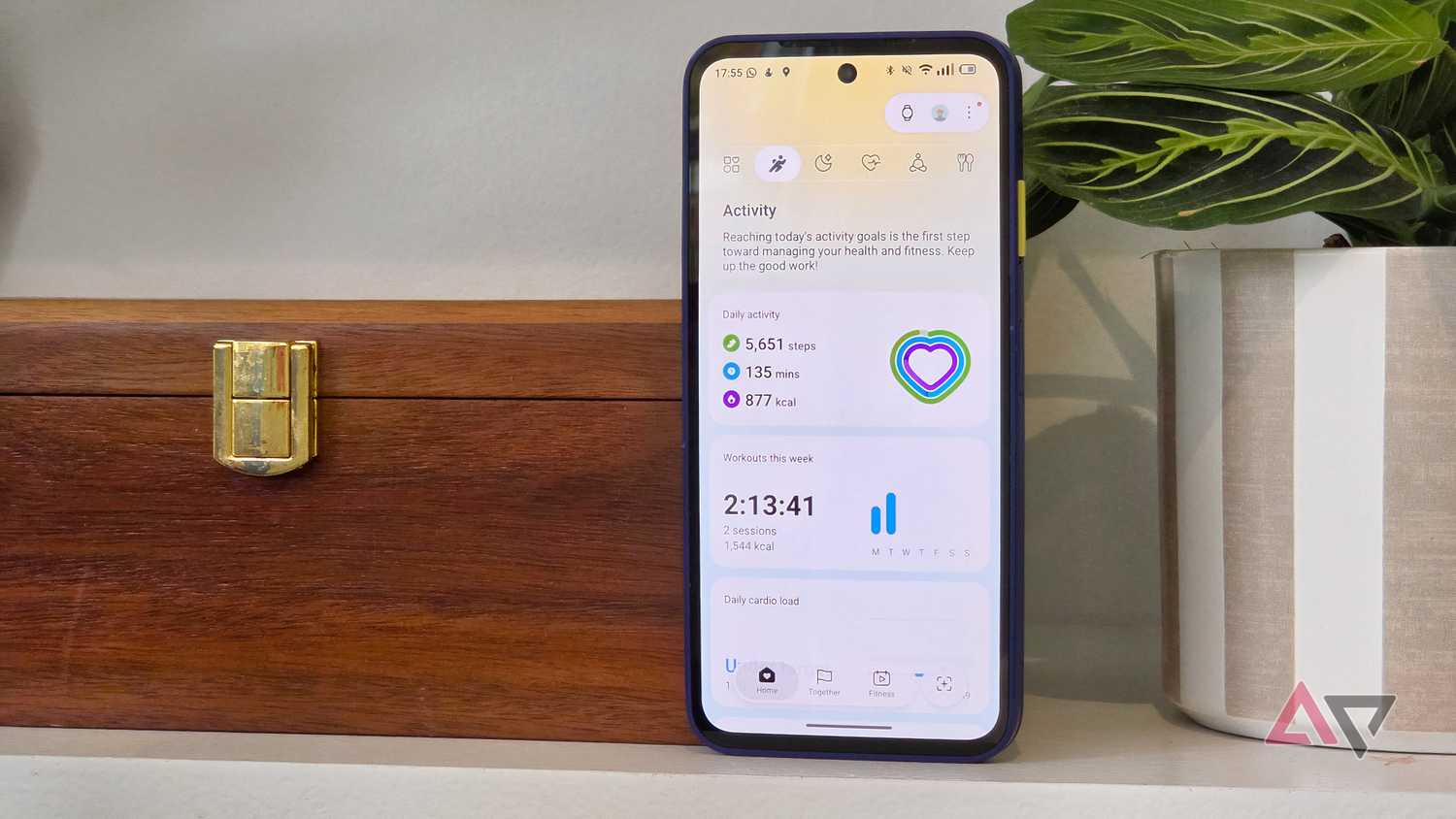
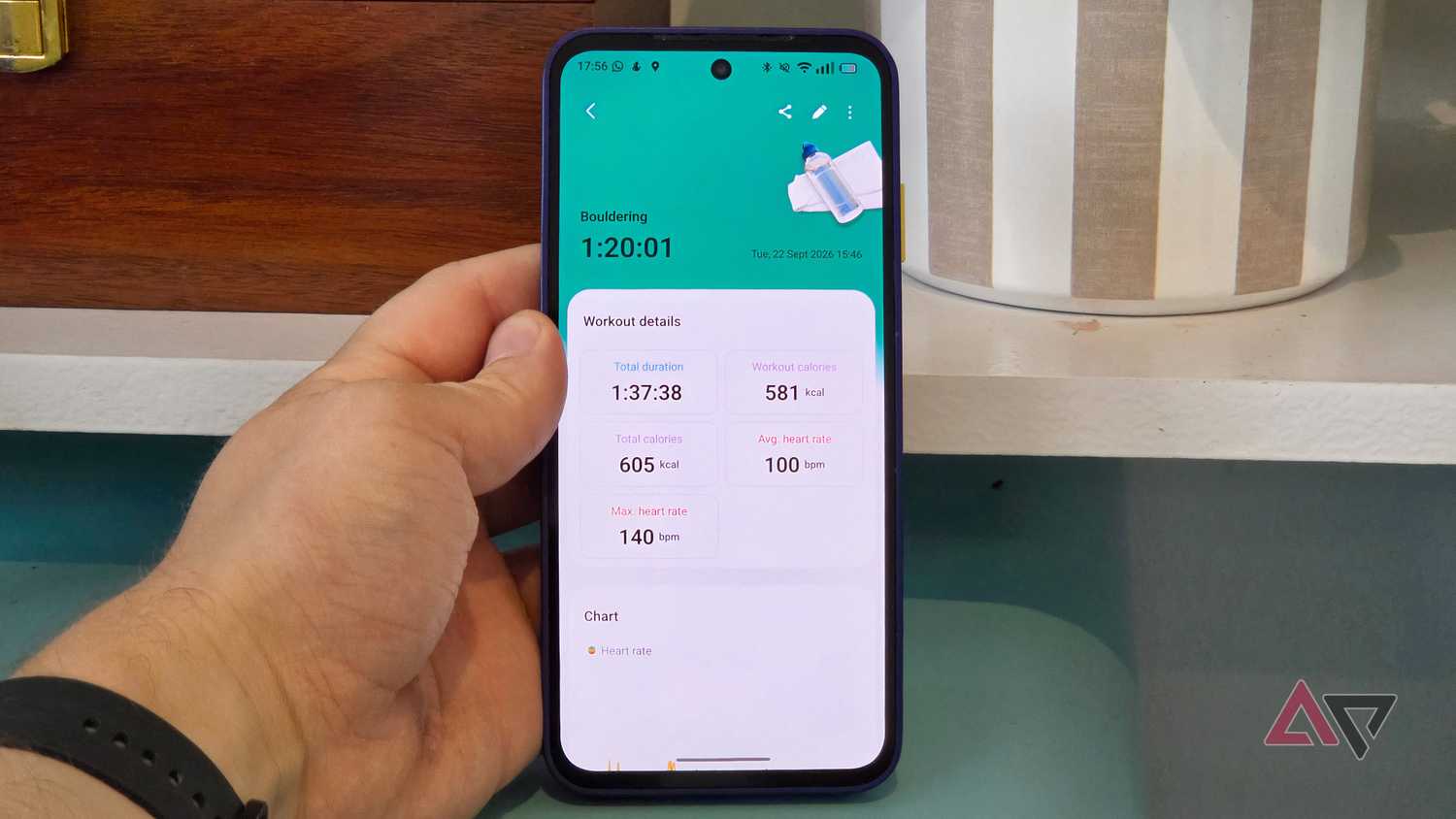
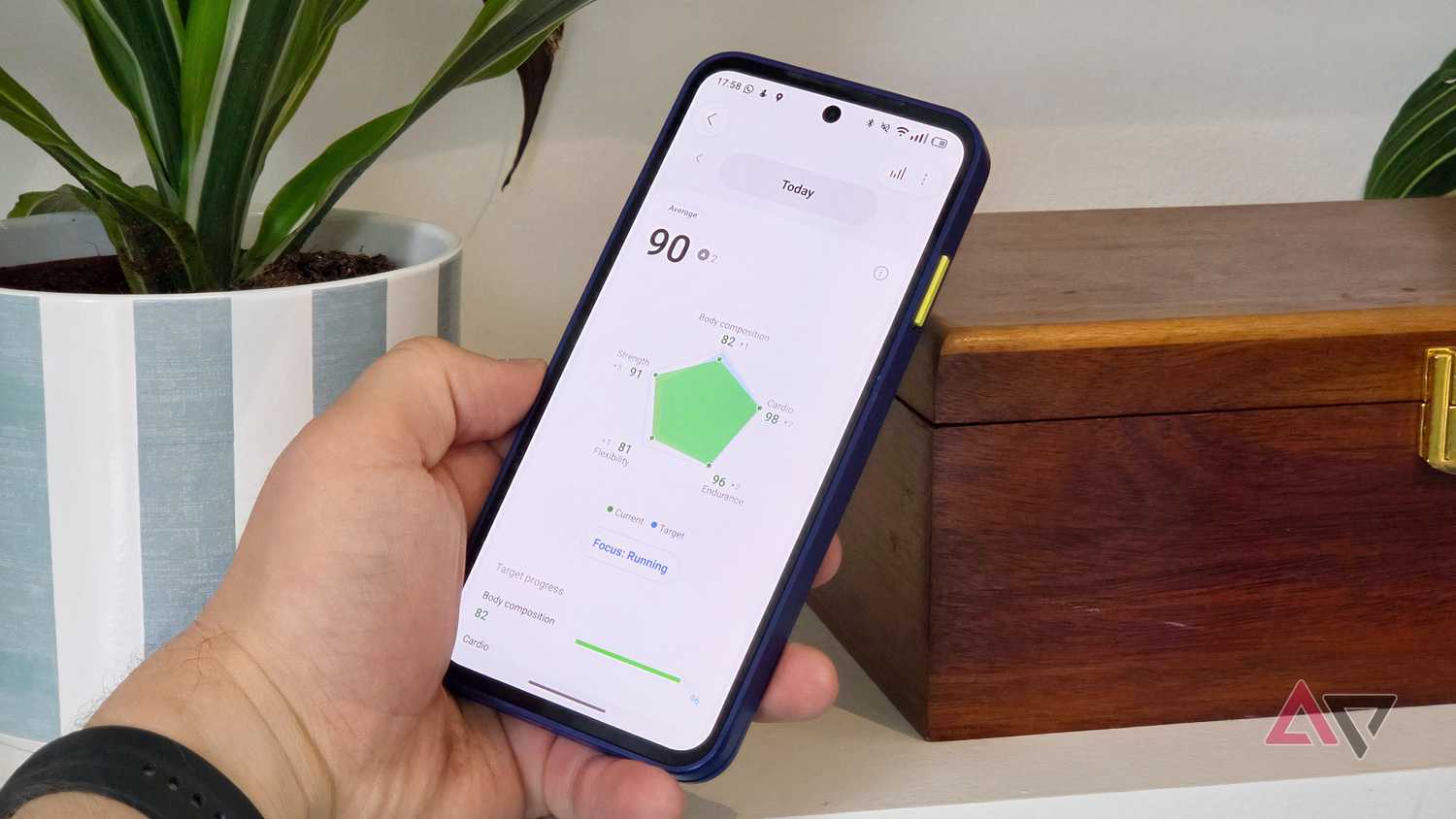
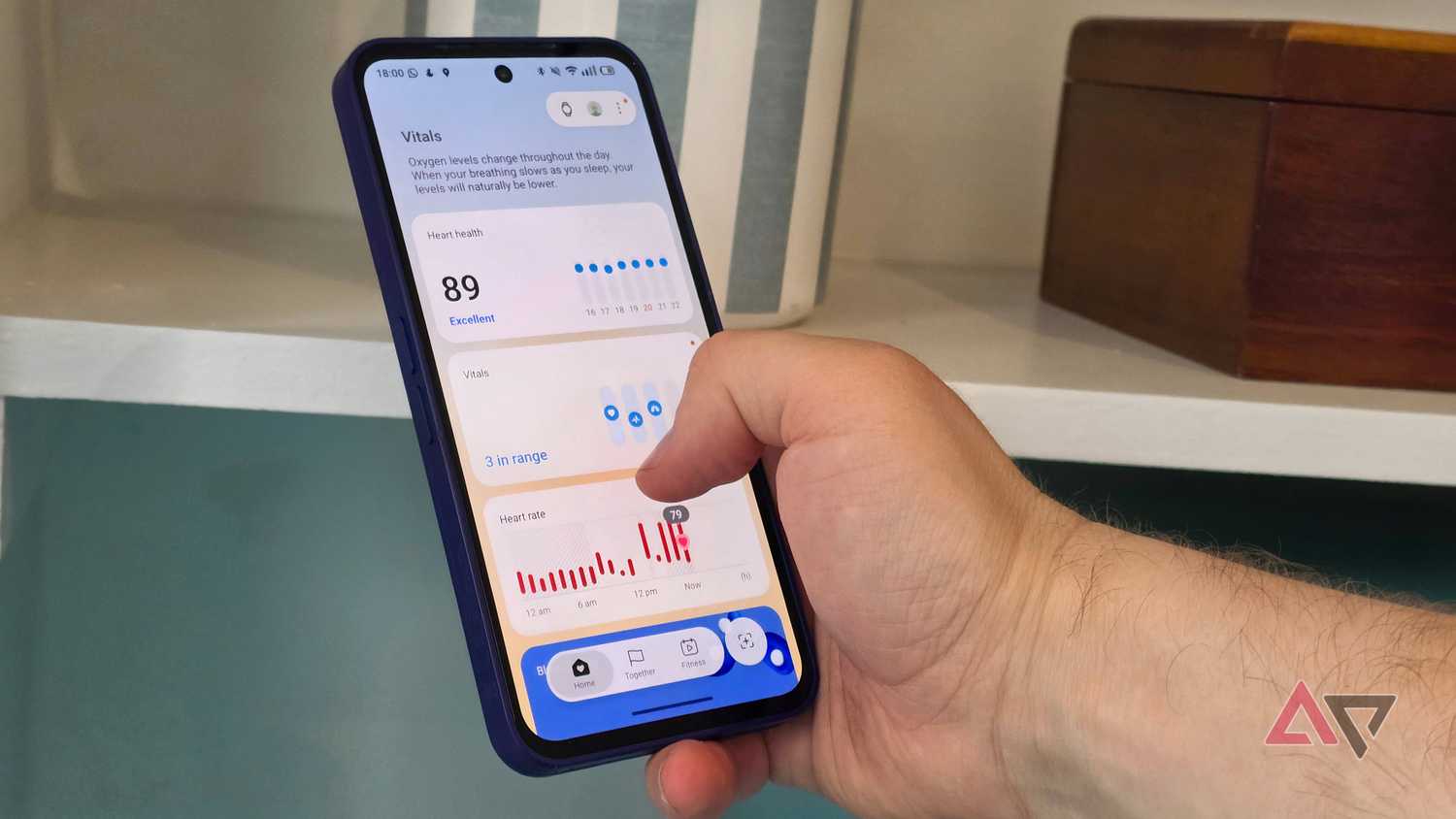
To summarize the changes Samsung made when Health was upgraded a few months ago, it's like this: The app now uses all your data to give you easy-to-understand scores. You have the Fitness Index, Daily Cardio Load, Energy Score, and more.
It's simple, letting you understand your body at a glance without parsing through loads of data. I can see how my cardio, strength, and flexibility compare, for example, or what my energy's like compared to other days.
This data is interesting, but it falls short of being useful because Samsung Health doesn't always give you full advice on how to improve those scores.
For example, Energy Score tells you which factors influence the number. I often get scores with activity consistency and sleep regularity. I often get to the previous day's activity, but the pointers on how to improve them aren't always clear.
This is most apparent in Fitness Index, which gives you scores in five departments and target scores based on a focus you set. But there's no information on how to improve individual scores, no message like "an hour of running will earn you a cardio point."
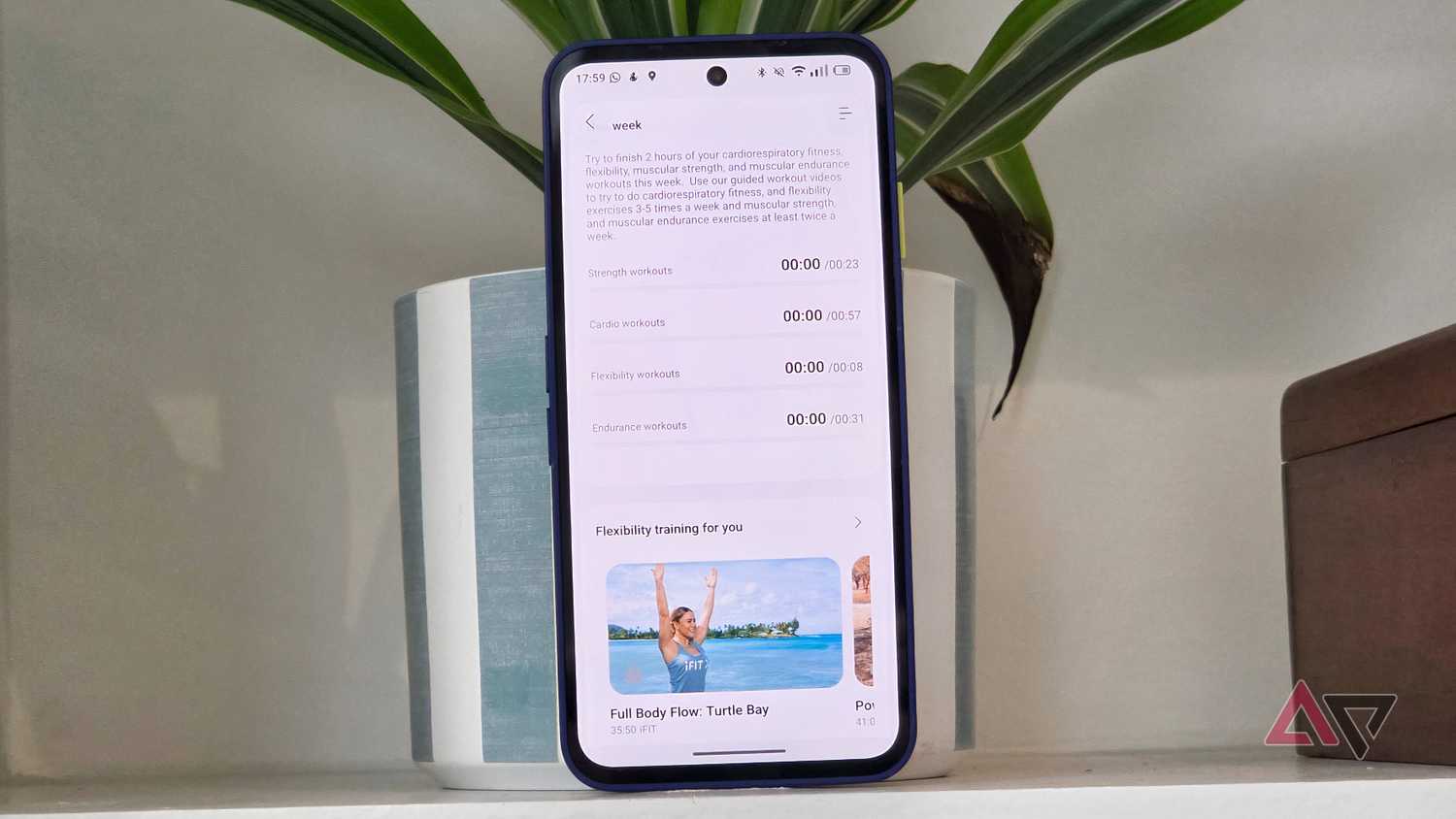
While the Fitness Index has a Weekly missions menu that sets a target, in minutes, for certain activities, this section of the app doesn't seem to work, as no activity I ever tracked counted toward the timers.
Samsung Health has the groundwork for this kind of functionality. But right now, the app could do better at pointing you toward specific workouts or health changes to improve your scores.
An easy way to see historical health data
It's clearly not Samsung Health's focus
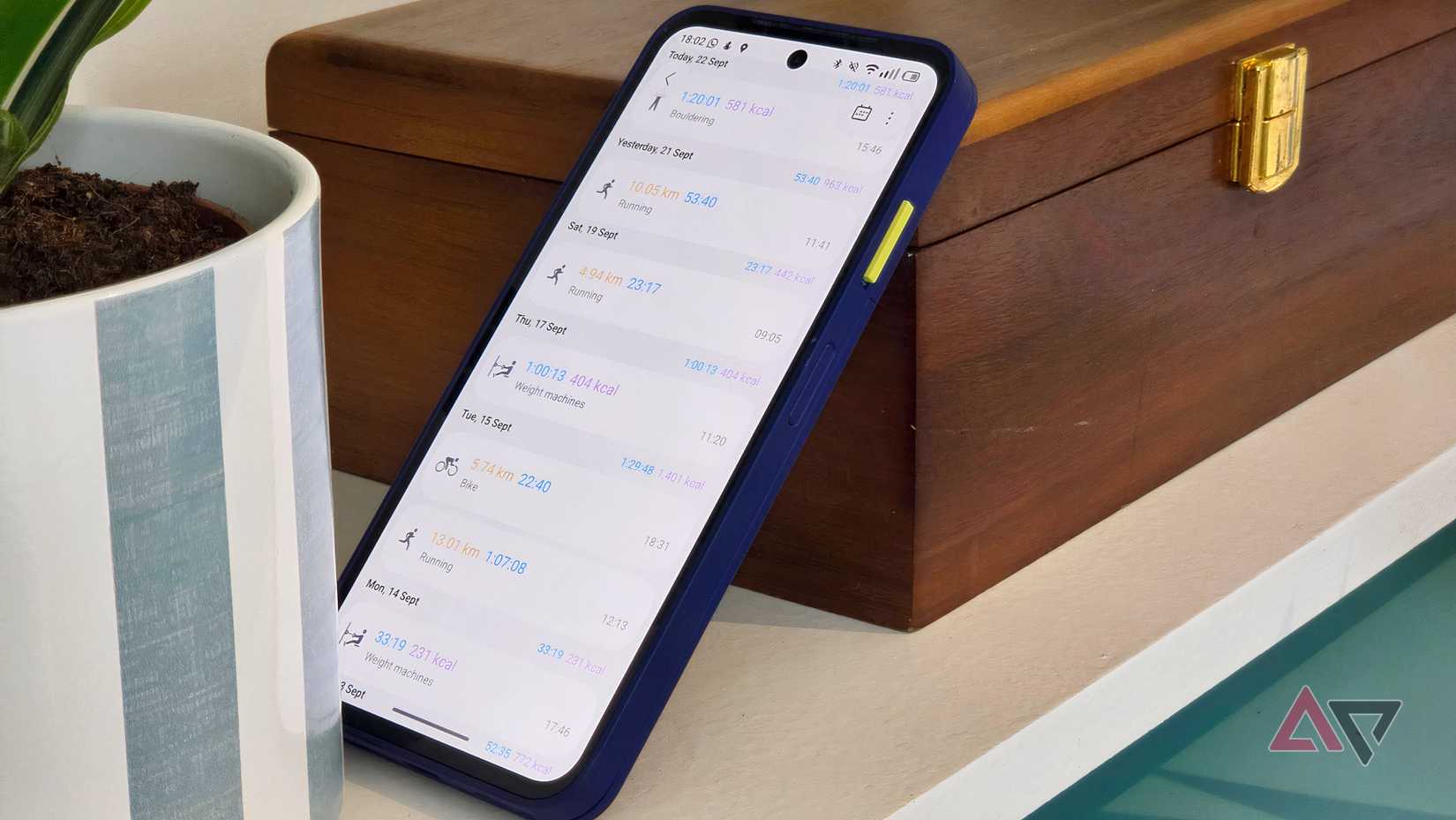
Common fitness app logic is to list all your recent workouts, and my previous go-to, Polar Flow, does just that. It's clear that Samsung is trying to go its own way with all the fitness scores, and it hides your raw data in the process.
If you want to see a log of past workouts, it's hidden within the app. For most of my testing, I assumed this information wasn't stored, and I only got lucky with some Reddit searches that revealed the secrets.
Go to the menu, then press the in the upper-right corner, then scroll to the Other data from this period list. Select , then press to see your workouts.
Some users might want to see all their data in a big list. As a runner, I like seeing all my historical data so I can spot distance and pace trends at a glance. If I want to share a route I've taken, seeing my past routes also makes this easier.
I understand why Samsung hides this data, because it wants to make the app easier, but I wish there was a way to change this. The Samsung Health main page offers some customization via health widgets, but it's limited.
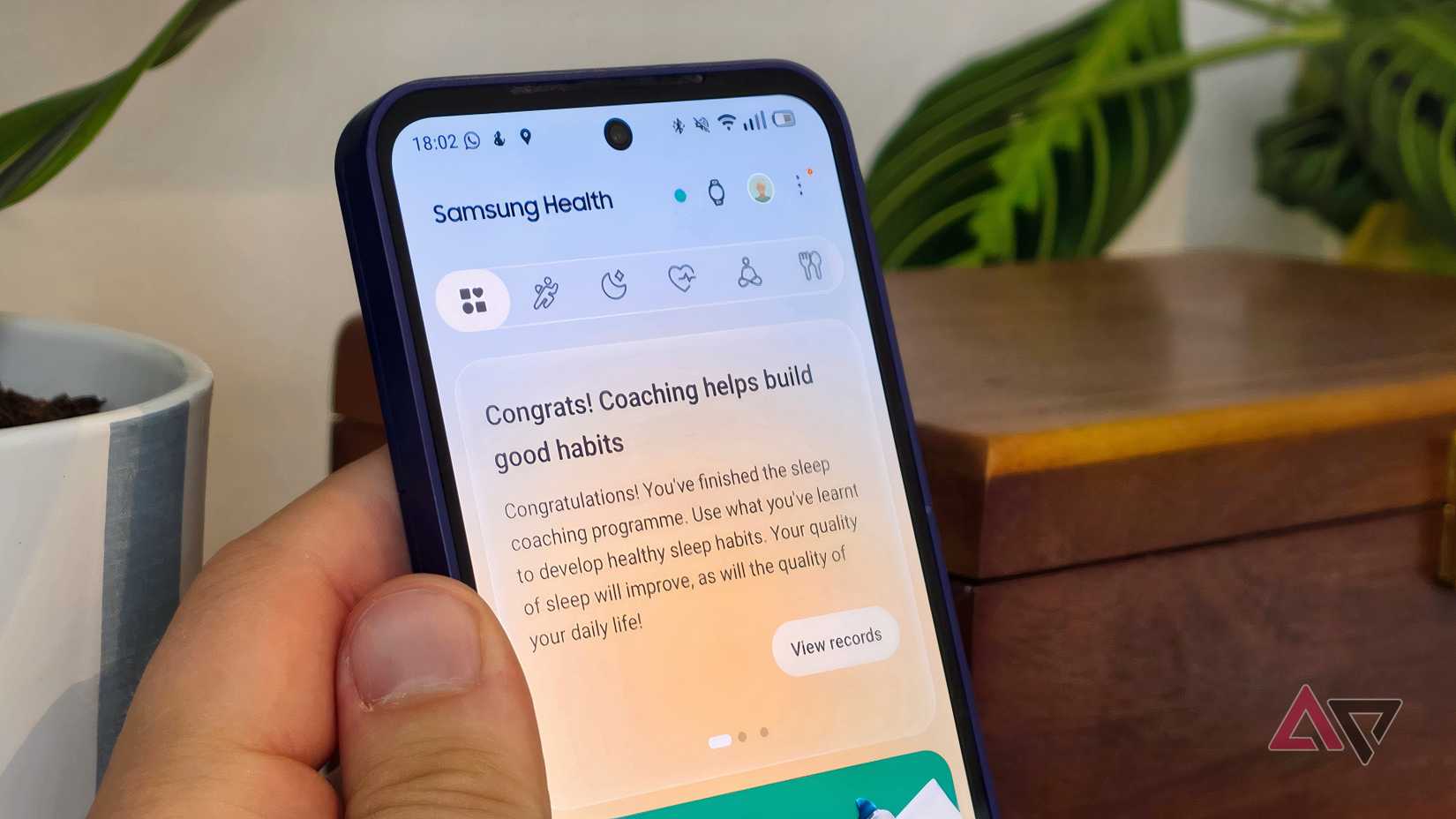
If this were a longer list, this'd be another of my gripes. Samsung wants Health to be a fitness home page, but its home page feels poorly laid out. Case in point: it has a carousel of messages at the top that look like, but aren't, notification pop-ups.
Useful connection features are unreliable
In this ever-connected world, I want the basics
They say no man is an island, but that's not true of fitness apps. Countless apps track your workouts, offer recommendations, and share data. Samsung knows this; Health tries to sell you a subscription to something called iFit.
But not all the connection features work as they should, and it makes Samsung Health feel less reliable as a fitness home.
For example, I paired Samsung Health with Strava, so my runs and cycles would show up in my feed for the latter.
However, my runs aren't reliably ported over. Sometimes they do, sometimes they don't, and I've not been able to figure out the issue. I've started constantly checking Strava after a run to see if it worked.
You can't rely on Cloud backups either. Midway through using the Galaxy Watch 9, I changed smartphones, assuming Samsung Health would save the data so I could log in to the other phone and have my data there.
No such luck. Despite signing in several times, via different methods, Samsung Health on the new phone refused to populate its memory banks with all my data from the app on the old phone.
Eventually, I figured it out: Pairing the Galaxy Watch with the new phone let the app remember all the data. But if I didn't have a wearable to use, or had paired it prior to setting up Samsung Health, I'd be out of luck.
Online, I found countless testimonies from other Samsung Health users who'd had the same problem. It's clear the brand has some rough issues to iron out.
At its core, Samsung Health is a great app
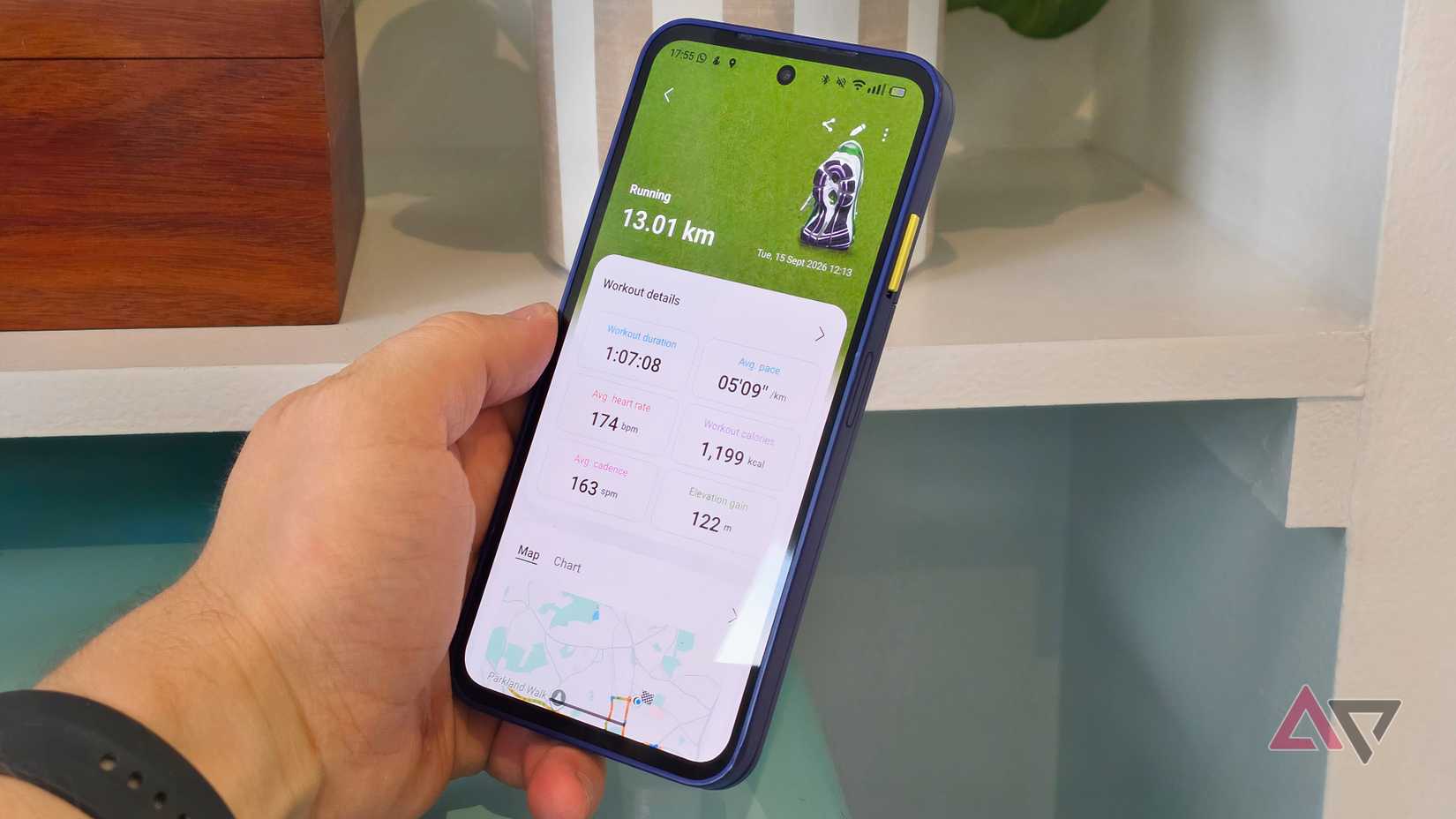
I'm a tech reviewer: my job is to have gripes. And I certainly have a few with Samsung Health, as you know, because you just read 1,000 words about them.
But at the end of the day, Samsung Health has loads of promise. I'm looking forward to using it further and seeing how its number-based scores affect the way I exercise. And if the company fixes my problems, I'll enjoy it even more.
I know I have work I can do on my part, too, when I read about all the hidden Samsung Health features that demand your attention.