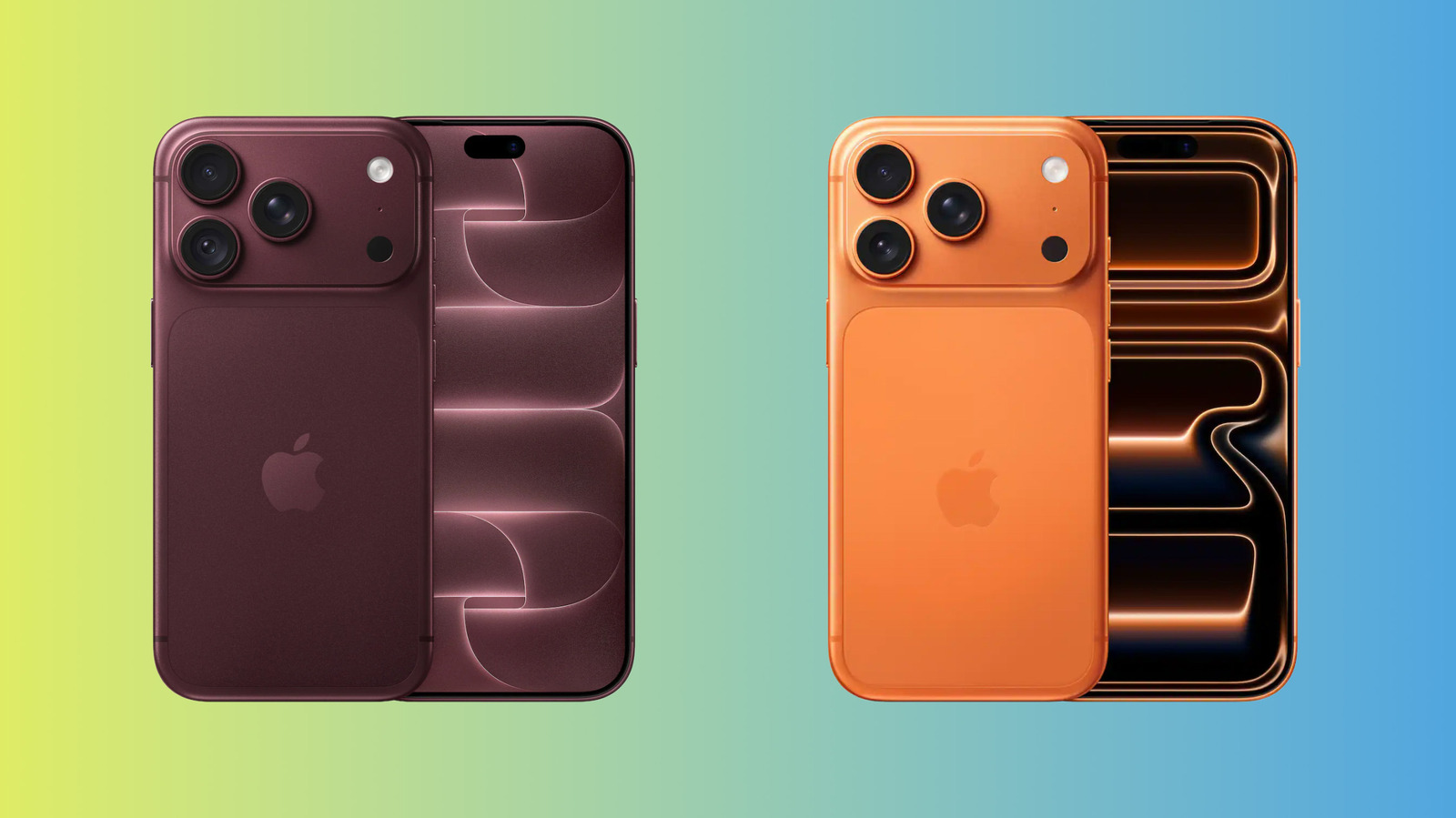
The most significant change in the iPhone 18 Pro series is the revamped 48-megapixel main camera. But it isn't that megapixel count that's the upgrade; those are unchanged across the board.
The iPhone 17 Pro and Pro Max use a fixed f/1.78 aperture. But the new main camera in the iPhone 18 Pro and Pro Max can switch between f/1.48, f/1.8, f/2.8 and f/4.0. This means the phone can adjust how much light enters the camera system. In practice, a narrower aperture keeps more of the scene in focus, while a wider one can collect more light and create greater focal contrast between the subject and the background.
The devices can make those choices automatically, which is likely what most people will opt for. But anyone who wants more control over depth of field can manually adjust the aperture. Apple also added new manual controls for shutter speed and white balance, along with an on-screen histogram. For at least some photographers, the "Pro" branding may feel more authentic this year.
Otherwise, both iPhone 18 Pro models have the same three-camera setup and photographic capabilities. Aside from the main camera, they include a 48-megapixel Ultra Wide camera and a 48-megapixel 4x Telephoto camera. Their listed resolution, focal length and aperture specs are unchanged from last year's models.
Video gets an upgrade, too. Rear-camera Cinematic mode now records in up to 4K at 60 frames per second, compared with 4K/30 fps on the iPhone 17 Pro series. (The new model's front camera remains limited to 4K/30 in Cinematic mode.) The phones can also apply cinematic-style background effects after recording — though in our testing, the results were hit-or-miss. Expect the best results with relatively still, clearly separated subjects.
Another new feature, Apple Reference Image, can save sensor-signed RAW data alongside the normally processed photograph, giving you a version to compare against edits. An obvious purpose is verifying that a photo was untouched by AI (or regular old editing). But the downside is having to shoot in a special mode; the feature won't activate automatically with normal shots. It thus makes the most sense for professional photographers, journalists and others whose work depends on image integrity.
Meanwhile, Photographic Styles 3 adds texture and grain controls. Fortunately, Apple keeps the effects restrained, so they don't look overly processed or artificial. Texture edit adds Glow, Soft Skin or Film effects (the latter includes an additional Grain slider). The iPhone 17 Pro series doesn't support any of these options, although it's hard to imagine many people upgrading for their sake.