Where you drive is your business. Your car may disagree.
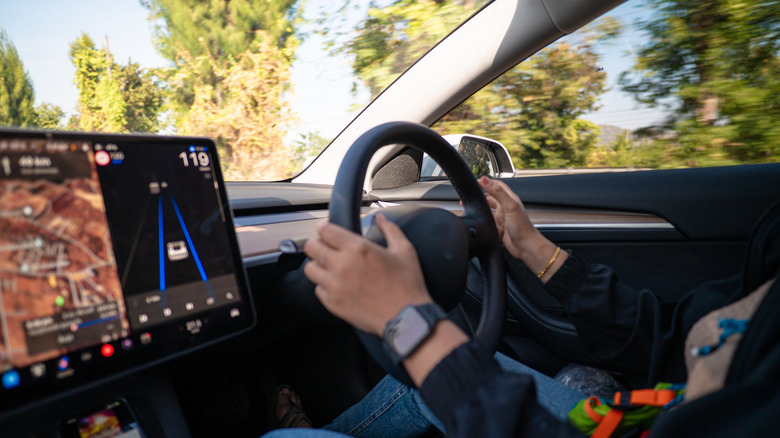
If you drive a car built sometime in the past few years, it's almost certainly tracking your location. Modern vehicles function less like cars and more like computers on wheels these days, collecting data through GPS navigation, connected services, telematics systems and manufacturer apps.
While it all started innocently enough, with manufacturers using the collected data to understand how the cars were being driven, reasons behind crashes and so on and so forth, that data has become a source of income for them. The data can be shared with insurers, marketing companies and data brokers, sometimes without explicit driver consent.
As you'd expect, it all depends on what car make, model and year you are driving. Each will collect certain information based on what sensors are available, and you'll have to dig through the menus to even be able to cancel anything. Another way to ensure your car has less info on you is to avoid pairing your phone to it, as that gives it access to your contacts, call logs, music, location and more.
That means all those useful Android Auto and CarPlay features won't be available. But at least your car will spy less on you.
How do cars collect and share location data?
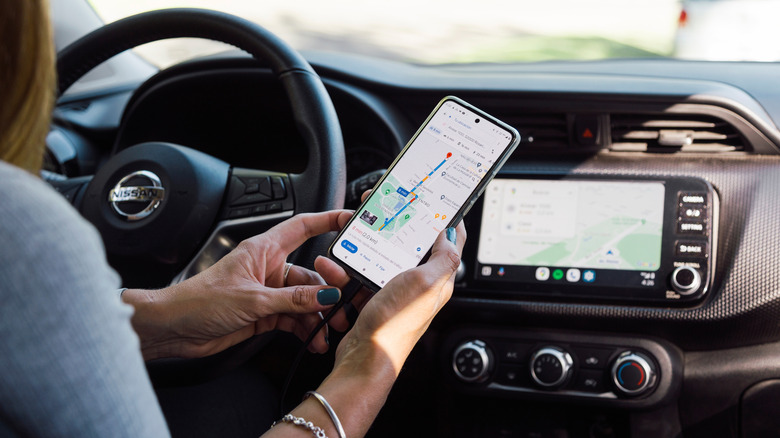
GPS navigation systems are the most obvious source due to how accessible apps such as Google Maps are thanks to Android Auto, but they're far from the only one. Connected service, telematics modules and those manufacture-branded apps they shove at you when you buy a car are continuously collecting information as you drive. These often log routes, destinations and driving behaviors in the background. When you think about data privacy, you don't really think about cars as being a potential problem.
And yet, the Mozilla Foundation has ranked cars as the worst product category it has reviewed for privacy. The reason? Just how extensively major automakers collect data on where you go and how you go there. Did you brake too hard? Did you almost get in an accident? Well, all that info might end up on the desk of your insurance company, affecting how much you pay each year. This isn't just some hypothetical concern as we already know that in January 2026 the FTC banned General Motors from sharing driver location data with consumer reporting agencies after the company violated its privacy commitments.
If you're wondering just how much information your car collects on you, there are ways to find out without tearing your car apart. Services like Privacy4Cars provide a free Vehicle Privacy Report that requires you to input your car's 17-character Vehicle Identification Number (VIN) (which you can find on the dashboard or door jamb). The report will tell you what your automaker and its service providers collect, share and sell. You can also check your automaker's privacy policy or connected-services terms, plus your car's manual to figure out what data is being collected.
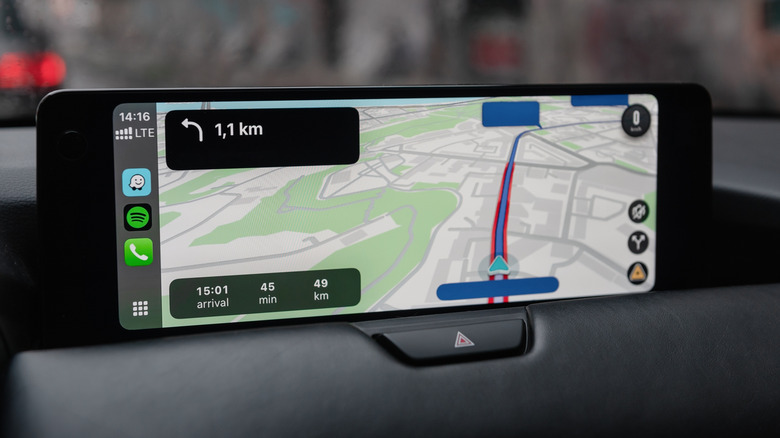
Even if you don't generate such a report on your car, you can dig through your car's own settings. Most manufacturers' apps and dashboard menus include a privacy or data-sharing section where you can review what's being collected. It's worth checking both the app and the infotainment system directly, since settings aren't always mirrored across both. Look for keywords like Data sharing, Connected services, Analytics, Diagnostics, Location Services, Personalization, Voice assistant, Insurance sharing, Driver monitoring, and so on. Names can vary, based on manufacturer, car make and model, and so on, but you get the gist.
Opt-out options will also differ by manufacturers. Some will allow users to opt out of data sharing through dashboard settings, while others will offer more granular control rather than an all-or-nothing switch. You do have to keep in mind that disabling tracking usually comes with trade-offs as you might end up losing roadside assistance, that beloved remote start function that lets you heat up the car before you get on in the winter, smartphone integration or other features tied to location services. Before switching everything off, you should consider what exactly you're actually willing to give up on.
One thing to keep in mind, however, is that if you're selling or trading your vehicle, you should look into erasing your data, because it won't do so automatically. You'll need to perform a factory reset on the infotainment system, remove your account and vehicle from the manufacturer's app and even notify the manufacturer of the ownership change. Skipping this step means a stranger's driving habits might impact your own insurance profile and vice versa.