The M5 MacBook Pro or Microsoft's Surface Laptop Ultra? In many ways, this is about choosing between Apple's in-house silicon and Nvidia's flagship RTX Spark chipset, but it's also heavily dependent on your preference for macOS or Windows.
To help you make an informed decision, we've taken both reviews for the M5 MacBook Pro and the Microsoft Surface Laptop Ultra and highlighted the key differences for specifications, performance, and value for money.
MacBook Pro M5 v Surface Laptop Ultra: Design
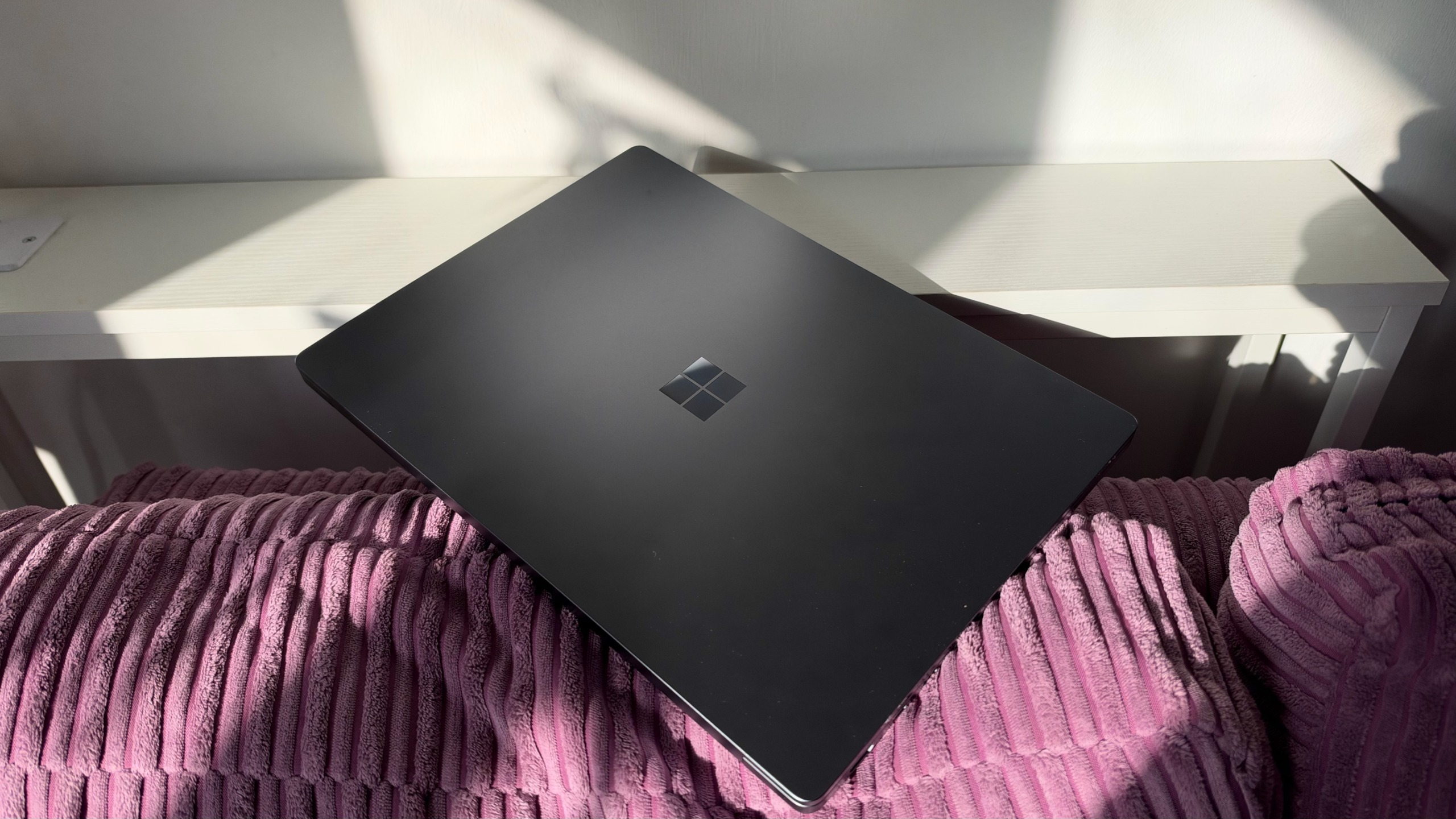
Physically, there's a big weight difference between the M5 MacBook Pro and the Surface Laptop Ultra; the latter is 2kg, a full 450g heavier than the MacBook Pro. The Surface Laptop Ultra is also thicker than the MacBook Pro (19.16 mm vs 15.5 mm) due to its RTX Spark hardware.
This makes the MacBook more portable not just on paper, but in real life. Having carried both from desk to meeting room, and also in a rucksack on a commute, I can say from experience that Surface Ultra is noticeably heavy.

While the Ultra may not be as readily portable as the MacBook, its larger size means there's more room for connections. It has three USB-C ports (one is the magnetic charger), a USB-A slot, an HDMI port, an SD card reader, and a headphone jack. These are well balanced on each side of the machine, giving you a little flexibility for your desk and monitor setup.
The MacBook, while more svelte and light, still offers a generous selection of in and out ports, though its MagSafe charger is just a charger and it doesn't have a traditional USB-A port.
Currently, you can only get the Surface Laptop Ultra with a 15in display, whereas the MacBook Pro (M5) comes with either a 14in or a 16in screen. We tested the 14in model, which is the more portable version. The 16in model is 16.7mm thick, so still noticeably less than the Surface Laptop Ultra.
Sign up today and you will receive a free copy of our Future Focus 2026 report - the leading resource for IT decision-maker insight on priorities and investment areas in AI, security and more.
MacBook Pro M5 v Surface Laptop Ultra: Specifications
|
10-core Apple M5 CPU |
||
|
10-core GPU |
||
|
64GB LPDDR5X |
Up to 32GB |
|
|
1TB Gen 5 SSD |
Up to 4TB |
|
|
15in PixelSense touchscreen, 3270 x 2180, 120Hz refresh rate |
14in Liquid Retina XDR display, 3024 x 1964 native resolution 120Hz refresh rate |
|
|
Wi-Fi 7, Bluetooth 5.4 |
Wi-Fi 6E, Bluetooth 5.3 |
|
|
2 x USB Type-C, 1 x USB Type-C magnetic charging, 1 x HDMI 2.1b, 1 x USB-A 3.1, 1 x SD card reader, and 1 x 3.5mm headphone jack |
3 x Thunderbolt 4, 1 x HDMI, SDXC card slot, Headphone Jack, MagSafe 3 port |
|
|
328.8 x 238.7 x 19.16mm |
312.6 x 221.2 x 15.5mm |
|
|
2kg |
1.55kg |
|
|
Operating system |
ITPro runs a number of tests when we review products, and these help us to create an idea of how good a device is. For example, we measure brightness and color reproduction with DisplayCal software and a colorimeter. Both the Surface Laptop Ultra and M5 MacBook Pro produced impressive scores on DisplayCal: both have excellent HDR capabilities and sRGB gamut color coverage in the mid-to-upper 90s (99.7%-MacBook Pro, 94.7%-Surface Laptop Ultra). However, the MacBook came out much stronger for Adobe RGB with 85.8%, compared to the Ultra's 65.6%. For Adobe RGB, we would expect scores of 70% and above if users need to tackle any serious photo editing or print-grade colour work.
For benchmarking CPUs, ITPro ran Geekbench 6 on both the Ultra and M5 Pro. Undeniably, both machines are high performers with excellent scores. However, digging into the specifics, the Ultra has the edge for multi-threaded performance but only by a smidge, while the MacBook has a stronger score for single-core performance.
|
1859 |
4248 |
|
|
18771 |
17600 |
Both machines are aimed at developers and creators, with the processing power a big part of that appeal. The RTX Spark chip and its ability to handle LLMs on-device make the Ultra slightly better than the M5 MacBook Pro. The Pro is the stronger display for creators.
The MacBook Pro is the clear winner here by a country mile. uses a looped video to test the battery of laptops. We set display brightness to 170cd/m2 and put the machine in airplane mode while the test video plays on repeat for 20hrs on the VLC player. The M5 MacBook Pro needed two goes with the test, as it lasted a whopping 20 hours and 32 minutes. The Ultra, by contrast, only made it through 12 hours and 41 minutes – with the HDR capabilities on it, it lasted less than 10 hours.
Across battery life and display quality, the M5 MacBook Pro is the better laptop – particularly if you need the device for editing photos and video. The Ultra is somewhat more advanced for multithreaded processing and handling intense workloads on device – but not by much.
Then there is the question of how you'll use the device; if you need something to be portable, the M5 Pro is much lighter and easier to carry in a rucksack. Clearly the better choice for the remote worker. But for on-device AI or connection options, the Ultra has slightly more on offer.