The Microsoft Surface Laptop Ultra is a big deal, with its Nvidia RTX Spark chipset and magnetic USB port. Instantly dubbed a 'MacBook killer' by the unimaginative and specifically marketed for the AI devs and creators. But what about us office bods?
A top-line Nvidia RTX Spark CPU doesn't necessarily sound like something you'd need for the endless flow of email. But then a MacBook Pro is also kinda wasted there too. So if you're not in AI development or accelerated computing, you're probably not going to really put this new Surface Ultra under much strain.
Microsoft Surface Laptop Ultra: Design
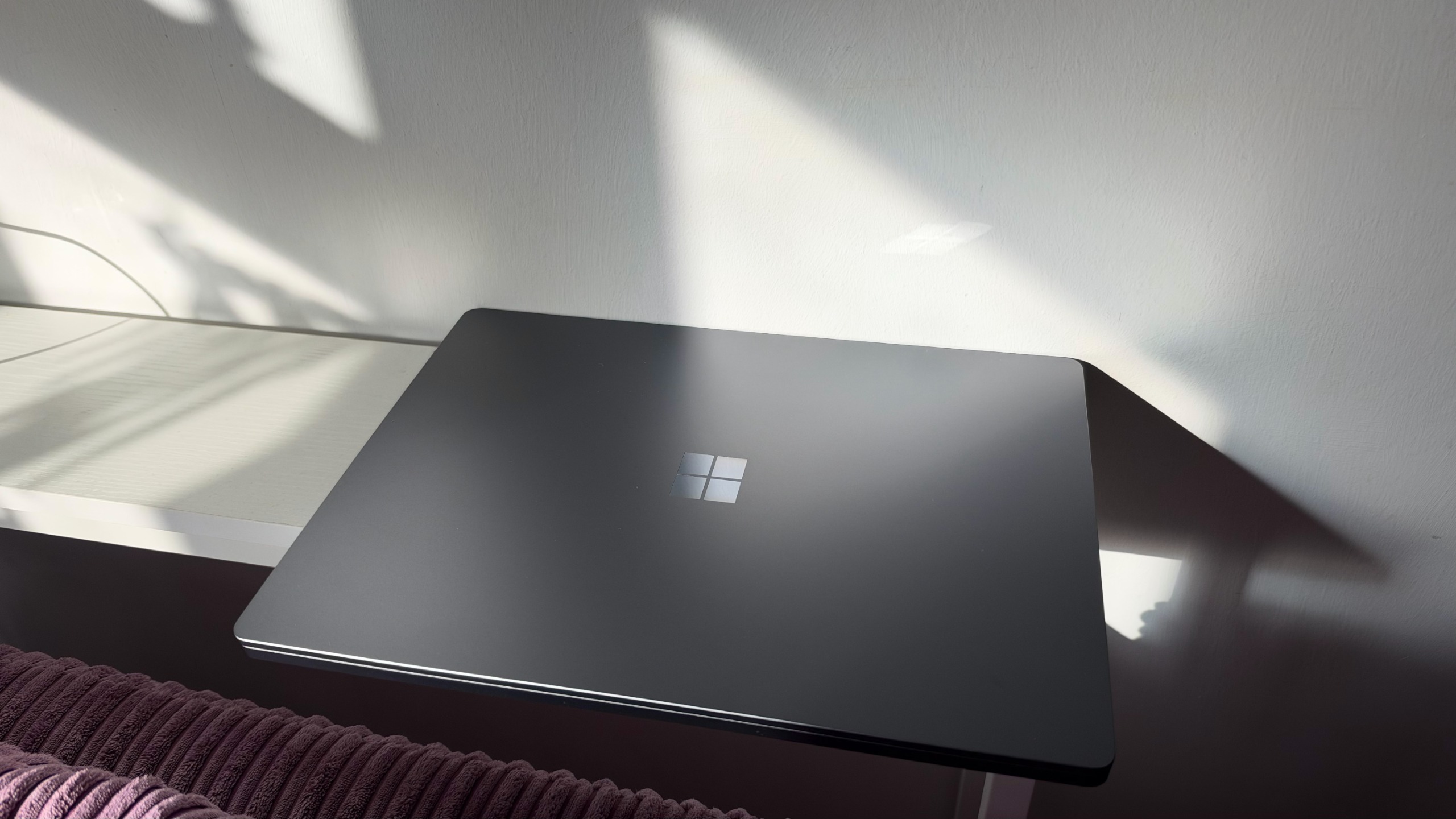
As we have alluded to, this is not your average Surface Laptop. Aesthetically, it looks like previous models; the design is minimal and clean. You have a shiny Microsoft logo on the lid, but no other insignia around the chassis or display. But it's a big hunk of a machine at 2 kg, and you feel that weight in your arm when you try to pick it up with one hand.
Opening the lid one-handed is doable, but by no means easy. You do need some good finger strength. It's very thick too at 19.16 mm – with a protruding underside section with vents to allow for more cooling, but that also adds to its size. It's so large and heavy it's basically a desktop. And that's without mentioning the brick charger. A commute into the office with the Surface Laptop Ultra is a workout, to say the least.
It comes in two colors – silver and navy – and it's only available in 15in. Beyond that, there is a wealth of configuration options for CPU, GPU, RAM, and storage, and even which Windows OS you want (Home or Pro). The cost increases significantly with each upgrade, from the starting price of $2,599.99 (£2,599.99) to almost $6,000 in the US.
Microsoft Surface Laptop Ultra: Display
You have a 15in PixelSense touchscreen on the Surface Laptop Ultra, with 3270 x 2180 resolution and a 120Hz refresh rate. And despite being a touchscreen, you don't have pen support or any flexibility to use it in tablet mode. So it's not all that useful as a touchscreen, really.
You get different color modes for the display, though it's set to 'Vivid' by default. This was the setting for most of our tests, though we did also activate the HDR capabilities to measure its top brightness – with our colorimeter it peaked at 969.95 cd/m2 – though this also makes the battery go down faster.
Sign up today and you will receive a free copy of our Future Focus 2026 report - the leading resource for IT decision-maker insight on priorities and investment areas in AI, security and more.
For colors, the display scored 94.7% color coverage and 95.2% volume, with a Delta average of 1.82. All three scores are slightly lower than the MacBook Pro (M5), but not in a way that makes them discernibly worse. Its blacks are inky, its colors pop, and overall it's a nice experience for streaming and even gaming. However, it only recorded 65.6% for Adobe RGB, which is a little too low for serious color work
Microsoft Surface Laptop Ultra: Keyboard and trackpad
You have an indented mechanical keyboard on the Surface Laptop Ultra, with a full function row – the volume controls are on the left-hand side. There's the Windows key, some dedicated buttons for media controls, and the now standard Copilot key. Everything looks very neat, tidy, and beautifully backlit.
That doesn't translate to an enjoyable typing experience, though. The keys are a little small – or they seem small in comparison to the rest of the laptop. They're certainly too small for the ends of my fingers, so there is a bit more precision needed to avoid typos and double-tapping keys.
They do have a nice clacky sound, and there is a decent amount of travel, so once you get used to it, you can work up to a decent typing speed. And, given the size, there is plenty of space to rest palms.
Similarly, the precision haptic touchpad can seem like it has a mind of its own, and it does take some getting used to. Precision is very much needed for left-click actions, as it won't be a left click if you don't get it close enough to the bottom corner of the trackpad.
It also has a strange slide when you hold the cursor – it moves across the screen like Jamiriqui. A few times I accidentally closed windows, lost highlights, and simply didn't do what I intended because I lost control of the cursor. It did indeed need a few goes before I found some flow with the trackpad. But it is nice and expansive; the click is easy and responsive. And the haptic response is brilliant, particularly when you move things across a timeline, such as you would for video editing.
Microsoft Surface Laptop Ultra: Specs and performance
Arguably the big reveal for the Ultra is its Nvidia chipset: it houses an RTX Spark N1X with 6144-core GPU and 20-core CPU and 64GB LPDDR5x unified memory. It's undeniably powerful and fast, but its benchmarks were not straightforward.
In Geekbench 7, it was nowhere near as strong on single-core workloads as the M5 MacBook Pro, with just 1859, which is a little disappointing. The M5 MacBook Pro produced 4284 (three times the amount). It was, however, demonstrably stronger with multithreaded scores of 18771.
Microsoft suggests the Ultra can last up to 15 hours for local video playback and 12 hours for web browsing. We found the latter to be more likely, as it went through 12 hours 41 minutes in our looped video test. Initially, we ran the same test but with the HDR settings toggled, and it lasted less than 10 hours. Here, the Ultra is far behind the M5 Pro, which lasted over 20 hours.
Microsoft Surface Laptop Ultra: Features
A chunky laptop almost thankfully means a well-stocked one, so in addition to Wi-Fi 7 and Bluetooth 5.4, you have a full roster of ports. On the left-hand side, you have two USB Type-C slots, an HDMI port, and a headphone jack. On the opposite side, you have a magnetic USB-C charging port, a USB-A port, and a full-size memory card slot.
The magnetic charger had a fair bit of coverage in the unveiling of the Ultra. And it's very satisfying to see it snap on magnetically. What's also worth noting is the reverse-charge capability; you can connect the magnetic USB directly to the charging brick and use the other end to power something else, like a phone.
Microsoft Surface Laptop Ultra: Is it worth it?
MacBook killers are more frequent than we reviewers seem to admit. If you factor in job roles and needs, then there are lots of laptops that can do things better than the latest MacBook. And there will be some things that the Microsoft Surface Laptop Ultra can do better; we just need to work them out.
Its multithreaded performance was fantastic – and it is marketed towards AI developers. But the battery life isn't the best. The screen too: while it does get phenomenally bright and produce rich colors and visuals, the HDR capabilities sap that middling battery in rapid time.
In its defence, the laptop is so big you'll probably never take it off the charger. And does have more of a desktop feel about it. It is Ultra, but in certain areas, it could have been simply better.
Microsoft Surface Laptop Ultra specifications
|
Nvidia RTX Spark N1X with 6144-core GPU and 20-core CPU |
||
|
64GB LPDDR5x unified memory |
||
|
1TB removable Gen 5 SSD |
||
|
15in PixelSense touchscreen, 3270 x 2180, 120Hz refresh rate |
||
|
Wi-Fi 7, Bluetooth 5.4 |
||
|
2 x USB Type-C, 1 x USB Type-C magnetic charging, 1 x HDMI 2.1b, 1 x USB-A 3.1, 1 x SD card reader, and 1 x 3.5mm headphone jack |
||
|
328.8 x 238.7 x 19.16mm |
||
|
2kg |
||
|
Operating system |