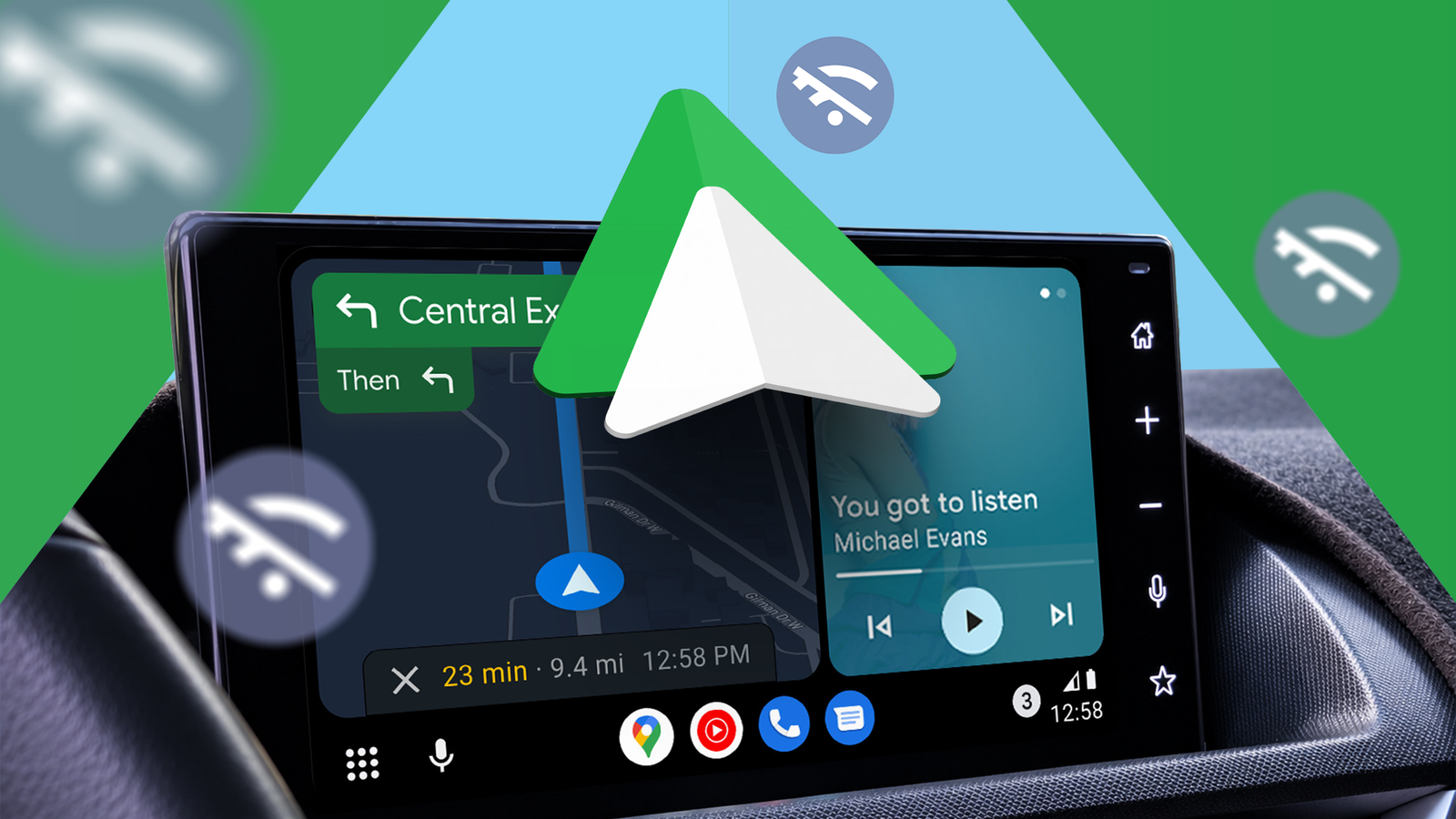
Android Auto is one of the most brilliant additions to the driving experience in years. But it also comes with an overt dependency on internet connectivity.
As I've realized over the years, mobile coverage can be unreliable when I'm on the go, especially when traveling outside the city.
So, I've been looking for ways to have a and entertainment system that's resilient to data outages. Turns out, this was easier than I expected.
I've built my entire setup around apps and content that work offline.
Google Maps has downloaded maps for the places I drive to, and Organic Maps serves as a backup. For entertainment, Symfonium keeps my local music accessible while Pocket Casts handles the podcasts.
I can connect my phone to the car, get moving with little to no data reliance. It's great.
Two navigation apps for offline redundancy
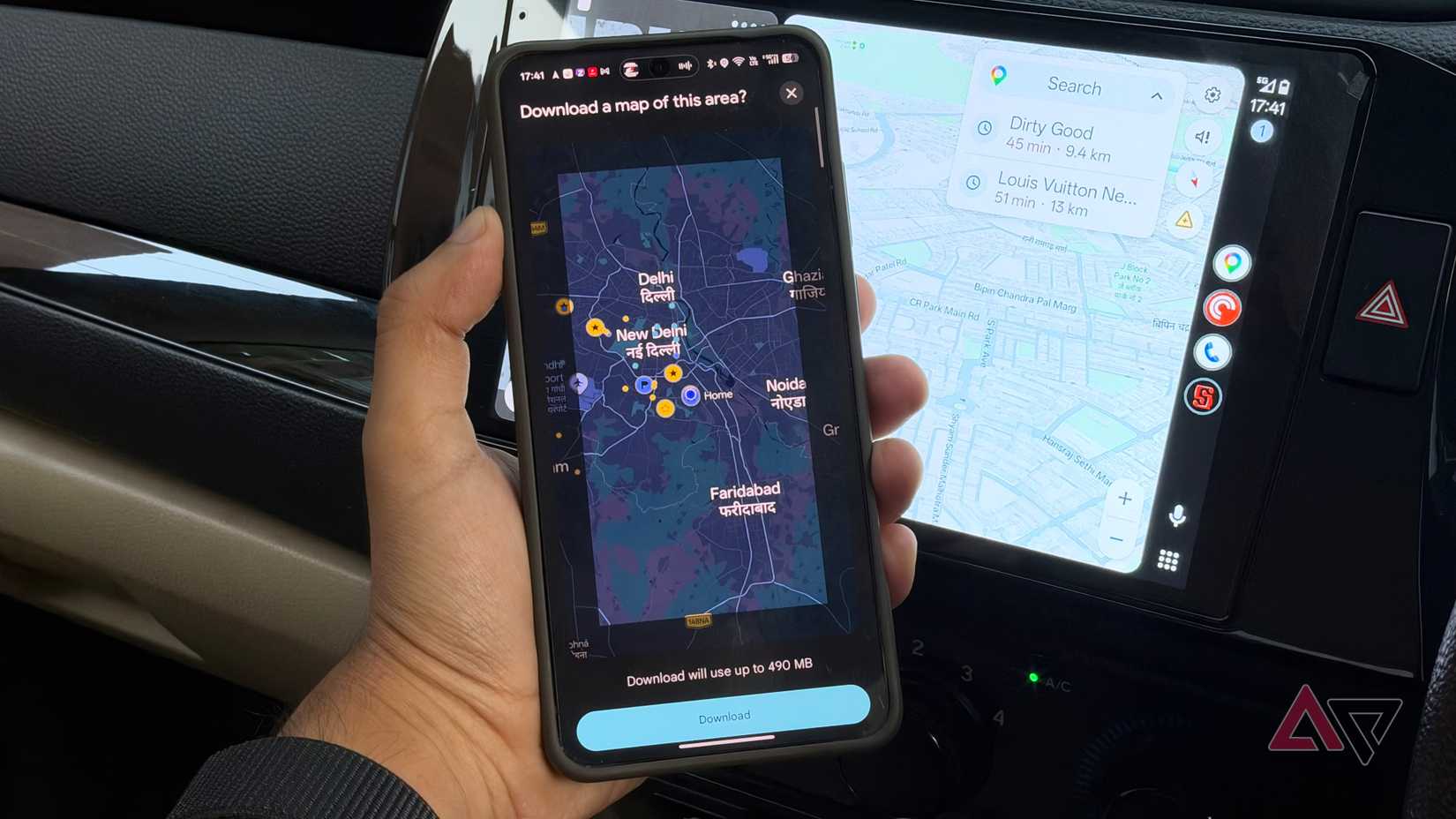
Despite wanting an offline-first navigation system, remains my primary driving app of choice. In the city, I might use it to navigate to a business, but I don't need to be online. I save all the relevant areas I drive to on my phone.
Google Maps can use those downloaded maps for navigation when the phone is offline. You won't get things like live traffic data, but that's not always essential to me.
If I'm on a long drive, which is most of my driving lately, traffic doesn't affect my navigation. It's going to take me whatever time it takes. What matters more is that works.
So, before I leave, I make sure I have all the offline maps cached and refreshed.
While Google Maps is good at this, takes it a step further. This app uses OpenStreetMap data and downloads the maps to the phone. The app supports turn-by-turn driving navigation and works with Android Auto.
It's my backup app for places where I know for sure data will be limited. Compared to Google Maps, it gives me an easier and more granular way to keep cities and regions offline. The app doesn't depend on Google servers, making it even more dependable.
As for why two navigation apps?
I don't like Google's approach to downloading offline map data, since it depends on you drawing squares on a map. This means that you might end up with parts of your route that haven't been cached.
More than that, though, on a long road trip, I like having redundancy. If one navigation app fails, I know there's a second one on my phone that'll get the job done.
Offline entertainment is what I use the most
Symfonium handles the music; Pocket Casts the podcasts
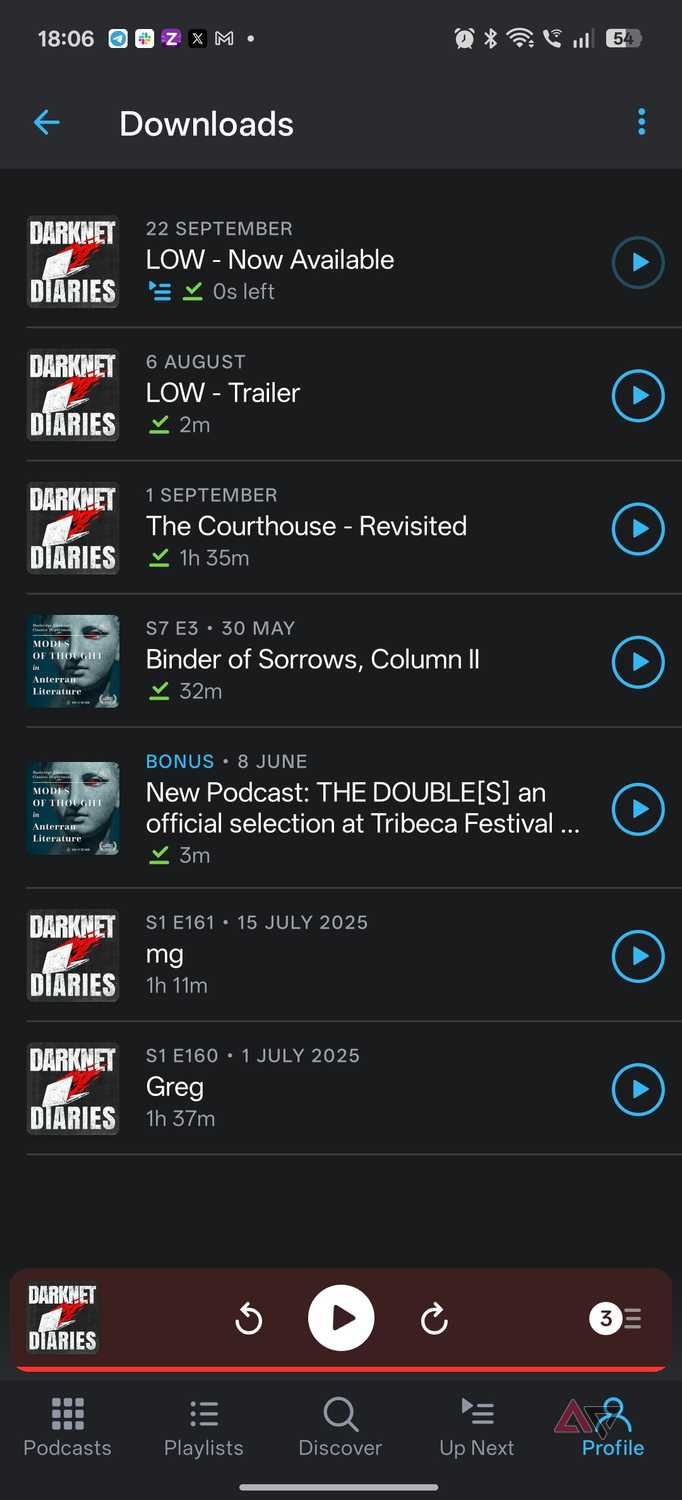
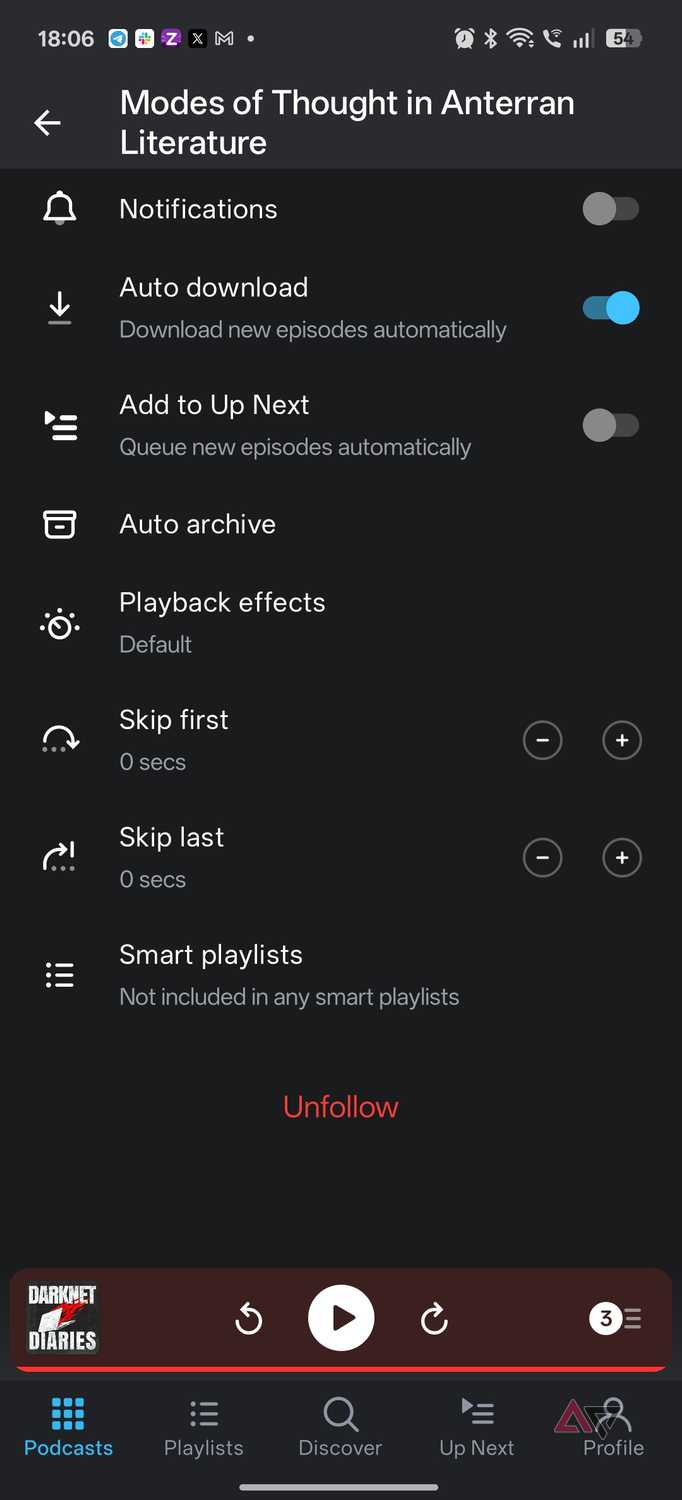
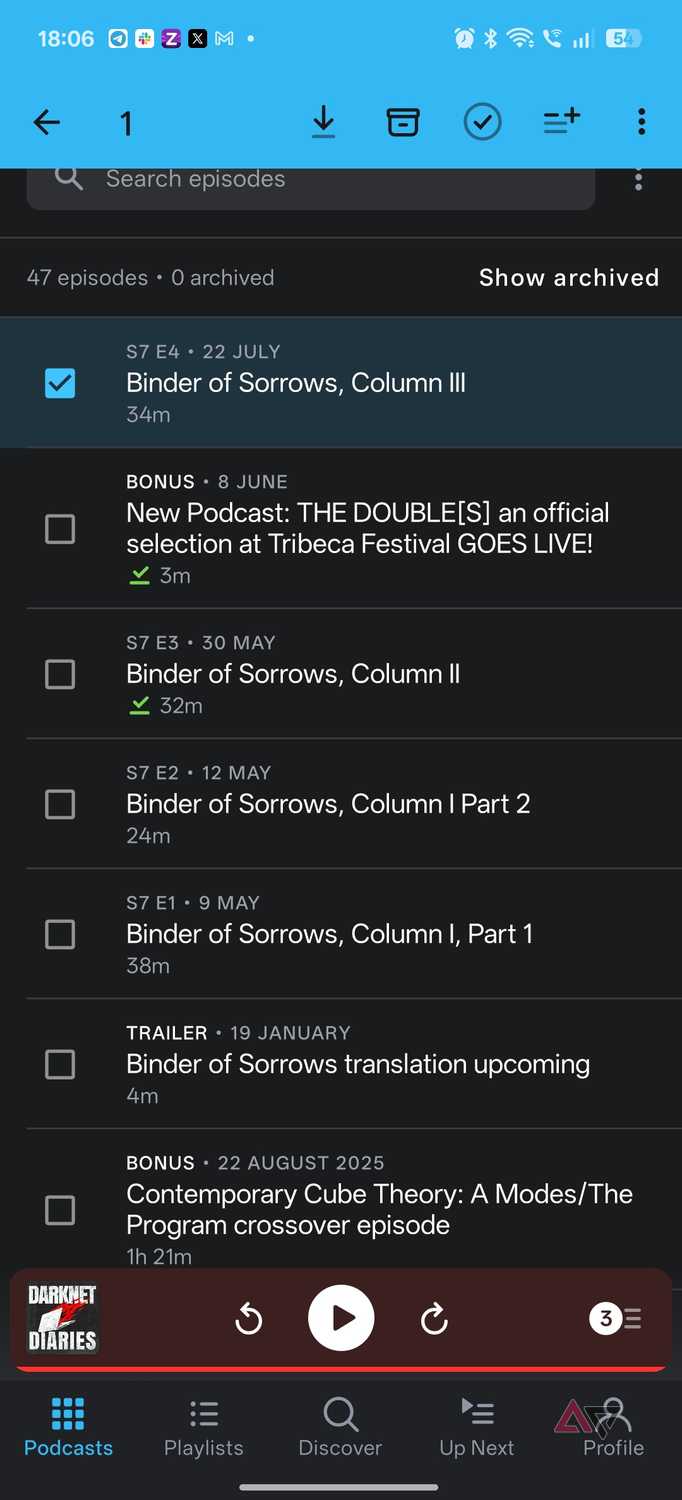
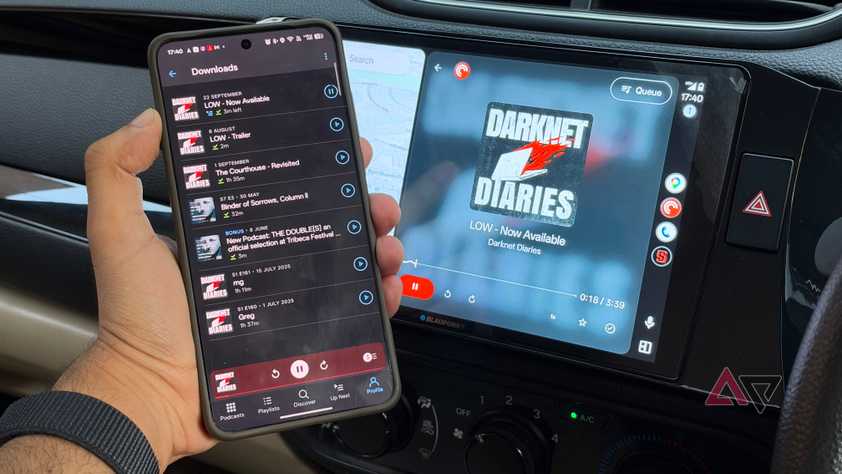
While navigation is important, the other part of my setup is entertainment. The worst thing to happen on a road trip is running out of things to listen to. Be it repeating a playlist or being unable to listen to a podcast because of dropped connectivity.
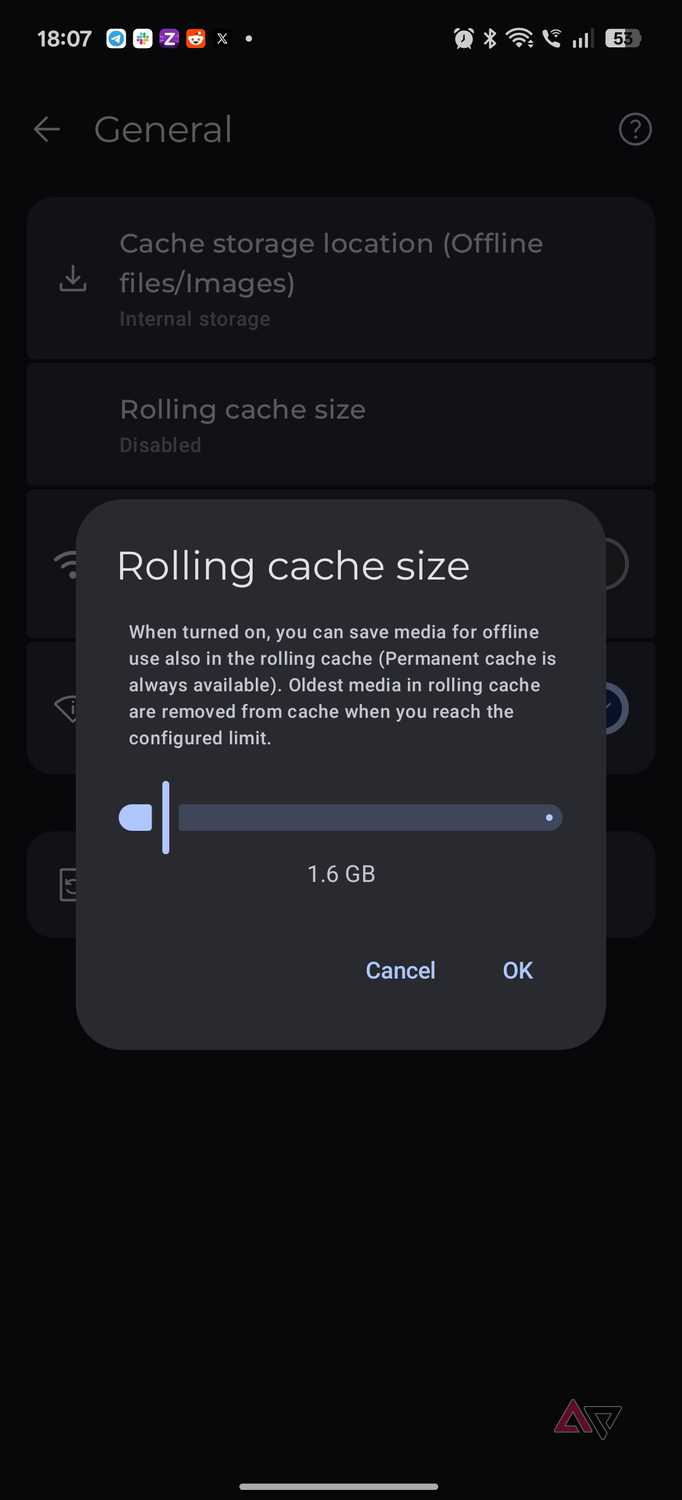
As far as goes, Symfonium is my go-to. My music library largely lives on my NAS as I make the move to offline-first listening. However, Symfonium works beautifully as a bridge between online-first listening through something like Navidrome or Plex, and an offline-first experience.
The app can cache music offline manually or automatically, ensuring you always have something to listen to even when the internet connection drops. The app has Android Auto support, so the offline library is still native to the Android Auto experience.
This is helpful on long drives, not only for the ability to listen in when the connection drops, but also to get around data limits.
My carrier, for example, offers 2 Gigabytes of data a day. That's woefully inadequate to stream a FLAC library. Still, I can get my high-resolution audio library on the go by caching it offline.
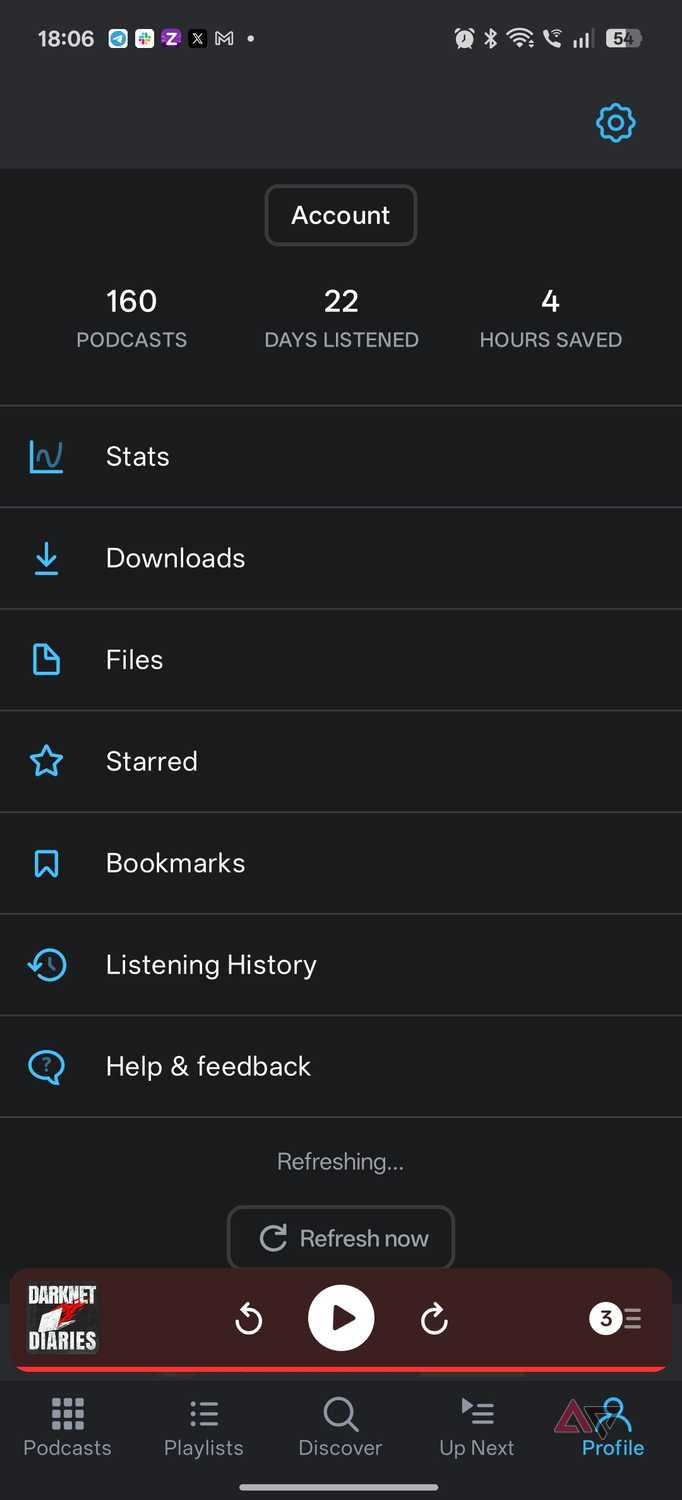
My podcasts work similarly. I'm a big fan of . The app lets me download episodes before I head out. It can automatically download new episodes or playlists, ensuring I always have a few hours of listening available, even if I don't save anything offline.
While offline navigation is helpful, offline entertainment is what I use most on daily or long drives.
If you use streaming services, you can do something similar with Spotify or YouTube Music, but those benefit from carefully curated playlists. With Symfonium, I can use whatever library organization I prefer. That includes using folders.
Reliability is the goal, not avoiding internet connectivity
My preference for an offline-first approach doesn't mean that my phone is in Airplane Mode. Far from it. I just prefer to design my setup so it works just as well offline as online. It's designed to be fully functional both when I lose data connectivity or perhaps my data plan runs out.
All it takes is making sure my map data is cached offline, and my favorite playlists downloaded. The plan isn't to replace connected services entirely. But it's more about making sure that I have a seamless driving experience, no matter the external factors. And all it takes is a few easy steps.