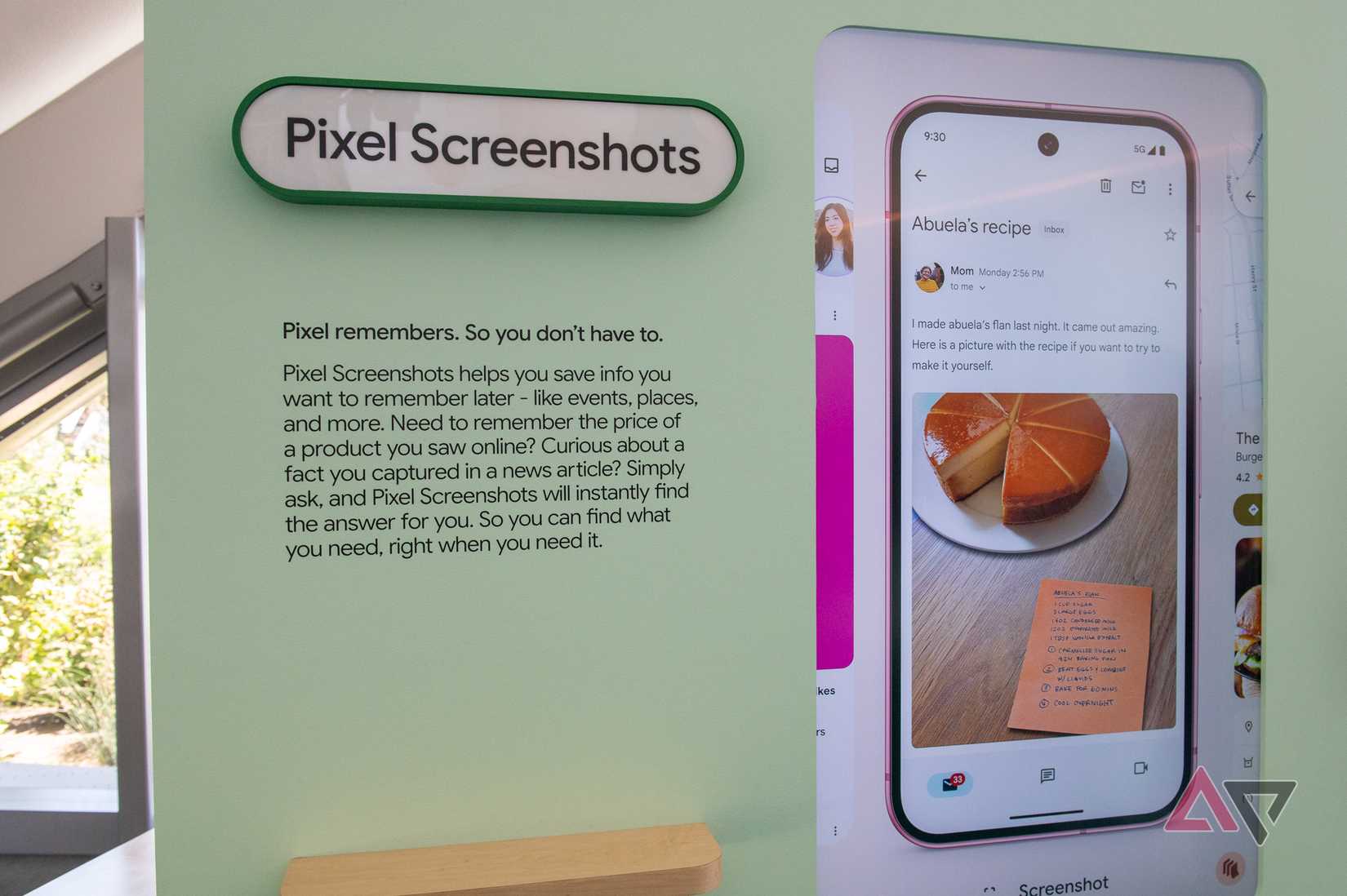
Google built an app to manage thousands of images and released it without proper file management. That was the original sin of Pixel Screenshots.
It leaned entirely on on-device AI to make sense of a messy gallery, giving you tags like Places and Receipts while ignoring basic organization.
Version 1.26.281.05, which came in August 2026 alongside the Pixel 11 series, finally fixed that.
You'd barely notice the fix at first. The only sign is a tooltip pointing at the filter icon under the Screenshots header.
Tap that icon, though, and the old tag menu now has date range, source, and collection filters that do more for the app than any of its .
Time-based filters fix what text search never could
Human memory runs on timelines
Pure text search is frustrating because human memory works in timelines.
Searching "receipts" or "articles" works great if you know exactly what's in the image and trust the model to label it correctly.
It doesn't work when all you remember is grabbing something last week. The old smart tag system left you stranded there.
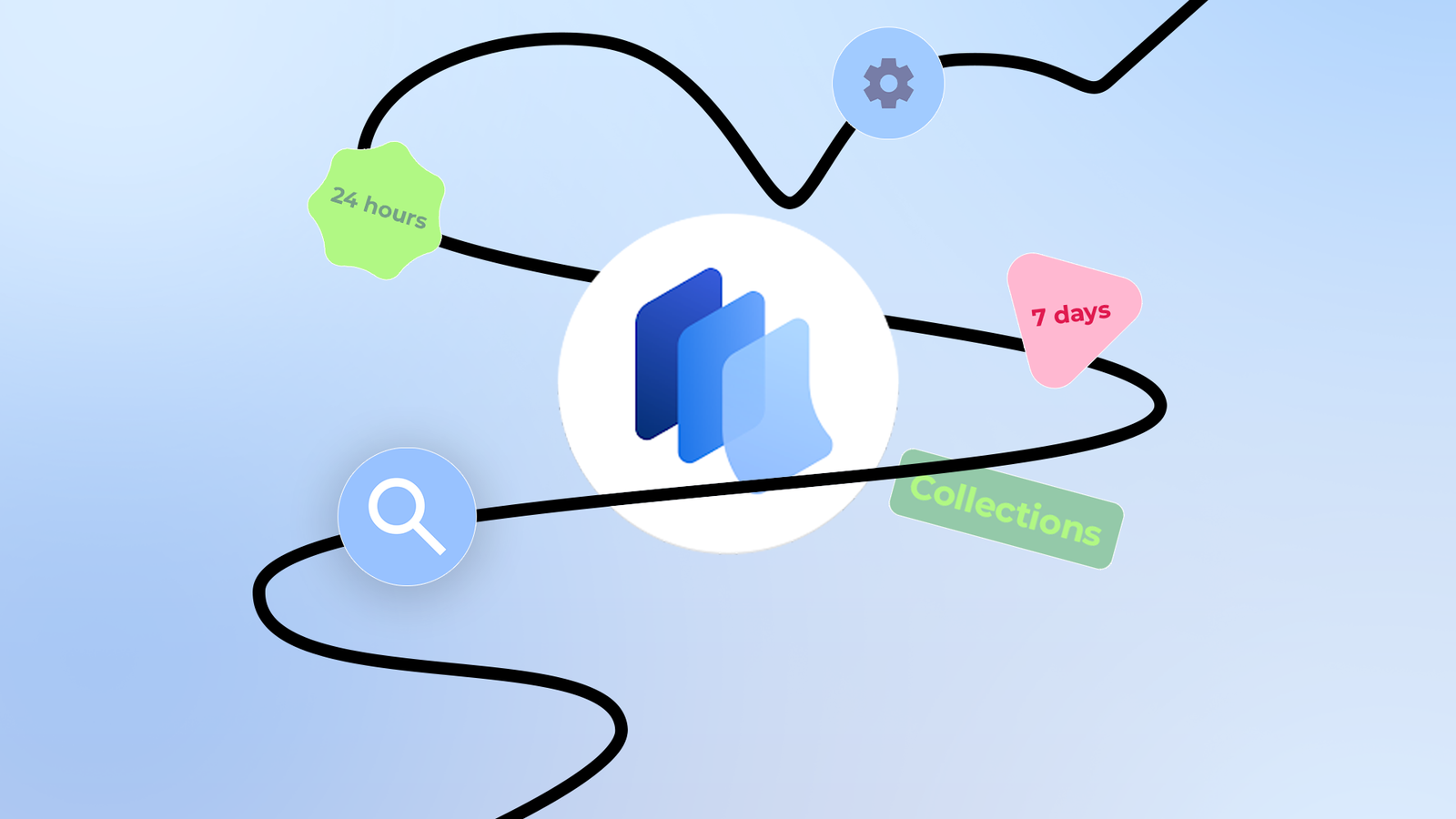
Tapping the new filter icon gives you presets for the past 24 hours, 7 days, 30 days, 6 months, and 1 year. There's also a Custom option if you need to pinpoint a specific window.
Google finally uses the app data it was already collecting
The icon in the corner was wasted data
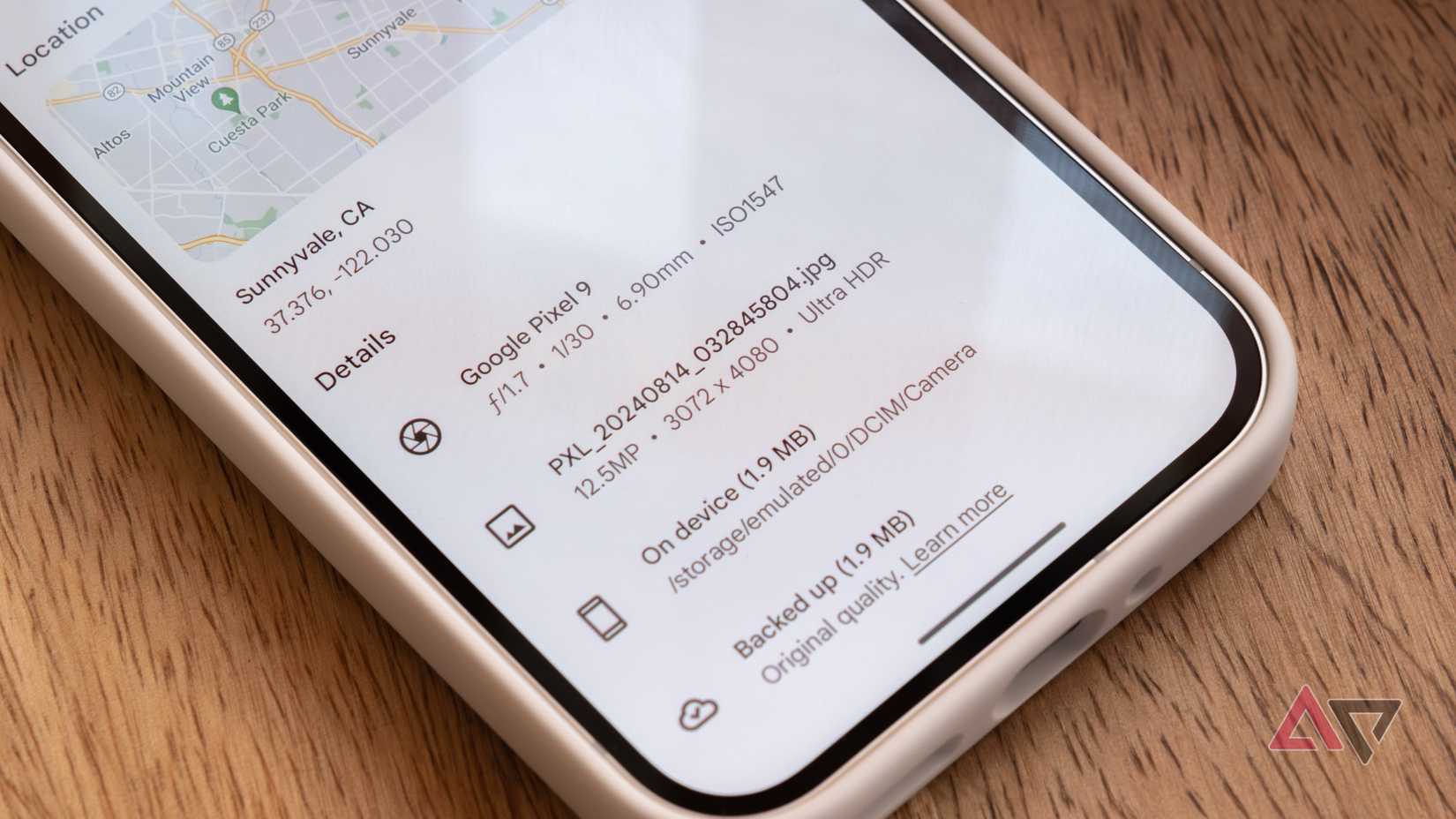
For me, this is the most practical part of the release. It runs on data Google was already collecting. Pixel Screenshots has always logged which app was running when you triggered the capture.
It even stamped that app's icon into the lower-right corner of the saved image. Google was wasting data.
The new Sources filter puts them to work. Tap it to see a list of apps on your phone. Picking one shrinks the grid to the screenshots you took in that app.
Need a tracking number a friend sent you? Isolate the feed to WhatsApp or Messages. Chasing a receipt? Isolate it to Chrome or your email client.
You skip the AI search entirely and use deterministic app data to get there in a fraction of the time.
Collections are now right inside the main feed
Cross-referencing a big library was tedious before this update
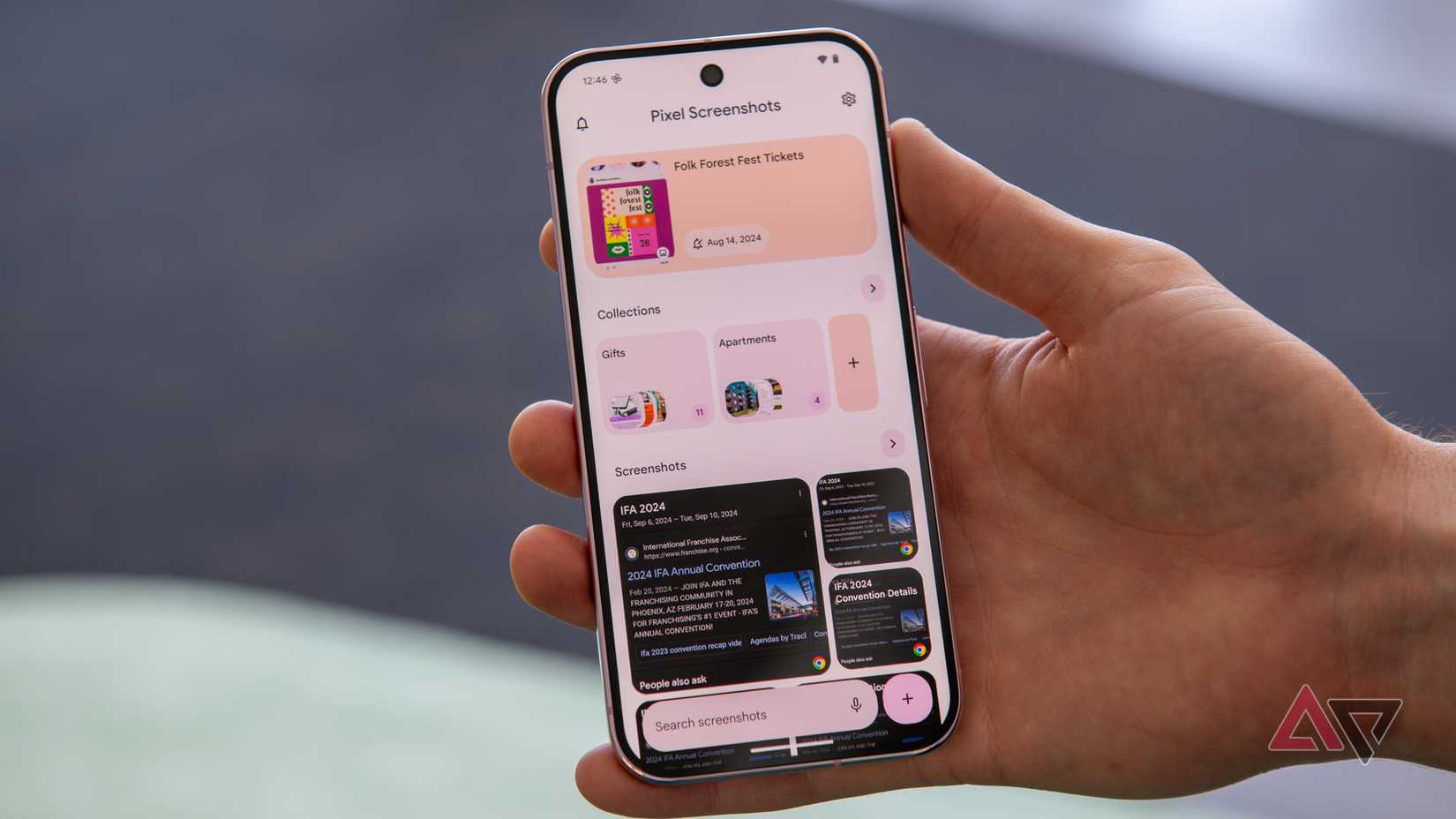
Collections used to be siloed. You navigated away from the main feed, opened a folder, and looked at the images inside.
So bulk organizing was discouraged, and cross-referencing got tedious with a big library, which always bugged me.
The August update pulls Collections into the main feed as a top-level filter. Applying one now works like a tag you can toggle. You stay in the primary interface and the grid updates around you.
That makes bulk sorting workable, and it means you can drop new captures into an existing bucket without losing your place in the broader timeline.
Layering filters is the real standout feature
Simple filters outperform natural language search
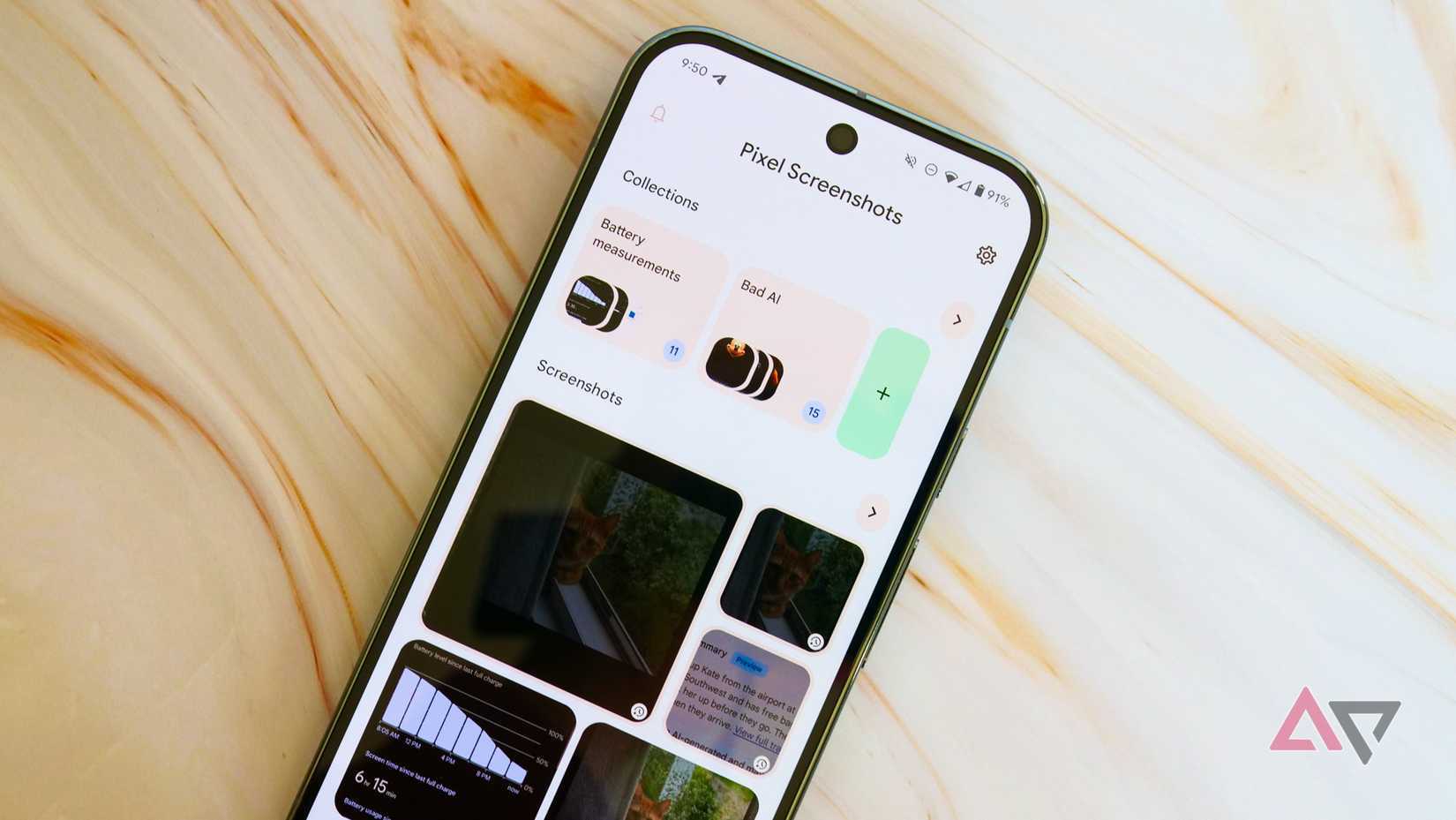
The filters render as selectable chips at the top of the screen. I love that you can stack them.
Say you're looking for a flight confirmation code. You know you captured it in Gmail sometime in the last 24 hours.
Stack the Gmail source chip with the 24-hour date chip and a huge library collapses to a handful of images.
This hybrid approach beats consistently.
Asking an algorithm to dig up something means inference and processing overhead. I'd rather have two metadata chips give me the answer.
New phone, same screenshots, none of your collections
This should be the next thing Google fixes
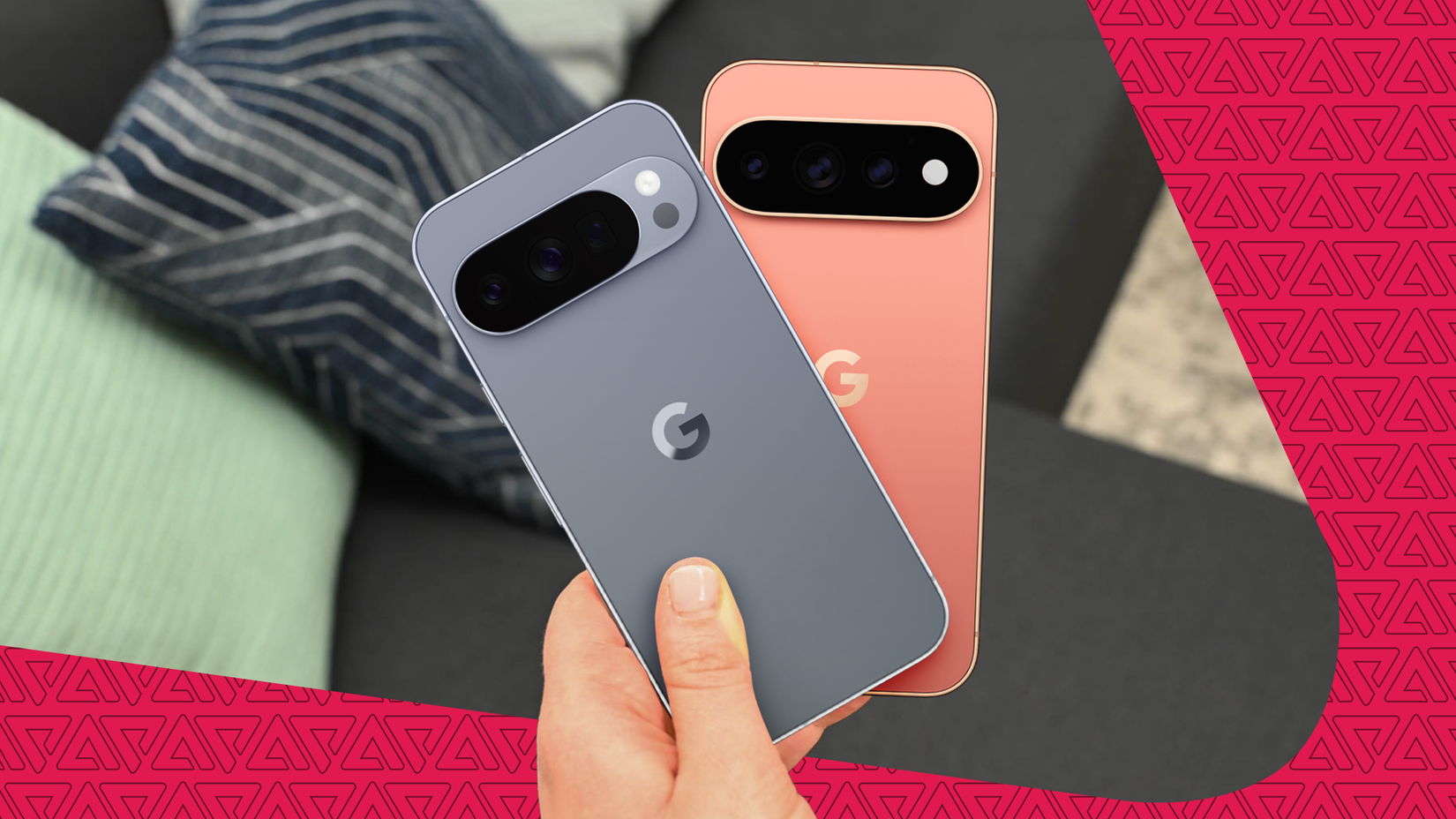
The filters make Pixel Screenshots enjoyable on a single phone. Set up a new one from a cloud backup, and things fall apart.
Google's help page says the app only supports device-to-device backup and restore, so none of the organizing you do inside it is backed up to the cloud.
Google Photos can back up the screenshots if you've turned on backup for that folder, but your collections, notes, and reminders stay behind.
If your old phone dies or is stolen, all those hours of sorting evaporate, and you're left to regroup everything again.
Basic organization beats raw processing power
Pixel Screenshots was sold as a proof of concept for . Google promised a Pixel 9 that could help you find a lost receipt.
As it turned out, the app never quite lived up to the promise. In June 2026, Google started routing some of that processing to its cloud-based Private AI Compute.
Google tried to solve an organizational problem with more processing power, and it didn't work. What made the app better was the least exciting fix.