Like other recent glasses from Meta, the audio-only frames have 6 mics and open-ear speakers. Music, podcasts and phone calls sounded just as good as my Gen 2 glasses. One quirk of the audio-only glasses is that the microphones are in slightly different places. There are now two mics on the front of the frames, replacing the ones that were embedded in the nosepads in previous models. The other four are on the arms. This new placement didn't seem to affect things, though. Friends and family told me I sounded clearer on calls when I was wearing the audio glasses, compared with my second-gen AirPods Pro.
The other major advantage the audio-only glasses have compared with other models is the battery life. Meta says the frames can go 12 hours on a charge with "mixed use" and up to six hours of continuous audio playback. I haven't done a full battery rundown, but I still had close to 50 percent battery after five hours of streaming audio and a one-hour phone call. If you aren't listening to hours of music or podcasts, the glasses will easily go all day without needing to recharge.

Even though there's no camera, you can still use most Meta AI features, including live translation and walking navigation. Meta is also planning to bring its AI agent, Muse, to its glasses, so the audio frames will also be a conduit to your personal agent once that update rolls out. (The company has said to expect it in the "coming months.")
One thing that did frustrate me about Meta's implementation of its assistant on the audio-only glasses is that the action button is so limited. On other frames that have the control (Meta Glasses, Oakley Meta Vanguard sunglasses, the Ray-Ban Meta Optics line, and Gen 3 Ray-Ban Meta frames), there are quite a few options for what that shortcut can trigger. Some of these are related to the camera, but many others aren't, like call muting or playing music.
But on the audio-only frames, there are only two options for what this button can do. If you select "music," it will play recommended playlists, or you can set it as a shortcut to activate Meta AI. The latter is useful if you don't enjoy saying "Hey Meta" in public, but you can't set it to trigger a specific prompt like you can on other glasses. You also can't use the button to answer or mute calls, both of which could be useful shortcuts for audio-only glasses.
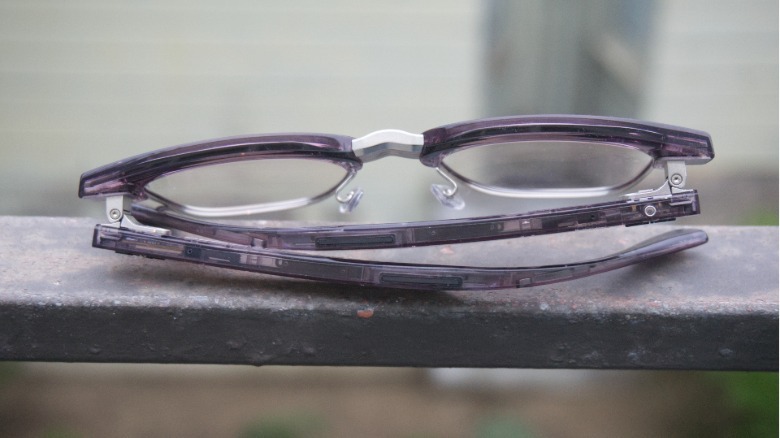
It's an annoying limitation and I don't understand why Meta would limit what the only button on the glasses could do. The good news, though, is that this is likely something that can be addressed in future software updates, so I'm hopeful we might get a little more functionality out of the action button in time.