
Samsung has started rolling out AirDrop file sharing with iPhones to the Galaxy S25 FE.
Last year, Google announced the ability to send and receive files between Android's Quick Share and Apple's AirDrop, initially bringing the feature to the . This essentially allows you to share files directly between an Android phone and Apple devices, including iPhones, iPads, and Macs, using .
Google initially made the feature available on the Pixel 10 series before gradually expanding it to more Pixel phones. Naturally, other Android OEMs eventually joined in. Samsung debuted the feature with the Galaxy S26 series earlier this year and has since expanded it to several older devices, including the Galaxy S25 and Galaxy S24 series, as well as multiple generations of Galaxy Z foldables.
And now, Samsung is bringing the feature to the Galaxy S25 FE as well.
One UI 9 brings AirDrop sharing to the Galaxy S25 FE
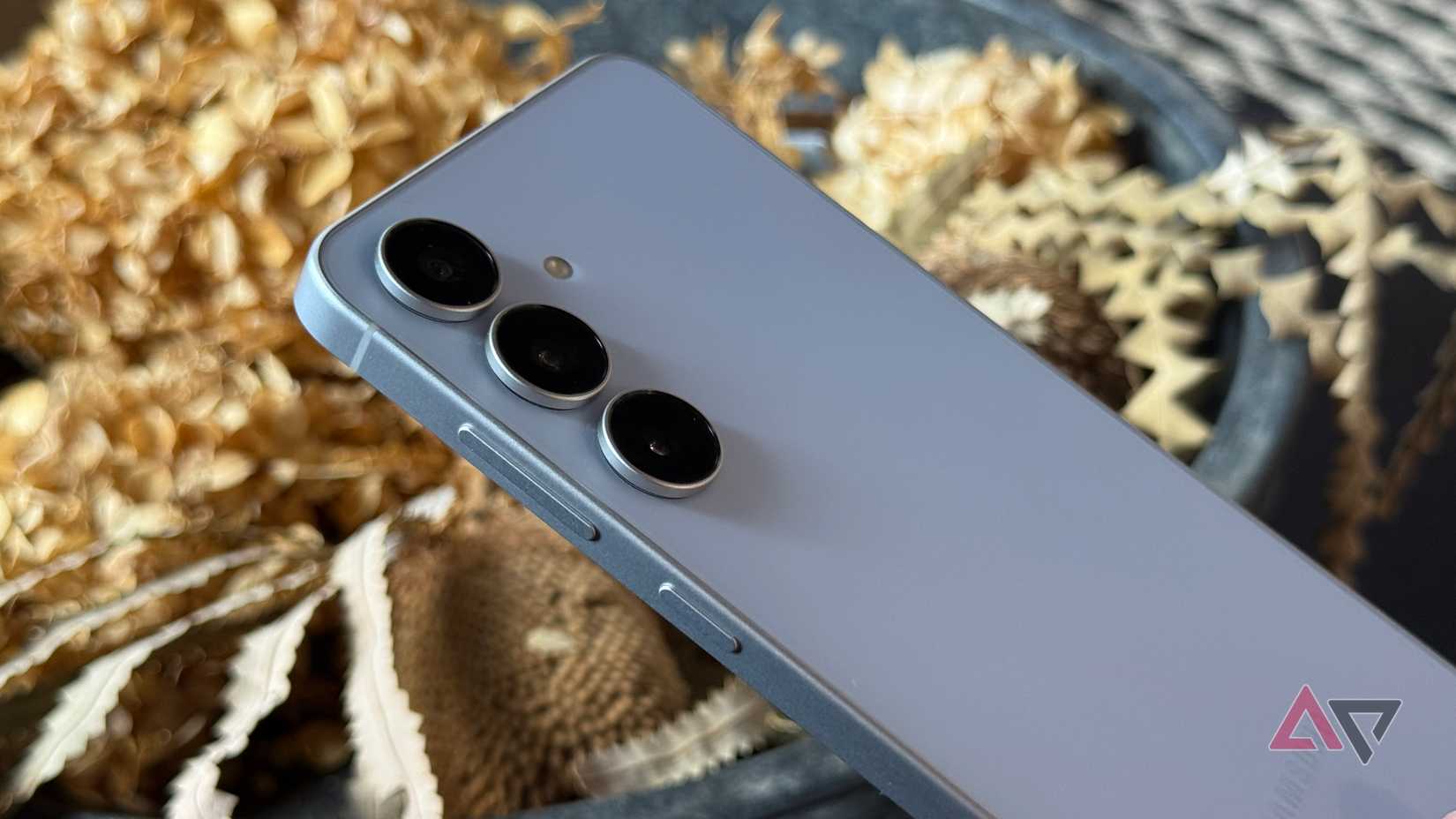
As spotted by tipster Tarun Vats on X, Samsung has added support for sharing files with Apple devices through Quick Share with the stable One UI 9 update for the Galaxy S25 FE. Samsung only recently started rolling out the stable One UI 9 update to the phone, and alongside several other new features, it also enables native file sharing with AirDrop.
To use the feature, head to and, under the Nearby sharing section, enable the Share with Apple devices toggle. The next time you want to send or receive a file from an iPhone, iPad, or Mac, you'll be able to do it directly from your Galaxy phone without relying on third-party file-sharing apps.
The for the Galaxy S25 FE brings several other features as well, including My FanCam mode and a more customizable Quick Settings panel. Samsung has also made improvements to Now Nudge and Now Brief, so there are plenty of other additions to check out after installing the update.
If you've already received the stable One UI 9 update on your Galaxy S25 FE, you can install it now and start sharing files natively with iPhones and other Apple devices using AirDrop and Quick Share.