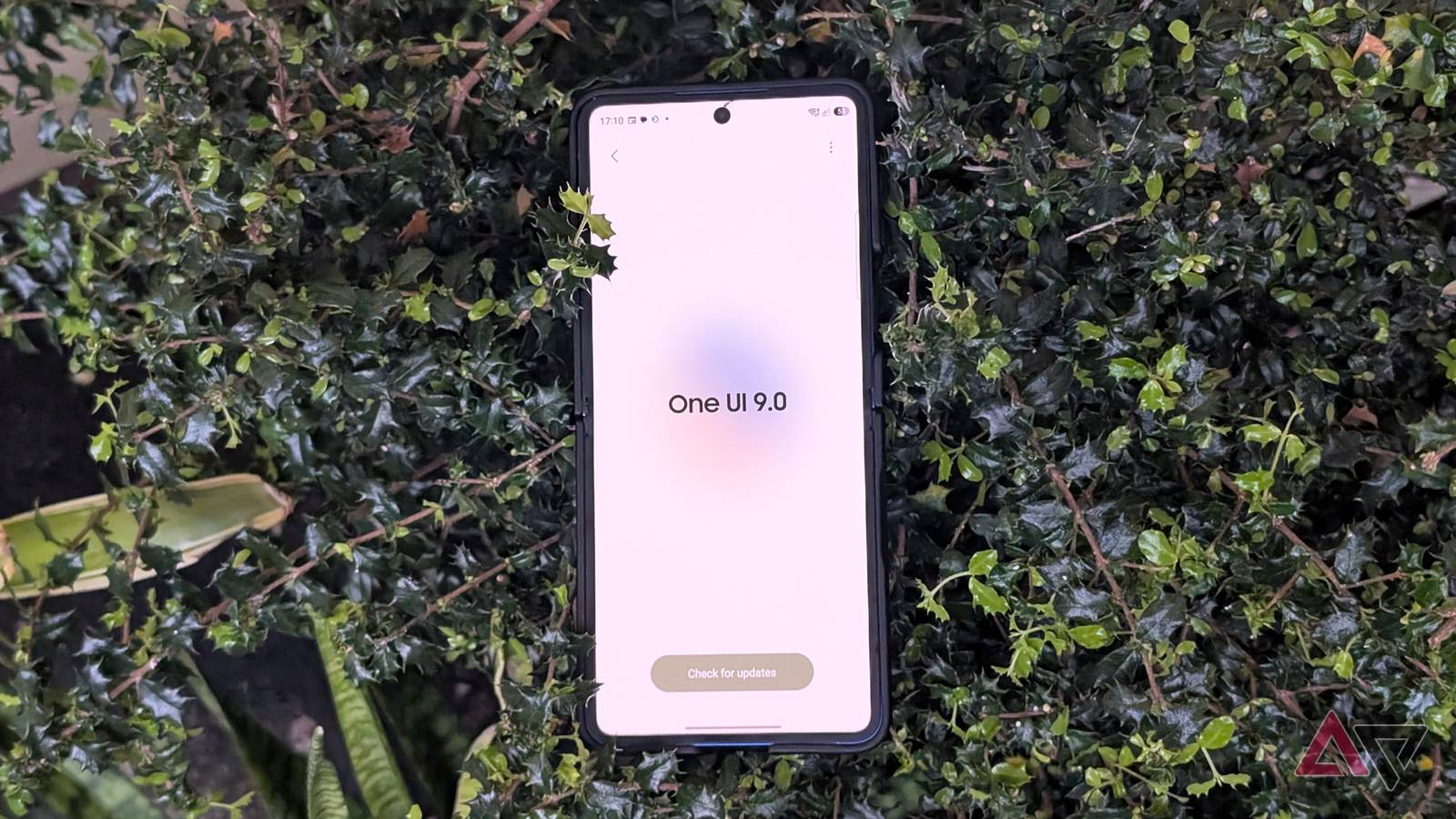
Samsung’s , based on Android 17, has reached more users in recent weeks.
While many are testing the release's new additions, some are realizing that the major firmware update is also bringing frustrating bugs to Galaxy devices.
Now, Samsung has acknowledged a major concern and shared a temporary fix while we wait for a more definitive solution.
Temporary fix to a prominent One UI 9 problem
On Samsung’s South Korea community forum, a user recently reported a persistent error that appeared after updating to One UI 9, as spotted by SammyFans.
The user described it as a long text alert: "The webpage is unavailable https://policies.account.samsung.com/agree?darkMode=tr for the following reasons."
This is followed by "for the following reasons... Cannot load webpage."
The last line shows "net::ERR_NAME_NOT_RESOLVED," suggesting it is a web-related connection issue.
A Samsung community manager has seemingly confirmed that this is due to the One UI 9 update, and that the WebView component in the build specifically causes the error.
The moderator also shared a workaround to resolve the persistent notification.
Samsung recommends updating the browser to the latest version. The same applies if you use another browser, like Chrome.
It also recommended using a Wi-Fi network when signing in to the Samsung account in the app, and said to use the web version of samsung.account.com if you can't log in to the app.
There was no confirmation that these troubleshooting steps eventually resolved the user's complaint.
One UI 9 rollout troubles appear widespread
This is only one of several owner complaints surrounding the One UI 9 rollout.
Last week, multiple users reported that their Galaxy handsets froze after installing One UI 9, and the issue appears to impact devices globally.
Some of the models mentioned include the Galaxy S24 and Galaxy S25 Ultra, but there are far more noticeable reports from Galaxy S26 Ultra units.
They describe the boot screen getting stuck or showing an Access Denied prompt on the splash Welcome screen after a restart when finishing the installation process.
Worse, users shared that they get stuck on the boot screen for several minutes, and the only workaround is to force a reboot and disconnect from the internet.
One Reddit user said they bypassed this by booting into Safe Mode, then disabling Wi-Fi and mobile connectivity, or putting the handset in airplane mode altogether.
If you can’t take your device offline quickly, some owners suggest turning off your home router or removing the physical SIM card.
Forcing it offline skips the XML verification stage, which can cause the setup to freeze or brick the device.
A definite fix could be on the way
Samsung hasn’t confirmed this startup glitch or clarified how widespread the bug is, but it's clearly tied to One UI 9.
We also don't know when we can get a proper fix for this One UI 9 mess. However, we might see it roll out with the November security patch.