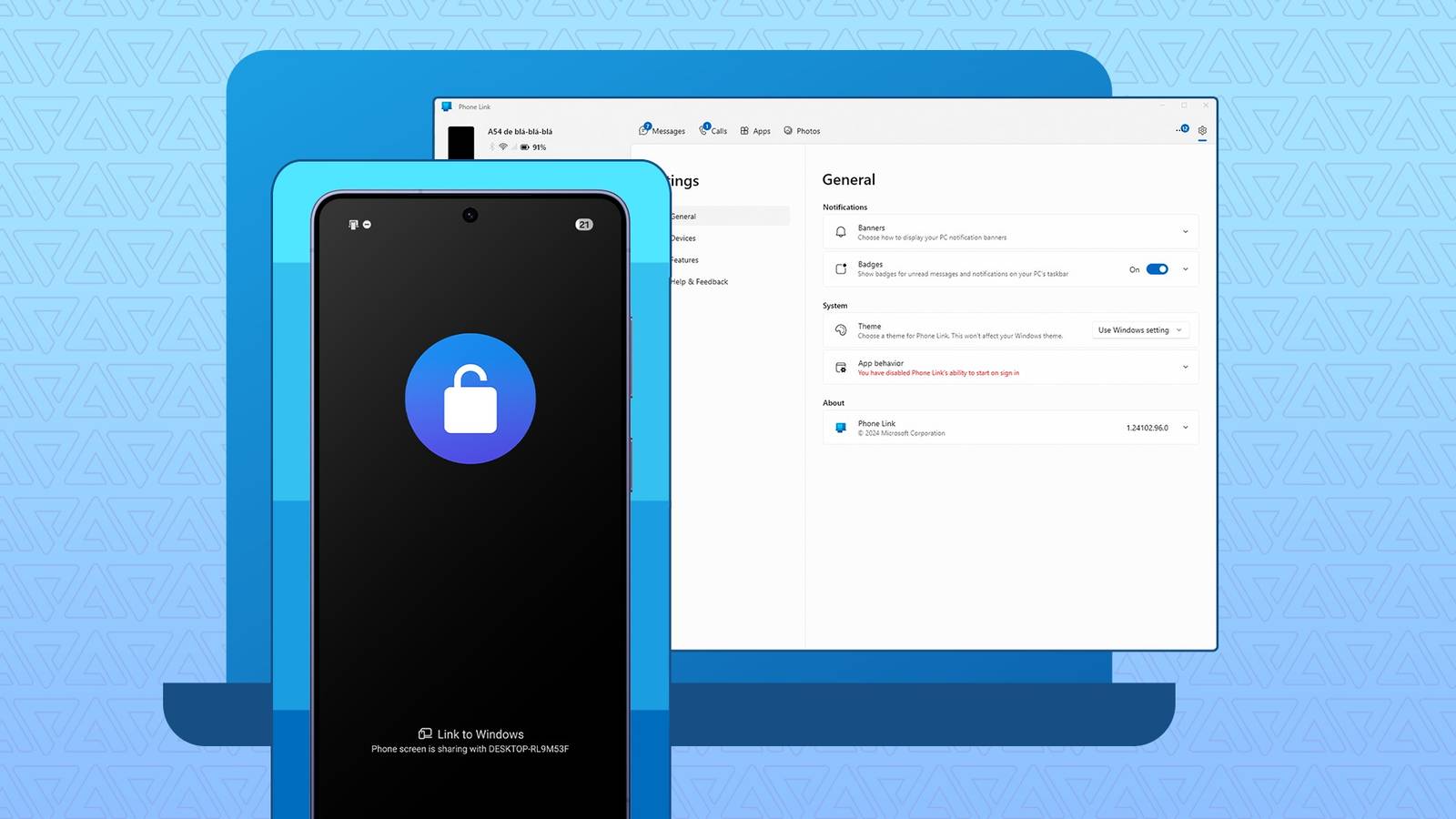
I've used Phone Link for years, since I got my first Samsung, the Galaxy S20, in 2021 and learned about .
When I open a mobile app on my laptop, I have to unlock my phone first. It doesn't seem like much, and probably isn't most of the time, but it becomes annoying when my phone is in another room.
Or worse, when it forces me to pick up my phone when I'm actively detoxing or in the middle of work. But I had to put up with it if I wanted to use those features.
Then Samsung made Galaxy Connect available on all Intel and AMD-based Windows 11 PCs, but it wouldn't let me launch my phone apps.
Now, reports suggest that Samsung is working on a new way to connect my phone to my PC, App Cast, with One UI 9.5. So far, nothing suggests it'll solve the one problem I have with Phone Link.
I'll walk you through all three apps and explain exactly why I said that.
Phone Link does a decent enough job
When it works
I've had Phone Link for about five years, and it does a good job. The cross-device copy and paste is my favorite feature and why I started using it.
Copy a word, a long body of text, or an image on my phone, and I can paste it into a document on my laptop, and vice versa.
When I need to move files to my PC, I select them, choose my PC from the file-sharing options, and voilà, done. With recent updates, sending files from my PC is just as easy. Select the files, right-click, and choose .
The one feature I really appreciate, even though I don't always use it, is opening my phone's apps on my laptop. But I don't like having to unlock my phone to do it.
Microsoft released a fix, though. It added a toggle to skip unlocking to access mobile apps. But it only works if both devices are on the same hotspot. Since I connect my laptop to my phone's hotspot, it doesn't work for me. And it's kind of annoying.
Even more annoying is how unreliable the connection is. Sometimes I turn on my PC, open a document, copy some text, and it doesn't appear on my phone.
When I open the app, I find my PC disconnected. Often, even after reconnecting, it still doesn't work, and I have to use alternatives like copying and pasting into Google Keep.
Galaxy Connect looks better on paper than it works in practice
It handles files if you can get it to work
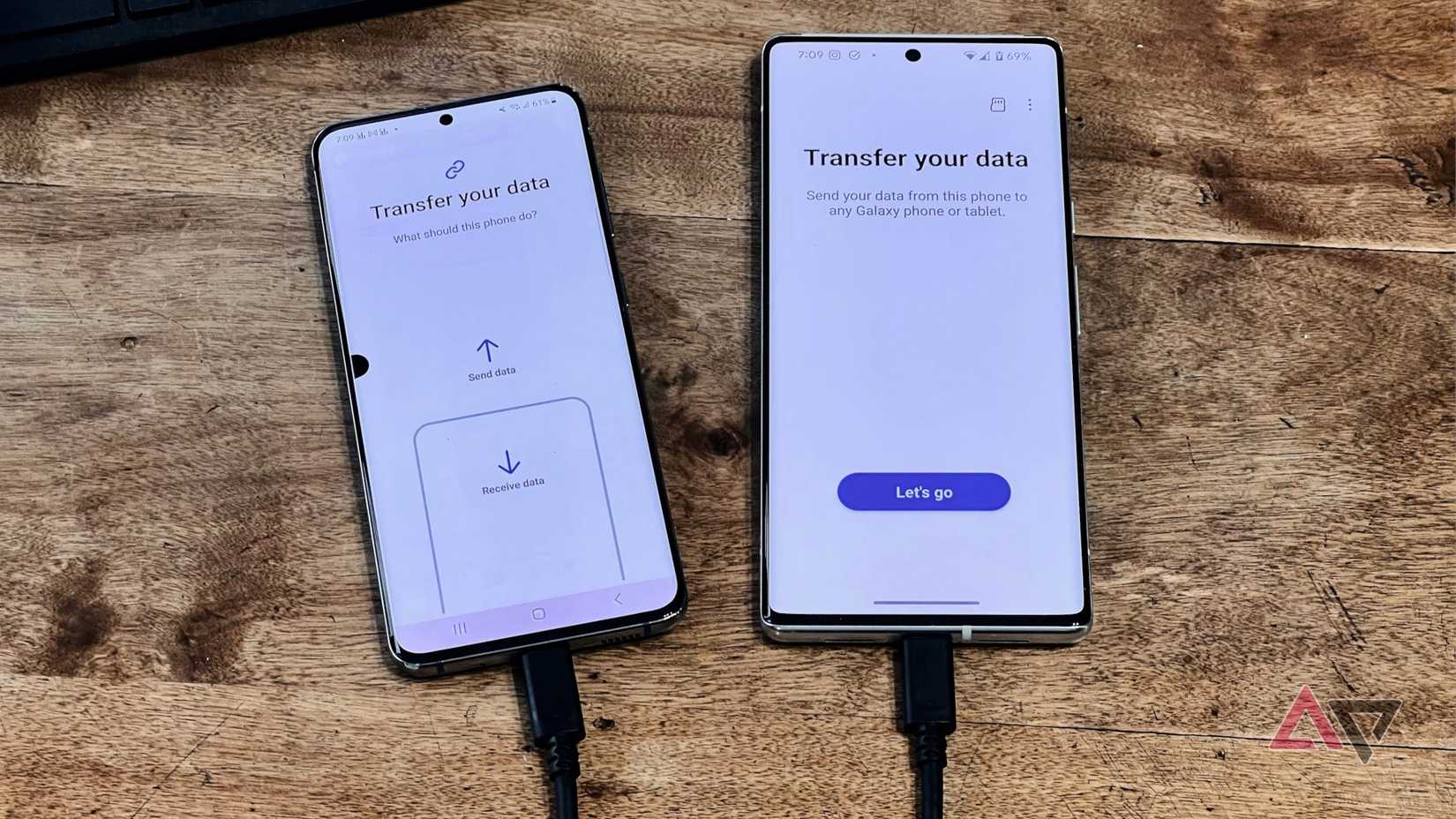
Unlike Phone Link, I only recently started using Galaxy Connect on my Windows PC.
Setting it up is simple. You install the app from the Microsoft Store, log in to your Samsung account, and turn on the tools you want. It allows you to copy text and files between devices and access your phone's storage via Windows Explorer.
If you don't mind downloading two more apps, you can control your device from your laptop or use it as a second screen (useful for tablets).
Unfortunately, in my experience, it's been underwhelming. It only copied text successfully. It showed a success message when I copied a file, but the file never arrived on the other device. I couldn't browse my phone's files from my laptop either.
Maybe there's something wrong with my setup, but so far, I've found it much worse than Phone Link.
App Cast could change things
Or it might not be much different

App Cast is Samsung's next attempt at linking Galaxy phones to PCs. It first showed up in leaked One UI 9.5 builds in August as App Mirroring, before Samsung renamed it.
According to the leaks, it lets you wirelessly access your phone's apps and notifications from your laptop. You need Bluetooth and Wi-Fi enabled on both devices, and both need to be signed in to the same Samsung account.
It sounds a lot like Apple's iPhone Mirroring. iPhone Mirroring lets you use your iPhone's apps on a Mac while the phone stays locked, and they don't have to be on the same Wi-Fi network. That's exactly what I want from Phone Link.
However, nothing in the leaks so far suggests that. So, it could just be another Phone Link, especially with my setup, where my laptop runs on my phone's hotspot.
It's also possible that App Cast launches on Galaxy Book laptops first, like Galaxy Connect, which would mean I have to wait even longer to get it.
I'm sticking with Phone Link for now
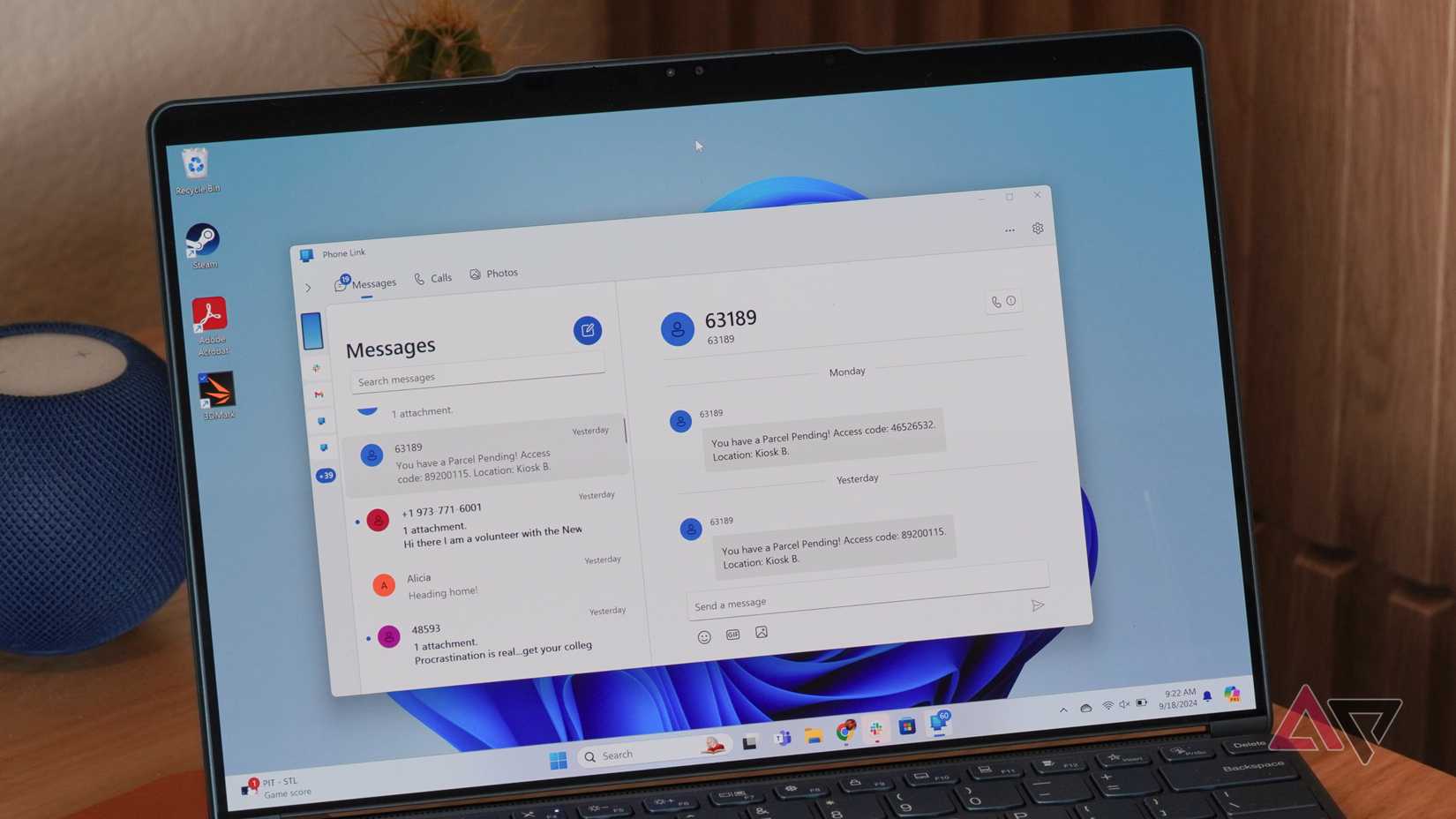
After about five years, Phone Link is still my preferred way to connect my Galaxy S24 Ultra to my Windows laptop. It covers my most pressing use cases. And in my experience, it's more reliable than Galaxy Connect.
App Cast may finally remove the unlock requirement for my hotspot setup, but I'm not holding my breath.
In the meantime, there are more One UI 9.5 features to look out for if you own a supported Samsung Galaxy phone.