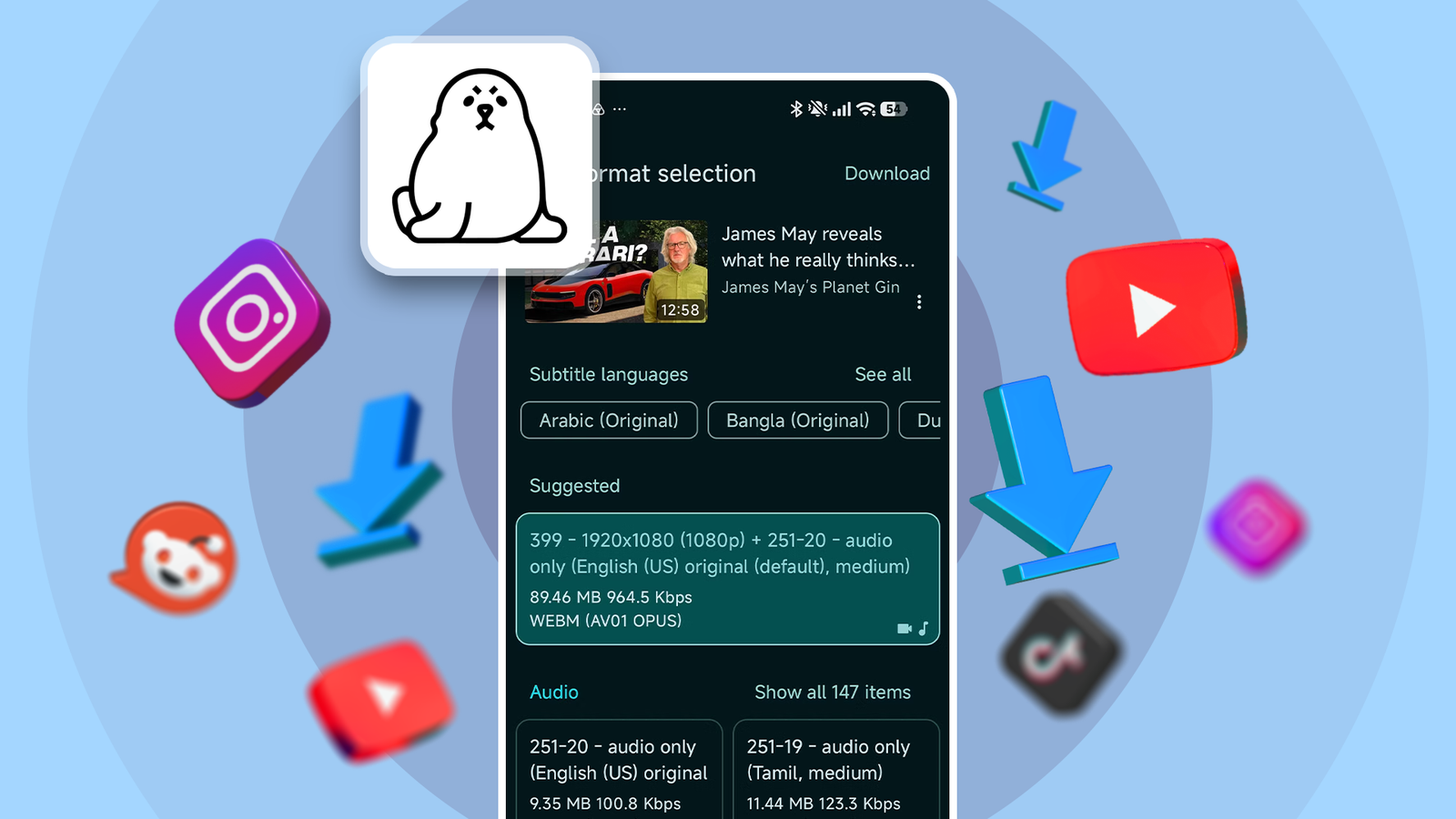
Many open up a lot of possibilities, and one of them can download videos from YouTube and other social media apps.
I've tried a bunch of apps from the Play Store, but they're often riddled with ads or push some form of monetization to unlock all features.
But I found an open source app that lets me download content from almost any app, and it doesn't have any of the annoyances I mentioned.
Seal app is everything I needed for downloading video content
A fantastic app for offline viewing
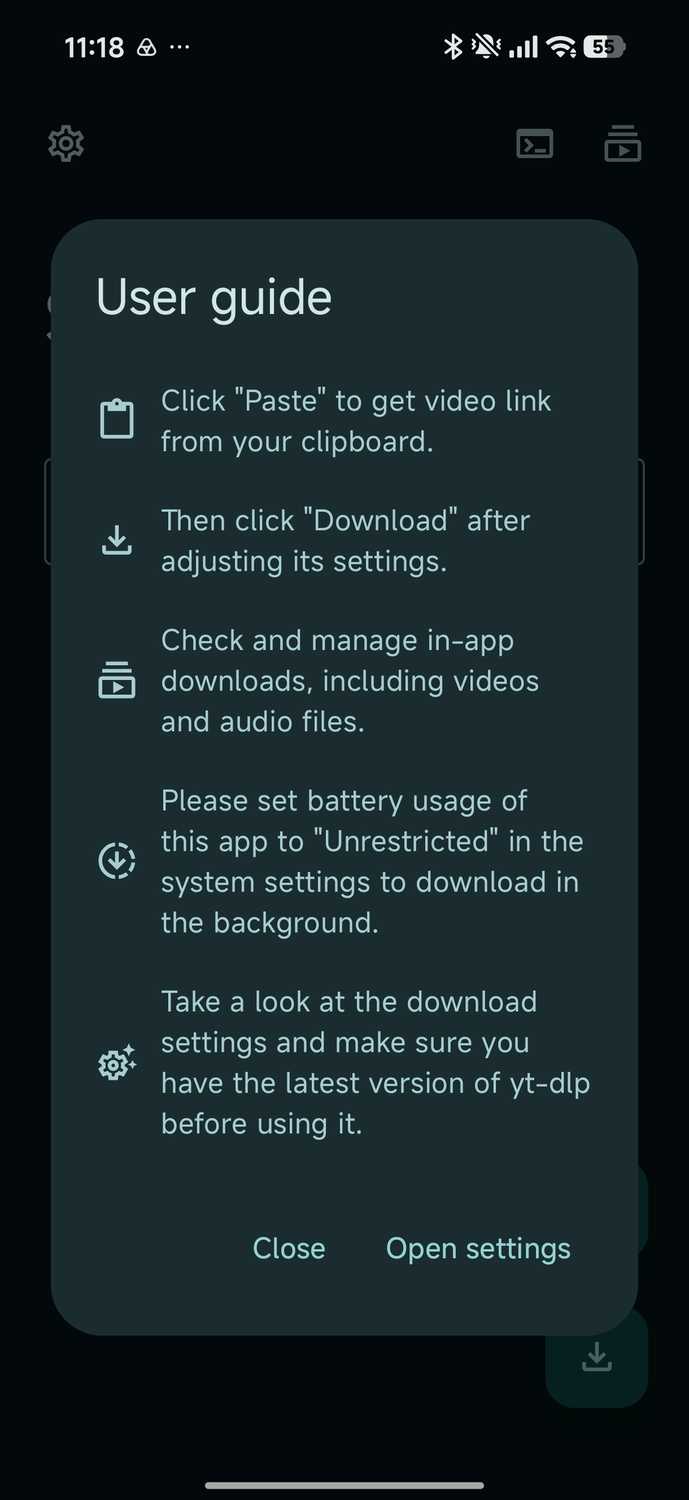
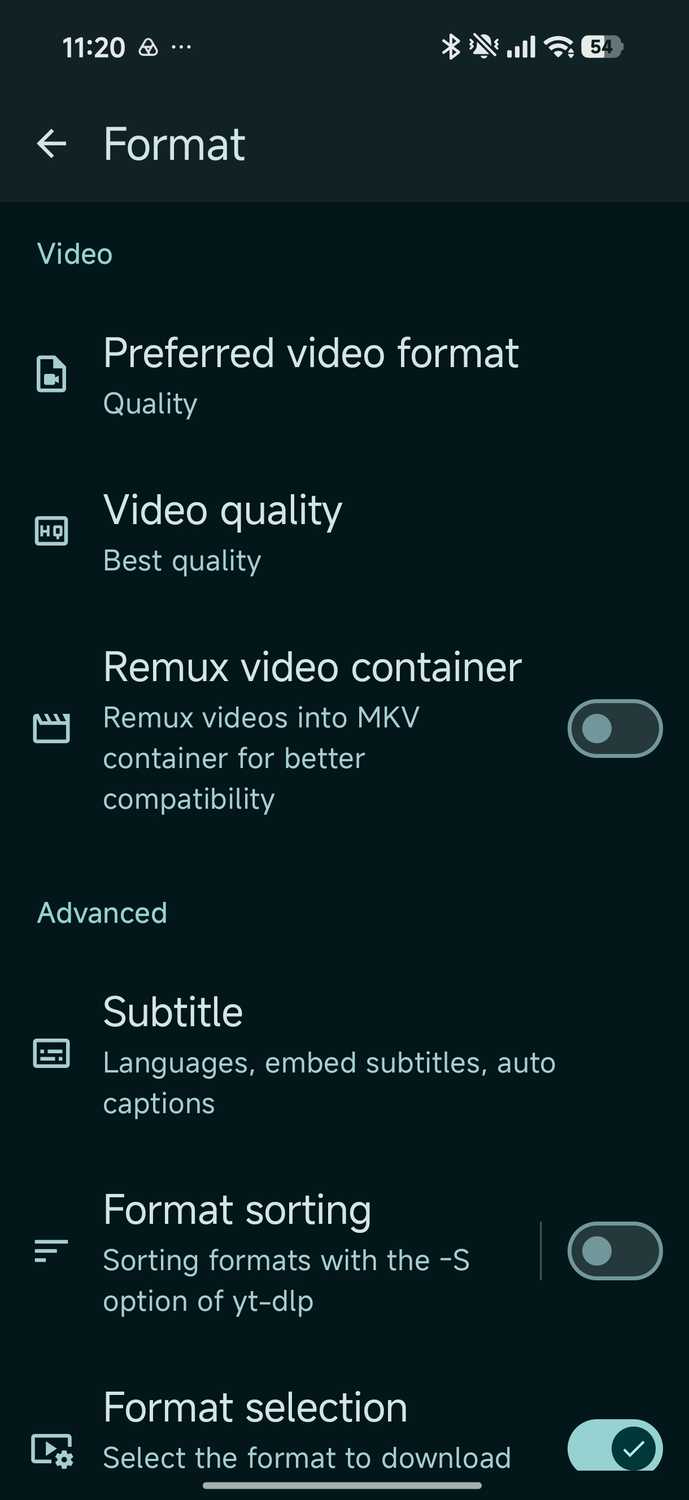
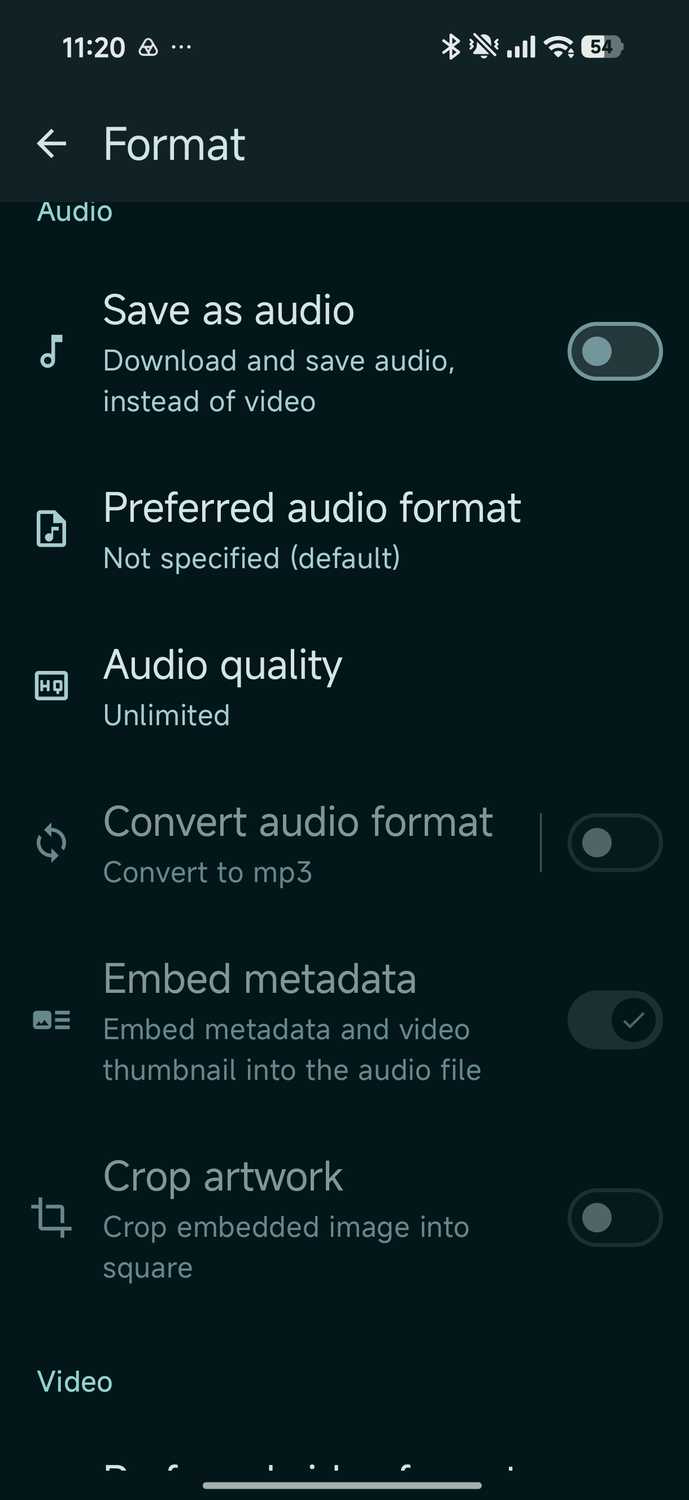
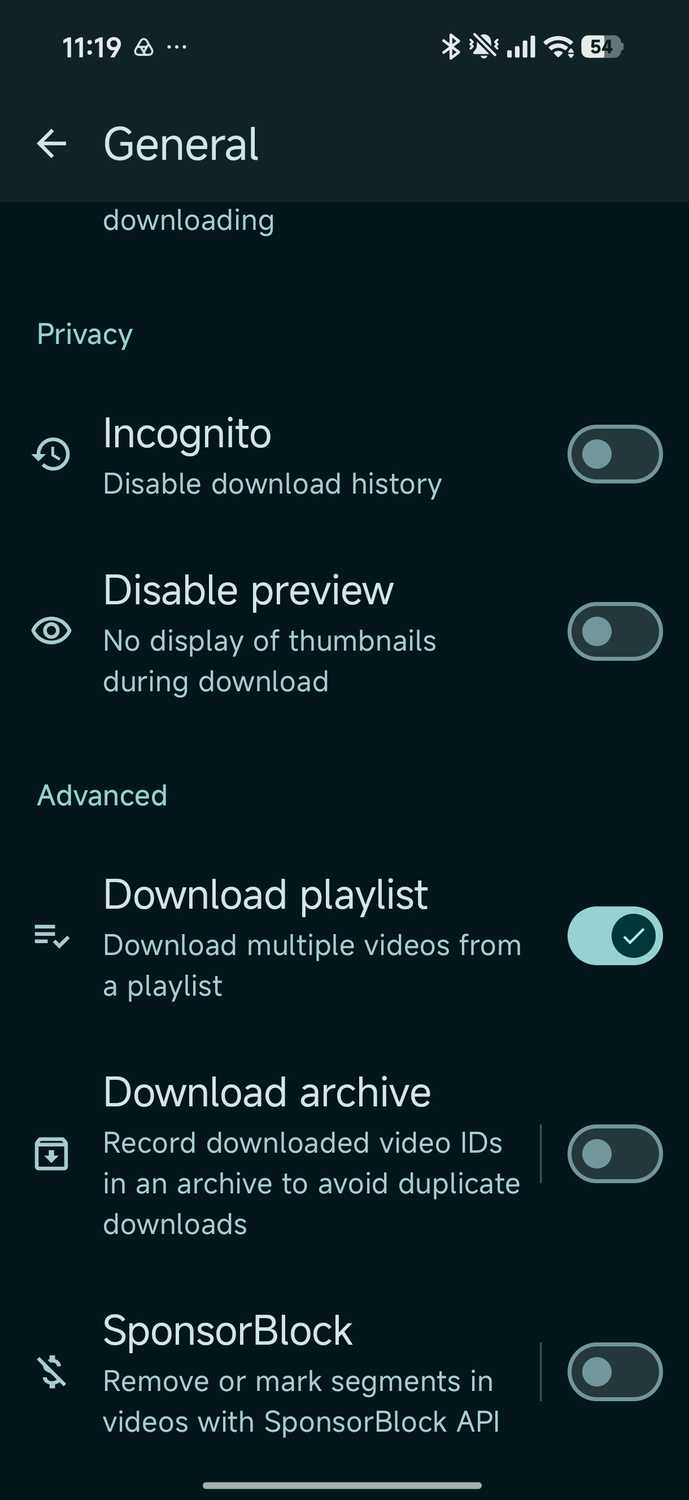
There are several ways to download videos for offline viewing from apps like YouTube. You can use Brave browser's hidden settings or other download managers to get the same result.
But not everyone likes switching browsers, and download managers are often riddled with ads that ruin the experience.
I download videos for offline viewing while traveling, and I needed a reliable app that could get the job done fast.
After a quick Reddit search, I found an app called Seal that had everything I wanted. It was open source, had no telemetry, and didn't push subscriptions.
It has a clean UI, follows Material You design, and can download anything supports.
After trying numerous shady downloaders, I realized Seal was the only app I could use reliably.
Seal is a polished GUI front-end for yt-dlp, a command-line tool commonly used to download videos from social media.
The app has two modes: general mode for everyday use and Custom Command mode for power users who want to take full advantage of yt-dlp flags.
The app works with numerous websites and platforms such as:
- Other websites that support yt-dl.
Looking at the list above, you might think I only use it for YouTube, but that is not the case.
I like watching e-sports matches on Twitch, and because of the time difference, I cannot keep up with them all.
Same goes for SoundCloud. Since I like to listen to long DJ sets while I run, I download these files instead of streaming on the go.
SoundCloud's servers are also unreliable, and since the app had no way to download music, Seal is a godsend.
Seal is also a capable media player that supports all the important formats (MP3, M4A, FLAC, and OPUS). I can even download 4K videos from YouTube if the video supports it, or the highest audio quality from SoundCloud.
The app is even more useful because I can embed subtitles into the video file and download YouTube video thumbnails.
It's a very easy process
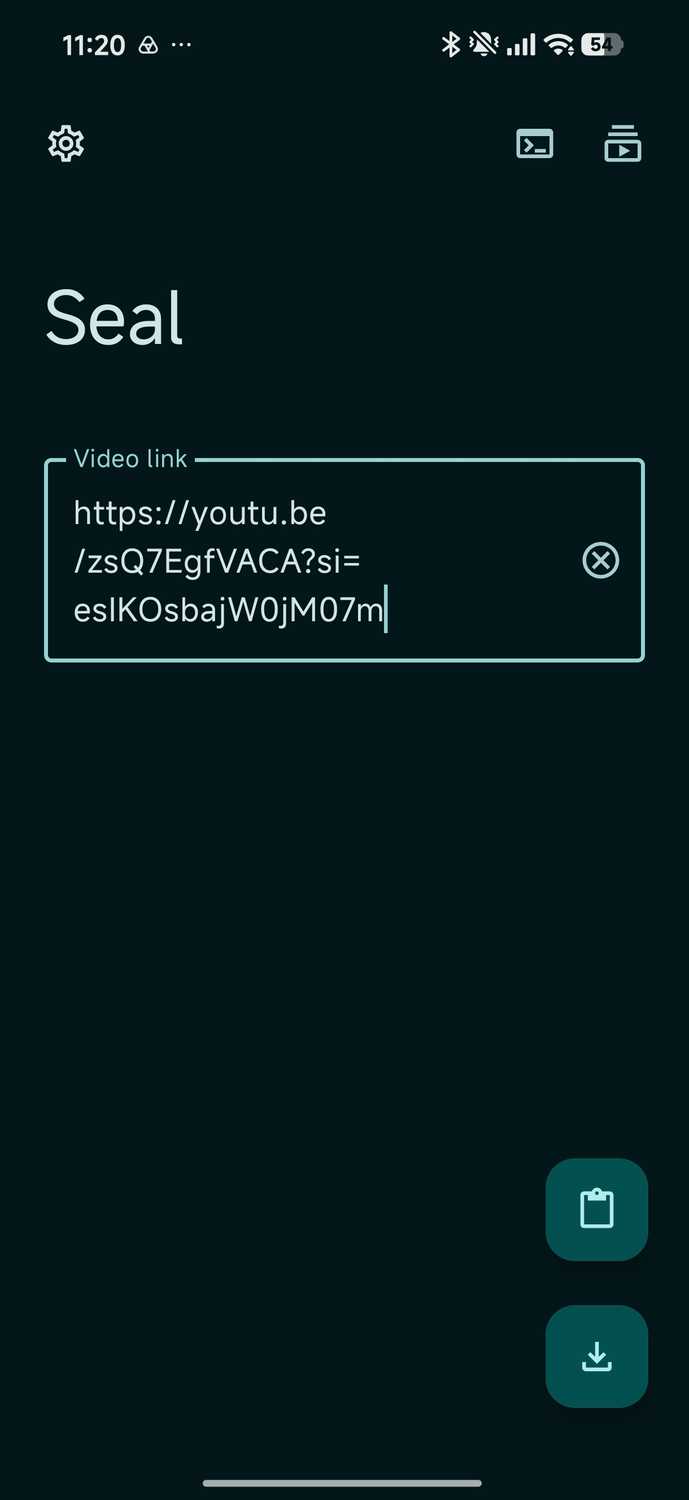
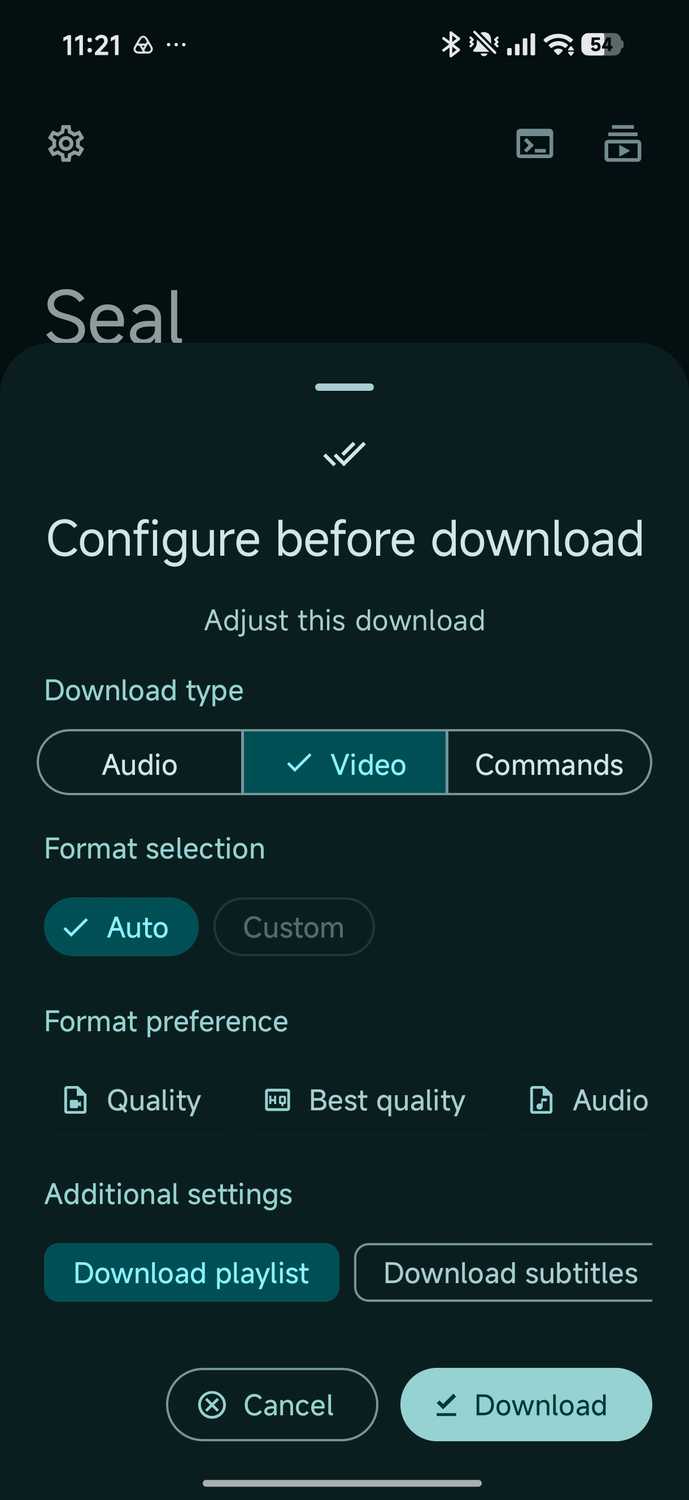
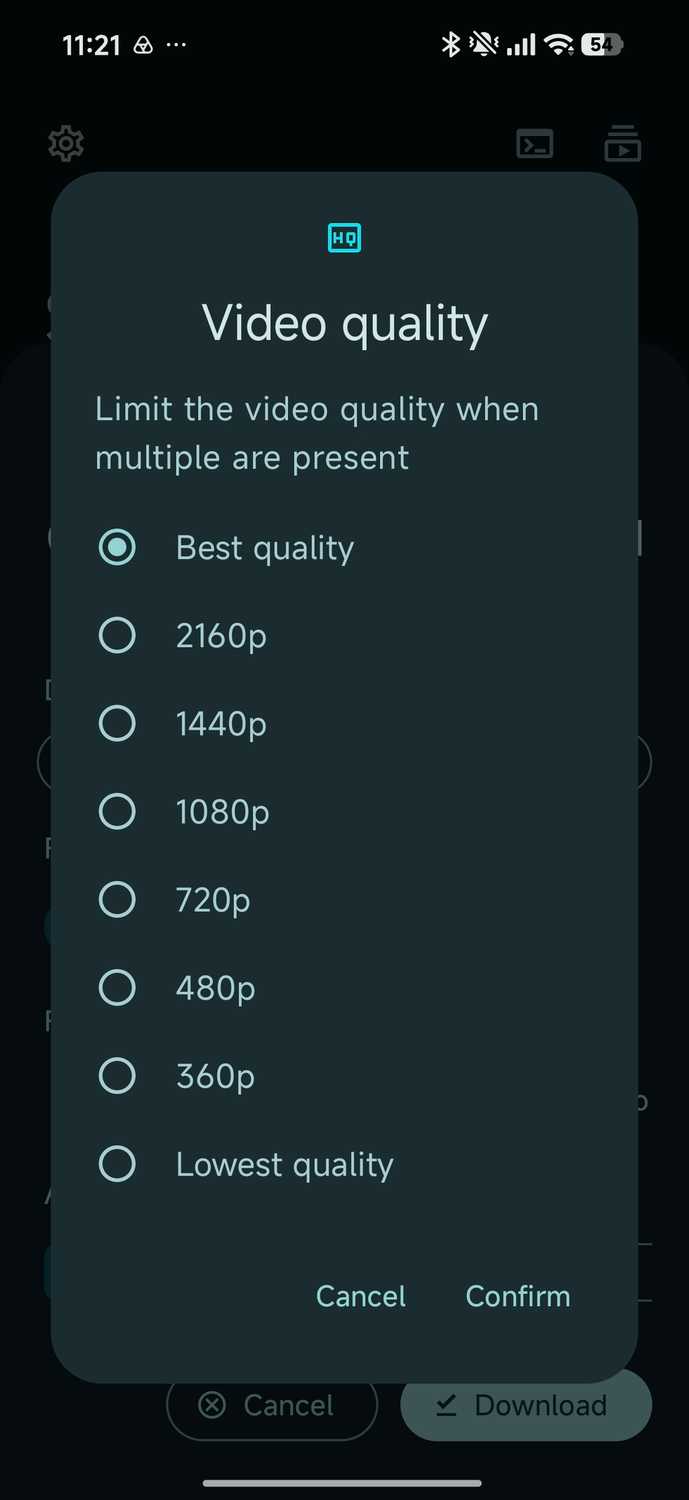
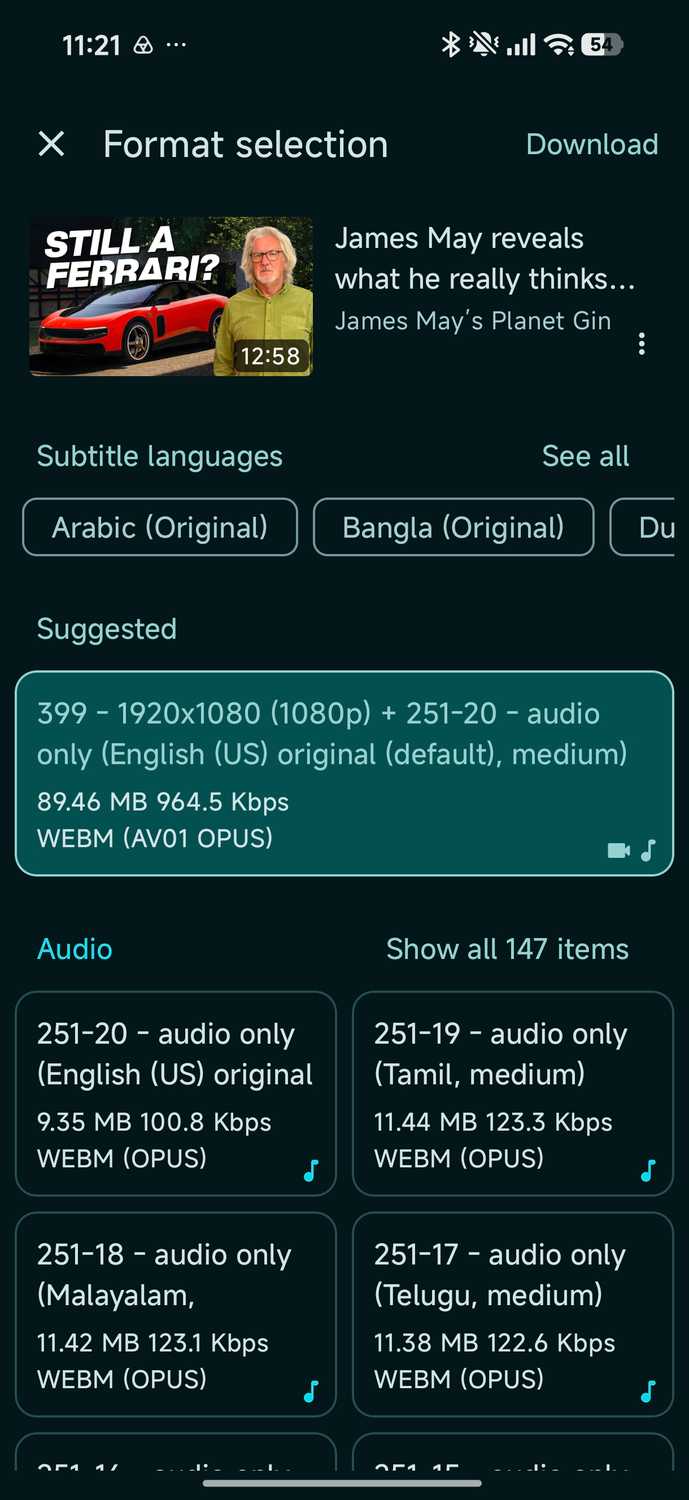
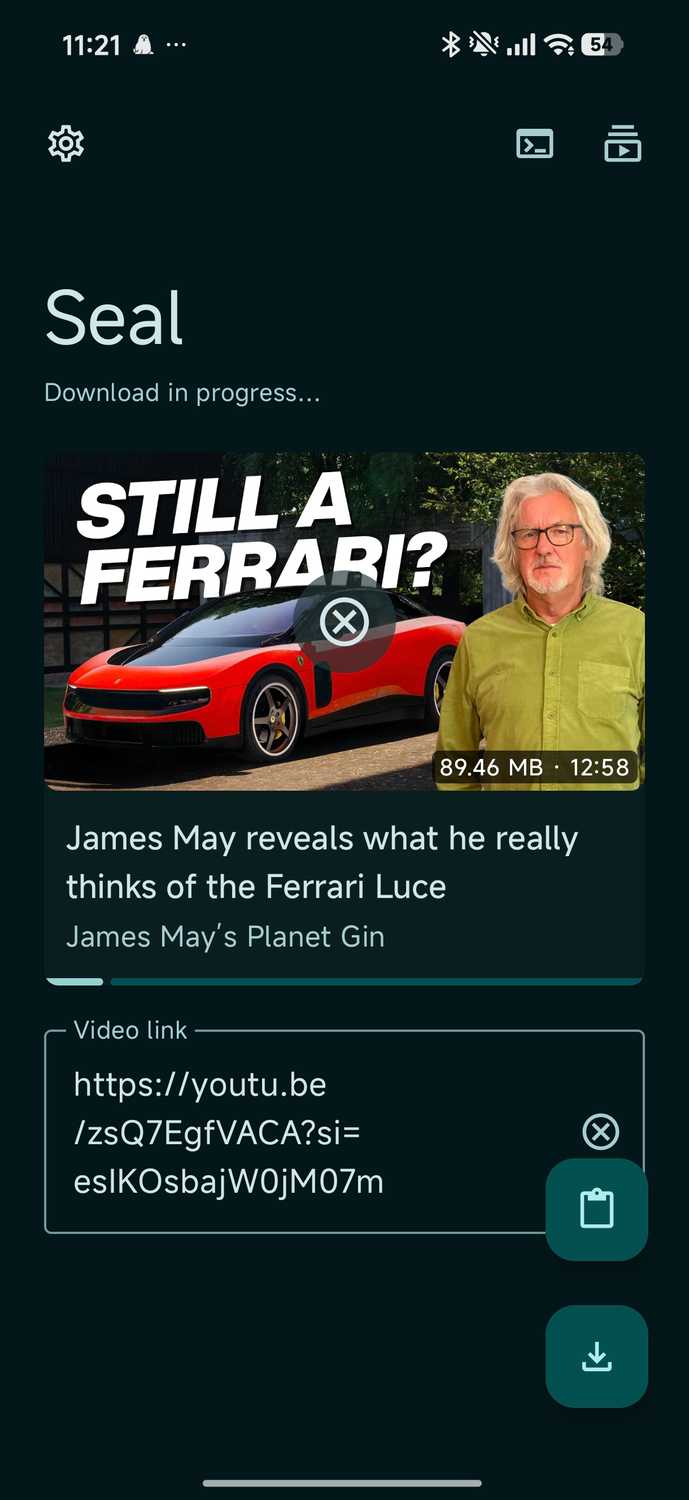
Downloading videos with Seal isn't rocket science and doesn't require much technical know-how. You simply copy and paste the link from a platform, and Seal handles the rest.
Seal works best with public links and can sometimes falter with private links and YouTube and SoundCloud videos.
When downloading video podcasts, Seal also lets you download only the audio instead of the video file.
This is a neat feature I love, since not every purely spoken-word podcast needs a video download.
But a few caveats are worth mentioning. First, it has no built-in browser or vault features.
Similarly, a vault feature would be a great addition, and I don't want most of the content I download to populate my phone's gallery app either.
It makes finding videos and pictures I captured a bit more difficult, and downright annoying if you download a lot of content from Seal.
Also, if you're not a fan of sideloading apps, Seal might not be for you, as it is currently only available on and GitHub.
Finally, you will face the same issue with Seal and YouTube as you do with Brave.
Because YouTube and platforms that sidestep its policies are always in a cat-and-mouse game, you might face temporary outages until the next yt-dlp update rolls out.
Seal app is the best downloader I've come across in years
Seal is one of the rare that actually delivers on its promises. It respects my phone's privacy and doesn't push any subscriptions or ads.
It's now my default way to download video and audio from my favorite websites for offline media consumption.
While other ways exist to download content from YouTube, SoundCloud, and Twitch, I found Seal to be the most reliable.