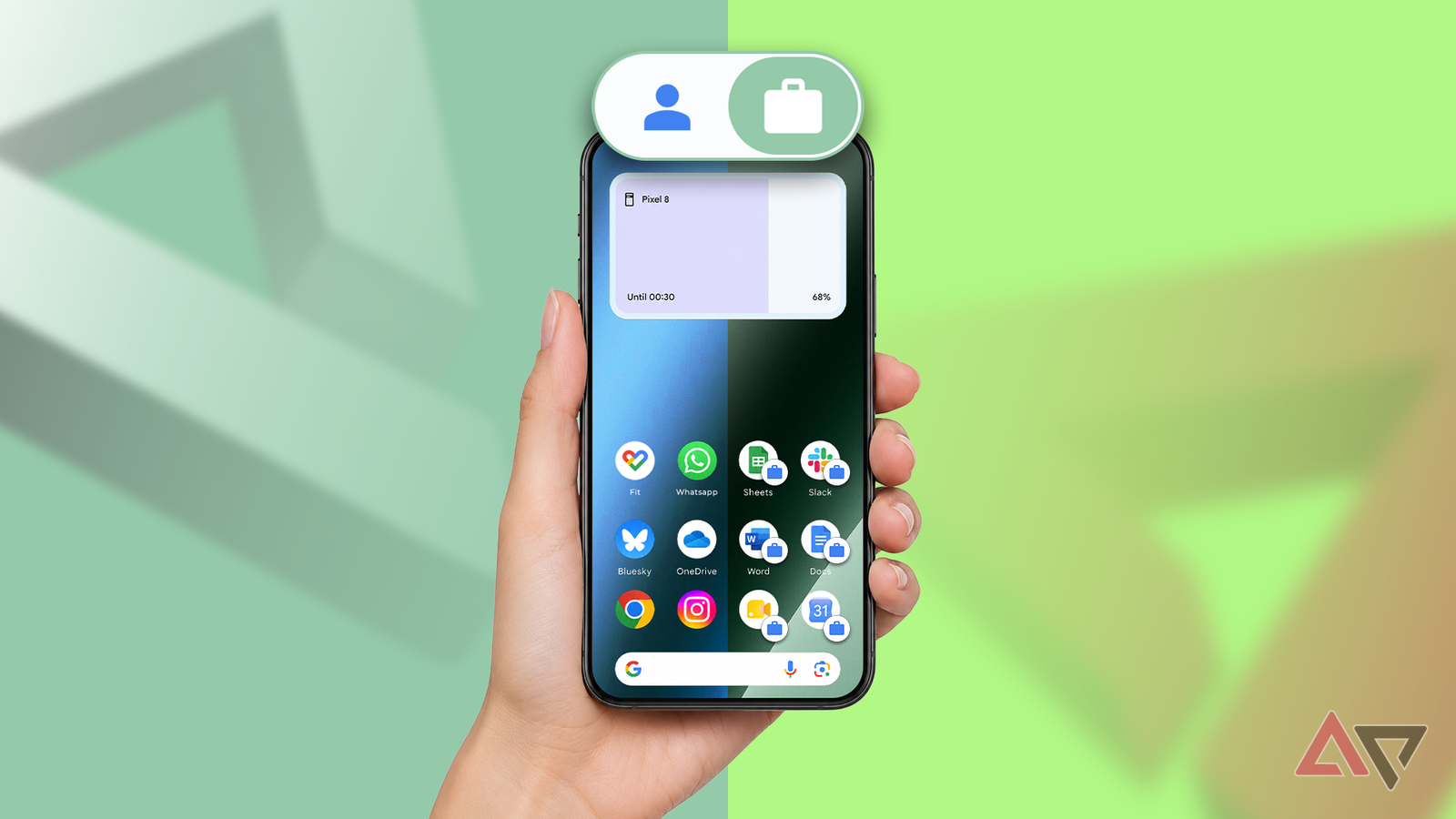
It's a common recommendation to keep work and personal life apart, and carrying a second phone seems like a good way to practice that.
However, keeping two phones charged and switching between two sets of chats has quickly become a chore.
I considered going back to one phone, but using is not enough separation.
That is, until I found out about Android's work profile. Setting one up on my Samsung Galaxy S26 Ultra took under 10 minutes, and I didn't need the entire IT department.
A work profile turns one phone into two
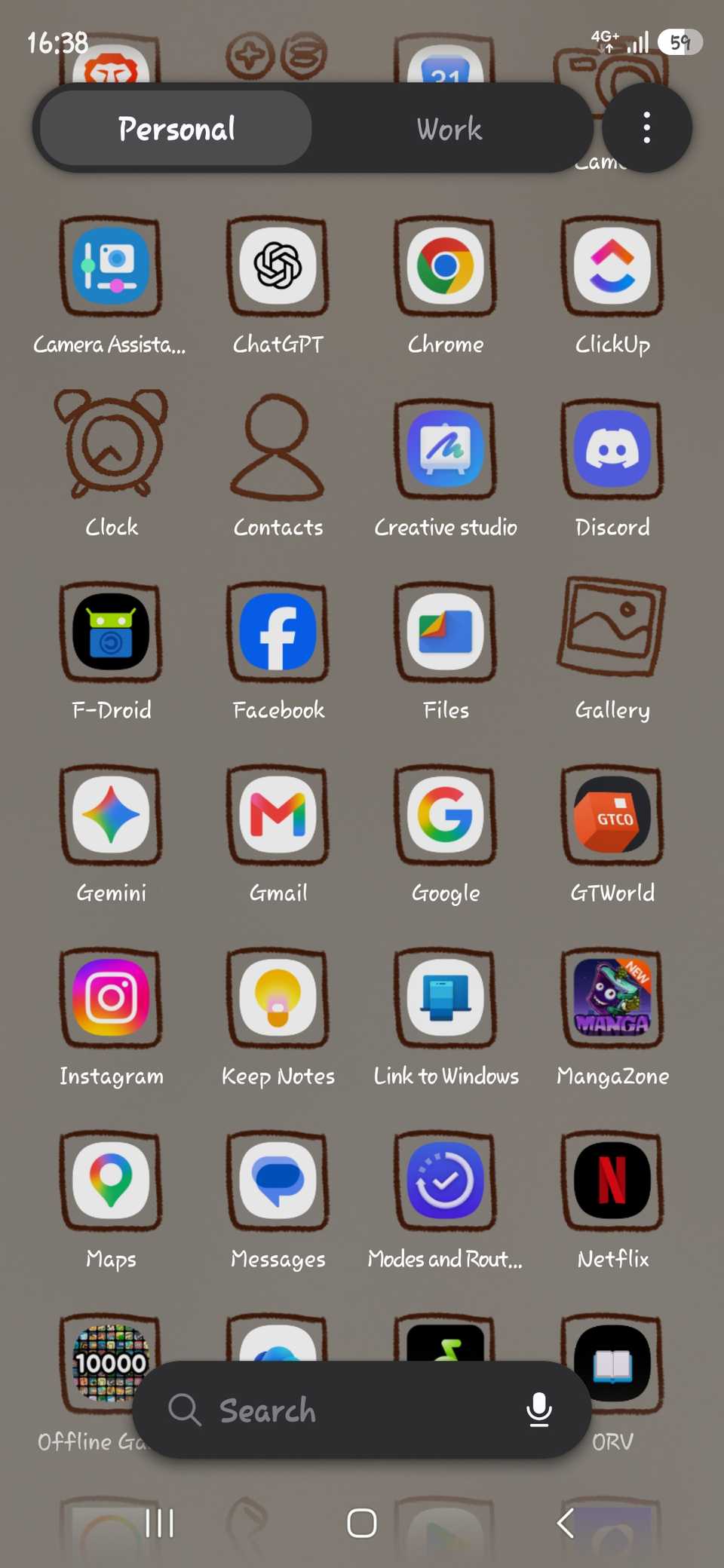
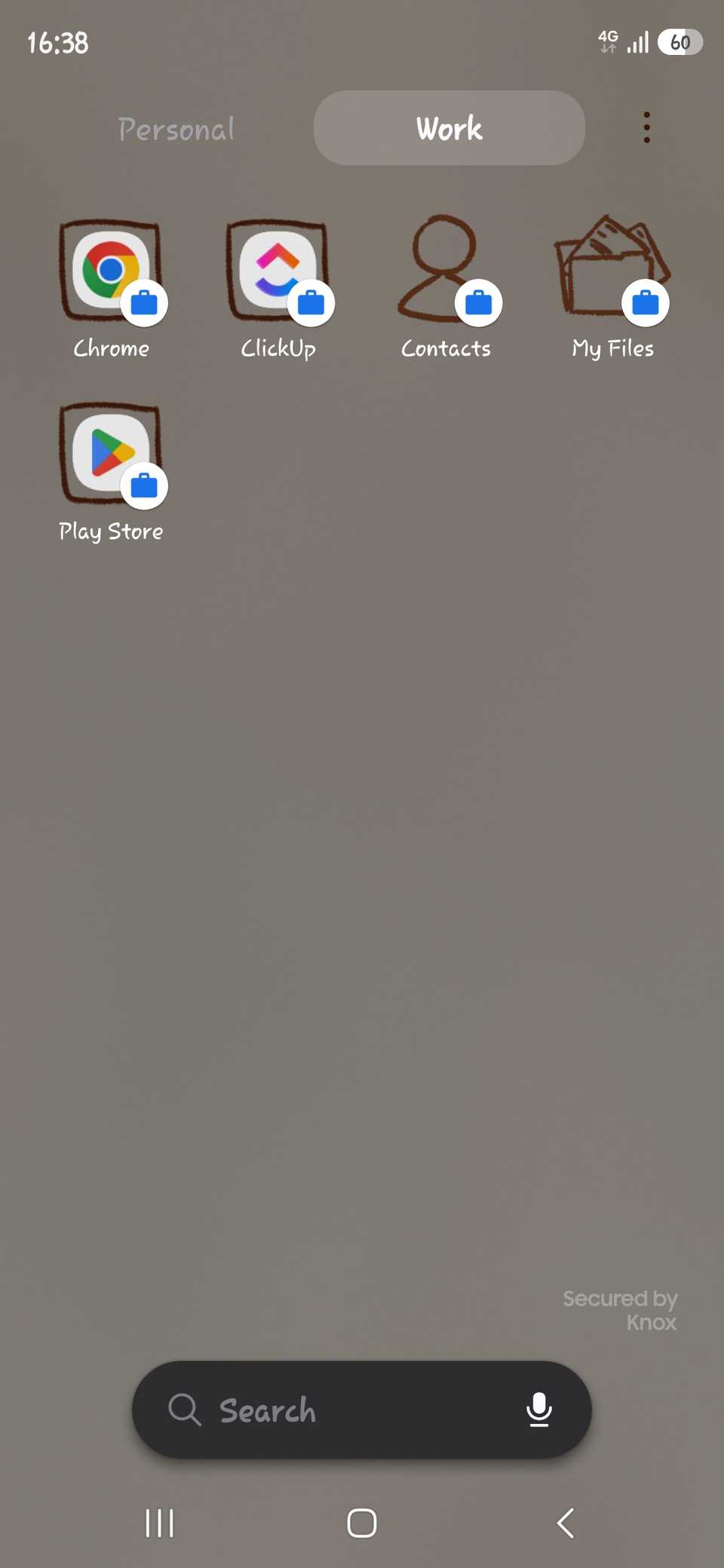
A work profile is a separate space on a phone with its own apps, accounts, and data. Google says work profile data is fully encrypted, and the personal side remains private from it.
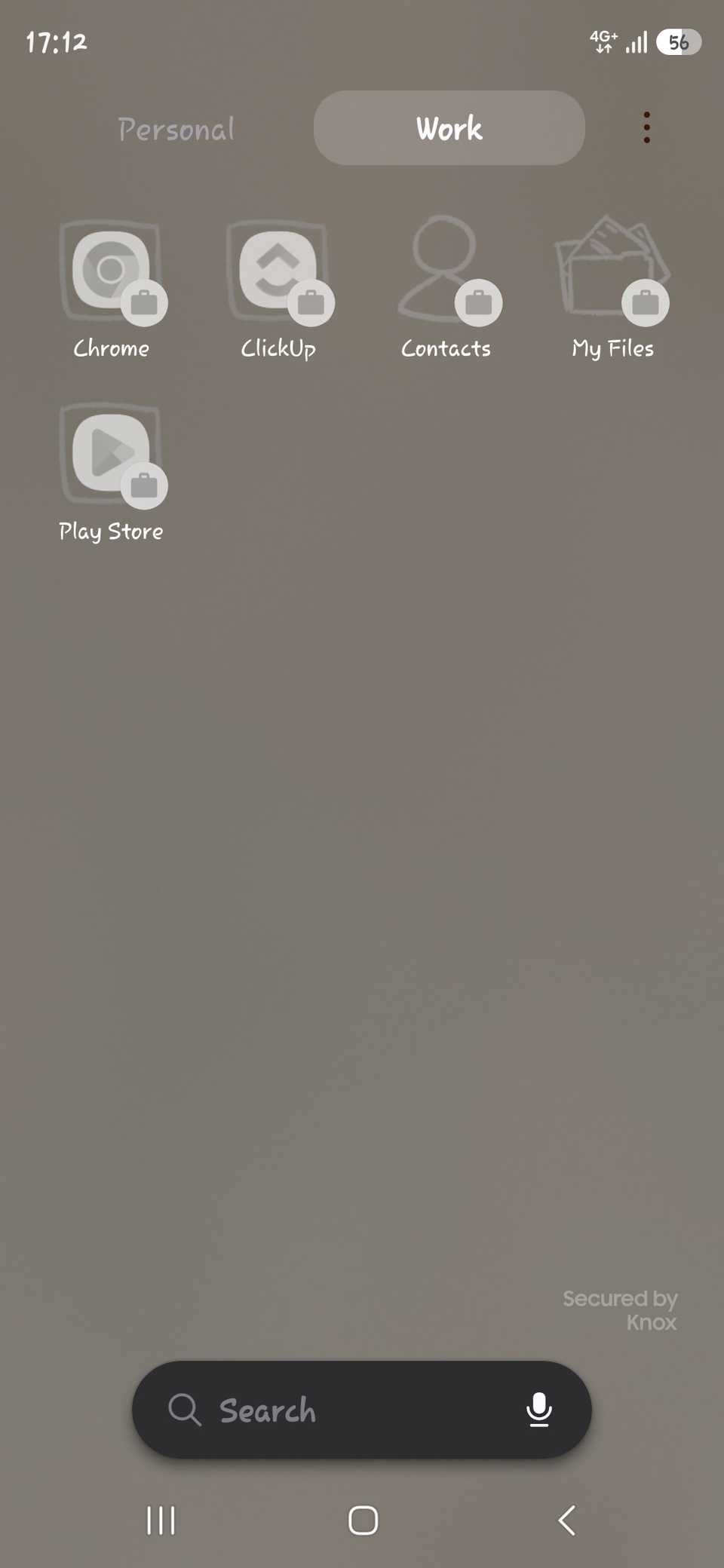
On my Samsung Galaxy S26 Ultra, the app drawer now has Personal and Work tabs at the top. Every app on the Work tab carries a small blue briefcase badge, so I can tell which copy of Chrome I am opening.
Samsung also shows a Secured by Knox label at the bottom of the Work tab.
Each copy of an app keeps its own data and accounts. My work Chrome and ClickUp are signed in to work accounts, and my personal apps can't read their data by default.
Shelter builds the profile without an IT department
Android and Samsung handle most of the setup
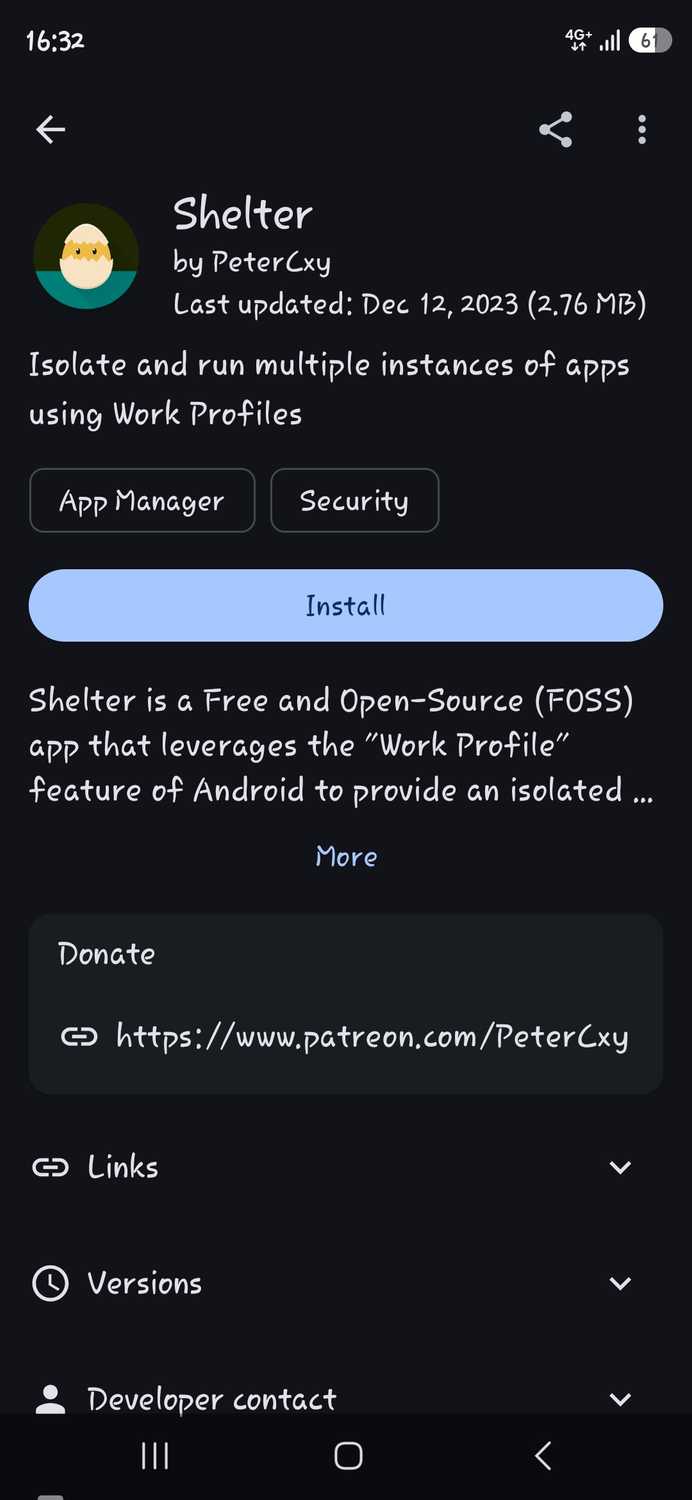
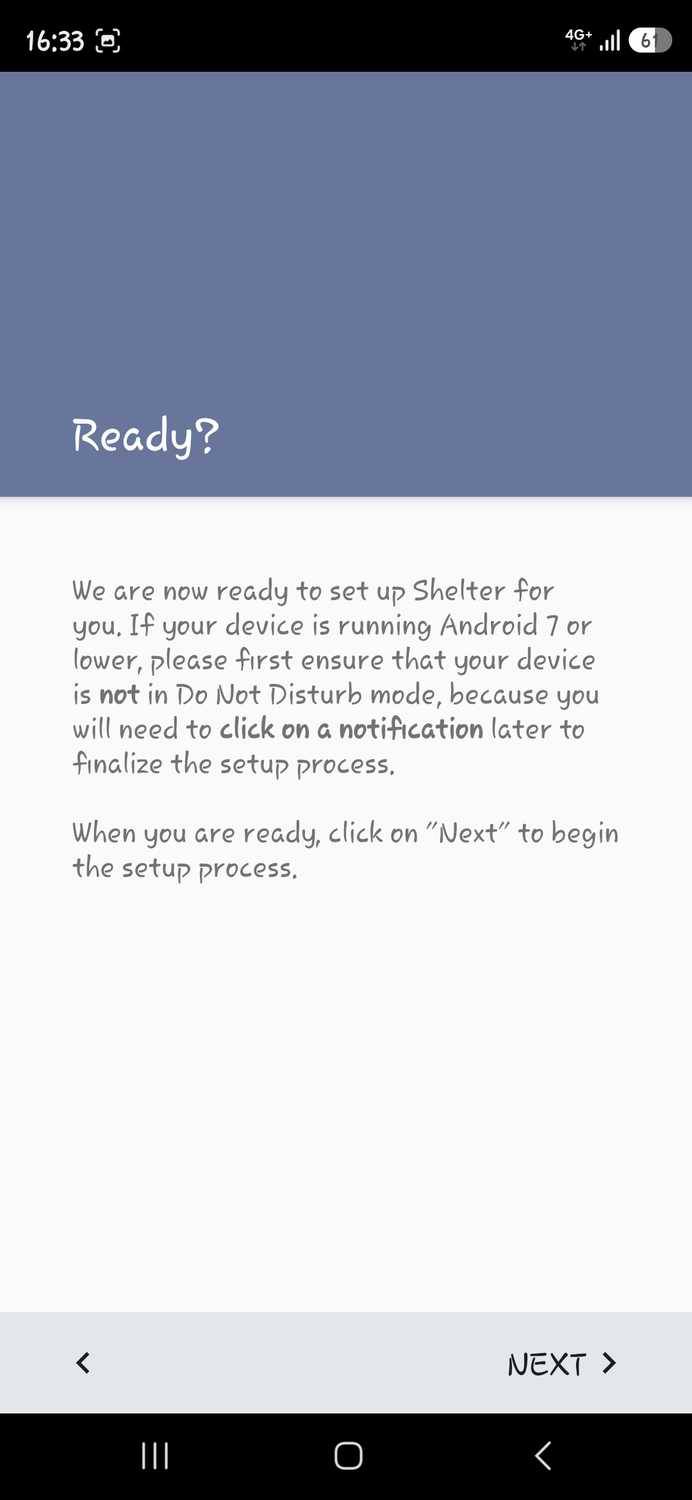
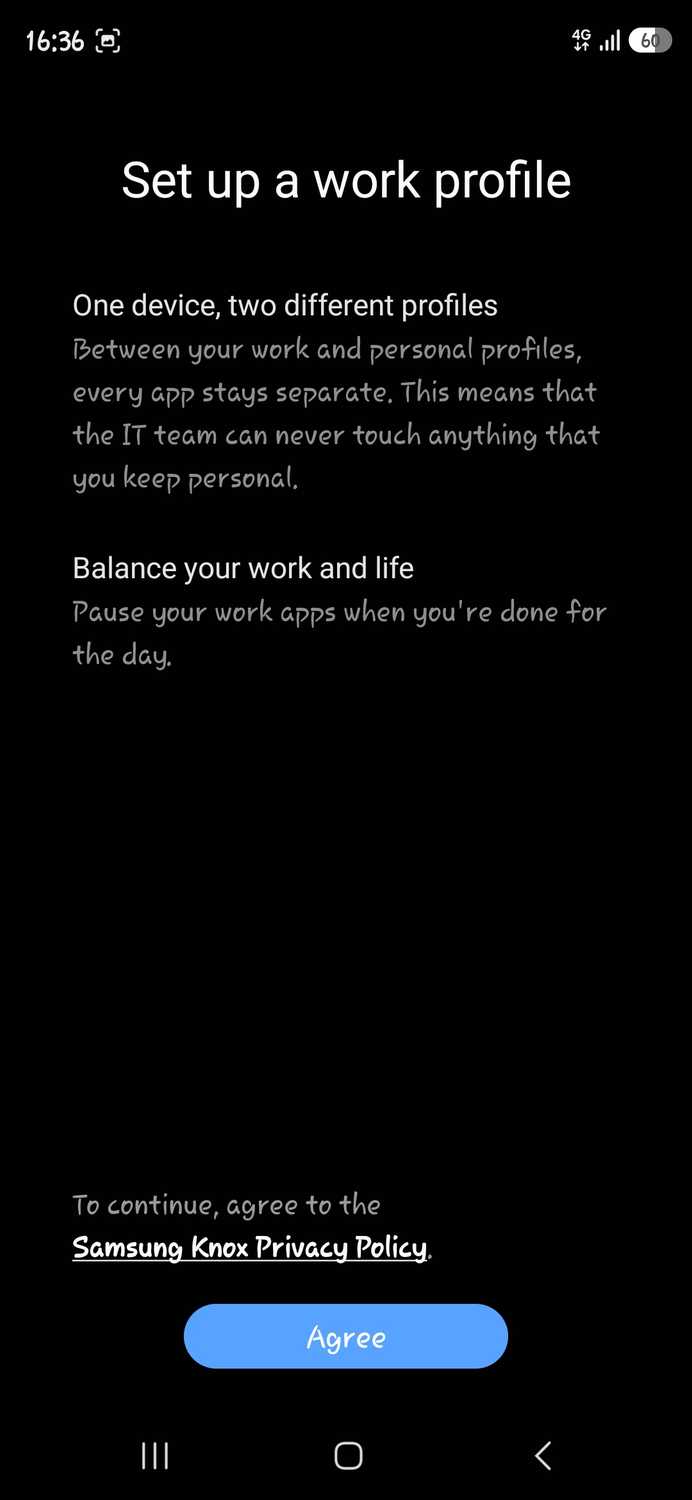
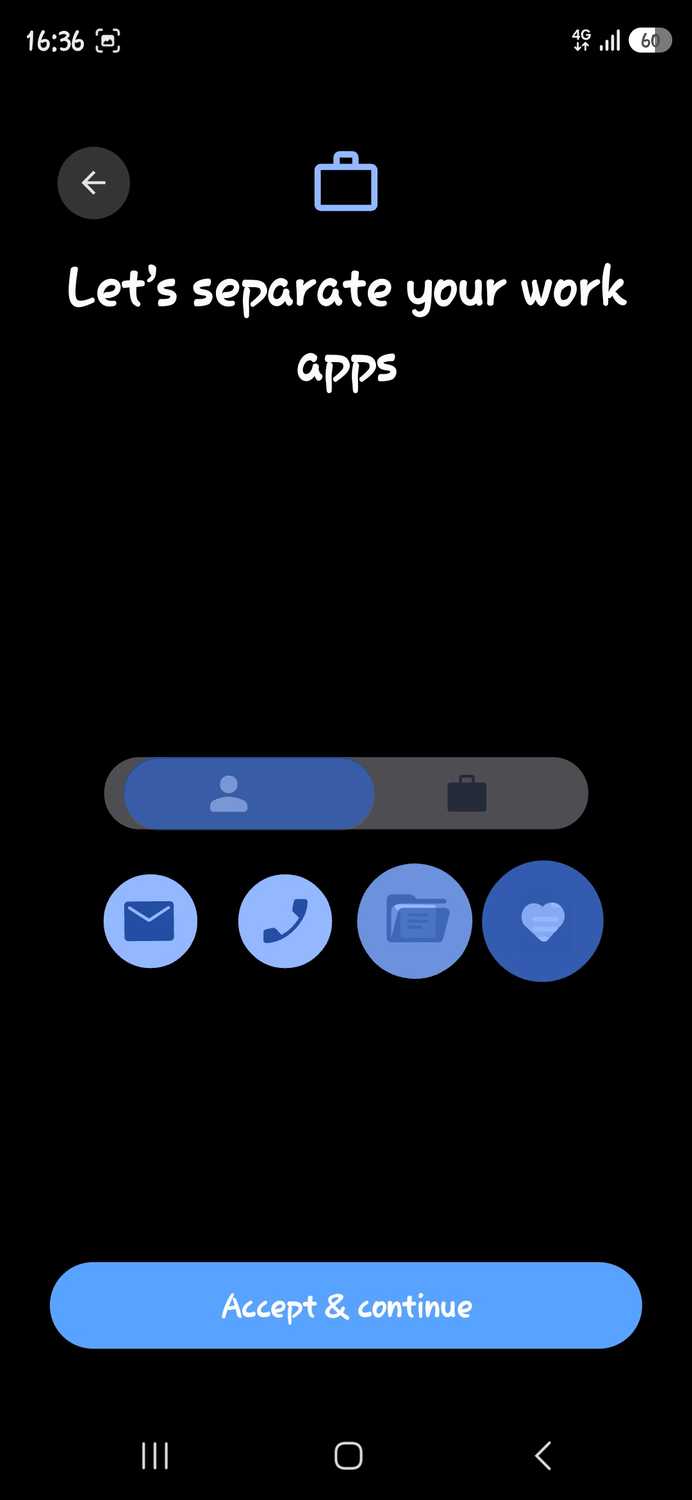
Android doesn't let you create a work profile from Settings. One normally appears when an employer's management app requests it, and that app then manages the profile.
Shelter is a free, open source app that fills that role for one person, and the setup on the S26 Ultra went like this:
- Install , then install from it.
- Tap on the Ready? screen to start creating the profile.
- Wait while Google Play Services downloads the work profile components.
- Tap on Samsung's Knox privacy screen, then tap .
- Clone work apps from Shelter's tab, or install them from the on the Work tab.
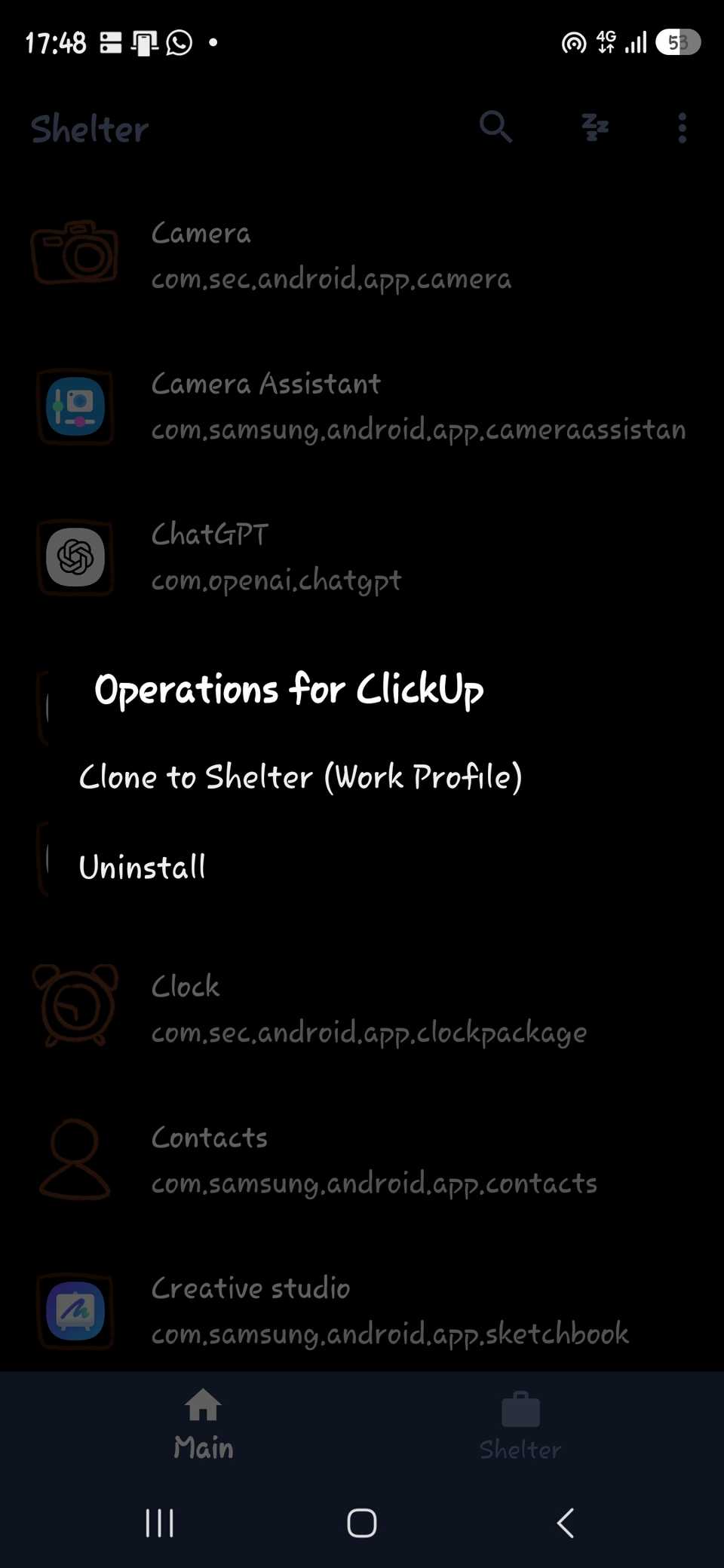
After setup, Shelter shows two tabs. lists your usual personal apps, and the tab lists everything inside the Shelter work profile, including system apps Samsung adds automatically.
Shelter's last F-Droid release was in December 2023, and its developer describes the app as being in maintenance mode. However, it still set up a working profile on the S26 Ultra without errors.
Installing from F-Droid counts as sideloading, so blocks the installation and stops updates for sideloaded apps.
Google also plans to expand developer verification worldwide in 2027, which could add extra steps to F-Droid installs.
Android allows only one work profile per phone, so Shelter can't add one if your employer manages a profile on your device. To remove Shelter later, delete the work profile first and then uninstall the app.
Pausing work apps ended my after-hours pings
Galaxy phones only offer a manual switch
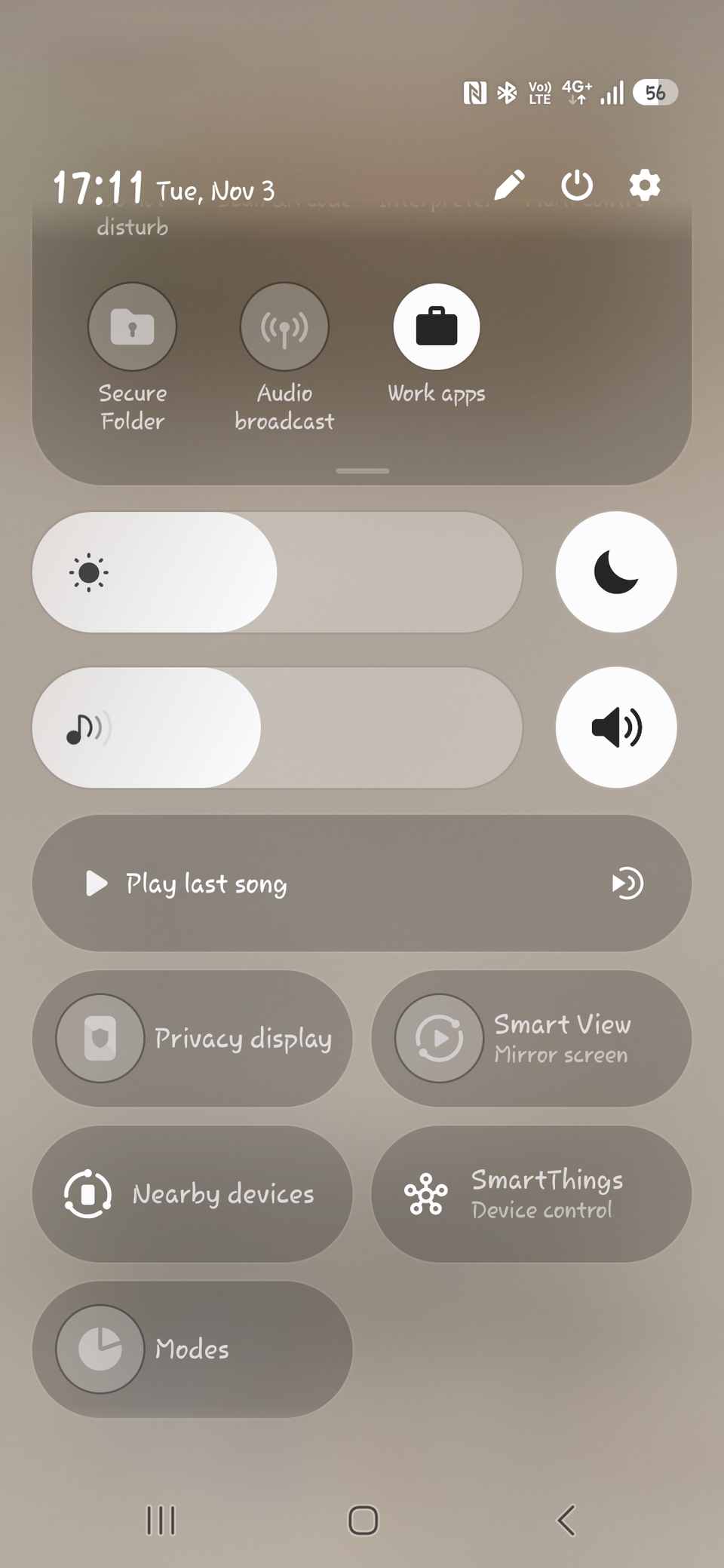
What let me drop the second phone is that I can pause the work profile entirely.
A Work apps button appears in the quick panel automatically after setup, and tapping it switches off every work app until I tap it again.
The Work tab stays in the app drawer while the profile is paused, but the apps inside it are disabled.
Google says a paused work profile stops work apps from running, sending notifications, or using data and battery, while personal apps keep working as normal.
Google Pixel phones can pause work apps on a schedule through Settings > Digital Wellbeing > Work apps schedule.
Samsung removed that option from its version of Digital Wellbeing, and I could not find it on the S26 Ultra. However, Samsung's Digital Wellbeing tracks separate stats for each work profile.
Even on a Pixel, Google says the schedule cannot pause work apps for consecutive days, such as a full weekend.
Shelter's settings keep the separation tight
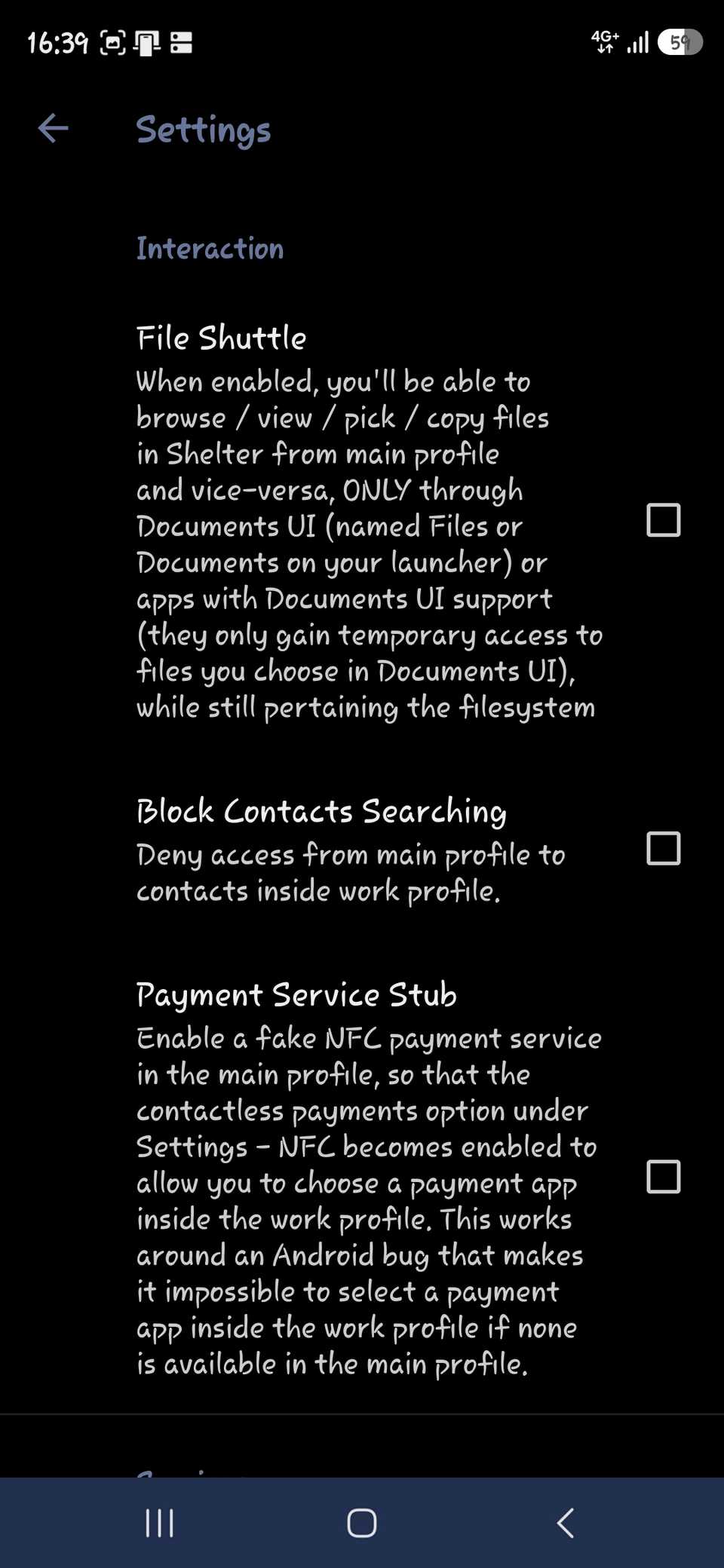
Shelter adds a few controls under its menu. stops the personal profile from searching contacts saved inside the work profile.
handles the other direction. When it's on, I can copy files between profiles through the app. Apps only get temporary access to the files I pick.
solves a smaller problem. It lets you pick a tap-to-pay app inside the work profile. That works around an Android bug when the personal side has no payment app.
I cloned ClickUp from Shelter's tab without problems, and installing apps from the work Play Store works too.
Shelter's developer warns that apps shipped as split APKs can't be cloned properly, so the Play Store is the fallback when a clone fails.
Some company apps won't run unless the employer's management app created the profile. So, check with your IT team before moving work accounts into Shelter.
One phone is enough for my work
A work profile can't replace a company phone when an employer requires its own management, and it does not hide apps.
The better fit for that is Android's private space, since it locks apps behind a separate passcode.