I had not tried custom ROMs in eight or nine years, so LineageOS's new browser-based flashing tool gave me a good excuse to see how things have evolved.
I had grown bored with the stock Pixel UI on the Google Pixel 8 Pro and wanted to see what custom ROMs offered in 2026.
Google's software provides a clean Android experience, at least on the Pixel. Yet LineageOS felt surprisingly bloat-free, though I had to dig around to find its most useful customization options.
The clean experience surprised me
Even Google's software felt busy by comparison
Installing LineageOS on my required some preparation. Thankfully, the detailed, device-specific wiki instructions made the process easier, while the browser-based flash tool saved setup time.
After the first boot, the clean interface and small number of preinstalled apps surprised me most. I wasn't or ColorOS, which ship with a plethora of duplicate apps and promotional notifications.
I was coming from Pixel UI, Google's take on Android, which has a reputation for being clean. Yet, I was surprised by how clean LineageOS felt on my Pixel 8 Pro.
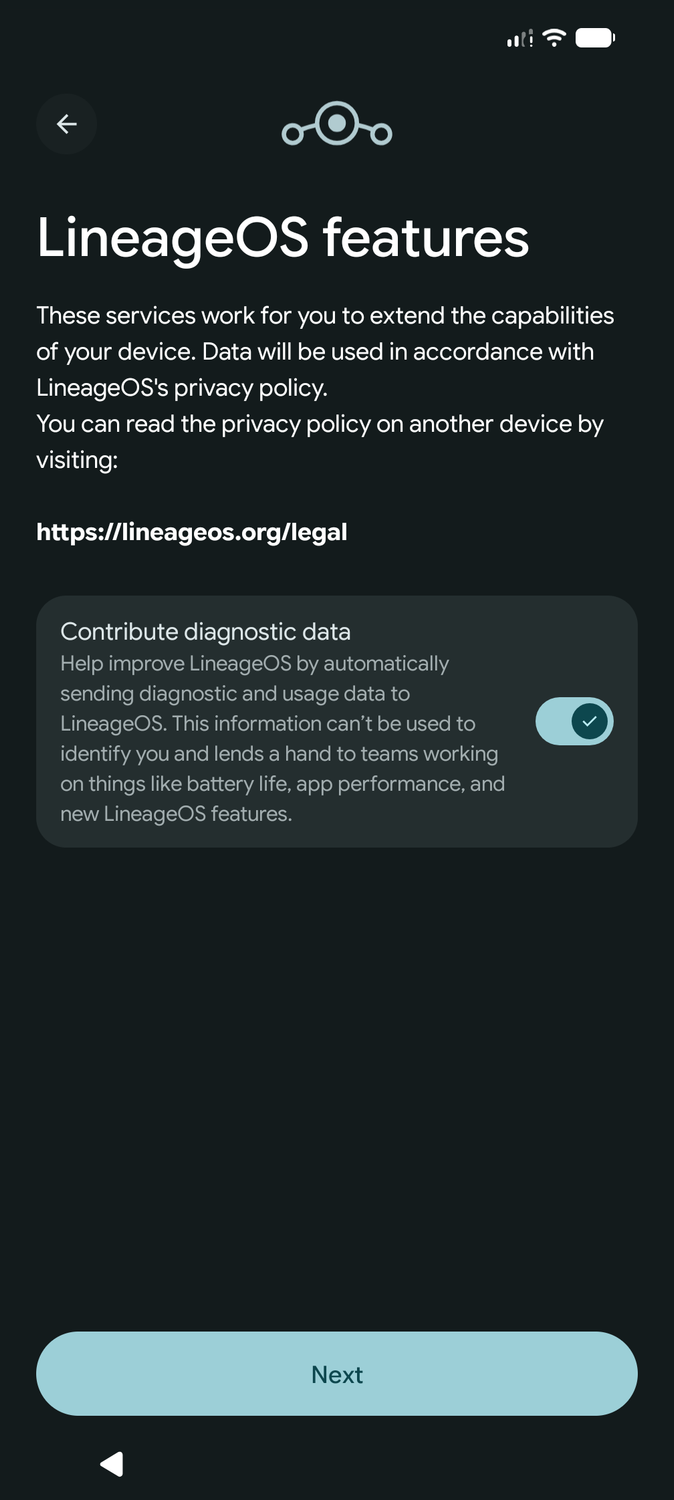
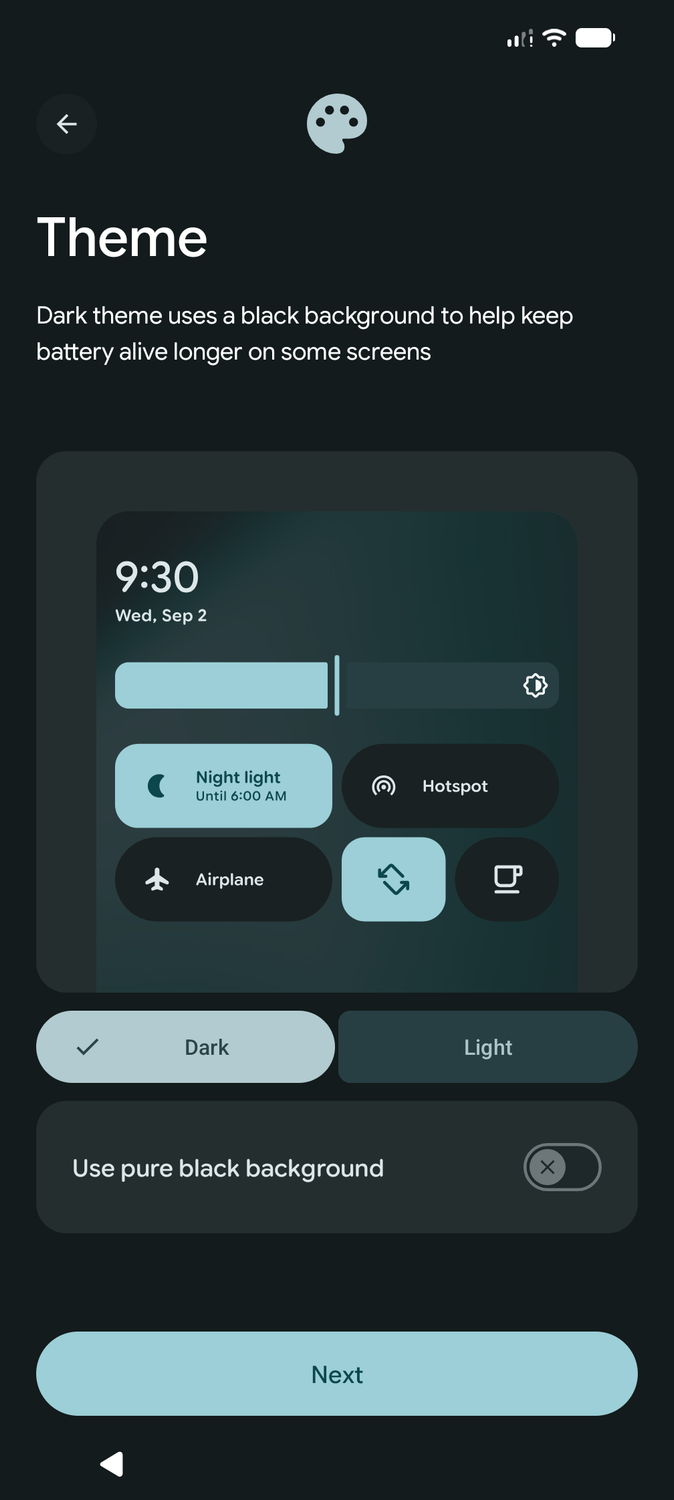
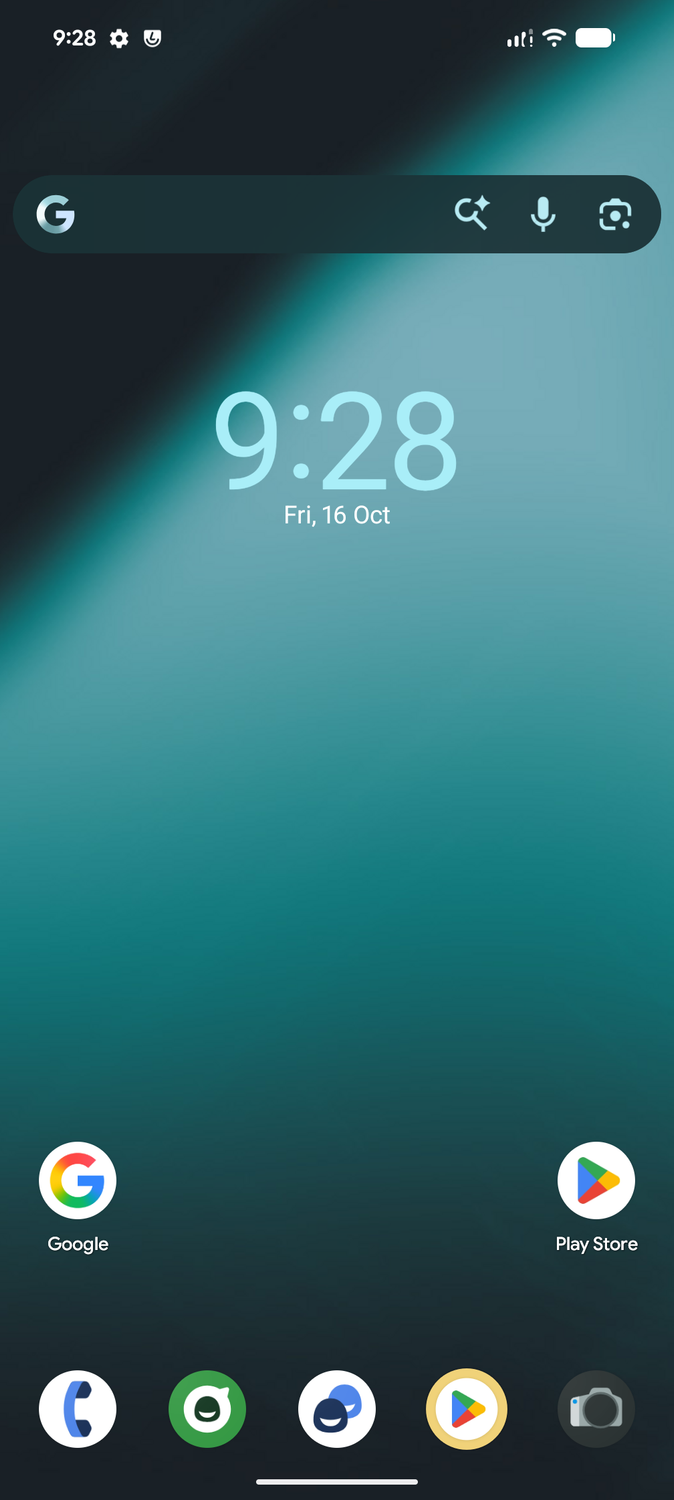
That's largely because it doesn't include Google's usual suite of preinstalled apps. Instead, you must flash the relevant GApps package, which installs only the basic apps and services.
During initial setup, the ROM prompted me to select which additional Google apps I wanted to install.
I prefer this approach over having unwanted apps — even if they are from Google — on my phone.
My Pixel 8 Pro also felt smoother to navigate, though I wouldn't give LineageOS all the credit for it. Its under-the-hood optimizations must play a role, but I can't discount the effect of a clean install without my usual collection of apps and accumulated data.
LineageOS bundled apps have grown up
The default apps deserve a second look
Back in the day, LineageOS and other custom ROMs weren't exactly known for their bundled apps. They often felt like they were there to cover the basics. But that's no longer the case.
With LineageOS 24, the team refreshed several of its bundled apps to use Material Design 3 Expressive, giving them a modern look and feel. It also added Canvas, an image editor featuring tools for cropping, adjusting white balance, and applying filters.
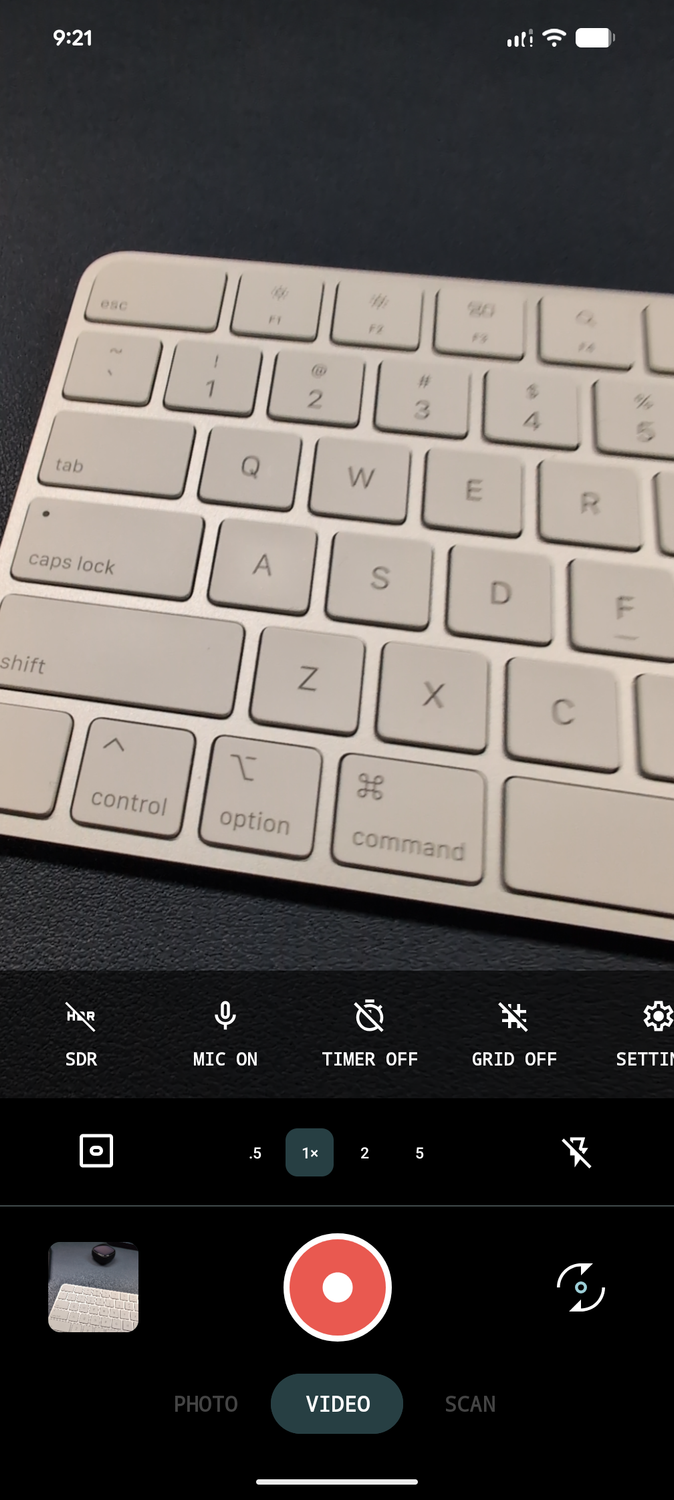
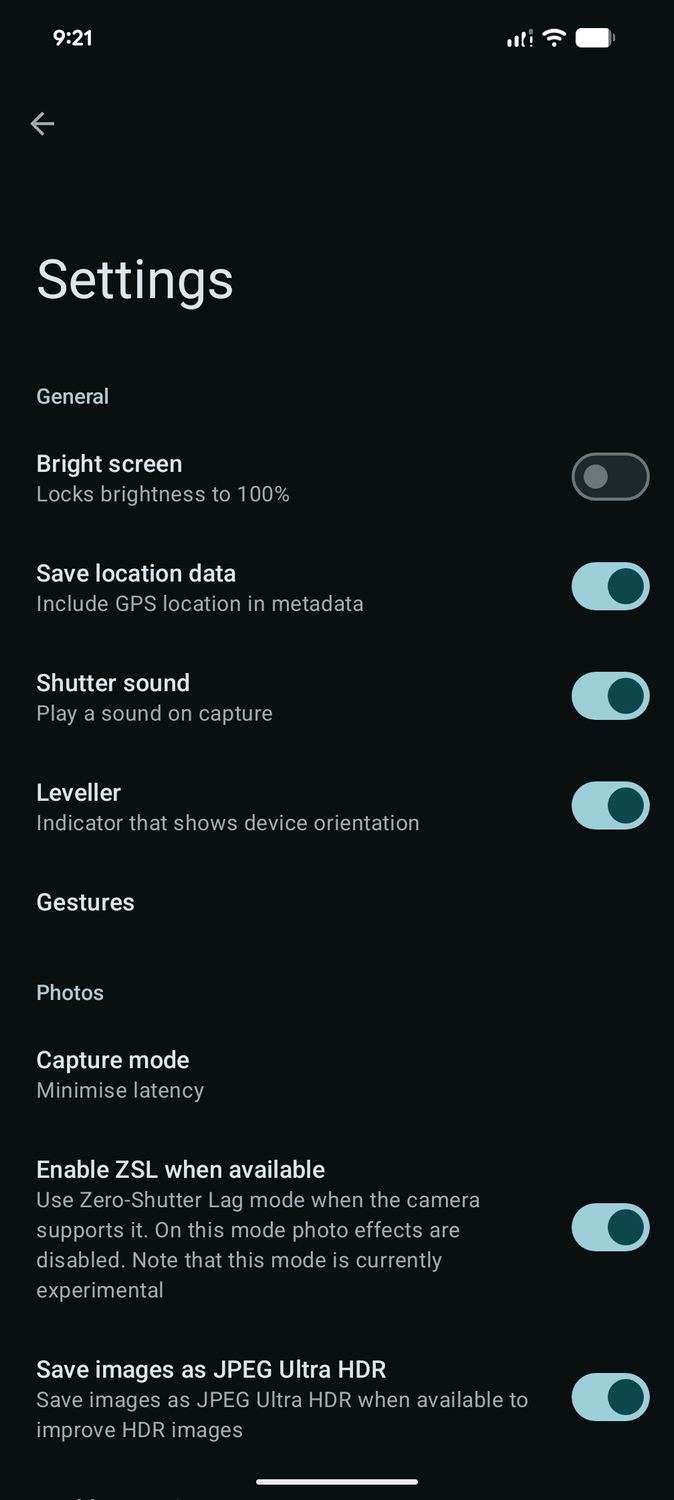
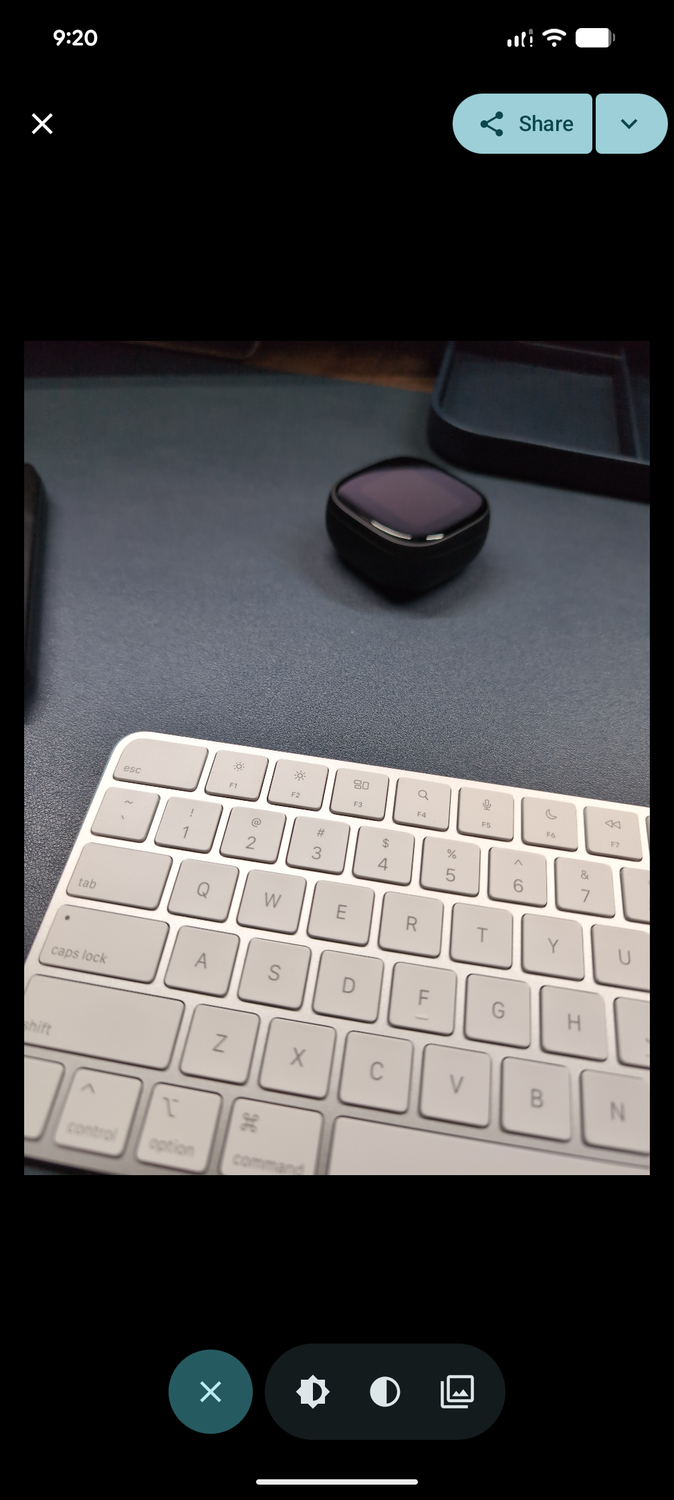
Even the bundled Glimpse gallery and Aperture camera apps have improved, with a polished UI and more than just the basics. I still defaulted to my preferred apps, including , but the bundled LineageOS apps are now better than before, and you don't need a replacement for everyday use.
Since I run my own Jellyfin server, Twelve's Jellyfin support — the stock music player on LineageOS — makes streaming my music collection easy.
The small customization options that make a big difference
Plenty of useful shortcuts are hidden in the settings menu
At first glance, LineageOS seemed to offer a cleaner Pixel UI experience. But as I started using the ROM and dug deeper into the settings menu, I discovered several useful options.
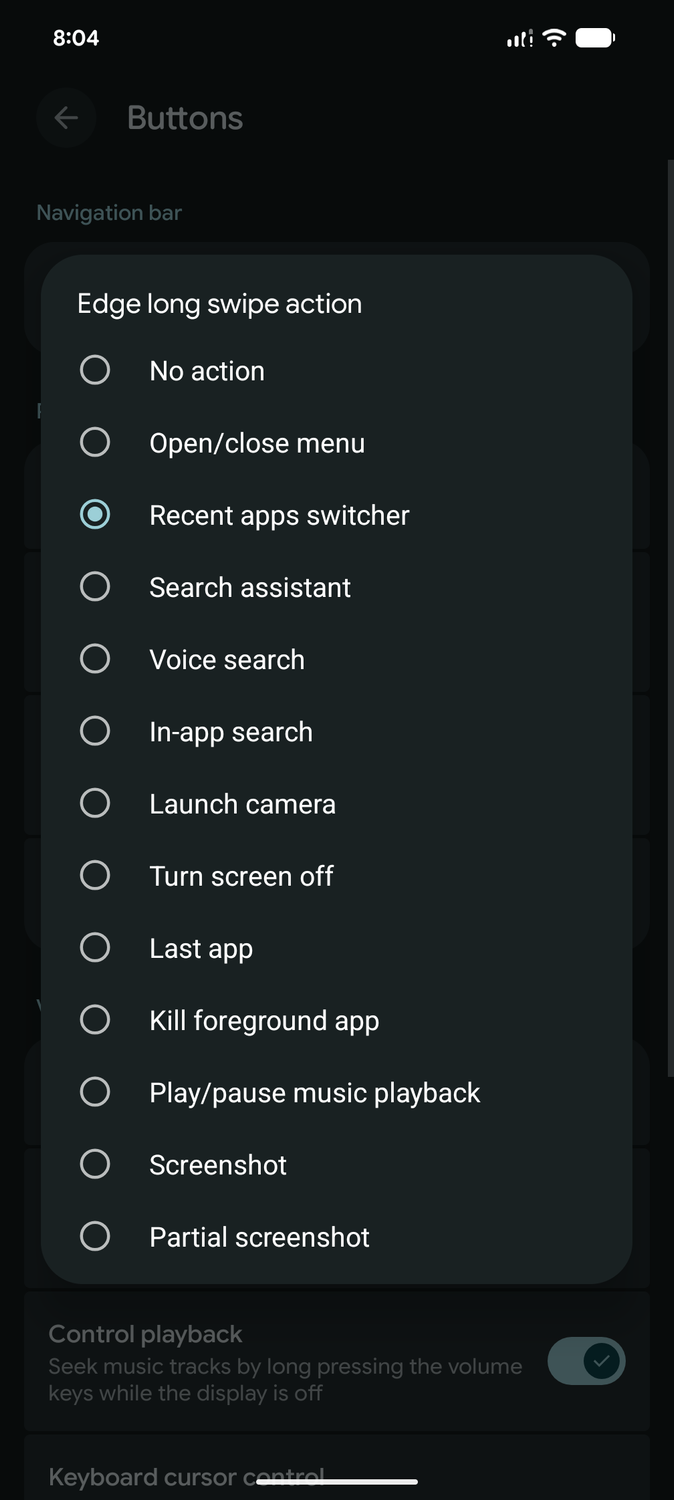
One of them is the ability to assign a long-swipe action to the left or right edge of the screen. I set it up to open the recent apps switcher, giving me a convenient way to see my recently used apps without the usual swipe-up-and-hold gesture.
The hardware button customization options are equally handy. I set a long press of the power button to turn on the flashlight while the display is off. This has helped me find things my toddler has thrown into the gaps in my bed frame or between the living room couch cushions.
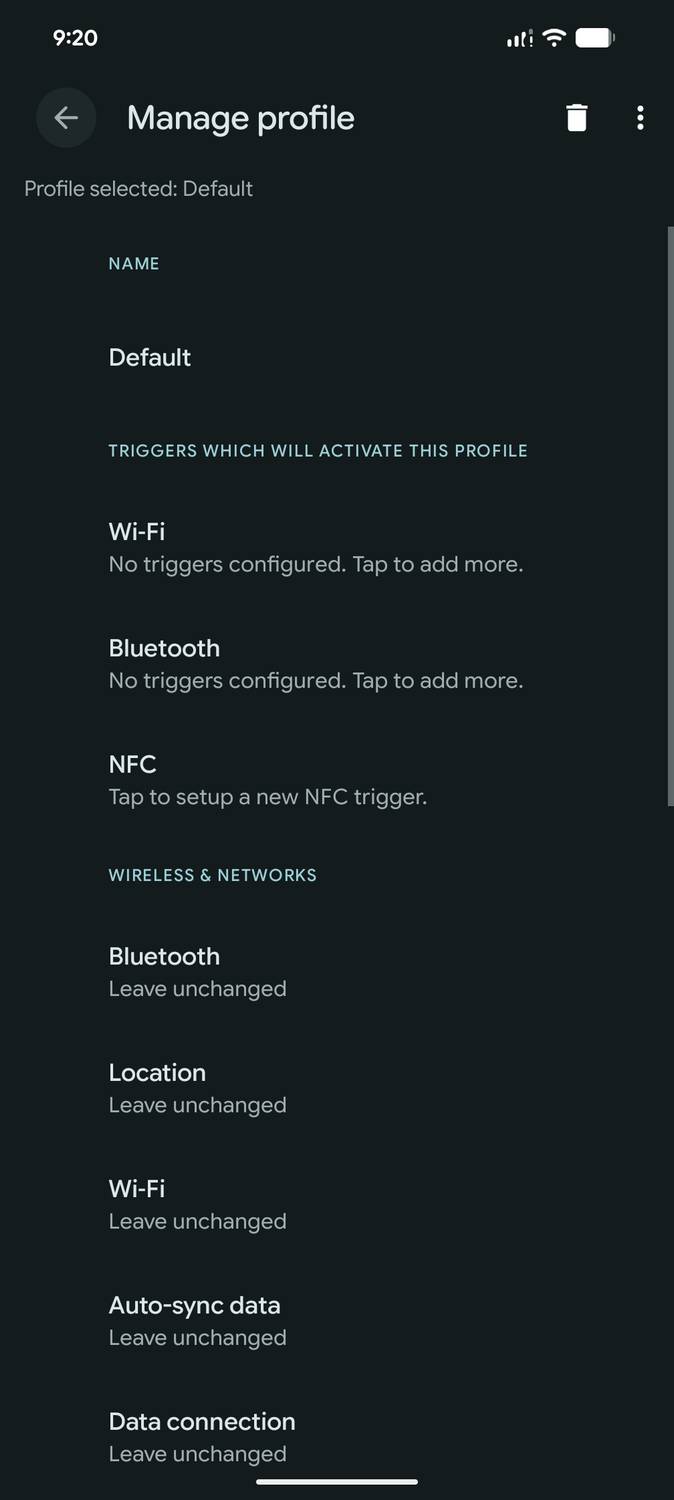
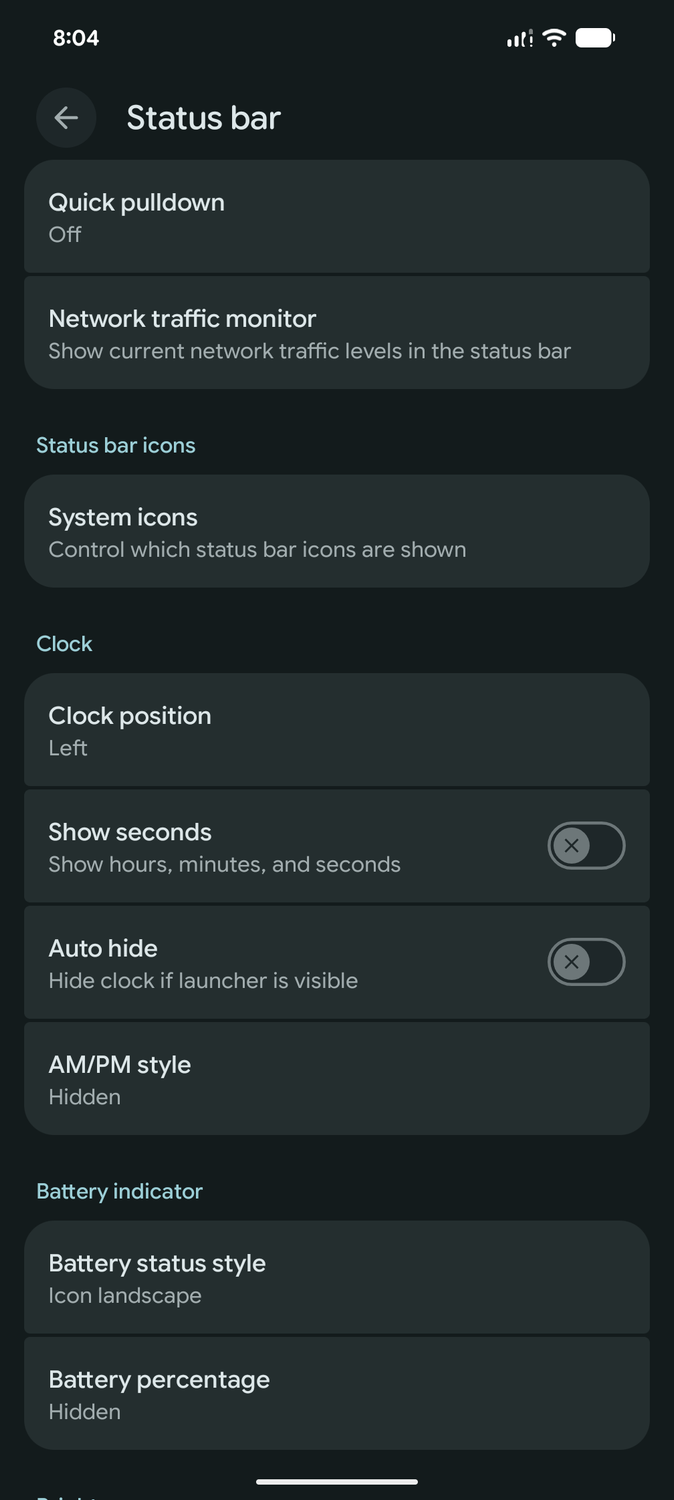
System profiles, however, remain one of my favorite LineageOS features. Each profile can change ring mode, screen brightness, lock screen behavior, alarm volume, and more.
Profiles can activate when the phone connects to a specific Wi-Fi network or Bluetooth device, or when I tap an NFC tag. This lets me configure several settings to change together when I arrive home or connect the Pixel to my car.
LineageOS also exposes information Google doesn't readily provide. On the Pixel 8a and newer devices, Google displays the . For some inexplicable reason, it left the Pixel 8 Pro out.
LineageOS's battery information menu reported my Pixel 8 Pro's battery health capacity at 95% and charging cycle count at 228. Those figures help me decide whether it's time to replace the battery.
Worth flashing for the little things
Trying LineageOS after all these years reminded me why I loved the custom ROM experience in the past. The clean software experience and useful customization options gave my Pixel 8 Pro a welcome refresh, even though Google's software already feels close to stock Android.
If LineageOS can make a noticeable difference on a Pixel, the improvements will be even bigger and more noticeable on non-Pixel devices, especially Samsung or OnePlus devices.