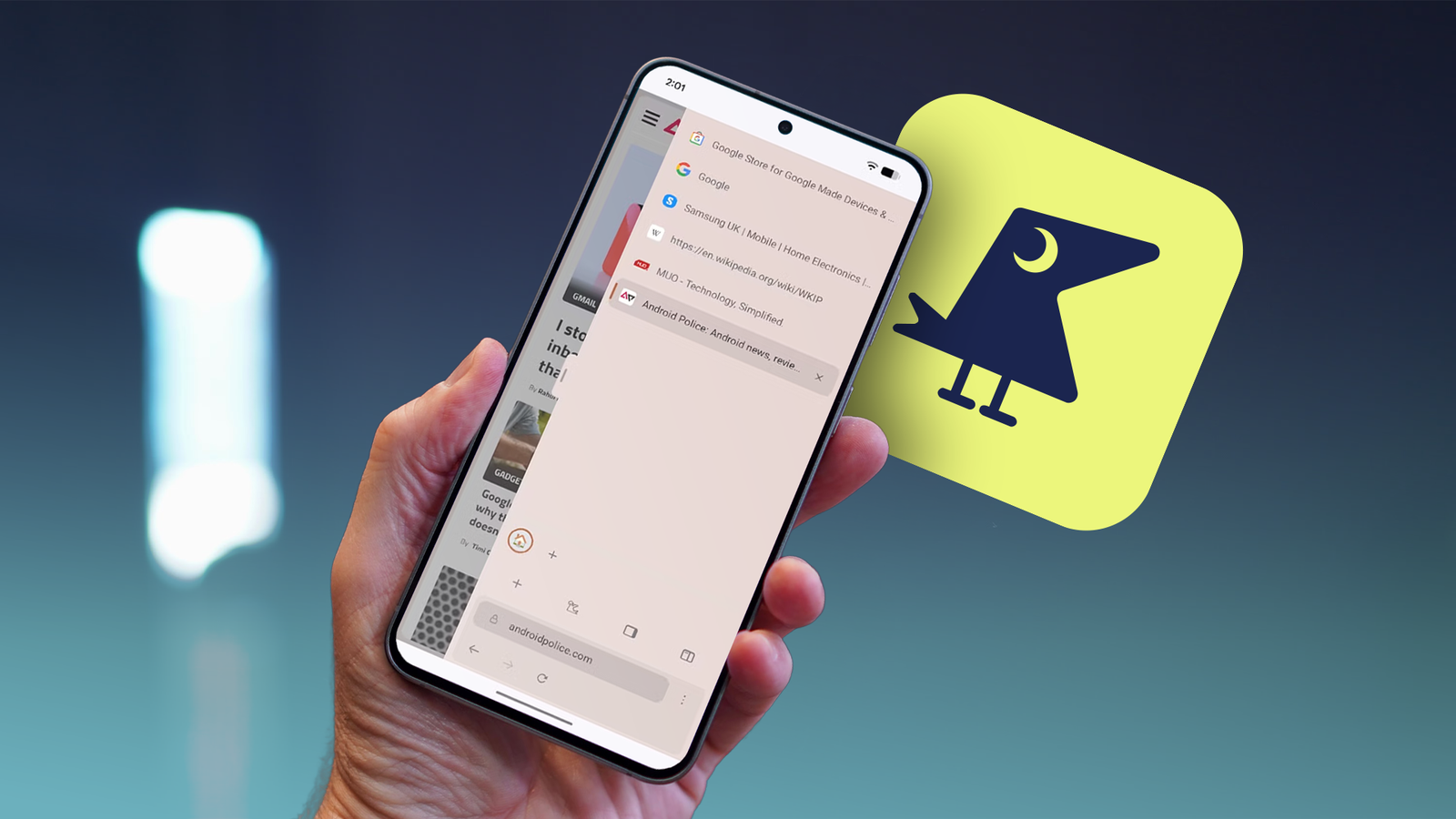
Since February, I've been using Google Chrome's vertical tabs feature. Initially limited to the Canary branch after briefly existing on Chrome's beta branch in January, I nevertheless found it to be an invaluable tool.
However, vertical tabs still haven't made their way to Chrome's mobile app. It's frustrating, as I think a vertical tab layout would be much more useful for mobile, despite the portrait orientation.
Why vertical tabs are so powerful on desktop
More information, more space
With the classic horizontal layout, I can fit 12 tabs on my 1080p monitor before I have to rely on icons to identify them. With , I can fit 29.
While keeping vertical tabs open takes up a decent chunk of my screen's width, most websites have plenty of wasted space along the edges. Keeping tabs open uses the space better.
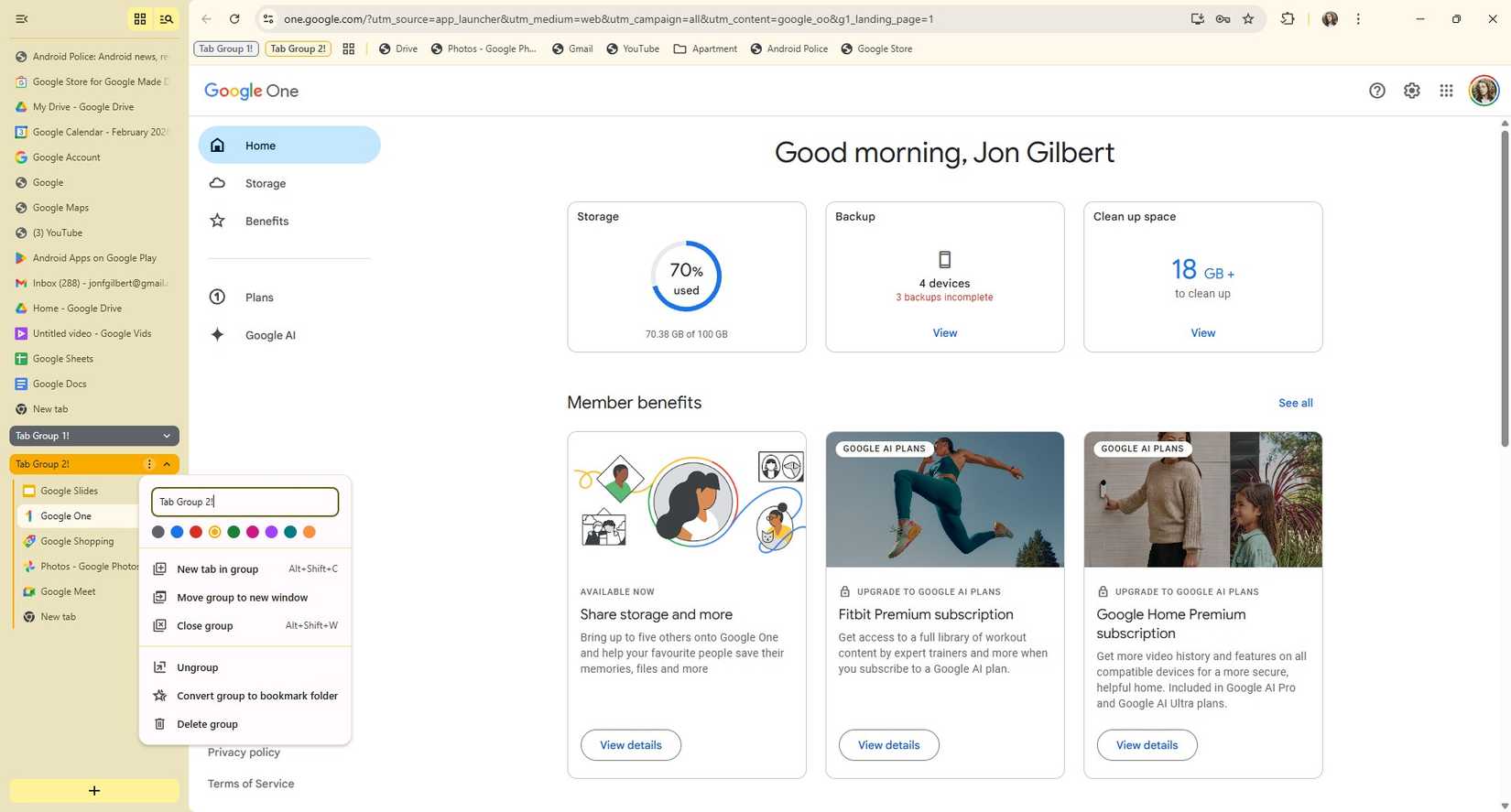
When compressed, I can see each tab's icon without it taking up too much space. There's a visible search tab button, and like horizontal tabs, I can convert tab groups into a bookmark folder.
I regularly juggle at least 20 tabs across multiple screens, and I find vertical tabs easier to manage than horizontal tabs.
But mobile is an entirely different beast. While phones are arguably too big, there's isn't a lot of width to spare.
Vertical tabs feel like the natural next step for mobile
A more intuitive experience
However, it would come with more benefits. Accessing different tabs on Chrome for Android is clunky, requiring you to open a different window each time.
Even with the tab window open, I can only view six tabs at a time. I'm not sure why I need a full preview of each window when I work perfectly fine on desktop with only the names.
A vertical tab menu would also be more accessible. With a swipe gesture, we could see a list of tab icons. Another swipe would open into a full-screen or half-screen preview of tab names.

This would be possible without adjusting our grip. Reaching to tap the tab button doesn't feel comfortable whether it's at the top or bottom of the screen.
With small phones, it's not as bad, but on my Google Pixel 10 Pro, it's a distinct stretch. I want to access all my Chrome tabs with barely any thumb movement.
A layout like this sounds great, but would it work in practice? I can confirm it does, because a nifty third-party browser is built around the idea of side tabs.
Sideraven is a revolutionary mobile browser
But technical issues mar the experience
Sideraven was built for tablets. While Google has gone a long way in improving app compatibility for larger screens, most Android browsers are designed for phones first and tablets second.
To fix this, Sideraven moves the address bar and tabs to the side. It offers all the features I've discussed, including the options to customize it as you like.
By default, Sideraven hides everything except the web page. No home button, no address bar, and no tabs.

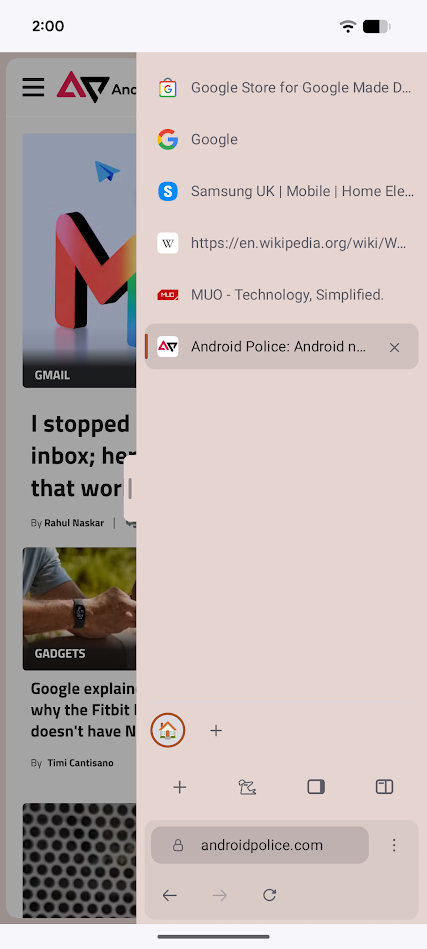
Instead, it adds a handle to the side of the screen that, when you swipe it, shows all this information.
This is immediately a better solution. I don't need to see all this information, so hiding it behind a swipe gesture is perfect.
Then there's the tab. Whether I want to see the icons or the full names, I can immediately swipe and switch to as many tabs as I can fit on my screen.
It's not perfect. Performance is sluggish, even compared to Chrome. It's a fork of Iceraven, which is a fork of Firefox, so Chrome fans will want to skip it.


The developers also admit that they built it with substantial help from AI coding tools.
Sideraven is currently available to download from its GitHub page. It is planned to launch on IzzyOnDroid, but not on the Google Play Store.
As it stands, Sideraven still doesn't feel complete. Nevertheless, it proves that vertical tabs can work on phones. Perhaps it'll settle into a stable experience soon, but I still want its features in Chrome.
Chrome for Android needs vertical tabs
After using Sideraven, I'm convinced that vertical tabs are the future for mobile browsers. They take up less space, present more information, and are more accessible.
Chrome for desktop lagged behind the pack when it came to introducing vertical tabs, but the final implementation was perfect.
Sideraven has the features, but not the stability I've come to rely on Chrome for. But if Chrome takes too long to implement side tabs, I might make the again.