SteelSeries’ Sensei Pro Mini packages the brand’s clever ‘infinite’ battery system into a small pointer. It’s exceptional to game with and features an abundance of performance tweaks, the likes of which I haven’t seen before. But while its cableless design might be seen as a positive, I’m sure many will lament the absence of a wired option to fall back on. They may also lament the lack of Bluetooth support and its incredible expense. Ultimately, this means the Sensei Pro Mini isn’t a mouse for casuals, but if you require top-drawer wireless performance in miniature form, the Sensei Pro Mini is nigh-on unbeatable.
Reasons to buy
Reasons to avoid
Why you can trust TechRadar We spend hours testing every product or service we review, so you can be sure you're buying the best. Find out more about how we test.
SteelSeries Sensei Pro Mini: Review
The Sensei Pro Mini brings pro-grade wireless performance to those who prefer less of a handful, thanks to its state-of-the-art polling technology and ceaseless power.
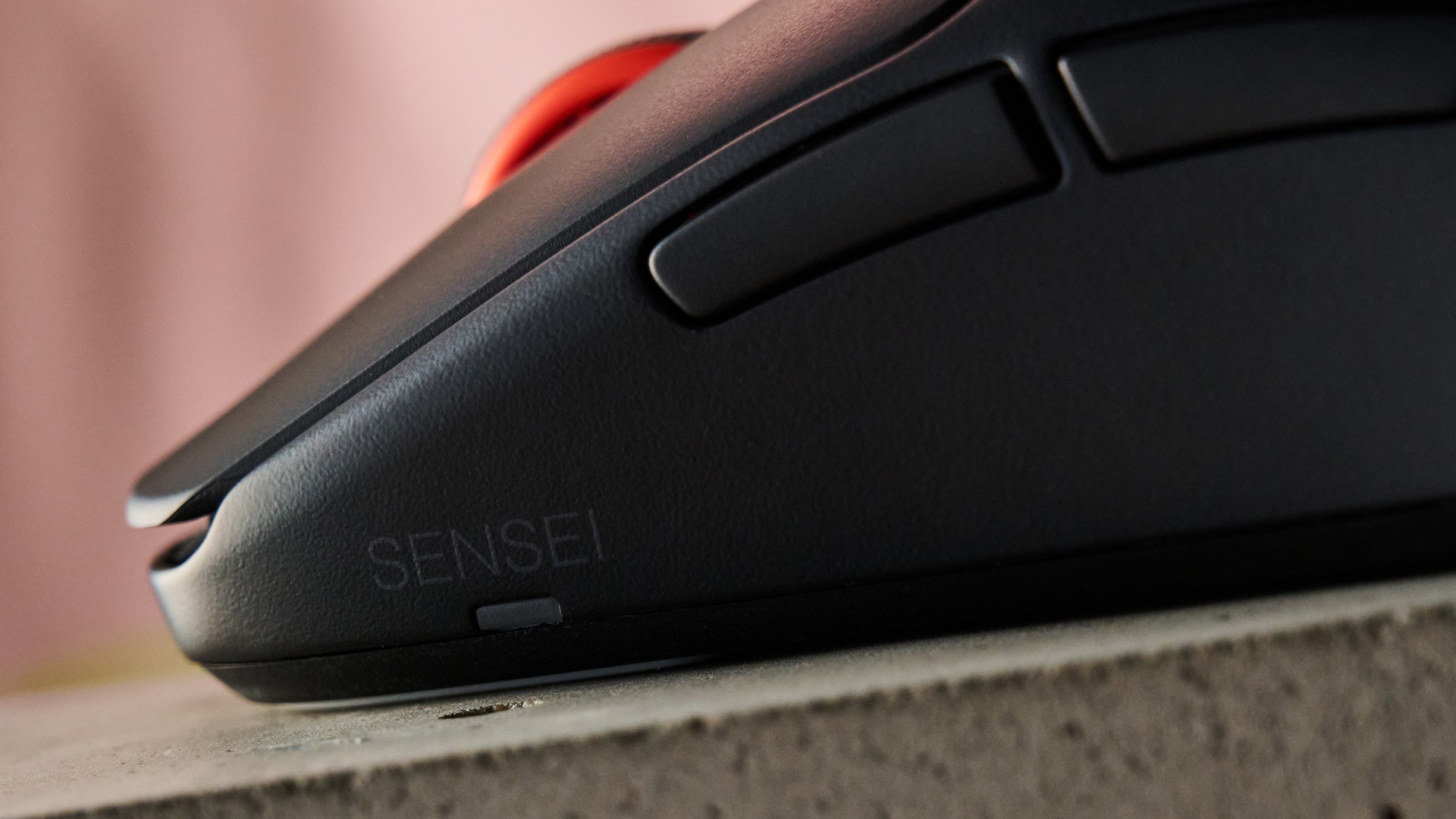
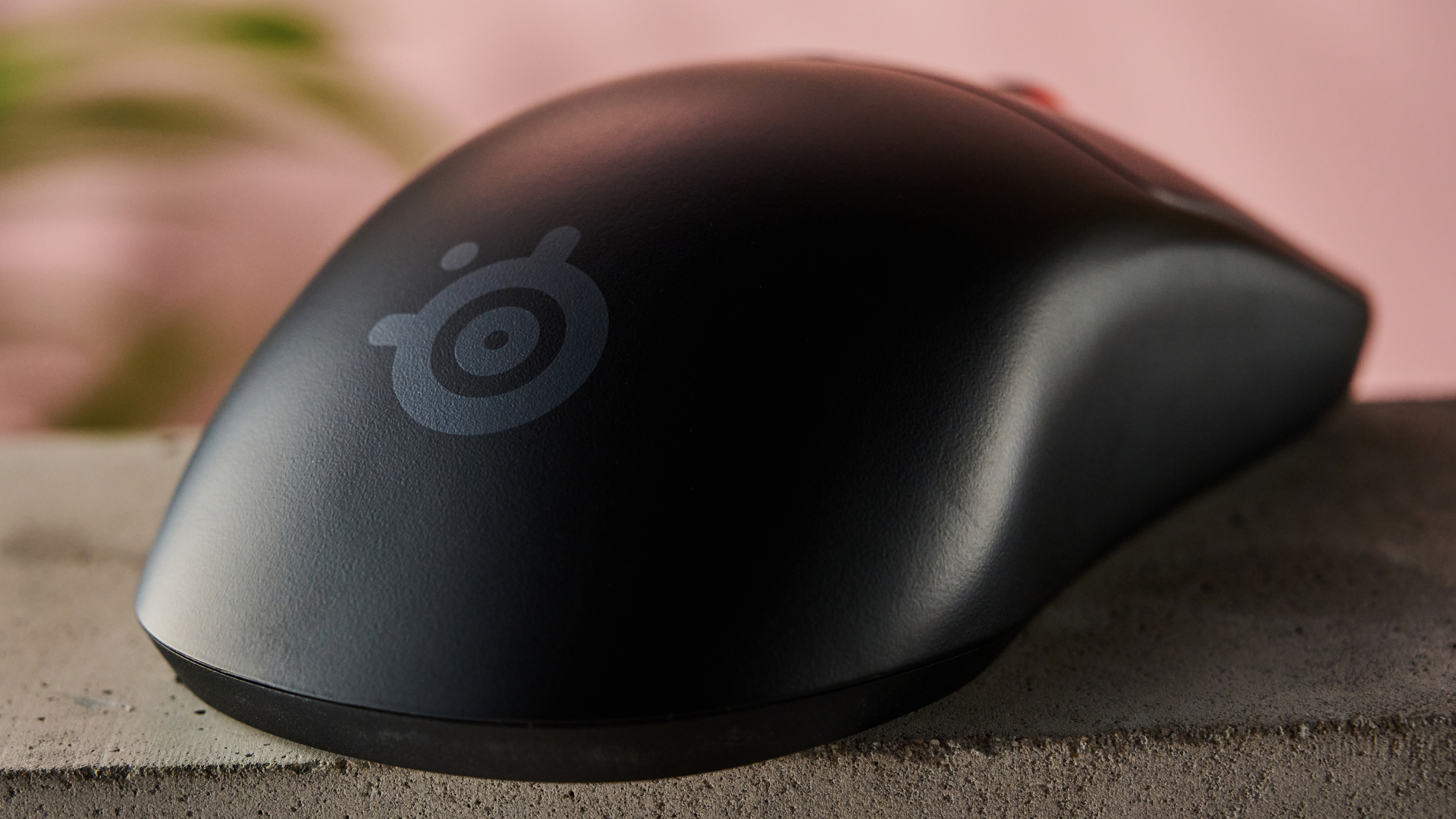
It has the same symmetrical shape as its larger sibling but on a smaller scale. Its size should prove suitable for those with smaller hands, allowing them to get a secure grip around the entire unit. At just 49g, it’s very light, too — lighter than the standard model by 4g — which makes it easy to maneuver.
The sidewalls have a pronounced cinch that forces you to clamp your thumb and ring finger further inwards than is typical, which some may prefer for added security. Grip tape is included in the box if you require more traction, which is entirely possible given the smoothness of the outer shell. The central hump might prove contentious in terms of fit, though: in my experience, it didn’t sit back far enough in my hand, landing underneath my knuckles rather than in the middle of my palm.
To customize and tweak the Sensei Pro Mini, you can use SteelSeries’ GG peripheral software. Here you can rebind all six buttons, with a fair amount of mapping options available, including keyboard inputs and shortcuts for media controls and system actions. You’ll find some standard performance tweaks as well, including DPI adjustments, although the range is larger than you’ll usually find on other gaming mice (between 1 to 65,000). There are five presets to customize, which you can cycle through using the DPI button underneath the mouse.
There are more advanced tweaks in addition to these, though. You can adjust the click response between 0ms and 20ms, and set the lift-off and landing distances independently, each with a range of 0.7 to 1.7 (presumably this refers to millimeters, though no unit of measurement is given). You can also enable a feature called Scroll Jump Protection, which ignores your first scroll unless a second is performed within a certain time of the first. This threshold is adjustable between 100ms and 1500ms. Motion Sync and Angle Snapping toggles are here as well, with the latter featuring a slider with 10 levels to adjust its straightening effect.
This isn’t all, though: a further section lets you adjust acceleration, with several graph curve presets available to alter cursor speed relative to movement speed, as well as the angle of the mouse’s sensor by 45 degrees either side of center to match the natural angle of your hand movements.
Then there are the polling and sensor adjustments. You can set the ultra-wideband (UWB) polling rate and the sensor report rate independently, each with a range of 125Hz to 8KHz (with added 9KHz overpolling). There are five presets containing various combinations of both rates, which can be cycled through using the button on the UWB base station.
GG is clearly laid out and proved fast and stable during my time with it. It also contains explanations for many of its settings, which is something I’m always glad to see. One minor gripe I had is that the actual area to make adjustments and customizations opens in a second window, which is somewhat inconvenient.
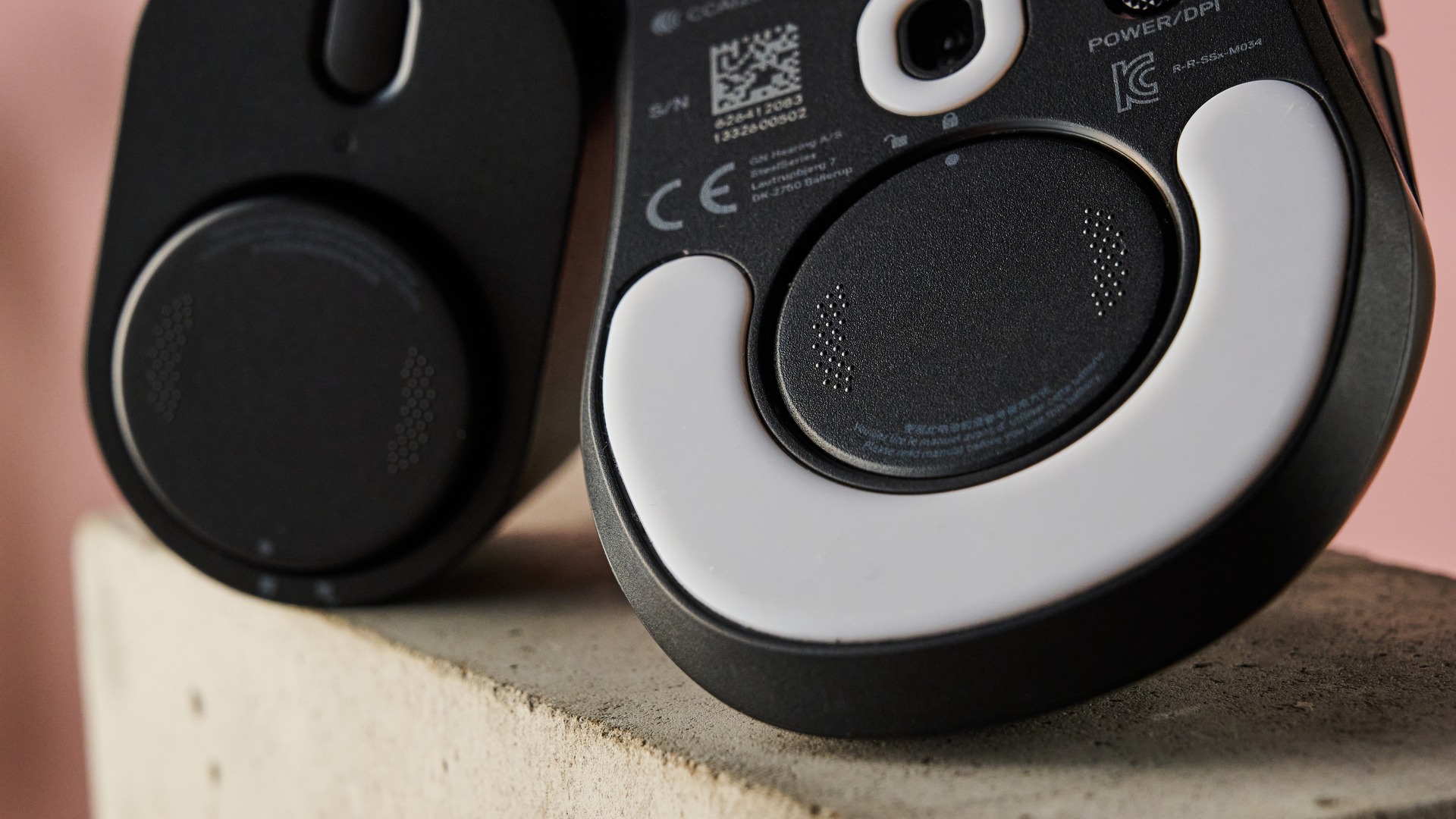
The first thing that’s noticeable about the Sensei Pro Mini’s performance is just how smoothly it glides. This is no doubt thanks to the large PTFE skates underneath. There’s almost no friction when gliding over a mouse mat, which makes the Sensei Pro Mini feel incredibly gratifying to fling around, yet also allows for super-controlled slow movements.
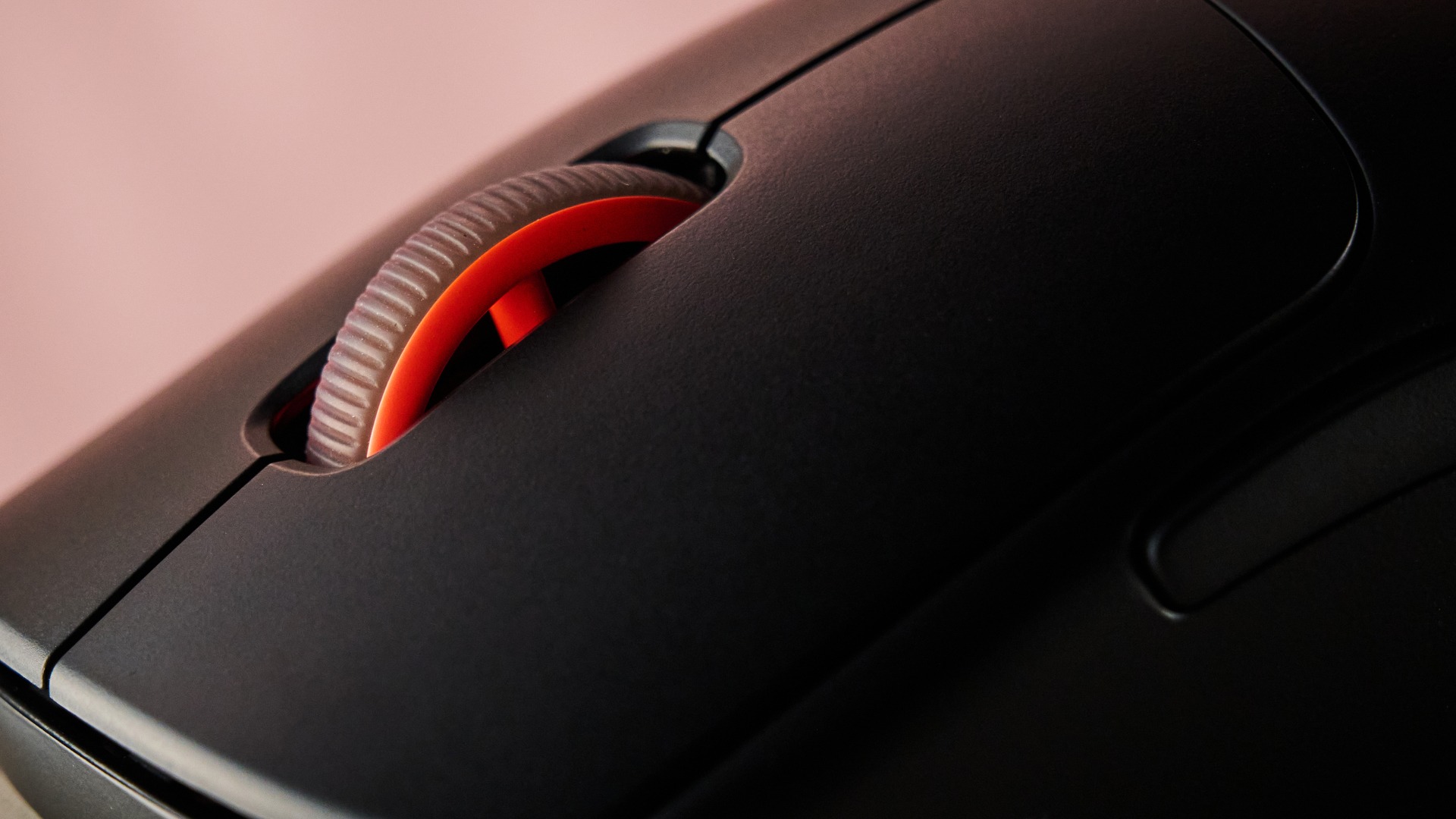
Next is the Sensei Pro Mini’s buttons. Clicks are light and snappy enough for quick spams, yet still provide enough feedback to allow for controlled inputs. They also have just enough dampening to make them satisfying to use. The side buttons are great to use as well, being easy to reach and offering a clicky, tactile feel. The same is true of the middle click, and I didn’t trigger miscrolls when using it, since the notching, while light, is tight enough to prevent accidental knocks from registering. This also means that quick flicks and controlled single scrolls are both relatively easy to perform.
My one issue with the inputs concerns the DPI button. It’s underneath the Sensei Pro Mini, which makes it harder to access. This is exacerbated by the fact it’s placed on the thumb side (for right handers) rather than the pinkie side, which means you can’t wrap your fingers underneath to press it without turning the mouse over.
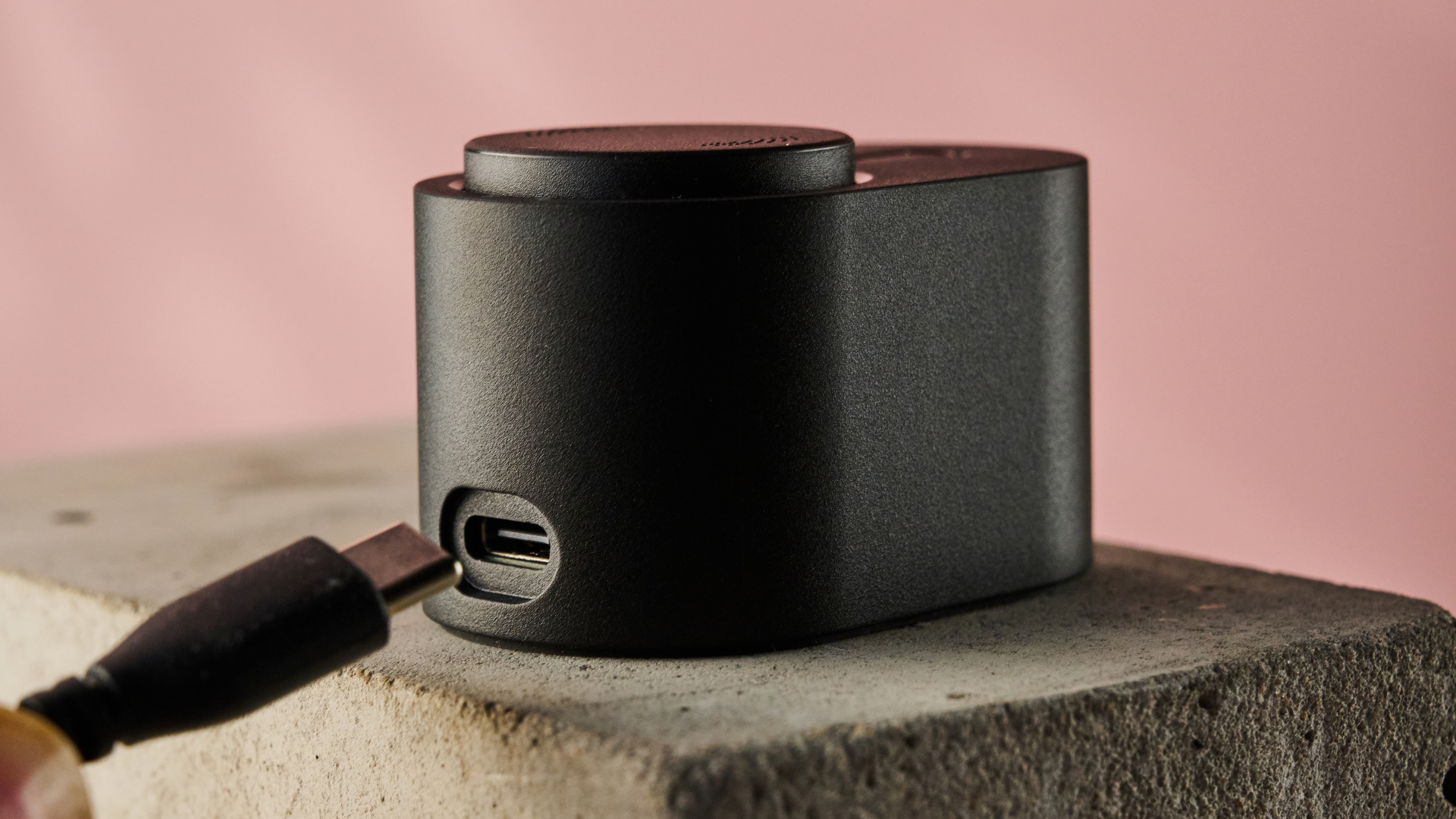
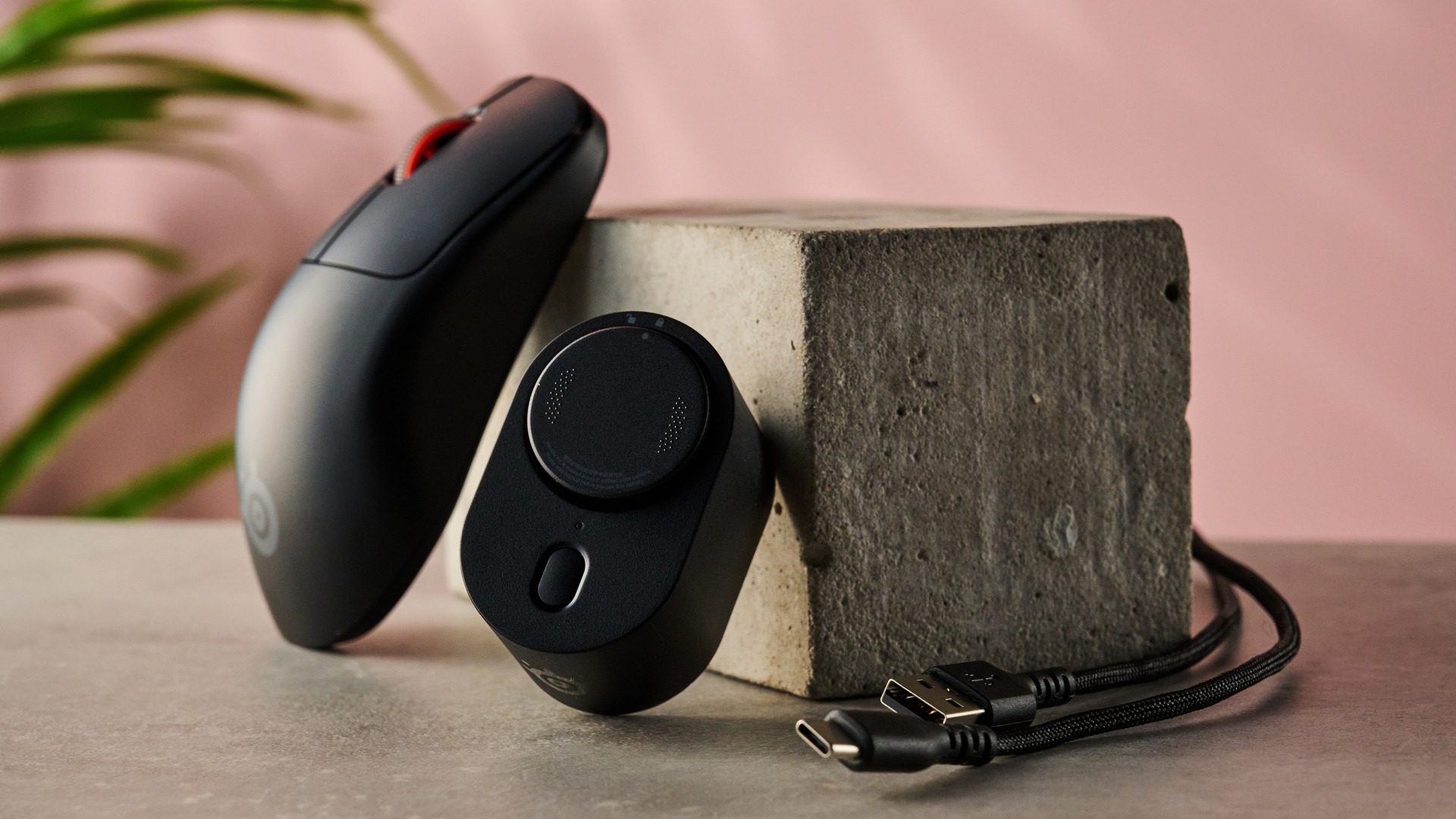
I didn’t experience any connectivity issues with the Sensei Pro Mini. Given the sheer size of the UWB station itself I would’ve been disappointed if I had. Also, the cable provided to connect it to your PC is long enough to give you versatile placement options to avoid interference. It’s a shame a mouse this expensive doesn’t have additional Bluetooth support, though; many other wireless gaming mice feature this, allowing you to hot-switch between two devices.
To power the Sensei Pro Mini, SteelSeries has kitted it out with its ‘infinite’ battery system, something it and a few other brands have used in mice and other peripherals before. The idea is that you’ll never need to go wired (the Sensei Pro Mini doesn’t even have a USB port) to charge. Instead, you’re provided a pair of removable batteries that you cycle between your mouse and the charging dock in the UWB station.
This system works well, as it’s quick and easy to remove and insert the batteries — just as well, since the battery life drains rapidly when every performance setting is at maximum, barely lasting a day. At less intensive settings, though, the battery’s longevity is much better, lasting more like several days.
There will be gamers who would like the reassurance of additional wired support, though, should connectivity be compromised for whatever reason (I’m reminded of inference issues derailing a recent tournament). At this very high price point, such an addition would be especially welcome, as would Bluetooth. As it stands, the Sensei Pro Mini is an elite gaming mouse with all the wireless performance a pro could hope for, and it’s perhaps only this cohort that’ll see the value in it.
SteelSeries Sensei Pro Mini review: Price & availability
- $179.99 / £169.99 (about AU$260)
- Top-end of the wireless gaming mouse market
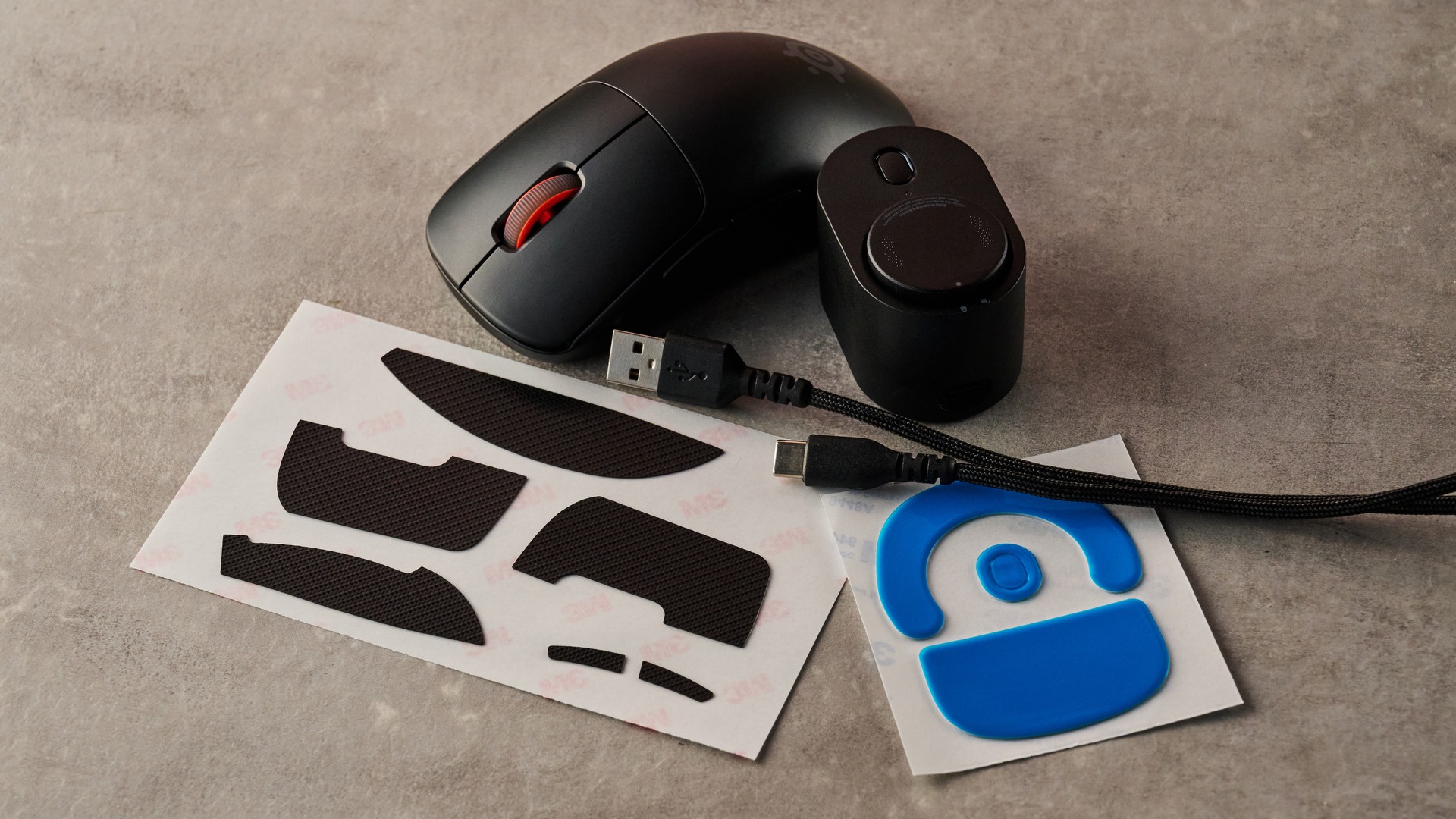
The Sensei Pro Mini costs $179.99 / £169.99 (about AU$260) and is available now in black or white. A full-size variant is also available for the same price. It comes with two swappable batteries, the UWB base station (which doubles as the battery charging dock), and a braided USB-C-to-A cable, as well as spare PTFE skates and optional grip tape.
Even for a pro-grade wireless gaming mouse, the Sensei Pro Mini is expensive. It’s the same price as the Razer Naga V3 Pro, although that mouse has additional Bluetooth and wired support, as well as a lot more buttons. If you want the same limitless battery power, you can pair it with Razer’s charging mouse mat, although this a costly addition to an already expensive mouse.
Another pointer with a similar battery swapping system is the AngryMiao AM Infinity.97. This is even lighter than the Sensei Pro Mini at 47g. However, its garish style won’t be for everyone, and its software pales in comparison to the tweaking depth on offer in GG.
SteelSeries Sensei Pro Mini review: Specs
|
Battery life |
120 hours (1K), 32 hours (16 hours per battery) (8K) |
|
Polling rate |
8KHz (with 9KHz overpolling) |
|
Maximum sensitivity (DPI) |
42,000 (65,000 with DPI Overdrive) |
|
Programmable buttons |
6 |
|
4.65 x 2.46 x 1.43 inches / 118 x 62.5 x 36.2mm |
|
|
49g |
Should I buy the SteelSeries Sensei Pro Mini?
|
A great size for those with smaller hands, although the hump might be inconveniently placed for some. The DPI button isn’t easily accessible, either. |
4/5 |
|
|
Super smooth gliding and all the buttons respond brilliantly. There are plenty of performance tweaks available in GG, too. |
4.5/5 |
|
|
It’s very expensive, yet lacks Bluetooth and a wired option. Only gamers most concerned about elite wireless performance will see its worth. |
3/5 |
Buy it if…
Don't buy it if…
SteelSeries Sensei Pro Mini review: Also consider
How I tested the SteelSeries Sensei Pro Mini
- Tested for a few days
- Used for various tasks, including gaming
I tested the Sensei Pro Mini for a few days, using it for not just gaming, but also working and general browsing.
I played , which is a great test for gaming mice, since it demands quick and accurate movements and clicks.
I’ve been PC gaming for over a decade, and used a great deal of pointers in that time. I’ve also reviewed plenty of them before, including the full size Steelseries Sensei Pro.
Lewis Maddison is a Reviews Writer for TechRadar. He previously worked as a Staff Writer for our business section, TechRadar Pro, where he gained experience with productivity-enhancing hardware, ranging from keyboards to standing desks. His area of expertise lies in computer peripherals and audio hardware, having spent over a decade exploring the murky depths of both PC building and music production. He also revels in picking up on the finest details and niggles that ultimately make a big difference to the user experience.