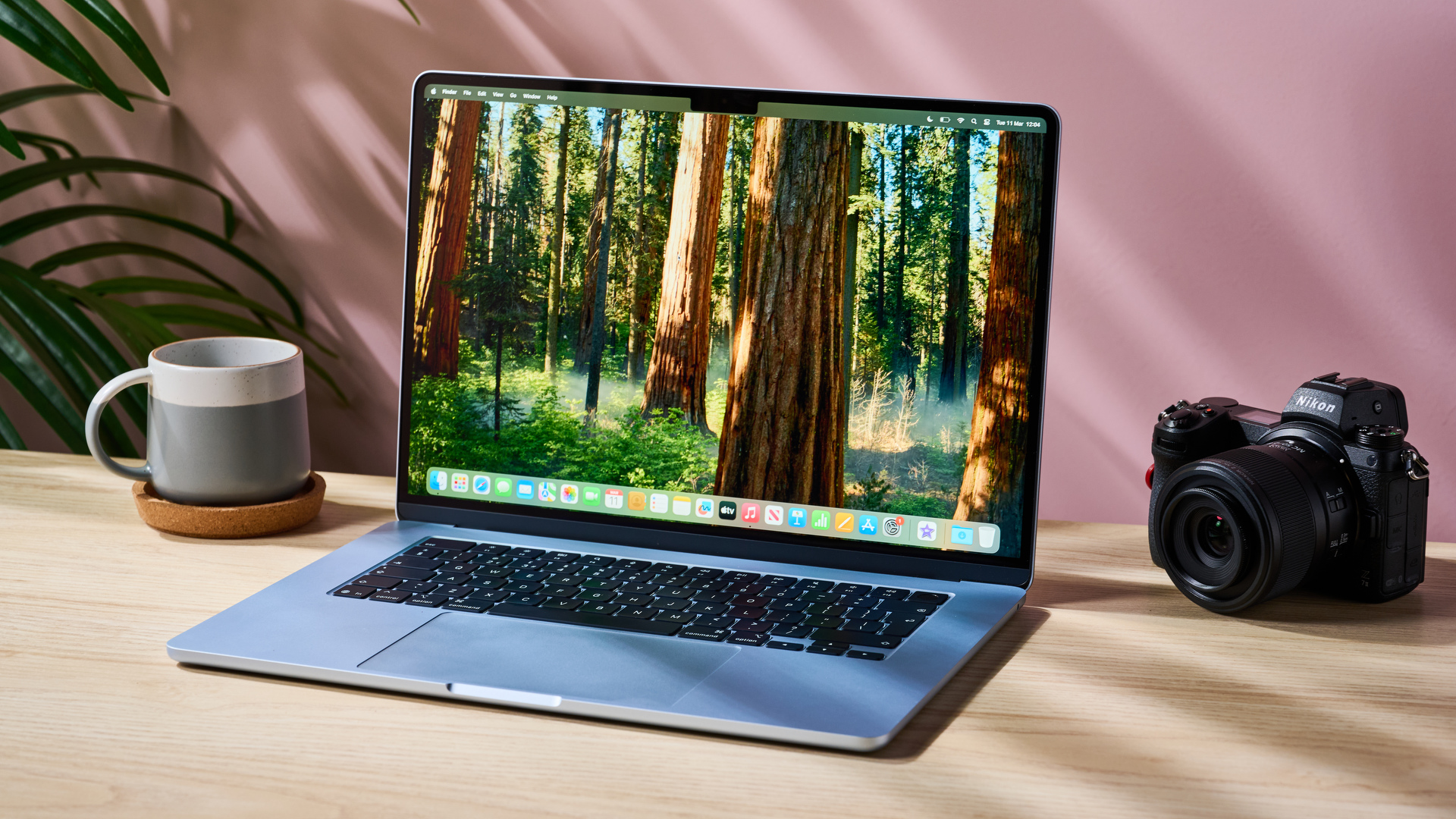
If you’ve just bought one of the best Macs or MacBooks in the Black Friday sales, you’ll have landed yourself one of the best computers money can buy, whether you went for a powerful desktop or a portable laptop.
But that’s not to say your Apple device can’t be taken to another level with a judicious selection of handy accessories. Pick a few clever extras and you’ll be able to eke even more out of your machine. That’s what this guide is here to do — we’ve picked a handful of the best Mac accessories on the market, so read on to find out how you can turbocharge your shiny new Mac.
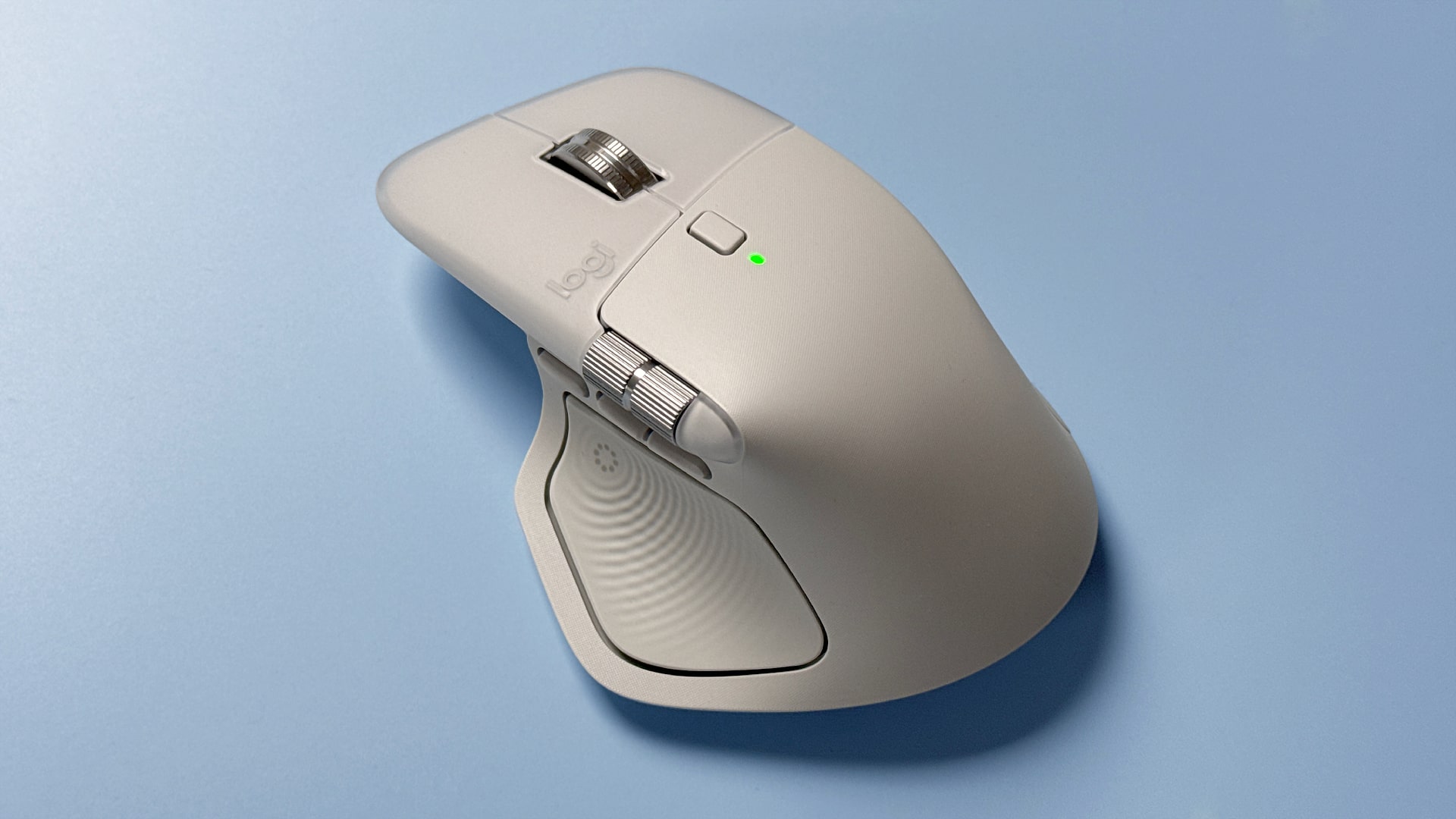
Logitech’s MX Master range has been the go-to mouse for Mac users for years, and the latest version is no different. With the MX Master 4, you get everything that has made the series great, including a comfy ergonomic shape, a superb MagSpeed scroll wheel that can automatically switch between ratcheting and free spinning, a clever haptic-enabled gesture-control button, lovely quiet clicks and exceptional battery life.
It’s easy to see why this pointer is so beloved by legions of Apple fans and why it’s one of the best mice money can buy. It’s a worthy addition to your new Mac setup.
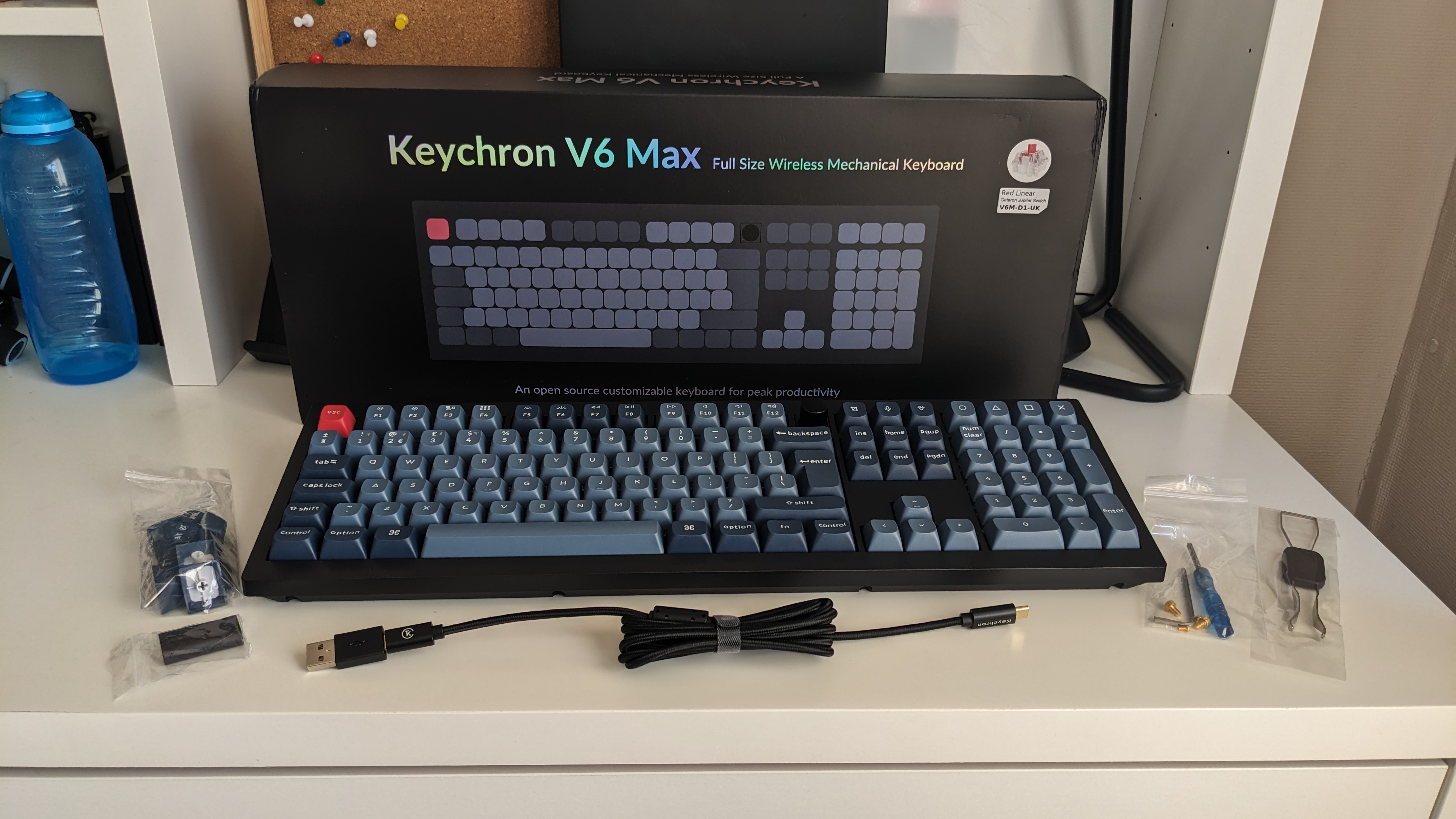
Apple makes excellent keyboards, but while they’ve proven to be popular with Mac users, we feel there are far better options out there. For one thing, if you’re serious about typing, a mechanical keyboard will open up a whole new world of comfort and productivity. If that’s the route you want to take, there are few better choices than the Keychron V6 Max.
Equipped with a range of switch options (including smooth linears and tactile alternatives), a full numpad and a built-in volume knob, plus a button to switch between macOS and Windows layouts, it’s got everything you need for a better Mac typing experience.
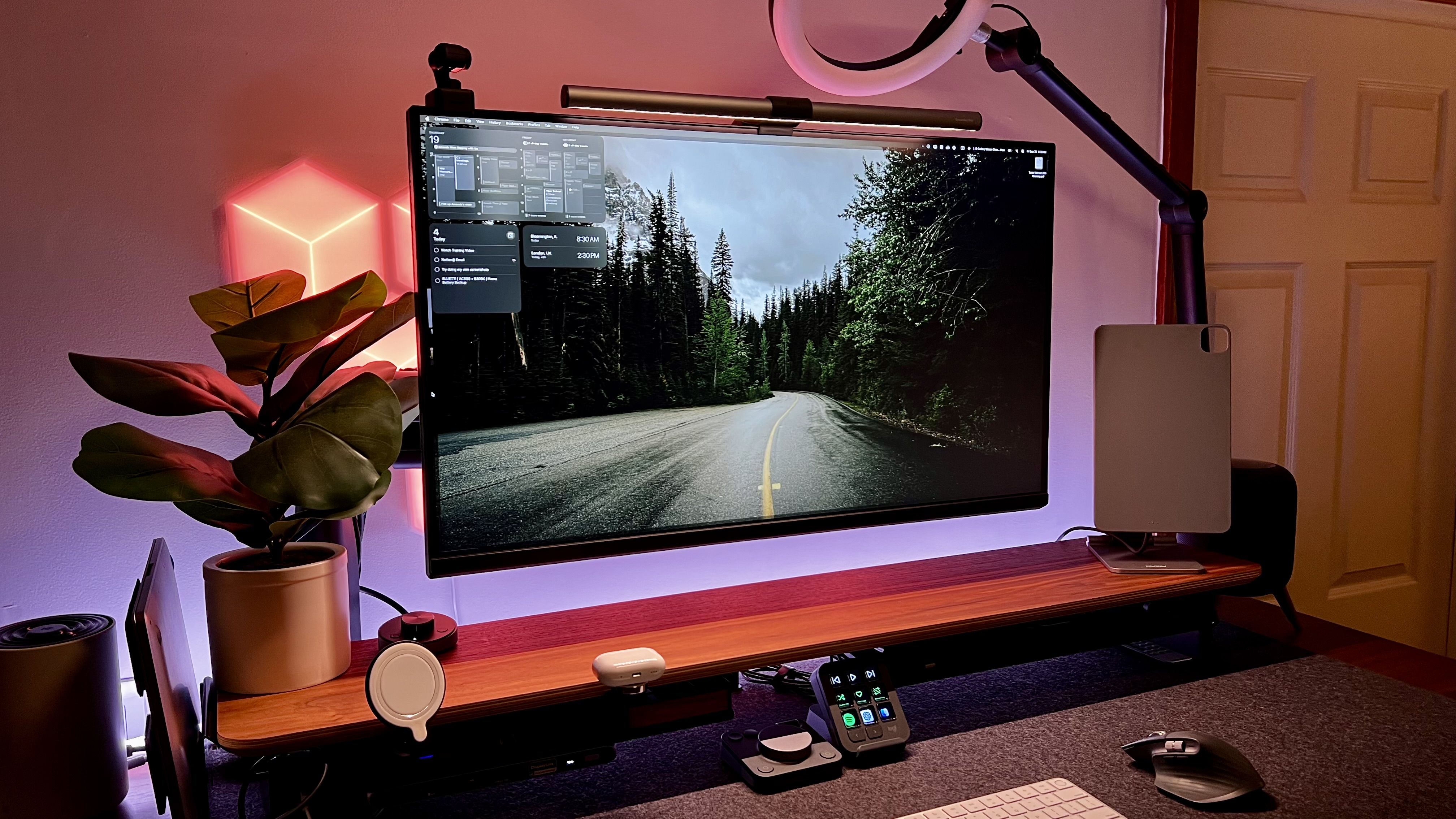
Whether you’ve bought a desktop Mac or a MacBook laptop, you can always benefit from a display upgrade. You can get that in the form of the BenQ MA320U, which is one of the best Mac monitors around right now. With a 4K resolution and 32-inch screen size, it’s an expansive monitor that delivers a crisp picture for work, gaming and photo and video editing.
Speaking of editing, this display boasts 97% coverage of the P3 color gamut for superb color accuracy — a must for photo and video pros and enthusiasts. There’s 90W of USB-C Power Delivery to charge up your MacBook, plus the bundled Display Pilot 2 software makes adjusting the monitor’s controls and settings incredibly easy.
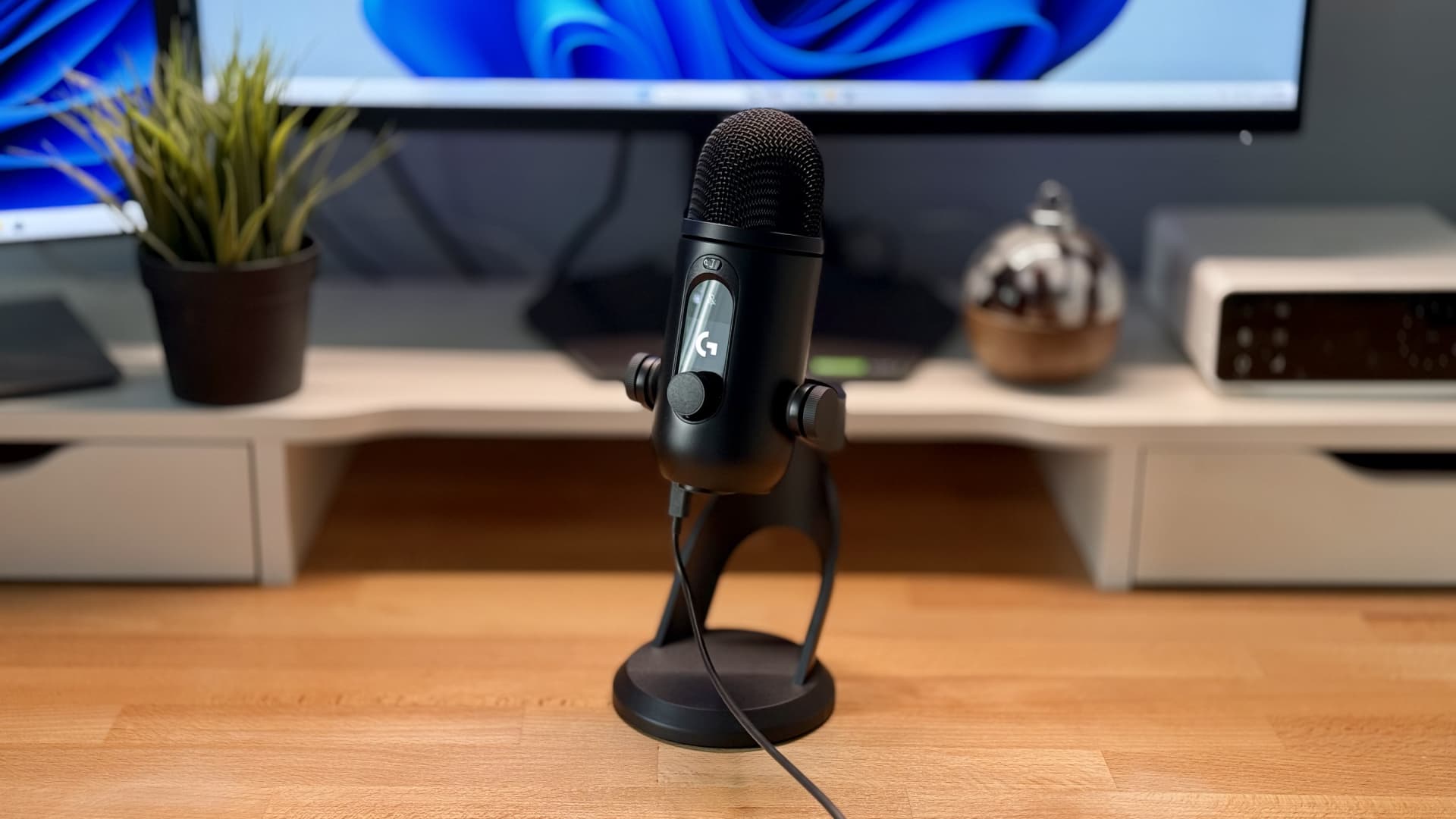
The Logitech Yeti (formerly known as the Blue Yeti) is legendary even among the best desktop mics, and its successor — the Logitech Yeti 2 — has continued that legacy with a superb offering that elevates the experience in every way.
For starters, it brings some of the crispest audio you’ll find in any USB mic, then pairs it up with a new OLED display that lets you adjust settings on the fly without needing to open the companion app. And with polar patterns and gain that automatically adapt as you speak, you’ll always sound your best with minimal effort.
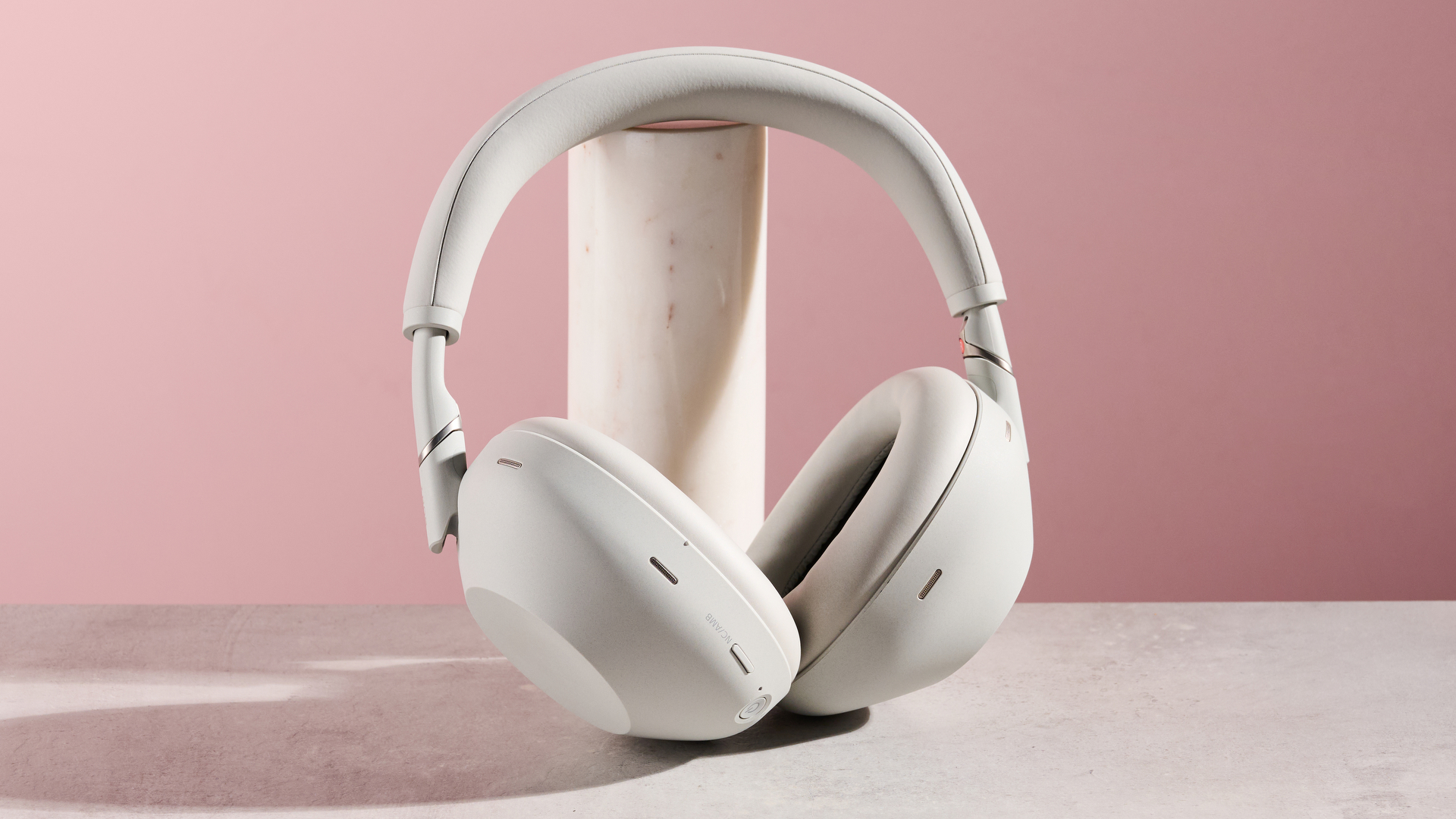
Apple’s computers are well-known for the quality of their speakers, but nothing beats the immersion of a set of over-ear headphones when you’re listening to music, playing games or enjoying a movie. Our choice here is the Sony WH-1000XM6, and it’s our pick for the best pair of headphones available today.
What makes the Sony WH-1000XM6 so good? A big part of the answer is its class-leading active noise cancelation that helps you shut out the world and focus on what’s on your Mac’s screen. Couple that with a lightweight, portable design, intuitive touch controls and exceptional audio quality and there are few rival products that come anywhere near it.
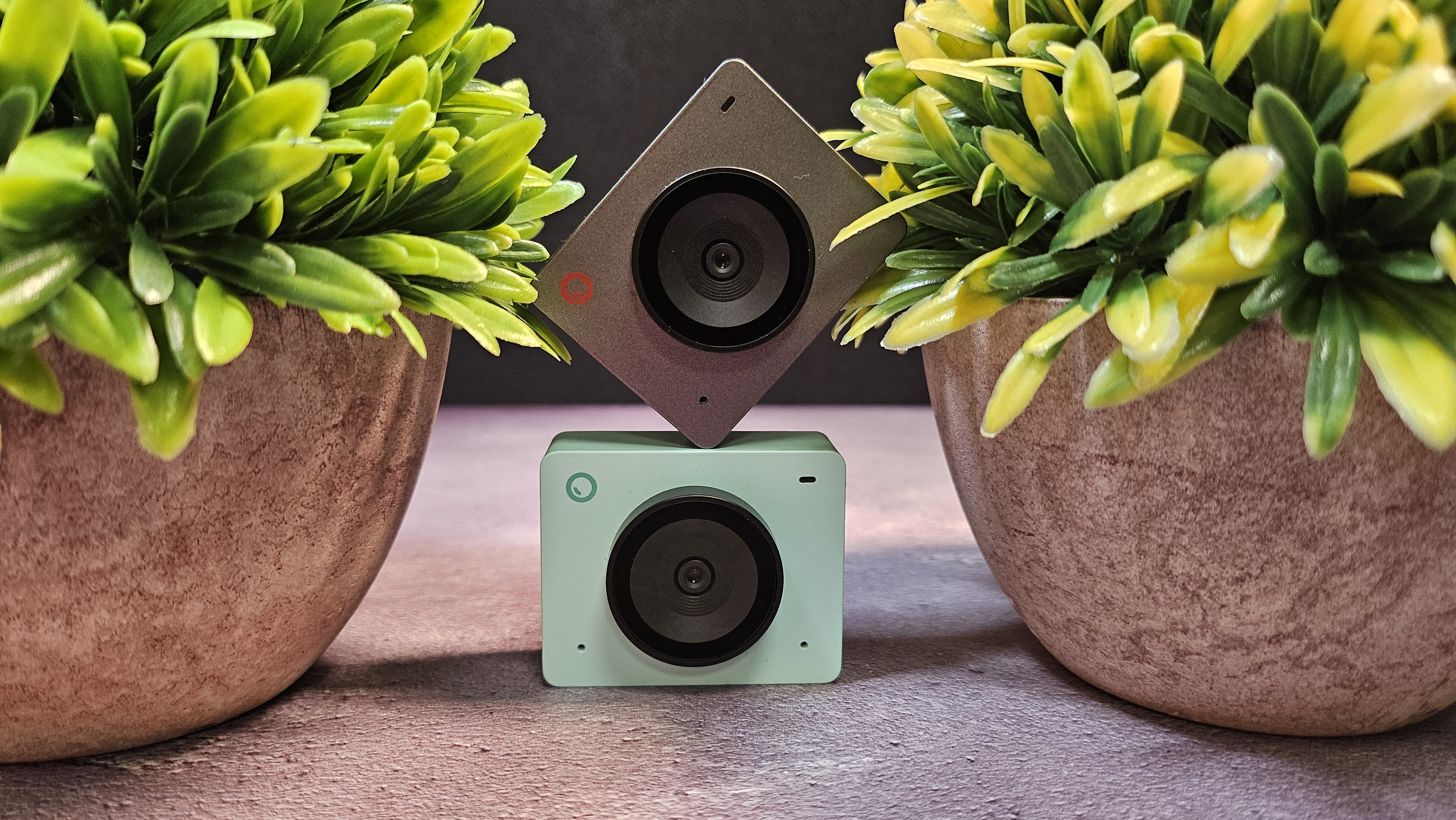
There was a time when Apple’s MacBook webcams were a major disappointment. Things have improved in recent years, but you’re still better off getting a dedicated camera. In that case, we recommend the Obsbot Meet SE.
This webcam somehow manages to blend exceptional image quality and advanced features with a budget price tag that undercuts its more famous rivals, helping you look your best on camera without needing to break the bank. And with its cute, compact design, it’s easy to slip into a pocket and take with you on your MacBook travels.
Docking station: Kensington SD5010T5 EQ
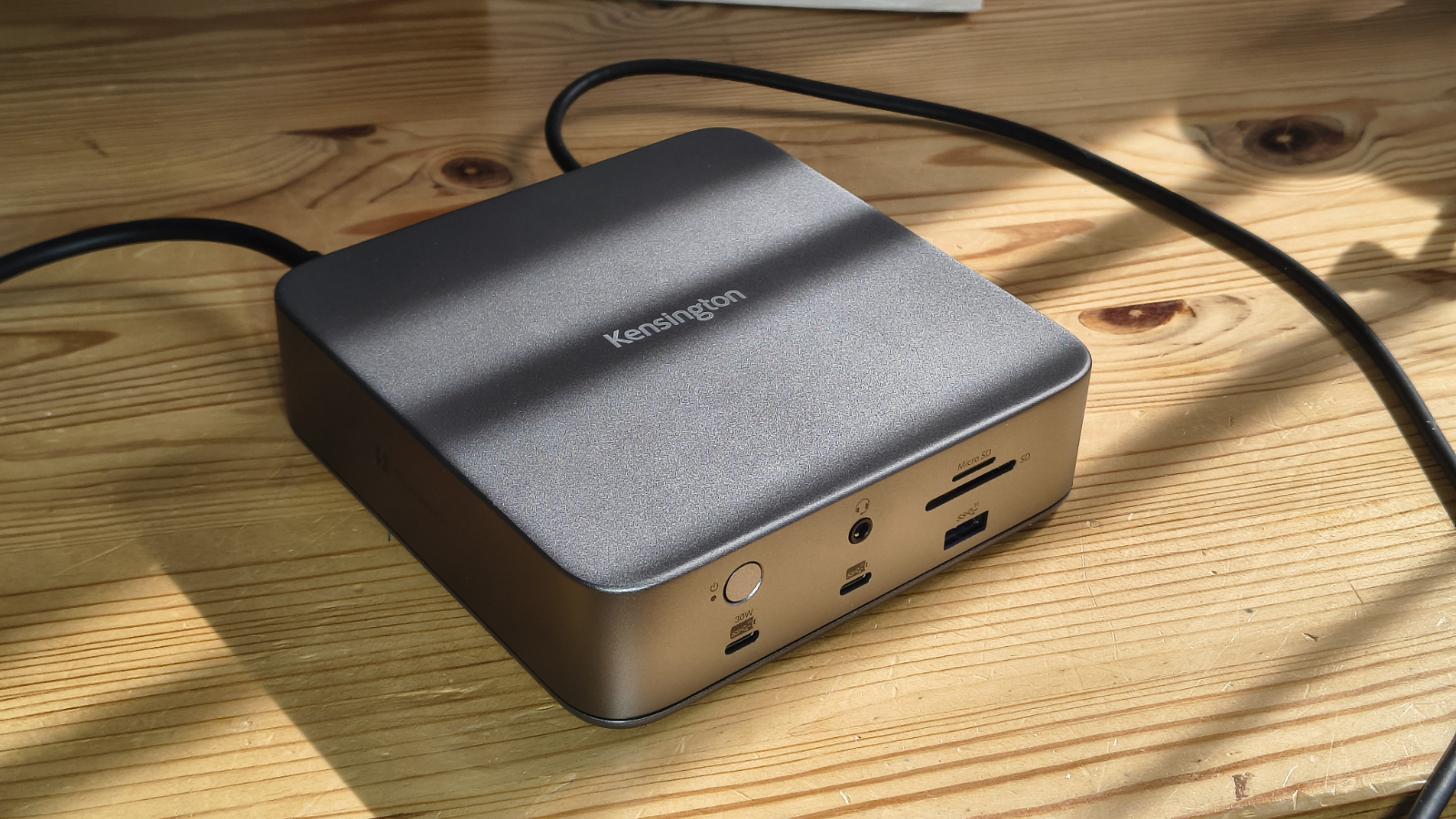
Macs aren’t known for their plethora of ports, and if you’re desperate to hook up speakers, external hard drives, monitors and keyboards, you might find yourself out of luck. Unless, that is, you plump for the Kensington SD5010T5 EQ.
A solid all-round docking station, this device makes a host of new ports available to your Mac, including lightning-fast Thunderbolt 5 outlets, HDMI, camera card readers, USB-A Gen2 slots with 10Gbps transfer speeds, and more. And with 140W of Power Delivery, it can power up even the most demanding of MacBooks.
Portable storage drive: SanDisk Professional G-Drive
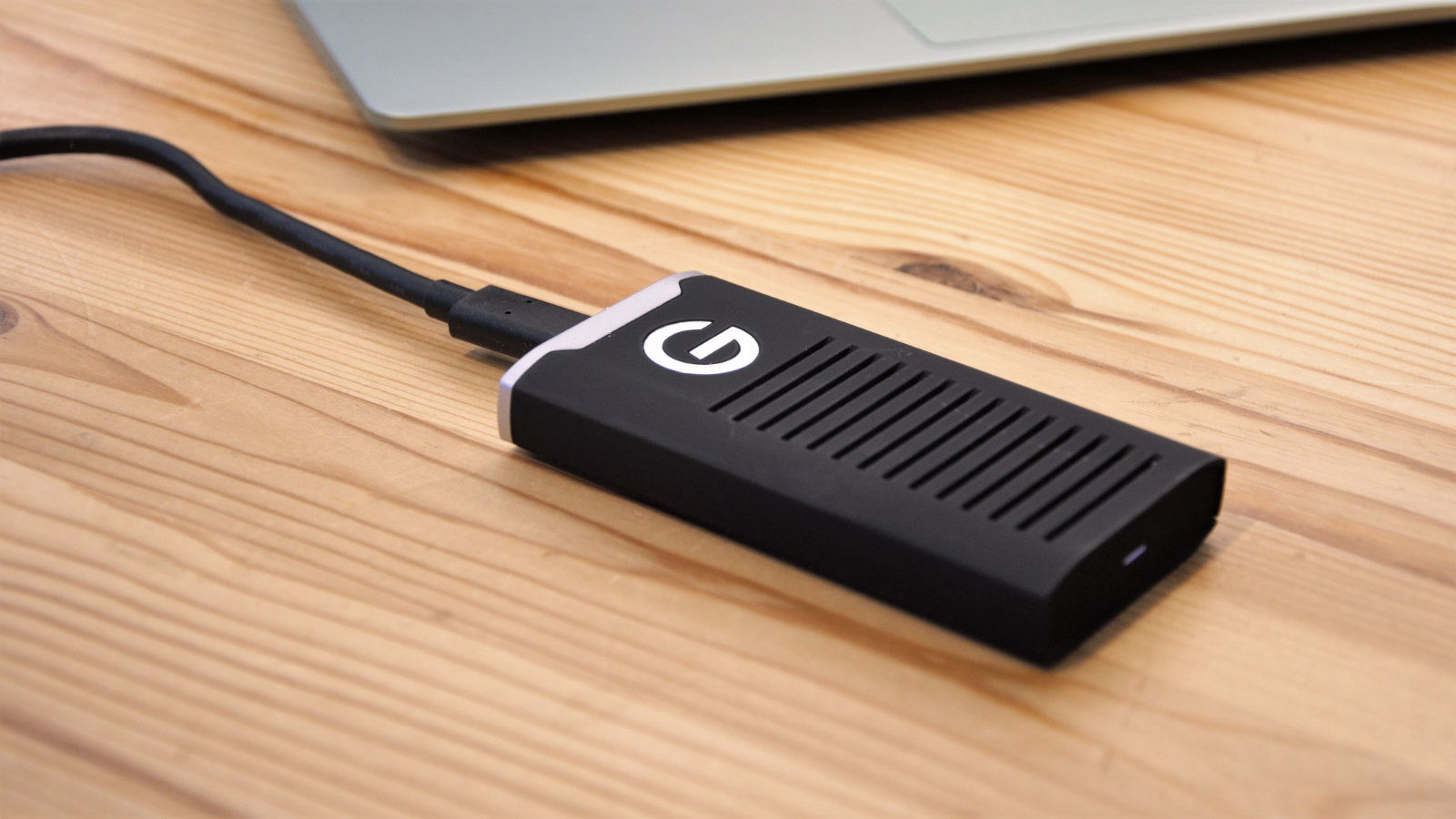
One of the drawbacks of getting a Mac is that it’s extremely difficult — if not impossible — to upgrade its internal storage once you’ve bought it. If you end up needing more capacity, you’ll have to get an external drive. And if that eventuality arises, the SanDisk Professional G-Drive is one of the best external drives for Mac users.
This external SSD comes ready-formatted for macOS, so you can just plug it in and get started. With options up to 4TB in size, you’ll have plenty of room for files and folders, and we also love its rugged design and hardware encryption that keep everything safe and sound.

Tying all of these accessories together is the Grovemade Standing Desk. This kind of product can adjust to your posture, whether you want to sit down to work or operate standing up. But the Grovemade is much more than just a mere desk.
Indeed, you can augment it with a slate of ingenious accessories to build out your dream setup, including a drawer system that keeps accessories hidden away until you need them, cable management slots to reduce clutter, plus a large, soft pad for smooth, comfy mouse movements. It’s pricey, but it’s worth its weight in gold.

Alex Blake has been fooling around with computers since the early 1990s, and since that time he's learned a thing or two about tech. No more than two things, though. That's all his brain can hold. As well as TechRadar, Alex writes for iMore, Digital Trends and Creative Bloq, among others. He was previously commissioning editor at MacFormat magazine. That means he mostly covers the world of Apple and its latest products, but also Windows, computer peripherals, mobile apps, and much more beyond. When not writing, you can find him hiking the English countryside and gaming on his PC.