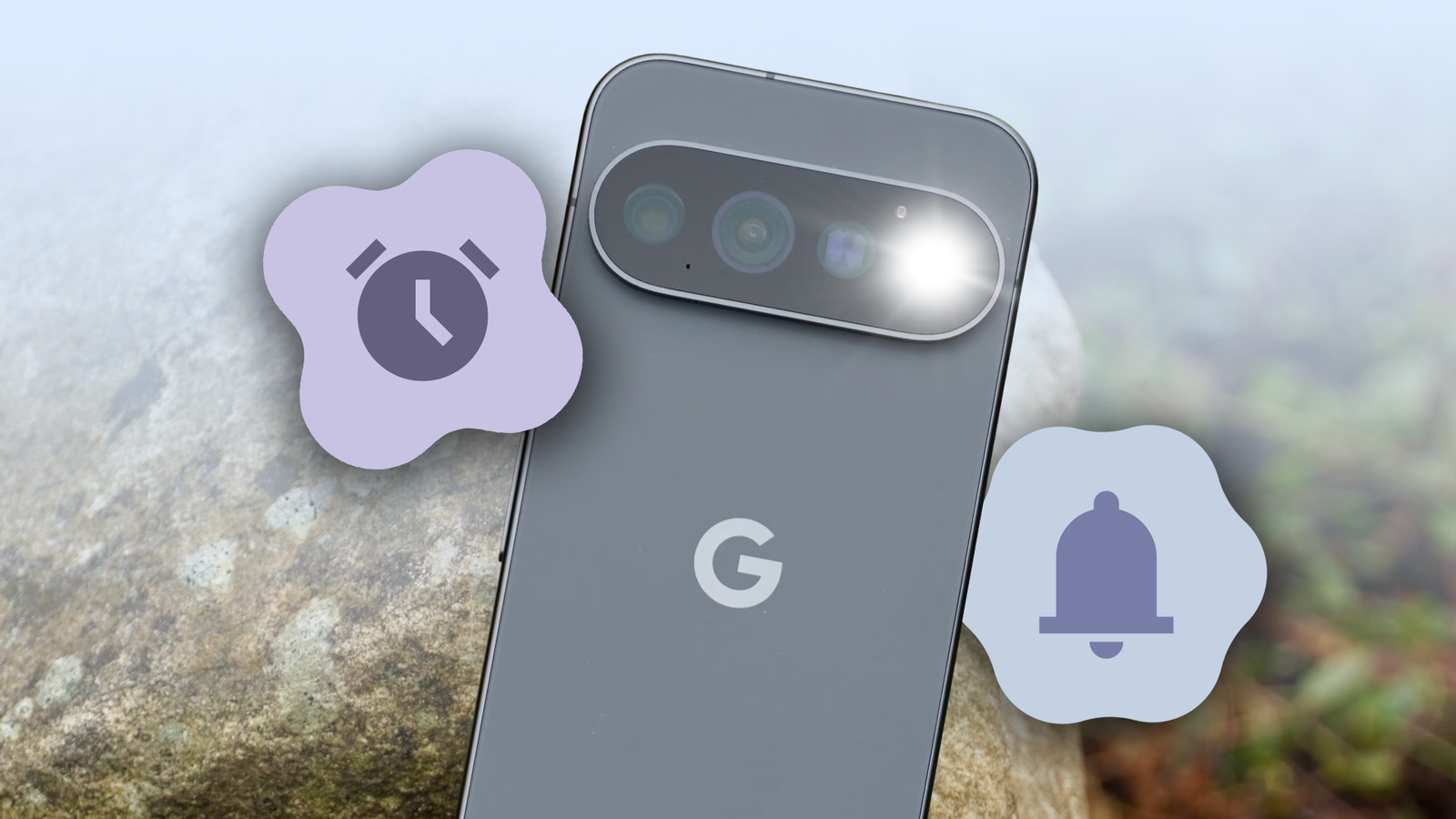
The biggest new highlight of the Google Pixel 11 Pro is its HiLight notification system. Okay, jokes aside, that RGB LED at the back is perhaps the most notable addition.
When I first heard about the feature, I liked the idea of setting my phone face-down on my desk without wondering whether I'd missed a notification.
But as interesting as HiLight is, the light is just a bit too dim to catch my attention. Moreover, my Pixel 11 Pro already has a better built-in solution — use the camera flash as a notification light.
It's not the most sophisticated solution. This feature has existed in some form for decades, going back to dumb phones.
Nor is it sophisticated enough to include things like colors, animation patterns, or contact-specific effects. But in the grand scheme, that simply doesn't matter.
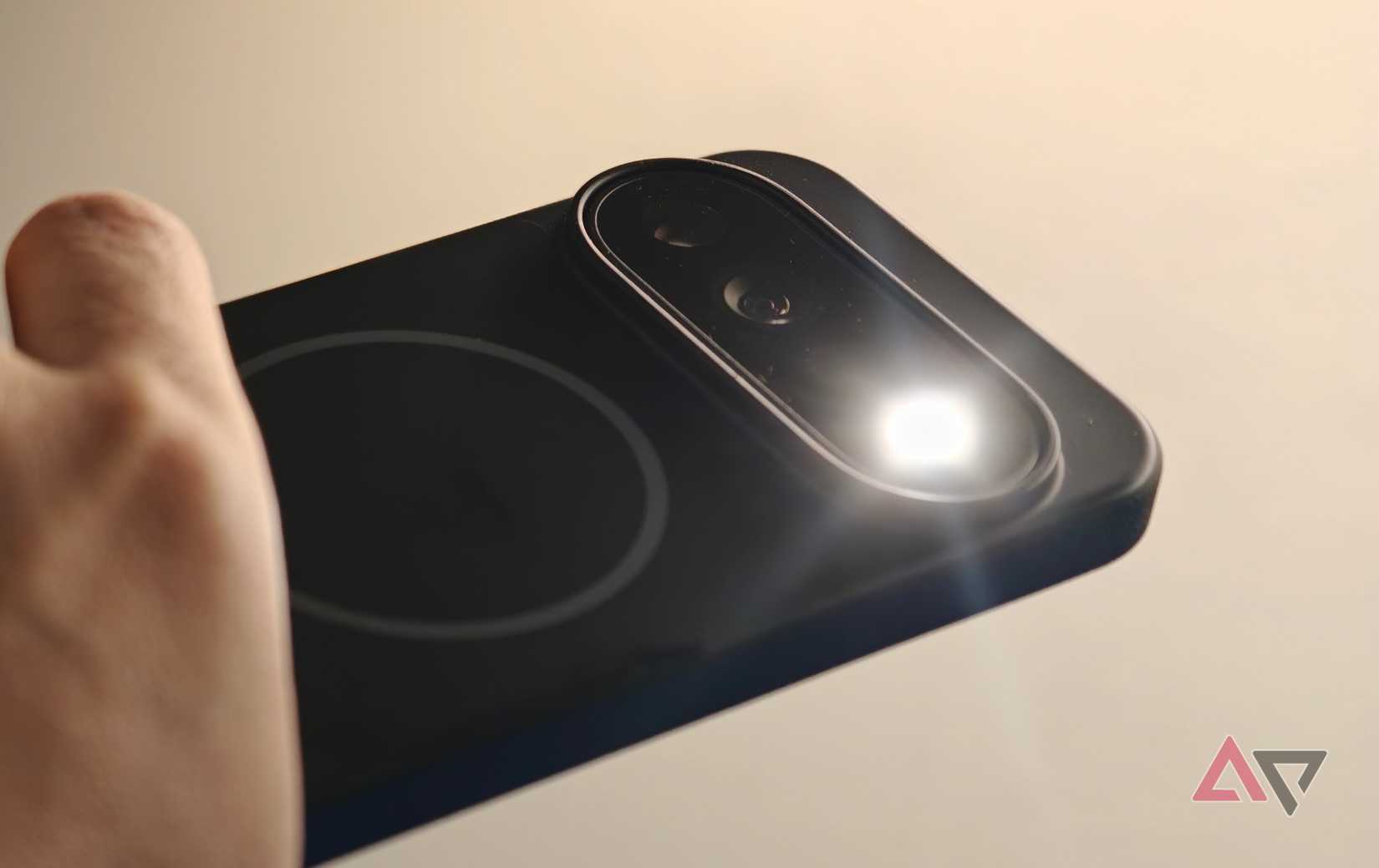
The LED flash on the back of my Pixel blinks when a notification arrives, which is exactly what I'm looking for. I can see it not only at my desk, but from across the room, something I can't say for the HiLight LED.
Setting up the camera flash as a notification light
A simpler notification signal works better for me
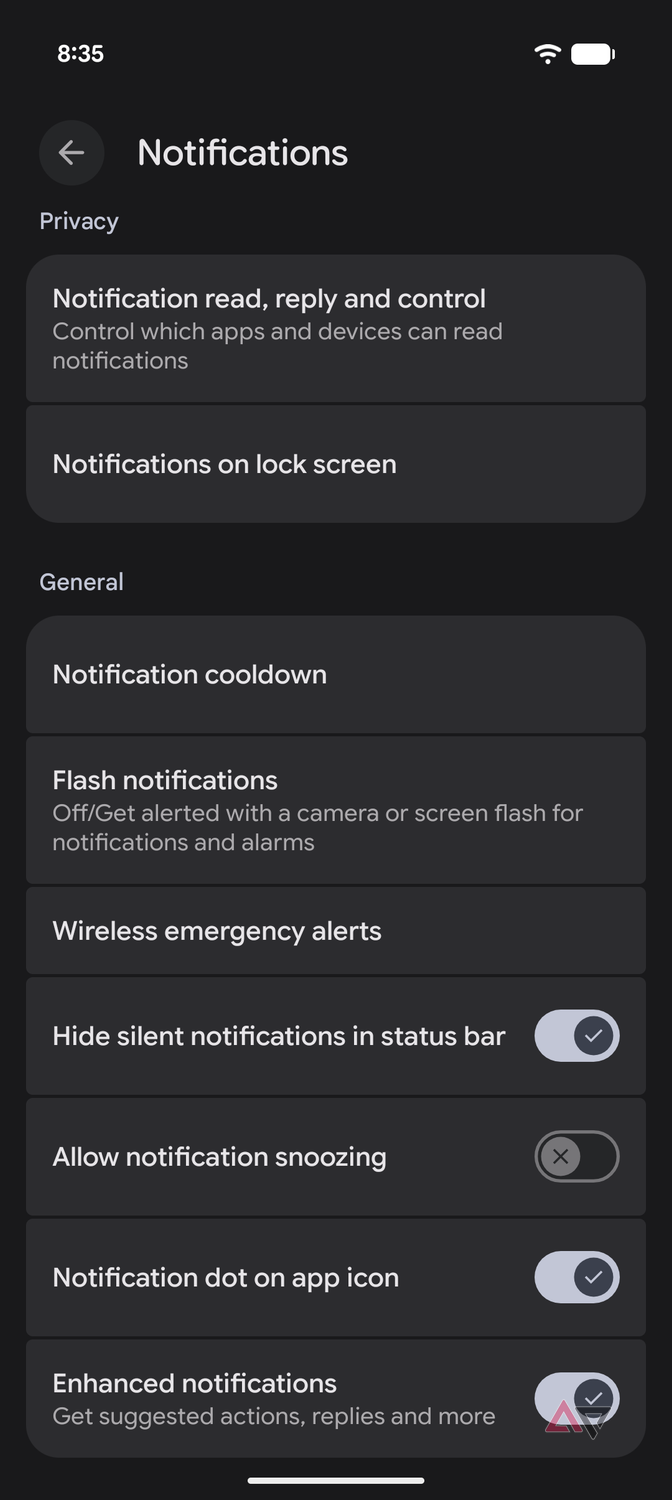
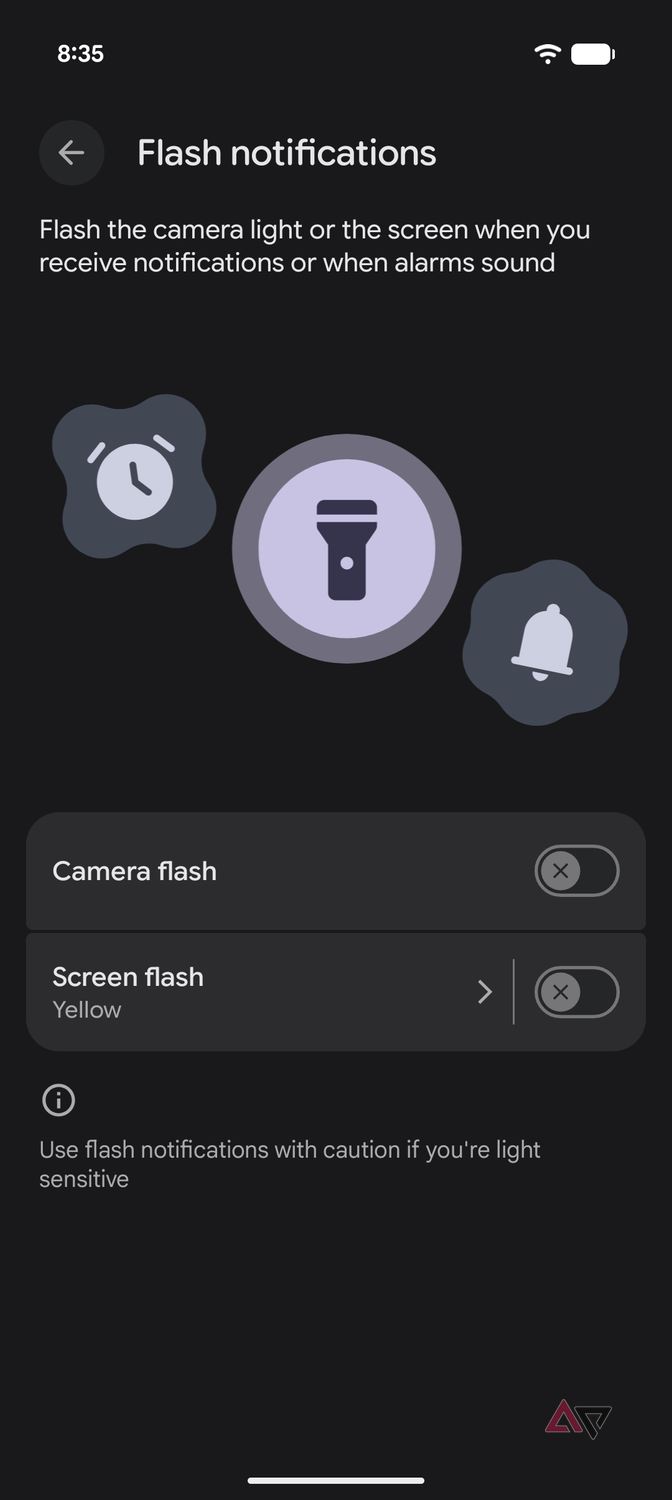
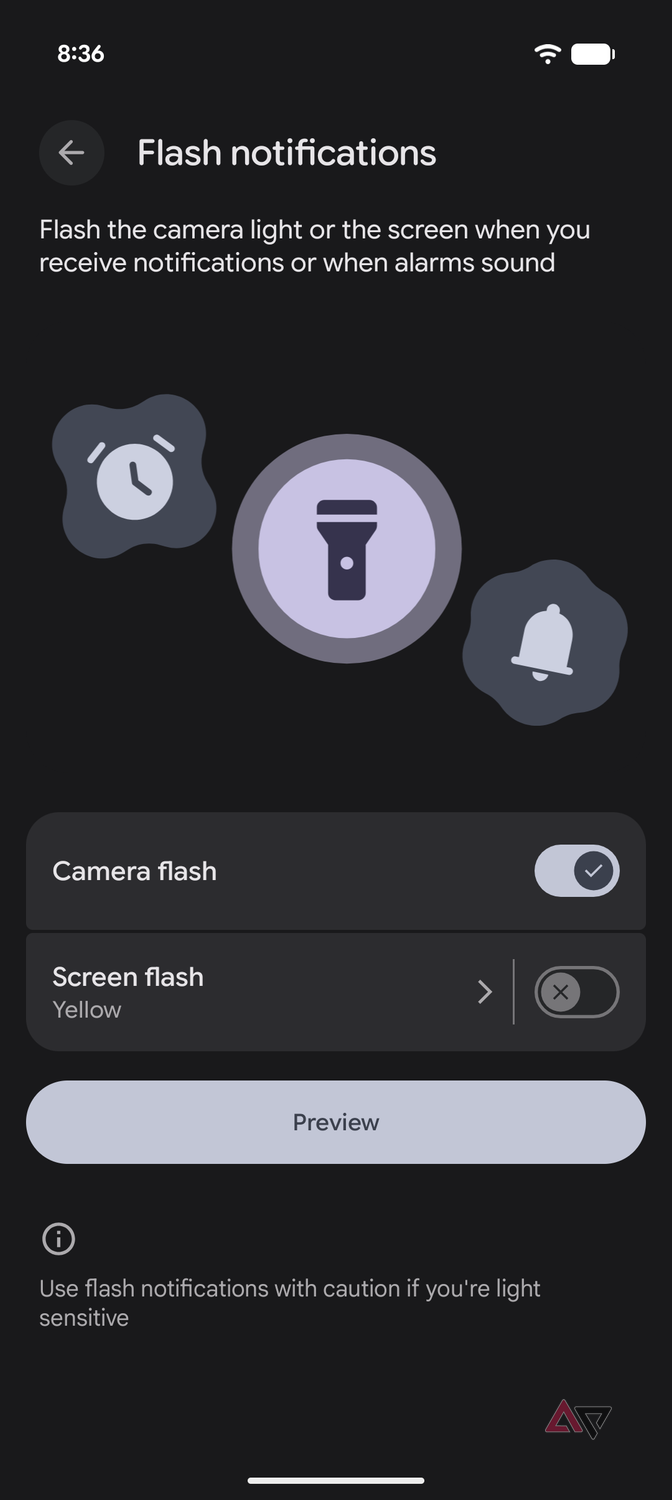
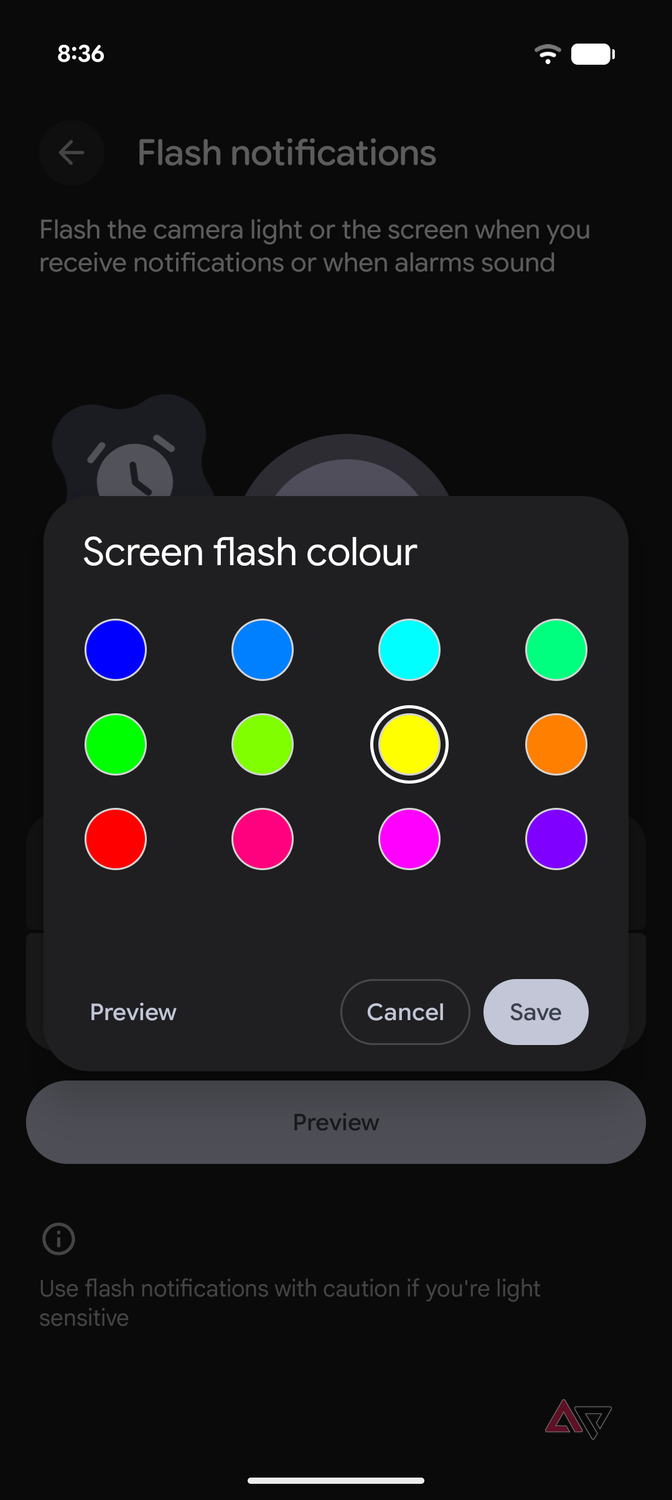
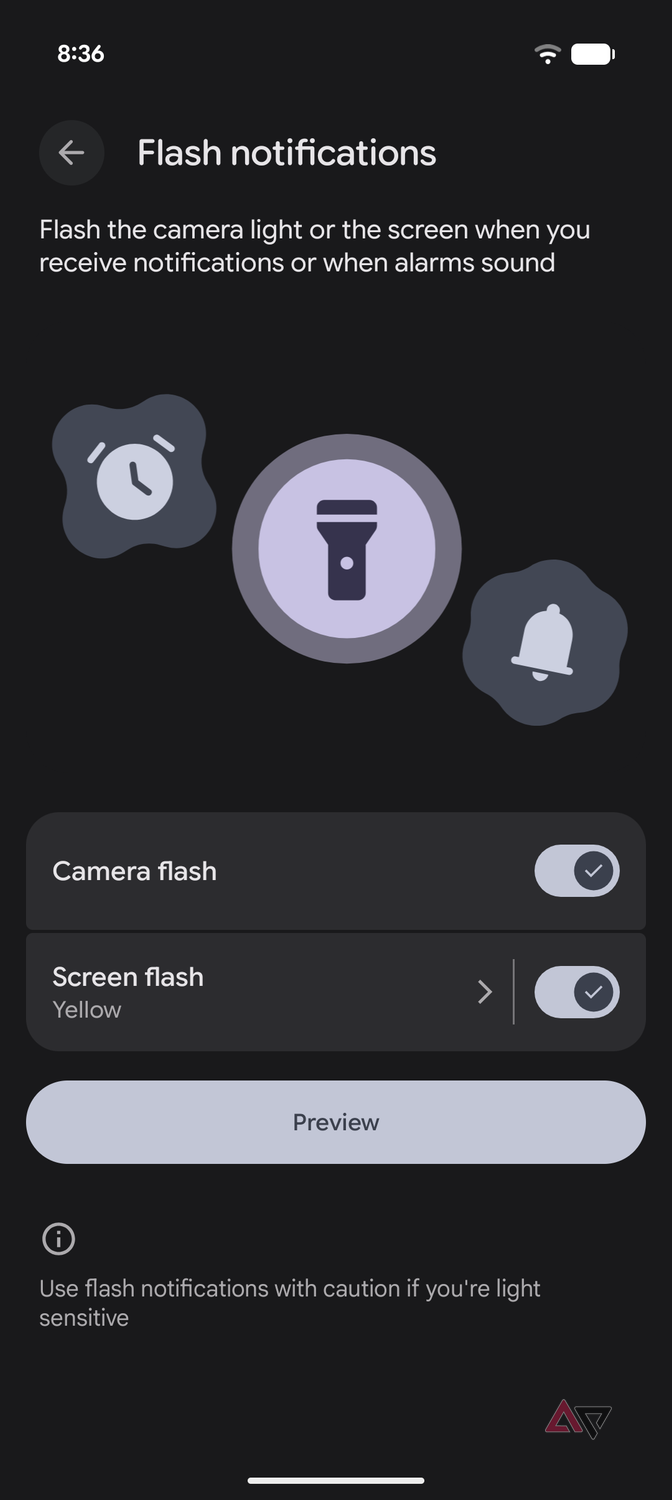
Setting up the feature is straightforward. Open Settings, go to Notifications, then select Flash Notifications. From there, you can choose camera flash, screen flash, or both if you're undecided.
The former blinks your phone's camera flash to notify you of incoming notifications and messages, while the latter blinks the screen in a bright yellow shade.
If you choose the screen flash option, you can change the notification overlay color. But I digress.
I'm interested in the rear camera flash, so I enabled that. When enabled, the camera LED flashes any time I receive a notification. This is a different approach from the HiLight RGB LED.
HiLight, like the camera flash, is built into the camera bar on the Pixel 11 Pro, Pro XL, and the Pro Fold. However, Google designed it for calls from favorite contacts and interactions with Gemini.
The camera flash might not be as smart or configurable, but that's part of why I prefer it.
I don't have to configure specific contacts or think about assigning colors to favorites. A flash means one thing: I have an incoming notification.
That distinction matters to me because I get a lot of incoming calls, messages, and emails throughout the day. I keep my phone on silent because I don't want interruptions.
Similarly, keeping the phone facing up hurts my productivity because I tend to sneak a peek at incoming messages.
A flash tells me something needs my attention, without bothering me any more than that. There's value in that.
The camera flash works brilliantly as a notification light at my desk
It lets me stay focused without missing important messages
The biggest advantage I've seen from this setup is when I'm at work. I spend 8 to 10 hours at my desk every day, and my phone is usually within my sight but not within my reach, as I have remarkably low self-control.
I don't want a setup where every notification derails my workflow. Still, I don't want to disconnect from my phone.
With the flash enabled, I can keep my Pixel within reach, and if the camera LED starts flashing, I know something needs my attention.
If I'm in the middle of a deep focus session like writing, I'll usually ignore it. If I'm expecting a text, I can grab the phone and get to it. It gives me flexibility in choosing my availability without being attached to my phone.
Which brings me to why I prefer this over HiLight. As fun as HiLight is, it's not very obvious. The camera flash is. Obnoxiously so.
I'm less inclined to pick up my phone to see if I have received a message because there's no way I'm going to miss the notification LED.
HiLight, in comparison, has a much narrower scope of work. Google uses it for favorite contact calls and Gemini interactions.
That's cool, but let's be real, fairly niche. It's also why I prefer the camera flash notification approach. I don't need my notification system to be niche. I need it to work reliably and be visible.
I don't need my notification light to be extra smart
The irony of Google's unique new take on a notification LED is that it didn't need much innovation to begin with. Most users would be perfectly happy with a standard old-school notification LED.
The traditional version worked because it answered the only question that matters: Does something need my attention? I get that with the camera flash notification system.
I can leave my Pixel face down, keep working, and get a clear visual notification when something needs my attention. Put together, it makes it a better system than HiLight for how I use my phone.
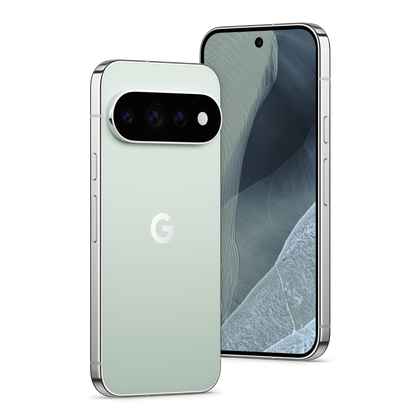
- 6.3-inch Super Actua display
The Google Pixel Pro offers bigger and better specs than the standard Pixel 11—at a higher price.