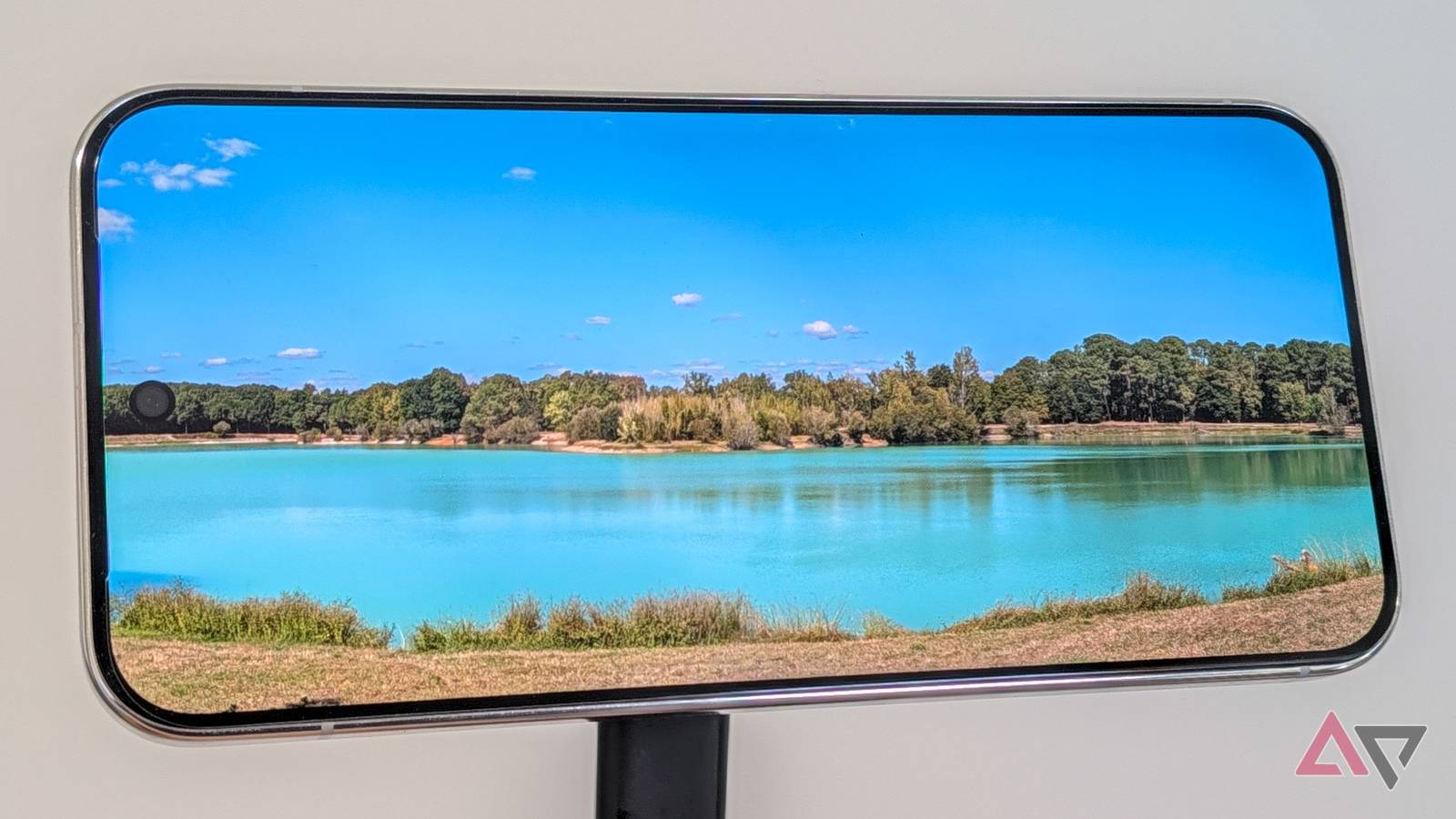
I love Pixel cameras. I need to make this clear before I go on. I've had a Pixel as my main camera for the past decade, since the original Pixel XL, and I average 3,000 photos a year, sometimes reaching 5,000 or more. That is a lot of love for Pixel photography.
What I don't like, though, is how dull Pixel Camera pics have become over the last few years. I started noticing it around the Pixel 7 and 8 era, but the Pixel 9 was peak dull-photo performance. There was a time when every colorful scene I saw on my screen ended up HDR-processed to oblivion and stripped out of its warmth and vibrancy.
Although the Pixel 10 normalized that a bit and resulted in better colors, the solution didn't come until the Pixel 11 series launched with one of the best photography features Google has brought in recent years: Camera Looks. Now, I finally have my ideal photography setting straight out of the camera without fiddling with post-shooting edits.
Vanilla is better than the Pixel's Original
Bring some warmth to your Pixel photos
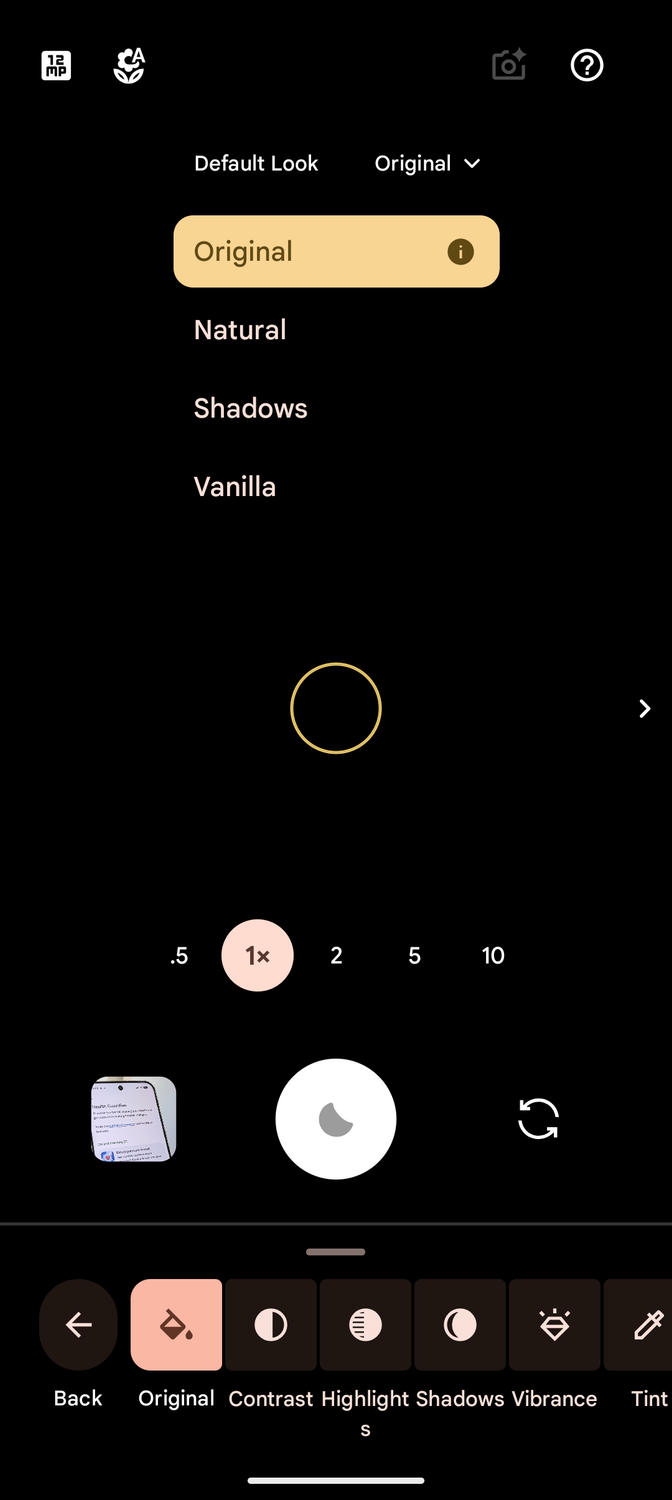
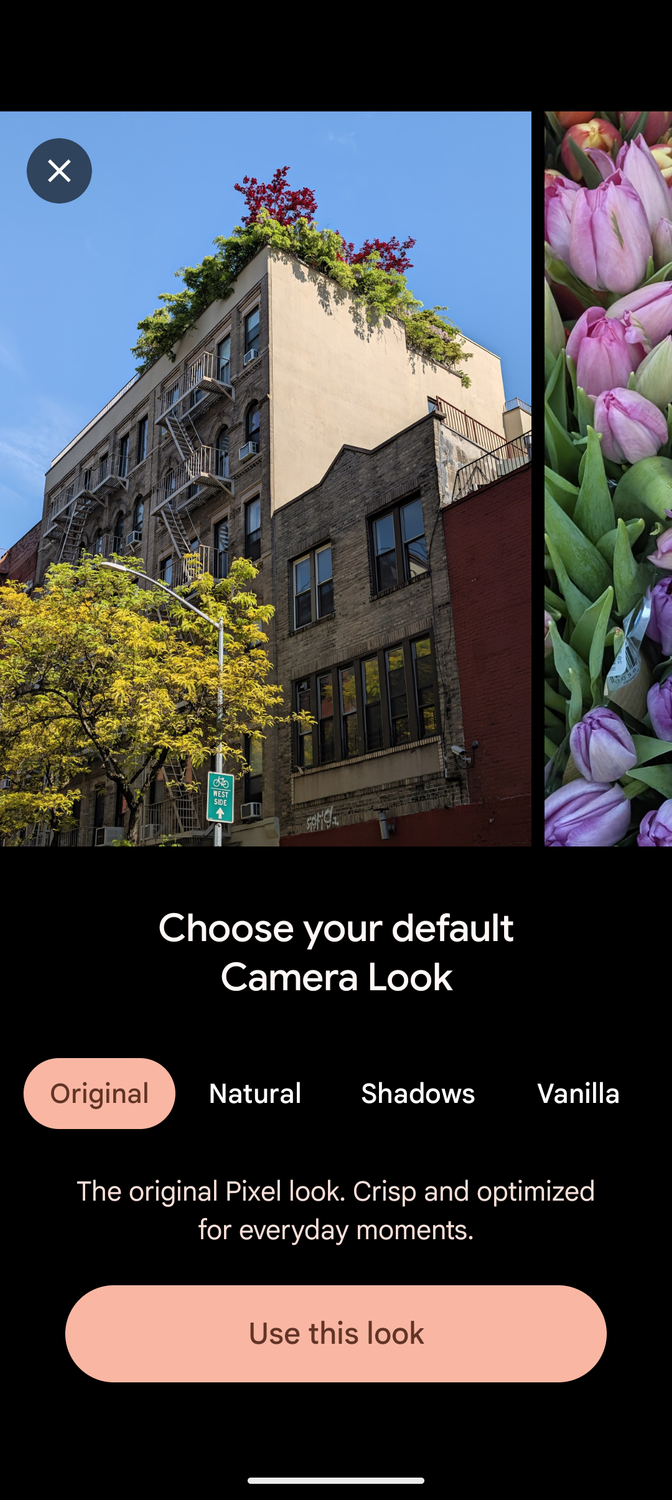
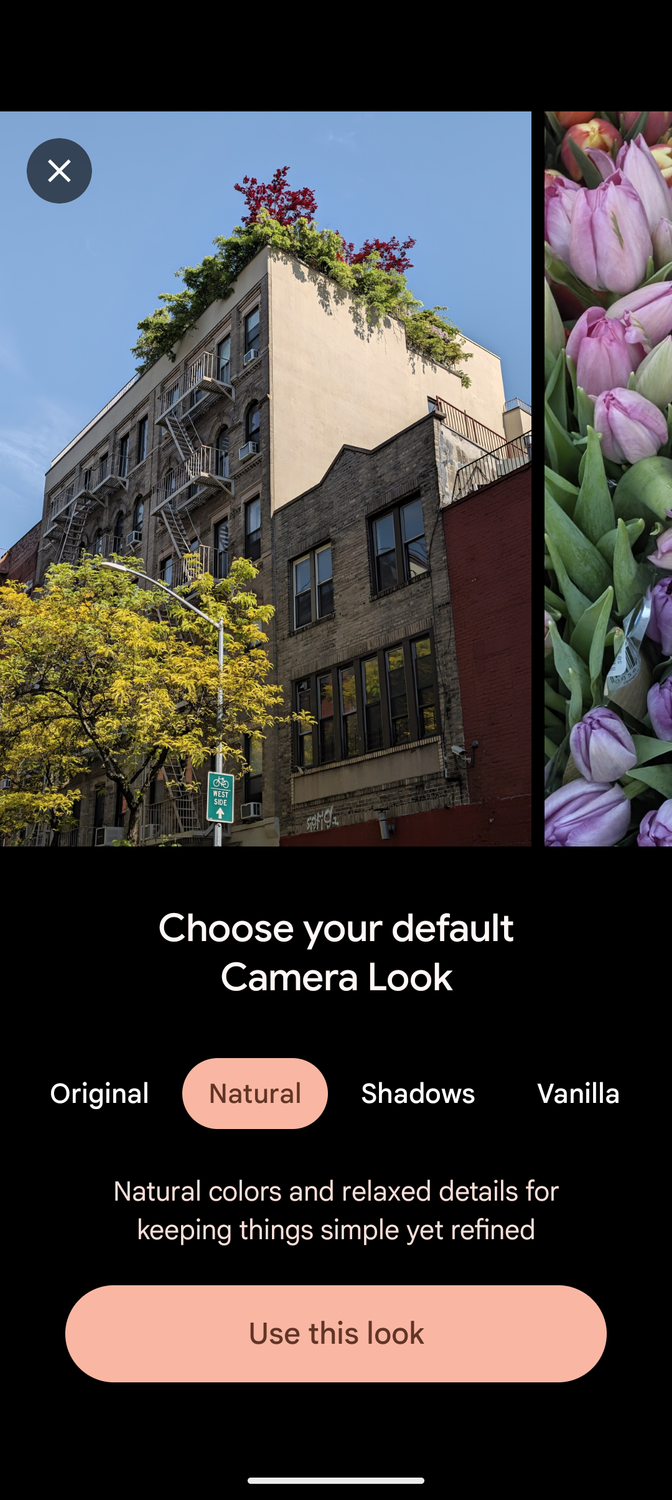
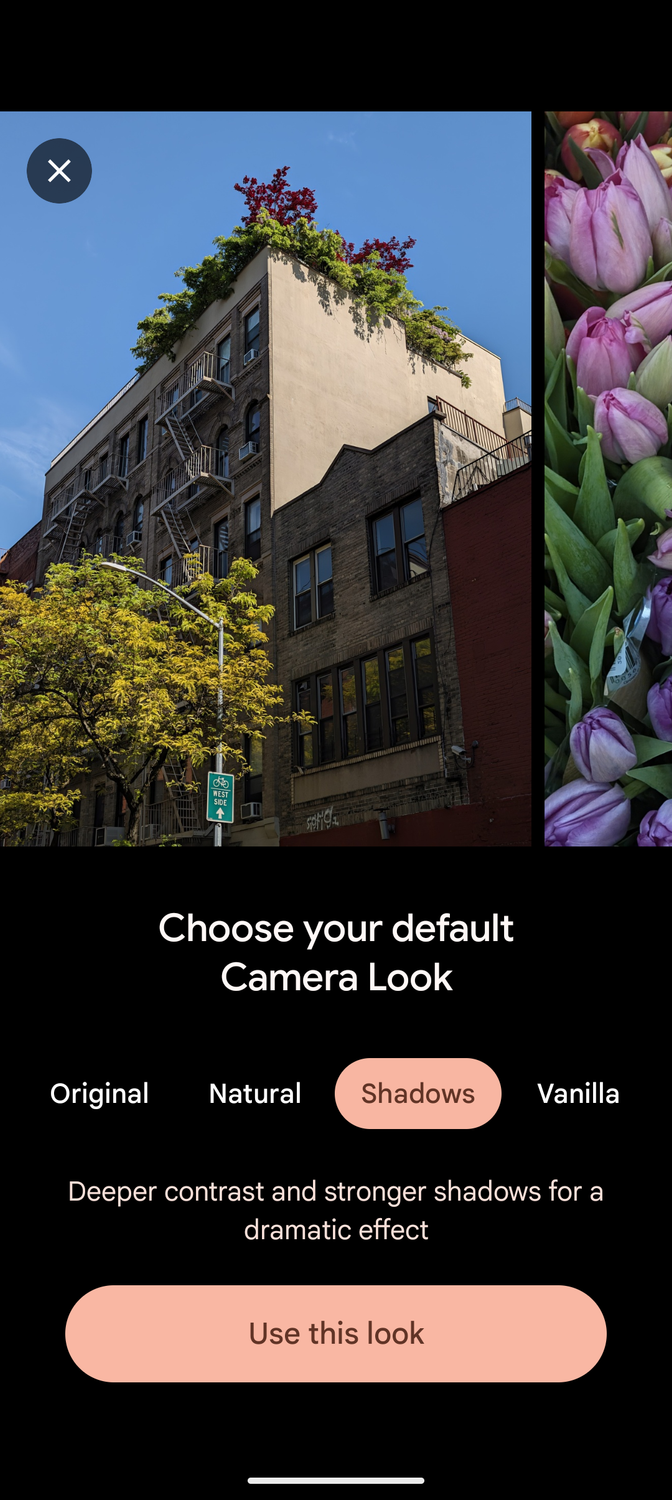
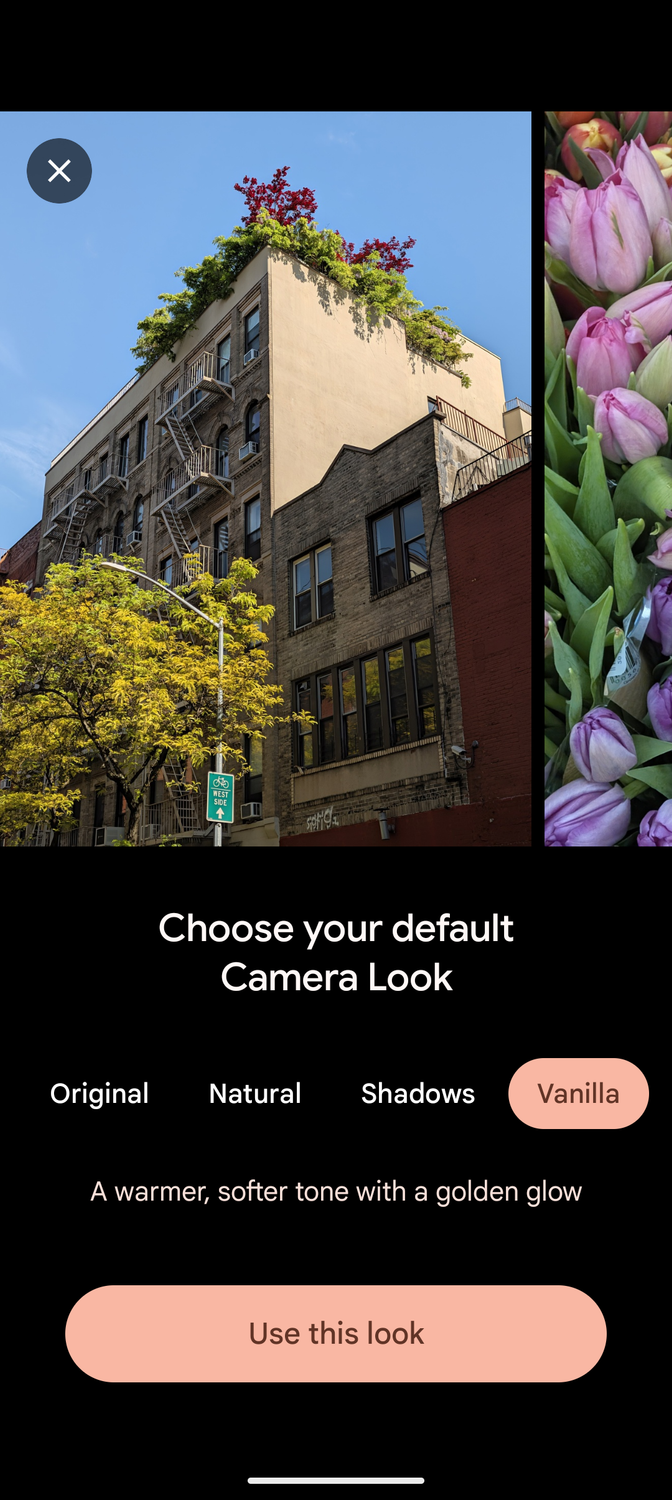
The first thing I tried with my Pixel 11 and after I finished setting them up is open the Camera app and find the new Looks.
They were hiding under the adjustment toggle on the bottom right of the camera app, then under on the bottom left. Once you're there, look at the top and you'll see you can switch the default between Original, Natural, Shadows, and Vanilla.
Other looks are available if you swipe left or right on the screen, but the default, i.e. the look your phone will follow every time you open the Camera, can only be picked between these four. And you can edit all of these to tailor them to your liking.
Obviously, the "Original" look wasn't working for my personal preferences. As I said, it skews cold and enhances blues, which works well on sunny days, but forcefully dulls anything shot indoors or at the golden hour. Here is one clear example of that.
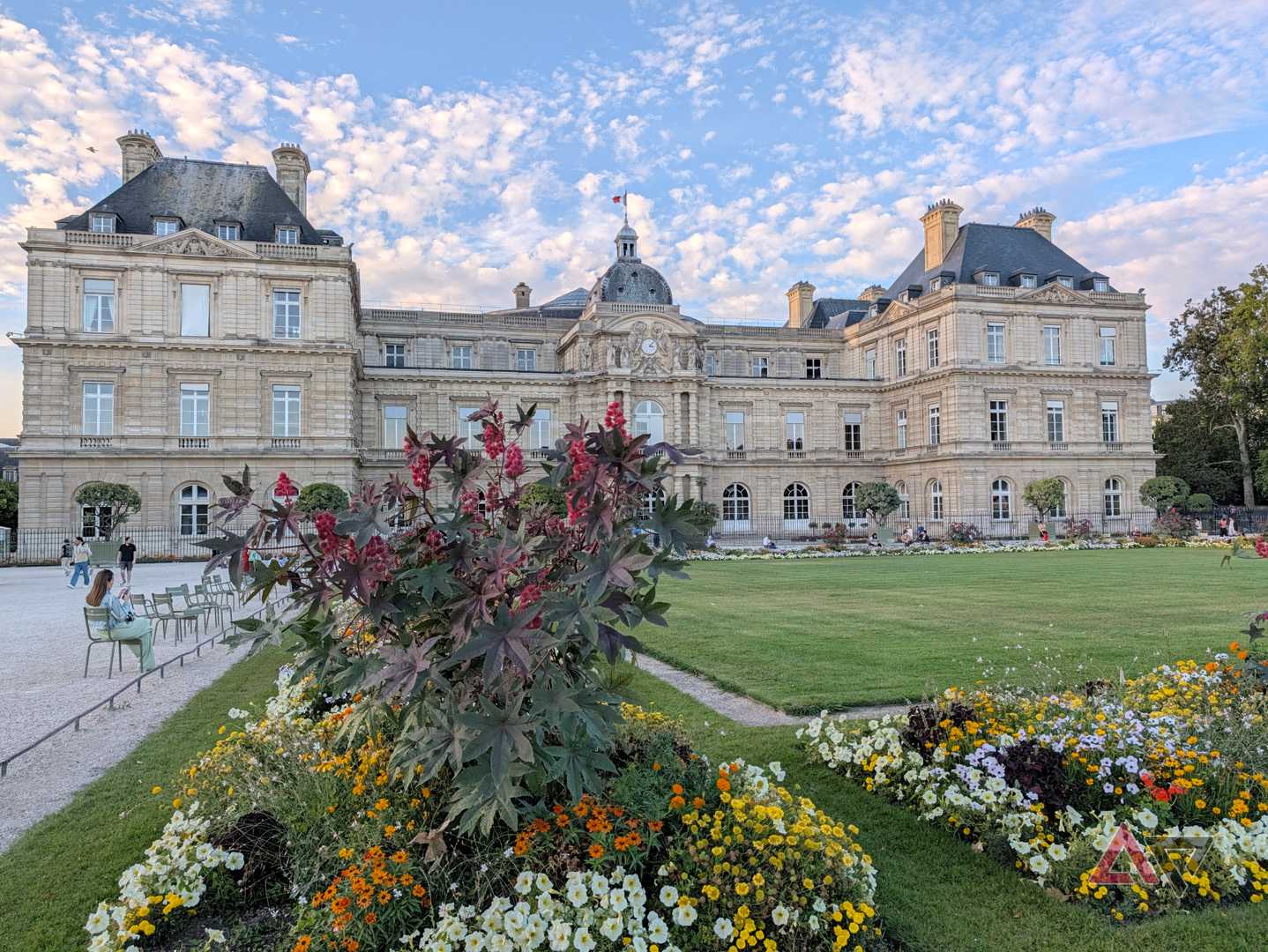
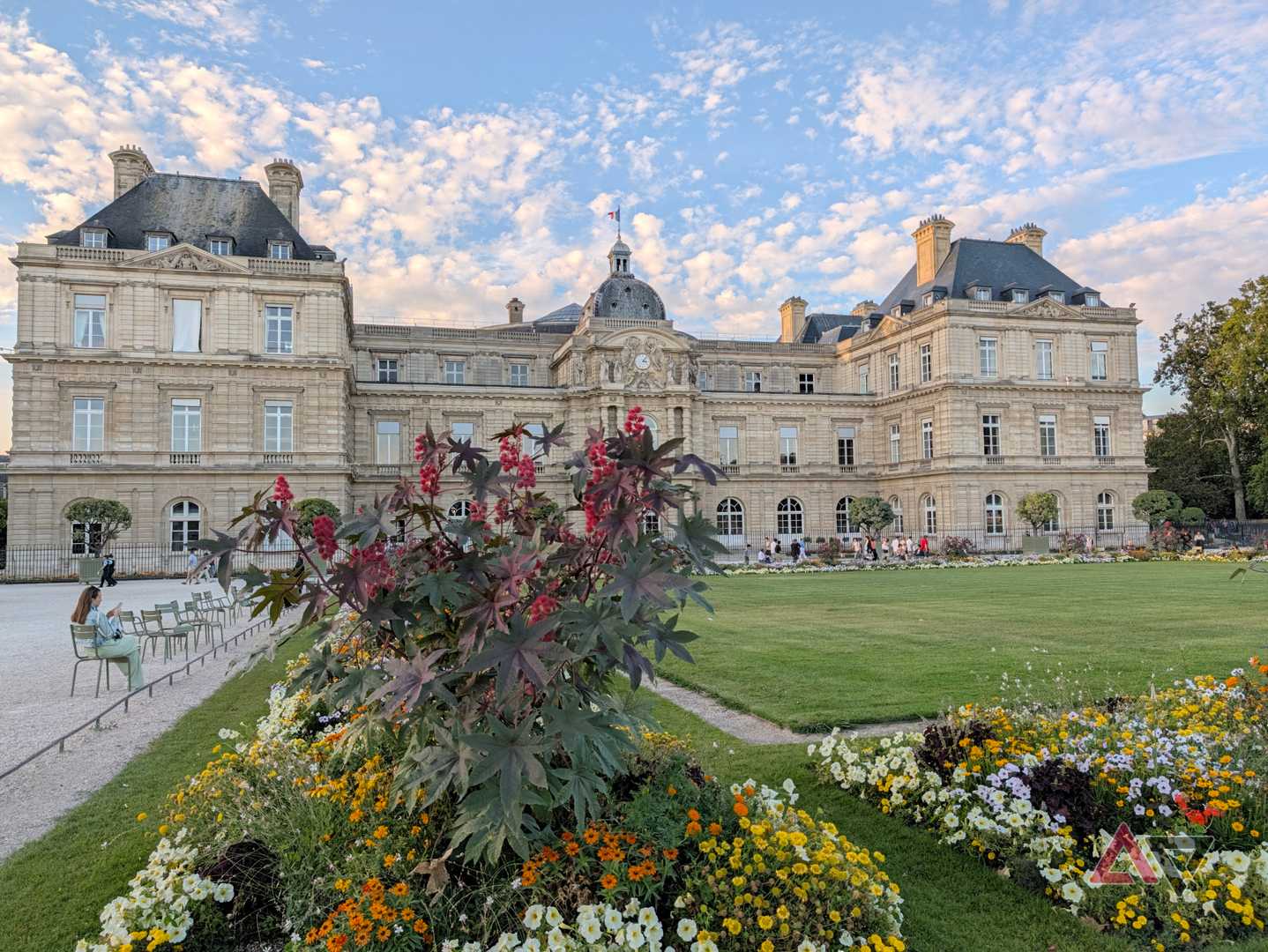
This was shot at the beginning of the golden hour in the Luxembourg garden in Paris, and it's clear that the Original (left) is much colder than the Vanilla look (right). There's more warmth and a more natural golden glow in the Vanilla pic. It's also more accurate compared to what I was seeing with my eyes. The Original image is, by all accounts, fake and not realistic.


You can see the same effect in the photos above of my partner. His face, his skin tone, his T-shirt, everything looks a bit more vibrant and pleasing, and more in line with the real situation, with the Vanilla look (right) versus the colder Original look (left). Only his blue jeans look are interesting in the Original pic.
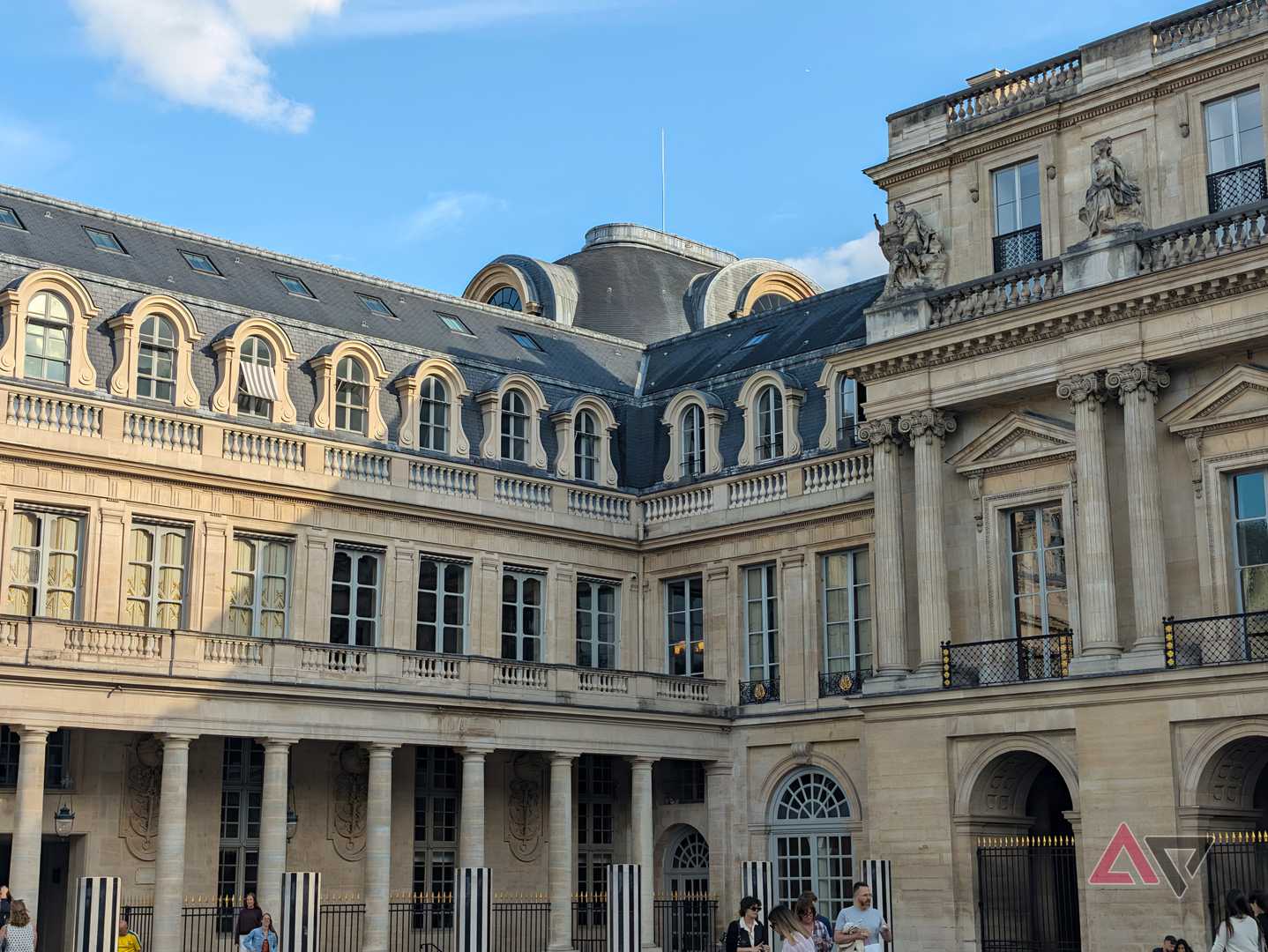
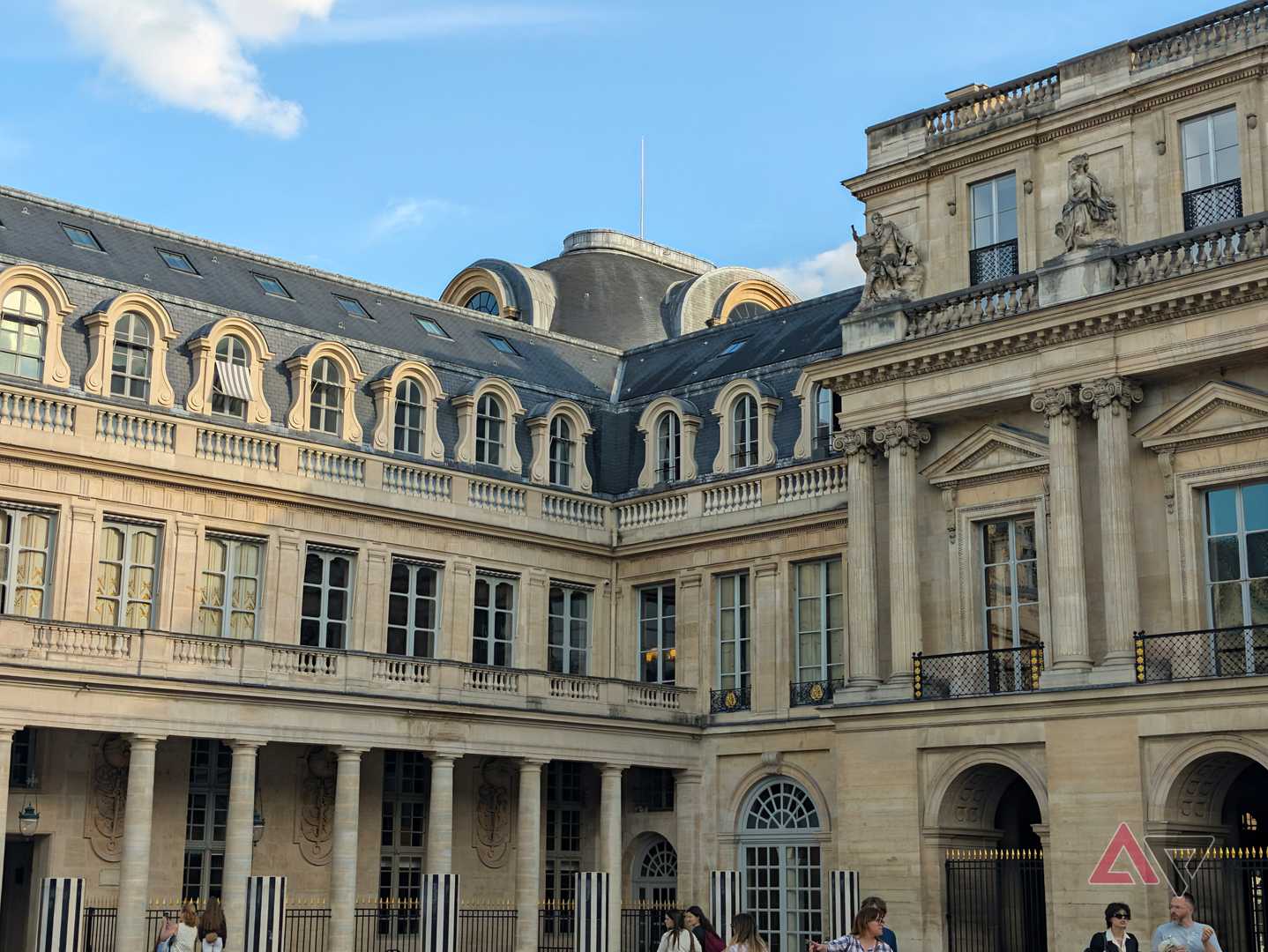
Even in very bright and sunny environments which suit the Original look much more, like in the pic above of the Palais Royal, I still find myself appreciating the extra warmth of the Vanilla look. I think it looks more "alive" and more interesting. Original, by comparison, seems too smoothed out and too clean. Perhaps impersonal. It's funny how a bit of extra warmth can completely change a photo.
Vanilla became my default Pixel 11 camera look
It works well in 90% of the situations I find myself in
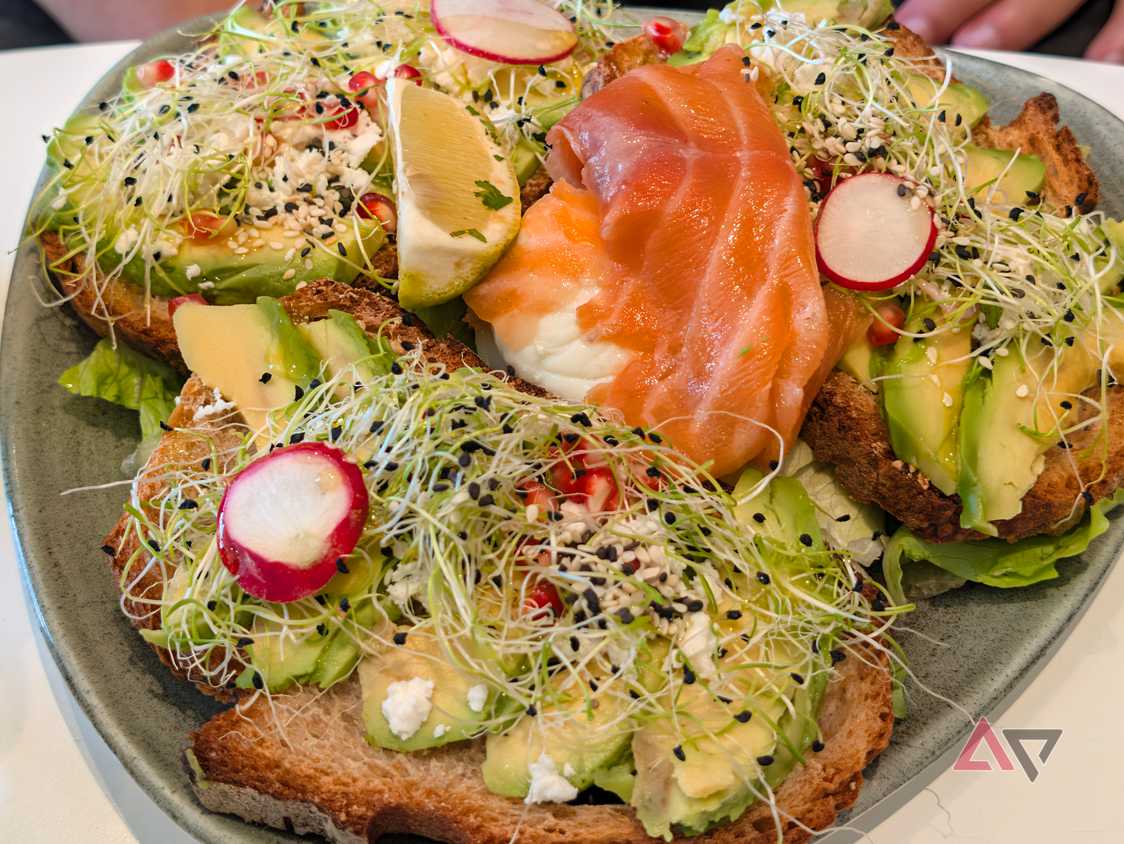
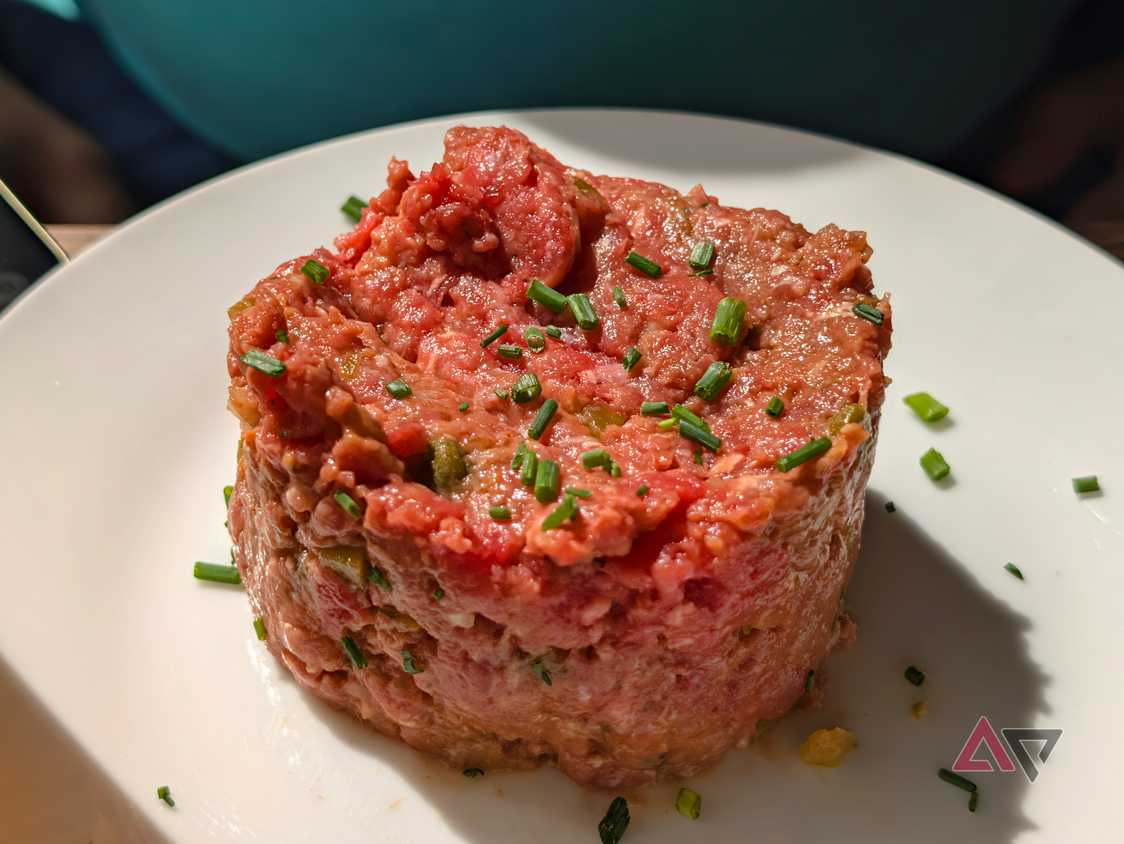

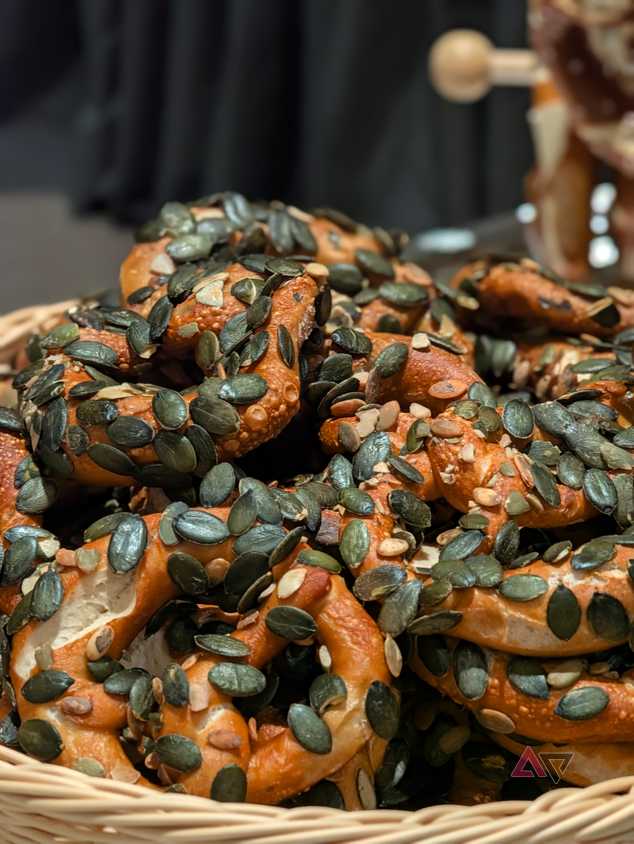
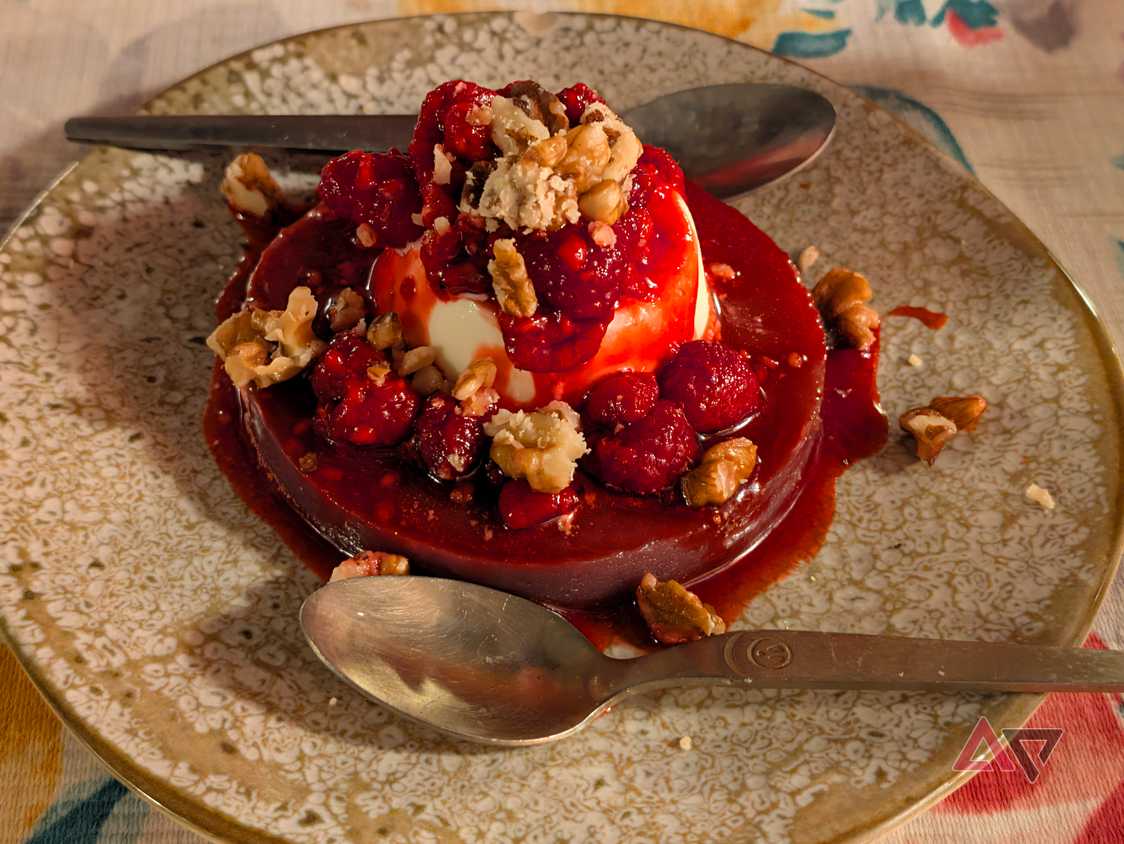
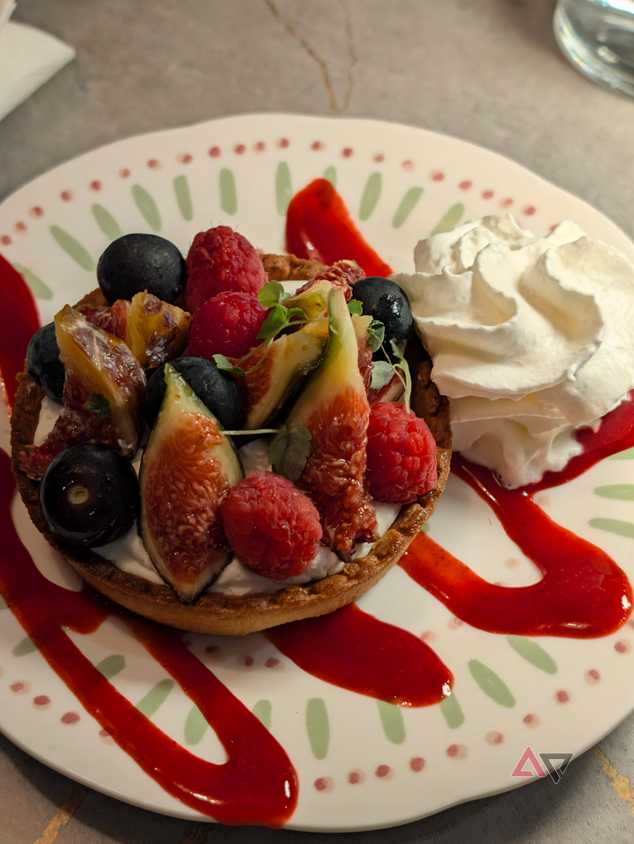
I've taken hundreds of photos with my Pixel 11, 11 Pro, and 11 Pro XL so far, most with the Vanilla camera look. It's what works best for me and for most of the situations I find myself in.
Food in dimly-lit restaurants is a perfect example of that. The Pixel Camera's original look always tries to smooth out and balance the image, to a point where it looks unnaturally forced and dull. Vanilla does these more justice, as you can see in the photos above. They seem more natural in their environment.
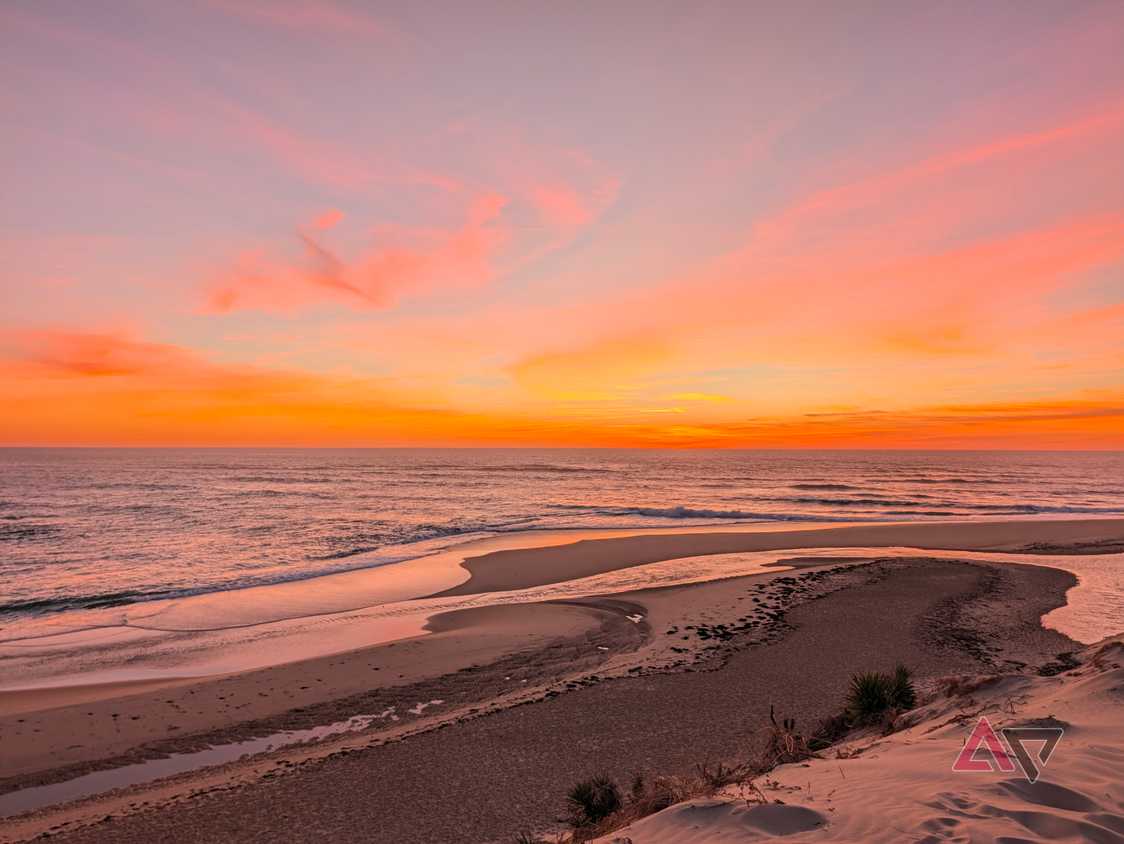
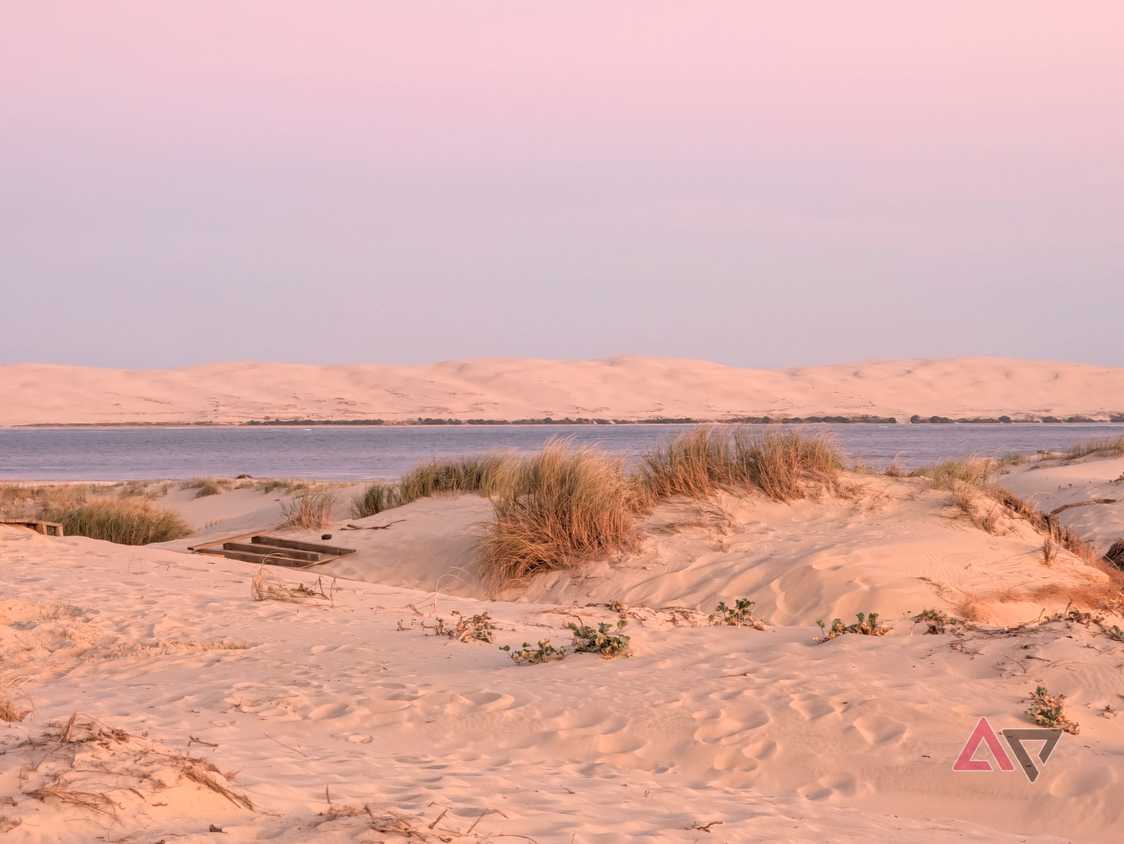
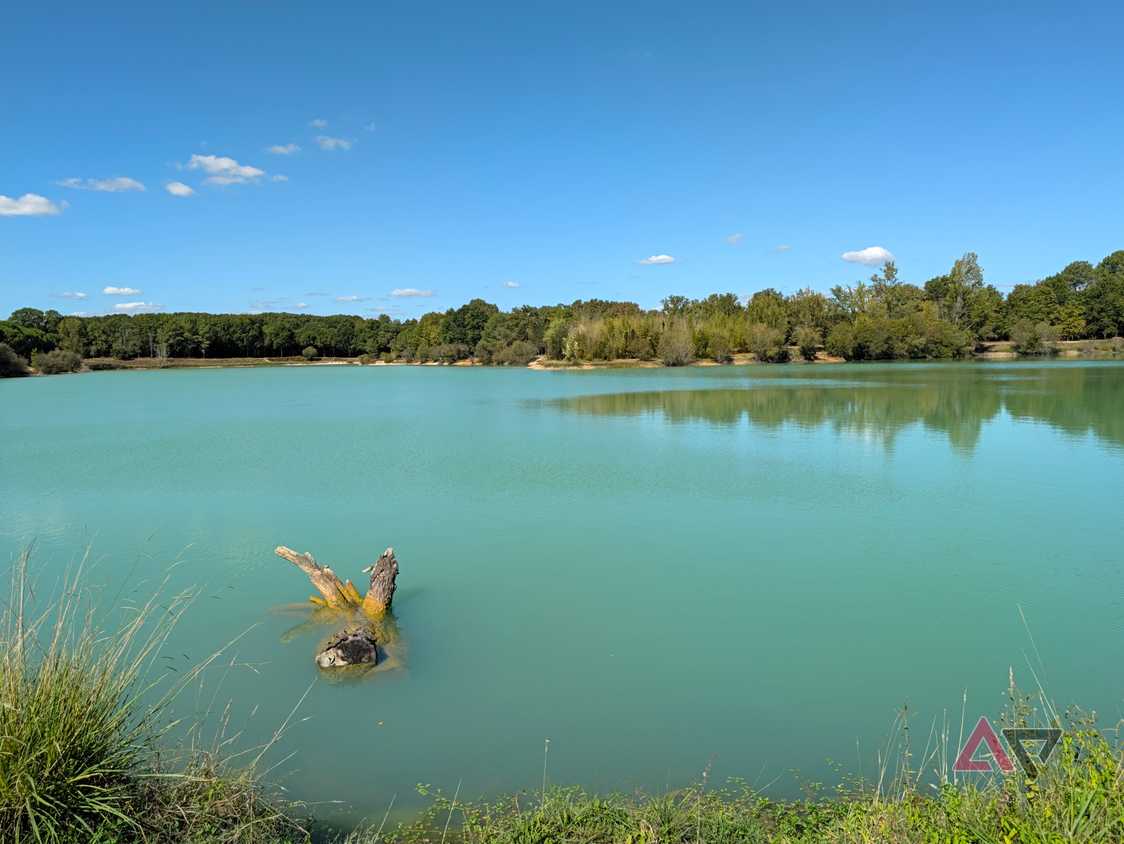
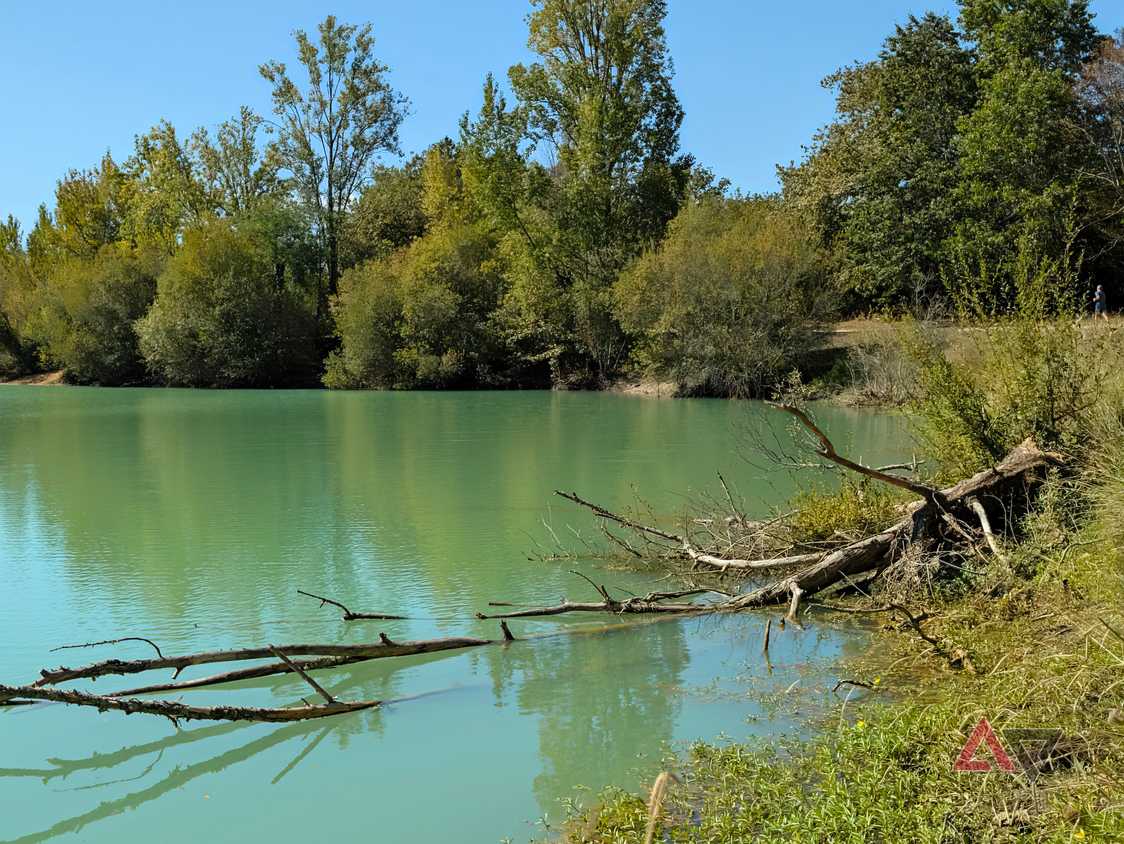
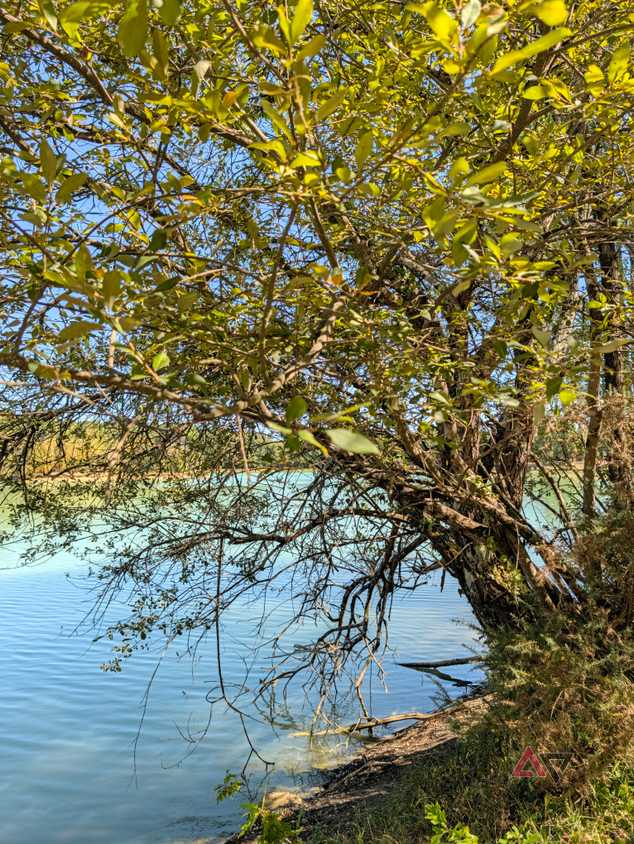

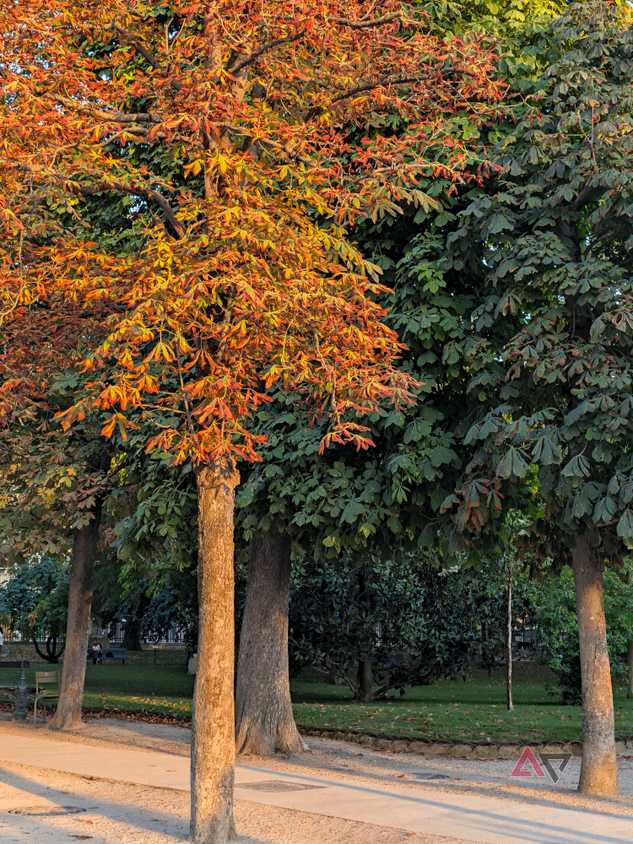
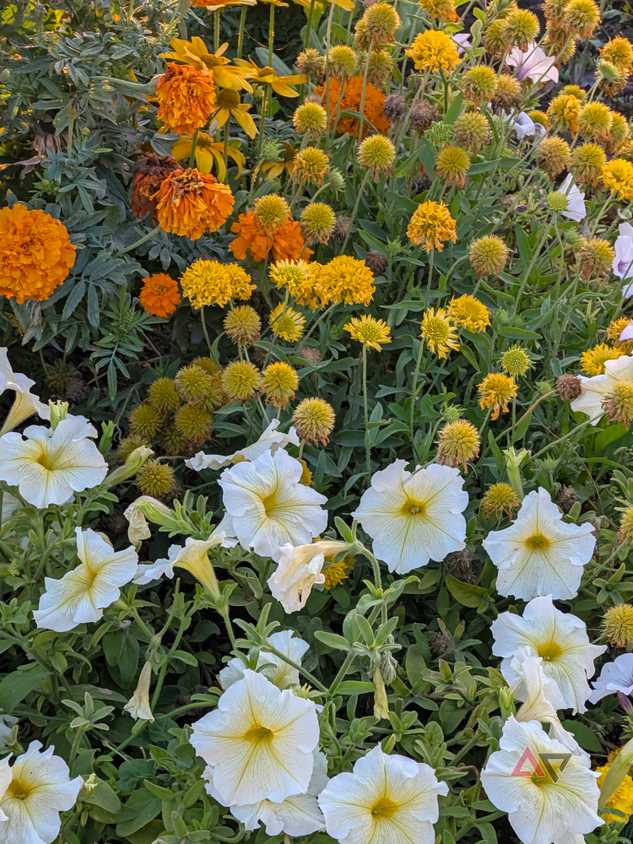
The Vanilla look has also been quite awesome to use around nature. Now that fall colors are in full swing (last couple of photos above), it's the right tone to bring out the yellow and orange hues in those pics. I found that I like it even in the lake pics, which are more blue and green (read: usually perfect for the Original Google Pixel look).


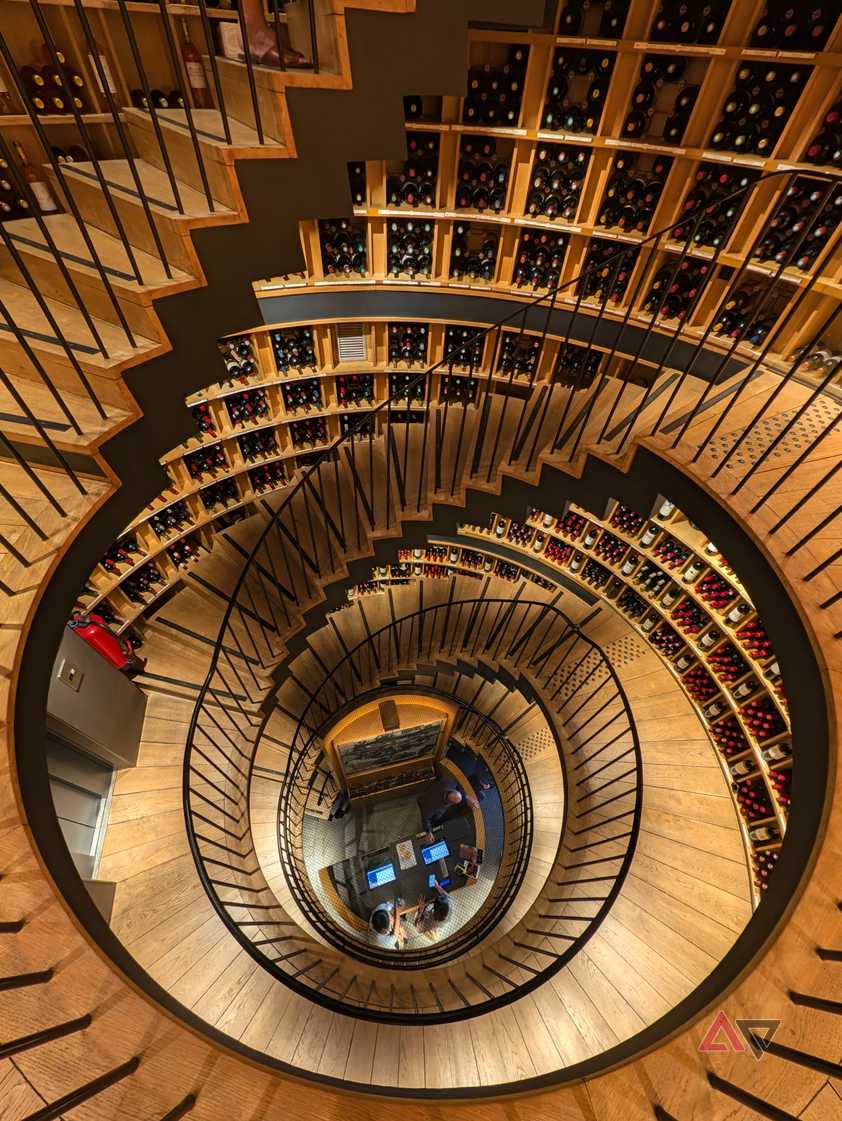
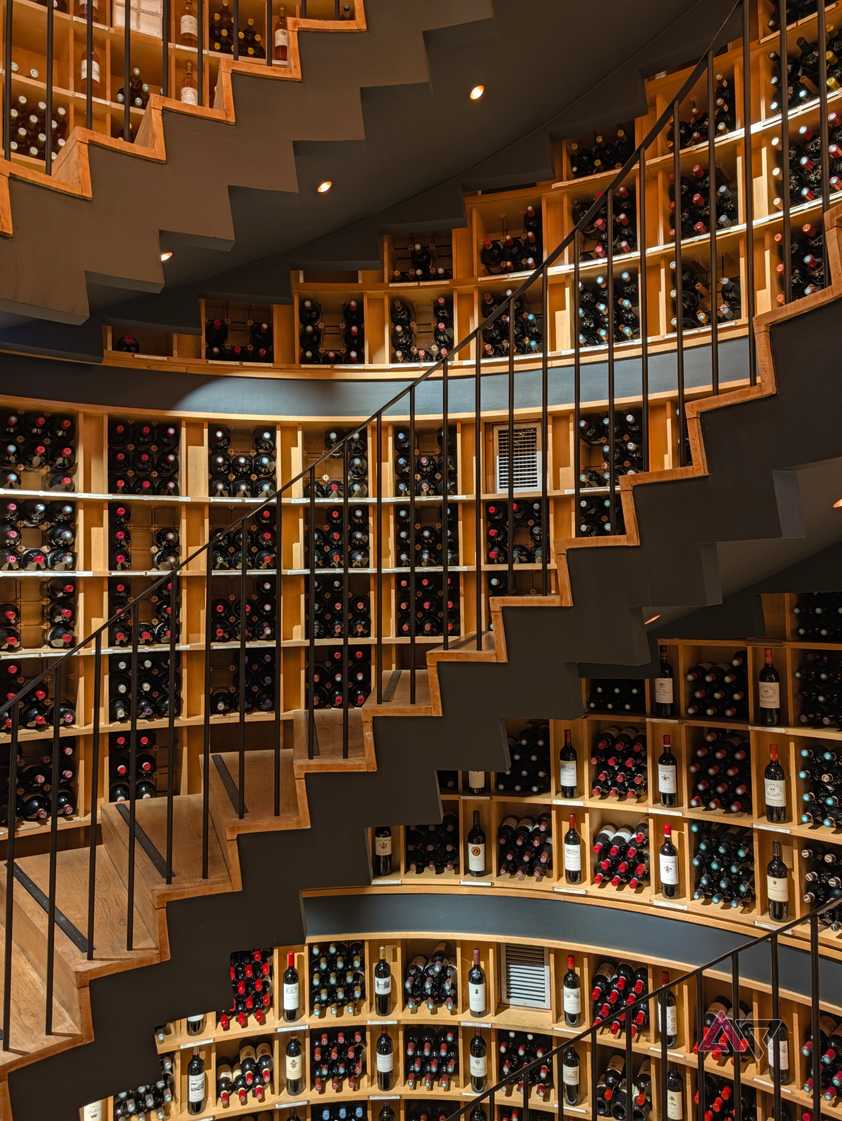
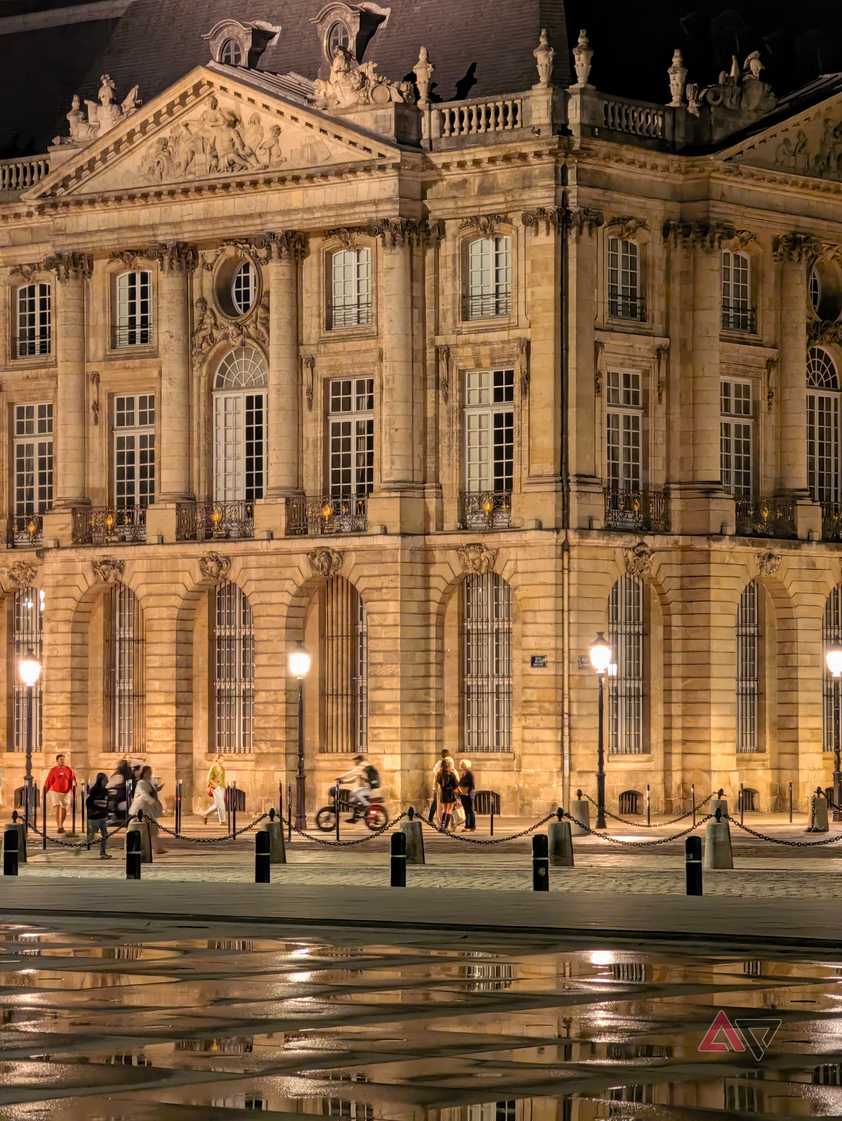
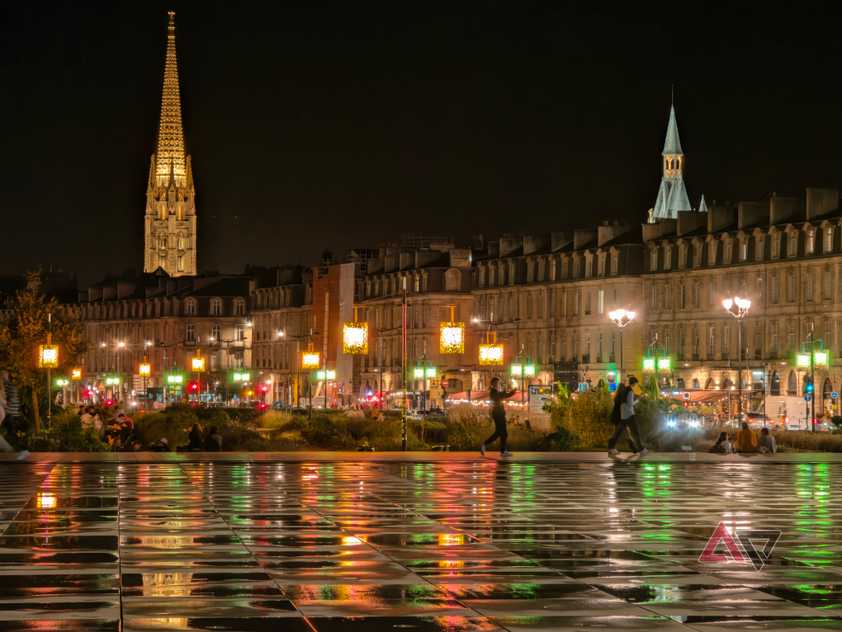
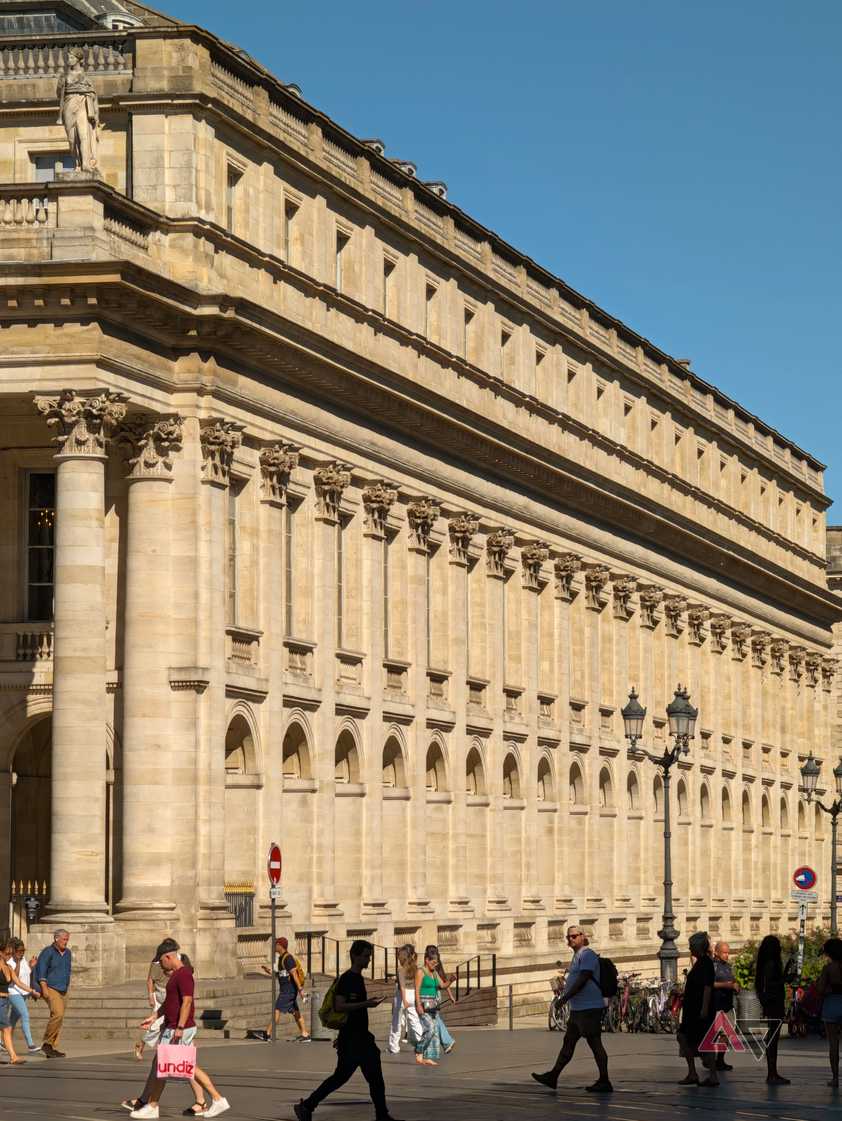
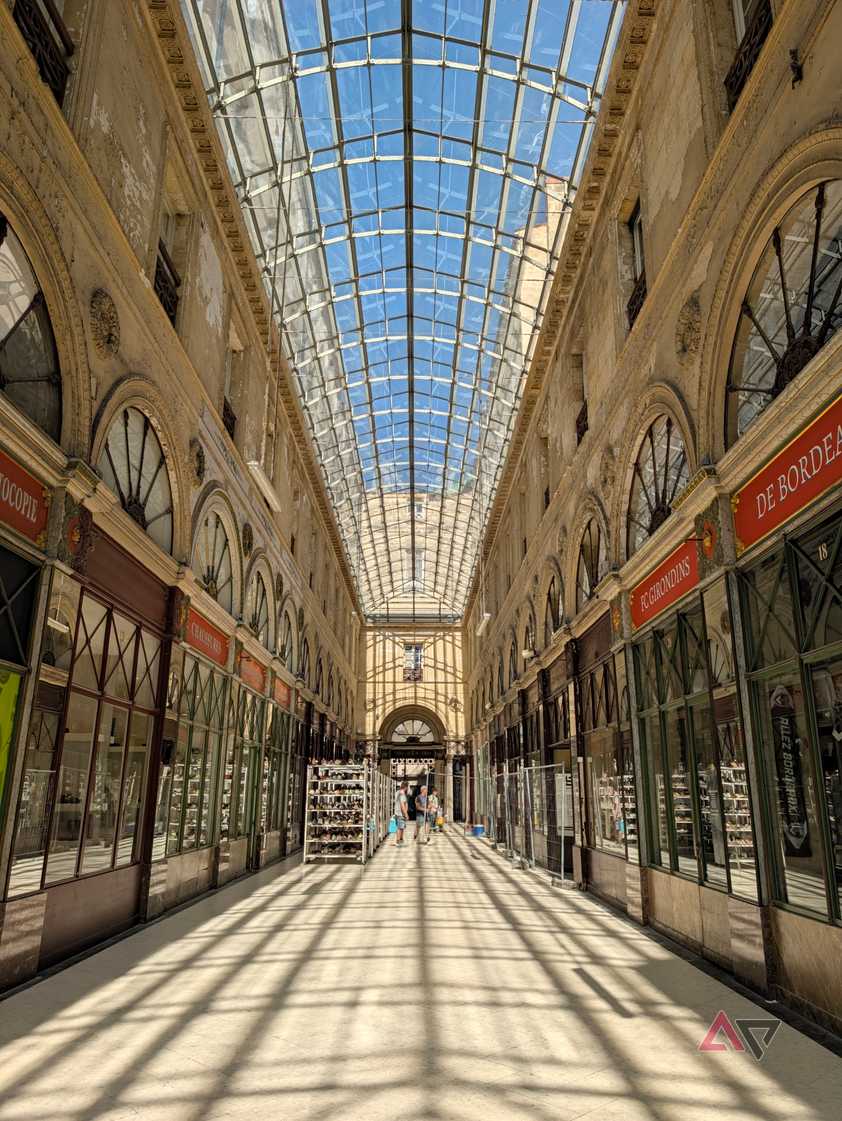
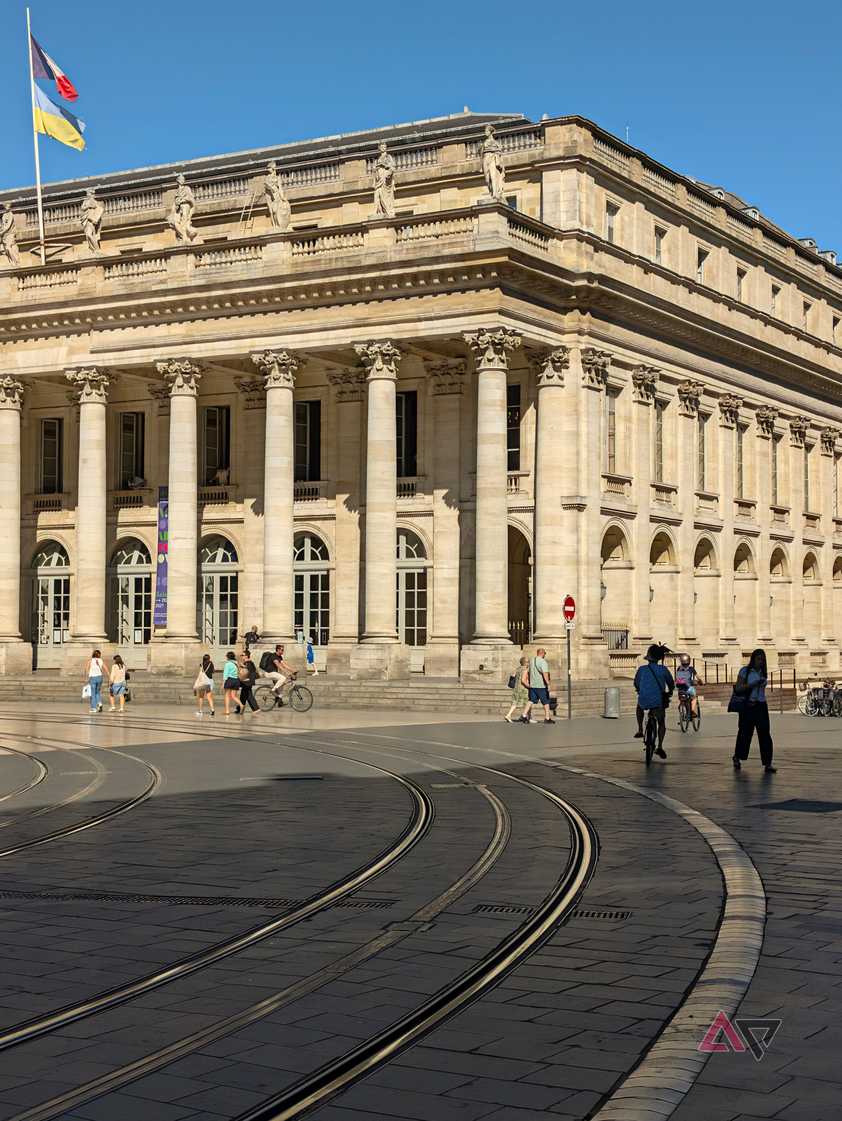
And finally, Vanilla is excellent for all kinds of interior and exterior photography, whether it's during a concert, in a cozy wine cellar, outdoors under hundreds of streetlights, or even out during a bright day. I don't mind that the sky is a teensy bit less blue, as long as the buildings don't look harshly white.
Vanilla isn't the answer to every situation
There are some instances where it doesn't work as well
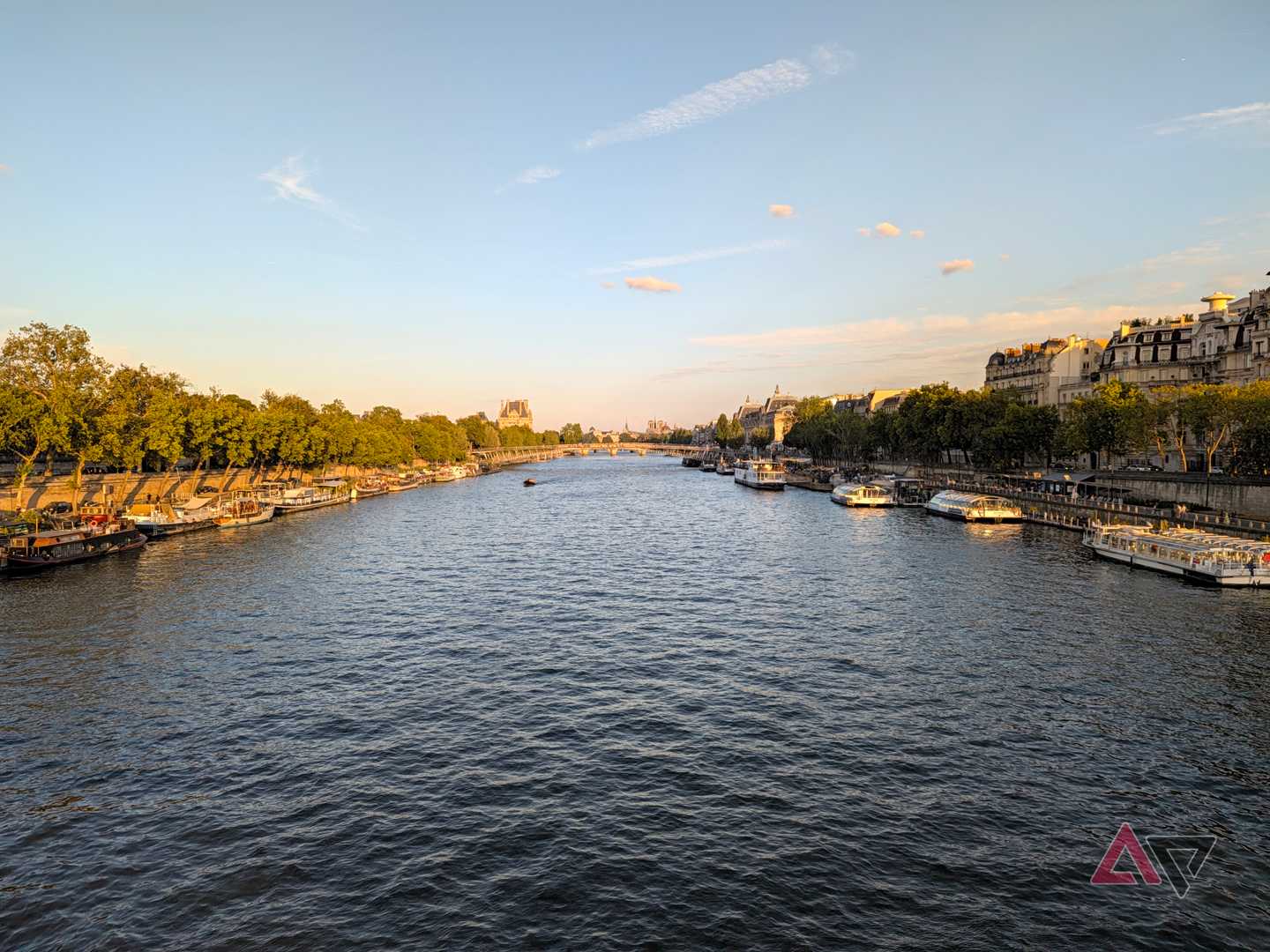
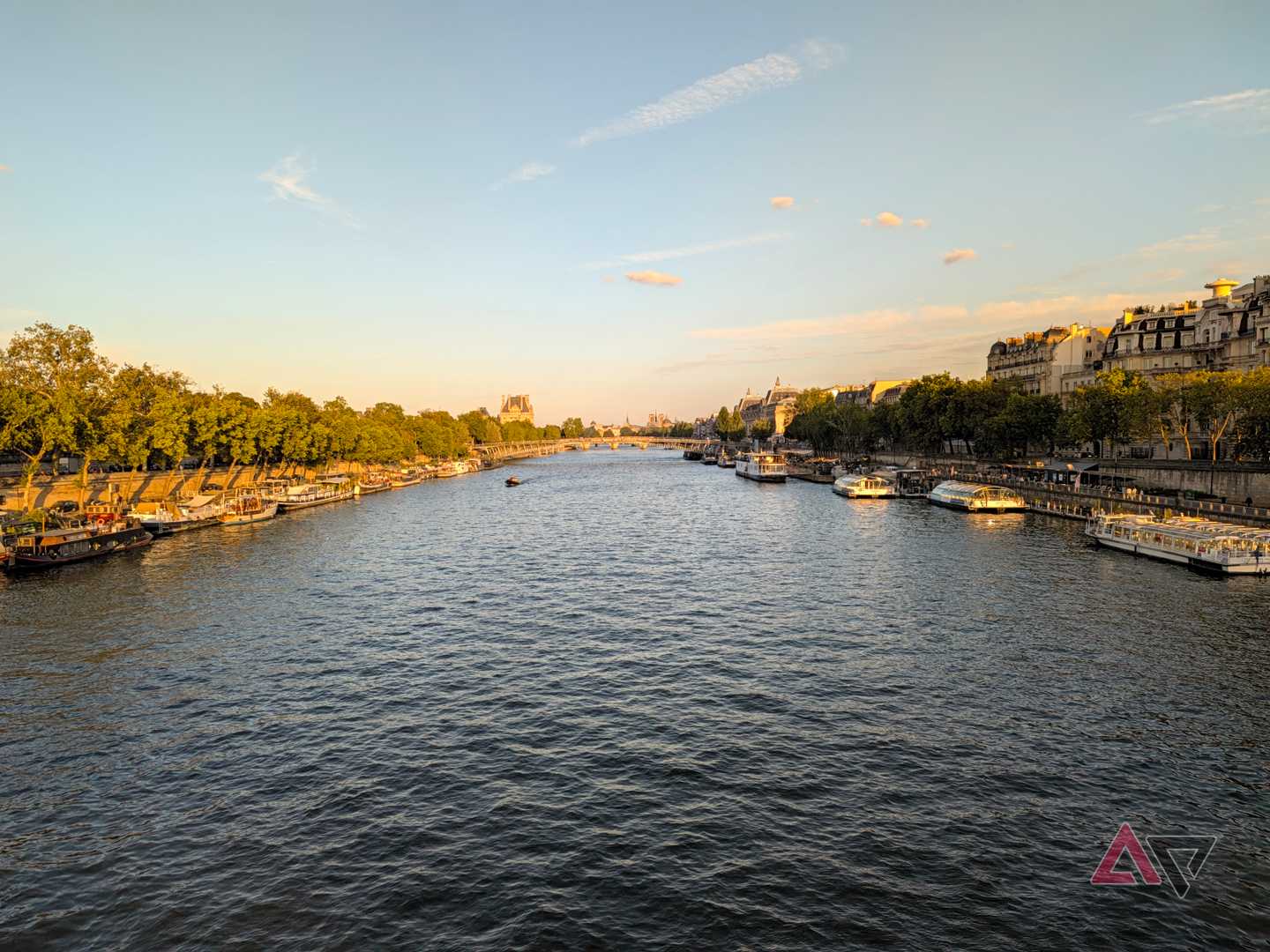
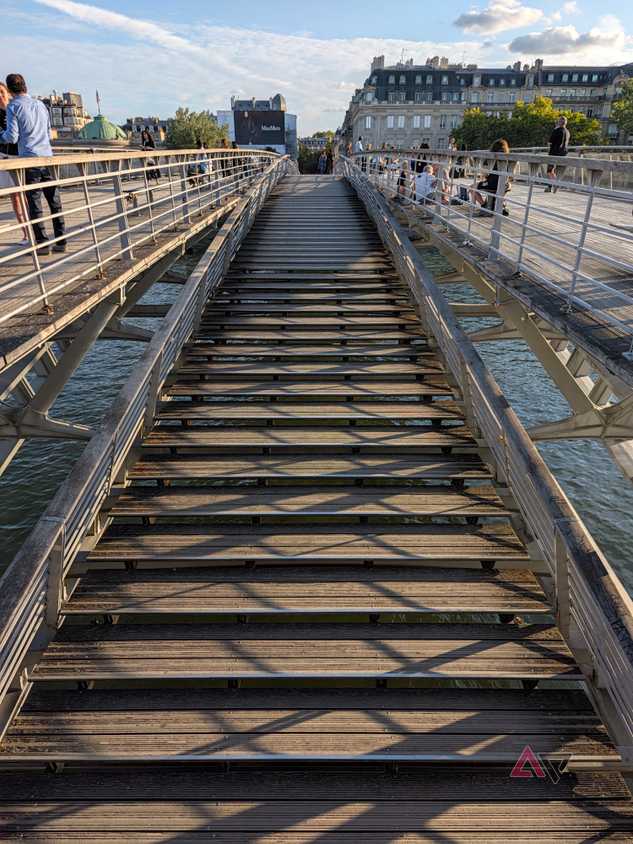
The first few days I was snapping photos with my Pixel 11, I kept wondering why the photos were too warm in certain situations. It was happening around sunset, after the golden hour. The sky in all of my photos was turning green'ish and the trees yellow'ish.
And that's when I remembered I had chosen the Vanilla camera look as default. The extra warmth it adds to photos works in most situations, but there are a few, like in the Seine river picture above, where it affects the image negatively. I don't like the turquoise hue of the sky that it causes or the extra yellow it adds to the trees.
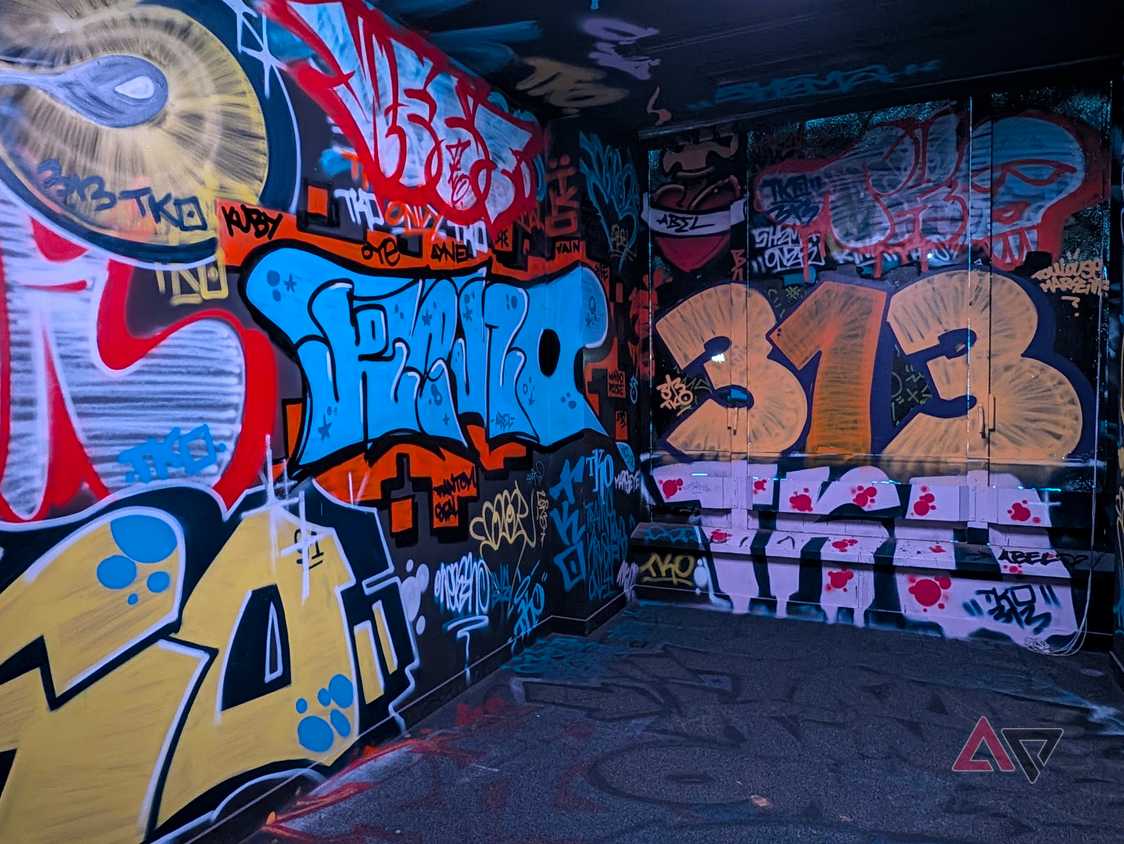
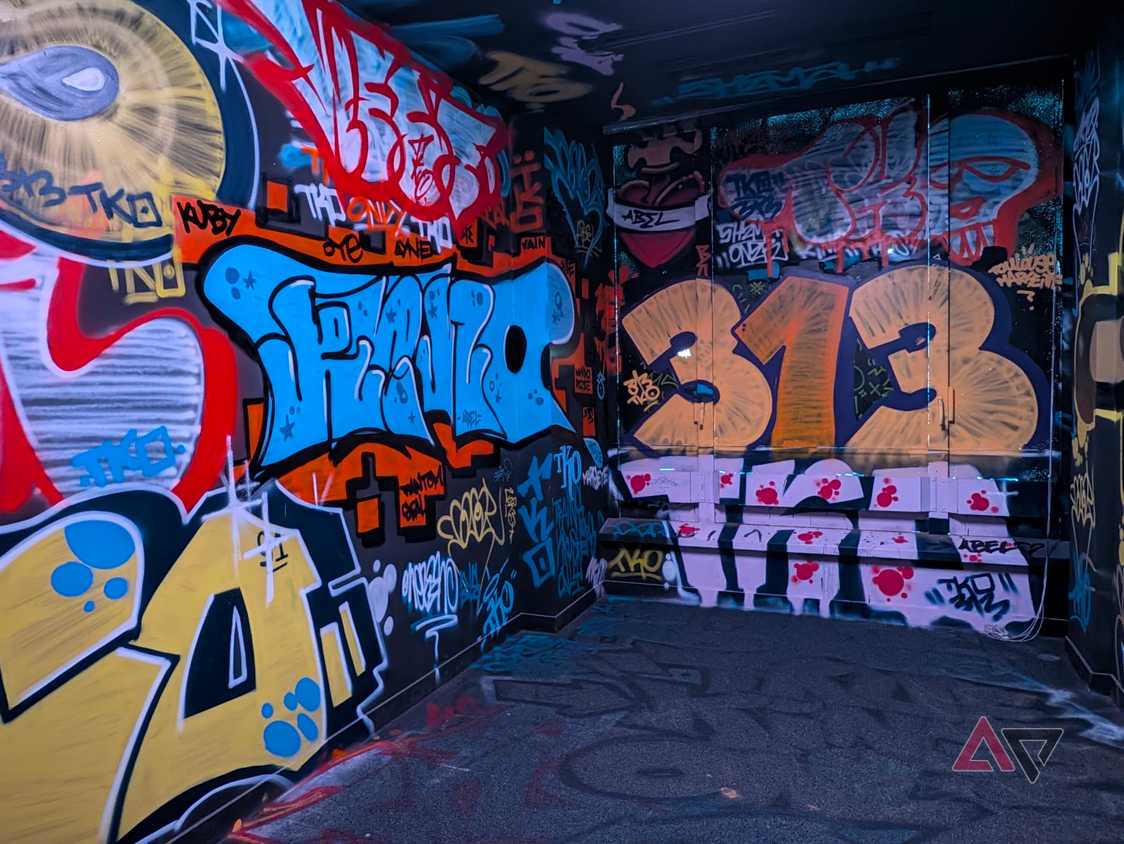
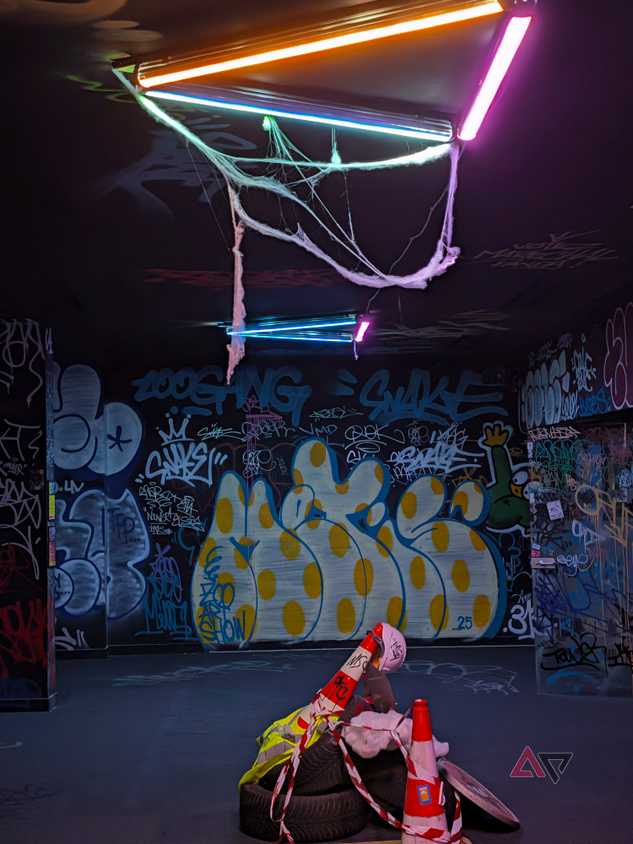
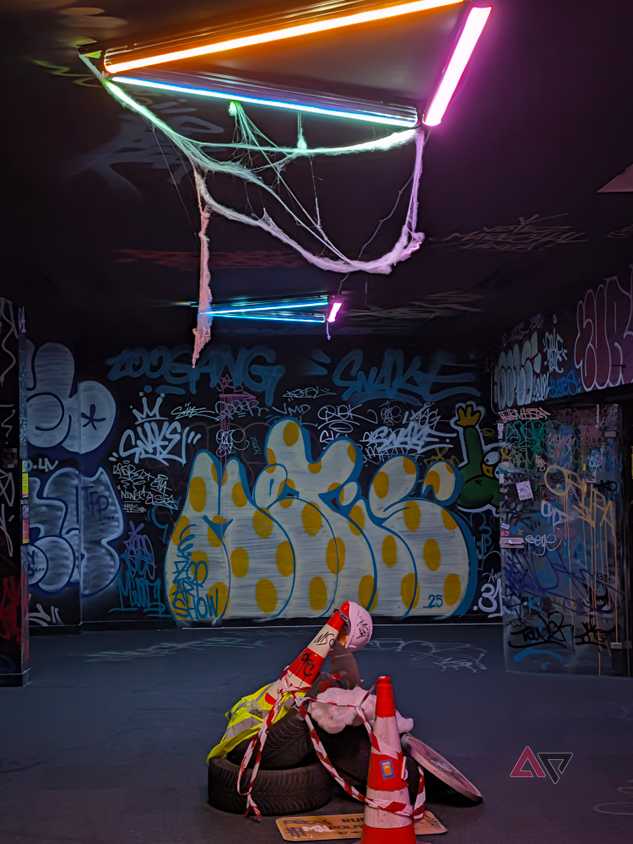
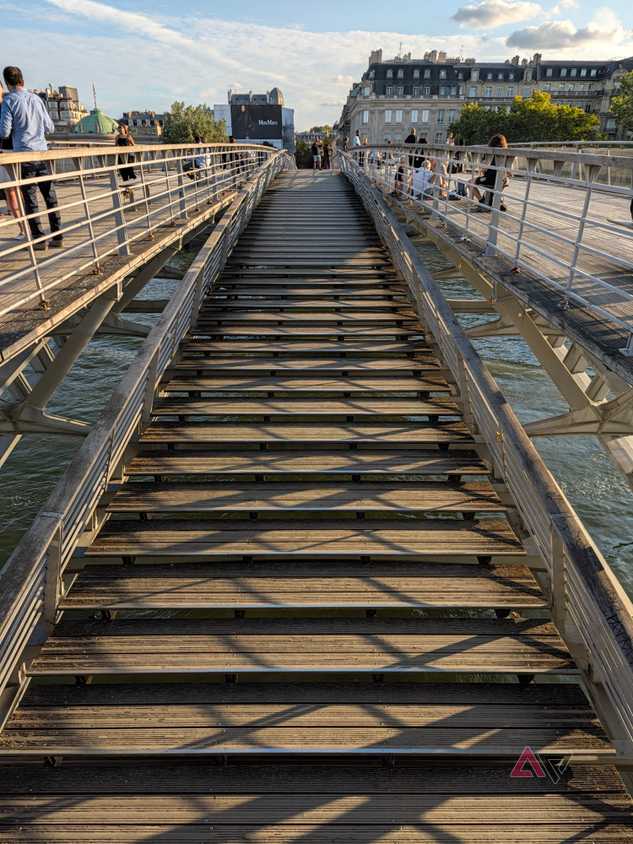
Vanilla doesn't have the best effect in other indoor situations, either, especially ones that are neon- or fluorescent-lit. In those cases, embracing the coldness of the image with the more punchy blues fits the vibe better and is usually a more accurate depiction of what I'm seeing with my own eyes.
Camera Looks are saving me countless hours of editing
Everything the new "Vanilla" look is doing is mostly achievable by editing a photo after the fact and bumping up the warmth a bit. I could've done this with all my photos prior to the Pixel 11, and as a matter of fact, I've actually manually edited many images I shot on my Pixel 9 and 10.
But that's a waste of my time. It also requires a lot of patience and an excellent memory to go back to photos, especially after a long day, and start editing them one by one to bring out the yellows, reds, and oranges, and make them feel a bit more visually pleasing and realistic. So, most of the time, I was stuck with my unedited, cold pics, and didn't bother.
Setting up the new Vanilla look as default on my Pixel camera means that all of my photos come out looking exactly like I prefer them to be, straight out of the camera, without requiring much editing from me.
It might not work for you, but for me, it's the answer to Google's over processed HDR pics, and it's easily become one of my favorite Pixel 11 features, besides the excellent .