Mesh covers more ground, but a standalone router may be all you need.
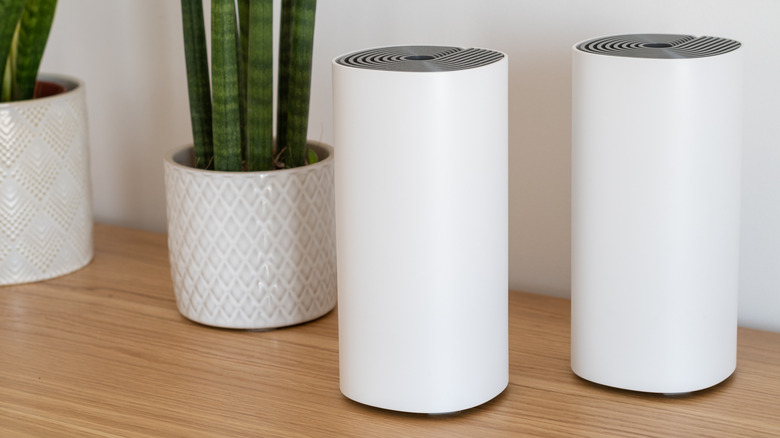
We may receive a commission on purchases made from links.
Diving into Wi-Fi routers for the first time can be baffling. There are a lot of concepts to understand, and not just the differences between Wi-Fi 6 and 7. Speeds and features vary between models using the same specification, and it may not be clear which of your devices can (or should) connect to which frequency bands.
One of the biggest purchasing decisions is whether to go with a mesh Wi-Fi system or stick to a standalone router. Most people probably default to standalone products, since they're cheaper. In fact, given the price gap, it's important to have concrete reasons for stepping up to a mesh product.
The value of mesh systems mostly boils down to range and seamless roaming. In some situations, however, a standalone router may not only be acceptable, but preferable. Here's how to decide which option is right for you.
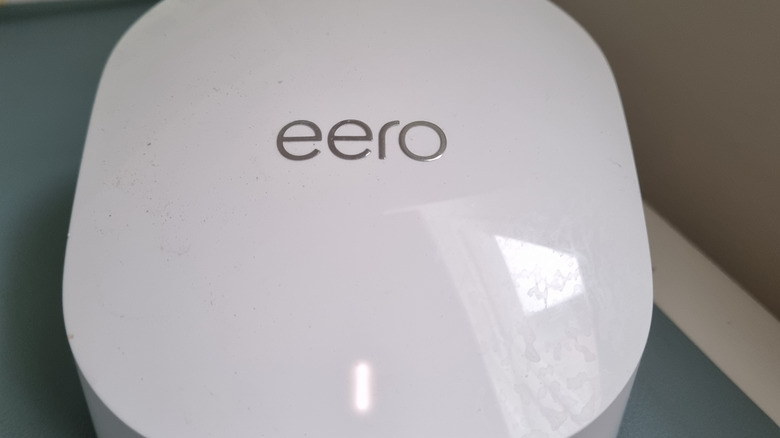
The main advantage of mesh Wi-Fi is range. In a mesh system, each satellite router acts as a sort of repeater for the gateway router that connects to your modem or fiber terminal. In theory, a relatively cheap kit like an Eero 7 two-pack can cover up to 4,000 square feet. If you need more coverage, you just add another compatible router. Conversely, standalone products have a fixed coverage radius unless you buy a Wi-Fi extender.
Unlike extenders, mesh systems enable seamless transitions. There are no separate SSIDs (network IDs) — they simply hand devices off from one unit to another based on how close they are. This avoids the hassle of manual SSID selection and the problems that sometimes arise when devices need to talk to each other and assume a shared network. You also get more consistent speeds, as a signal should never degrade much unless you roam into the wider world.
This seamlessness comes with downsides beyond price. Since mesh products depend on unified SSIDs, you can't assign separate IDs for each frequency band; band steering is automatic. I know from experience that mesh routers can trip up cheap 2.4GHz-only smart home accessories because their setup apps often can't find them when your phone is on 5 or 6GHz. On the flip side, you might want to force devices like PCs or VR headsets over to 5 or 6GHz for the best possible bandwidth.
It's also worth noting that with cheaper mesh products, the backhaul between routers sometimes shares the same bands as connecting devices. When that happens, performance can suffer considerably. If you don't have the budget for a tri- or quad-band system, there may not be much point in going with mesh technology unless filling in dead zones is all that matters.
When should you choose mesh Wi-Fi?

Mesh is the obvious choice if you live in a multi-floor house, or want coverage in your backyard, detached shed or garage. A standalone router can cause smart home conflicts and create slow or dead zones, especially since metal and concrete can block signals. When interference persists, some mesh systems will even let you set up a wired Ethernet backhaul as a workaround.
Most apartments should be thoroughly covered by a standalone router unless you're encountering specific speed or range issues. You're better off saving your money or putting the savings toward a faster router.
There are some borderline cases. For instance, some multi-floor homes are small enough to be covered by a single router. If you want to push the limits, place your router in a relatively central location, and keep it unobscured by anything that might harm signal quality. Think of your router as a radio station — you wouldn't expect to hear the news clearly if the broadcast tower were on the opposite side of a mountain.