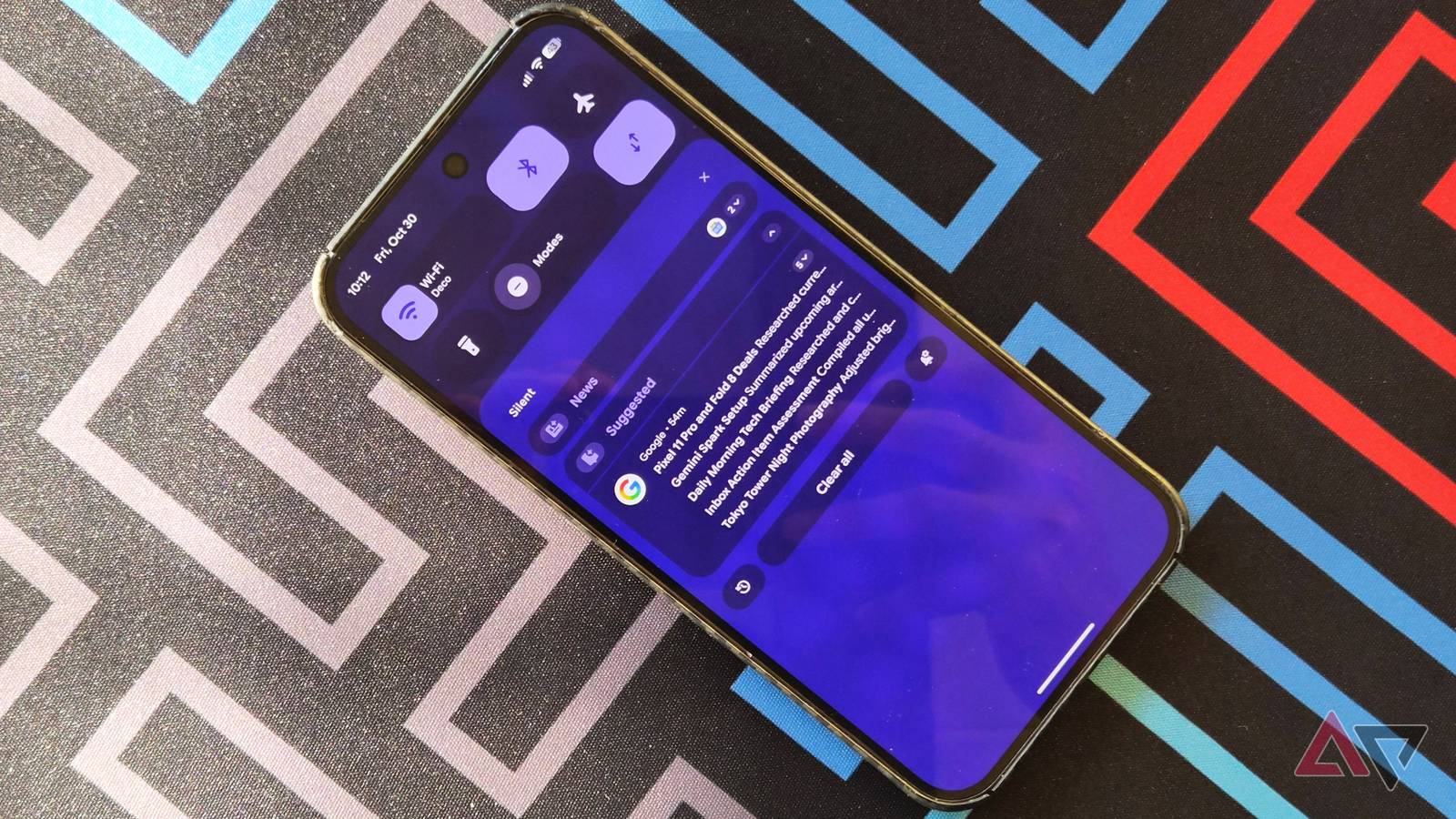
I've used TickTick as my default to-do app for years, or at least that was the plan. In reality, when I needed to remember something, I told my phone to set an alarm for it.
Most of my workday runs on Google Docs, Google Calendar, and Gmail, so context switching to a separate app is a small step with just enough friction that I stopped doing it. After a while, I forgot TickTick was even on my phone.
TickTick's Premium plan might have helped, but I already pay for too many subscriptions. I have remained on the free plan since I installed it.
So I gave Google Tasks another look, since it is part of the apps I use all day. Pairing it with Google Calendar forms the core of a , but a few less obvious tools made Tasks replace my alarms.
Gmail turned my inbox into a to-do list
Adding an email to Tasks keeps a link back to it
My inbox used to double as my to-do list, with nearly every unread email representing something I needed to resolve later.
It worked well, at least until important emails got lost under newer ones and I forgot them entirely.
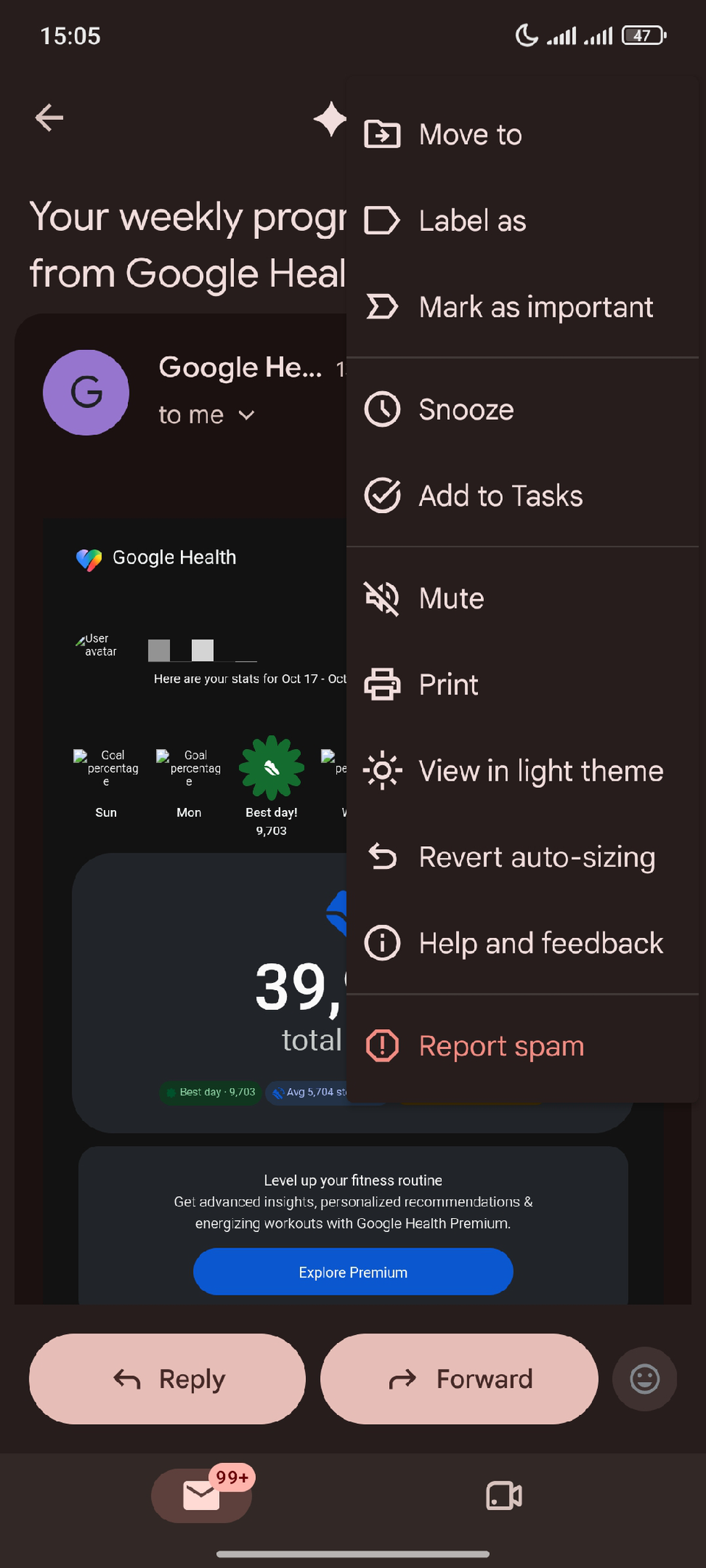
Gmail's Add to Tasks option fixes this issue, and I now see it as one of Gmail's best productivity features.
On Android, I open an email, tap the three-dot menu in the upper-right corner, and select Add to Tasks.
The desktop client has the option in the toolbar above the email. Google has offered it in the Android app since 2019, but the three-dot menu hid it from me for years.
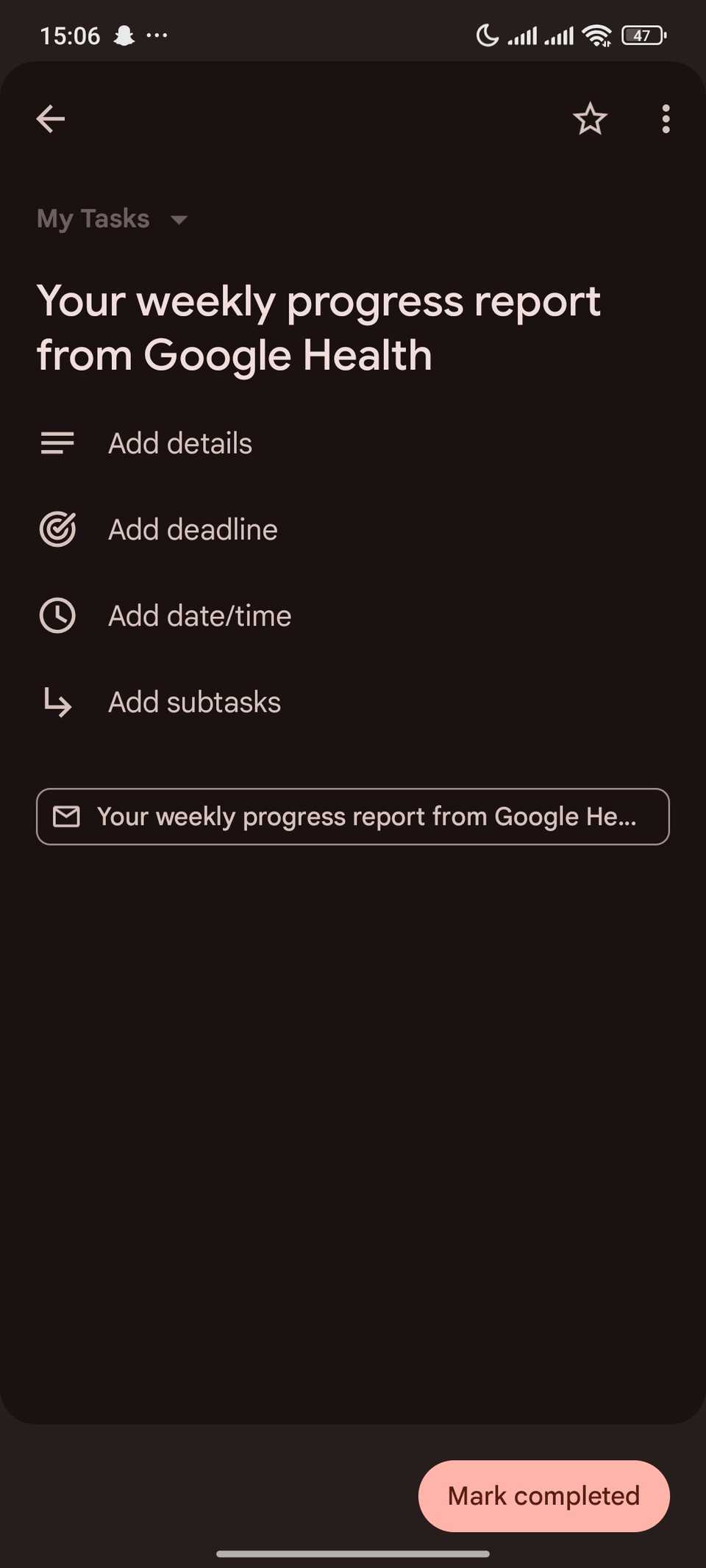
The task keeps a link to the original email, so I can jump from the task to the message without searching my inbox.
I can also archive the email right away, and the task stays on my list with the link intact.
I can add tasks without opening the app
Most of my old alarms started with me remembering something while my hands were busy. Setting an alarm was faster than opening TickTick and finding the right list.
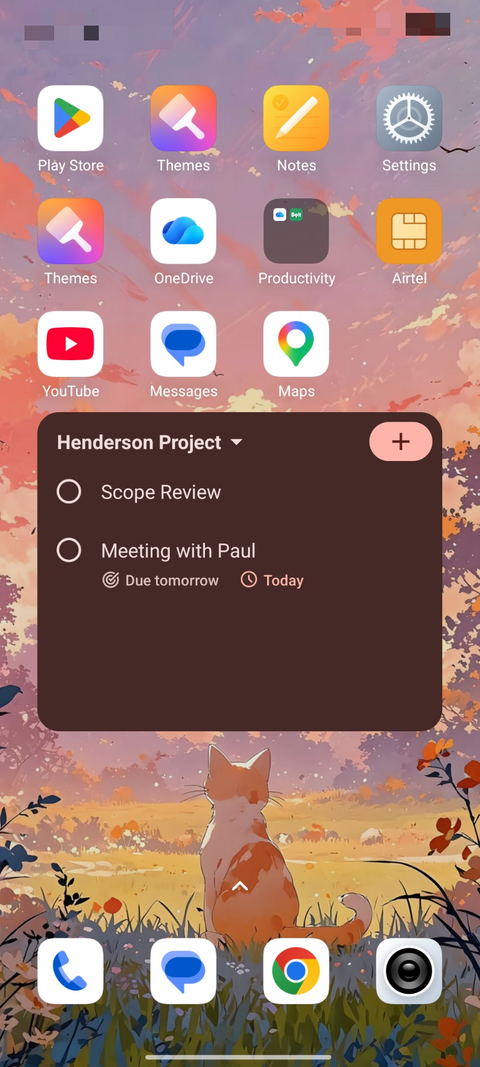
I can remove much of that delay with the Tasks home screen widget.
It lets me add a task from my home screen, scroll through the list it shows, and check off tasks and subtasks without opening the app.
When I'm too busy to handle the screen, I use Gemini instead.
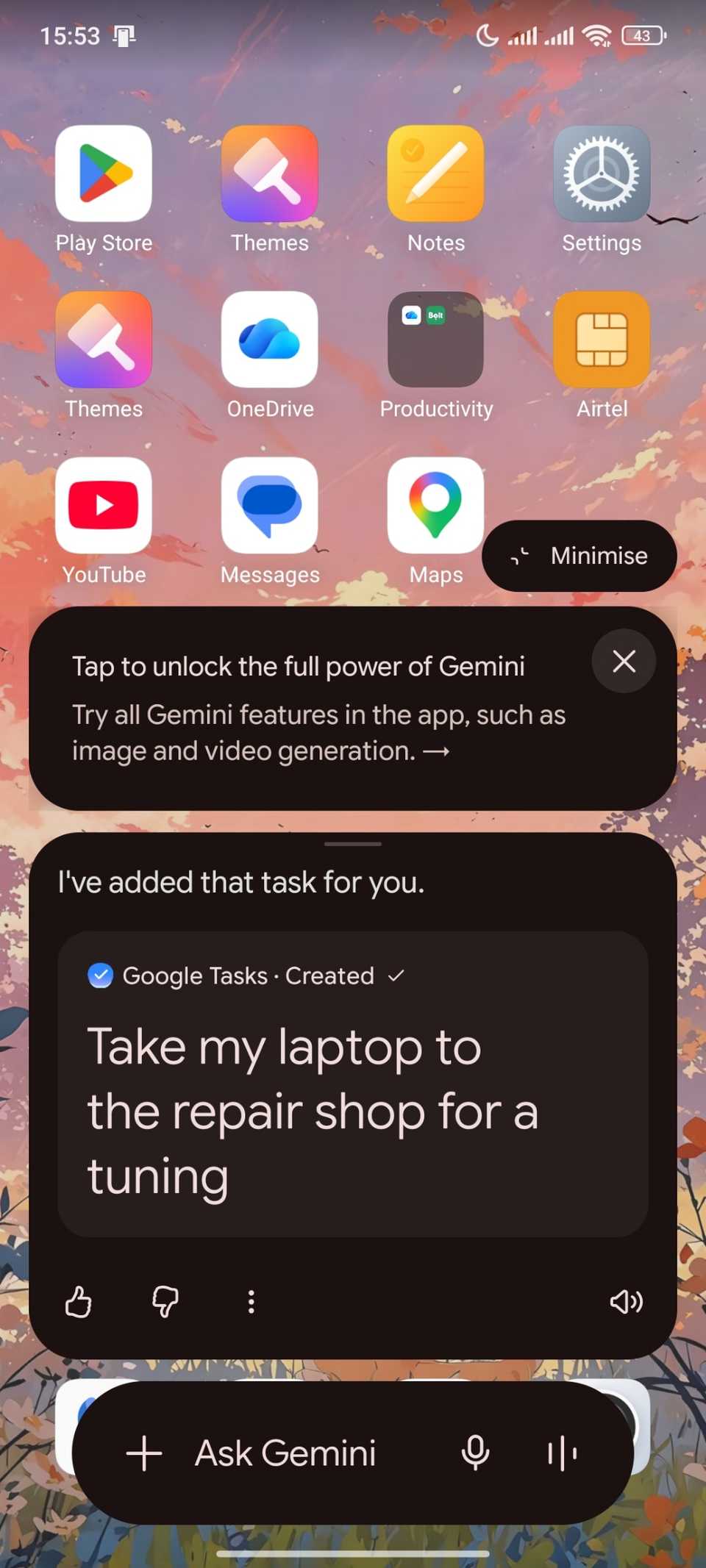
After I connected Gemini to Google Tasks, I could say, "Hey Google, add a task to take my laptop to the repair shop." Gemini then shows a small confirmation card with the Tasks logo.
Gemini can also change a task's date or mark it as done, so I rarely need to open Tasks to fix a voice entry. If I give a task a date and time, Tasks sends a notification at that time, the same way my alarms did.
The difference is that the task stays on my list after I dismiss the notification. An alarm is gone after I swipe it away, and that's how I lost track of a few things.
Starred tasks gave me a daily focus list
Stars, dates, and deadlines decide what comes next
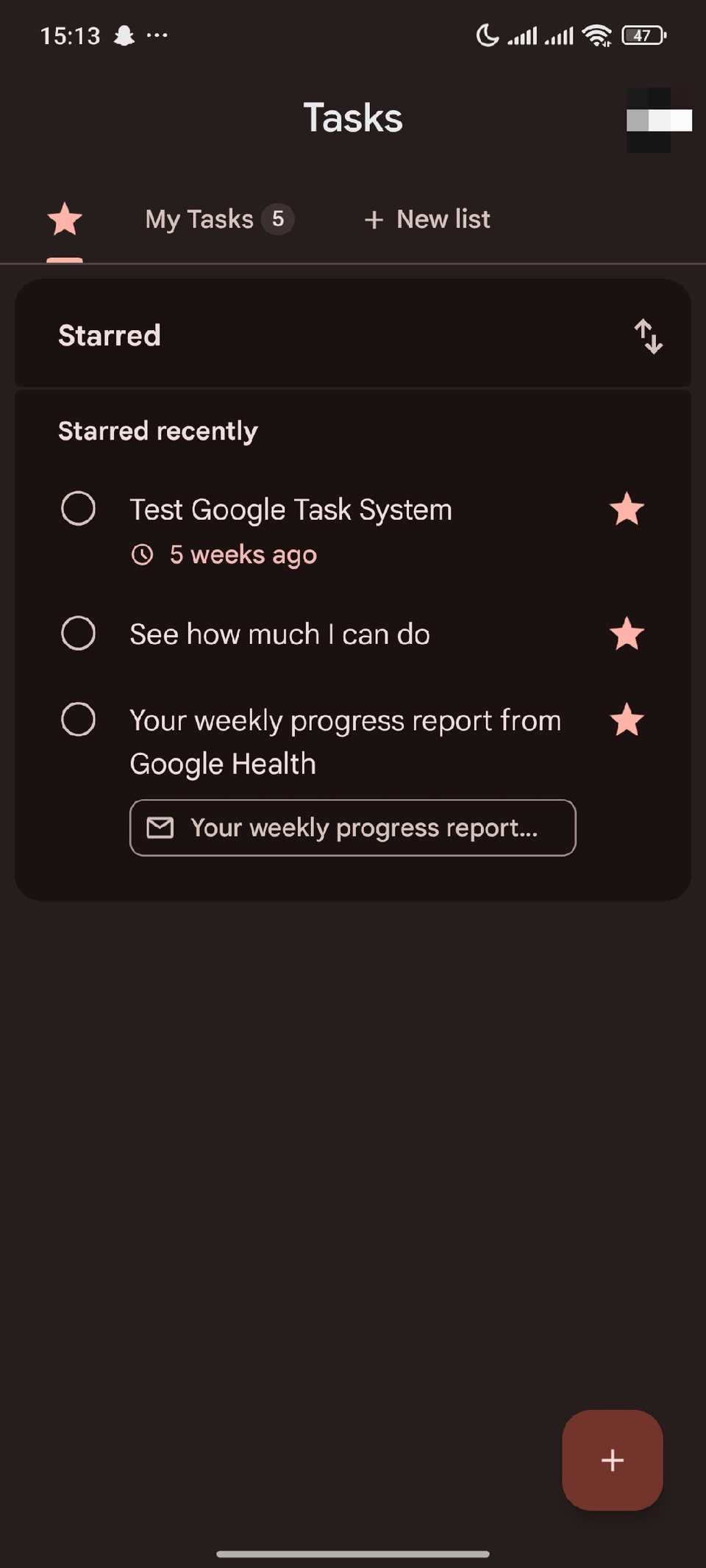
After a few weeks, my to-do list was long enough that I didn't know where to start each morning. Starring the few most important tasks for the day gives me a short list to work from.
Starred tasks have their own tab next to my lists, and I check it first when I open the app. When a task stops being urgent, I tap the star again to remove it from that tab.
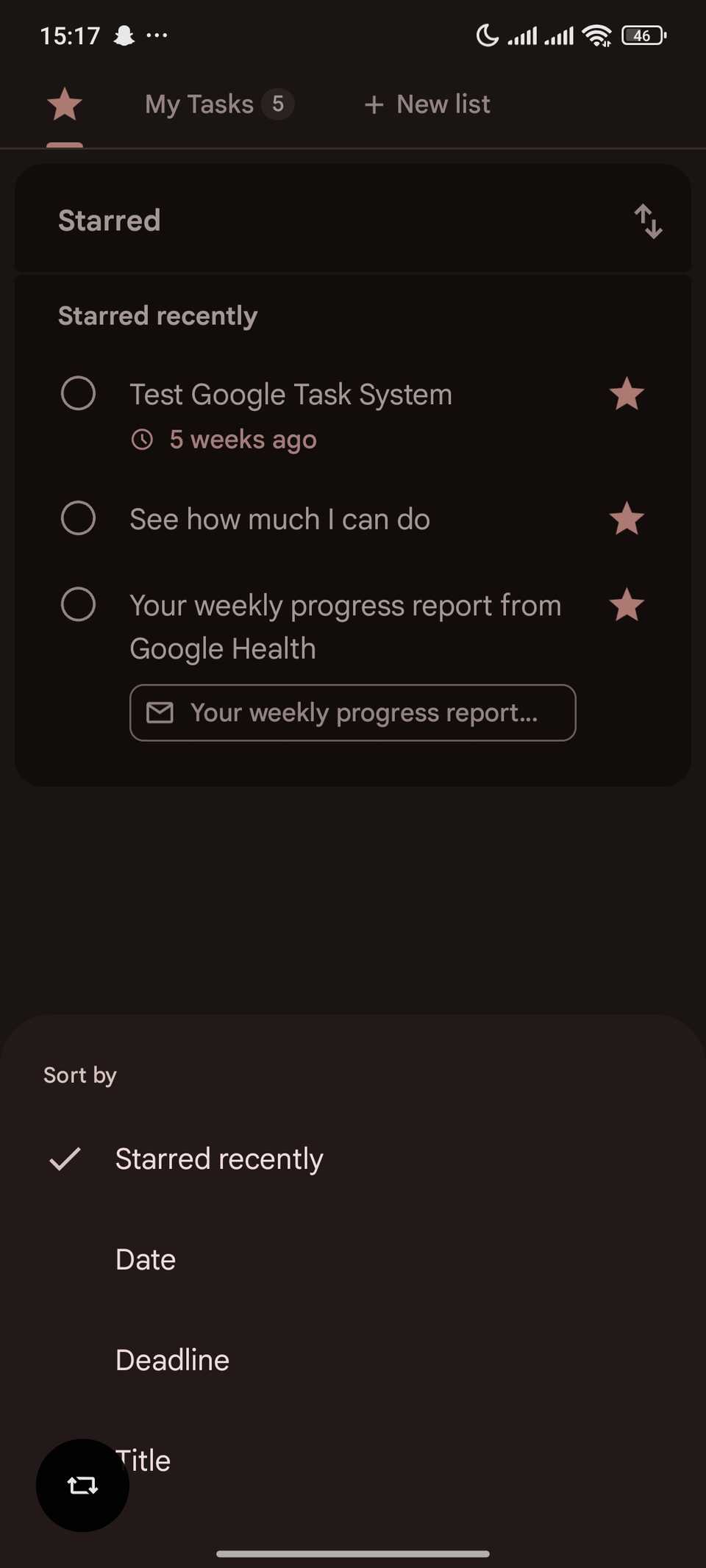
For everything else, I sort my lists by date, putting the nearest dates at the top. That way, I don't start on something that's not due for a long time.
Tasks added a separate deadline field in late 2025. A task can now have a date for when I plan to work on it and a deadline for when it is due.
It's a shame the deadline only takes a date, not a time, but that's fine for most of my work.
Lists and subtasks keep my projects separate
One level of nesting covers most of my work
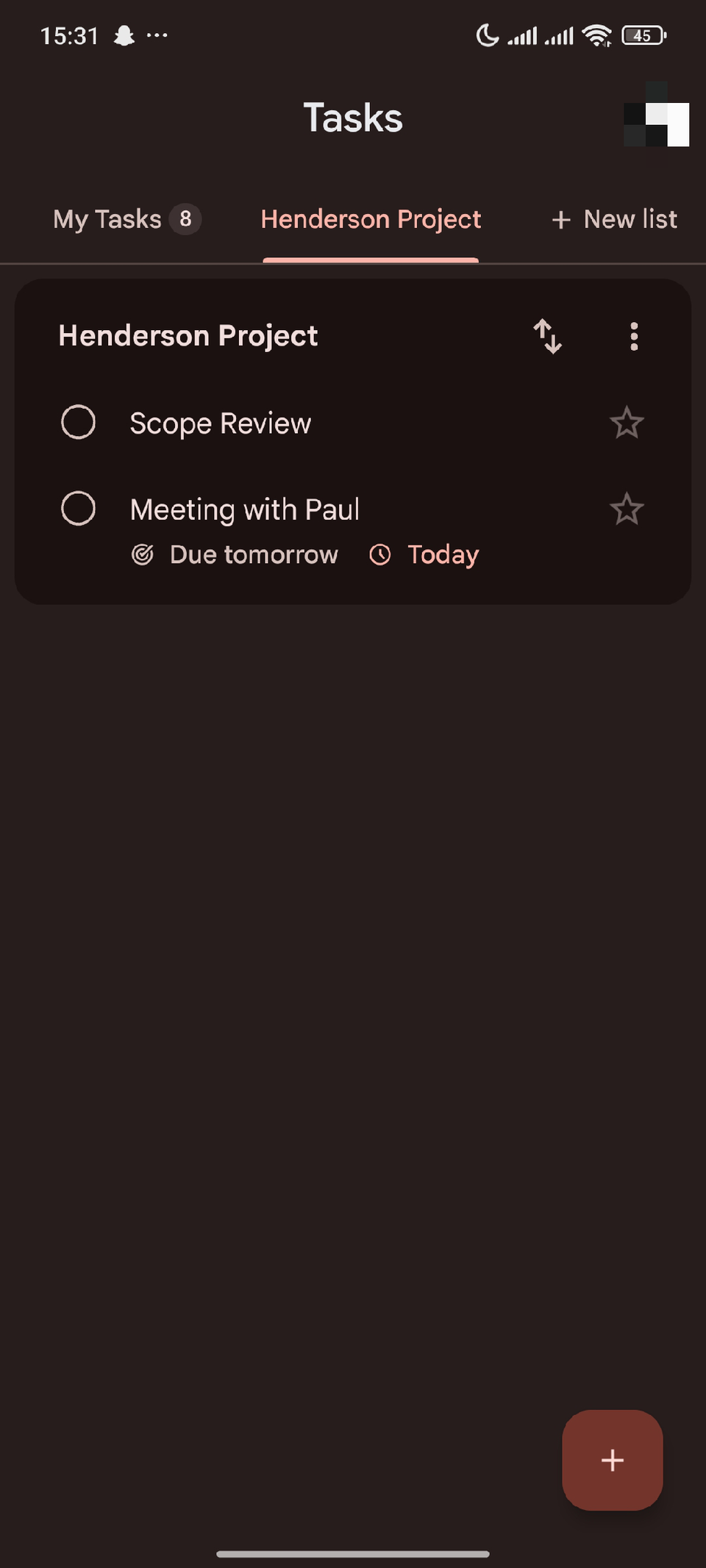
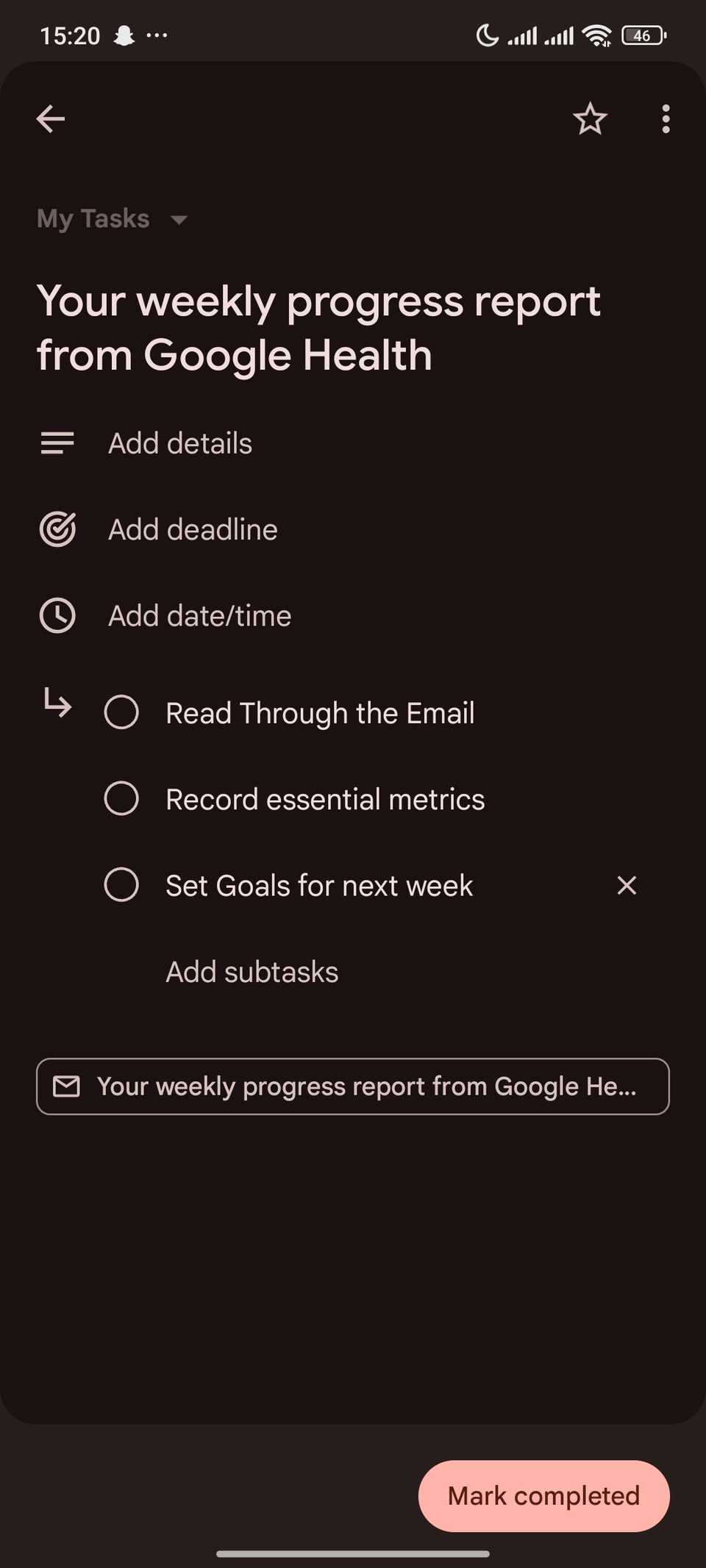
Separate lists keep my work and personal tasks from mixing. My gym routine and household chores are on one list, and each major work project has its own. It only takes a swipe across the tabs to switch between them.
Subtasks handle projects that don't fit into a line item. When a task feels too big to start, it makes more sense to break it into smaller steps and check them off one at a time.
Subtasks only go one level deep, so a subtask can't have subtasks of its own.
I've not had problems with this limit, since it's the same way I work on ClickUp's free tier. Anything that needs more nesting than that usually deserves its own list.
Basic was exactly what I needed
Google Tasks doesn't have priority levels, deeper nesting, or TickTick's habit tracker and focus timer, and I've not missed any of them.
What it has is a presence in Gmail, Calendar, my home screen, and Gemini, which makes adding a task faster than setting an alarm.
That is why I keep coming back to Google Tasks, and I'll stay until my work outgrows lists, stars, and one level of subtasks.