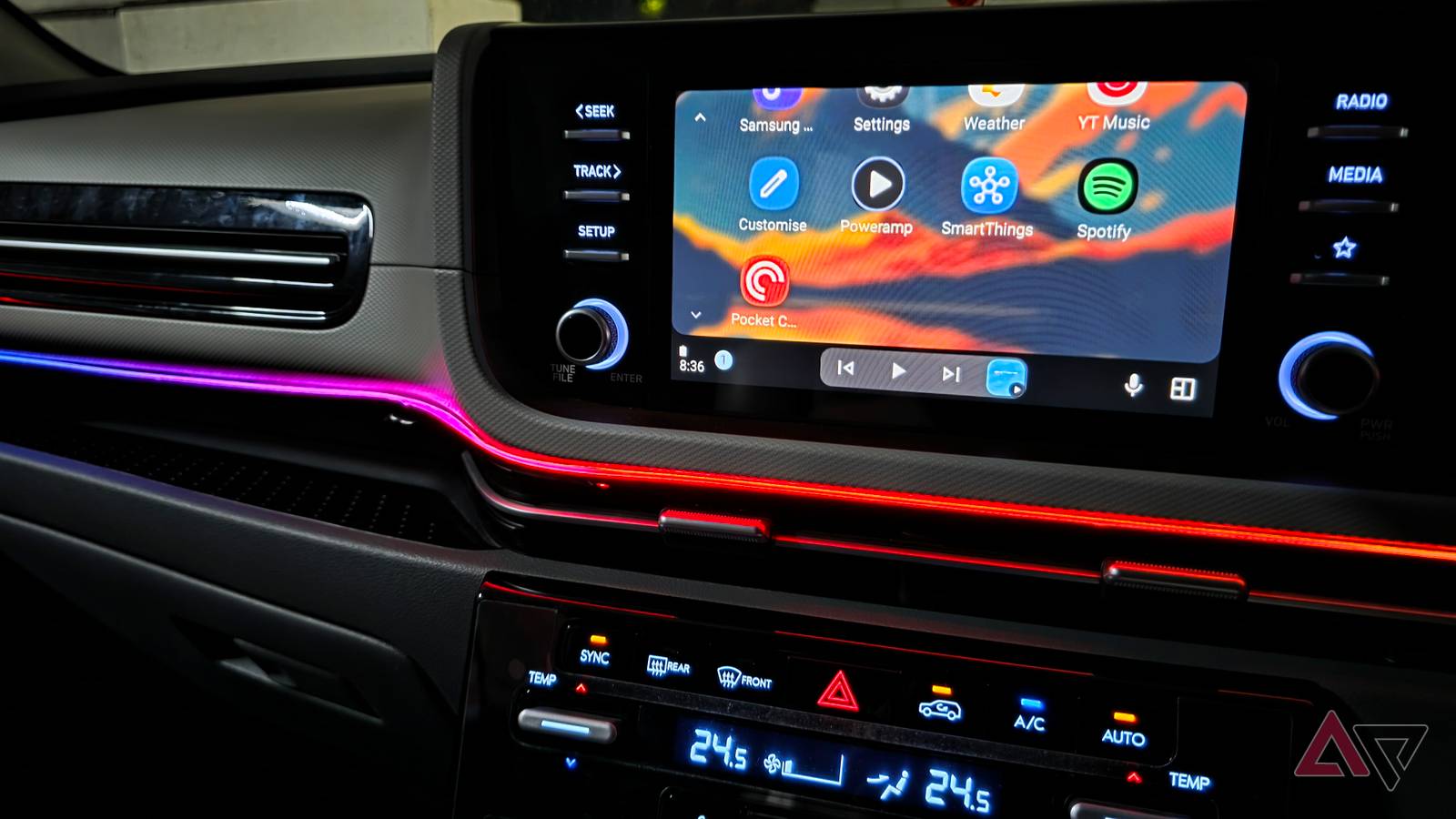
A developer has made an app they claim can be used to watch Netflix on Android Auto.
Named Valvet Launcher, this app is in a very early stage of development, and can only be accessed through a rather circuitous install route, but when installed, it's claimed it will allow you to watch Netflix and other video streaming platforms through a Chrome-like interface.
Android Auto is creeping closer to becoming an Android clone
Though watching Cobra Kai while driving is still a bad idea
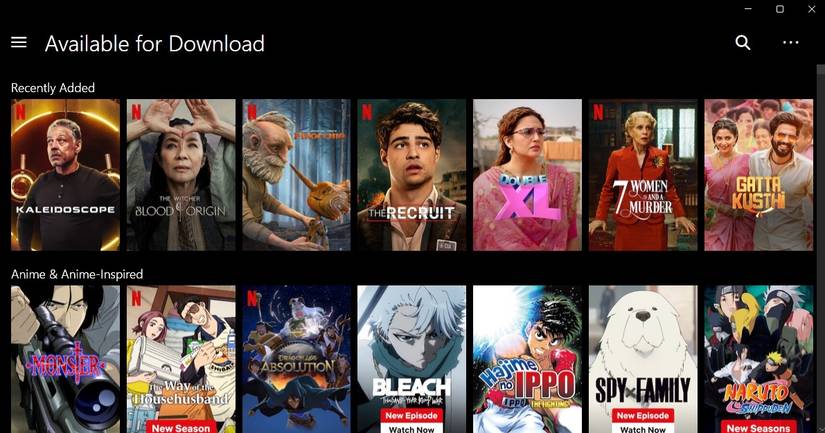
Android Auto is essentially a mirror of your phone, with an interface jammed in between. However, Google added a lot of barriers between your phone and your car's screen which limits the apps and services you can use there. Music, audiobooks, and podcasts are fine, but videos? You can now, but only with strict restrictions.
However, there's no shortage of people trying to get around these limitations. The latest one of these, Velvet Launcher, is available on GitHub, and claims to let you watch Netflix through it.
According to the developer's very brief description, the app works as a browser in Android Auto. It launches a version of Chrome that emulates the desktop version of that app. That means it can access Netflix and other streaming websites in a way that mobile versions can't.
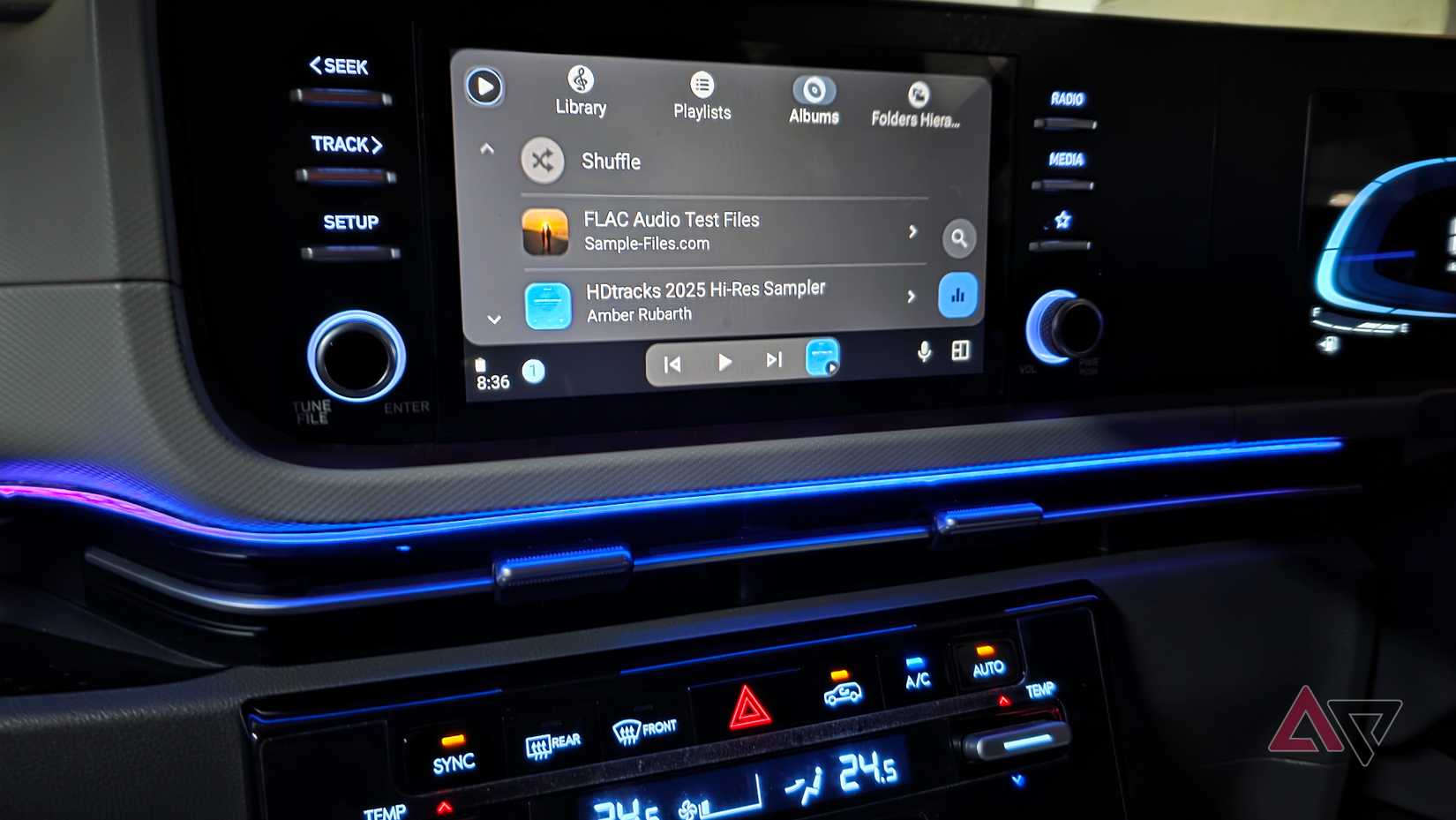
The idea is you open the app, open Netflix, log in, and start watching the way you would on your PC or laptop at home.
Sounds great, right? It is, though it's fair to say this app is very early in development. The developer, malebuffy, says it works for them, but it's worth remembering that different phones and Android Auto setups may respond differently.
It's also something of a trial to get working. You'll need to download the APK from GitHub and install it using a service like AAenabler or Kinginstaller. Android Auto also needs to have working, and you'll need to make sure the option to install from unknown sources is enabled too.
The developer is asking for donations for unlimited use of the app, but you get a 20-minute free trial (recently increased from 10 minutes) to make sure it works first. If installing it doesn't work for you, the developer has also said you can register for beta access if installing it doesn't work.
Just because you can, doesn't mean you should
It's always best not to have distractions on the road
I get the appeal of an app like this. If you spend a lot of time in your car, then the appeal of having Netflix available is a strong one. But there's a reason Google is very cautious with video content in Android Auto.
Distractions while driving are seriously dangerous, and while you may be responsible, not everyone is. People aren't supposed to use their phones while driving, but we see people swiping away every day — so some people using this app to watch while driving is an inevitability.
The rather advanced install requirements mean this app's install base will be low, but should it ever start rising to a point where Google notices it, don't be surprised if it clamps down on it hard. The last thing Google needs is someone crashing while watching Netflix on Android Auto and all the negative press that follows.
This isn't to say you shouldn't install this app if you're curious. Just don't be surprised if it suddenly disappears one day.